Manage maintenance requests, assets, and locations in one place, with AI-prioritized work orders for your whole team.
Data sources supported





.svg)


Resources


Overview
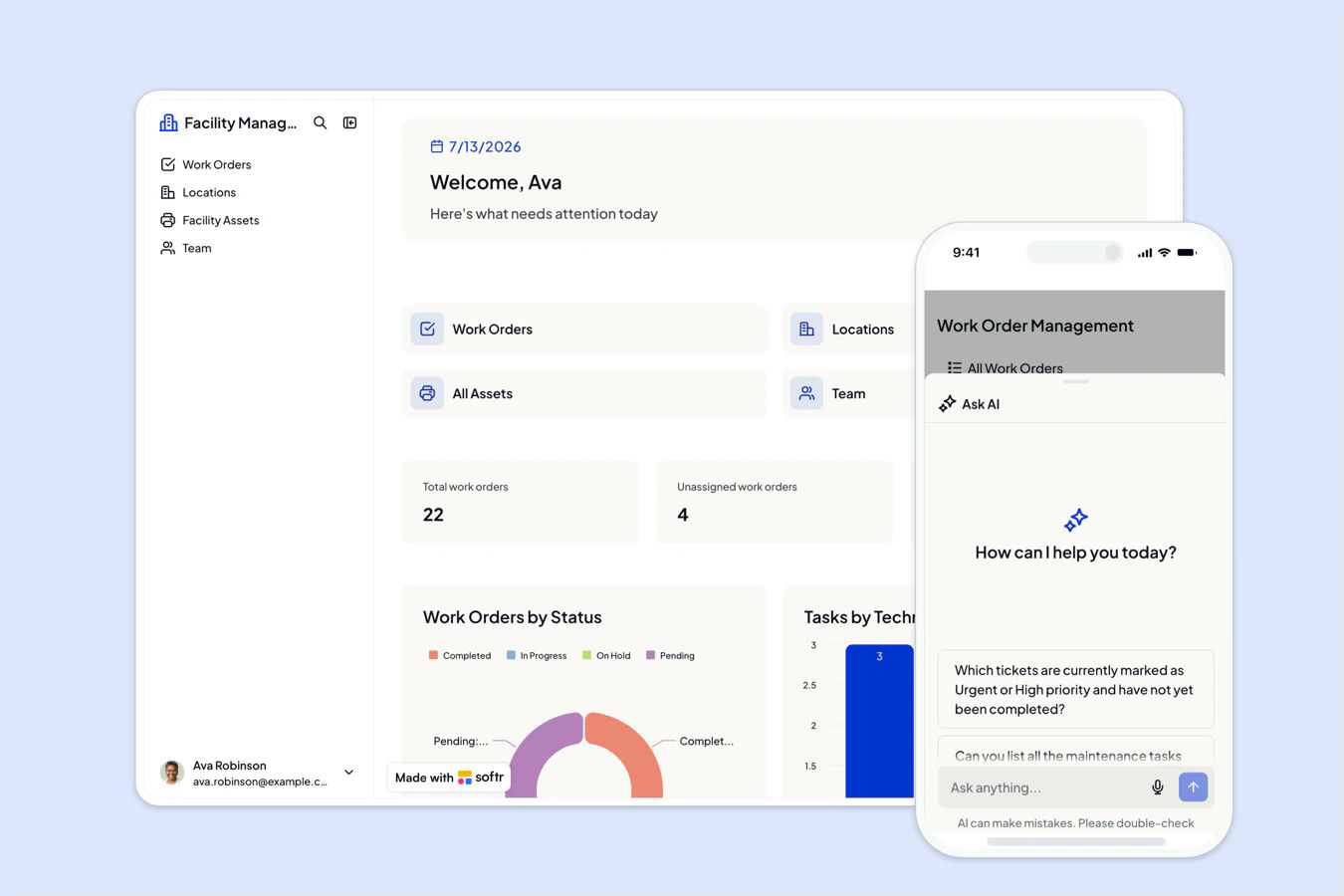
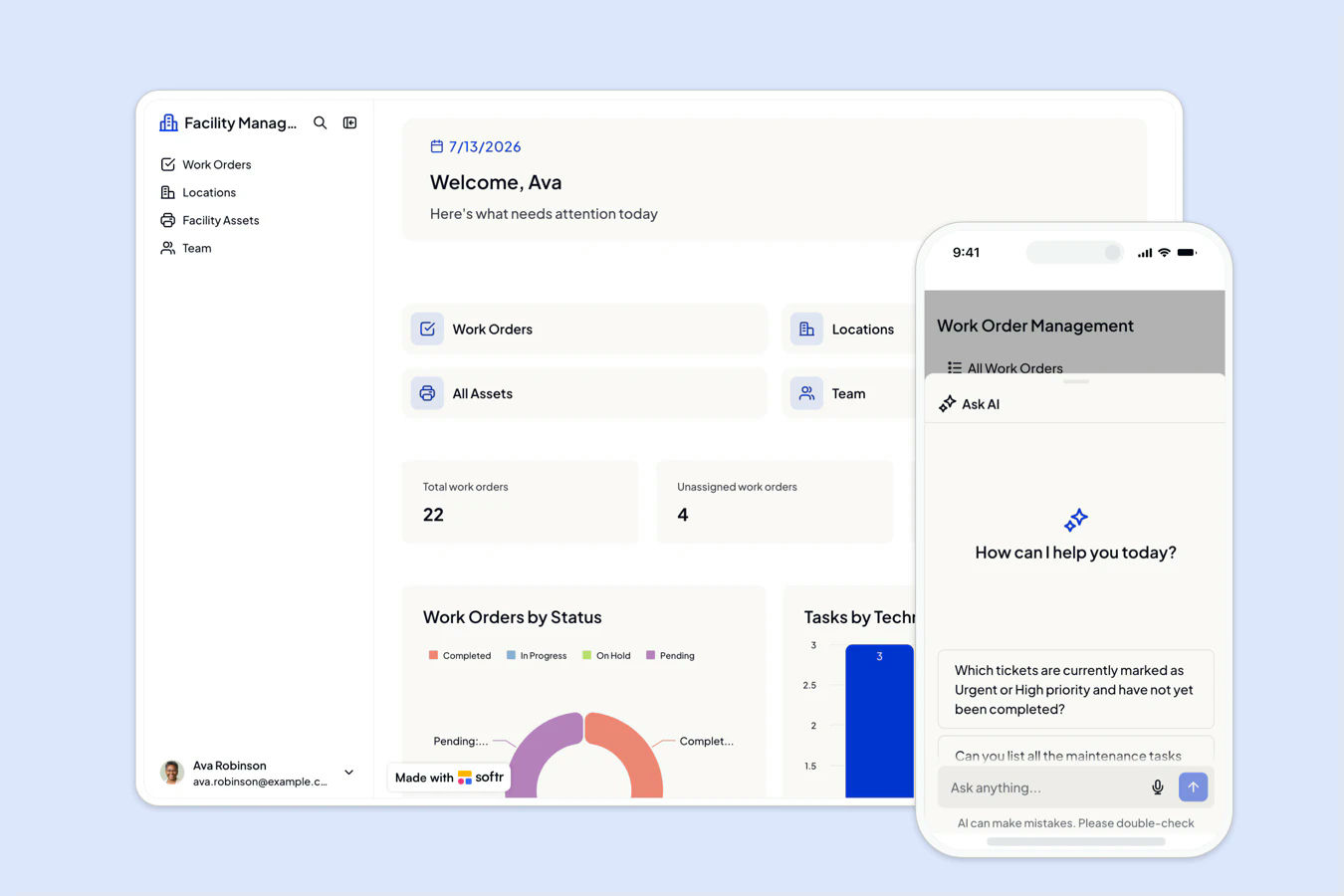
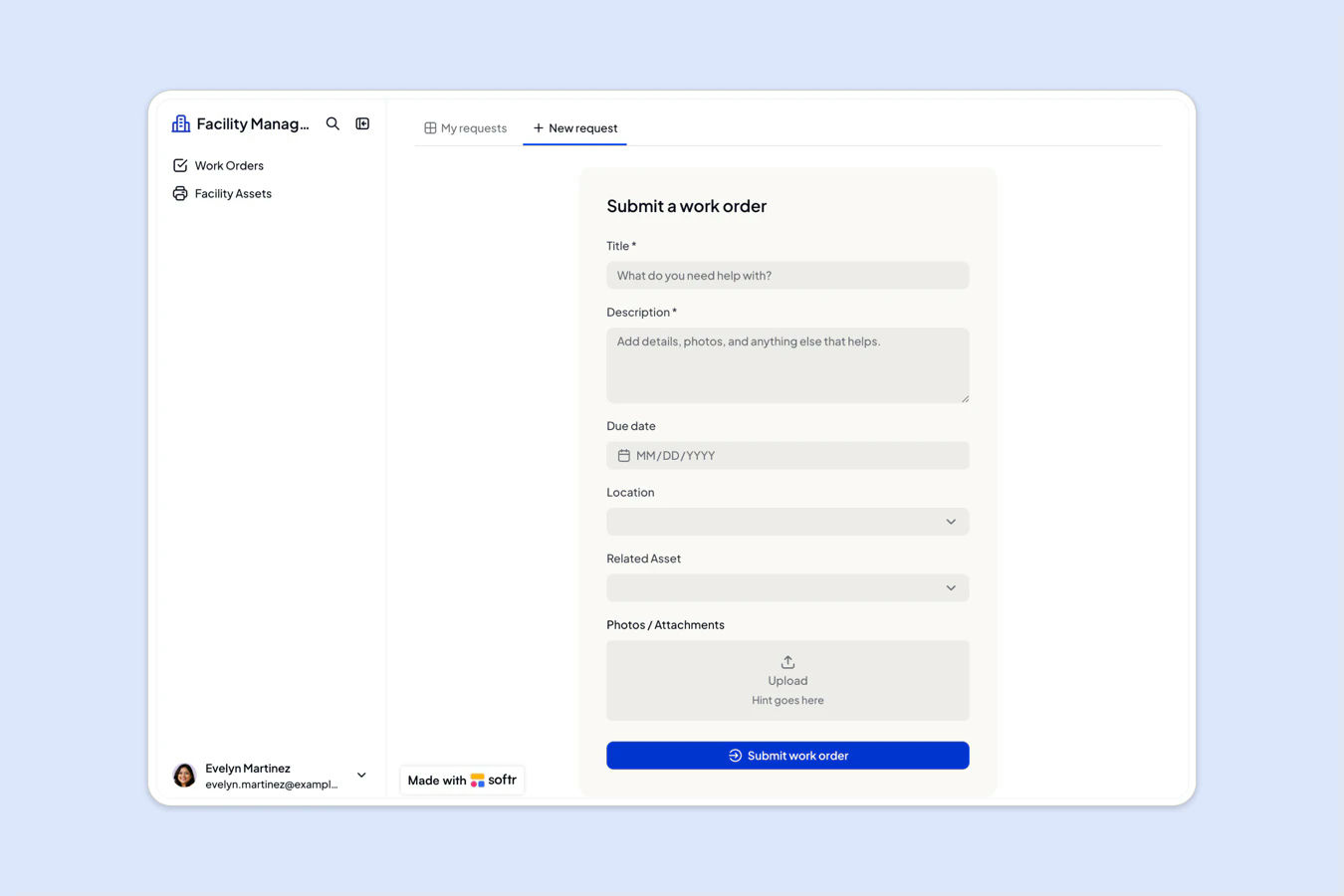
This free template helps you build a facility management app that keeps maintenance requests, assets, and locations in one place, using your existing data, no coding required. Employees submit requests, technicians manage assigned work orders, and admins oversee it all, with ticket priority set automatically by AI.
It includes a sample database so you can quickly see how to structure your data for this use case. You can also connect it to other data sources supported by Softr, such as Google Sheets, Notion, monday.com, HubSpot, and more.
Why use this facility management template
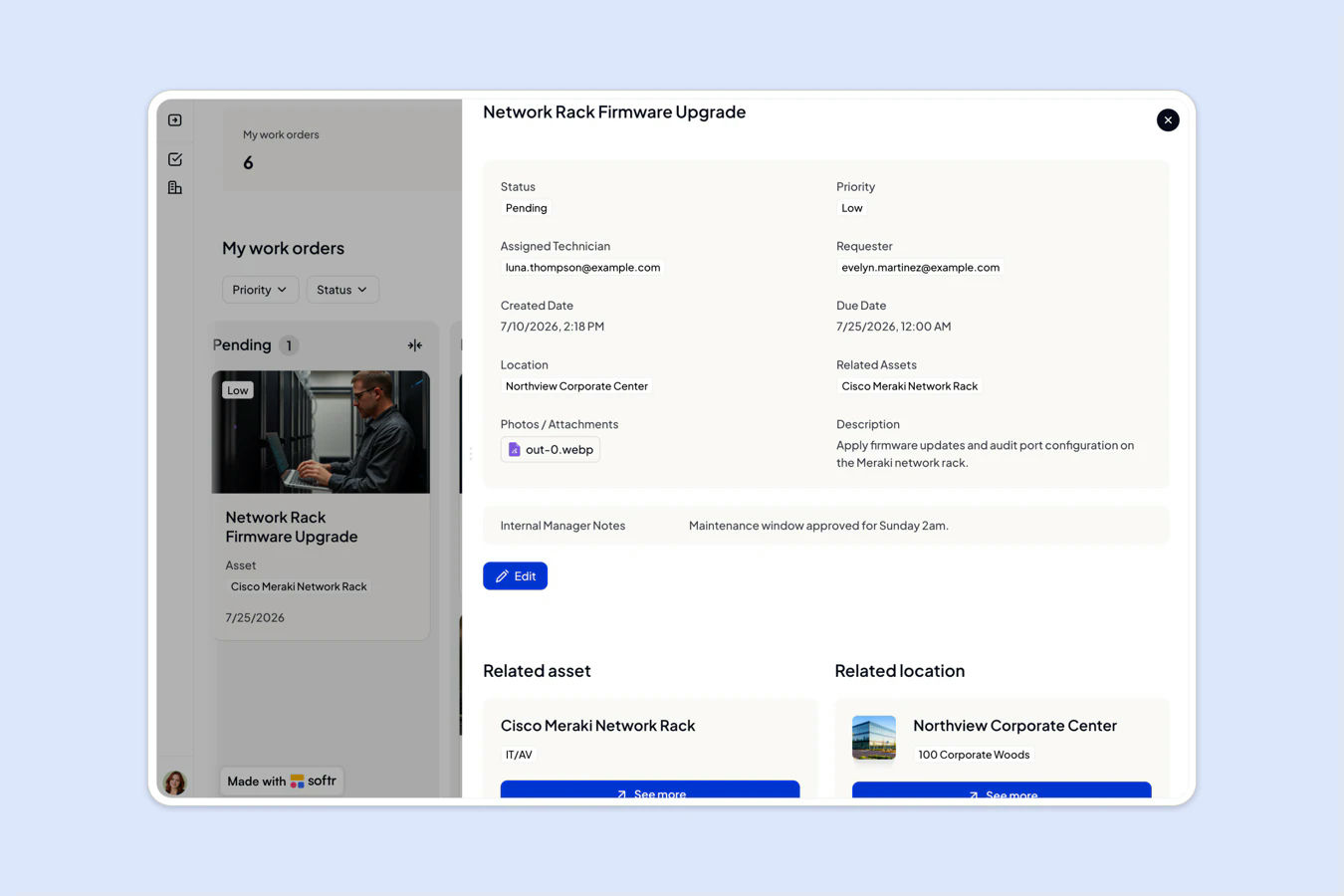
- Let AI prioritize your work orders: New maintenance requests get an automatic priority level, so your team tackles the most urgent issues first.
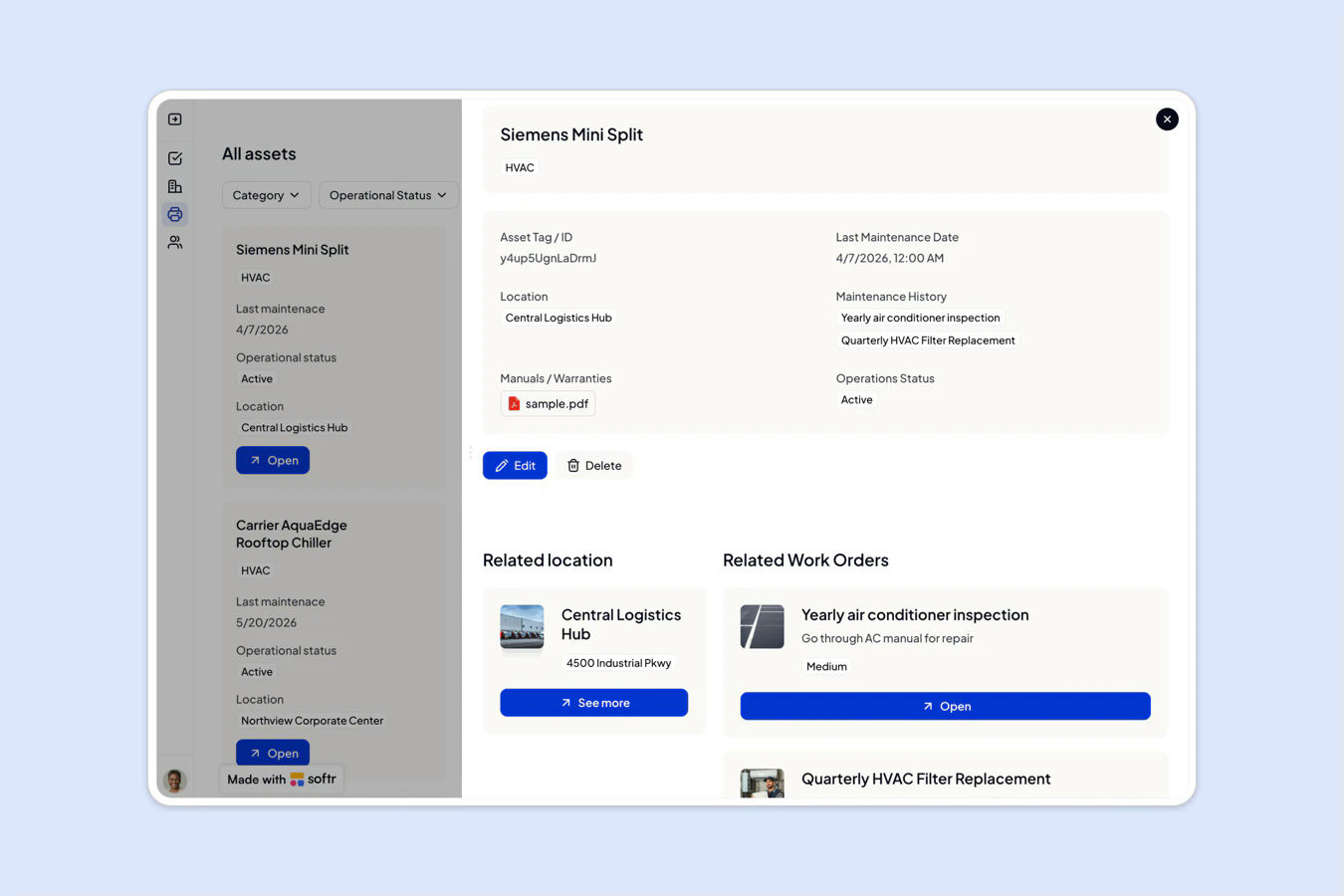
- Track every asset and its history: Keep equipment, maintenance records, and manuals in one registry, linked to the work orders and locations that use them.
- Give every role its own view: Admins oversee everything, technicians see their assigned tickets, and requesters track their own submissions.
Template features:
- Role-based access
- AI-prioritized work orders
- Asset and equipment registry
- Work order tracking
- Multi-location management
- Document and photo uploads
- Internal notes
- Mobile-friendly interface
Who is this facility management template for?
This template is ideal for any team responsible for maintaining physical spaces, equipment, or property. Perfect for:
- Office and building managers: Coordinate repairs, inspections, and maintenance across multiple locations.
- Facilities and operations teams: Track equipment servicing, asset condition, and safety compliance.
- Schools and campus administrators: Manage classroom repairs and maintenance requests across buildings.
- Property and construction businesses: Keep field technicians and work orders organized by site.

“What we love most about Softr is the instantaneous, customizable power a no-code platform allows.”

- 1
- 2
- 3
- 4
Frequently asked questions
Do I need a Softr account to use the template?
Can I use this template with Google Sheets or Notion instead?
Can I customize the fields and workflows?
Can I track multiple buildings or sites?
How does the AI prioritization work?
Can I get notified when a new work order comes in?