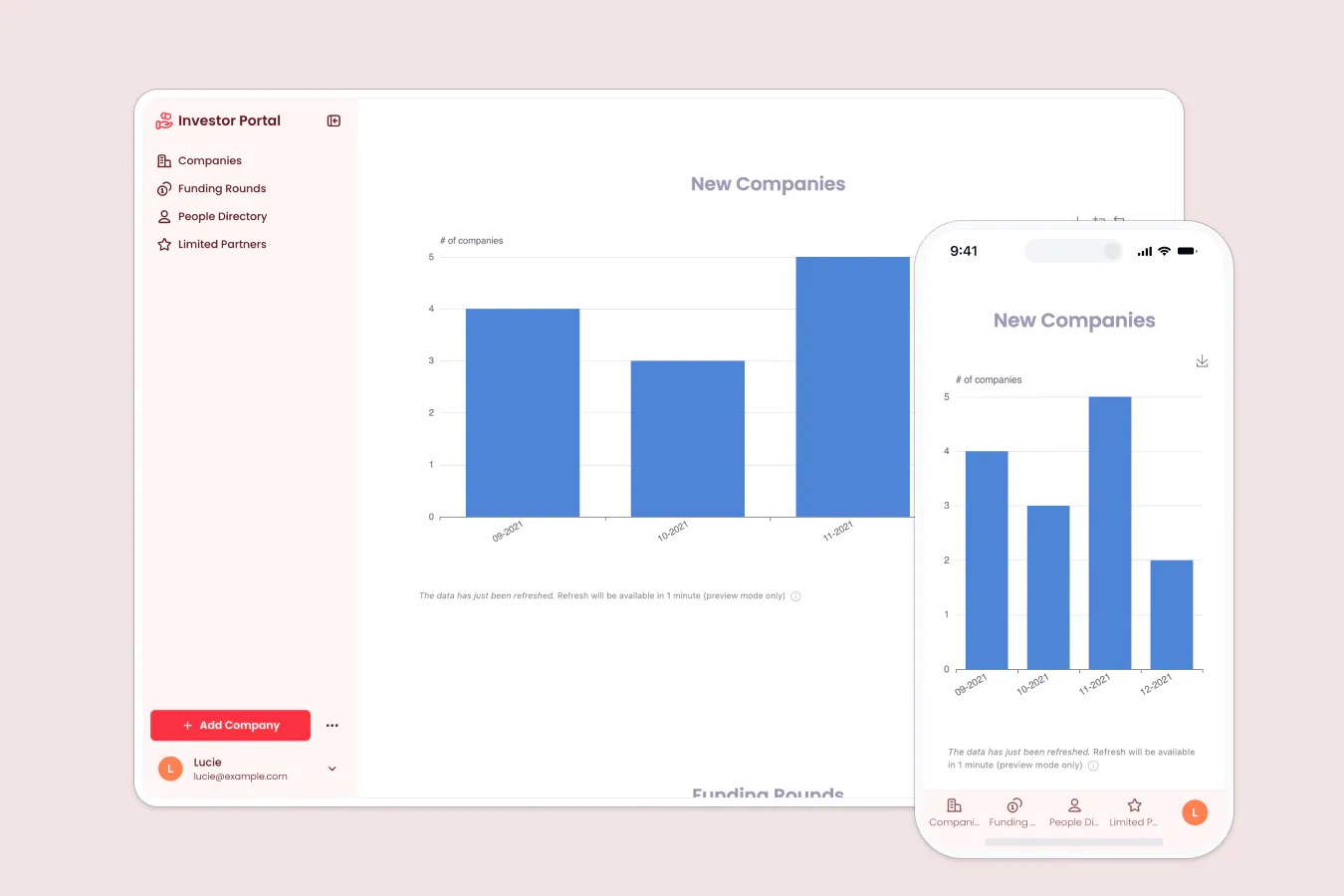
Give investors real-time access to companies, funding rounds, team directories, and more in one secure portal.
Data sources supported





.svg)


Resources


Overview
This free template helps you build a custom investor portal to streamline LP communication, share company updates, and manage your investment data, all without the spreadsheets and back-and-forth emails.
It includes a sample database to show you exactly how to structure your data for this use case, and it also works with any Softr-supported data source (including Airtable, Google Sheets, Notion, HubSpot, and more).
Why use this investor portal template
- Keep investors informed in real time: Share portfolio updates, funding rounds, and reports without chasing emails or versioning docs.
- Limit access to sensitive information: Role-based permissions and visibility rules ensure each user only sees what’s relevant to them.
- Scale your investor communications: Build a system that works whether you’re managing 5 companies or 50.
Template features:
- Role-based access & permissions
- Company & funding round tracking
- LP resource hub
- Search & filter
- Team & partner directory
- Works on any device
Who is this investor portal template for?
This template is ideal for venture capital firms, family offices, or angel groups that want a streamlined, scalable way to keep LPs informed and reduce the manual overhead of investor updates. Use cases include:
- Venture capital firms: Share funding updates, track companies, and manage LP relationships.
- Angel investors: Keep members informed on deals, investments, and progress with minimal admin work.
- Startups: Share progress updates, fundraising milestones, and team info with current or prospective investors.

“What we love most about Softr is the instantaneous, customizable power a no-code platform allows.”

- 1
- 2
- 3
- 4
Frequently asked questions
Do I need a Softr account to use this template?
Can I limit access to certain data for specific investors?
Can I use a custom domain and branding?
Can I share updates via mobile too?
Can I customize the portal after duplicating it?
Can I automate updates instead of sending them manually?
Built with
AI App Builder
Create business apps with AI
Databases
Store and manage your data
Ask AI
Built-in AI agents to run on autopilot