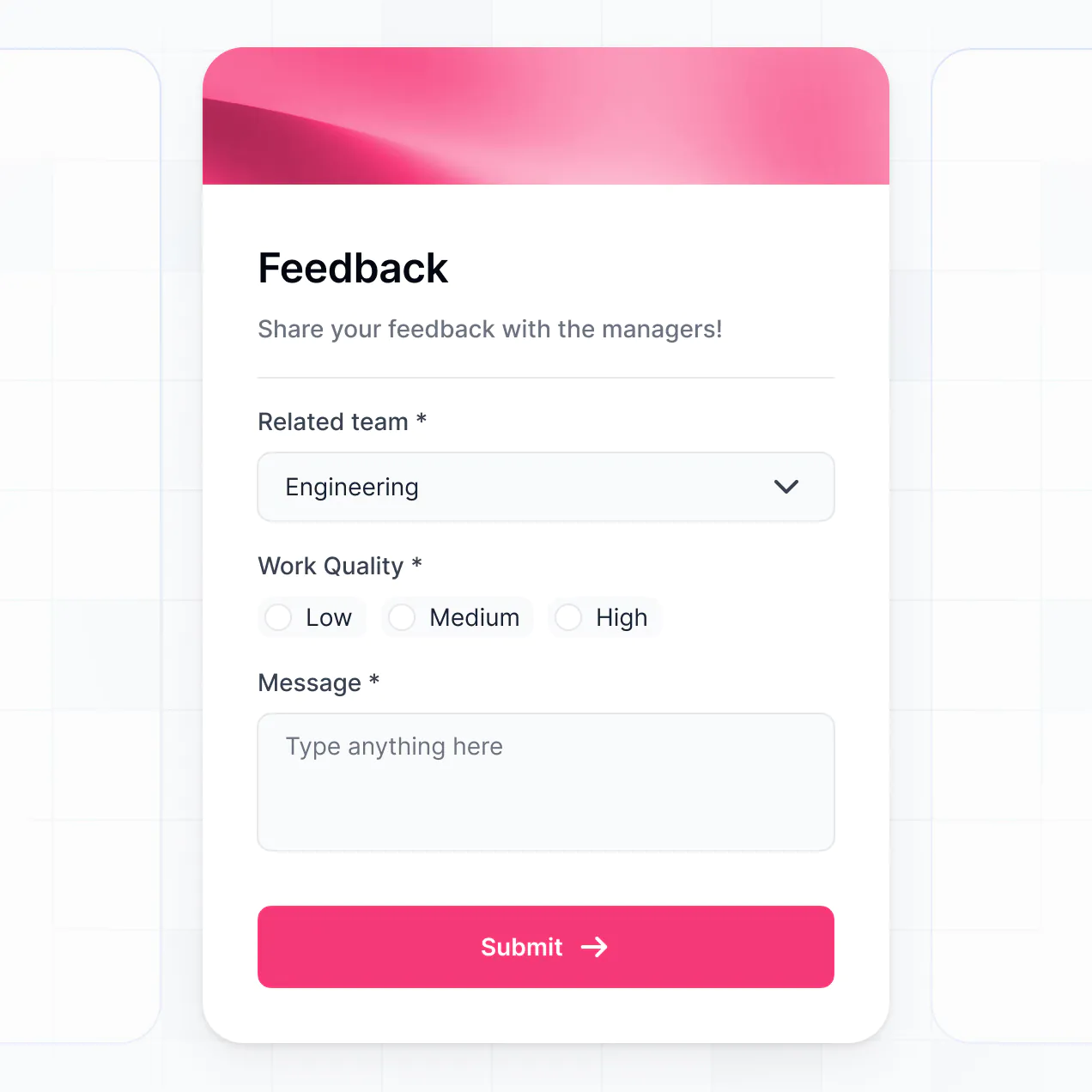
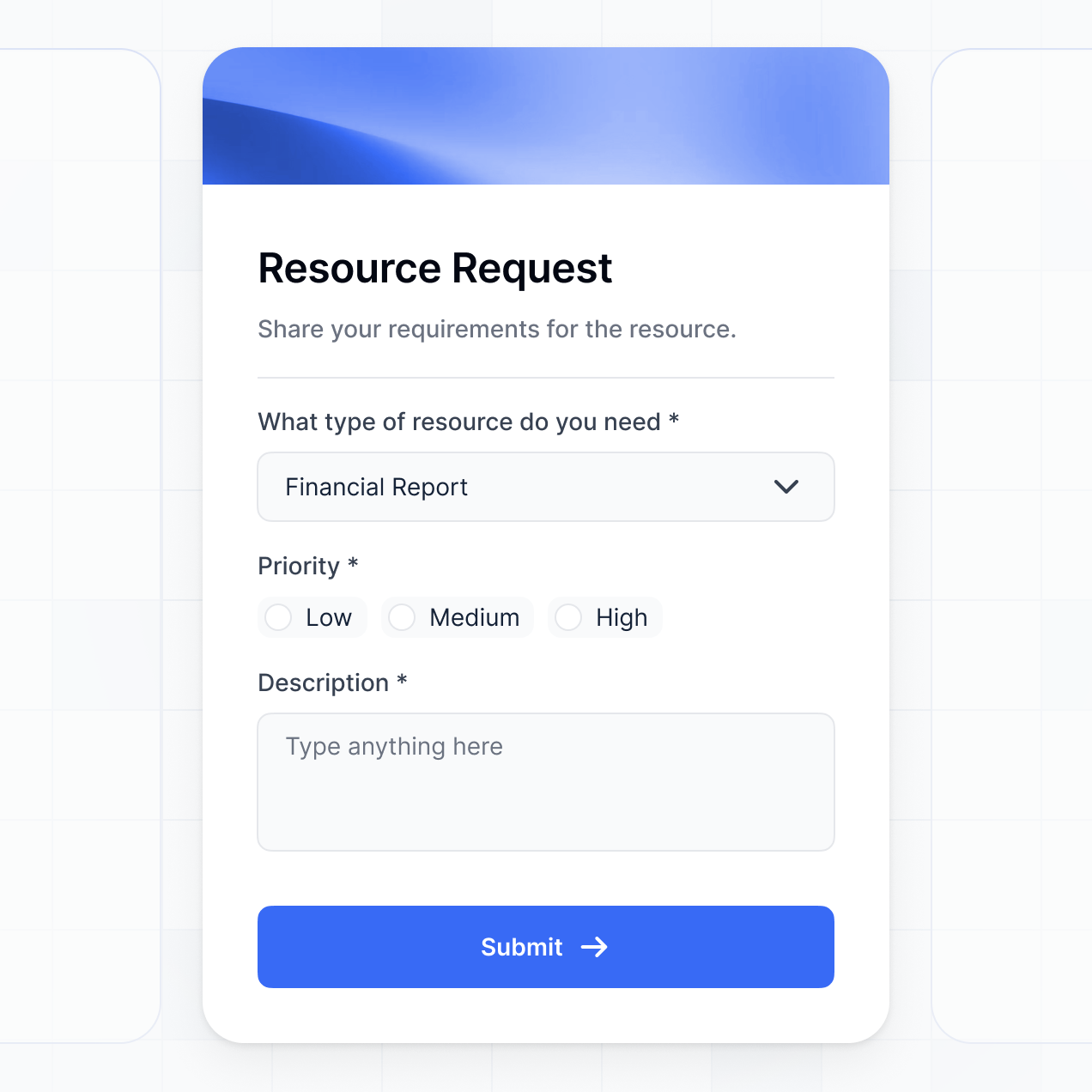
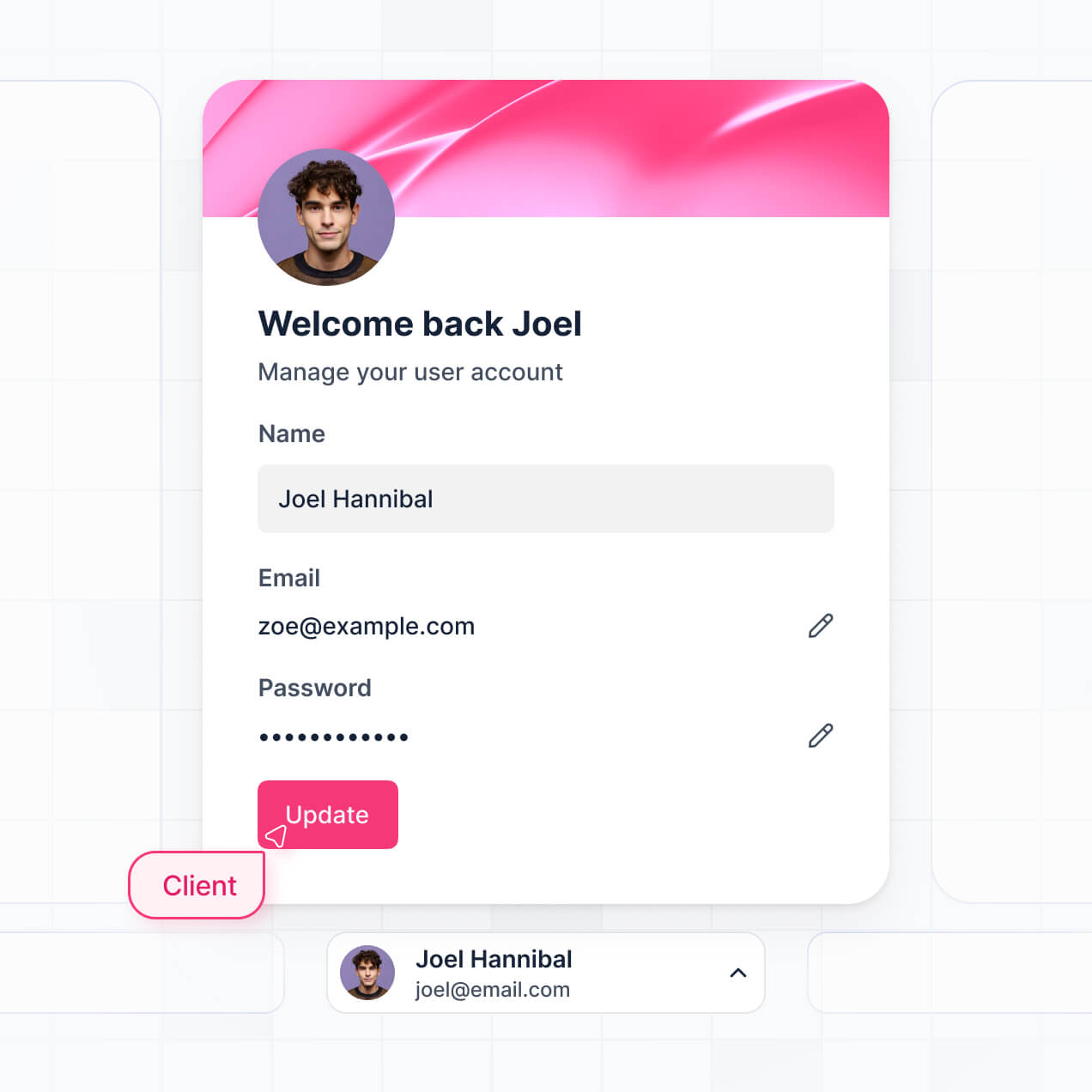
Track feedback and visualize trends in an AI-powered dashboard built with AI that you customize to fit your team's unique workflow.
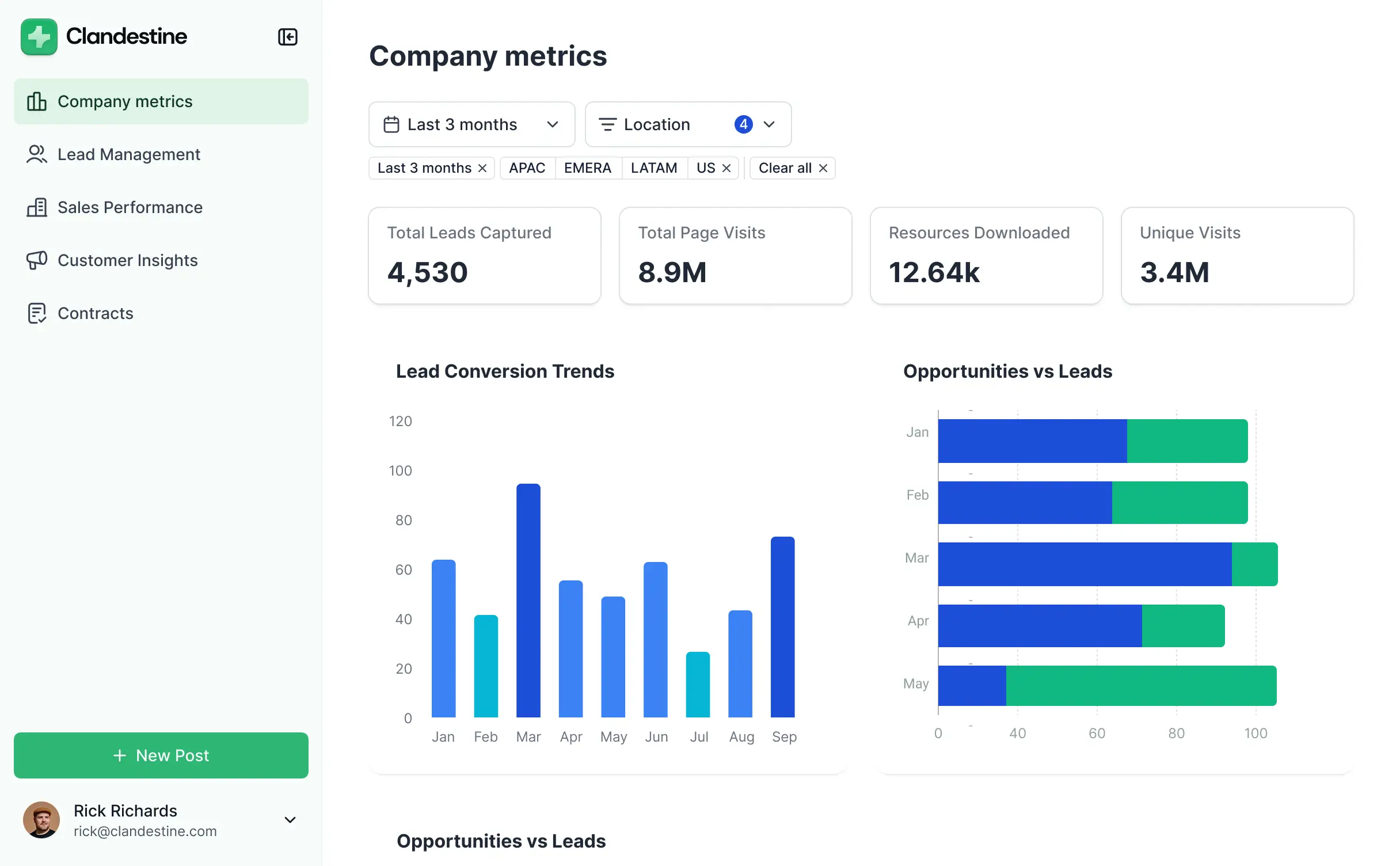
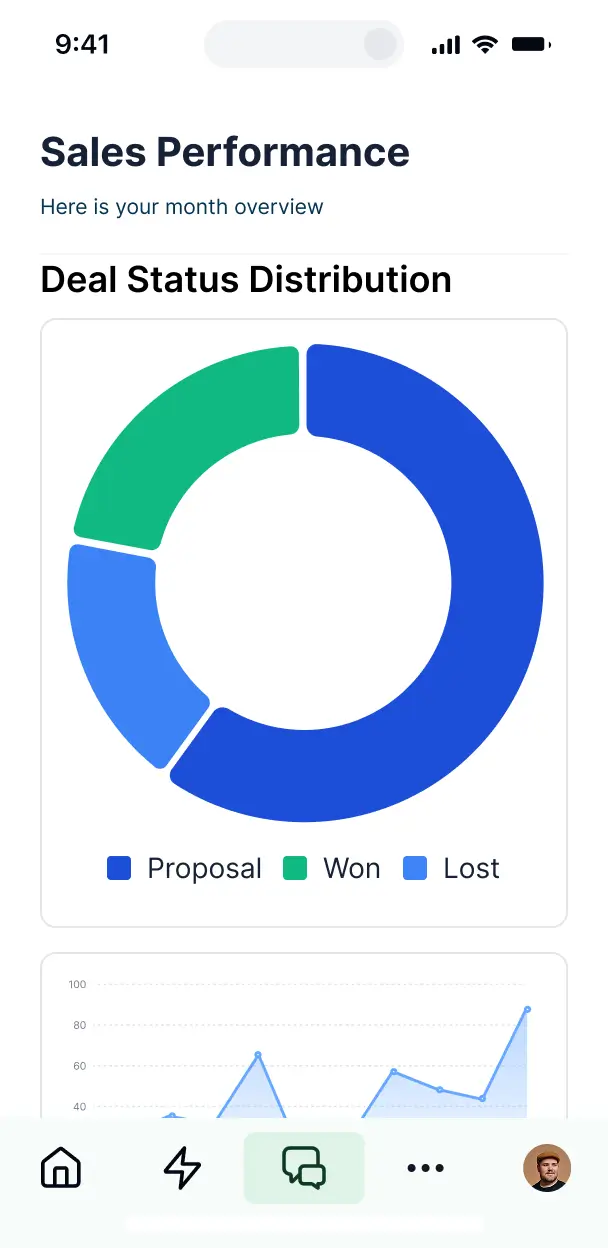

Customize your customer survey results dashboard with the exact charts and steps your team needs. Add features as processes evolve—no code needed.


Connect survey tools, spreadsheets, and databases with real-time sync—or manage everything in Softr Databases. Create a single source of truth for your feedback loops.
Give each teammate the right tools and access. Set up secure logins, user groups, and granular permissions—no IT support or dev work needed.
Give different managers tailored access to specific survey segments, ensuring each department sees just the insights that matter to them.
Streamline your response loops with Softr Workflows. Trigger native notifications or status changes based on negative feedback or low sentiment scores.
Access and update your feedback insights on the go. Share real-time results during meetings using mobile-ready views that work out of the box.
Use Google, email, or SSO logins to give your internal team fast, secure access to sensitive customer data—no IT tickets needed.
Keep internal survey data safe and private with SOC2 and GDPR compliance, plus fine-tuned access control at every level of your tool.
No more one-size-fits-all tools or costly custom builds. Softr is easy to use and fully customizable, so you can launch faster, adapt as you grow, and skip the complexity of traditional software.

Build your customer survey results dashboard in minutes with AI—no manual configuration needed.

Add features like sentiment analysis, deep-dive charts, or trend tracking as your feedback volume grows.

Start with a dashboard, then add follow-up forms and internal tracking tools—all in one place.
Co-build with AI
Simply describe what you need. Let Softr handle everything - Interface, database, workflows.
Iterate with AI or visually
Control most critical parts of your app yourself - roles, permissions, security.
Ship the same day
Invite team members or external clients and partners right away. No developer handover.
Use drag-and-drop blocks to build a portal that looks sleek and modern out of the box. Add only the features you need, and iterate as your workflows evolve.




A customer survey results dashboard is a secure, interactive interface where your team can log in to visualize and analyze feedback data, ranging from NPS scores to open-ended qualitative responses. It consolidates raw survey data into one central hub, eliminating the need to dig through static Excel reports or email attachments. This makes it easier for product managers and customer success teams to identify trends and take action to improve the customer experience.
Softr is the first AI-native platform for building business software, making it the fastest way to create a customer survey results dashboard customized to your specific metrics. You can describe your reporting needs to the AI Co-Builder to instantly generate your feedback database, analysis pages, and logic—all fully connected and secure.
You don't need to write a single line of code. You can start by generating with AI, using a pre-built reporting template, or building from scratch. Everything runs on Softr Databases, or you can seamlessly connect your existing feedback data from Airtable, Google Sheets, HubSpot, or SQL. You have full control to visually adjust charts, define who can access sensitive sentiment data, and brand the dashboard to match your internal company styling. It’s quick to launch, easy to iterate on as new survey questions are added, and scales as your volume of responses grows.
You can incorporate a variety of advanced features into your dashboard to turn raw feedback into actionable insights. A high-performing customer survey results dashboard combines classic data visualization with AI-driven analysis:
- AI-Powered Intelligence – Use Ask AI to let your team query feedback data conversationally, or deploy Database AI Agents to automatically categorize open-ended text responses into sentiment categories or key themes.
- Vibe Coding Blocks – Create custom UI components—like a specialized NPS distribution heat map—using the AI Code block to "vibe code" the exact visualization you need.
- Softr Workflows – Set up native automations that trigger Slack notifications or emails to account managers whenever a detractor score is submitted.
- User Portals & Logins – Securely manage access so regional managers only see survey results for their specific territories.
- Forms & Data Collection – Add follow-up forms to the dashboard to allow team members to log internal notes or action items against specific customer responses.
- Dashboards & Charts – Visualize satisfaction trends over time using real-time line graphs, pie charts for demographic breakdowns, and bar charts for feature requests.
- Lists & Advanced Filtering – Manage thousands of responses with searchable tables and filter by customer segment, date range, or satisfaction level.
Everything is built using Softr's drag-and-drop system, and if you need a unique reporting view, the Vibe Coding block helps you generate it instantly.
Vibe coding is about prioritizing speed and using AI to build the specific feedback analysis tools you need. You can "vibe code" a customer survey results dashboard in Softr by describing your desired metrics and layouts to the AI Co-Builder. Softr then generates a production-ready reporting app on a stable, secure foundation.
While other tools might leave you with buggy, unmanageable code, Softr handles the foundational infrastructure—like user authentication, data syncing, and permission logic—natively. This provides the agility of vibe coding without the long-term maintenance burden of raw code. Simply describe the insights you want to see, and Softr builds a dashboard ready for your executive team to review immediately.
Yes. You can manage data for multiple regions, departments, or product lines within a single dashboard. Each user only sees the survey responses and analytics relevant to their role or location based on their login. This is ideal for large organizations or consultancies that need to provide siloed feedback views to different internal stakeholders.
Yes, you can. You don't need to have an existing database to start building with Softr. If you are launching a new feedback initiative, you can use Softr Databases to store responses directly, which integrates perfectly with the charts and tables you build.
However, if your survey responses are already living in tools like Airtable, Typeform (via Google Sheets), HubSpot, or SQL databases, you can connect those sources in seconds. You also have access to a REST API connector to ingest data from specialized survey platforms. You maintain total control over how these responses are filtered and visualized.
Softr Databases is the recommended native data source for your dashboard, offering the best performance for high-volume survey data and instant automation triggers. Because the data is native, your charts and summary blocks will load at lightning speed.
If you prefer to keep your data elsewhere, Softr connects to over 17 external sources including Airtable, Google Sheets, HubSpot, and BigQuery. You can even combine sources in one app—for example, pulling customer demographic data from HubSpot and survey responses from Softr Databases into a single dashboard view. Most sources support real-time sync, ensuring your dashboard reflects the very latest customer feedback automatically.
Yes, Softr gives you granular control over the team's experience. You can customize the look and feel to match your brand and prioritize the most important KPIs. Every chart or data table can be shown or hidden based on user roles, ensuring sensitive customer information is only visible to authorized personnel.
You can define roles such as "Viewer," "Analyst," or "Admin." For instance, an Analyst might have permission to edit and tag survey records, while an Executive might only have permission to view high-level summary charts. You can also create personalized views that automatically filter survey results based on the logged-in user's assigned department, keeping the interface clean and relevant.
Yes, you can fully white-label your customer survey results dashboard. You can add your corporate logo, apply your specific brand color palette, use custom typography, and host the dashboard on your own domain (e.g., feedback.yourcompany.com). You can also remove all Softr branding to provide a seamless, professional experience for your internal team or stakeholders.
Absolutely. Softr allows for extensive customization of both design and layout. You can modify spacing, colors, and page hierarchy to suit your reporting needs. You can organize your dashboard by adding specific blocks tailored to feedback analysis:
- Table blocks – to display detailed, row-by-row survey responses with sorting capabilities.
- List or Card blocks – to highlight specific customer testimonials or high-value feedback.
- Detail View – to dive deep into a single customer's survey history and profile.
- Forms – to allow team members to submit follow-up actions or internal audits.
- Charts – to visualize NPS trends, CSAT scores, or response rates.
- Calendar blocks – to track when specific feedback was received or when follow-up tasks are due.
If your survey structure changes, updating the dashboard layout is as simple as dragging and dropping blocks in the visual builder.
Security is central to Softr. All survey data is encrypted in transit and at rest, hosted on enterprise-grade infrastructure. You have complete control over data visibility through role-based permissions and visibility rules, ensuring only the right people see sensitive customer identifies.
For dashboards using Softr Databases, data is stored in a secure SOC 2 Type II compliant environment in Germany. If you connect to external sources like Airtable or SQL, Softr serves as a secure presentation layer and does not store your feedback records—it simply displays them in real-time based on your permission settings. This setup ensures you maintain full ownership and compliance over your customer data.
It is a fully production-ready application. While some AI tools only provide "vibe code" prototypes that are difficult to secure, Softr generates your customer survey results dashboard on top of a resilient, business-grade architecture.
We provide the critical "Day Two" features—like secure login, granular data permissions, and reliable hosting—natively. This means you get the benefit of instant AI generation without the risk of managing unstable code. Your dashboard is ready to handle real-world survey volumes and professional team access from the moment it is generated.
Softr is the first AI-native platform specifically designed for business software. Unlike traditional dashboard tools that require complex SQL knowledge or manual data mapping, Softr’s AI Co-Builder generates your entire survey reporting system—database, UI, and logic—in minutes.
The difference lies in the hybrid advantage: you get the speed of AI generation combined with the reliability of a no-code visual editor. Unlike "vibe coding" tools that produce raw code, Softr provides a structured environment with built-in security and user management. It is designed for operations and success teams who need to move from a data source to a functional, secure dashboard on day one.
Yes. Softr supports powerful native workflows and deep integrations to connect your dashboard with your existing tech stack. You can automate processes using Softr Workflows—for example, automatically creating a ticket in your CRM when a customer submits a negative survey result.
You can also integrate with tools like Stripe to correlate survey scores with customer spend, or use webhooks and the REST API to pull data from any specialized survey platform. Whether you need to sync feedback to other systems or trigger internal alerts, you can build these automations directly into your dashboard without writing code.
Describe what you need. Softr's AI builds your survey results dashboard in minutes.