


WeWeb has gained popularity in the no-code space, but users often run into the same problems. Its cost structure is a pain point for small businesses and startups on tight budgets. Its learning curve, despite the no-code label, demands a serious time investment. And its limited customization options leave users feeling boxed in on complex web applications. Here’s our guide to the best WeWeb alternatives in 2026.
Best WeWeb alternatives at a glance
| Platform | Pros | Cons |
|---|---|---|
| Softr | • AI Co-Builder generates a full app from a prompt • Native database plus 21+ external data sources • Production-ready and secure from day one • Easy interface for non-technical users • Free plan available | Higher pricing for advanced features |
| Bubble | • Free plan available • Extensive customization options • Large community and plugin ecosystem | Can be more expensive for large-scale applications |
| Webflow | • Powerful design control without coding • Efficient code output | Steeper learning curve |
| Adalo | • Free plan available • Extensive library | Performance can be slower for complex apps |
| Glide | • Free plan available • Fast app creation process • Easy to use, even for non-technical users | Limited design customization options |
What is WeWeb?
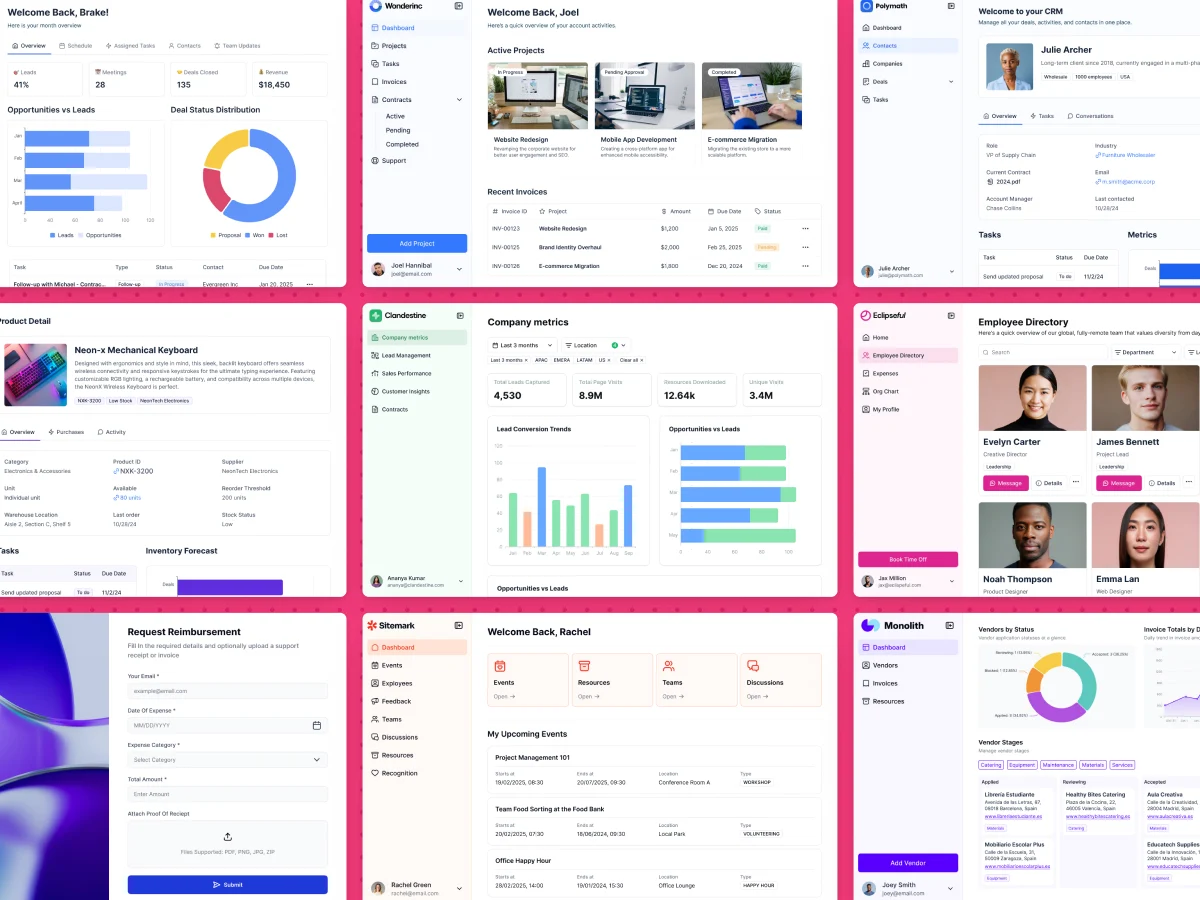
WeWeb is a no-code web application builder that allows users to create dynamic, data-driven web apps without writing code. Its primary features include a visual drag-and-drop interface, integration with various data sources and APIs, and the ability to deploy fully functional web applications.
WeWeb is designed for entrepreneurs, business professionals, and designers who want to build web applications without extensive coding knowledge. It's also suitable for developers who want to quickly prototype ideas or streamline their workflow.
Users might choose WeWeb for projects like creating internal tools for business operations, building customer-facing portals, or developing minimum viable products (MVPs) for startups. WeWeb is particularly useful when rapid development and iteration are required, or when connecting multiple data sources into a single application interface.
What are the limitations of WeWeb?
Here's a quick heads-up on some hurdles you might face with WeWeb.
- Performance issues: WeWeb can struggle with performance, especially when dealing with large datasets. You might notice slower loading times and reduced responsiveness as your projects grow in complexity. This can impact the user experience and potentially limit the scalability of applications you build on the platform.
- Cost concerns: WeWeb has a free tier and paid plans from $20 per month, but costs climb quickly once you add workspace seats, published projects, and usage-based charges. If you're running a small business or working to a tight budget, you may end up on a plan with fewer features than you'd like, or searching for alternatives with more predictable pricing.
- Customization and flexibility: You might find it challenging to implement specific features or designs due to restrictions in the platform. While WeWeb offers pre-built components and templates, highly customized or unique functionalities may be difficult to achieve.
- Steep learning curve: Despite being marketed as a no-code platform, WeWeb still requires serious effort to master effectively. As a new user, you may find yourself overwhelmed by the platform's features and workflows.
What makes the best WeWeb alternative?
Here are the five key features to consider when switching from WeWeb:
- User-friendliness: To begin with, look for a platform with a visual interface that allows drag-and-drop functionality for rapid prototyping. Seek out solutions that provide a comprehensive library of pre-designed templates and modular components to streamline the development process. We also recommend looking for platforms with real-time preview capabilities, so you can see changes instantly. Such features contribute to an enhanced user experience and reduce the learning curve for everybody using the platform.
- Cost-effectiveness: No-code web app builders typically offer 3 to 4 paid plans, allowing you to choose based on your needs and budget. Some provide free plans or trials for initial exploration. Consider examining each tier's features, especially user limits and usage restrictions. This helps anticipate costs as your team and projects grow. Also, think about the long-term value of each plan (sometimes, opting for an annual subscription can save you money compared to paying month by month).
- Customization and flexibility: An extensive component library and the ability to create custom components are must-haves. A robust component library speeds up development, while custom component creation offers flexibility. CSS and JavaScript integration gives you control over design and interactivity.
- Integration capabilities: Several built-in integrations with quality documentation are important. Support for RESTful and GraphQL APIs, along with webhooks, enables real-time data synchronization. I also suggest investigating the availability of SDKs or libraries that simplify custom integrations.
- Support and resources: Response times and availability of support channels are crucial factors to consider. The best platforms offer multiple contact options, including chat, email, and phone support. For enterprise clients, dedicated account managers or premium support can be invaluable. Ongoing education through webinars and workshops demonstrates a platform's commitment to user growth. Last but not least, check out any certification programs offered, as these can add value to your professional profile if they're well-recognized in the industry.
5 Top WeWeb alternatives to choose from in 2026
Before we get into the details, here's a quick overview of how these WeWeb alternatives compare:
Alternative 1: Softr
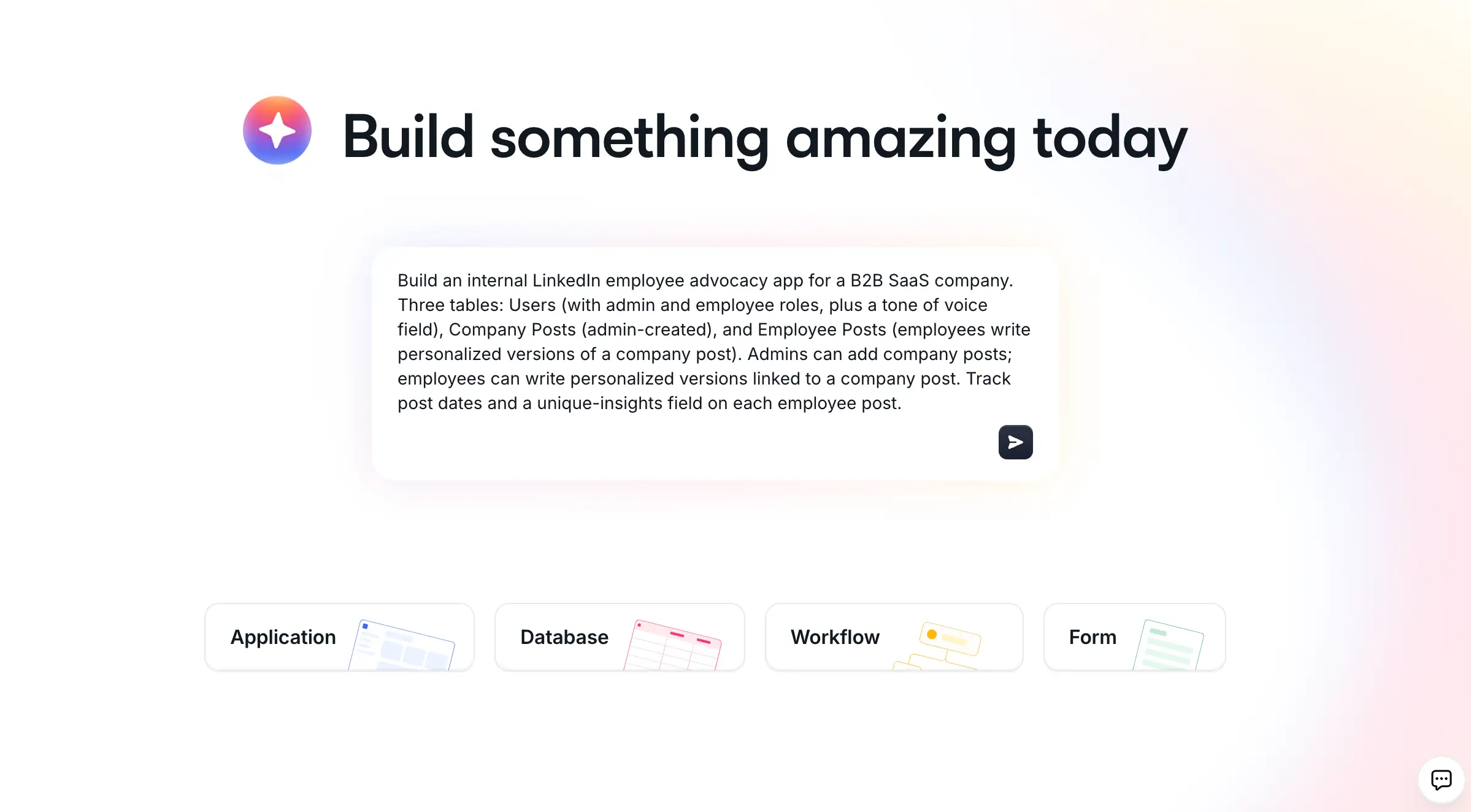
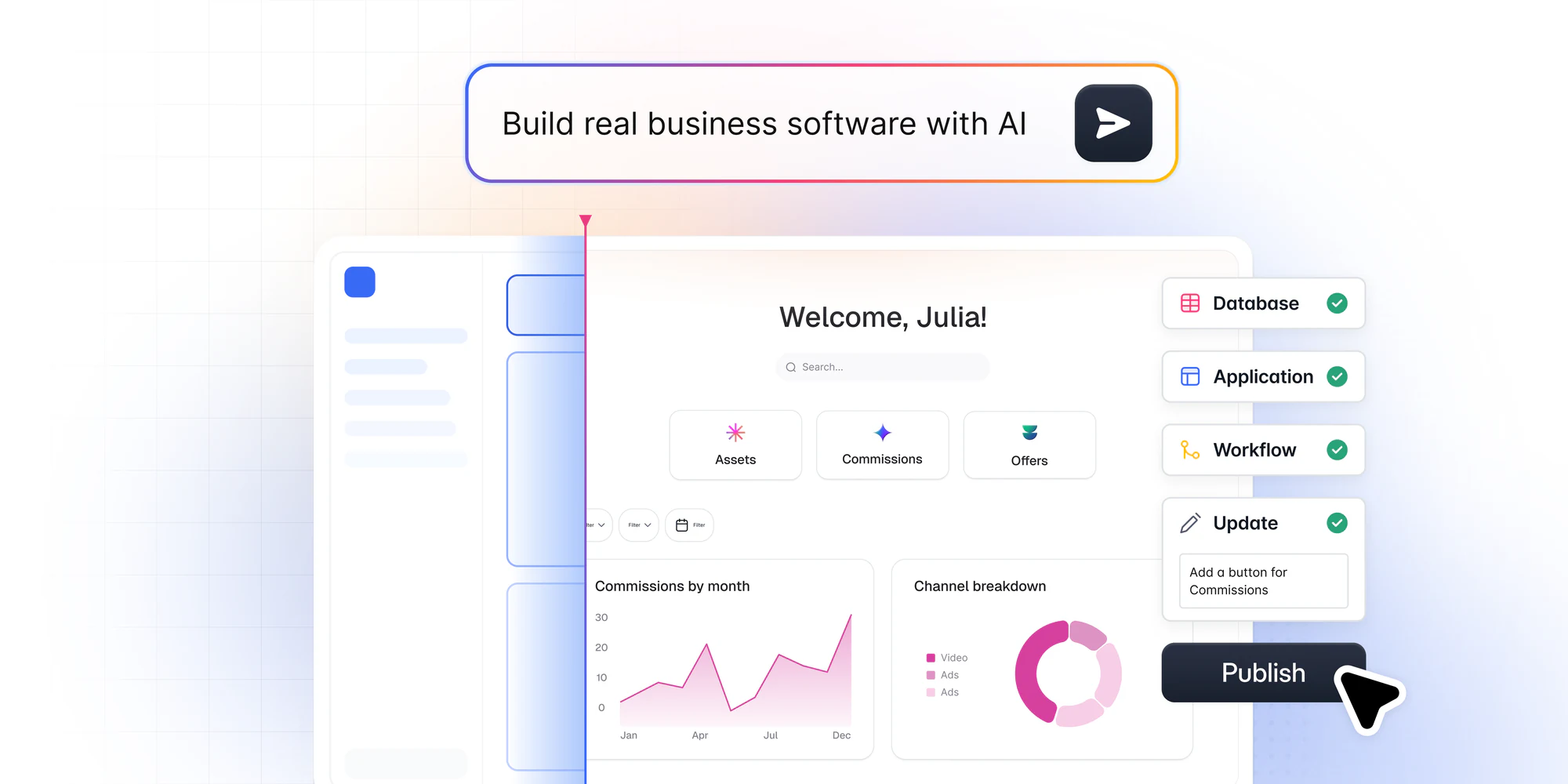
Softr is the first AI-native platform for building business software without code, which makes it a strong alternative to more complex tools like WeWeb. Describe what you need, and Softr's AI Co-Builder builds the database, the pages, and the permissions for you, already connected and ready for real users.
What sets Softr apart from pure vibe-coding tools is choice. You get three ways to build: generate with AI, start from a pre-built template, or build from scratch. A fourth is your own AI assistant, through the Softr MCP. It is AI-first, not AI-only, so the AI removes friction when you want speed while full visual controls stay available when you want precision. As Softr CEO Mariam Hakobyan puts it, "AI brings the speed and personalization, and no-code brings the guardrails and reliability."
This matters most on what teams call the "day two" problem. Vibe-coded apps can produce an impressive demo, then break the moment a real user logs in, leaving you to re-prompt and hope the next version works. Softr apps are production-ready and secure from day one, with authentication, user management, permissions, and hosting already built in. You can invite clients or employees the moment you publish.
On data, Softr leads with its own native database. Use Softr Databases for a fast, scalable, relational backend, or connect to 21+ external sources including Airtable, Google Sheets, and HubSpot. For automation, Softr Workflows run natively and can be triggered directly from your app's interface, with native integrations to Make, Zapier, and n8n when you need them.
When pre-built blocks don't cover a specific need, the Vibe Coding block lets you generate custom components with AI that instantly inherit your app's database, theme, and role-based permissions. You get limitless flexibility without the risk of breaking the whole app.
Softr also stands out for its customer support and active user community. The team is known for quick responses, and the community is a goldmine for finding solutions and learning tricks from experienced builders.
How to build an app with Softr
- Open the Softr dashboard and describe the app you want to build.
- Answer a couple of clarifying questions so the AI Co-Builder can scope your data and users.
- Review the generated database, pages, and permissions, then refine anything visually or with the AI.
- Connect Softr Databases or an external source, and add Softr Workflows to automate your processes.
- Publish on a Softr subdomain or your own custom domain, and invite your users.
"Easy to use, and offering a lot of possibilities to create an app very fast. The AI vibe-coding is quite good, and the support team is quick to respond."
Béatrice Z., Agile Coach (Enterprise), G2 review
Key features
- AI Co-Builder that generates a full app (database, pages, permissions) from a prompt
- Three build paths: generate with AI, start from a template, or build from scratch
- Native Softr Databases plus 21+ external data source integrations
- Native Softr Workflows and automations triggered from your app's interface
- Vibe Coding block for limitless custom components
- Pre-built blocks and templates
- Search and filtering functionality
- Customizable lists and grids
- Membership and subscription management
- Support for one-time and recurring payments
- User authentication and role-based access control
- Granular, row-level permissions
- Custom domains and white-labeling
- Team collaboration with up to 3 builders on the free plan
- API access, webhooks, and CSV/PDF export
- Enterprise-grade security (SOC 2 Type II)
Pros
- Free plan available
- Extensive customization options
- Easy interface for non-technical users
- Seamless integration with popular data sources
- An active user community
Cons
- Higher pricing for advanced features
Customer reviews
Ideal use cases
- Internal company dashboards and operational tools
- Client and vendor portals for service businesses
- CRMs and sales pipelines
- Project and task trackers
- Inventory and resource management
- Member directories and communities
- Company intranets and knowledge bases
- Document collection and onboarding portals
- Course catalogs and eLearning portals
- Event management and ticketing platforms
"Softr is helping me build a unified, multi-tenant portal to create visibility for the team and help create a better onboarding experience for property owners."
Max M., Operational Excellence Lead, G2 review
A great real-world example is the accounting firm TASC, whose Softr partner built a document collection portal serving 80+ clients in about 20 hours. Read the TASC customer story to see how it replaced manual email and spreadsheet workflows.
Pricing
Softr's paid plans start at $19/month on the Basic plan when billed annually, which includes Team: 5 + Client: 5 app users, 50,000 database records, a custom domain and conditional section visibility. Every plan, including the Free plan, comes with unlimited published apps and Softr MCP, and the Free plan includes up to 3 builders.
Unlike WeWeb's free plan, Softr's free plan is more generous as it lets you publish your app live, whereas WeWeb only allows app creation without live publishing on its free tier.
Take Softr for a spin before going for a paid plan.
Alternative 2: Bubble

Bubble is an AI-powered no-code platform that allows you to build web applications without writing a single line of code. It's ideal for founders who want to quickly create MVPs or test their ideas, as well as developers looking for a faster way to prototype or build certain features.
Bubble offers a powerful feature for team collaboration in its premium plans: version control with custom branches. This allows teams to work on different aspects of an app simultaneously without interfering with each other's work. With support for up to 10 custom branches, developers can experiment with new features, fix bugs, or make major changes in isolated environments.
Key features
- Drag-and-drop editor
- Templates and reusable components
- Scheduled workflows
- Component library
- AI-powered page generator
- Plugin marketplace
- Dynamic content
- File storage
- Password protection
- Centralized user management
- Import/export CSV
- Version backup and restore
- API Connector
Pros
- Free plan available
- Extensive customization options
- Large community and plugin ecosystem
Cons
- Can be more expensive for large-scale applications
Customer reviews
- G2: 4.4 out of 5 stars (158 reviews)
- Capterra: 4.6 out of 5 stars (329 reviews)
Ideal use cases
- Marketplaces and booking platforms
- Social networking applications
- Customer portals and dashboards
- Complex business management tools
- SaaS products
- Data-driven web applications
Pricing
Bubble’s Starter plan is great for MVPs and simple tools with small to moderate user bases. It includes a live app check and supports a custom domain, making it easier to launch a professional-looking app. The plan offers recurring workflows and basic version control. With 175,000 workload units per month and access to 2 days of server logs, I'd say it provides sufficient capacity for managing app performance and troubleshooting.
Alternative 3: Webflow

Webflow is a popular visual web design platform that combines the flexibility of code with the ease of a no-code interface. It allows designers and developers to create responsive websites without writing traditional code.
Webflow's power lies in its ability to generate clean, production-ready HTML, CSS, and JavaScript while providing a visual canvas for design and layout.
Key features
- Visual CSS styling and layout tools
- Responsive design capabilities
- CMS and dynamic content management
- eCommerce functionality
- Custom animations and interactions
- SEO tools and optimizations
- Hosting and publishing options
- Team collaboration features
- Extensive template library
- API and integration capabilities
Pros
- Powerful design control without coding
- Efficient code output
Cons
- Steeper learning curve compared to some alternatives
Customer reviews
- G2: 4.4 out of 5 stars (588 reviews)
- Capterra: 4.6 out of 5 stars (242 reviews)
Ideal use cases
- Portfolio websites for designers and creatives
- Small to medium-sized business websites
- Blogs with dynamic content
- Online stores with unique design requirements
- Web applications with complex layouts
- Rapid prototyping for web projects
Pricing
Webflow’s first paid plan is called Basic and is designed for individuals or small businesses that need a static website without a content management system (CMS). It includes up to 50 GB of bandwidth per month and supports up to 100 static pages, making it great for basic websites like landing pages and personal portfolios.
Alternative 4: Adalo
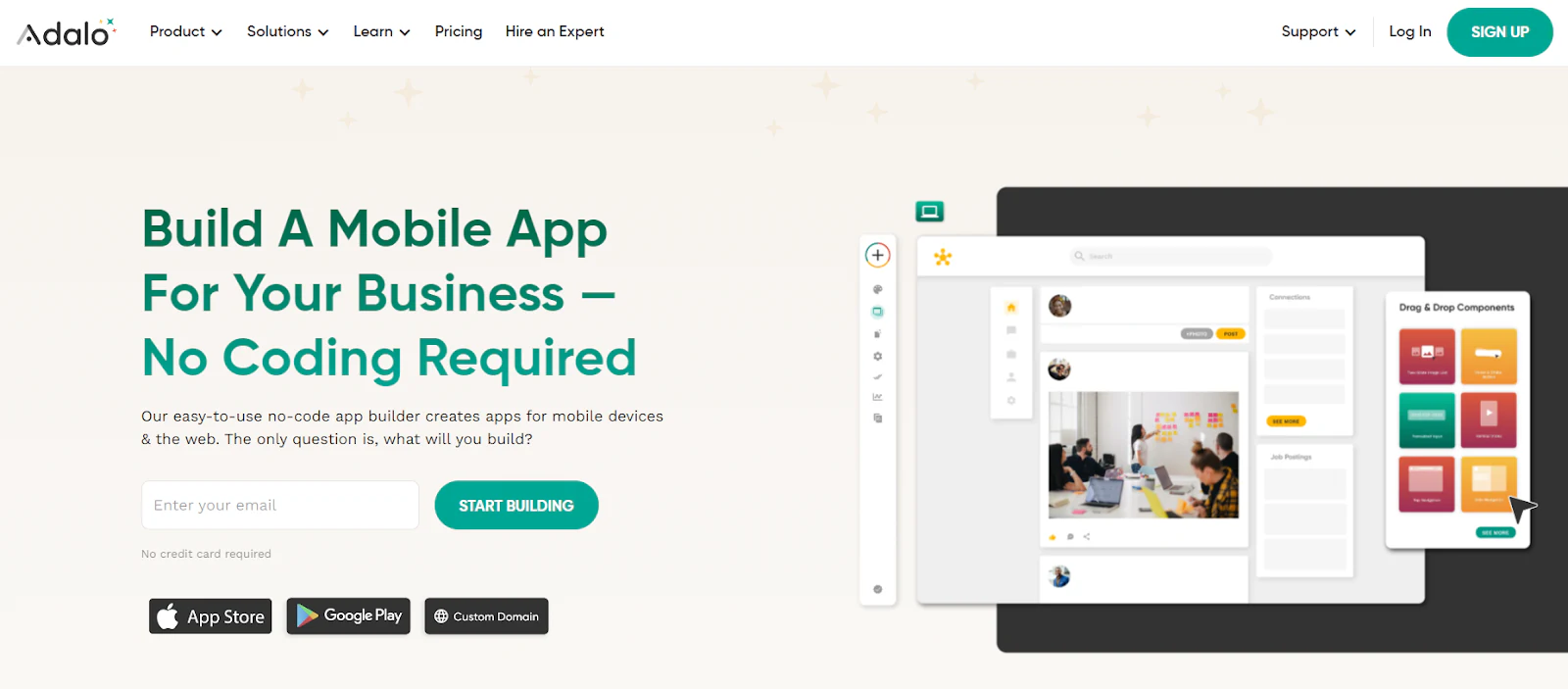
Adalo is a no-code platform designed for creating mobile and web applications without traditional programming. It offers a visual interface for building fully functional apps that can be published to app stores or used as web applications.
Key features
- Drag-and-drop interface
- Dynamic dashboards
- Custom actions and workflows
- Marketplace for pre-built components
- Integration with external APIs
- Responsive design tools
- Data storage
- And/OR Logic
- Font library
- Version history
- Native device actions
- Push notifications for mobile apps
- Custom branding and white-labeling options
Pros
- Free plan available
- Extensive library
Cons
- Performance can be slower for complex apps
Customer reviews
- G2: 4.6 out of 5 stars (5 reviews)
- Capterra: 3.5 out of 5 stars (21 reviews)
Ideal use cases
- Startup MVPs
- Internal business tools and dashboards
- Customer-facing mobile apps
- Community apps
- Subscription services
- Simple eCommerce applications
Pricing
Adalo’s Starter plan is designed for founders and entrepreneurs looking to publish a single app. It includes up to 5000 monthly app actions, providing enough flexibility for basic user interactions. The plan supports 1 app editor, allowing solo creators to manage their app development, and includes access to a font library for custom branding.
Alternative 5: Glide

Glide is a no-code platform that allows users to create custom, AI-powered applications from spreadsheets and data sources. It specializes in transforming data into functional and visually appealing apps without requiring coding skills. Glide's unique approach makes it particularly suitable for creating data-driven apps quickly.
Key features
- Drag-and-drop interface
- Spreadsheet-to-app conversion
- AI-powered app generation
- Pre-built templates and components
- Real-time data synchronization
- User authentication and permissions
- Custom actions and workflows
- Responsive design
- Built-in analytics and reporting
- 35+ third-party integrations
Pros
- Free plan available
- Fast app creation process
- Easy to use, even for non-technical users
Cons
- Limited design customization options
Customer reviews
- G2: 4.7 out of 5 stars (596 reviews)
Ideal use cases
- Business process management tools
- Inventory tracking systems
- Custom knowledgebase
- Appointment scheduling systems
- Employee and investor portals
- Custom mobile event apps
- Project management tools
- Event management applications
- Simple eCommerce catalogs
- Customer relationship management (CRM) systems
- Real estate listing and management platforms
- Custom dashboards for data visualization and reporting
- Marketplace platforms (e.g., service marketplaces)
Pricing
Glide has moved to GlideOS pricing, with a free tier and paid plans at $25, $50, and $125 per month. The entry paid plan suits individuals or small teams building a single app, with custom domains and branding, while the higher tiers add editors, capacity, and administrative controls.
You are ready to choose the best WeWeb alternative
We've taken a close look at five solid alternatives to WeWeb, and while each has its strengths, Softr stands out from the pack. As the first AI-native platform for building business software without code, it lets you describe what you need and get a production-ready app, with the option to refine everything visually. Non-technical operators appreciate the intuitive interface, growing teams benefit from rapid development, and enterprises rely on its scalable permissions, native database, and secure infrastructure. Add priority support and a dedicated success manager, and complex needs are met efficiently.
Try Softr for free and see how it can enhance the way you build business apps.


