


Connect your apps to more data sources with Softr's REST API integration


Meet our new REST API integration, the gateway to more data flexibility for your apps.
With REST API, you can connect Softr to just about any data source with an API, including Jira, Salesforce, Pipedrive, Stripe, Shopify, Intercom, and more. Now, you can build powerful tools on top of REST API endpoints without needing to be a developer, or level up your existing apps as your workflow grows or data needs evolve.
Check out this video for more detail on how it works:
Unlock more data flexibility
Every day, we get requests for more integrations, from CRMs like Salesforce and Pipedrive to project management tools like ClickUp, and issue trackers like Jira.
These tools are often requested to bring together information from other systems right into Softr apps, adding new functionalities and giving users a fuller view of their operations. For example:
- A customer service portal that can pull in Intercom information for related customers and their conversations, or that’s customer’s transactions in Stripe.
- A real estate portal that can show relevant listings from a site like Zillow.
- An internal tool that can display dashboards with Salesforce data.
- A project request form that can sync to ClickUp
With the launch of our REST API integration, it’s now possible to connect data from these tools to your Softr app in just a few simple steps.
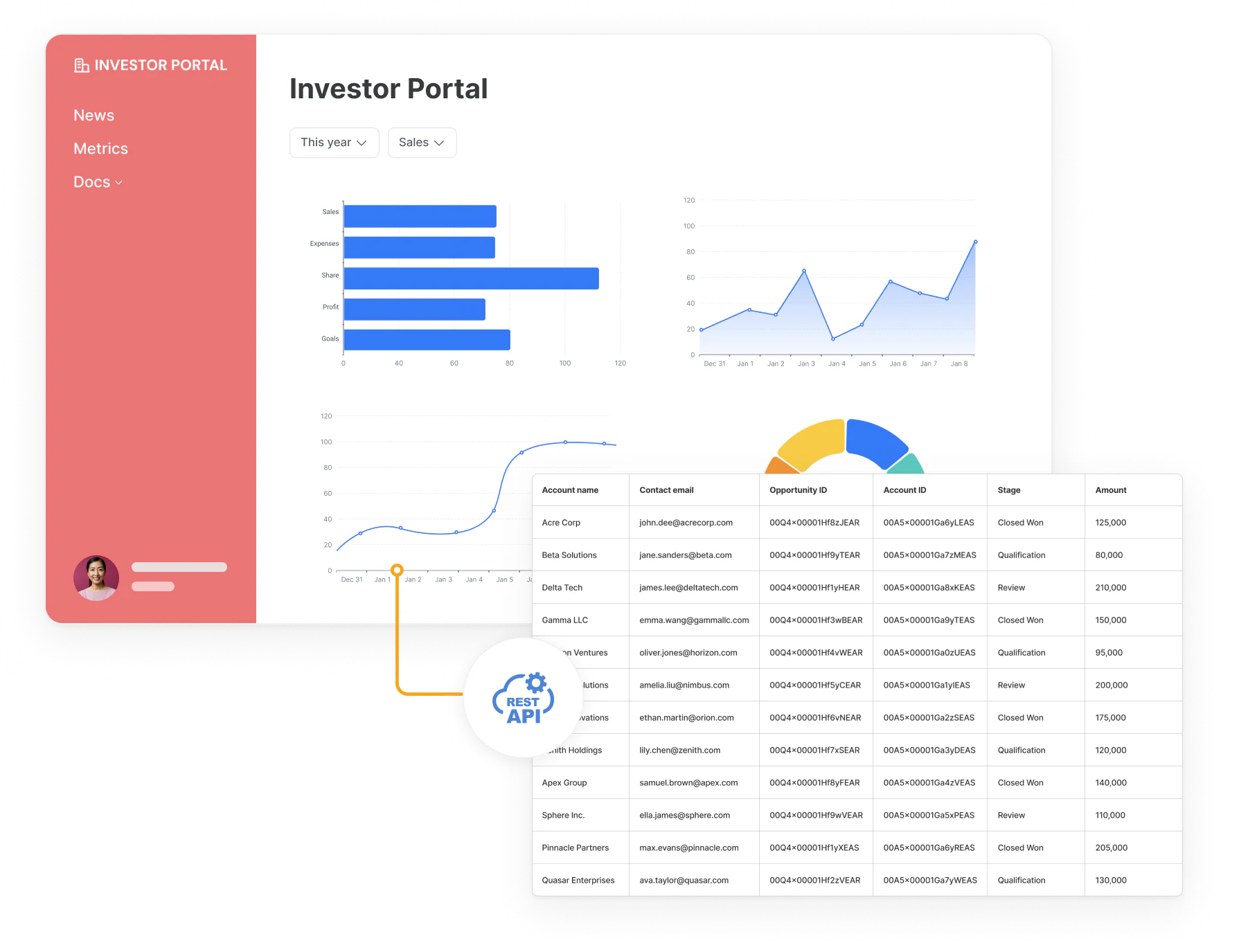
Bring siloed data into one application
When teams are building internal tools like dashboards or admin panels, they often want a single place to view data from different sources.
With Softr, the best starting point is our high-performance native Softr Databases, designed to be fast, secure, and AI-ready. Beyond our native database, Softr integrates with 21+ external data sources, allowing you to connect core data from Airtable, HubSpot, monday.com, Notion, and more. Now, with the addition of the custom REST API integration, you can connect to any other tool that has an API, eliminating the need for third-party connectors like Zapier or Make.
The best part? You can add new data sources as your tools and workflows change. If you switch CRMs or bring in a new tool for issue tracking, your app can keep up without any hassle.
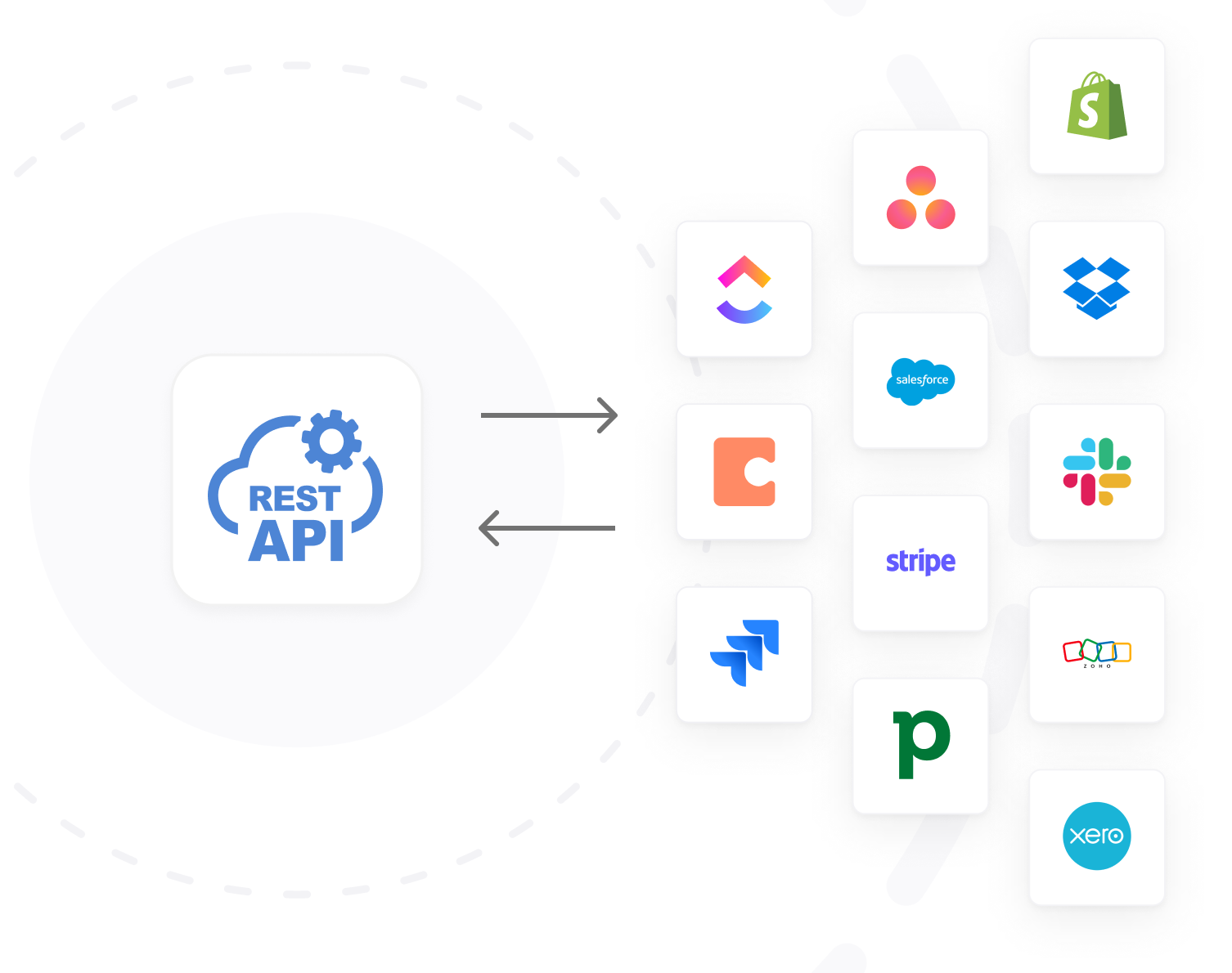
Build more advanced internal tools and portals
Now, you can create more powerful applications on top of REST API endpoints. Connect to payment systems, CRMs, issue trackers, accounting software, and more to build scalable applications tailored for advanced use cases across a variety of industries.
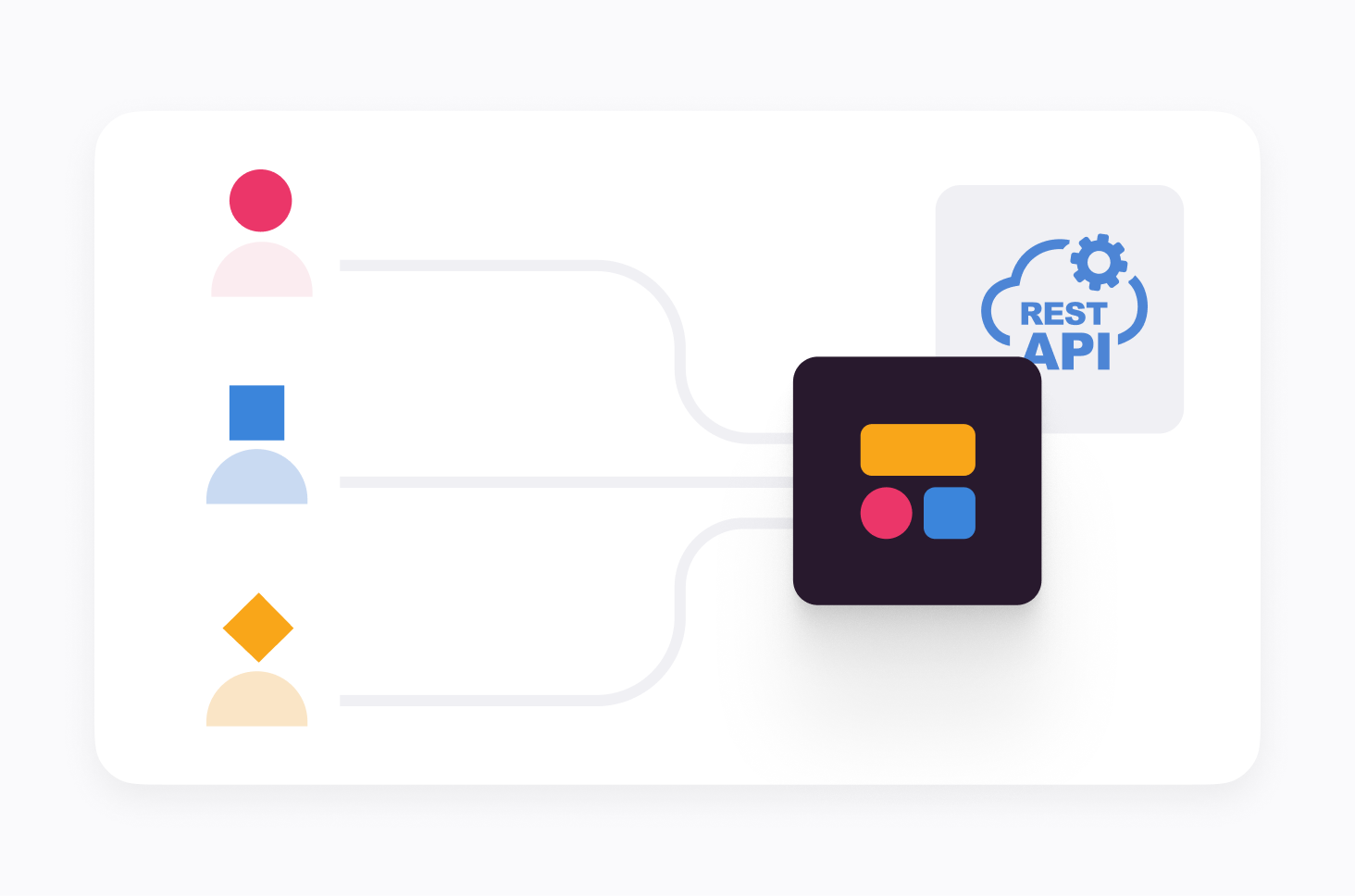
Trigger actions and call APIs directly within workflows
In addition to displaying data from API endpoints, you can trigger actions using Softr Workflows.
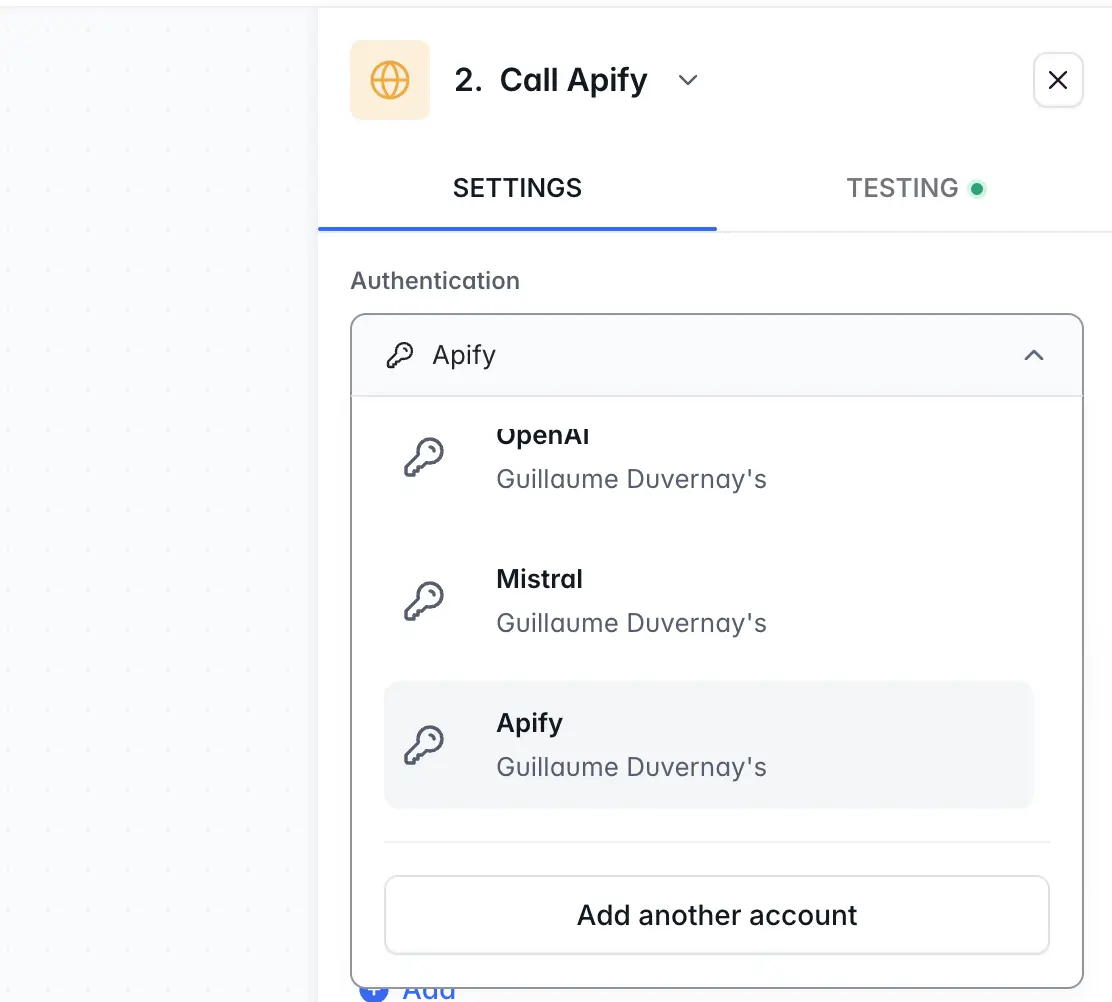
With action buttons in your app, users can trigger automations that call external REST APIs using the Call API step. To make this process secure and easy, you can store your API credentials and authentication tokens once in your workspace settings. You can then reuse these stored credentials for any Call API step in your workflows, avoiding the need to re-enter sensitive keys and ensuring a highly secure connection to your external tools.
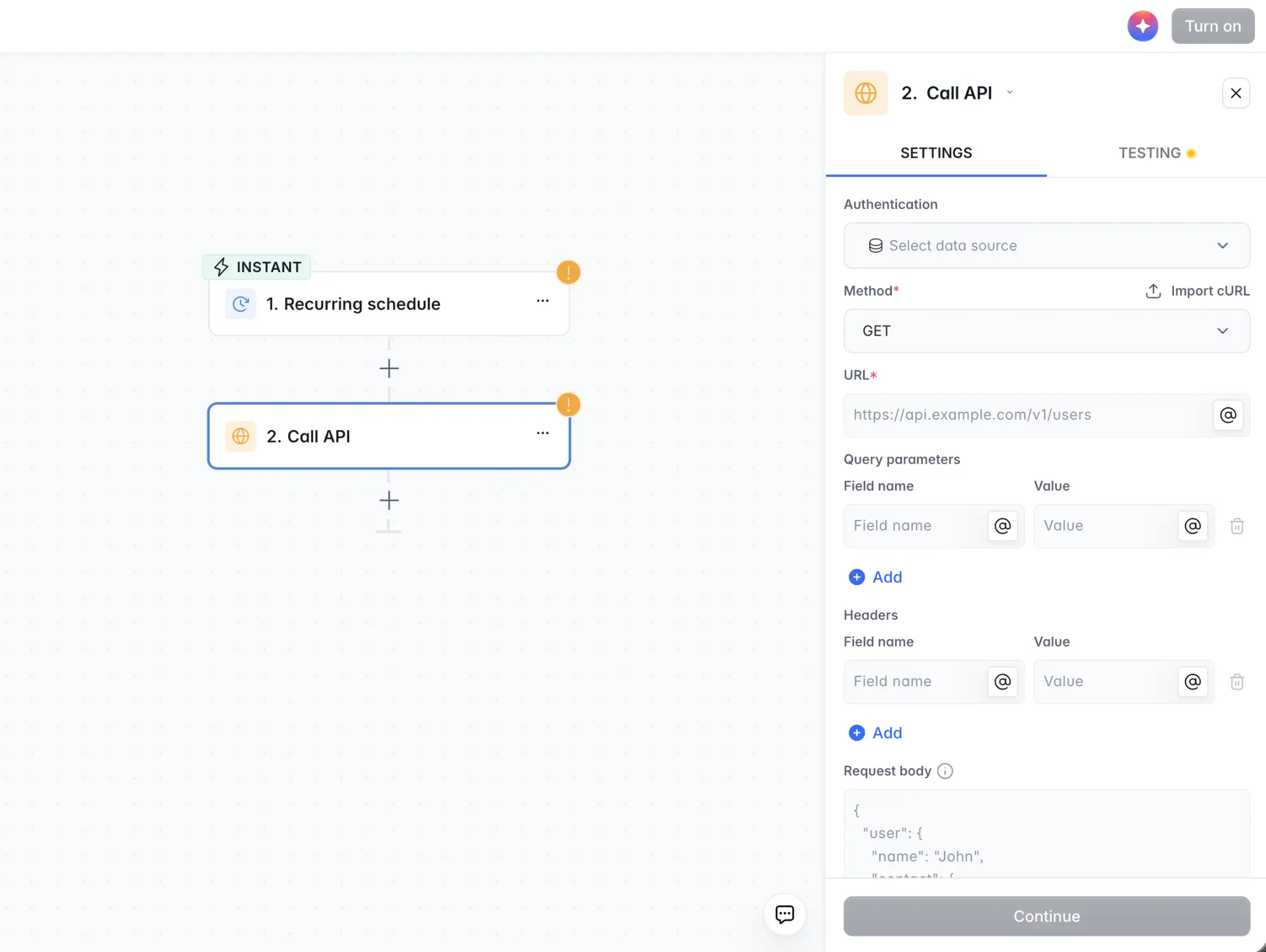
API templates
New to APIs or need help getting started? When you connect to REST API as a data source in Softr, you can choose an API template to speed up the process (we're starting with 3 data sources, with more to come). Or you can connect your own API manually to get started.
How it works
- Choose REST API as your data source: Navigate to Softr's data source section and select the REST API.
- Set up the API connection: Choose from available templates or add your preferred API manually, configuring it with the necessary headers and authentication.
- Create endpoints: Define your desired endpoints by inputting the relevant parameters and options for your API call.
- Use transformers to optimize API responses: Optimize your API responses by using transformers to format and extract only the needed data fields.
- Map data to your Softr app: Use the configured API calls to populate data blocks in your Softr apps, binding data fields to designated content areas like images, addresses, and pricing.
More details in our help doc.
The REST API integration is available on Softr’s Business plan and higher. Try it today, and see how easy it is to combine data from multiple sources into one app!


