What's new in Softr
Check out new features, improvements, and community events!
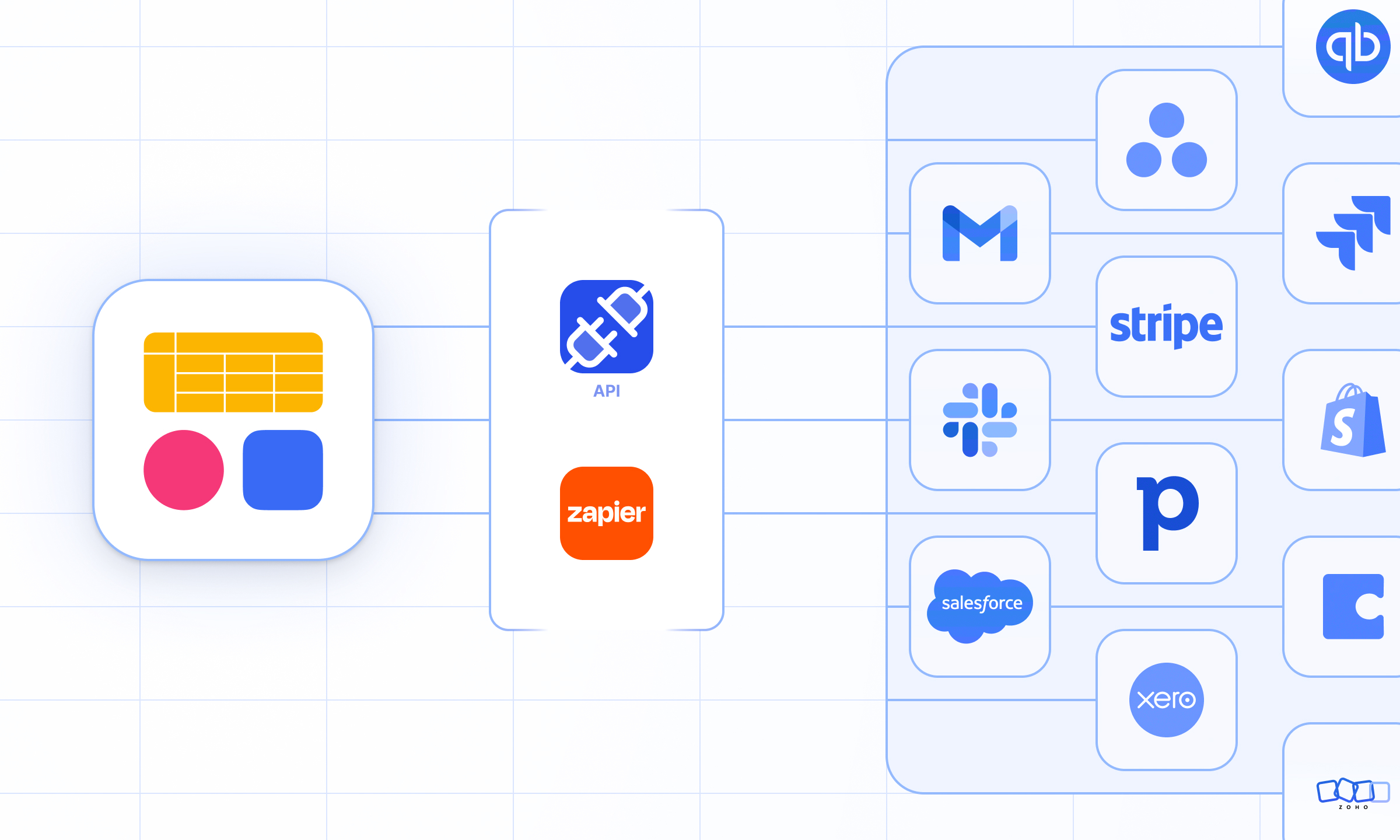
Softr Databases API + Zapier integration
Connect any platform to Softr Databases with our new public API—and use Zapier to power automations across your entire stack.
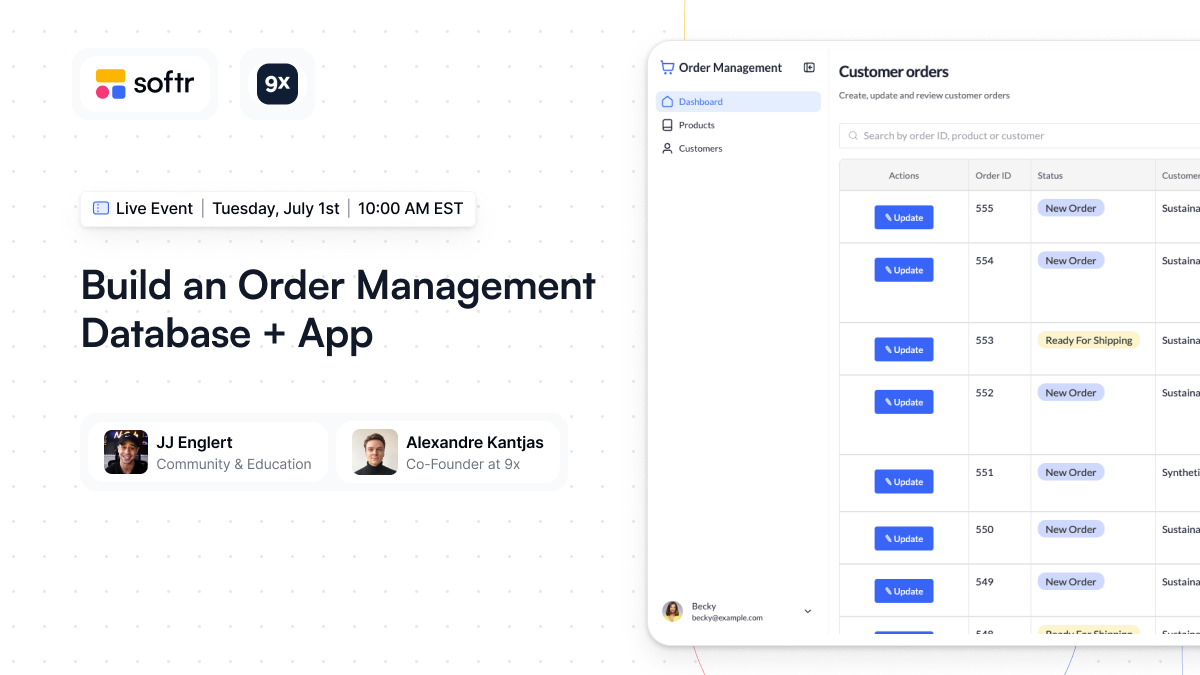
Event: Build an Order Management App
Build an order management app in Softr, from setting up the database to creating a beautiful interface, all in under an hour. Catch the event replay here!
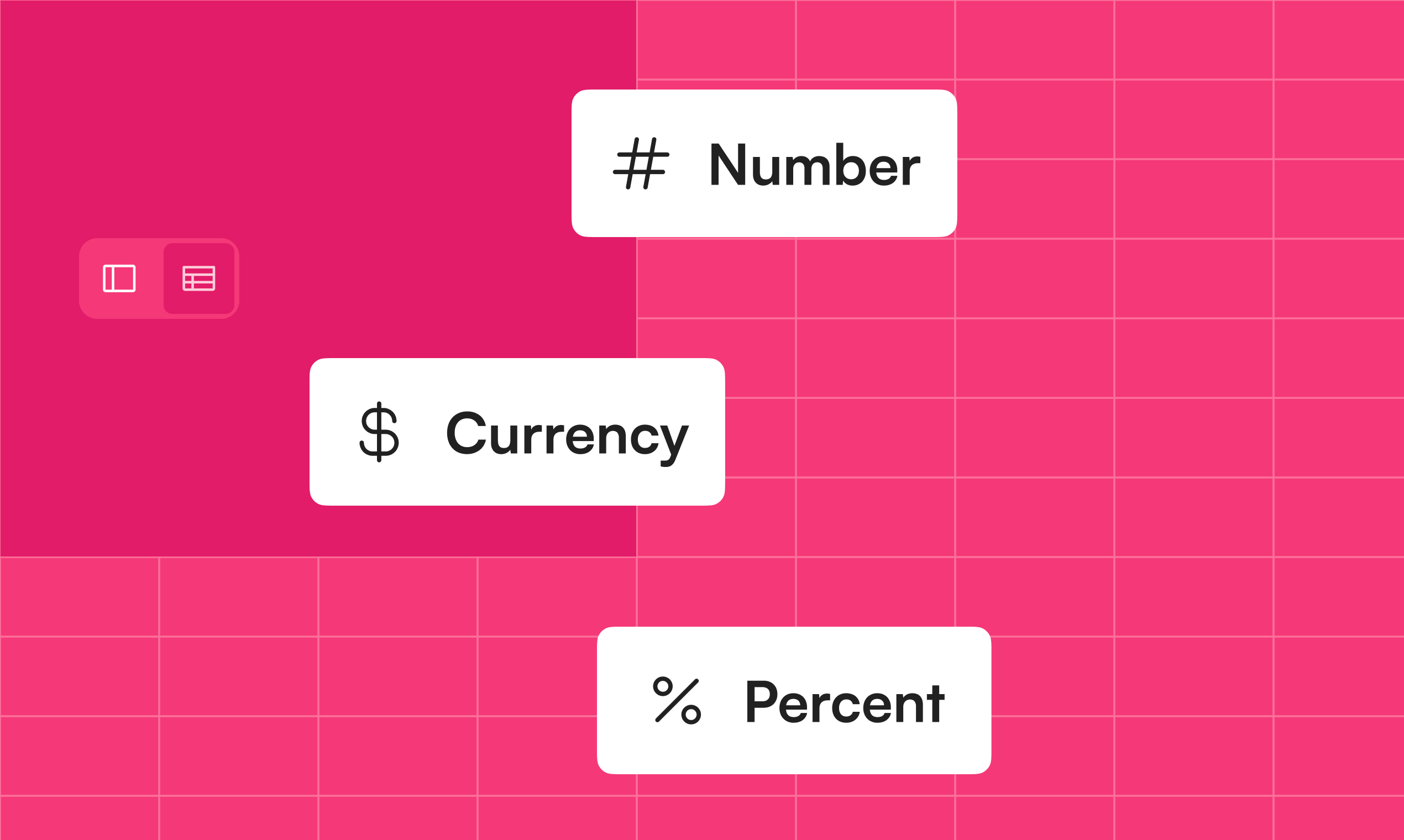
More field settings in Softr Databases!
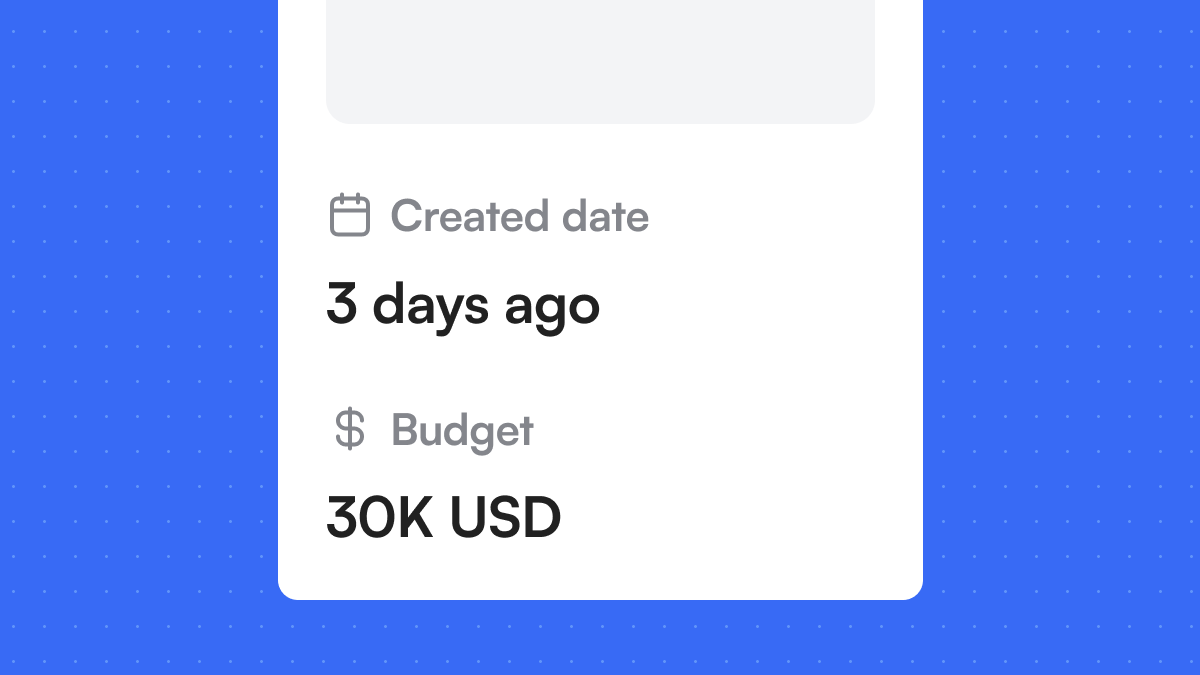
We continue to roll out new features for Softr Databases. You now have multiple ways to format your numbers: – Display large numbers with abbreviations (e.g., 1K, 1M) – Add prefixes, suffixes, or currency symbols – Show percentages as progress bars or rings Coming next: we'll be releasing improvements to Date, File, Select, Rollup, and Related Records fields.
Date & Number display fields
You can now add dedicated Date/Time and Number display fields to your Softr apps. These fields allow you to format date and number values in various ways, regardless of how they're formatted in the data source.
Next up we'll be adding more field settings to other display fields like Tags, Text, Headings, Email, URL, etc.
Softr Databases
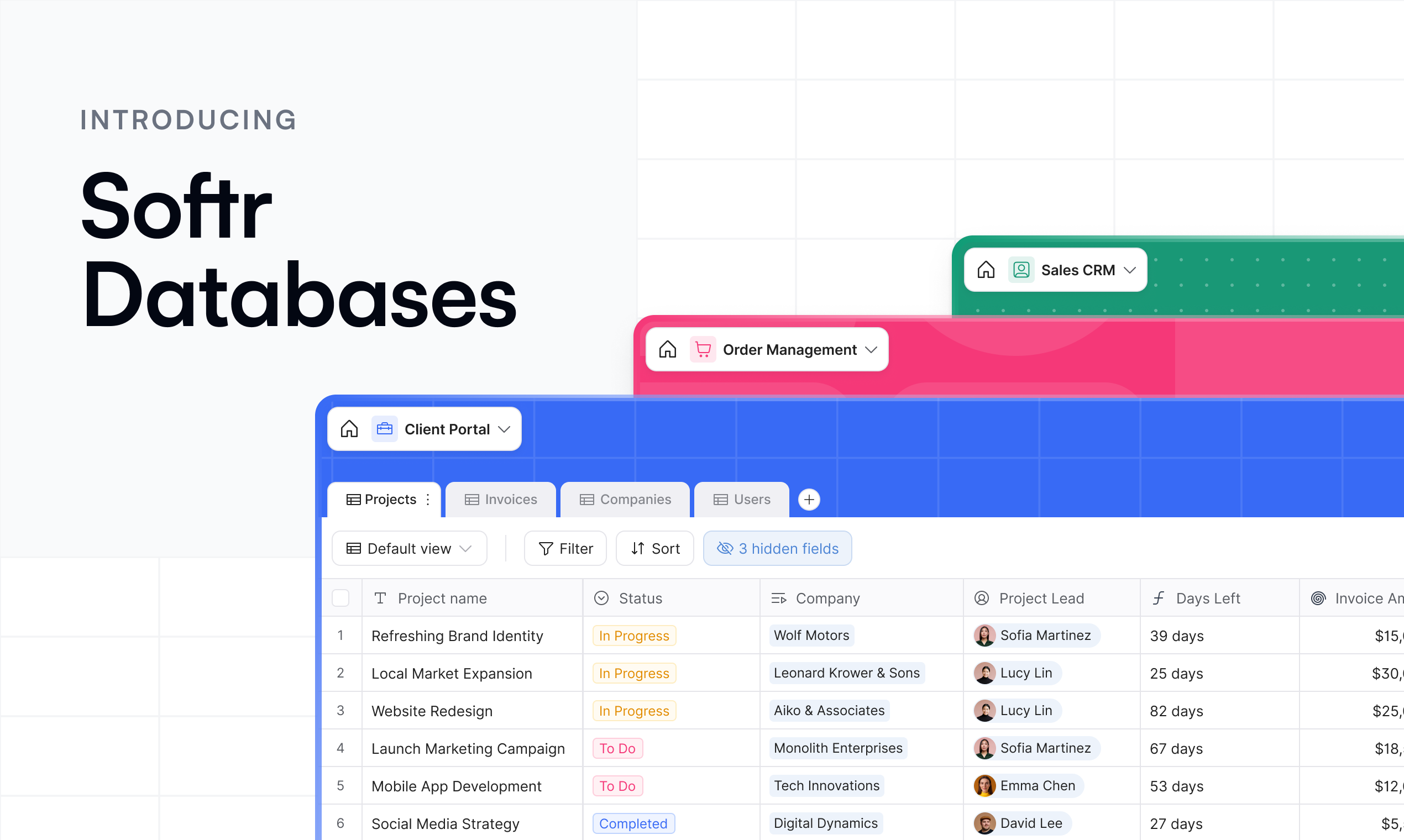
Build fast, powerful relational databases — and use them to power your apps without ever leaving Softr. No API limits, sync delays, or performance bottlenecks. Available to all users.
New Comments Block
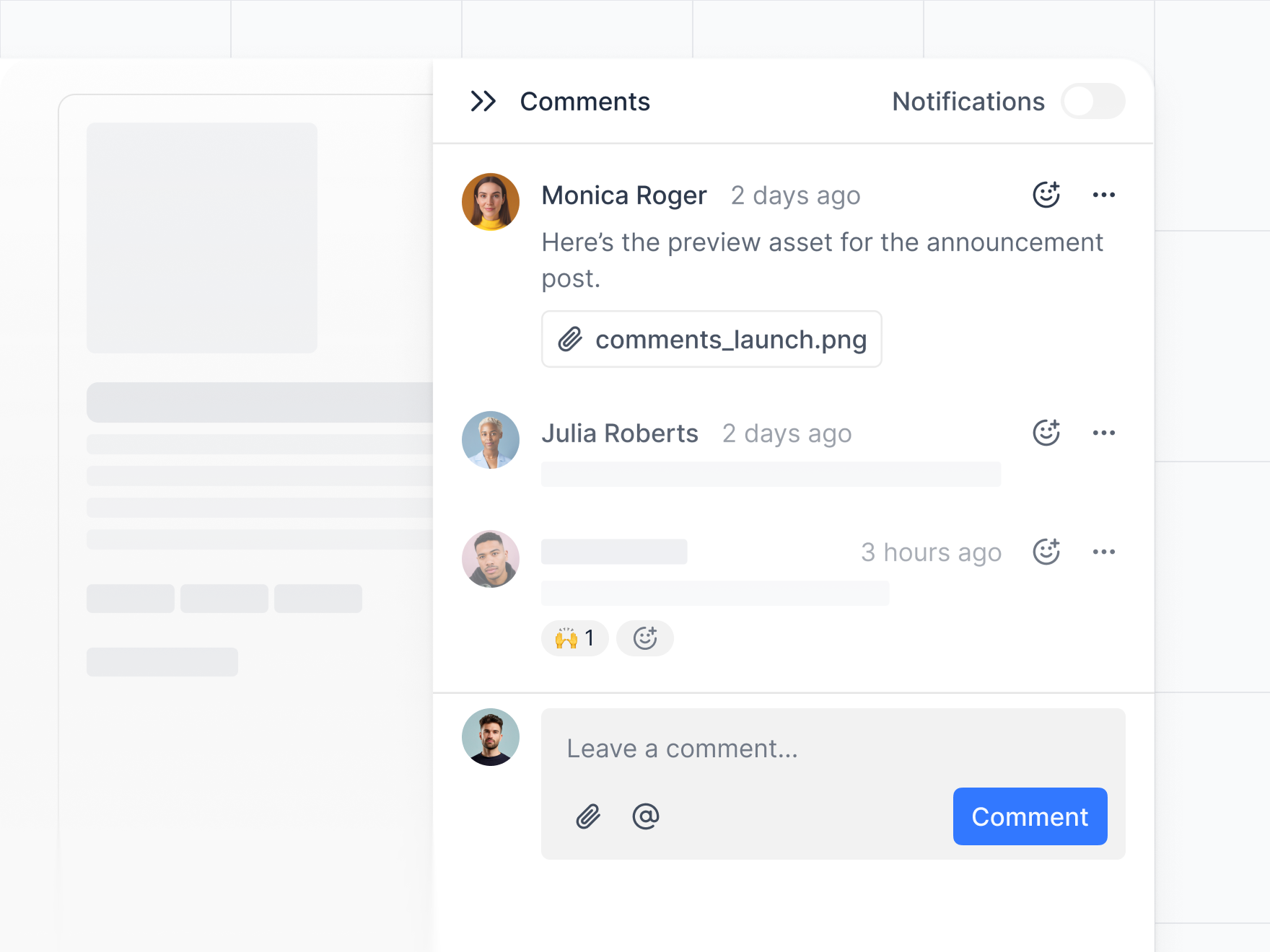
Add the new native comment blocks to your Softr app for seamless collaboration. Control visibility and access with role-based permissions, choose between block or side panel layouts, and manage everything from your app settings. Learn more
Coda as a data source
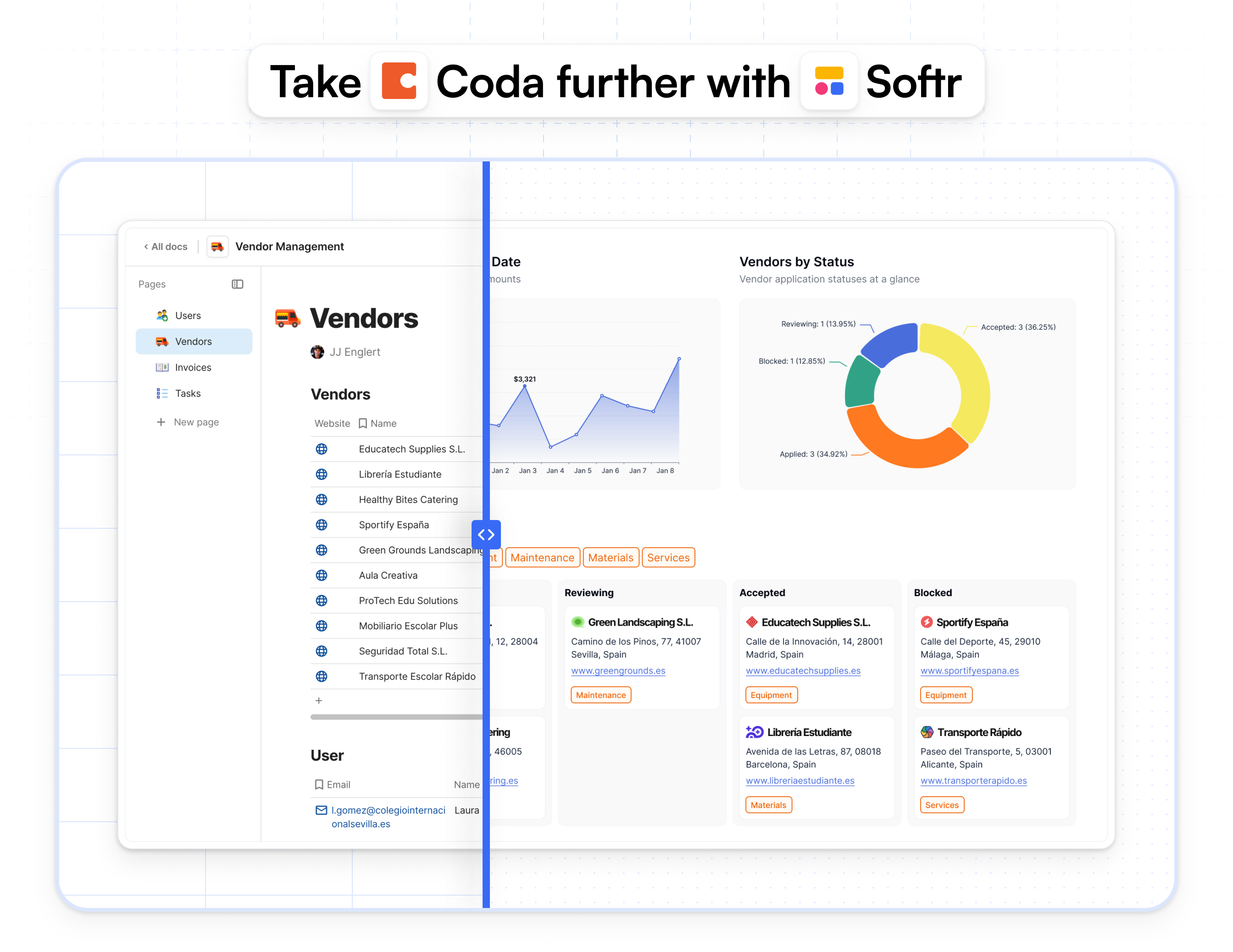
You can now build secure, branded portals and internal tools on top of your Coda data — no more manual filters, duplicated docs, or access workarounds.
Get Softr Certified – Fundamentals Level
The Softr Fundamentals Certification is your first step to proving you understand the platform. You’ll demonstrate your ability to build basic web apps, use key features like data sources, user groups, and page visibility rules, and apply best practices. Perfect for those new to Softr or looking to validate their skills and stand out in the no-code space. Apply now!

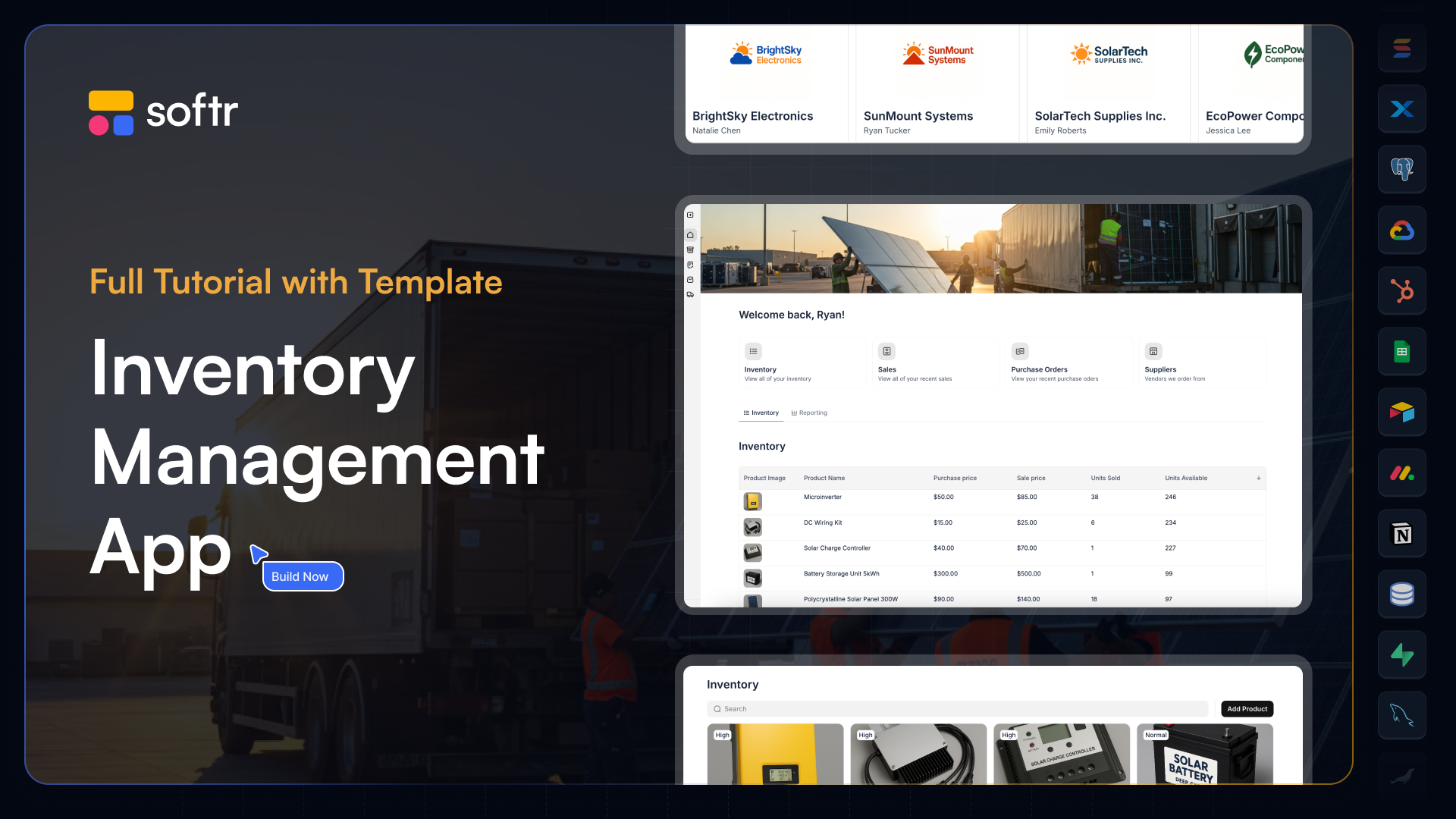
Inventory Management Course
Build a powerful Inventory Management app using Softr + Airtable—no code needed. In this course, you’ll create a role-based platform for managing inventory, sales, and suppliers with real-time data and secure permissions. Perfect for teams looking to streamline operations or for builders wanting to master internal tools. View now
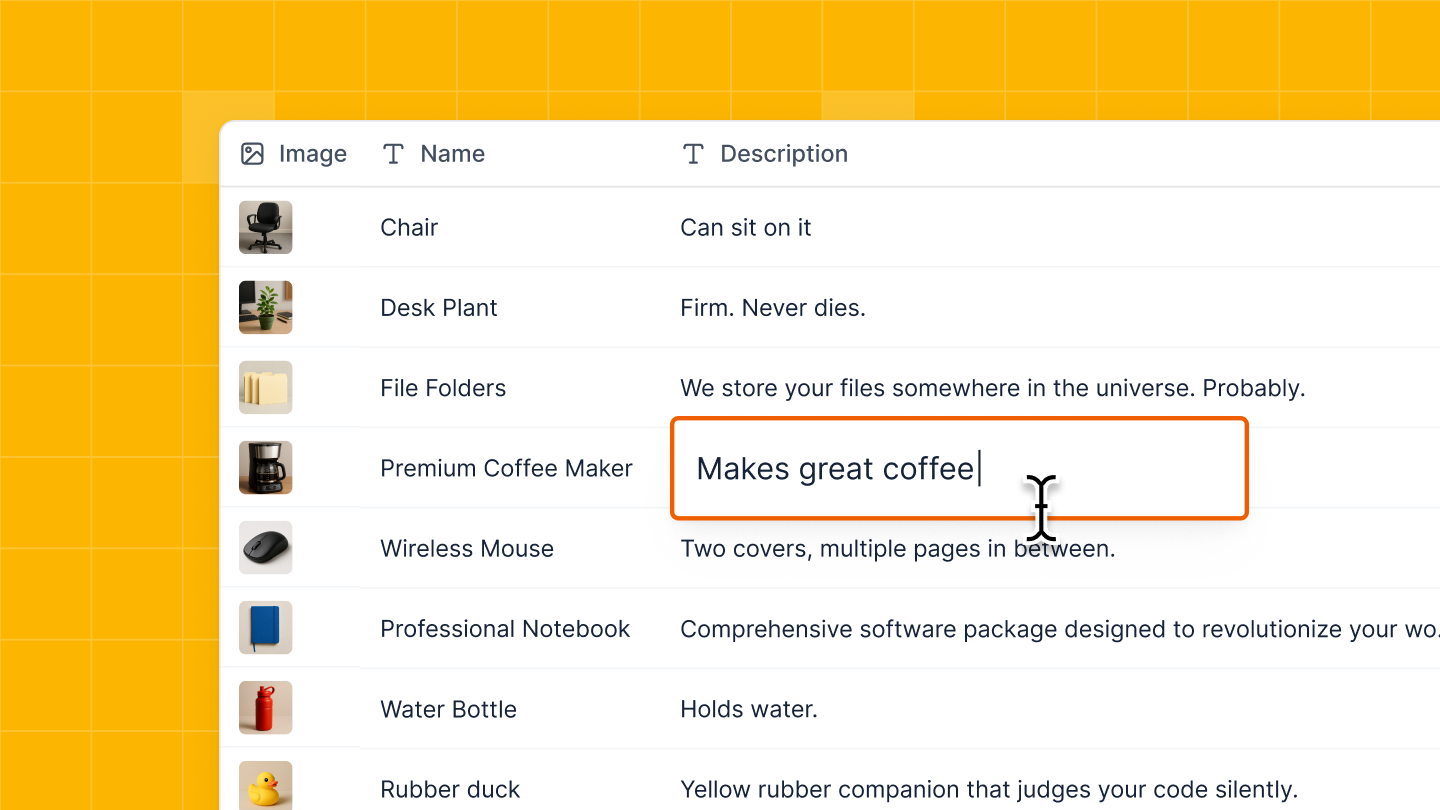
Inline edit for Tables
You can now edit enabled fields directly within your table—no need to open a separate form. Just click, make changes, and you're done. Learn more
ClickUp as a data source
You can now connect your ClickUp data to Softr and build powerful portals and internal tools—without writing a single line of code.
- Create secure, branded client portals
- Manage access with user groups and permissions
- Set up smart workflows with conditional forms
- Mix ClickUp data with other tools you already use
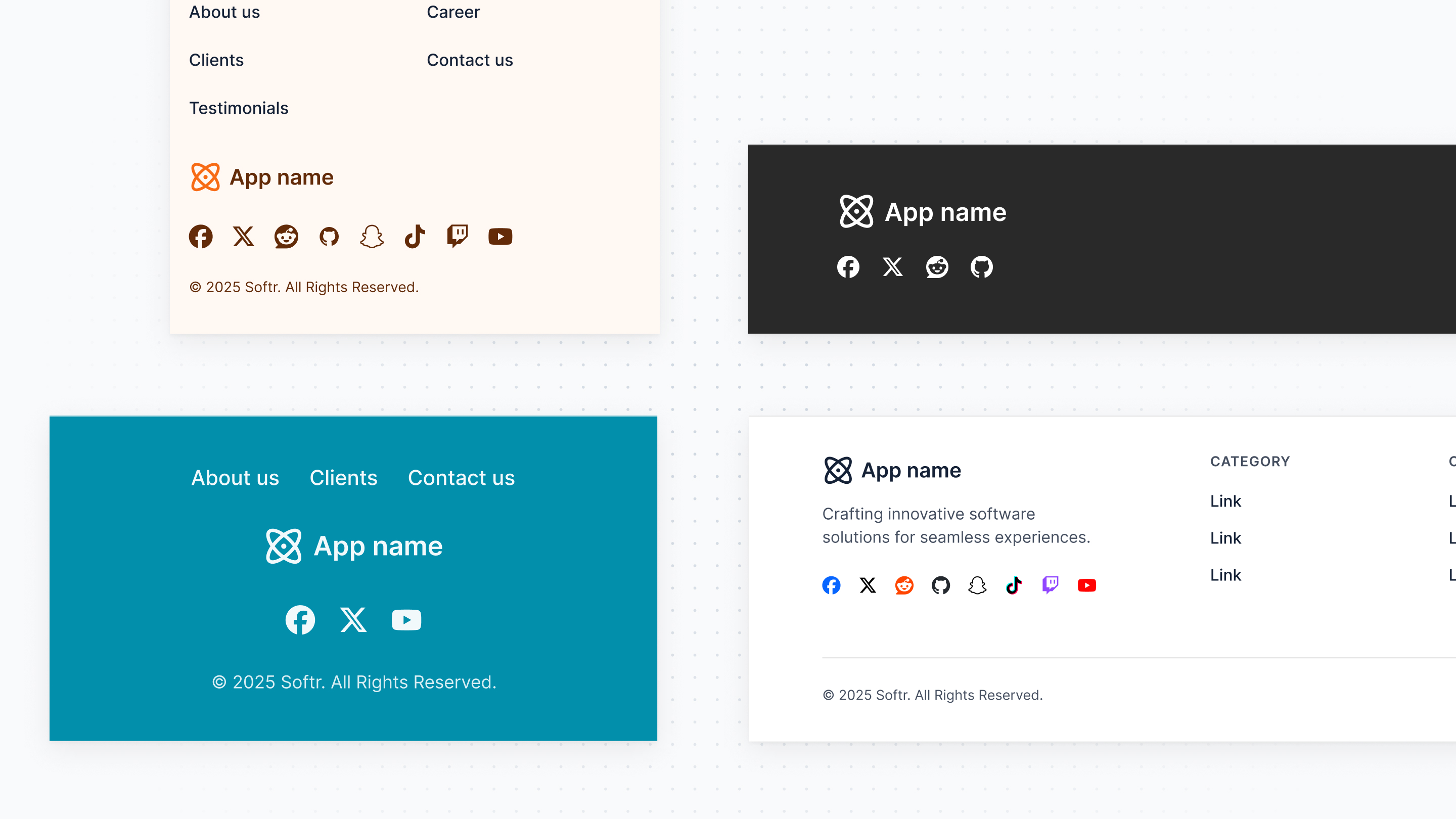
New Footer Block
You can now turn on the new Footer block in your Page settings—just like the Header block. It comes with layout options, link visibility settings, custom social icons, and a few other handy updates.
Available for applications created after Feb 12th. <a href="https://docs.softr.io/application-settings/n3K2UEfpC9BpHgakMzUU5Y/footer-settings/4woAqVC4dTDN5429FkKuu7" target="\_blank">Learn more</a>