Transcript
Think about YouTube in 2015. Everyone thought that people are just weird who are recording videos in their bedroom. However, people who ignored that thought and actually started creating their videos are now sitting on massive success.
Think about Bitcoin in 2017 or 2018. Everyone thought it was some kind of fake money or a bubble, but look at it now. The people who understood what Bitcoin is and jumped into that wave turned small investments into incredible returns.
Every single time the pattern is the same. There is a new wave where people sit and watch, while a small group moves early and makes a significant leap. And now here is the question for you, which wave is going on right now?
Most of you will say AI, but that is very broad. I am talking about something very specific that not more than one percent of the public actually knows about. That is building custom software for small businesses using AI.
Not just using AI to summarize documents, but actually building customizable software for small businesses. People pay $500 to $5,000 per month for software like CRMs, client portals, and internal tools. You can actually build that in 15 minutes for a small business and charge them anywhere from $10,000 to $50,000 per year.
So I am going to walk you through all the steps that you need for building these tools and which platform you can actually use. First, let me tell you what is happening in the market. Even if a business has a small team or a fifty-person team, everyone needs a sales dashboard or a sales CRM.
Most people right now are using multiple software tools, manual automations, WhatsApp, and some sort of AI to do all these things, but it is broken. For any B2B business to run, you need a lot of leads, you need to get these leads on a call, and then convert them. Most people are using unorganized Excel sheets and WhatsApp to try and manage this right now.
[.blog-callout]
Note from Softr: Building a custom CRM is one of the most popular use cases we see. Instead of juggling spreadsheets and chat apps, you can consolidate everything into one platform and easily customize it to your specific sales processes.
[.blog-callout]
This is not a system, this is unorganized chaos. There are companies which have solved this like Salesforce or HubSpot, but these companies charge anywhere from 50,000 to 500,000 rupees per month. For small businesses, paying this much is simply not possible.
There are so many localized businesses around you which do not have the budget or the resources to use these enterprise tools. You can actually build custom software for them and start charging for it. Once you have a good portfolio, you can even reach out to larger companies.
Before we start building, I will tell you why this is worth spending your time on. As a freelancer, you can charge anywhere between $300 to $800 for a one-time build. You can then establish a monthly maintenance cost of $50 to $150, which will give you solid annual recurring revenue.
If you sell it as a productized template, you can charge around $100 to $150 per customer who downloads it. And who are you going to build this for? There are countless digital and marketing agencies popping up right now that all need this, alongside any small B2B startup.
You can do all this by just learning a simple tool and building this for these users. Let me tell you about the platform, it is called Softr. You must have heard about a lot of platforms pushing out a Vibe-Coding block, but Softr is different because it sits perfectly at the intersection of no-code and AI.
Think of it this way, if Airtable, Zapier, and AI builders had a baby, that is what Softr is. It doesn't generate fragile raw code for you to maintain.
[.blog-callout]
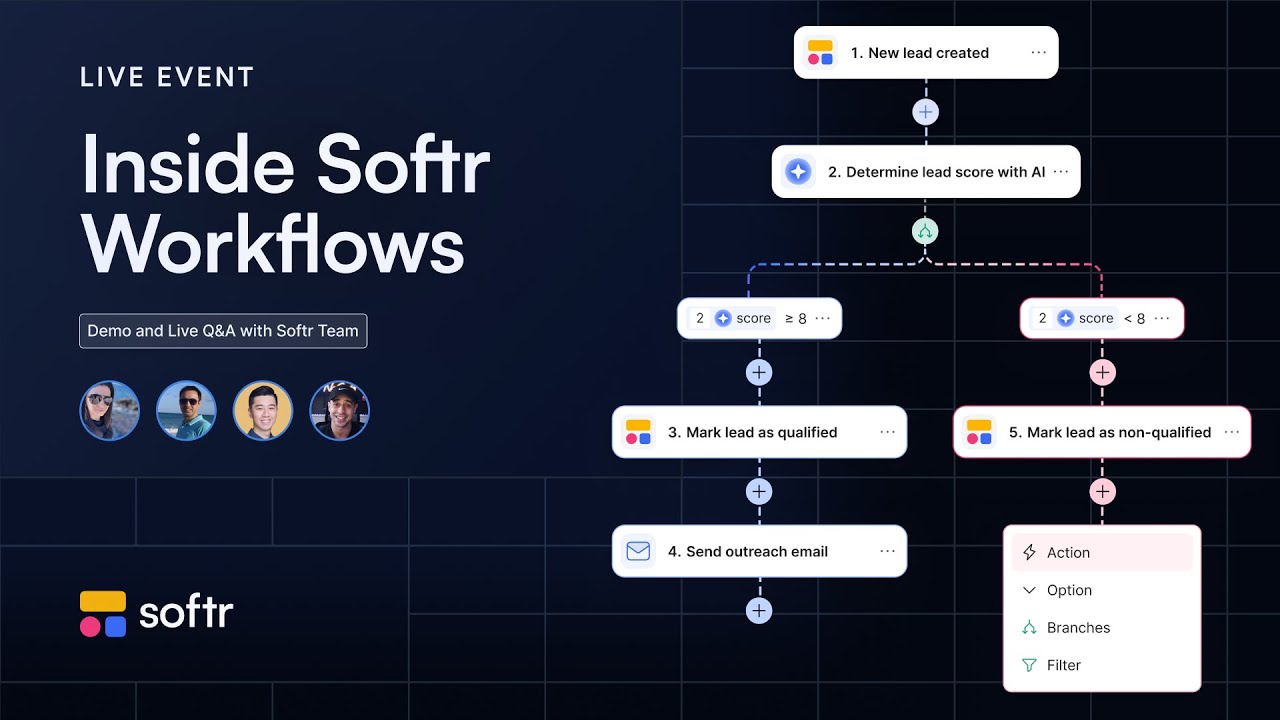
Note from Softr: Because Softr integrates deeply with data and logic, you don't always need complex external tools. Using Softr Workflows, you can build out robust, native automations right inside your app, helping you consolidate tools and reduce reliance on third-party automation platforms.
[.blog-callout]
Softr's AI assembles handcrafted, production-ready, tested building blocks so that your prototype doesn't break when actual users interact with it. It is not a black box either. You can easily view the backend via Softr Databases and interact with your records just like a spreadsheet.
You can make changes to the app directly and visually edit everything you generate. You securely manage user groups to control exactly which users have access to which specific pages. Most of these concepts might not make sense right now, but when I show you the full demo by building a project from scratch, everything will fall into place.
Everything you need is already inside, meaning you are not trying to stitch six different tools together. To manually build all of this, traditional developers take two to three weeks just to set up the foundation. With Softr, you can do it in minutes.
Now we will jump in and start building. Once you log into your dashboard, you can see the option to generate with AI. I have already written a prompt for this, so I will enter it.
[.blog-callout]
Note from Softr: What Nishant is using here is our AI co-builder. You can use it to instantly generate a fully functional app, including a CRM, just by describing what you need. It builds the complete app while letting you easily tweak things manually afterward.
[.blog-callout]
The platform will ask me a few questions, starting with how users will log in. I'll keep it simple initially with email, though you can clearly connect Google as well. I will set it to invite users only, rather than an open sign up, because this is for a B2B setting and not random public access.
For the application's main navigation, side navigation on desktop and a bottom bar on mobile works perfectly. Now I will select from the available themes. There are so many to select from, but I want to keep it clean, so I will apply my favorite and create the app.
I prompted it to create a clean, professional lead dashboard, and it immediately started working. Look at the right panel, it is actually building a database on the go which you can edit later. It quickly created a structured foundation with users, contacts, deals, and activities.
[.blog-callout]
Note from Softr: When you generate an app with AI, it automatically sets up Softr Databases for you. While Softr integrates with over 17 external data sources, Softr Databases is the absolute best way to manage data natively within Softr for lightning-fast performance.
[.blog-callout]
This is not a hidden system, I can interact with every single detail located within the database. While the database is actively building, the app pages are also being generated on top of it. A backend developer would have spent weeks attempting to design this schema, but the AI handled it in moments.
Because everything is built using production-ready features, you know it is stable. Now that the database is ready, the finished app is presented to me. The entire process took me barely five to ten minutes in total.
I will try it live first, and this is our actual lead CRM built entirely in Softr. It gives me a pipeline kanban view containing rows for contacted, lost, new, proposed, qualified, and won statuses. We can quickly see all of the contacts that are currently logged into the system.
There is a responsive tablet view, as well as a mobile view with the exact bottom navigation we requested. Navigating to the account settings shows me what an admin profile looks like. Since there are multiple user groups established, I can easily test the application flow for each one.
Here are all the sales reps we have along with the deals and contacts active in our pipeline. We can assign a particular deal to a specific contact, or simply check which deals are actively assigned to a rep like Alex. We can also leverage Ask AI to immediately pull insights for us.
For instance, I can prompt it to identify which lead source is currently generating the most ongoing inquiries. Moving on, we also have our active deals properly categorized within the pipeline. It successfully generated a clear visual layout where I can see exactly which stage any particular deal currently resides in.
Let's see how a standard sales rep's UI compares to a sales manager's interface. I previously noticed a minor inconsistency where I was able to see universal access views for all users, which wasn't quite right. I just used the AI Co-Builder to request role-specific views, and it quickly applied the structural updates.
As you can safely see on the updated homepage, a rep named Michael who doesn't have any specific active deals will see an empty deals section. He only sees the contacts that are directly mapped to him as a user. When we click on a sales manager's profile instead, we correctly see the broader workflow.
The manager does not actively need direct contacts, but they require full access viewing to the deals. We can immediately verify that a specific manager currently holds a total pipeline value of forty thousand dollars across two deals. We can see precisely who handles each scenario, such as a proposal assigned to Maria or a negotiation assigned to Alex.
This entire dynamic interface directly pulls data to the frontend seamlessly. You can actually modify the information easily if you just want to test something out in real-time. We have complete visibility into all the existing roles, assigned parties, and current tracking updates.
You can always add a new primary field to your tables if you suddenly need to track something entirely new. Similarly, the setup provides comprehensive user-level data outlining everyone enrolled in the system. You can securely add new users, designate an exact access role for them, and easily manage their authentication parameters.