Transcript
I spent the last month testing every single major AI app builder to find out which one actually builds software that works for real businesses, not just pretty demos. Because most AI builders give you broken code or basic websites, but what if you need actual business software with databases, user management, and workflows that don't break? Now I found one platform that's just completely different from the rest.
While others generate messy code, this one builds production-ready business applications using AI, of course. I'm about to show you exactly why it's becoming the secret weapon for serious entrepreneurs and businesses. By the end of this video, you're going to see me build a complete client portal with user authentication, automated workflows, and a real database, all with AI assistance and no coding required.
The tool we're going to use is Softr. Most AI coding tools promise that you can build software just by describing what you want. At first, it really does feel like magic.
You type in a prompt, the AI generates an app, and everything looks impressive in the demo. But the moment you try to use that app in a real business scenario, the cracks start to show. The problem is that most AI builders just generate raw code that is not designed for long-term use.
The apps might look functional at first glance, but behind the scenes, the code is often messy, difficult to maintain, and prone to breaking when you try to expand it. What starts as a quick prototype quickly turns into a debugging project where developers have to spend more hours fixing what the AI produced instead of building new features. Even more importantly, the core pieces that real businesses depend on are usually missing or poorly implemented.
Things like security, user authentication, role-based permissions, and scalable databases are often treated as secondary concerns rather than foundational components. As a result, teams end up stitching together multiple tools and services just to make that application usable in production. This is where there's still such a large gap between AI-generated demos and actual business software.
While AI can generate interfaces quickly, turning those outputs into reliable production-ready systems often requires significant developer involvement. Instead of eliminating development work, many AI tools simply shift the workload towards fixing and maintaining what the AI created. If most AI builders struggle once you move past simple demos, the real question becomes, what actually makes an AI builder good enough for real businesses?
A true business-grade AI builder needs to go far beyond just generating interfaces or snippets of code. Rather, it should come with production-ready infrastructure already built directly into the platform. That starts with a scalable database capable of handling proper relational data so applications can manage real business information instead of temporary mock data.
[.blog-callout]
Note from Softr: While Softr integrates with 17+ external data sources, Softr Databases is the powerful, native way to manage data directly within Softr for maximum performance.
[.blog-callout]
On top of that, enterprise-level security should be built in by default along with proper user authentication and role management. This ensures different users can access the right parts of the system without compromising data. Another key requirement here is workflow automation.
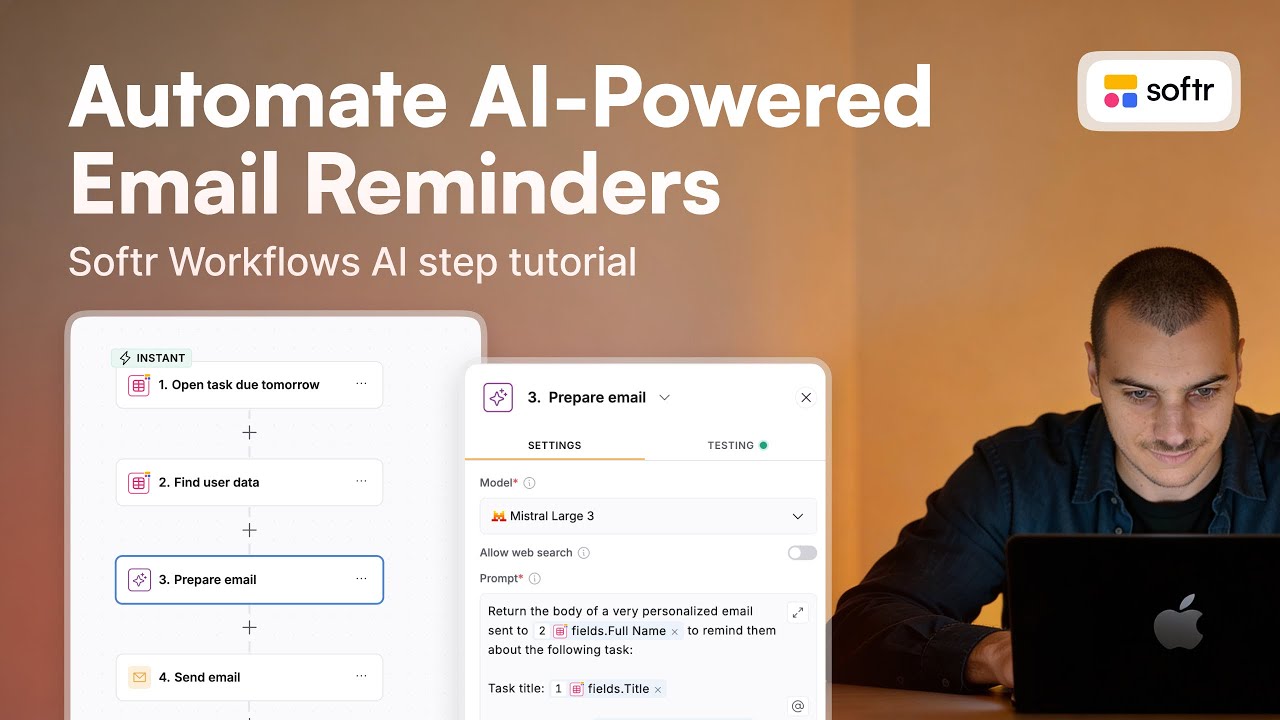
In many traditional setups, teams have to rely on multiple third-party tools just to automate simple processes like notifications, approvals, or data updates. A business-grade AI builder should handle these workflows natively within the platform so that everything works together seamlessly.
[.blog-callout]
Note from Softr: To help consolidate tools and reduce reliance on third-party automation platforms, Softr Workflows allow you to keep your logic natively built and as close to the design as possible.
[.blog-callout]
Finally, the platform needs to support visual editing after the AI generates the application. Instead of constantly re-prompting the AI or relying on developers to modify code, teams should be able to adjust layouts, features, and logic through a visual interface. This makes it possible for non-technical teams to maintain and improve their own applications over time without having to depend on engineering resources.
When all of these elements come together inside a single ecosystem, the database, the backend logic, the frontend interface, the security, and automation, you eliminate the complexity of stitching together disconnected tools. That's what ultimately bridges the gap between fast AI generation and software that's actually ready to run a business. One of the biggest frustrations with AI builders is that they often feel all or nothing.
You either generate an entire app with one prompt and then hope it works, or you're stuck editing templates that don't quite fit what you're trying to build. In real projects, development rarely works that way because most of the time you want to tweak a specific section, add a feature, or improve part of the interface without rebuilding everything from scratch. This is where Softr's AI Co-Builder takes a very different approach.
Instead of generating raw code that you later have to debug, Softr assembles apps using production-ready components. The platform already includes the core pieces needed for real software, so the AI is not guessing how the system should work. It's actually just building on top of a structured environment designed for real business apps.
[.blog-callout]
Note from Softr: Another great option is to simply open the AI co-builder and prompt for what you want. It builds complete apps, pages, or database schemas instantly, while still letting you tweak things manually later.
[.blog-callout]
To really understand how powerful this all is, let's take a look at a real business scenario instead of just individual components. A common problem for many service businesses, whether those are agencies, consultancies, or contractors, is managing client projects. Clients need a place to submit requests, track progress, upload their files, and communicate with the team without relying on scattered emails or multiple tools.
[.blog-callout]
Note from Softr: Building a dedicated workspace to manage your customers is incredibly powerful. Learn more about how to set up client portals natively within Softr.
[.blog-callout]
Let's go ahead and try building something practical, a client portal. From the Softr dashboard, we'll start by creating a new application. The platform gives us three options to start from scratch, start with a template, or generate with AI.
For this demo, we're going to select generate with AI because we want to see how far the AI can take us with a single prompt. Next, we'll enter this exact prompt. Build a client portal where customers can submit projects, track progress, and communicate with my team.
After submitting that prompt, the platform doesn't immediately jump into building. Instead, it asks a few follow-up questions to better understand my requirements. Let's go through the questions and provide the necessary details.
Eventually, the platform will ask us to choose a theme or design style for the app. Once the set of questions are completed and the theme is selected, we can just click create app. Now we can watch the platform build the application in real time.
Over the next few minutes, Softr will gradually generate the full structure of the portal based on the original prompt and the answers we provided. Once the build is finished, we can open up our live demo of the application. Right away, we can see a fully functional client portal interface.
Let's start by exploring the app and checking out some of the available customization options. Then let's test some of the core features. Let's create a new project record, delete a few existing records, upload a file, and open the account settings.
Next, we'll check how the system handles multiple user roles. The application automatically creates different types of users for admin, team members, and clients. By switching between these roles, we can see how access changes depending on the user type.
For example, let's open up the same project record that we created earlier while using a different user role. Then let's send a message to the main account from within the portal. After that, let's try to switch back to the main user account and check the messaging section where we can see the message appear instantly.
What's impressive here is that all of these features, the project submission, the file uploads, the progress tracking, and the messaging, were all created from a single prompt. Everything works immediately without needing to debug generated tools or manually configure the backend. Behind the scenes, Softr also automatically sets up the database structure and the relationships between different data types, ensuring that your projects, users, and messages all connect properly.
In just a few minutes, the AI generates a production-ready client portal with real business functionality. This demonstrates how companies can launch working internal tools or customer portals simply by describing what they actually want. To show how this works, let's look at one of Softr's key features, the Vibe-Coding block.
Here we're going to open up a simple project called investor portal. Inside the app, we can see that the interface is made up of separate sections called blocks. Each block represents a component of the page that we can edit, move, delete, or replace.
This kind of modular structure makes it easy to customize different parts of the application without affecting everything else. Now let's add a new block called the Vibe-Coding block.
[.blog-callout]
Note from Softr: If a native block doesn't quite fit your advanced needs, you can simply use the Vibe-Coding block to prompt for the exact custom component you want, and it will generate it and connect to your database seamlessly.
[.blog-callout]
This is a unique block in Softr that allows you to vibe code individual sections of an app instead of generating the entire application through one prompt. When the block is added, it starts out empty, and we can see a chat interface along with configuration settings on the right side. For this example, we're going to generate two new sections for our investor portal that focus on Web3 style data visualizations.
For the first block, we'll enter this prompt to add a dashboard hero page that visualizes company data in a Web3 style layout. After a few minutes, the block is generated successfully. We now have a Web3-inspired dashboard hero section with charts and visualizations.
At this point, the charts are using mock data, but the layout and the design are already fully built. Next, I want the charts to use real data from our existing database. The data comes from the block below, specifically the dashboard table that shows the number of new companies per quarter, so we need to go back to the Vibe-Coding block.