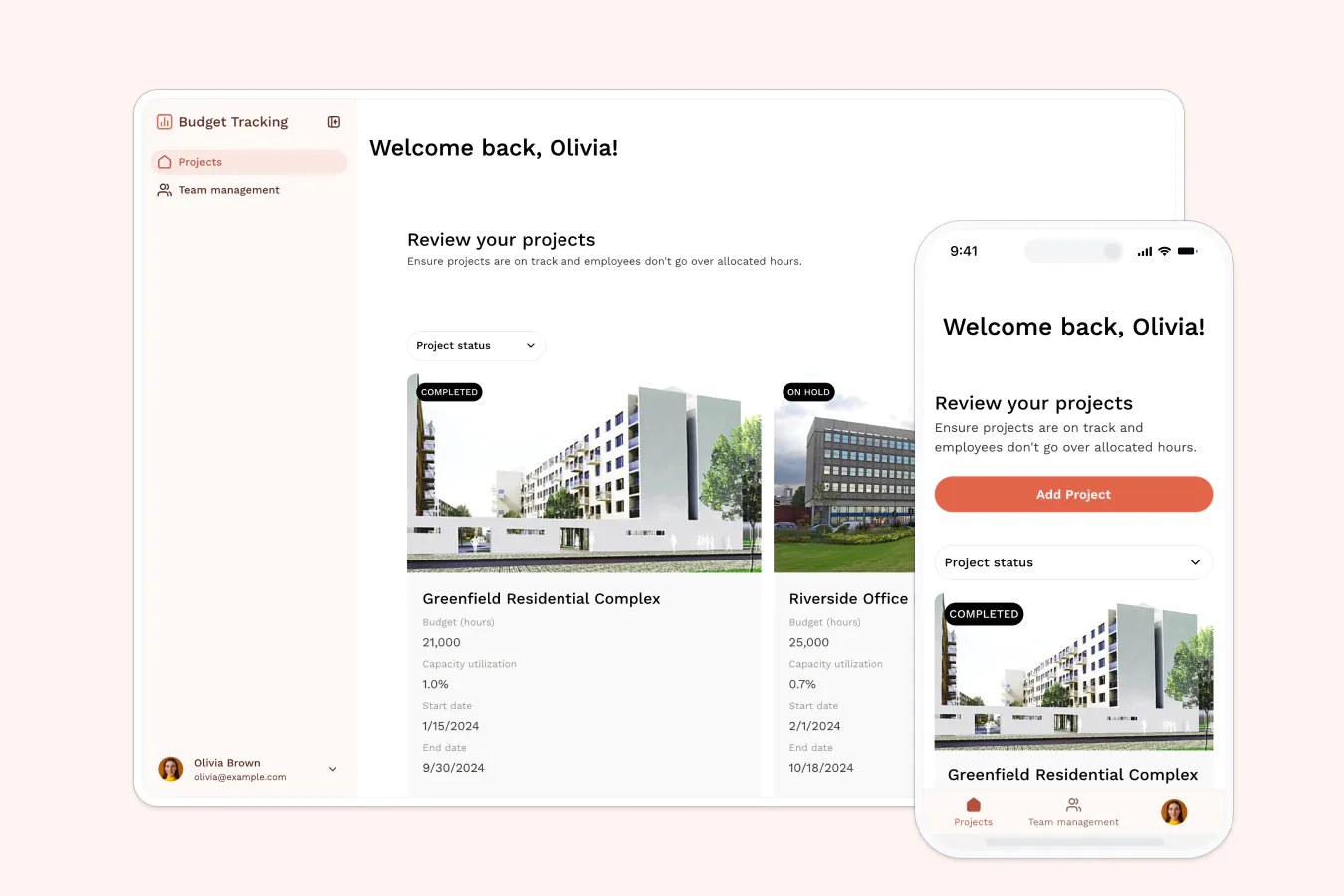
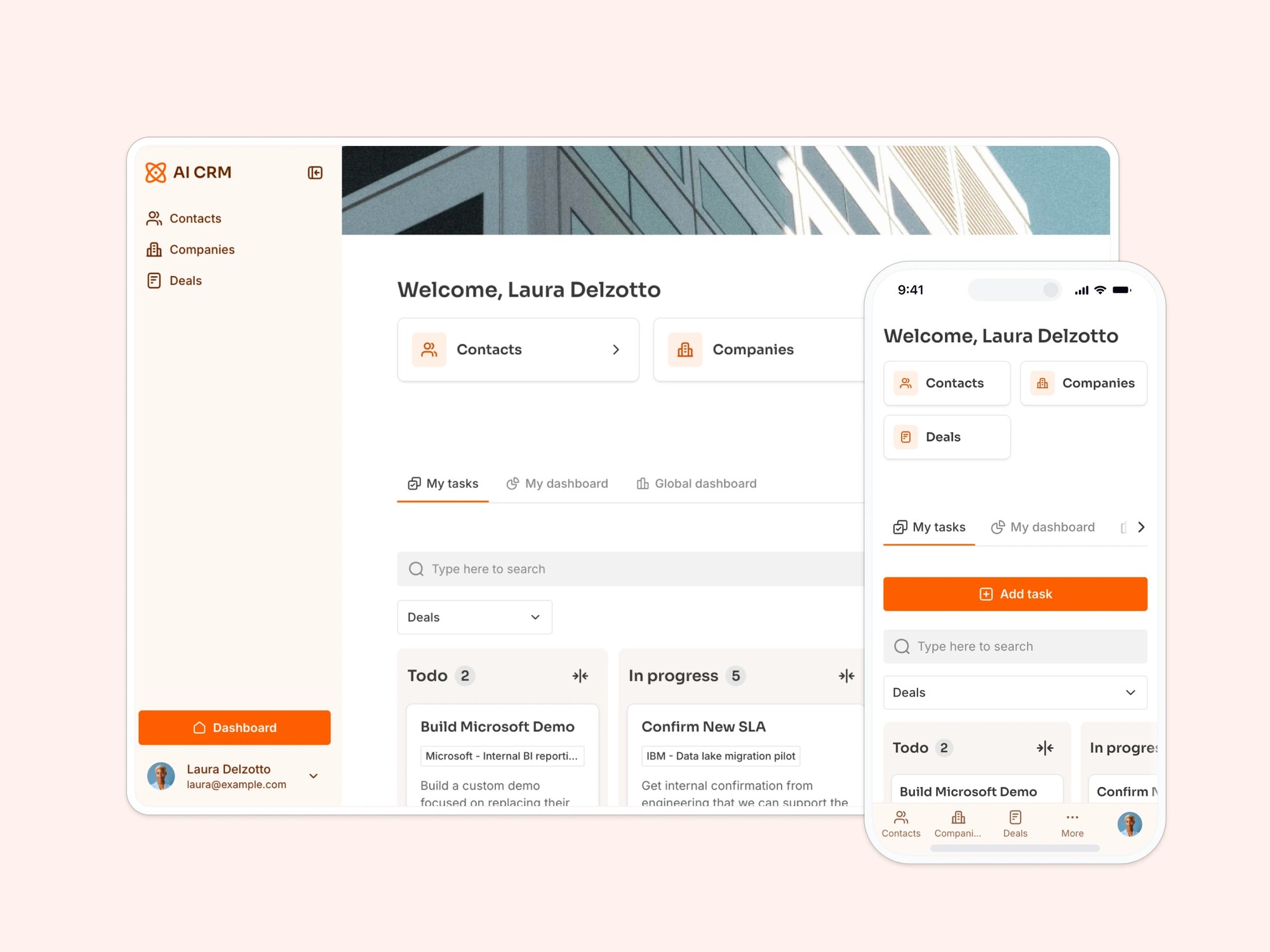
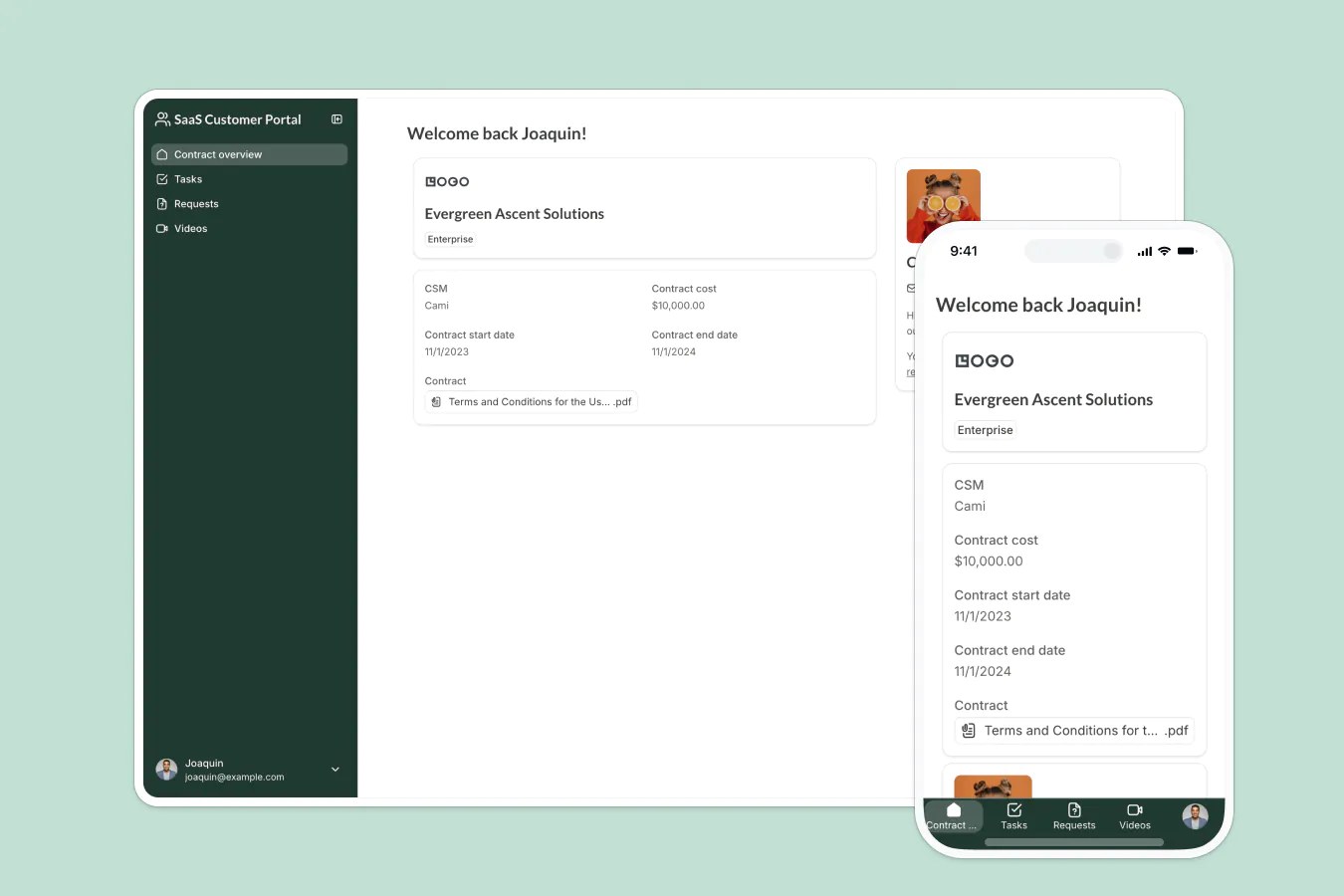
Track project hours, allocate resources, and monitor budgets, without inviting everyone to a spreadsheet.
Overview
This free template lets you build a custom project budget tracker on top of your existing data, so you can monitor project hours and resource allocation without relying on manual spreadsheets or scattered tools.
It comes with a sample database that shows exactly how to structure your data for time tracking and project budgeting, but you can use any Softr-supported data source, including Google Sheets, Notion, monday.com, and more.
Why use this project budget tracker template
- Enable real-time budget tracking: See how much time is being logged per project and identify where resources are being spent.
- Give teams visibility without compromising control: Role-based access ensures employees, managers, and admins only see what's relevant to them.
- Stay flexible as your workflows evolve: Whether you're tracking hours, managing teams, or allocating resources, this template grows with you.
Template features:
- Role-based access
Separate dashboards for employees and managers so everyone sees the information they need, nothing more, nothing less.
- Employee time tracking
Let team members log hours per project so you can track labor costs and workloads in real time.
- Budget dashboards
Automatically calculate total hours worked by project, and visualize progress with dynamic charts.
- Employee directory
Keep a centralized list of employees with profile details, permissions, and visibility settings.
- Resource allocation
Assign resources across different projects and easily monitor capacity, workload, and availability.
- Works on any device
Allow users to access the platform from any device with a fully responsive design. You can even turn your app into a downloadable mobile app with Softr's PWA feature.
- Utilization status tracking
Automatically flag projects and allocations as on track, at risk, or off track based on logged hours versus budgeted or allocated hours.
- Installable mobile app
Access dashboards and time logs from desktop, tablet, or mobile, with the option to turn the app into an installable PWA.
Who is this project budget tracker template for?
This template is perfect for any team or business that bills by the hour, juggles multiple clients, or wants better visibility into project-level resource usage. Common use cases include:
- Agencies & freelancers: Track billable time by client and ensure you’re staying within scope.
- Consulting firms: Assign consultants to projects, monitor utilization rates, and log hours easily.
- Construction & field teams: Allocate crews across jobs, track time on site, and monitor project hours from the field.
- IT & ops teams: Manage internal projects, resource requests, and staffing plans with one shared view.
- HR & recruiting teams: Track recruiter time across roles or departments and allocate resources accordingly.

“What we love most about Softr is the instantaneous, customizable power a no-code platform allows.”
- 1
- 2
- 3
- 4
Frequently asked questions
- Can I use this template with a free Softr account?
Yes! You can use this template with Softr’s free plan.
- What data sources can I connect to this project budget tracker?
Softr includes native Softr Databases, already set up here with Projects, Allocations, and Hours log tables, and connects to 17+ external sources including Airtable, Google Sheets, Notion, HubSpot, monday.com, SQL databases, Supabase, and ClickUp.
You can swap in your own data source and keep the same budget tracking structure, or start directly with the built-in database and sample data.
- Can employees log their own time?
Yes! Employees can log hours directly into the platform. You can set up permissions so each user only sees and edits their own entries.
- Can I track budgets for multiple projects at once?
Yes. Every project is its own record with a Budget (hours) target, Allocations, and an Hours log, so utilization is tracked separately for each one.
The dashboard shows Utilization status, on track, at risk, or off track, side by side for every project, so you can compare budgets across your whole portfolio without switching views.
- Can I white-label this project budget tracker for my company?
Yes. Duplicate the template into your Softr workspace, then prompt the AI Co-Builder to swap in your logo, update the color palette, or rename fields like Budget (hours) to match your team's terms.
Prefer hands-on control? Use the visual editor to adjust branding, connect a custom domain, and fine-tune every page yourself.
- How do I customize this project budget tracker, and can I automate alerts?

Duplicate the template into your Softr workspace, then prompt the AI Co-Builder to add fields, adjust the utilization formulas, or restyle the dashboards. Use the visual editor for hands-on, pixel-level control instead.
You can also set up a Softr Workflow to notify a project manager automatically when a project's utilization status flips to at risk or off track, so budget overruns get caught early.