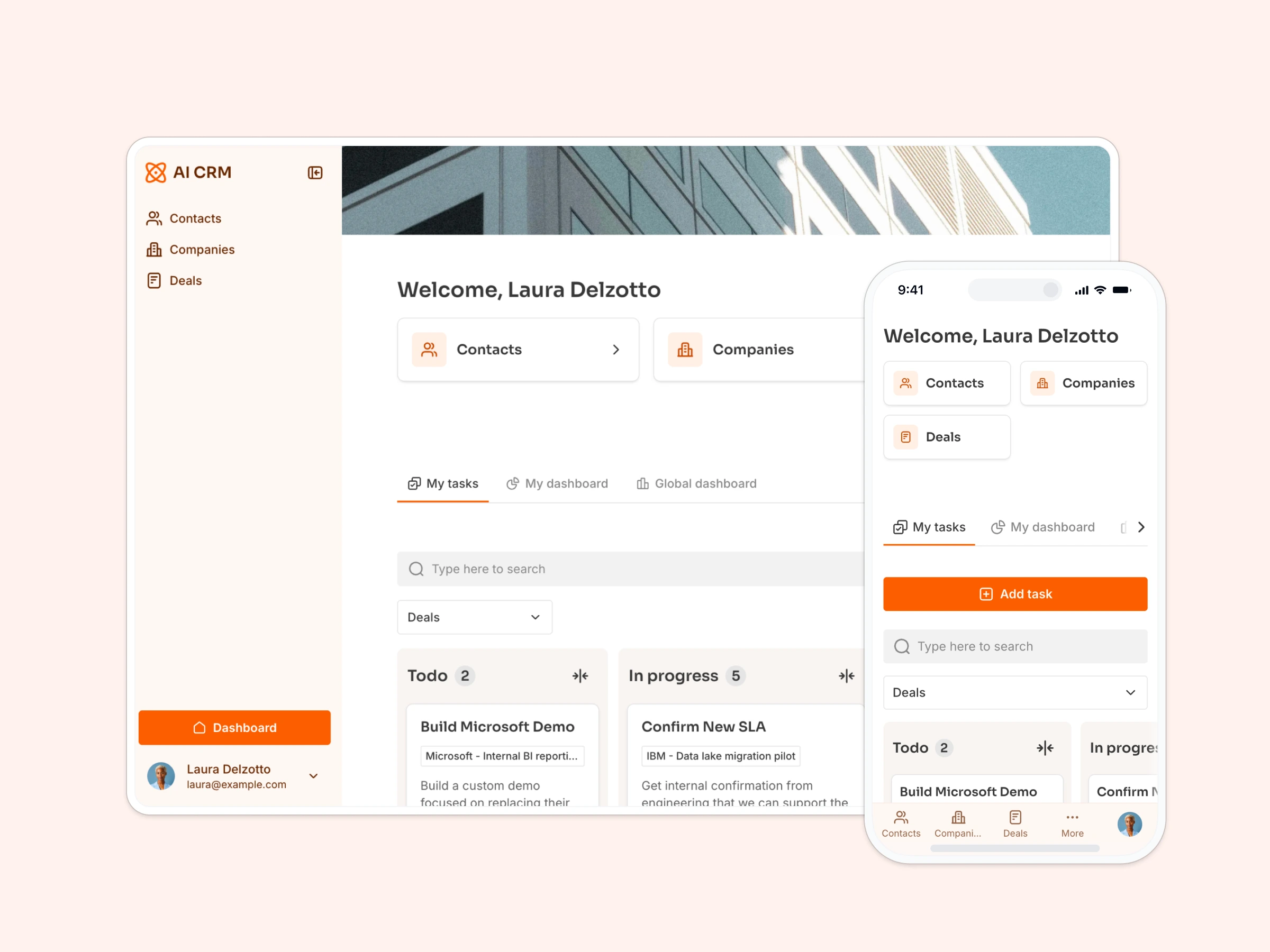
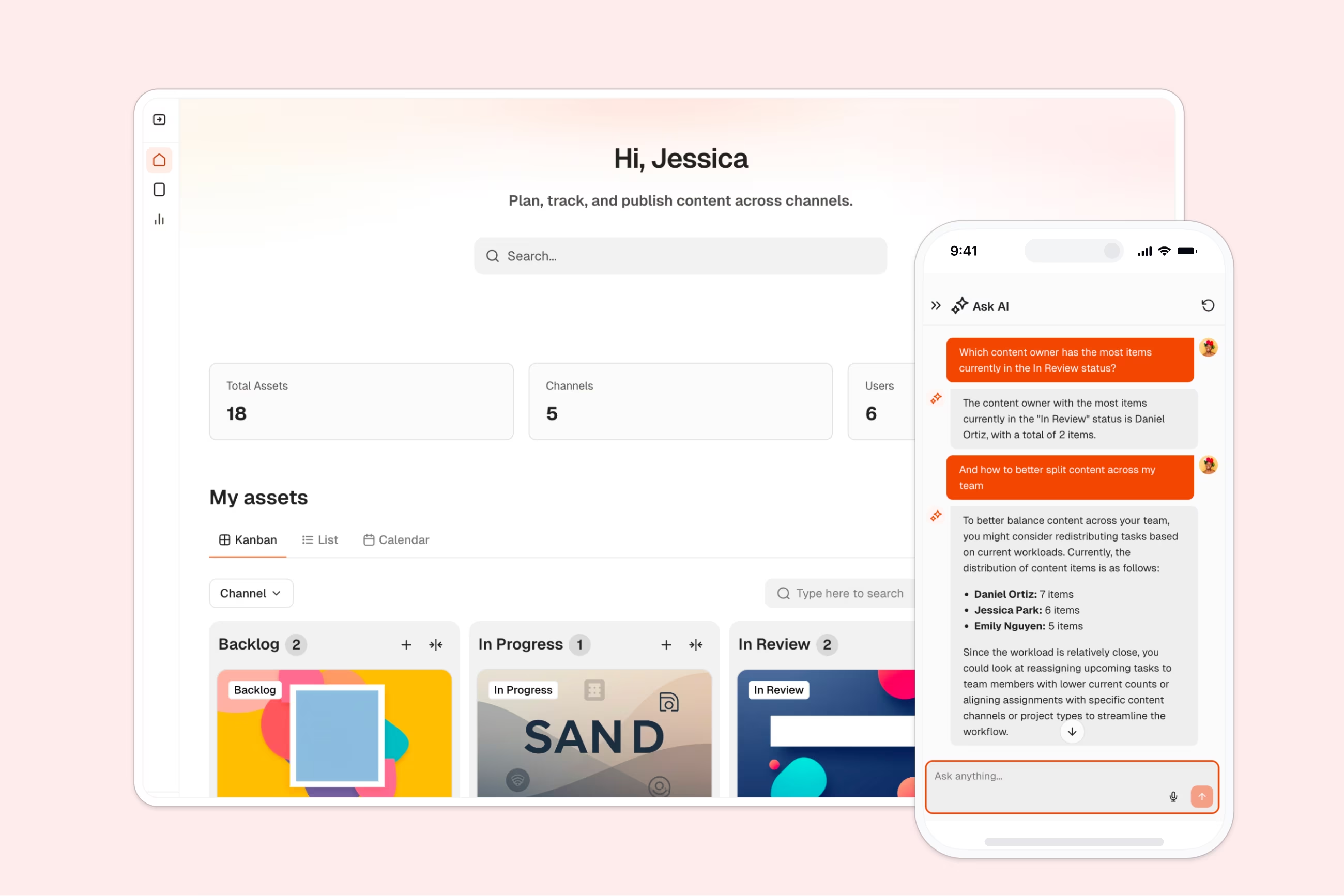
Manage content writers, assign projects, track submissions, and process invoices in one centralized workspace.
Data sources supported





.svg)


Resources


.jpg)
.jpg)
.jpg)
.jpg)
.jpg)
Overview
This free template helps you build a content management portal using your existing data — so you can eliminate scattered spreadsheets, lost assignments, and endless email chains with freelance writers.
It includes a sample database to show how to structure your data for managing writers, assignments, submissions, invoices, and content guidelines. You can also connect to any Softr-supported source like Airtable, Google Sheets, Notion, monday.com, and more.
Why use this content management portal template
- Centralize content operations in one place: Manage writer profiles, assignment briefs, submissions, and invoices in a single, organized platform.
- Give writers a self-service workspace: Writers can log in to view assignments, submit work, upload invoices, and access editorial guidelines — without constant back-and-forth.
- Track performance and payments effortlessly: Monitor completed assignments, pending invoices, and writer productivity with built-in metrics and status tracking.
Template features:
- Assignment management
- Writer profiles and performance tracking
- Document submission system
- Invoice Submission
- Content guidelines library
- Status tracking dashboards
- Role-based access
- Works on any device
Who is this content management portal template for?
This template is built for teams that coordinate content production with freelance writers or editorial contributors. It's a great fit for:
- Content marketing agencies: Manage multiple freelance writers across different client projects and campaigns.
- Publishing companies: Coordinate editorial teams, contributors, and article submissions in one place.
- Digital marketing teams: Work with external content creators while maintaining visibility into deadlines and deliverables.
- Media companies: Manage article assignments, track publications, and process freelancer payments efficiently.
- SEO agencies: Coordinate content production workflows with detailed briefs, keyword requirements, and submission tracking.
- Corporate content teams: Manage both internal writers and external contractors with clear assignment distribution and invoice processing.


“What we love most about Softr is the instantaneous, customizable power a no-code platform allows.”

- 1
- 2
- 3
- 4
Frequently asked questions
What is a content management portal?
Can writers submit work directly through the portal?
How does invoice management work in this template?
Can I customize assignment fields and workflows?
What data sources does this template integrate with?
Is this template only for content marketing teams?