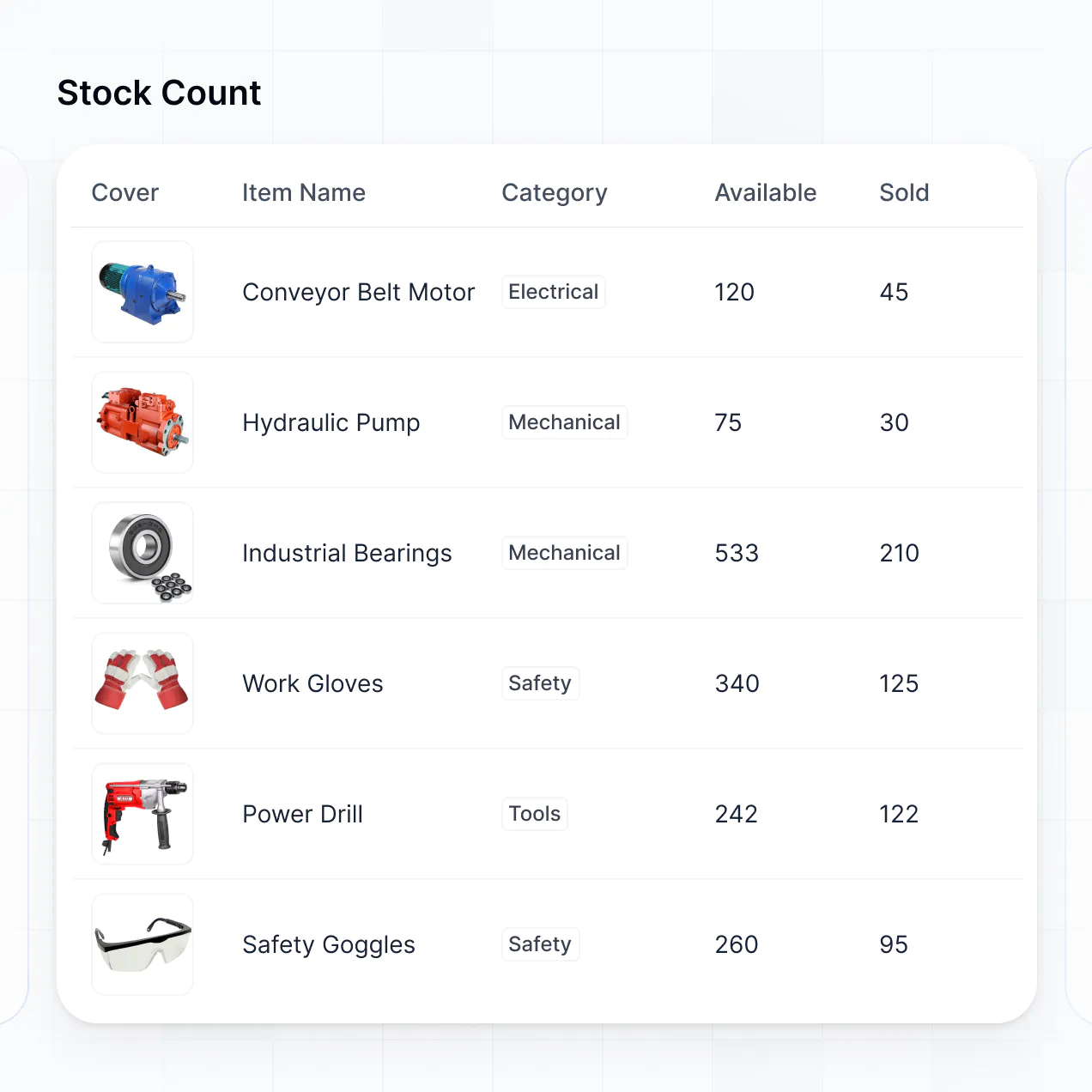
Track shipments and inventory in an AI-powered supply chain dashboard built with AI that you customize to fit your logistics workflow.
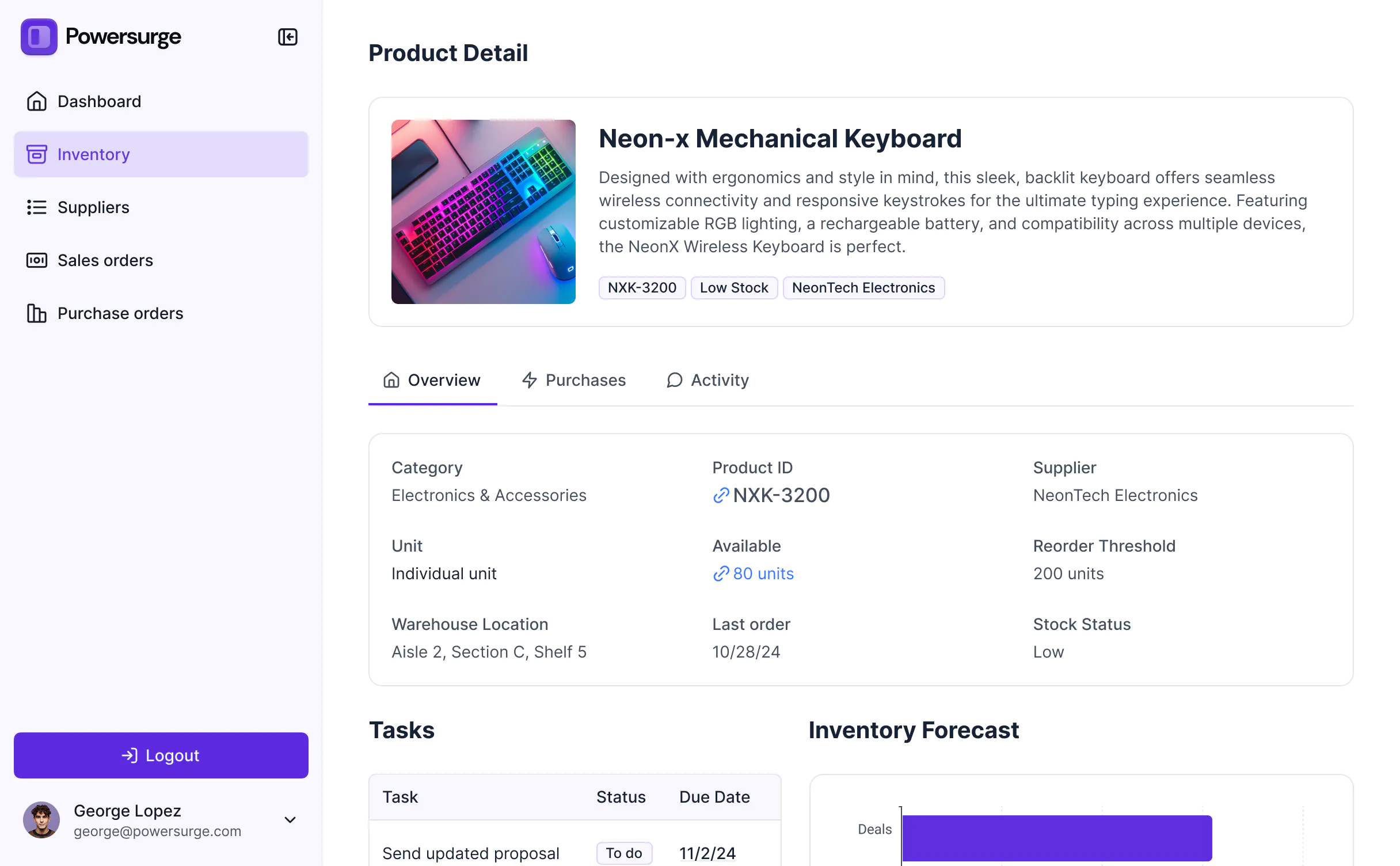



Customize your supply chain dashboard setup with the exact logistics views your team needs. Add features as processes evolve—no code needed.


Connect spreadsheets, tracking apps, and warehouse systems with real-time sync—or manage everything in Softr Databases. Create a single source of truth for your business.
Give each teammate the right tools and access. Set up secure logins, user groups, and granular permissions—no IT support or dev work needed.
Give managers, analysts, and warehouse staff tailored dashboards, so each role sees only the logistics metrics that matter to them.
Streamline supply chain processes with Softr Workflows. Trigger native alerts for low stock or shipment status updates to keep operations running.
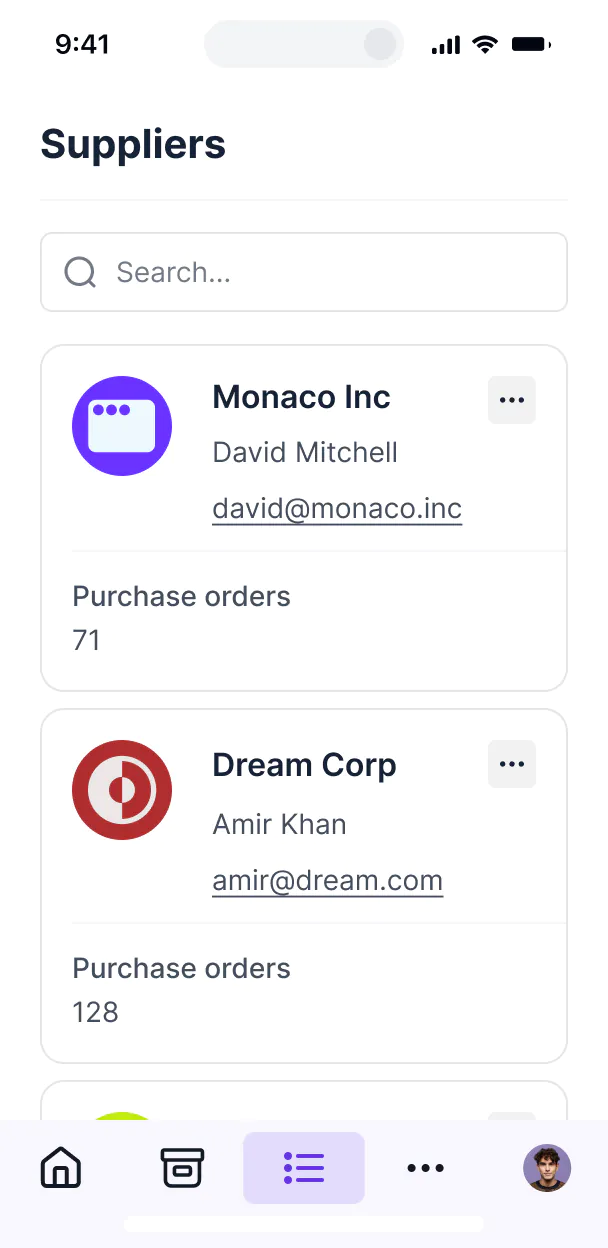
Access and update your supply chain metrics on the go. All dashboard layouts are mobile-ready out of the box for floor managers.
Use Google, email, or SSO logins to give your logistics team fast, secure access—no IT tickets or coding required.
Keep logistics and supplier data safe with SOC2 and GDPR compliance, plus fine-tuned access control at every level of your dashboard.
No more one-size-fits-all tools or costly custom builds. Softr is easy to use and fully customizable, so you can launch faster, adapt as you grow, and skip the complexity of traditional software.

Build your supply chain dashboard in minutes with AI—no manual setup or complex configuration needed.

Add features like budget analysis, supplier tracking, or warehouse planning as your needs evolve—no rebuild needed.

Start with a dashboard, then add supplier portals or inventory forms—all in one place, with no extra tools.
Co-build with AI
Simply describe what you need. Let Softr handle everything - Interface, database, workflows.
Iterate with AI or visually
Control most critical parts of your app yourself - roles, permissions, security.
Ship the same day
Invite team members or external clients and partners right away. No developer handover.
Use drag-and-drop blocks to build a portal that looks sleek and modern out of the box. Add only the features you need, and iterate as your workflows evolve.




A supply chain dashboard is a secure, centralized hub where logistics managers and stakeholders can track critical KPIs like inventory levels, lead times, and shipping statuses in real-time. It eliminates fragmented data by pulling procurement, warehouse, and fulfillment information into one view, so you don't have to rely on disjointed spreadsheets or manual status checks. This enables faster decision-making and provides a transparent view of the entire supply chain for your team and partners.
Softr is the first AI-native platform for building business software, making it uniquely suited to create a supply chain dashboard that matches your specific logistics flow. You can describe your operational needs to the AI Co-Builder to instantly generate your supply chain database, tracking pages, and reporting logic—already connected and secure.
You don't need to code to build visibility. You can start by generating with AI, using a pre-built template, or building from scratch. Everything runs on Softr Databases, which is optimized for relational logistics data, or you can connect external tools like Airtable, Google Sheets, or your ERP data via SQL. You have full control to visually adjust layouts, decide which warehouse managers see which zones, and brand it to match your corporate identity. It's built to scale from a single distribution center to a global logistics network.
You can include a wide range of features in your supply chain dashboard to streamline your operations. A high-performing dashboard usually mixes classic tracking blocks with AI-powered logistics intelligence:
- AI-Powered Intelligence – Use Ask AI to let procurement teams query supplier performance conversationally, or set up Database AI Agents to automatically summarize late delivery root causes or predict stockouts.
- Vibe Coding Blocks – Build complex, custom UI elements—like a dynamic global shipping map—using the AI Code block to "vibe code" exactly what your logistics team needs.
- Softr Workflows – Build native automations (like an automatic reorder alert) that trigger emails or sync data whenever inventory drops below a safety stock threshold.
- User Roles & Logins – Securely manage access so suppliers only see their specific purchase orders while fleet managers see the full logistics map.
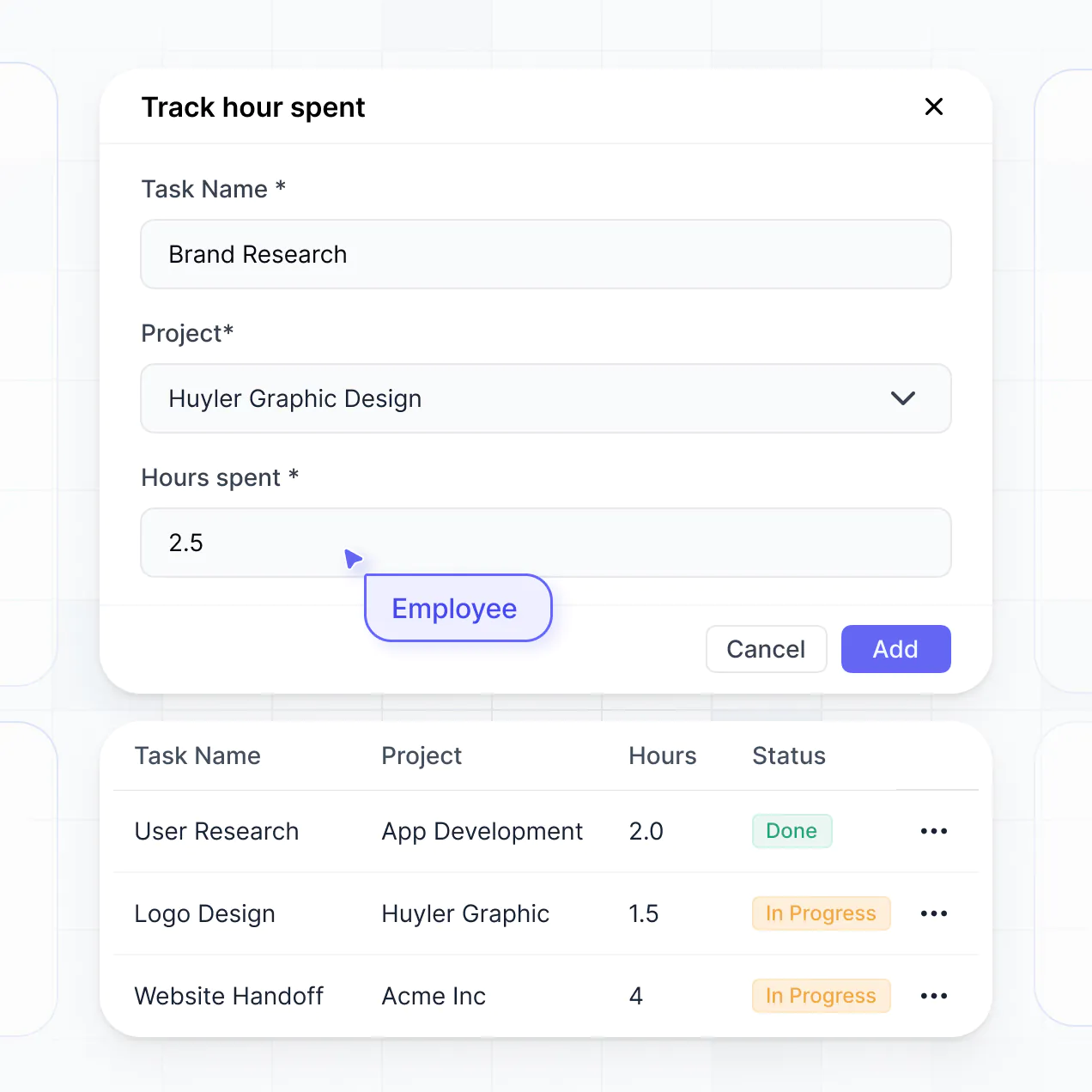
- Forms & Data Collection – Capture warehouse audits and receiving logs with custom forms, file uploads for BOLs, and conditional logic for quality checks.
- Dashboards & Charts – Visualize your supply chain performance and fulfillment metrics with real-time charts, trend lines, and spend summaries.
- Lists & Advanced Filtering – Display and manage your shipments with searchable tables, kanban boards for manufacturing stages, and detailed SKU record views.
Everything is built using Softr's drag-and-drop blocks, so you can iterate on your supply chain visibility without writing code. Need a custom freight calculator? Use the Vibe Coding block to generate it with AI.
Vibe coding is all about moving fast and using AI to build exactly what your operations require. You can "vibe code" a supply chain dashboard in Softr by simply describing your tracking requirements—like automated status updates or inventory counts—to the AI Co-Builder. Softr then generates a production-ready logistics app on top of a stable, secure foundation.
Unlike other tools that just generate raw code for a single chart, Softr handles the core operational needs—like secure vendor login, relational data linking, and field-level security—natively. This means you get the speed of vibe coding without the difficulty of maintaining custom scripts for your supply chain data. You describe the workflow, Softr builds the dashboard, and it’s ready for your procurement team instantly.
Yes. You can manage multiple vendors, distribution centers, or internal teams within a single supply chain dashboard. Each user only sees the specific inventory, orders, or performance metrics assigned to them based on their secure login and role. This is perfect for complex supply chains where you need to give suppliers visibility into their own performance without exposing sensitive data from other partners.
Yes, you can. You don't need to have a pre-existing ERP or legacy system to start building with Softr. If you're starting fresh, you can use Softr Databases, which is built into the platform and handles relational data like SKUs, Suppliers, and Shipments perfectly.
However, if your supply chain data is currently in tools like Airtable, Google Sheets, HubSpot, or even a SQL database, you can connect those directly. You can also use the REST API connector to ingest real-time data from shipping carriers. You maintain full control over how your logistics data is structured and presented to your team.
Softr Databases is the recommended native data source for your supply chain dashboard. It offers the high performance required for real-time inventory tracking and rapid automation triggers because the data is native to the platform.
If your data resides elsewhere, Softr also connects to 17+ external sources. You can pull procurement records from Airtable, sales forecasts from HubSpot, or warehouse logs from Google Sheets and BigQuery. You can even mix data sources—pulling shipping info from an external SQL database while managing supplier contacts in Softr Databases. Updates usually sync in real-time, ensuring your dashboard always reflects the current state of your operations.
Yes, Softr gives you full control over how users interact with your supply chain dashboard. You can customize the layouts, navigation, and metrics to match your specific logistics workflow. Each view or data block can be filtered based on the logged-in user, ensuring a warehouse worker sees localized pick-lists while an executive sees global spend reports.
You can set up granular user roles—such as Warehouse Manager, External Supplier, or Procurement Lead—and define exactly which fields they can edit. For instance, a supplier might edit a "Shipping Date" but cannot see your "Target Margin." This ensures your dashboard remains a single source of truth that is clean, secure, and tailored to every stakeholder involved.
Yes, you can fully white-label your supply chain dashboard in Softr. You can use your own company logo, professional brand colors, and a custom domain (like dashboard.yourlogistics.com) to make the tool feel like a proprietary piece of software. You can remove all Softr branding to provide your vendors and partners with a seamless, branded experience that builds trust.
Yes, you can. Softr provides high flexibility to control the visual structure of your supply chain reporting. You can adjust the themes, typography, and page density to suit high-info dashboards. You choose the layout of each tracking page and determine which blocks are displayed after a user logs in.
To visualize your logistics data, you can drag and drop specific blocks:
- Table blocks – to display detailed shipment logs, PO lists, or inventory counts.
- List or Card blocks – to browse SKU catalogs or supplier profiles.
- Detail View – to drill down into a specific shipment or warehouse location.
- Forms – for submitting quality reports or receiving logs.
- Charts – to visualize lead times, spend-by-category, or delivery performance.
- Calendar blocks – to track upcoming delivery dates and production schedules.
If your supply chain matures and you need to track new metrics, making updates in the visual builder is simple and instantaneous.
Softr is built with enterprise-grade security to protect your operational data. All information is encrypted in transit and at rest, and hosted on secure infrastructure. You retain granular control over data access, using role-based permissions to ensure sensitive cost and vendor data is only accessible to authorized personnel.
If you use Softr Databases, your data is stored in a secure European-based environment (Germany) with SOC 2 Type II compliance. If you connect to external systems like Snowflake or Airtable, Softr acts as a secure interface, displaying data in real-time without storing it. This architecture allows you to maintain strict control over your supply chain's digital security while providing the visibility your team needs.
It is fully production-ready. Unlike basic AI tools that output static prototypes or fragile code snippets, Softr builds your supply chain dashboard on a stable, scalable foundation.
We handle the critical operational infrastructure—like secure user authentication, multi-user permissions, and reliable hosting—natively. This allows you to bypass the technical debt associated with custom-coded apps. You get the speed of an AI-generated prototype with the reliability and security of a professional-grade logistics tool that your procurement and warehouse teams can use on day one.
Softr is the first AI-native platform specifically for business software. While traditional no-code tools require manual setup of every button and field, and "vibe coding" tools produce unmanaged code, Softr's AI Co-Builder generates functional supply chain dashboards on top of secure, managed infrastructure.
This hybrid approach allows logistics teams to move from a concept to a functional dashboard in minutes using AI, then fine-tune permissions and layouts visually. You get the instant speed of AI with the consistency of a platform designed for business logic, search, and secure data access, making it the fastest way to move from a manual process to a digital operation.
Yes. Softr supports powerful native workflows and deep integrations to connect your supply chain dashboard to your entire tech stack. You can automate inventory alerts using Softr Workflows, or integrate with Stripe for supplier payments and Intercom for vendor support. Softr also supports webhooks and a REST API for advanced logistics needs.
Whether you need to push a completed delivery status to your ERP, trigger warehouse notifications, or pull in real-time tracking from a carrier, you can build these automated workflows directly into your dashboard without writing a single line of code.
Describe what you need. Softr's AI builds your logistics dashboard in minutes without code.