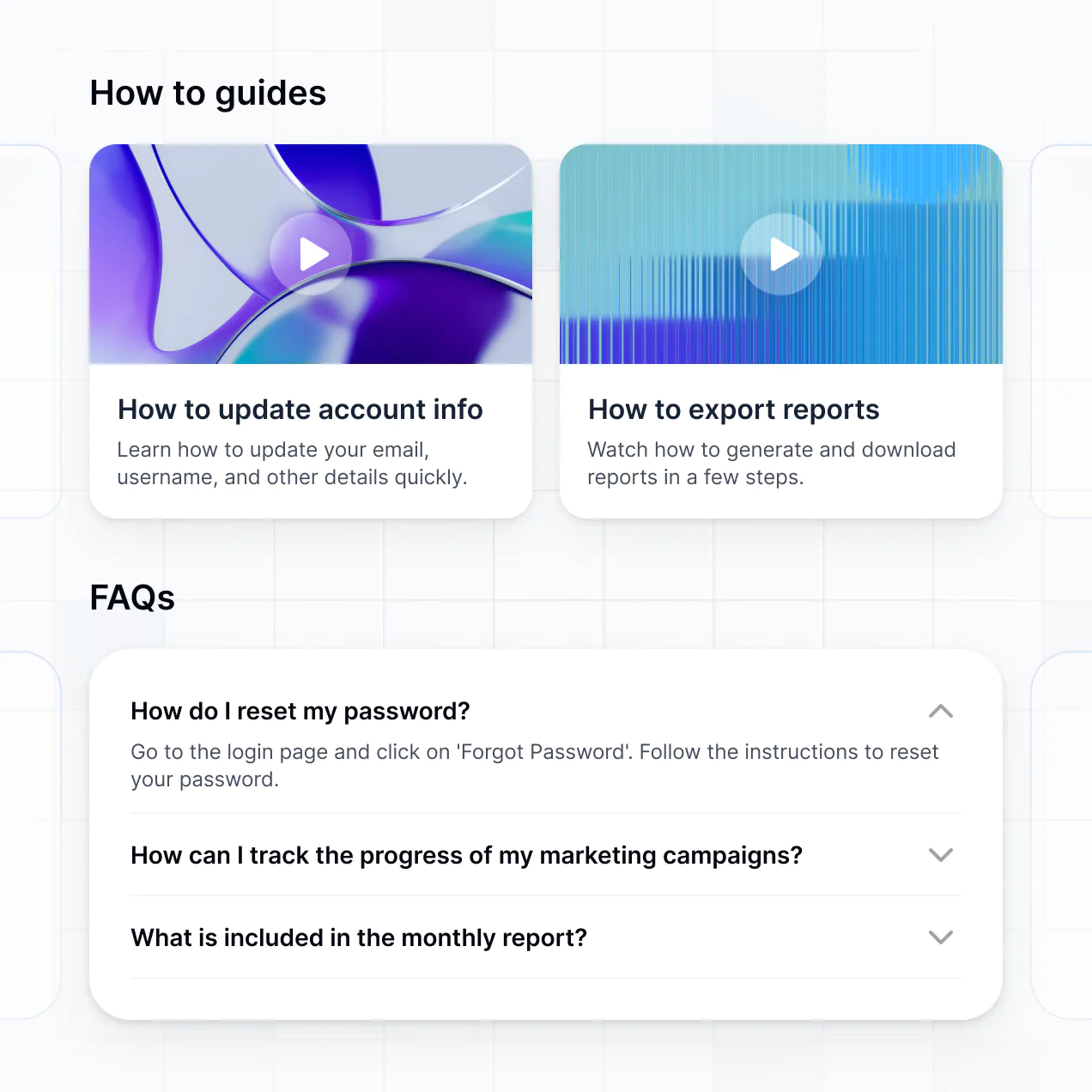
Organize documentation, share insights, and manage resources in an AI-powered system built with AI to fit your team's exact workflow.
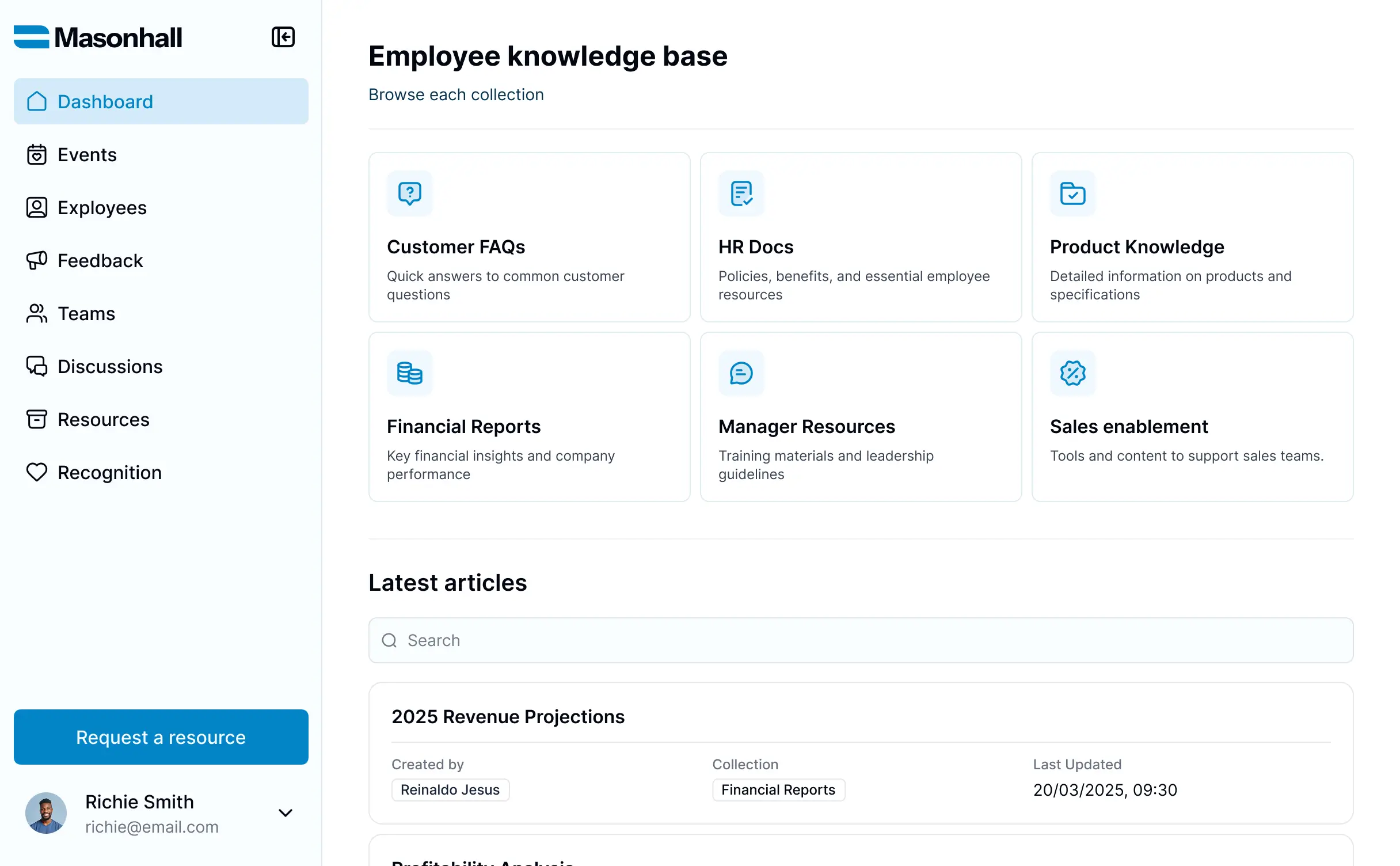



Customize your knowledge managment software with the exact steps and views your team needs. Add features as processes evolve—no code needed.


Connect articles, documentation, and expert resources from multiple tools—or manage everything in Softr Databases. Create a single source of truth for your business.
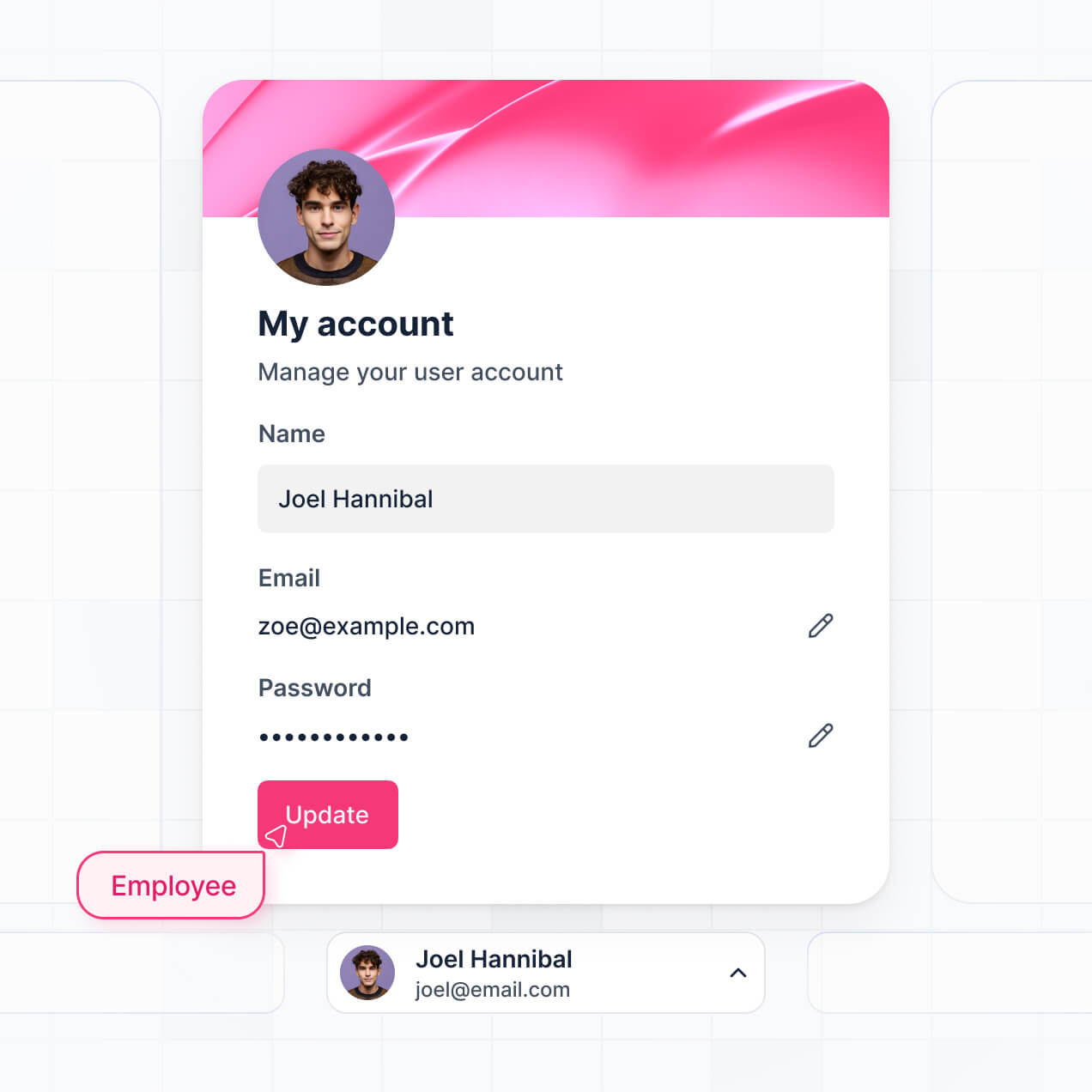
Give each teammate the right tools and access. Set up secure logins, user groups, and granular permissions—no IT support or dev work needed.
Give different departments tailored access to specific knowledge libraries, so each team member sees just the documentation they need.
Streamline your knowledge lifecycle with Softr Workflows. Trigger notifications for content reviews or status updates to keep documentation current.
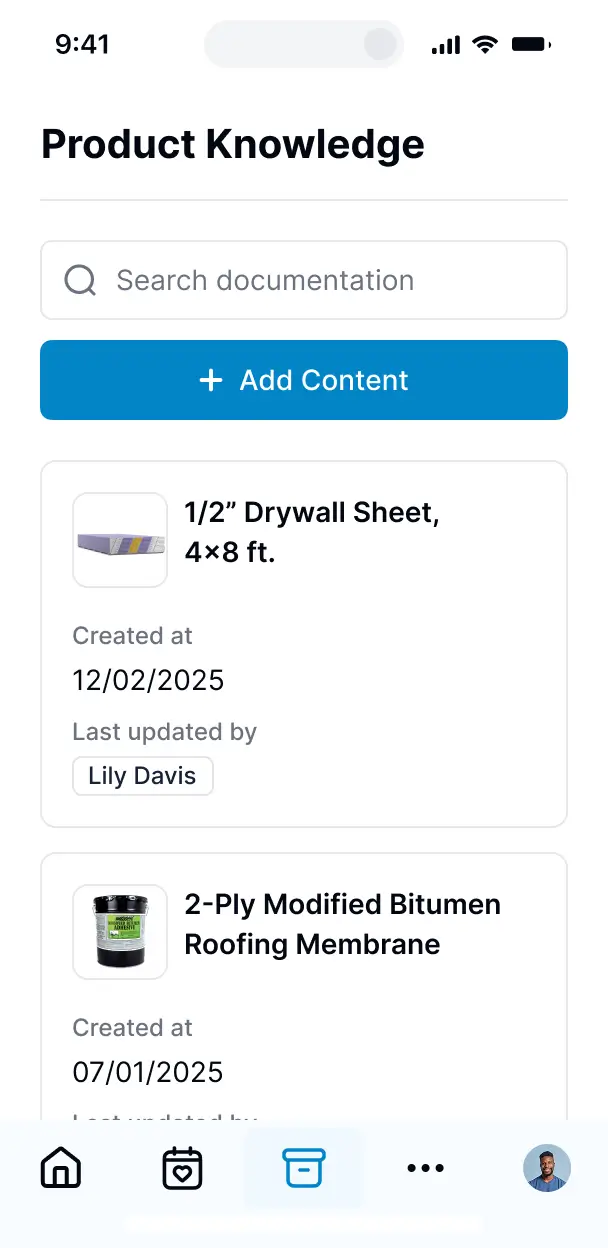
Access and update your knowledge managment software on the go. Guides and wikis are mobile-ready out of the box for teams in the field.
Use Google, email, or SSO logins to give your employees fast, secure access to company intelligence—no IT tickets needed.
Keep proprietary company data safe with SOC2 and GDPR compliance, plus fine-tuned access control at every category and article level.
No more one-size-fits-all tools or costly custom builds. Softr is easy to use and fully customizable, so you can launch faster, adapt as you grow, and skip the complexity of traditional software.

Build your knowledge managment software in minutes with AI—no manual setup or complex configuration needed.

Add features like content reviews, AI search, or usage analytics as your needs grow—without starting from scratch.

Start with a knowledge base, then add internal wikis, portals, or feedback forms—all in one place.
Co-build with AI
Simply describe what you need. Let Softr handle everything - Interface, database, workflows.
Iterate with AI or visually
Control most critical parts of your app yourself - roles, permissions, security.
Ship the same day
Invite team members or external clients and partners right away. No developer handover.
Use drag-and-drop blocks to build a portal that looks sleek and modern out of the box. Add only the features you need, and iterate as your workflows evolve.




Knowledge management software is a secure, central repository where your team and stakeholders can access vital company information, such as SOPs, training manuals, project documentation, and policy guides. It consolidates all institutional knowledge in one place, eliminating the need to search through scattered emails or buried chat messages. This ensures that every employee can find the answers they need quickly, leading to better decision-making and a more efficient workplace.
Softr is the first AI-native platform for building business software, making it the ideal solution for creating a bespoke knowledge base that fits your specific organizational structure. You can describe your documentation needs to the AI Co-Builder to instantly generate your database, content categories, and search logic—all pre-connected and secure.
No coding is required. You can start by generating your library with AI, using a pre-made template, or building manual pages from scratch. Everything runs on Softr Databases, our native relational database, or you can sync existing documentation from external tools like Airtable, Google Sheets, HubSpot, or Notion. You have total control to visually adjust layouts, manage who sees specific documents, and brand the portal to match your corporate identity. It’s fast to deploy, easy for non-technical admins to update, and scales as your company grows.
You can include a wide range of features in your knowledge management software, depending on your team's information needs. A high-quality knowledge base typically combines functional content blocks with advanced AI-powered functionality:
- AI-Powered Intelligence – Use Ask AI to let employees query your documentation conversationally, or set up Database AI Agents to automatically summarize long articles or tag content by department.
- Vibe Coding Blocks – Create custom UI features—like an interactive organization chart or an embeddable PDF viewer—using the AI Code block to "vibe code" exactly what your team requires.
- Softr Workflows – Build native automations (like an approval notification for new articles) that alert managers when documentation is updated or a new SOP is submitted.
- User Permissions & Roles – Securely manage access so that sensitive HR policies are only visible to managers, while general guides are open to the whole team.
- Contribution Forms – Enable subject matter experts to submit new articles or feedback through custom forms with file uploads.
- Engagement Dashboards – Visualize content performance and search trends with real-time charts to see which guides are most useful.
- Advanced Filtering – Organize your data with searchable resource tables, categorized card views, and filtered tags for easy navigation.
Everything is built using Softr's drag-and-drop system, and if your documentation needs evolve, you can quickly update the interface without technical help.
Vibe coding is about moving from idea to a functional knowledge base instantly using AI. You can "vibe code" your knowledge management software in Softr by simply describing your department structure and document types to the AI Co-Builder. Softr then generates a production-ready application on a secure, stable foundation.
Unlike other tools that just output raw code snippets for a wiki, Softr handles the complex underlying infrastructure—like member authentication, search logic, and document permissions—natively. This provides the speed of AI generation without the maintenance burden of debugging raw code. You describe the knowledge structure you want, Softr builds the interface, and your team can start searching for answers immediately.
Yes. You can manage multiple departments, such as HR, Engineering, and Sales, within a single knowledge base. Each employee only sees the documents and wiki pages assigned to their specific department or clearings based on their login and user role. This ensures that cross-functional teams have a unified hub while sensitive information remains restricted to the appropriate stakeholders.
Absolutely. You don't need an existing library of docs to start building your knowledge management software. If you're starting from scratch, you can use Softr Databases, which is built into the platform and allows you to create your documentation structure and store article content directly within the tool.
If you do have data stored in places like Airtable, Google Sheets, HubSpot, or Notion, you can connect those sources effortlessly. You can even use the REST API to pull in technical documentation from other specialized platforms. Either way, you have total control over how your company's information is organized and presented to your users.
Softr Databases is the recommended native data source for knowledge management software. Because it is built into the platform, it offers the fastest search performance and instant updates, providing a seamless experience for employees looking for information in real time.
If your knowledge assets are already stored elsewhere, Softr connects to 17+ external sources, including Airtable, Google Sheets, HubSpot, SmartSuite, and BigQuery. You can even combine sources—for example, pulling employee records from HubSpot while hosting your SOPs in Softr Databases. Most connections support real-time, two-way sync, ensuring that updates to a policy in your data source are immediately reflected in the portal.
Yes, Softr gives you granular control over how your team interacts with your knowledge management software. You can customize the layout, search filters, and navigation to ensure information is easy to find. Every article, page, or category can be visible or hidden based on user attributes, so employees only see content relevant to their specific role or project.
You can set up various roles—such as Editor, Contributor, or Viewer—and define exactly who can edit an SOP versus who can simply read it. For instance, your HR team can manage benefits documentation while the rest of the company has read-only access. This level of customization keeps your internal wiki clean, secure, and focused on the needs of every individual user.
Yes, you can fully white-label your knowledge management software. You can integrate your own company logo, professional brand colors, custom typography, and a custom domain (e.g., wiki.yourcompany.com) so the portal feels like an official internal tool. You also have the option to remove all Softr branding, providing a consistent and professional experience that builds trust with your employees.
Yes, Softr provides significant flexibility to control the visual design and structural layout of your knowledge management software. You can adjust colors, spacing, and page flow to match your brand style. You choose the layout for your homepage, how search results are displayed, and what information appears on a single article page.
To organize your content, you can use various functional blocks:
- List or Card blocks – best for categorizing topics like "Onboarding," "Company Culture," or "Technical Specs."
- Detail View – to present full article text, including images and embedded videos.
- Table blocks – for structured data like software inventories or internal directories.
- Search and Filter bars – so users can quickly find documentation via keywords or tags.
- Forms – for users to submit questions or content suggestions.
- Charts – to track internal knowledge gaps or page views.
If your organizational needs change, you can easily tweak the design or add new sections directly in the visual editor.
Softr is built with enterprise-grade security to protect your company's intellectual property. All data is encrypted in transit and at rest, and your knowledge base is hosted on secure, reliable infrastructure. You can implement role-based permissions to ensure sensitive documents are only accessible to authorized personnel, with the ability to manage visibility rules at the page and block level.
For apps using Softr Databases, your data is stored in a secure environment in Germany with SOC 2 Type II compliance. For external connections like Airtable or SQL, Softr serves as the interface and does not store your content long-term; it simply displays it in real time based on your specific access settings. Softr follows industry best practices for platform monitoring and access control to keep your institutional knowledge safe.
It is fully production-ready from day one. While some AI tools produce experimental or fragile code that requires developer maintenance, Softr builds your knowledge management software on a stable, business-grade foundation.
We natively manage the "heavy lifting"—including user authentication, secure hosting, and granular access controls—so you don't have to. This eliminates the technical debt often associated with AI-generated apps. Your knowledge base is secure, ready for high traffic, and scalable, allowing your team to start uploading and searching documents immediately.
Softr is the first AI-native platform designed specifically for building business software. Unlike simple wiki tools that offer limited customization, or complex no-code builders that require long learning curves, Softr’s AI Co-Builder creates a fully functional knowledge base tailored to your data in minutes.
The hybrid advantage is key: you get the speed of AI generation for your database and app structure, alongside the precision of a visual editor for branding and layout. You benefit from built-in business infrastructure like roles and permissions that traditional wiki tools often lack. It’s built for operational leaders who need a professional, secure internal hub without hiring a developer.
Yes. Softr supports powerful native workflows and numerous integrations to connect your knowledge management software with your existing tech stack. You can automate content reviews using Softr Workflows or sync with tools like Slack to notify a channel when new documentation is published. Softr also supports REST API and webhooks for more complex requirements.
Whether you need to automatically archive old documents, trigger tasks in a PM tool when an SOP is updated, or pull in resources from other cloud services, you can build these connections directly into your portal without writing code.
Describe what you need. Softr's AI builds your knowledge base in minutes. Get started free.