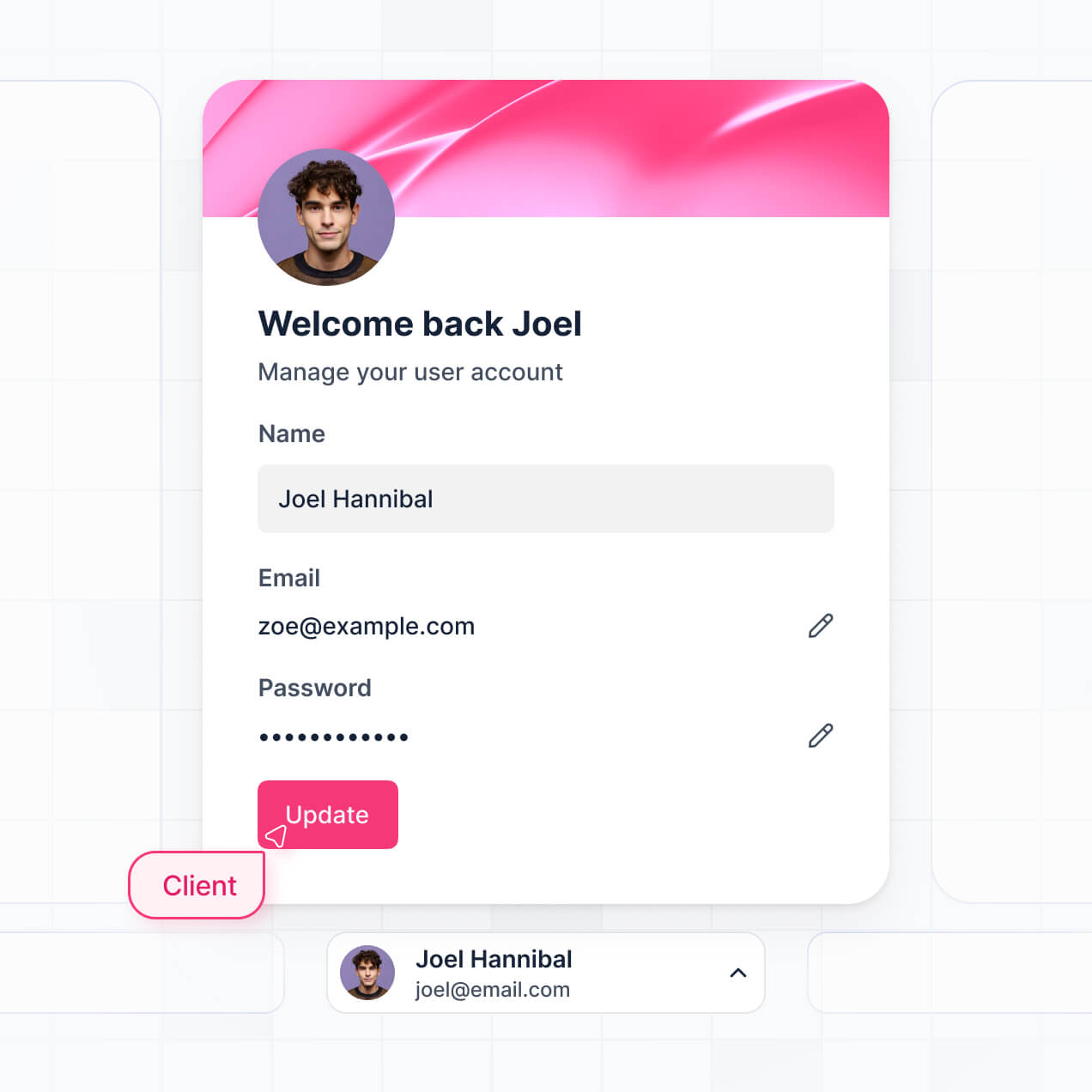
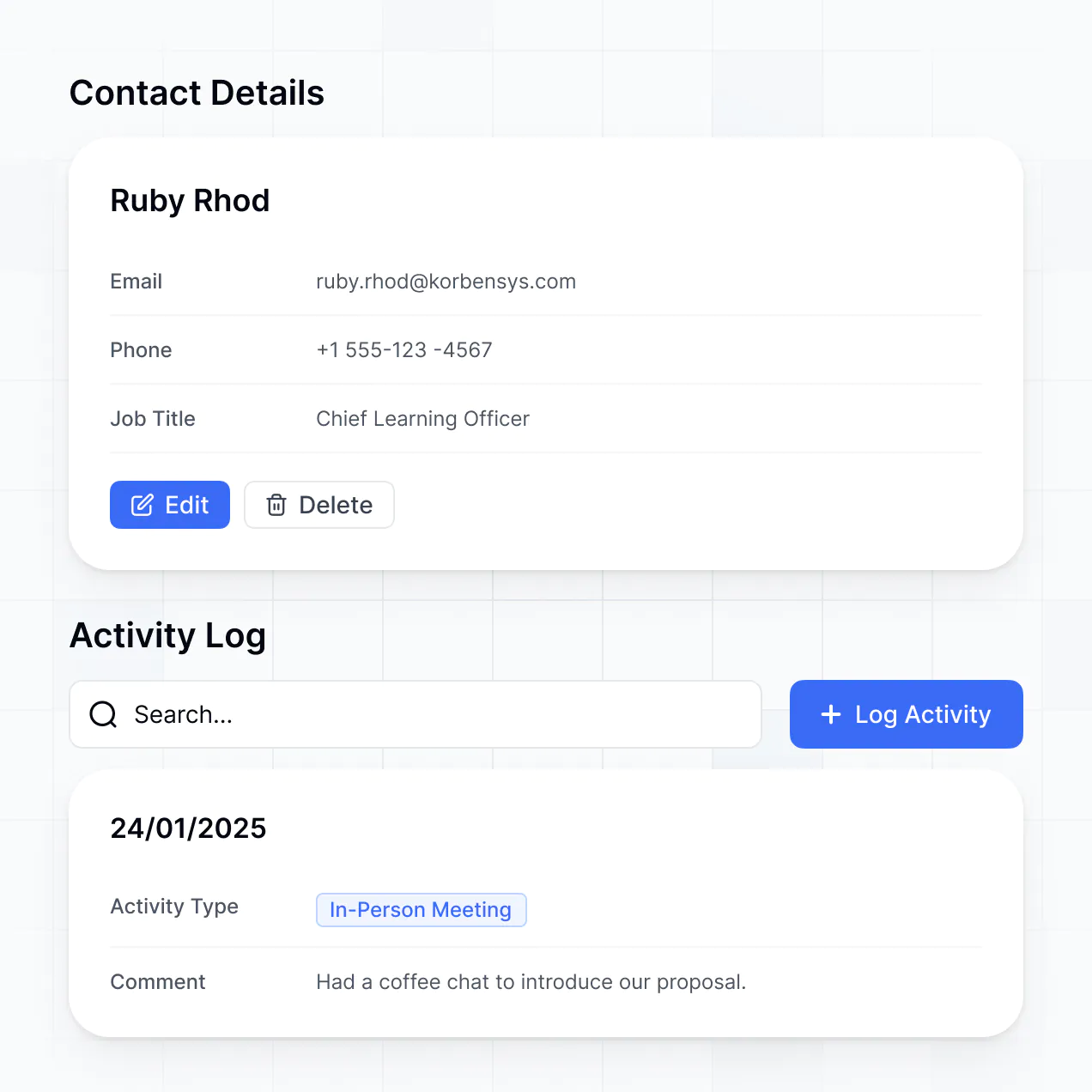
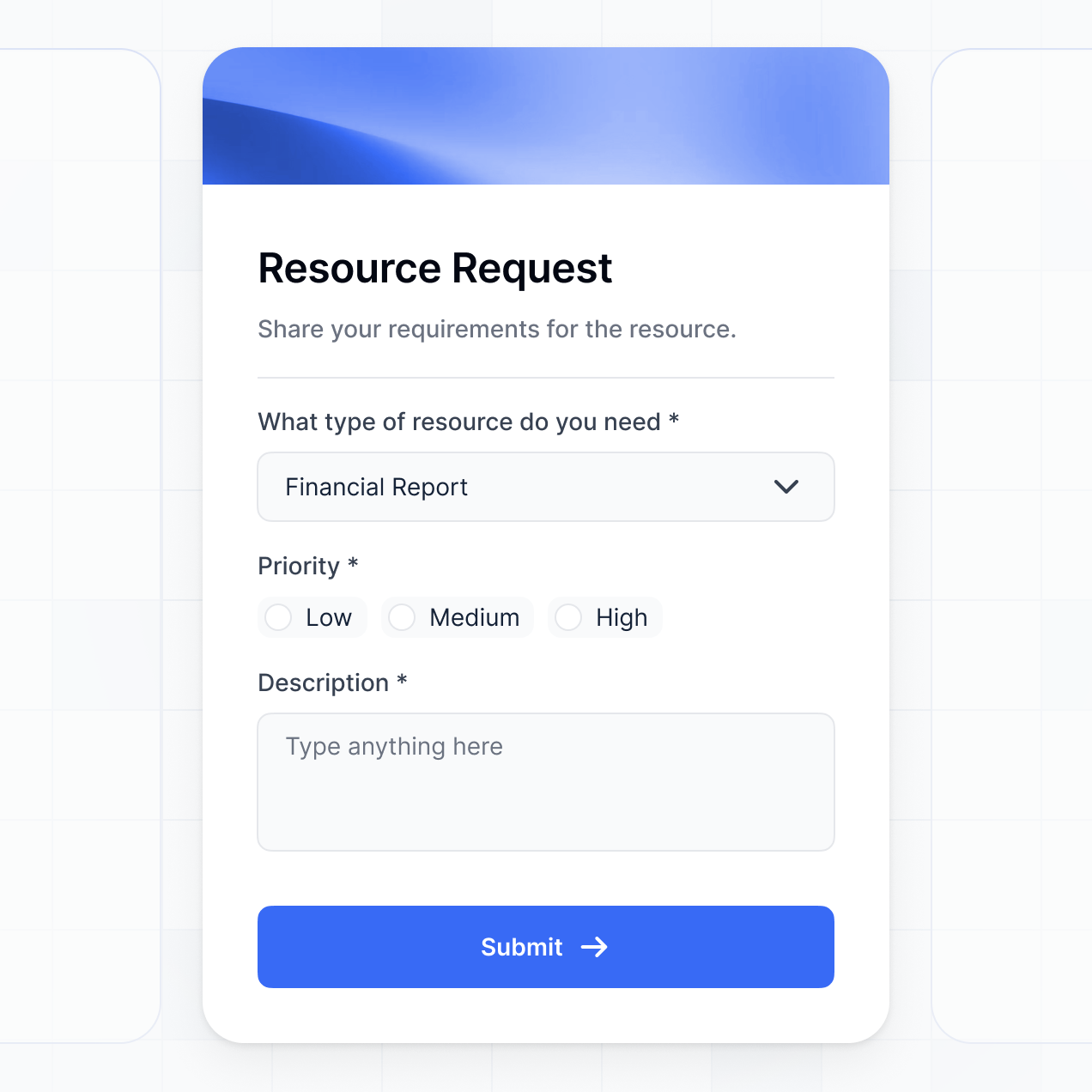
Track deals, view dashboards, and manage contacts in an AI-powered custom HubSpot front end you customize to fit your team's workflow.
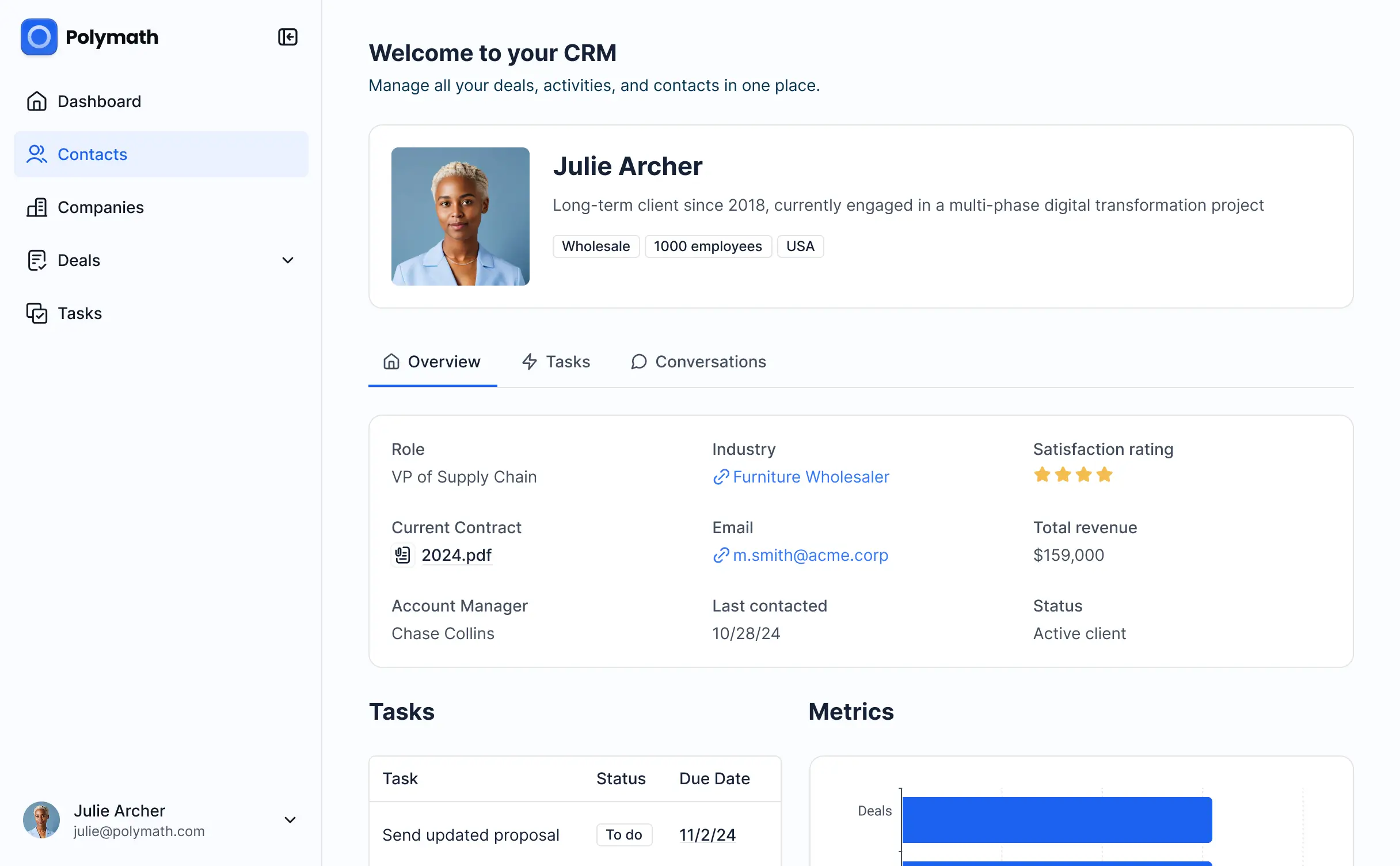

Customize your custom HubSpot front end setup with the exact steps and views your team needs. Add features as processes evolve—no code needed.


Connect HubSpot, spreadsheets, and other systems with real-time sync—or manage everything in Softr Databases. Create a single source of truth for your business.
Give each teammate the right HubSpot tools and access. Set up secure logins, user groups, and granular permissions—no IT support or dev work needed.
Give different sales pods or account managers tailored dashboards, so each role sees just the HubSpot contacts and deals they need.
Streamline your CRM processes with Softr Workflows. Trigger native automations based on status changes to keep your HubSpot operations running smoothly.
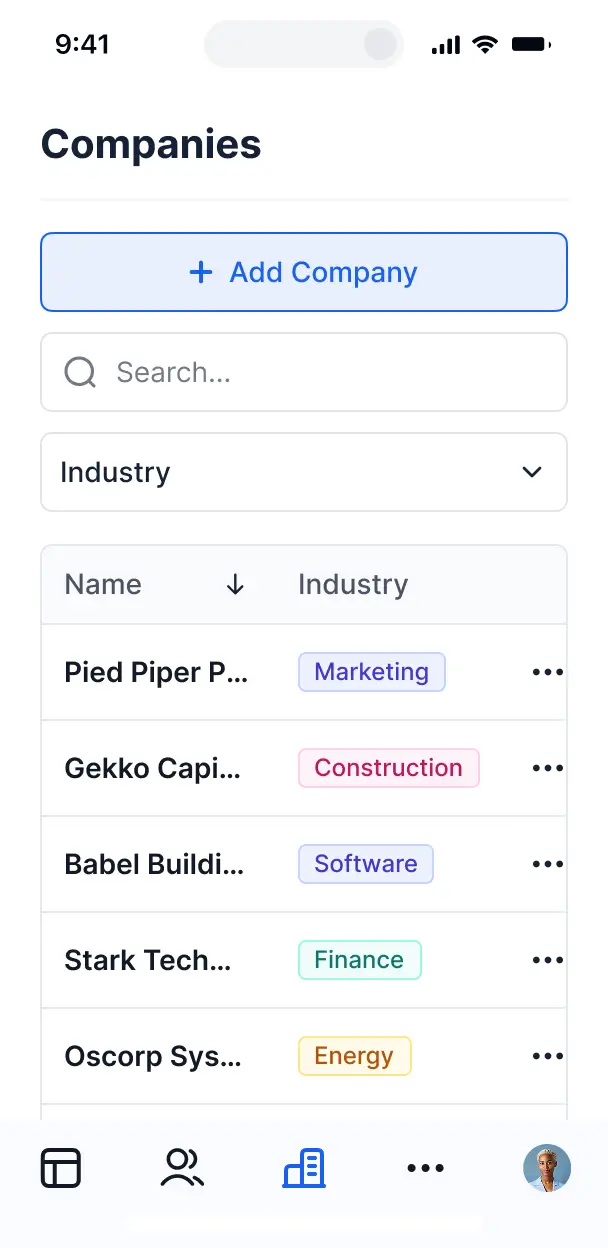
Access and update your custom HubSpot front end on the go. All apps are mobile-ready out of the box for field sales teams.
Use Google, email, or SSO logins to give your team fast, secure access to HubSpot data—no complex developer tokens required.
Keep internal CRM data safe with SOC2 and GDPR compliance, plus fine-tuned access control at every data layer.
No more one-size-fits-all tools or costly custom builds. Softr is easy to use and fully customizable, so you can launch faster, adapt as you grow, and skip the complexity of traditional software.

Build your custom HubSpot front end in minutes with AI—no manual configuration or HubSpot dev time needed.

Add features like lead tracking, metrics dashboards, or client access as your HubSpot workflows evolve.

Start with a CRM front end, then add internal tools or partner portals—all in one place, with no extra tools.
Co-build with AI
Simply describe what you need. Let Softr handle everything - Interface, database, workflows.
Iterate with AI or visually
Control most critical parts of your app yourself - roles, permissions, security.
Ship the same day
Invite team members or external clients and partners right away. No developer handover.
Use drag-and-drop blocks to build a portal that looks sleek and modern out of the box. Add only the features you need, and iterate as your workflows evolve.




A custom HubSpot front end is a secure, branded interface that sits on top of your CRM data, allowing users—such as sales reps, partners, or customers—to interact with HubSpot records without needing access to the main HubSpot dashboard. It provides a simplified view of contacts, deals, and activities, ensuring that users only engage with the specific data they need while keeping your primary CRM environment clean and secure.
Softr is the first AI-native platform for building business software, and it offers the fastest way to build a custom HubSpot front end tailored to your unique sales or service process. By describing your requirements to the AI Co-Builder, you can instantly generate a frontend that connects directly to your HubSpot CRM, complete with customized pages and logic designed for your external users.
You don't need to write any code. You can start with AI generation, utilize a template, or build your interface piece-by-piece. Softr supports HubSpot natively, allowing you to map CRM properties to visual blocks effortlessly. You have full control to adjust the layout visually, implement granular permissions for deal visibility, and brand the interface to match your corporate identity. It is quick to deploy, easy to maintain, and scales as your CRM data grows.
You can incorporate a wide range of features into your custom HubSpot front end to optimize how users interact with your CRM data. A professional frontend application usually combines functional interface blocks with AI power:
- AI-Powered Intelligence – Use Ask AI to let sales reps query their HubSpot deal history conversationally, or deploy Database AI Agents to summarize lengthy call notes or enrich lead profiles.
- Vibe Coding Blocks – Build custom UI components—like a specialized deal stages tracker—using the AI Code block to "vibe code" the exact visual experience you want.
- Softr Workflows – Build native automations (like a task reminder trigger) that send notifications whenever a HubSpot ticket status changes or a new lead signs up.
- User Portals & Logins – Securely manage access so account managers only see their assigned HubSpot companies or pipelines.
- Forms & Data Collection – Capture new leads or update existing contact properties using custom forms with HubSpot mapping.
- Dashboards & Charts – Visualize your HubSpot sales performance and KPI trends with real-time charts derived from your CRM data.
- Lists & Advanced Filtering – Manage your CRM records with searchable tables, kanban boards for deal stages, and detailed views for client history.
Everything is built using Softr's drag-and-drop blocks, making it easy to iterate without coding. If you need a unique component, use the Vibe Coding block to generate it with AI.
Vibe coding is about moving fast and using AI to create a tailored user experience. You can "vibe code" a custom HubSpot front end by describing the specific CRM views and actions you need to the Softr AI Co-Builder. Softr then generates a production-ready application that syncs with your HubSpot data.
Unlike tools that generate raw, unmanaged code snippets, Softr handles the infrastructure—including HubSpot API authentication, user roles, and secure data mapping—natively. This means you get the speed of vibe coding without the technical debt of managing complex scripts. You describe the workflow, Softr builds the interface, and your team can start managing CRM data instantly.
Yes. You can manage multiple teams—such as Sales, Marketing, and Success—within a single custom HubSpot front end. Each team member only sees the pipelines, contacts, or tickets assigned to their specific department or role. This ensures that your HubSpot data remains organized and that users are not overwhelmed by irrelevant CRM records.
Yes, you can. While Softr is excellent for building a interface for HubSpot, you don't need an external CRM to start. You can use Softr Databases, the native relational database built into the platform, to begin tracking your leads and deals from scratch.
However, if you do have data in HubSpot, Airtable, Google Sheets, or Notion, Softr makes it simple to connect those sources. You can even mix and match, using Softr Databases for some internal metrics while pulling your primary contact records from your HubSpot CRM via the native integration or REST API.
Softr Databases is the recommended native, relational data source for your apps, offering high performance and instant automation triggers. Since your data is native to the platform, the user experience is incredibly fast.
For those specifically looking for a custom HubSpot front end, Softr provides a native HubSpot integration. Beyond HubSpot, Softr connects to 17+ external sources including Airtable, Google Sheets, SmartSuite, BigQuery, and SQL databases. You can even combine sources, pulling sales data from HubSpot and project data from Airtable into one unified frontend application. Most sources support two-way sync, keeping your CRM records updated in real time.
Yes, Softr provides granular control over the user experience within your custom HubSpot front end. You can customize every aspect of the layout and navigation to ensure it matches your internal sales workflow. Pages and individual blocks can be toggled based on the user's role, ensuring that a junior rep sees different CRM views than a sales director.
You can define specific roles—such as Manager, Salesperson, or Partner—and set permissions for viewing or editing HubSpot properties. For example, you can allow reps to edit their own deal amounts but keep them in 'view-only' mode for company-wide leads. This tailored approach keeps your HubSpot data secure and prevents accidental record deletions or unauthorized access.
Yes, you can fully white-label your custom HubSpot front end. You can integrate your own logo, brand colors, custom fonts, and a custom domain (e.g., crm.yourcompany.com) so the interface feels like an internal proprietary tool. By removing all Softr branding, you provide a seamless experience that looks and feels like a native extension of your business ecosystem.
Yes, Softr offers extensive flexibility for designing the layout of your custom HubSpot front end. You can adjust the visual theme to match your brand and arrange blocks to prioritize the CRM data your users use most frequently. To present your HubSpot data effectively, you can use:
- Table blocks – for high-density lead lists or deal logs.
- List or Card blocks – to show company profiles or team member directories.
- Detail View – to provide a deep dive into specific HubSpot contact details and history.
- Forms – for reps to quickly log new activities or update deal statuses.
- Charts – to visualize sales pipelines and monthly revenue goals.
- Calendar blocks – to view upcoming follow-up dates and meetings.
You can easily iterate on the design using the visual builder as your CRM requirements evolve.
Softr is built with enterprise-grade security. All data is encrypted in transit using TLS and at rest, and apps are hosted on reliable infrastructure. When building a custom HubSpot front end, you maintain full control over data visibility via role-based permissions and visibility rules.
For applications using Softr Databases, data is hosted in Europe (Germany) with SOC 2 Type II compliance. For apps connected directly to HubSpot, Softr acts as a secure presentation layer and does not store your CRM data; it displays it in real time based on the permissions you've configured. Softr also employs industry best practices for authentication and platform monitoring to ensure your HubSpot credentials and data remain safe.
It is fully production-ready. While other tools might generate experimental code that requires heavy maintenance, Softr builds your custom HubSpot front end on a secure, business-grade foundation.
We manage the critical backend work—such as HubSpot OAuth, secure hosting, and granular user roles—natively. This allows you to bypass the risk of managing raw, unreliable code. Your application is scalable and ready for your team to begin processing HubSpot deals from day one.
Softr is the first AI-native platform specialized for business software. Unlike 'vibe coding' tools that create unmanaged codebases, or traditional no-code tools that can be difficult to set up, Softr's AI Co-Builder generates a custom HubSpot front end on a production-ready infrastructure.
The advantage is the hybrid approach: use AI to generate the initial CRM logic and interface in minutes, then use the manual visual editor for pixel-perfect adjustments. You get the speed of AI combined with the reliability of built-in authentication and permissions, making it the ideal choice for teams needing to build professional software quickly.
Yes. Softr supports powerful native workflows and a wide range of integrations to connect your custom HubSpot front end with the rest of your technology stack. You can automate business processes using Softr Workflows, or connect with tools like Stripe for invoicing and Intercom for support.
Softr also supports webhooks and a REST API, allowing you to trigger external automations in Zapier or Make whenever a HubSpot record is updated through your frontend. Whether you need to sync CRM data with a mailing list or automate contract generation, Softr makes it possible without writing any code.
Describe what you need. Softr's AI builds your CRM front end in minutes without code.