Every now and then, you need a marketing asset link or a file you haven’t used in ages. You try finding it on your own; but if that’s unsuccessful, you Slack your manager, and they might need to go hunt for it themselves. And the worst part? This doesn’t happen just once a year. It’s a recurring thing.
Marketing asset management comes to the rescue for these kinds of “missing-asset” situations. It provides a system that enables access to all of those necessary files and centralizes marketing processes so nothing gets lost.
In this guide, we’re covering what marketing asset management is, how to best organize your assets, and how to implement a system that doesn’t break your existing workflows. Let’s dive in!
What is marketing asset management (MAM)?
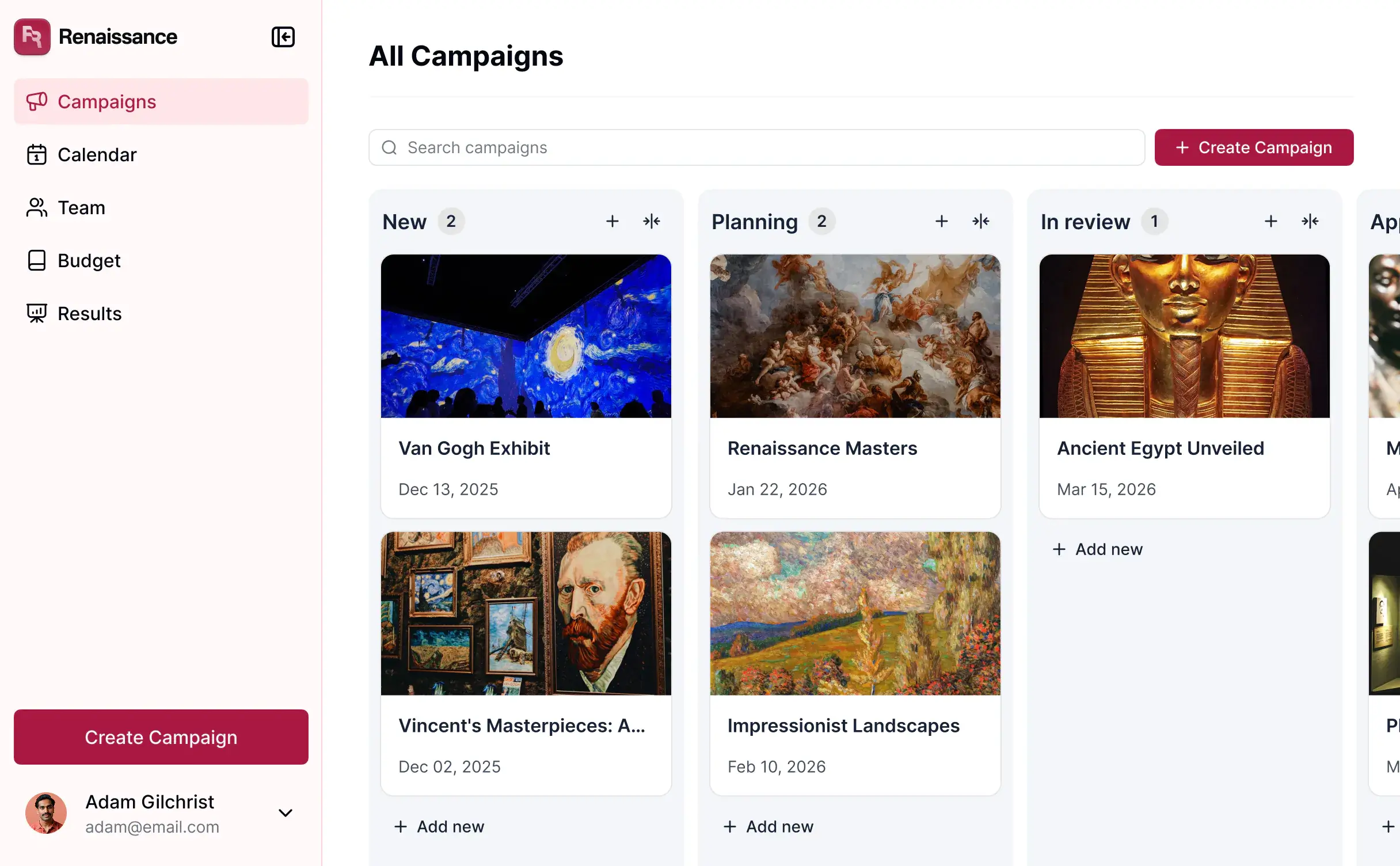
Marketing asset management is the system your team uses to keep campaign and brand assets organized, usable, and easy to find.
That includes everything from ad creative and social visuals to product screenshots, videos, sales collateral, and brand templates. A marketing asset management system helps teams maintain one central place for everyone to tap into processes seamlessly and share access to resources. This way, you avoid files living across random folders, Slack threads, email attachments, and “final-final-v2” exports.
For most teams, MAM is really about reducing content chaos. It gives you a clearer way to manage how assets are stored, approved, updated, and shared between the people who need them.
That usually means things like:
- Knowing which version of an asset is actually approved
- Making assets easier to search and reuse
- Giving different teams access to the right files
- Avoiding duplicate work or the reuse of outdated content
MAM vs. DAM: what’s the difference?
At a high level, the difference between MAM and DAM is simple:
- DAM (Digital Asset Management) is a broader asset management system for managing digital files across a business.
- MAM (Marketing Asset Management) focuses specifically on the files marketing teams use to run campaigns and support go-to-market work.
In practice, MAM is usually a marketing-specific use case of DAM.
A DAM system might support many different teams and file types across a business. Marketing asset management is more focused: it’s built around the day-to-day reality of launching campaigns, managing brand assets, coordinating creative work, and making sure teams are using the right content.
So while the terms often overlap, MAM is really about helping marketing teams stay organized, move faster, and avoid the usual content mess that builds up over time.
| DAM (Digital Asset Management) |
MAM (Marketing Asset Management) |
|---|---|
| Covers digital files across the business | Focuses on marketing and campaign assets |
| Supports multiple teams and use cases | Built around marketing, brand, and creative workflows |
| Helps manage storage and access | Helps teams find, approve, reuse, and share content |
| Often used as a broader content system | Used to support campaign execution and brand consistency |
Best practices for marketing asset management (with an example)
A marketing asset library can either save your team time — or turn into another system nobody wants to use. Here are some tips for implementing a MAM system that actually benefits your team.
1. Start with one clear source of truth
If your team is pulling visuals from Slack, email, old folders, and shared drives, the system won’t hold. Create one place your team knows to check first.
Not every file needs to live there — just the ones your team actively uses.
2. Organize around how people search
Most teams organize for uploading, not for finding, which isn’t the right move.
Structure assets around how your team works by campaign, channel, audience, region, or content type.
If someone needs “approved Q3 paid social assets for the UK,” they should be able to find them in seconds, not dig for them.
3. Keep metadata useful
If uploading feels like filling out a form, people will either skip or rush through it.
Stick to what matters: campaign, asset type, region, audience, owner, approval status. That’s usually enough. The goal isn’t perfect structure. It’s making assets easy to find and safe to reuse.
4. Make approval status obvious
Most asset use mistakes come down to one issue: people don’t know what’s approved.
This leads to outdated files getting reused and teams second-guessing everything. Your system should make status clear at a glance: whether something is ready, in review, or outdated.
Approval status matters even more when multiple teams or partners rely on the same assets.
[.blog-callout]
A good example of this in practice is how content teams manage freelance writers.
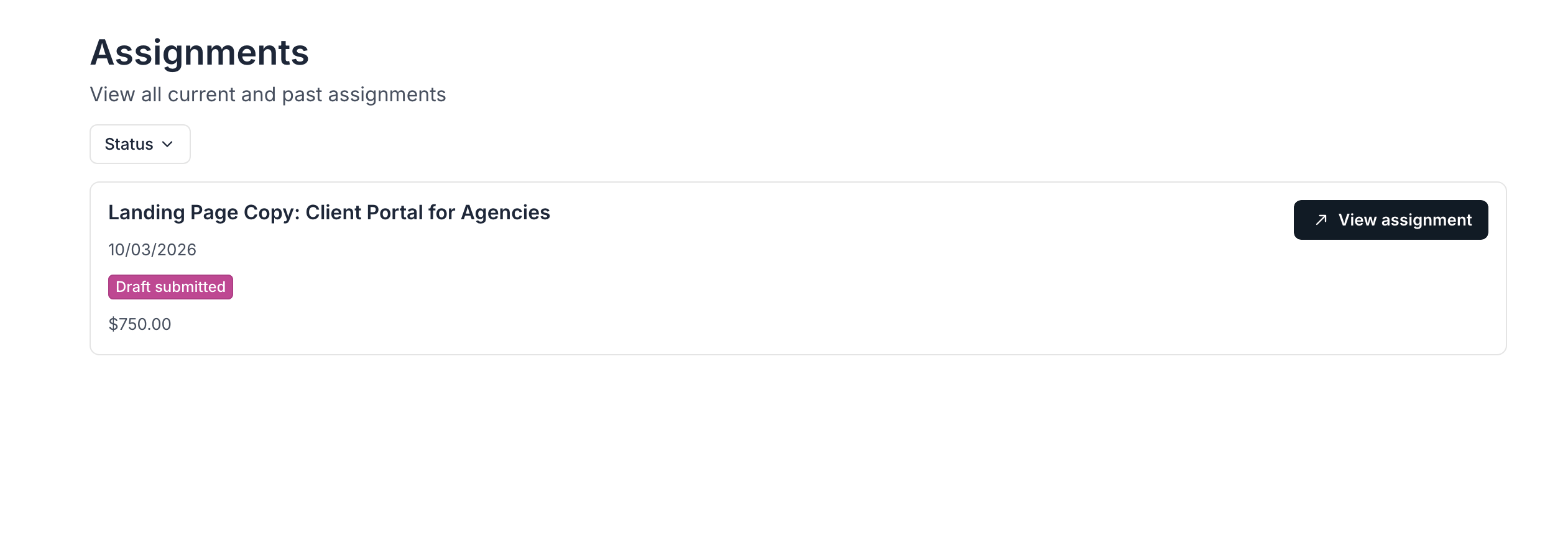
Instead of juggling briefs in Google Docs, invoices over email, and guidelines buried in different tools, every asset—like assignments, resources, and content files—can live in a single system.
With a content management portal built in Softr, writers can log in, access the exact content they need, submit their work, and check guidelines without asking for links or updates. At the same time, the marketing team can track what’s in progress, what’s completed, and what’s ready to use. No need to chase people across tools.
Learn how you can build your own by watching this live build:
[.blog-callout]
5. Build for reuse, not storage
Your setup should make it easy to pull assets from past campaigns, launches, and repeatable formats without starting from scratch.
When assets are easy to find and trust, teams stop recreating what already exists. And in 2026, with more content (and more AI-generated variations), reuse matters even more.
6. Don’t let AI create more chaos
If used properly, AI can help with MAM — think automated tagging, search, and cleanup. But without structure, it just helps teams make a bigger mess in less time. The goal should be to use AI to reduce manual work, not replace organization.
7. Set ownership early
Asset systems break when nobody owns them. Someone needs to define how assets are organized, what metadata matters, and how the system stays clean over time.
Usually, ownership should go to marketing ops, content ops, or brand — whoever is closest to how marketing campaigns get created and shared.
8. Make it easy to use
This is the most important step. If your system feels slow or complicated, people will go back to using Slack and Drive.
Good systems are simple: intuitive search, quick uploading. Finding the right file should be easier than asking someone for it. If people don’t use your MAM system, it doesn’t matter how well it’s designed.
Benefits of marketing asset management
A good asset management system changes how your team works day to day. Here's how it can benefit your marketing ops in practice.
| Benefit | Why it matters |
|---|---|
| Saves time | Teams spend less time digging through folders or asking for files and more time actually launching campaigns. |
| Reduces mistakes | Clear approval status and version control help prevent outdated, off-brand, or unapproved assets from getting reused. |
| Speeds up execution | When approved content is easy to find, campaigns, launches, and requests move faster. |
| Makes reuse easier | Teams can repurpose existing assets instead of recreating the same content over and over. |
| Improves collaboration | Everyone works from the same source of truth, whether it’s marketing, design, sales, or external partners. |
| Supports brand consistency | Shared access to approved visuals, templates, and campaign materials makes it easier to stay on-brand. |
| Scales better with content volume | As your team creates more assets across more channels, a structured system helps keep things manageable. |
Use Softr for AI-powered marketing asset management
Most teams don’t struggle with marketing asset management because they lack tools. (Let’s be real: in 2026, there’s never a shortage of tools.) Teams struggle because their assets, workflows, and approvals are spread out across too many of them.
Assets live in one place, requests in another, approvals happen in Slack, and reporting sits somewhere else altogether. Over time, this kind of sprawl creates delays, duplicated work, and constant back-and-forth just to get campaigns out the door.
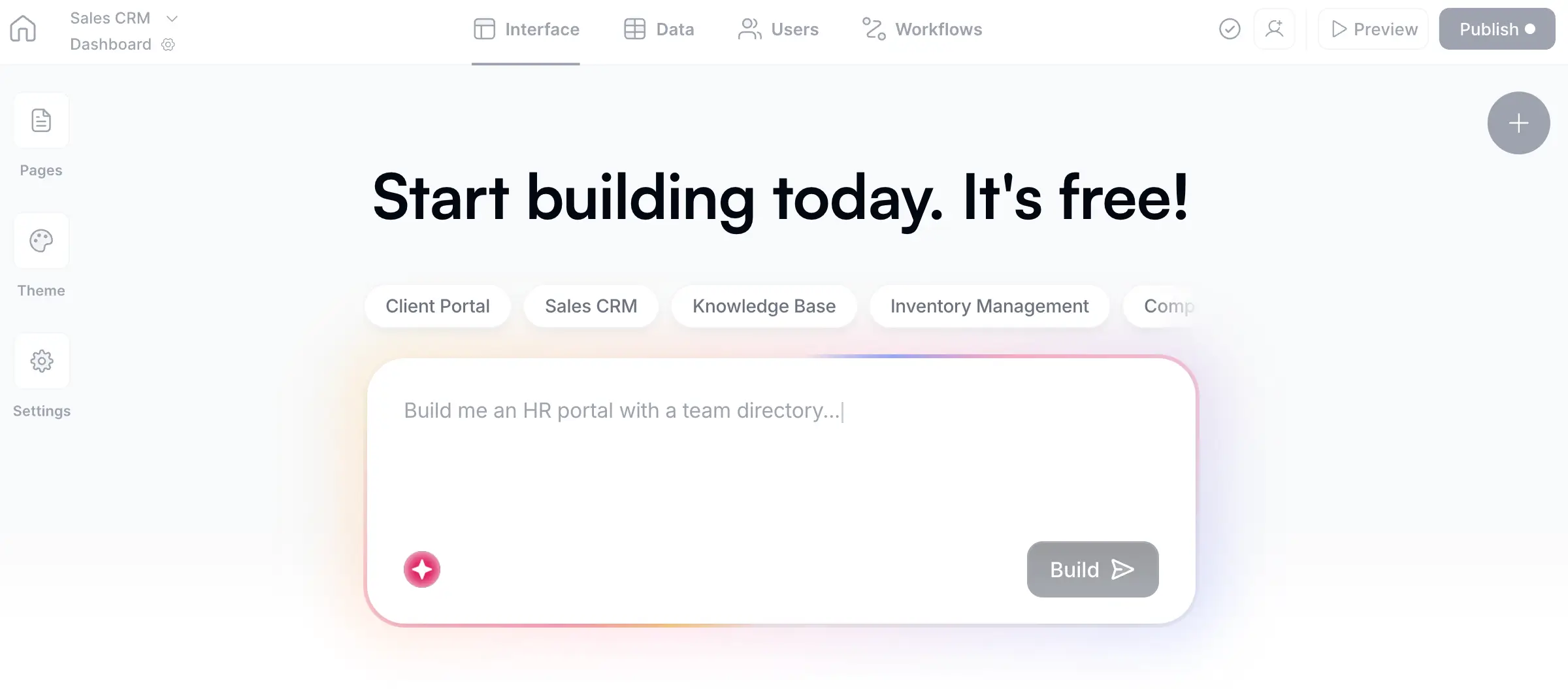
Softr, the AI platform for building no-code business software, lets you create a single operational system where your assets, workflows, permissions, and collaboration all live together. You can organize campaign assets, manage approvals, track requests, and share content with internal teams or external partners.
By using Softr’s AI app generator, you can skip the entire setup stage. Instead of configuring every database, page, and workflow manually, you can describe the marketing asset system you want in plain language and generate a working business app you can share with your team from day one.
All of this happens directly in Softr, with your asset database, workflows, and interfaces built in, and connected to external tools where necessary.
Benefits of marketing asset management with Softr
- AI Co-Builder: Describe what you need in plain language, and Softr's AI generates a complete marketing assest management app with a database, business logic, interfaces, and utility pages. From there, you can either continue building with the AI or use the visual editor to customize as needed.
- Centralized asset library: Softr’s native relational databases let you store and organize campaign assets, brand files, and templates in one place your team can actually rely on.
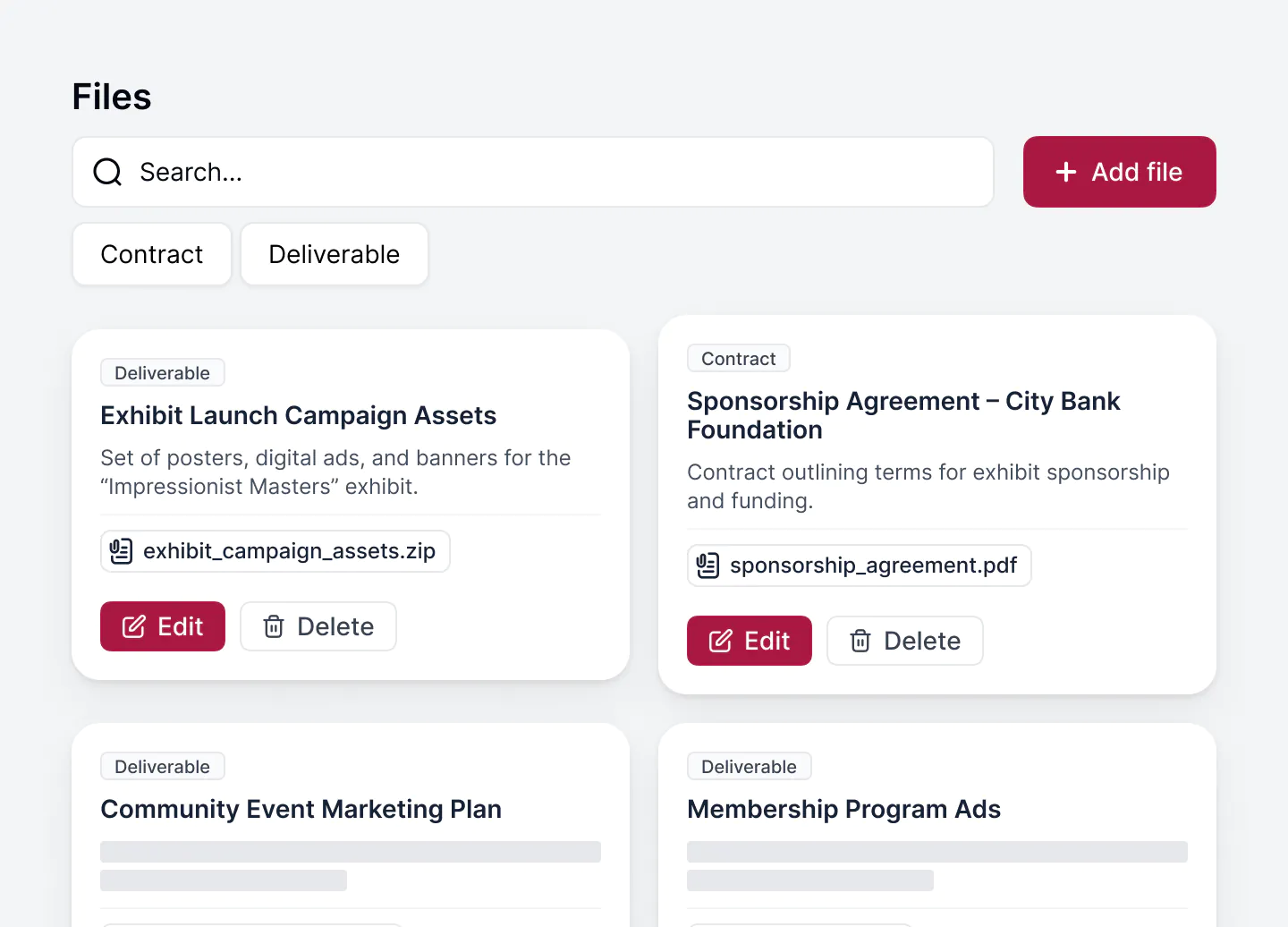
- Data integrations with real-time sync: Use Softr Databases to replace spreadsheets and manage data and users in one platform. Or, build your MAM system on top of existing data sources (like Airtable, Notion, or HubSpot) with real-time, two-way sync. Link assets to campaigns, requests, and tasks so everything stays aligned and traceable without duplicate work.
- Search and filtering that works: Find assets by campaign, channel, audience, or status without digging through folders. Use Ask AI to ask your assets database natural-language questions and get permission-aware, accurate answers.
- Granular permissions: Control who can view, upload, edit, or approve assets based on their roles, or share access with external users. Create secure portals for agencies, freelancers, or partners to access only what they need.
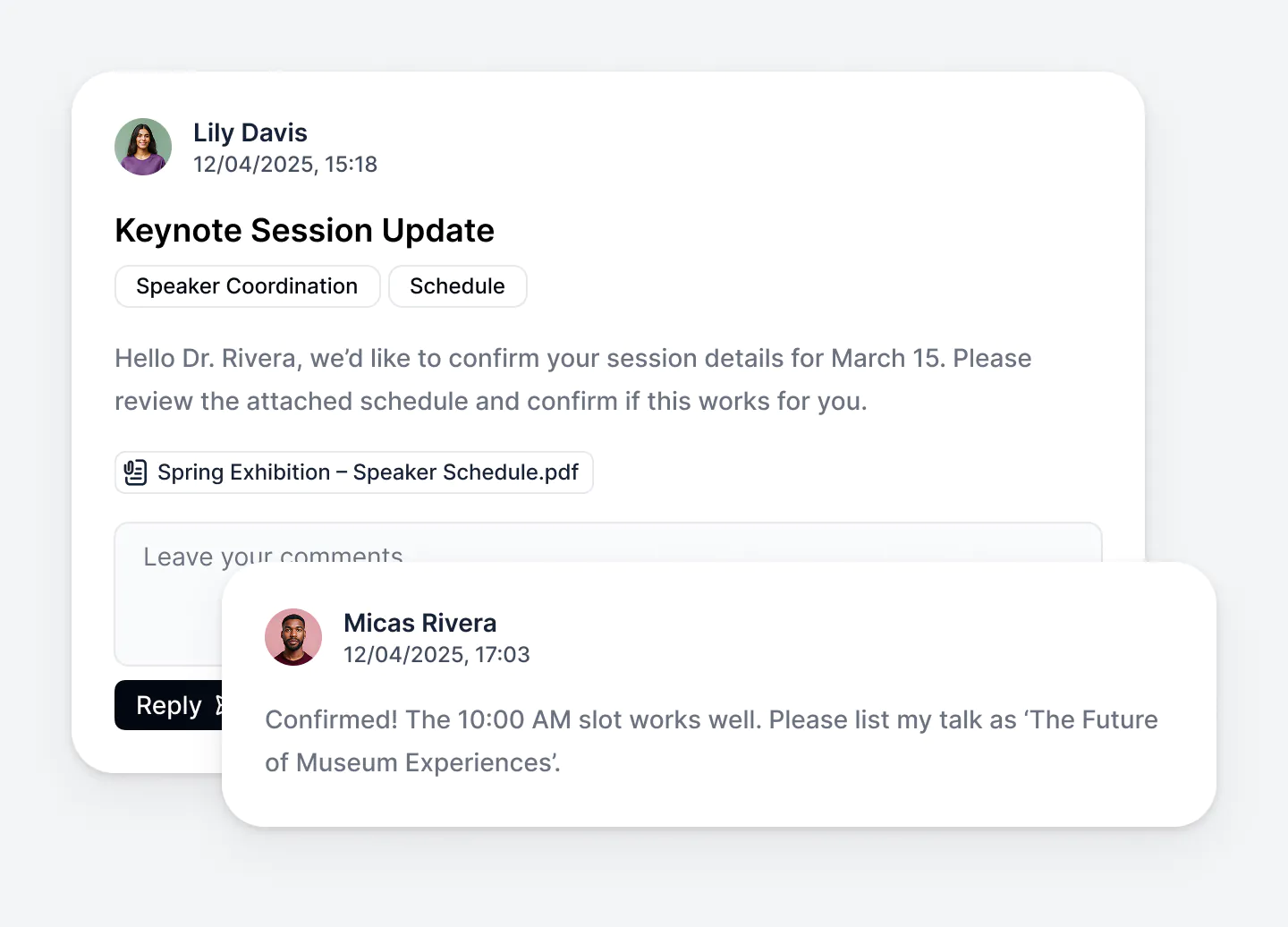
- Lead capture and intake forms: Collect creative requests, campaign briefs, or inbound leads through structured forms that automatically feed into your database and marketing workflows.
- Submission tracking: Let contributors submit completed assets, drafts, or document links directly in the system, so everything stays organized and easy to review.
- Event and campaign calendars: Keep launch dates, campaign timelines, content deadlines, and team deliverables visible in one shared system.
- Built-in approval workflows: With Softr’s native workflows, you can manage asset reviews, approvals, and status updates without leaving the platform and following-up via email or Slack.
- Scales with your operations: Add new campaigns, teams, asset categories, regions, and workflows without rebuilding your system or adding more tools.
- Partner and vendor portals: Share select assets, updates, and workflows with freelancers, agencies, or external collaborators without exposing your full workspace.
Build a powerful marketing asset management software with Softr
As your team creates more campaigns, assets, and workflows, keeping everything organized becomes a herculean task. What started as a few folders and shared docs can quickly turn into scattered assets, unclear approvals, and a whole lot of wasted time.
That’s why marketing asset management works best when it’s not just a storage layer, but a system your team can actually run work through. Rather than relying on disconnected tools, you need one place to organize assets, manage approvals, share resources, and keep campaigns moving.
With Softr, you can use AI to turn your marketing asset management setup into a real system in minutes, then adapt it as your workflows evolve. Instead of patching together more tools, you create a marketing asset management system that’s easy to maintain, easy to use, and built to scale.