


Thunkable is one of many no-code app builders, and despite its initial popularity, many users seek alternatives because they want something more flexible, customizable, scalable, and cost-effective. The bigger shift in 2026 is that businesses no longer just want a flashy demo. They want production-ready software they can run their operations on. Here are the best Thunkable alternatives.
Best Thunkable alternatives at a glance
| Tool | Best for | Standout features | Pricing |
|---|---|---|---|
| Softr | Business apps and portals without code | Unlimited apps, client and team app users, integrations and custom code on Pro | Basic $19/month; Pro $99/month; Business $329/month |
| Bubble | Fully custom web apps | Free plan for developing and testing, limited to one editor with no published app | Free for development; paid plans to publish |
| Draftbit | Mobile apps with a visual React Native builder | Visual builder for native mobile, tiered team access | Standard $20/month; Pro $40/month; Team $200/month |
| Appy Pie | Template-based apps priced per app | Per-app pricing across three tiers | Basic $16/app/month; Gold $36; Platinum $60 |
| FlutterFlow | Native mobile apps with code export | Per-seat pricing above Basic, code export on paid plans | Basic $39/month; Growth $80/month; Business $150/month |
What is Thunkable?
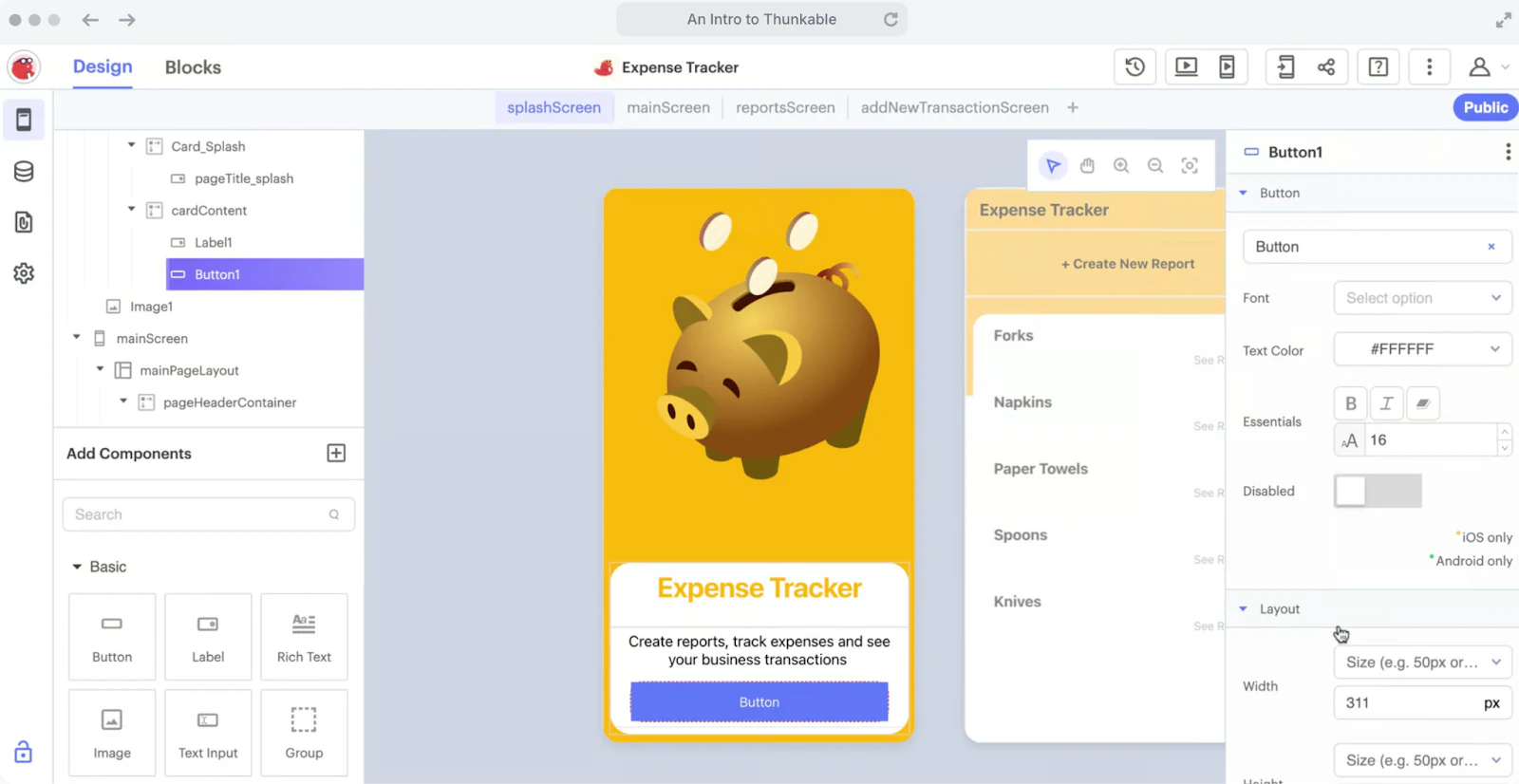
Thunkable is a no-code mobile app development platform. It lets you create, test, and publish native mobile apps that work offline and dynamically adapt to users' preferences across Android, iOS, and the mobile web.
Thunkable is popular among solopreneurs and small businesses. However, it does have its drawbacks and limitations, such as:
- Lack of enterprise-level features and scalability
- High costs associated with premium plans for extensive use
- Performance issues with large-scale or high-traffic applications
- Integration challenges with (complex) third-party services
Let's dig deep into why people seek alternatives to Thunkable.
Why look for a Thunkable alternative?
Thunkable focuses on mobile app creation, distinguishing itself from other no-code platforms that may primarily target web applications. Nevertheless, it's not the most reliable app development tool either.
Here are a few reasons why:
1. Many features are behind the paywall
Access to necessary features can be limited and costly within Thunkable, especially for small businesses or startups. For instance, Thunkable’s free plan gives limited access to components required for building high-quality UI mobile apps.
2. The free plan does not allow for private projects, meaning all apps built on this plan are public
Thunkable's free plan doesn't allow deploying private projects. The lack of privacy in the free plan is concerning for businesses that need to protect their app's intellectual property.
3. Additional fees are charged for certain components and in-app payments made through Stripe
Thunkable charges a maintenance fee for using certain components, such as in-app ads by AdMob and in-app payments via Stripe.
Specifically, the payment component powered by Stripe incurs a fee of 4.9% plus $0.30 per transaction, with 2% of that fee going to Thunkable as a maintenance charge.
When users make payments through Stripe, they will be crushed by these processing fees. Even worse, extra fees for in-app payments can cut into profits and complicate revenue management.
So before you sign up with Thunkable, it's worth looking at your options.
Let’s start with finding a platform that aligns with your specific needs and budget.
How we evaluate Thunkable alternatives
Here are some key factors to consider when choosing an alternative to Thunkable:
- Ease of use: Look for no-code app builders that are easy to use and don't require extensive training to master. For example, opt for app makers with drag-and-drop building, plug-and-play integrations, and an intuitive interface. Bonus points if an AI assistant can build the first version for you from a plain-text description.
- Features: Ensure the app development software provides essential features to create dynamic apps, such as cross-platform support, private projects, integrations with third-party services, user authentication, and granular permissions.
- Scalability: Consider platforms that can accommodate the growing needs of your business and support production-grade, business-critical projects.
- Integrations: Look for no-code app builders that integrate with your existing tech stack and let you extend app capabilities. Softr provides its own native Softr Databases, plus live connectors to 21+ external sources like Airtable and Google Sheets for real-time data sync.
- Cost: Compare Thunkable alternatives for flexible pricing options that fit your budget. If you want to test a tool before investing, consider free app builders that offer the features you need.
- Customer support: Choose alternatives that provide reliable support and assistance. Bonus if the tool hosts a lively community where you can ask questions and exchange knowledge. Review sites like G2 or Capterra and forums like Reddit are ideal for skimming through user reviews.
5 Thunkable alternatives to choose from in 2026
1. Softr
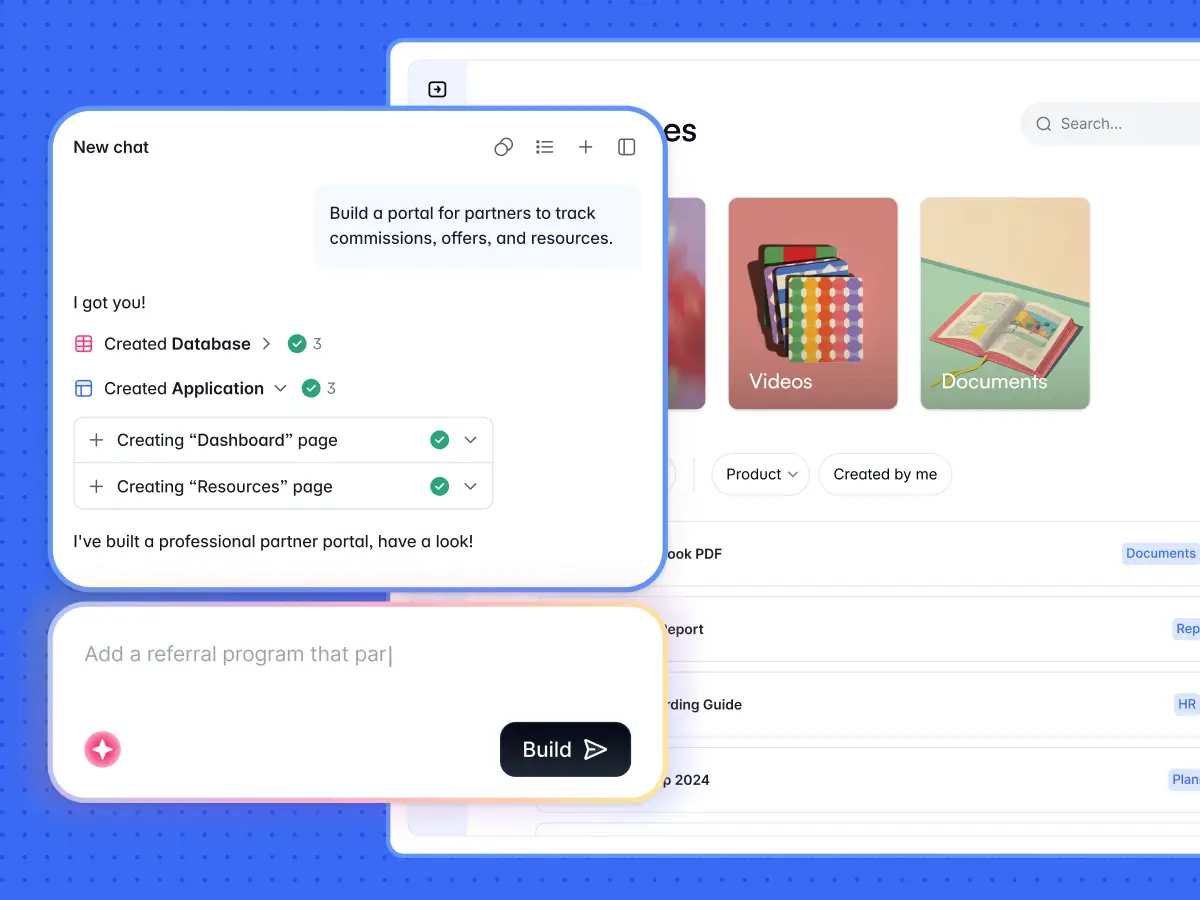
Softr is the first AI-native platform for building business software without code. It's an excellent alternative to Thunkable because of its ease of use, its AI Co-Builder, and the fact that the apps you ship are production-ready and secure from day one, not fragile demos.
You describe the app you need, and the AI Co-Builder builds the database, the pages, the blocks, the user groups, and the permissions for you, already connected and ready for real users. You get a complete app in minutes instead of stitching components together by hand.
Unlike pure "vibe-coding" tools where AI is the only path, Softr is AI-first, not AI-only. You get three ways to build: generate with AI, start from a template, or build from scratch. Whatever you create stays fully editable through visual controls, so the AI accelerates the work without ever becoming a dependency.
You also get a native, relational, AI-ready database built for business data. If your data already lives elsewhere, Softr also connects to 21+ external sources (Airtable, Google Sheets, HubSpot, SQL databases, and more) with live, real-time sync. To automate the work, Softr Workflows let you trigger automations directly from buttons and forms inside your app, or connect to Zapier, Make, and n8n via native integrations.
Set up granular permissions so different user groups see, access, and edit only the data they should. This is the secret sauce for multi-tenant apps like client and vendor portals, where an admin and a client see entirely different parts of the same app.
Apps built with Softr are fully responsive and look great on every screen without extra design work, so the same app works on desktop and adapts cleanly to mobile.
Key features
- AI Co-Builder: Describe your app and the AI builds the database, pages, blocks, user groups, and permissions, then keeps assisting you inside the editor with near-parity to manual controls.
- Production-ready and secure from day one: Every app ships with authentication, user management, granular permissions, hosting, and enterprise-grade security (SOC 2 Type II, GDPR-compliant) already built in.
- Softr Databases first, plus 21+ external sources: Use the native, AI-ready relational database, or connect to Airtable, Google Sheets, HubSpot, and SQL databases with real-time sync.
- Softr Workflows: Automate actions triggered directly from your app's interface, or connect to Zapier, Make, and n8n via native integrations.
- Granular permissions: Build secure, multi-tenant apps where different user groups see entirely different parts of the same app.
- Responsive by default: Apps adapt automatically across desktop and mobile, with no extra design work.
- Limitless customization: Pre-built blocks cover most needs, and the Vibe Coding block adds custom AI-generated components without breaking your app.
- Support and community: An active community, responsive support, and a network of Softr experts to help you get started.
Pros and cons
✅ AI Co-Builder turns a prompt into a complete, working app in minutes
✅ Apps are production-ready and secure from day one, not fragile demos
✅ Easy to use, with quick onboarding, training resources, and a responsive support team
✅ Designed to handle growing traffic and data loads efficiently
❌ Advanced integrations and custom user groups are reserved for higher-tier plans
Pricing
Softr offers a generous free forever plan (no credit card required) that includes unlimited apps, unlimited forms, and up to 3 builders, so you can start building right away.
Paid plans unlock more app users, records, workflow actions, AI credits, and integrations:
- Free forever
- Basic: $19 per month
- Pro: $99 per month
- Business: $329 per month
- Enterprise: Custom pricing
2. Bubble
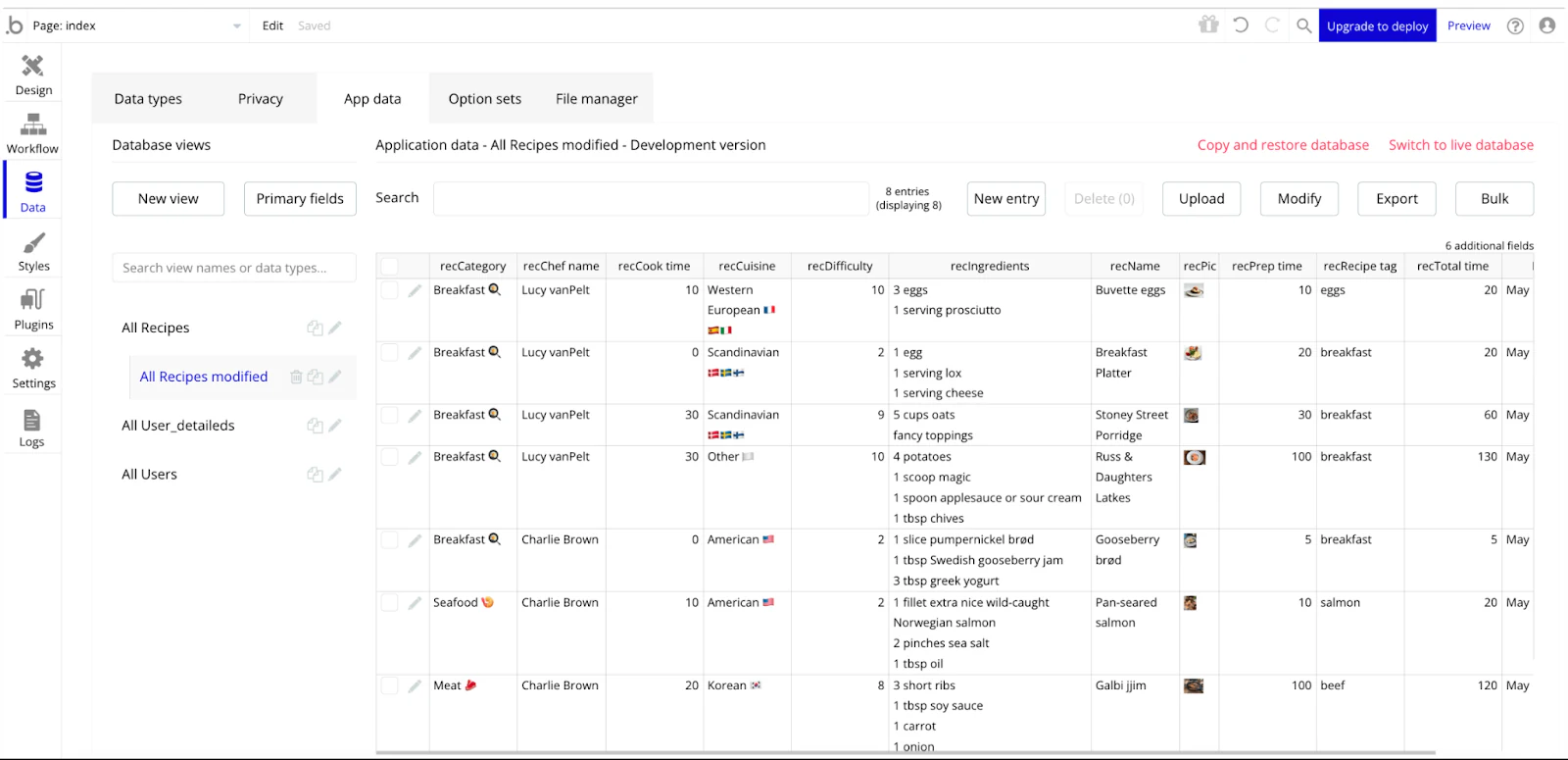
Bubble is an AI-powered, no-code mobile app development software. It lets you build interactive, multi-user apps for desktop and mobile web browsers without the need for traditional coding.
Key features
- Use Bubble AI Page Designer to create entire front-end designs by simply describing what you want and how you want using plain text prompts
- Develop sophisticated AI-empowered apps that leverage OpenAI's GPT models, DALL-E, Stable Diffusion, and more
- Built-in user management systems and in-app usage analytics to grow your audience
- Create complex app workflows by dragging and dropping conditions, logic, and triggers in a visual interface
- Offers a dedicated marketplace with thousands of third-party plugins and templates for well-orchestrated app development
Pros and cons
✅ Bubble marketplace houses expert Bubble app developers, training courses, and one-on-one coaching
✅ Offers extensive customization options to define workflows, customize UI/UX designs, and integrate third-party services via APIs
✅ Built on AWS, Bubble supports scalable applications capable of handling high-traffic volumes
❌ Doesn't allow published apps on the free plan
❌ Restricts team collaboration on projects (one collaborator with the free plan and up to five with the team plan)
Pricing
Bubble offers a free plan, which is best for developing and testing apps. However, you are limited to one editor and cannot push your app to the internet.
- Starter: $32 per month
- Growth: $134 per month
- Team: $399 per month
- Enterprise: Custom pricing
3. Draftbit
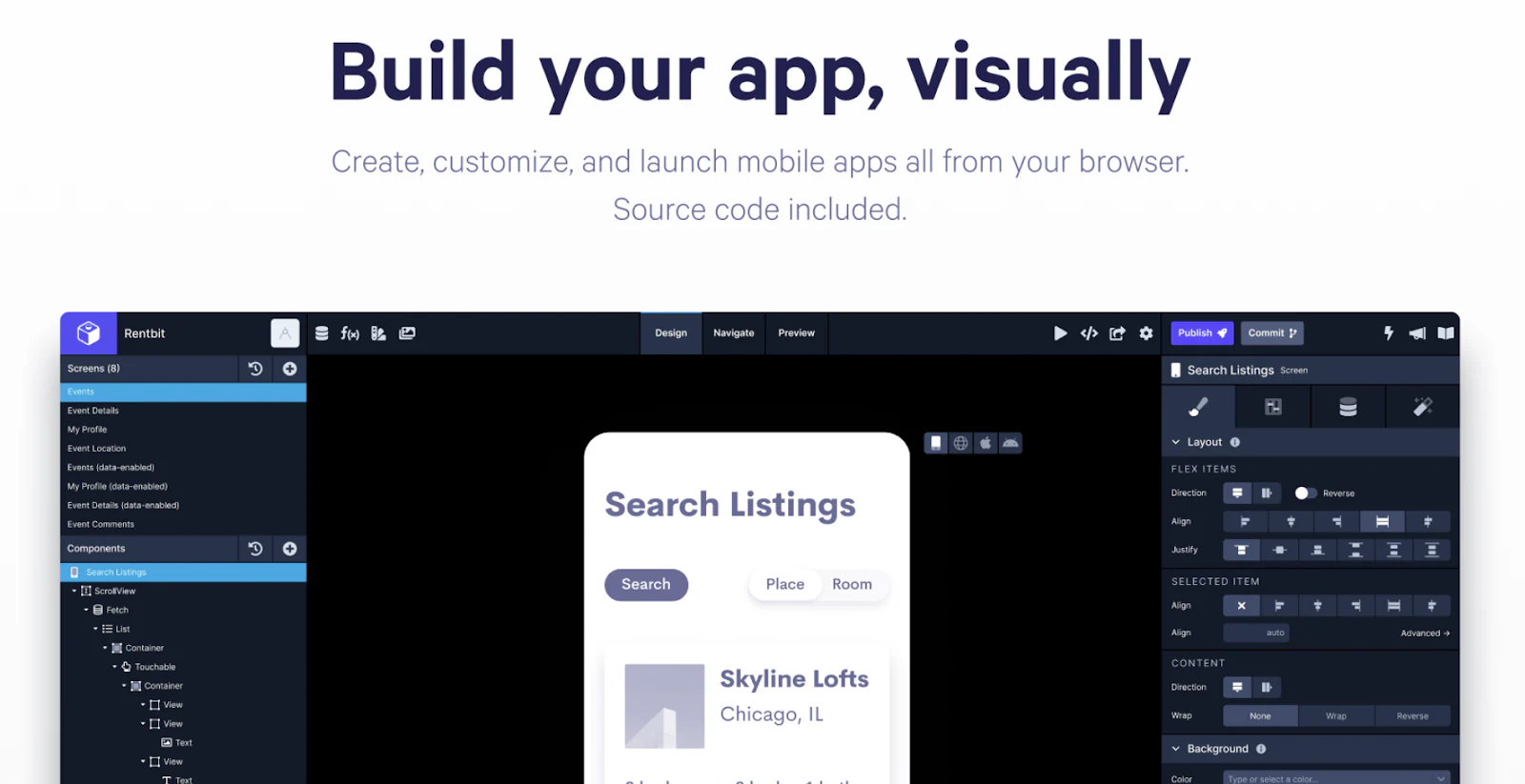
Draftbit is a low-code mobile development platform. Its powerful visual app builder and robust collaboration features make it a compelling alternative to Thunkable.
Also, unlike Thunkable, Draftbit generates React Native source code in the background as you build your app. So you're never locked into Draftbit and can continue development using the exported code.
Key features
- Has a robust visual builder with a wide range of components, layouts, and themes to create pixel-perfect UIs
- Customize every corner of your app with advanced properties, themes, and custom code
- Build complex navigators and connect the user journey in the app via views, touchables, icons, buttons, and much more
- Experiment and compare multiple app ideas using version control, draft apps, and live previews
- Add team members to collaborate and share feedback without leaving the platform
Pros and cons
✅ Get help with app store review and publishing from app store veterans
✅ An active community of experts and peers for knowledge-sharing
✅ Allows exporting your entire build as one clean, repo-ready package
❌ Users flag a poor UI design, which leads to a complex app development workflow and a higher learning curve
❌ Some low-code features can be obtuse and require actual coding knowledge
Pricing
- Free
- Standard: $20 per month
- Pro: $40 per month
- Team: $200 per month
- Enterprise: Custom pricing
4. Appy Pie
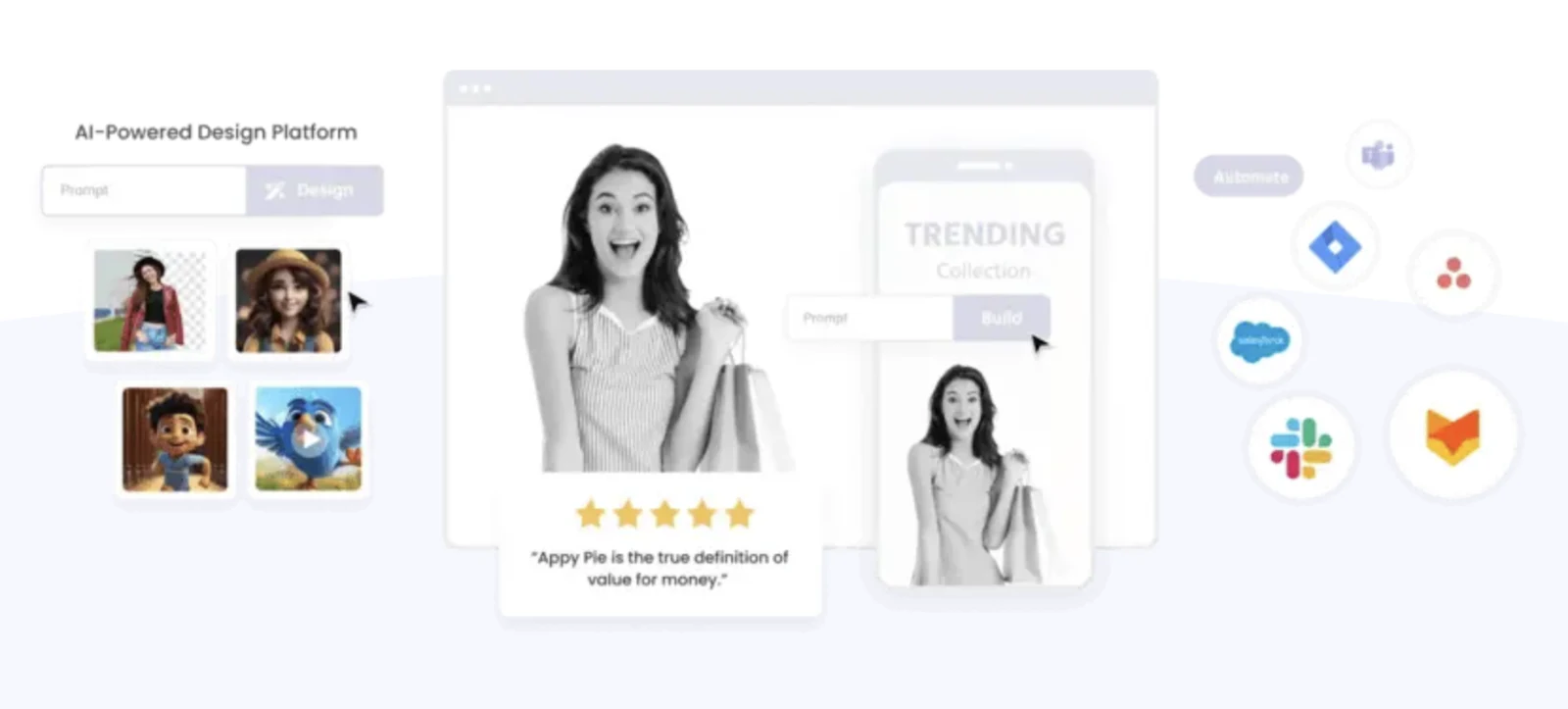
Appy Pie is a popular no-code app development tool. It has an intuitive and flexible user interface that is easy to learn, even for beginners and counts among the most affordable yet powerful alternatives to Thunkable.
Key features
- Has a drag-and-drop app builder that lets you edit and customize the app layout while the changes are reflected in real-time
- Use Appy Pie's AI-powered app generator to turn your text or speech input into a fully functional app
- Customize apps with features like push notifications, ads, in-app purchases, analytics, and more
- Integrate with 1000+ apps, including all popular tools across various domains such as CRMs, e-commerce marketing, finance, social media, and more
- Get native-like app building experience with dedicated app builders for Android and iOS
- Built-in publishing across various app stores like Google Play and Apple App Store
Pros and cons
✅ Unlike Thunakle, Appy Pie is beginner-friendly and affordable
✅ It reflects changes in real-time without the need to reinstall or update the app
✅ Integrates AI capabilities for quicker app development
❌ Doesn't support code export, which means users are locked into the Appy Pie ecosystem
❌ Limited customization options for templates
Pricing
- Basic: $16/app per month
- Gold: $36/app per month
- Platinum: $60/app per month
- Enterprise: Custom pricing
5. FlutterFlow
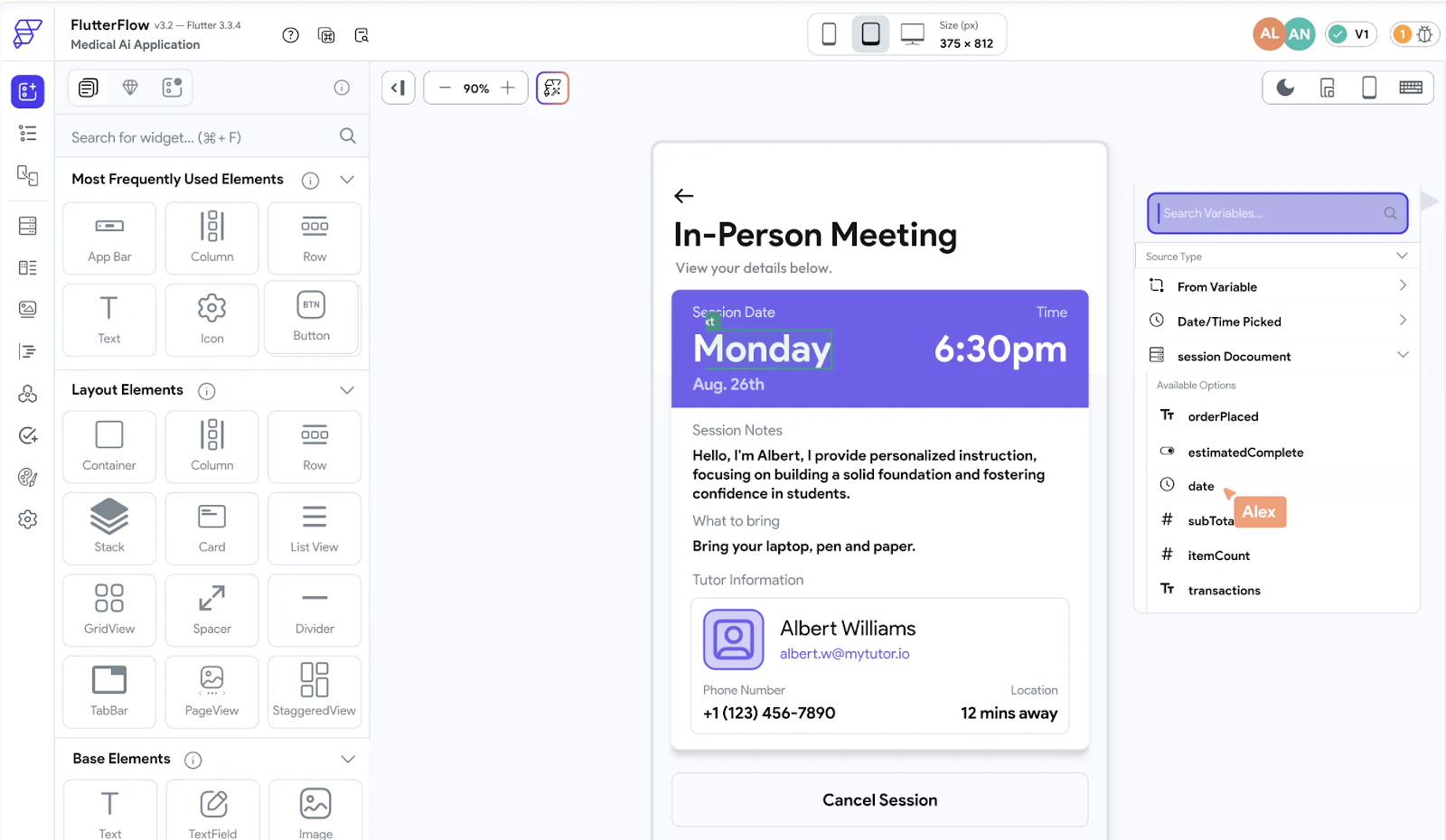
FlutterFlow is a low-code visual development and prototyping platform that lets you build native mobile, desktop, and web apps.
Key features
- Has an intuitive drag-and-drop builder with 80+ preset app-building widgets and 170+ design components
- Add powerful features to your app, such as animations, push notifications, group chat, light/dark mode, and more
- Accept payments directly in your application with RazorPay and Stripe integration
- Use the StoryBoard view to map out and visualize the design and navigation of your entire application
- Create multiple app versions and leverage automated testing to find the best app version instantly
- Import theme colors and font styles from Figma or easily create and manage them within FlutterFlow
- Access hundreds of ready-made templates, widgets, and custom codes with FlutterFlow's native marketplace
Pros and cons
✅ An intuitive, beginner-friendly interface that supports cross-platform app development
✅ Generates source code of apps for extended use outside the platform
✅ Extensive gallery of pre-designed widgets and design components
❌ Users flag poor customer support and help resources
❌Performance can be an issue for large-scale and complex applications
Pricing
- Free
- Basic: $39 per month
- Growth: $80 per month (first seat)
- Business: $150 per month (first seat)
- Enterprise: Custom pricing
Pick the the best alternative to Thunkable for your business
Whether you’re a seasoned no-code builder or just escaping the spreadsheet trap, Softr lets you build robust, production-ready apps without writing code.
With Softr, you get:
- An AI Co-Builder that turns a plain-text prompt into a complete business app (database and permissions included)
- Three ways to build: generate with AI, start from a template, or build from scratch, all fully editable afterwards
- Apps that are secure and production-ready from day one, not fragile demos
- Softr Databases as your native backend, plus live connectors to 21+ external sources
- Hands-on resources, an active community, and a responsive support team
Softr offers several pricing plans, including a free forever tier, so even if you’re new to no-code you can get started without committing a budget. Build your first app for free today.


