


[.blog-callout]
TL;DR
- Softr now connects natively to PostgreSQL, MySQL, SQL Server, and MariaDB, alongside Softr Databases and 21+ other data sources.
- Build tables, lists, kanbans, forms, and dashboards directly on top of your production SQL data. No CSV exports, no custom API layer.
- User groups and permissions control exactly who can view or edit your SQL records, enforced on the backend rather than just hidden in the interface.
- No record limits: apps scale alongside your database as your business grows.
- SQL connections are available on Softr's Business plan and above. [.blog-callout]
As Softr continues to grow, our focus remains clear: to make Softr a truly data source-agnostic platform. Most builders start with Softr Databases, our native option that needs no separate hosting or maintenance and is the fastest way to get a new app off the ground. But many of you already have production data (customer records, sales figures, inventory) sitting in an existing SQL database, and you needed a way to build on top of it without migrating anything first.
That's why we're thrilled to announce that Softr now integrates with SQL databases! Connect Softr directly with PostgreSQL, MySQL, SQL Server, and MariaDB. This integration empowers you to use powerful, scalable SQL databases, allowing you to create more complex internal tools and portals.
Building powerful no-code tools with SQL data sources
We know one of the biggest hurdles for SMBs and teams is accessing production data. Important info like customer details, sales figures, and inventory often stays locked in SQL databases, out of reach without a developer or the right integration tool.
Before now, Softr builders had to manually export data using CSV files or rely on complex, unfriendly analytics tools. Using no-code databases as the primary data source often meant hitting record limits and running into performance issues as projects grew more complex.
Whether you're building apps to share data with your team or external vendors, we believe accessing your SQL data shouldn't require coding expertise. As one Softr builder put it:
"Spreadsheets are pure data, and what you actually have to track and work on is this data. You cannot be only an interface, only a UI. You have to bridge the two together: your UI on top of the data that you actually are working with." - Guillaume Duvernay, Builder at Softr
Why build apps on top of SQL data sources with Softr?
Connect your SQL database to Softr with ease
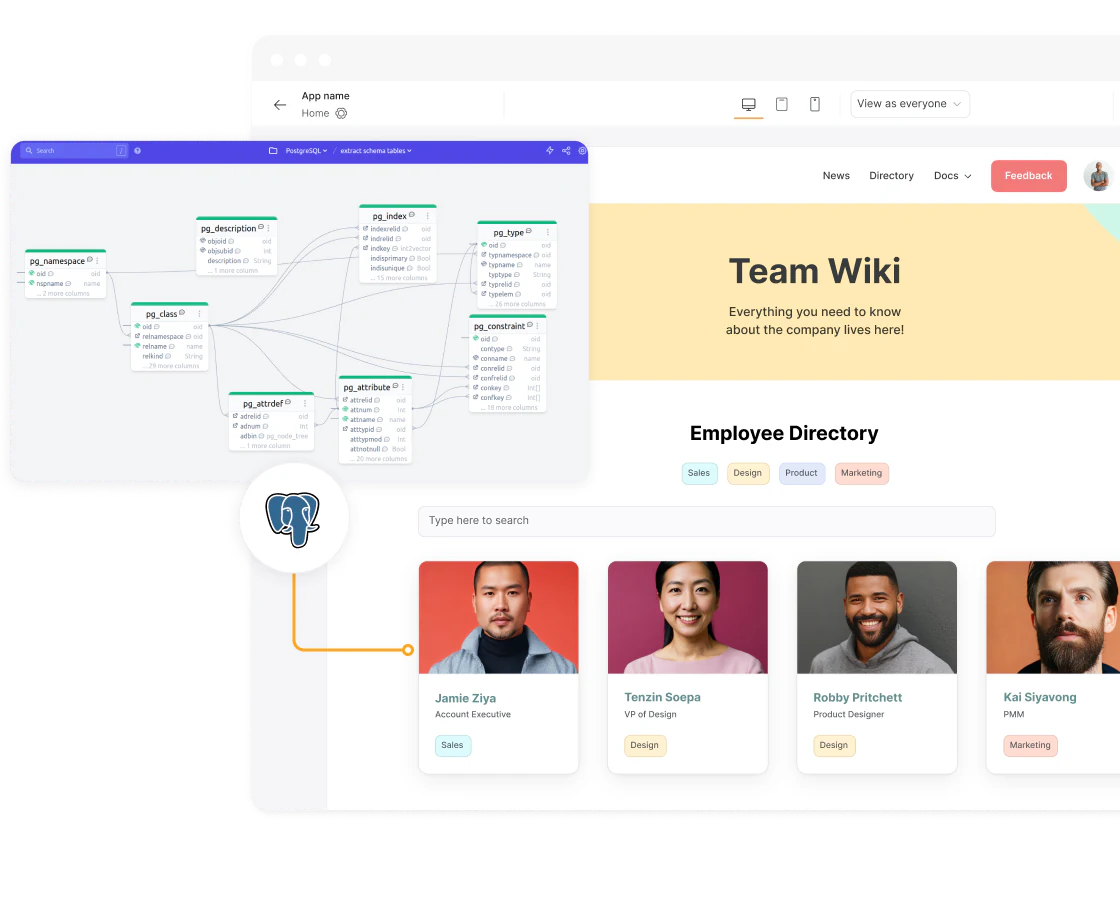
While SQL databases hold all your structured data, getting to that data usually requires advanced technical skills. Softr changes that. Now, anyone on your team can easily build customizable, data-driven apps using your database data.
Get started quickly: connect your SQL database in a few clicks. For more details, visit our help doc. Once your tables are connected, you can also describe the page or dashboard you want and let the AI Co-Builder assemble it on top of your SQL data, then fine-tune it manually from there.
Let internal teams or external partners securely access data
Let's say different teams or external vendors need access to your SQL databases, but you want to control what they can do or which data they can access.
With Softr, you can easily customize user groups and granular permissions, or ask the AI Co-Builder to help configure them for a specific role. Allow some users to view data while giving others the ability to make updates, all while keeping your data secure. This flexibility helps you reduce the risk of errors and maintain control over your data, ensuring everyone has the right level of access for their role. If you need a fully custom interface for a specific user group, such as a bespoke intake form or a custom dashboard, the Vibe Coding block lets you build it while still connecting securely to the same SQL data.
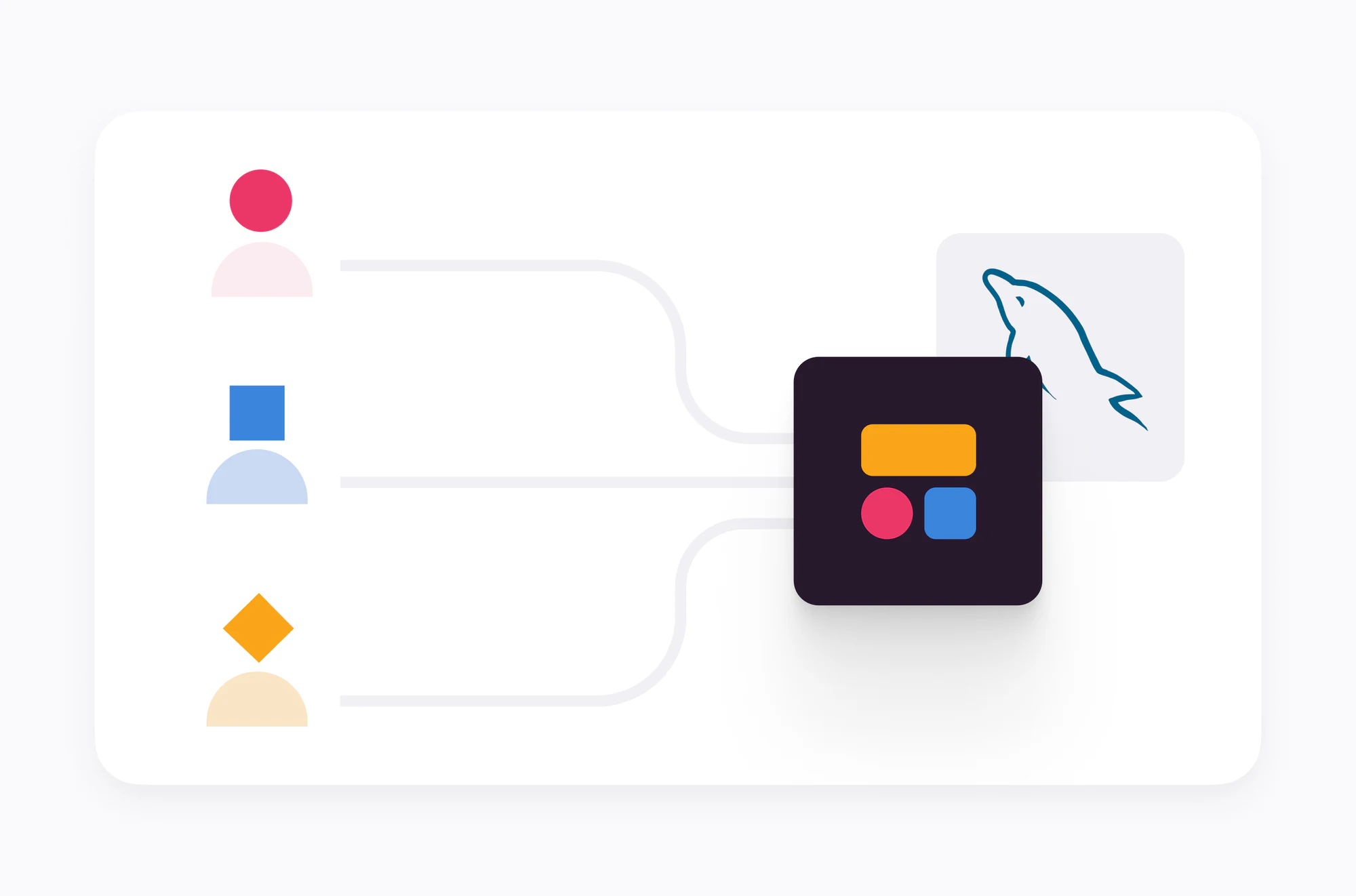

Permissions aren't just cosmetic either. As our team explains it, restrictions are enforced on the backend, not just hidden in the interface, so a restricted user can't bypass a rule by inspecting network requests. That matters whether your SQL data is serving internal teams or external partners.
Scale without record limitations
As your data grows, no-code databases can slow down and struggle with complex queries or record limits, impacting your app's performance. With Softr, you can now scale to larger datasets without hitting record limits. Build sophisticated apps that grow with your business, ensuring you always have the flexibility and performance you need.
Ready to connect your SQL database?
This launch is one more step toward making Softr a true data source-agnostic platform: use Softr Databases if you're starting fresh, or connect directly to your existing PostgreSQL, MySQL, SQL Server, or MariaDB instance if your production data already lives there. Either way, you get the same interface builder, user groups, and AI Co-Builder on top.
Visit our help doc to see how to get set up in a few clicks.
Frequently asked questions
Which SQL databases does Softr support?
Do I need a developer to connect my SQL database to Softr?
Is my SQL data secure when I connect it to Softr?
Should I connect my own SQL database or use Softr Databases?
What plan do I need to connect a SQL database in Softr?


