



[.blog-callout]
TL;DR
- If your app feels down, first check the Airtable status page and whether the issue is upstream (like an AWS outage).
- Your data is almost certainly safe. Airtable keeps geographically distributed backups, so an outage rarely means data loss.
- To stay resilient, keep regular CSV exports or mirror your data elsewhere.
- For teams that want to stop depending on a single tool's uptime, Softr Databases gives you a native backend, so your app runs on infrastructure you build directly inside Softr. [.blog-callout]
It can be very frustrating when the software you rely on suddenly stops working. With software, the question usually isn't if it will break, but when. That's partly because of the "move fast and break things" mindset common in tech startups. Airtable, a collaborative no-code database tool, is no exception. There's no need to panic, though. Airtable is secure software, built for reliability alongside fast development and frequent feature updates. In this article, we'll go over how to get real-time updates on the situation, what might be causing it, how Airtable secures your data, and how using Softr Databases as your native backend can reduce how much your app depends on any single tool's uptime.
Check the Airtable status
All servers crash sometimes, even Airtable. Before assuming the worst, confirm whether the service is actually having an incident right now on the Airtable status page. While you're there, subscribe for updates via email or Slack so you get notified immediately when something changes. You can also follow the official status account on X (formerly Twitter).
When Airtable goes offline, updates are posted regularly throughout the incident. Some outages clear in a few minutes, while others run longer, so the status page is the best place to track progress in real time. You can be confident the Airtable team is working to resolve whatever problem comes up.
Check if AWS is Down
Just like us, your app or website may depend on Airtable to run. Airtable in turn depends on other service providers to run their website. One of those is Amazon Web Services (AWS), which powers many software products including those from Adobe, Autodesk, Notion, 1Password, and The Washington Post. If AWS goes down, many software products stop working partially or entirely. In some sense, this is a good thing: because so much depends on the reliability of these services, there is a lot of incentive to resolve them quickly and prevent it from happening again.
Is My Data Lost?
No, almost certainly not. Although it could be that the last few minutes of work didn't get saved. Airtable keeps backups across different parts of the world, so that your data is always safe. Even from national emergencies. If something somehow were to happen to the data, there are system recovery plans which are regularly reviewed and rehearsed. Services are monitored 24/7.
If you don't want to depend solely on Airtable's services being up and running, you can make regular backups of your databases, or even mirror them in another tool like Google Sheets.
Airtable offers a CSV export function for this. Just click the three dots next to the view name, then choose Export as CSV.

To automate those backups, you can use Softr Workflows, which run natively inside your app and can be triggered by UI interactions like an action button. If you prefer external tools, Softr also has native integrations for Make and Zapier, so you can set up an automation that copies new records into a spreadsheet automatically. Keep in mind that syncing edited data back into Airtable after the downtime can get messy.
Some Things May Still Work
Sometimes only parts of Airtable are temporarily offline, for example, Airtable Apps. If you're a developer working with the Airtable API, it might be worth checking if you can still reach the Airtable website and work on the base manually. Or if one of the API's: the metadata API or the REST API is still working.
What this means for your Softr app
If you've built a Softr app on top of an Airtable base, an Airtable outage will temporarily affect it too. That's by design: because we care about data security, we don't copy your data into Softr. Instead, we make a live API call to Airtable each time your app needs records. When Airtable is down, those calls can't complete, so your listings are temporarily unavailable. As soon as Airtable is back up, your app loads normally again.
The good news is that Airtable doesn't have to be your only option. Softr is a full-stack platform: it gives you the interface builder, native Softr Databases, and Softr Workflows in one place. Airtable is just one of 21+ data sources you can connect, alongside Google Sheets, HubSpot, a REST API connector, and Softr's own native database.
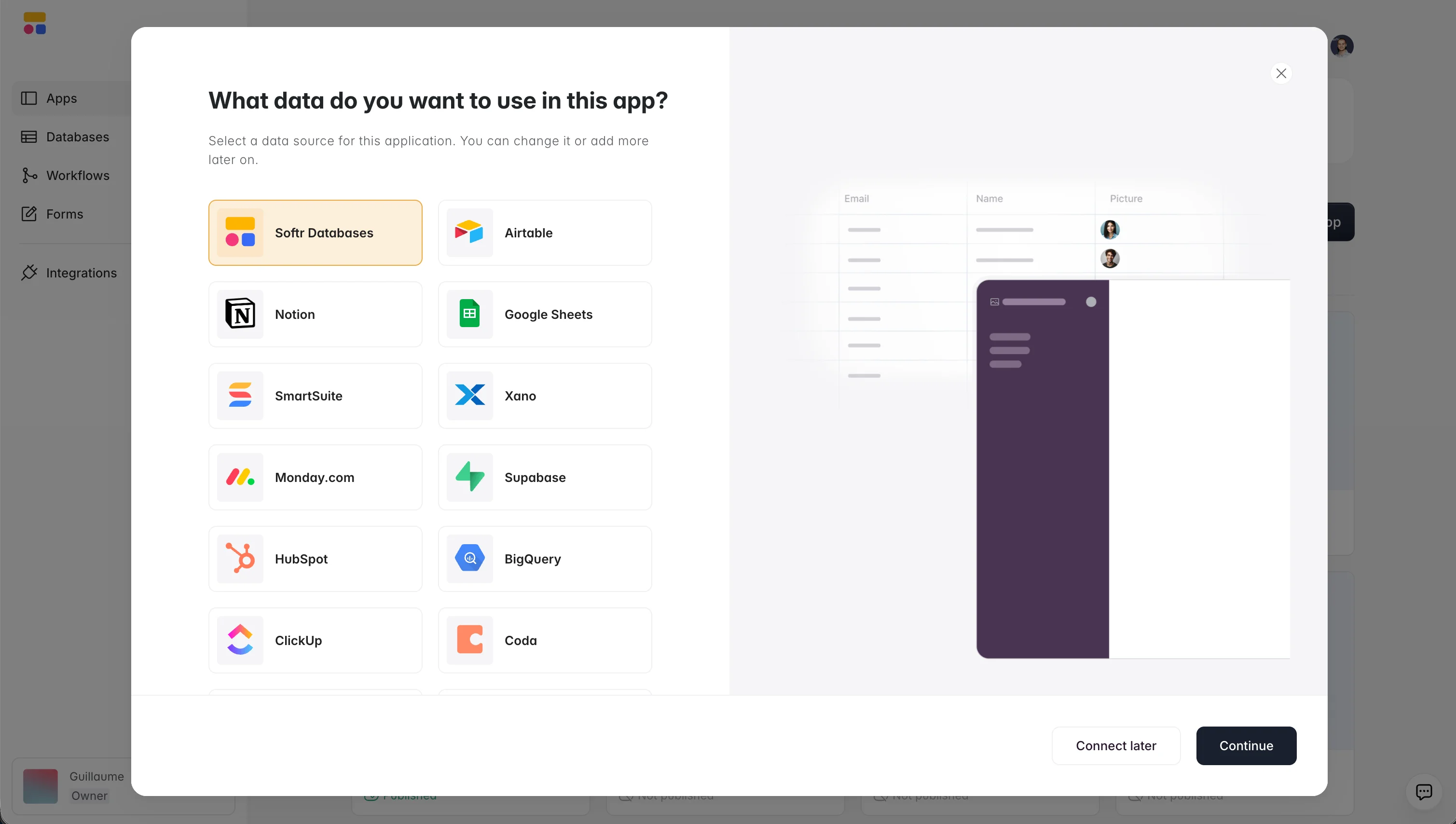
That native database matters for reliability. When you build an internal tool on Softr Databases, your data lives on the same backend that powers your app, so you're no longer tied to a separate tool's uptime. You can spin up a database in minutes: open the database editor and add your tables and fields manually, or describe the structure you need to the database AI agents and let them generate the schema for you. If you're starting a brand new app, you can even describe what you want to the AI Co-Builder and have it generate a working app, complete with its database, in one step.
"I find Softr very intuitive and easy to navigate, which is great for someone who is not a programmer by nature. It integrates very nicely with Airtable and other databases we are already using, making it nice that it just sits on top of the systems we have. I also love the ability to control access globally, which is really important for data security and privacy." - Natalie S., Director of Operations, G2 review
So next time you wonder whether Airtable is down, you have two paths forward: ride out the outage with good backups in place, or build your next app on a native backend you control. Start with your database and the rest of the app follows.
Frequently asked questions
How do I check if Airtable is down right now?
Will I lose my data if Airtable goes down?
Why does my Softr app stop working when Airtable is down?
How can I make my app less dependent on Airtable's uptime?
Can I back up my Airtable data automatically?


