



Caspio is a popular low-code option for building cloud apps. But if you’re reading this article, it probably doesn’t meet your exact needs. Maybe you need a no-code platform instead of a low-code one, a free version Caspio doesn’t offer, support on iOS and Android, better customization options, or simply something more affordable. One of the tools below will likely be a better fit.
Best Caspio alternatives at a glance
| Tool | Best for | Standout features | Pricing |
|---|---|---|---|
| Softr | Building business apps with AI | Unlimited apps and forms for up to 3 builders on free, custom domain on paid | Free plan; paid from $19/month |
| Ninox | Automating internal operations | Free plan up to 5 users, 100 MB storage, 5,000 records; per-user annual billing | Free up to 5 users; Team from €25/user/month |
| Retool | Developers building internal tools | Unlimited web and mobile apps, 500 workflow runs per month on free | Free plan; paid from $10/user/month |
| Zoho Creator | Teams in the Zoho ecosystem | Free plan for one app, tiered per-user pricing | Free for 1 app; paid from $8/user/month |
| Flatlogic | Spinning up MVPs with full code ownership | Credit-based model, 5 credits per month free, unlimited apps on Pro | Free plan; Pro $20/month |
| FlutterFlow | Mobile apps that need code export | Build and test two projects on free, no export or publish without a paid plan | Free demo account; Basic $39/month |
| Glide | Mobile-first apps from existing data | Unlimited draft apps with one editor and 25,000 rows on free, metered updates | Free plan; Explorer $19/month (Glide Classic) |
1. Softr — best overall Caspio alternative for building business apps with AI
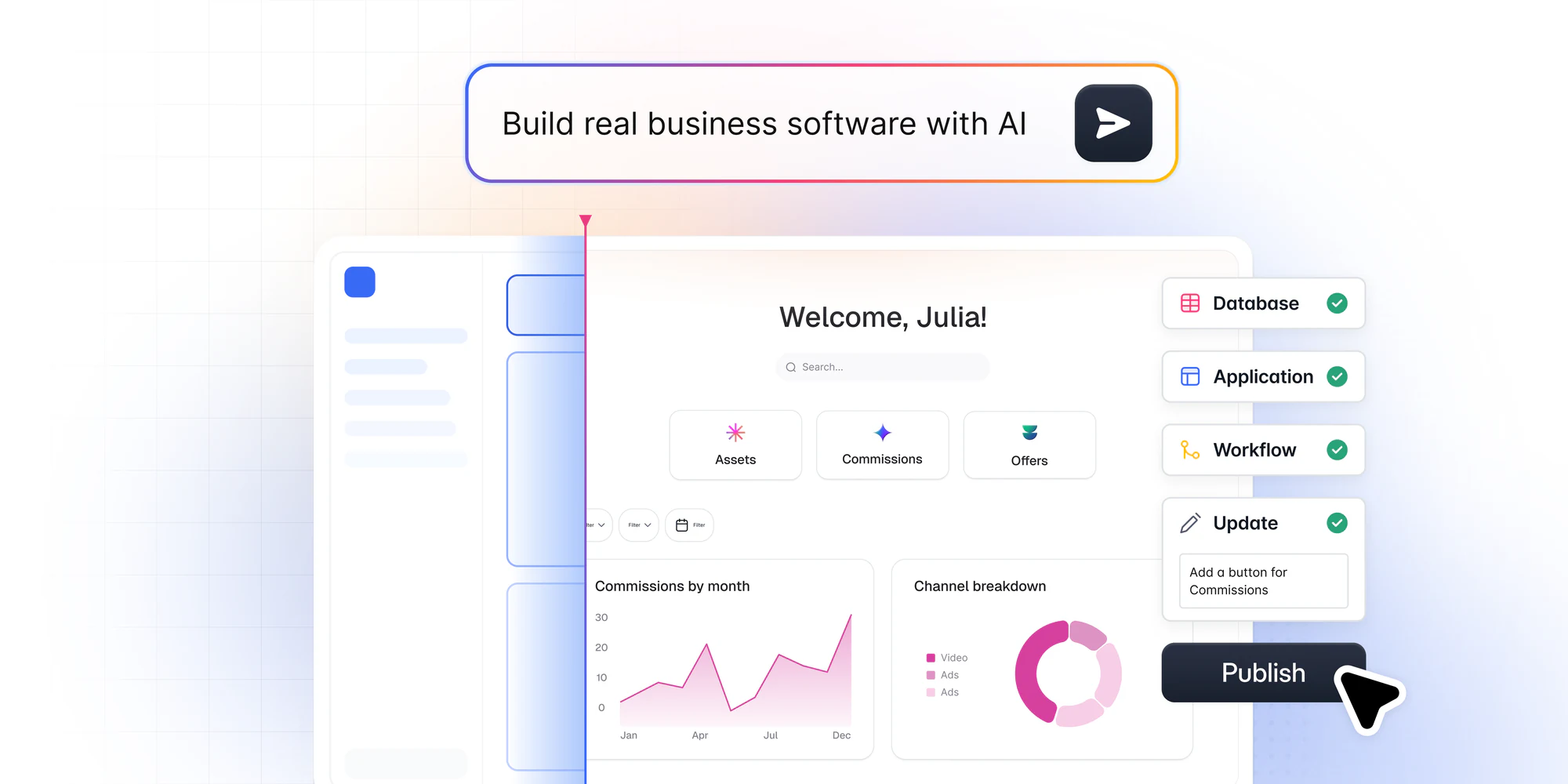
Softr is the first AI-native platform for building business software without code, and for internal tools and customer portals you’ll hardly find a more user-friendly option. Describe what you need and Softr’s AI Co-Builder instantly creates the database, pages, user roles, and navigation, already connected, secure, and ready for real users.
Unlike pure vibe-coding tools where AI is the only path, you get three ways to build: generate with AI, start from a pre-built template (Softr offers over 70 for use cases from partner portals to employee training), or build from scratch. Once inside the editor you can move freely between AI-assisted and hands-on editing, so the AI accelerates the work without ever becoming a dependency.
This matters because Softr apps are production-ready and secure from day one. Authentication, granular permissions, hosting, and security come built in, so you avoid the fragile, hard-to-maintain results of vibe-coded apps that look great in a demo but break the moment a real user logs in.
For your data, you can use Softr Databases, the native, AI-ready relational database, and then connect to 21+ external sources such as Google Sheets, Airtable, SmartSuite, BigQuery, HubSpot, and SQL databases like PostgreSQL, MySQL, and SQL Server. To automate your operations, Softr Workflows are triggered directly from your app’s interface (a button click or form submission), with native integrations for Make, Zapier, and n8n when you need them.
Softr vs Caspio
- Softr offers a free plan for individuals and small teams building real apps.
- While Caspio requires some coding skills, Softr is entirely no-code (with an option to add custom code if needed).
- Unlike Caspio, Softr supports a one-click web-to-mobile app conversion.
- Where Caspio offers an AI Assistant as a paid add-on, Softr’s AI Co-Builder is core to the platform, generating full apps, database schemas, and workflow automations from plain-language prompts.
Softr pricing
Softr’s free plan includes unlimited apps and forms for up to 3 builders, plus up to 5 app users and 5,000 database records. Paid plans start at $19/month, where you can add a custom domain and scale up users and records.
2. Ninox — best for automating internal operations
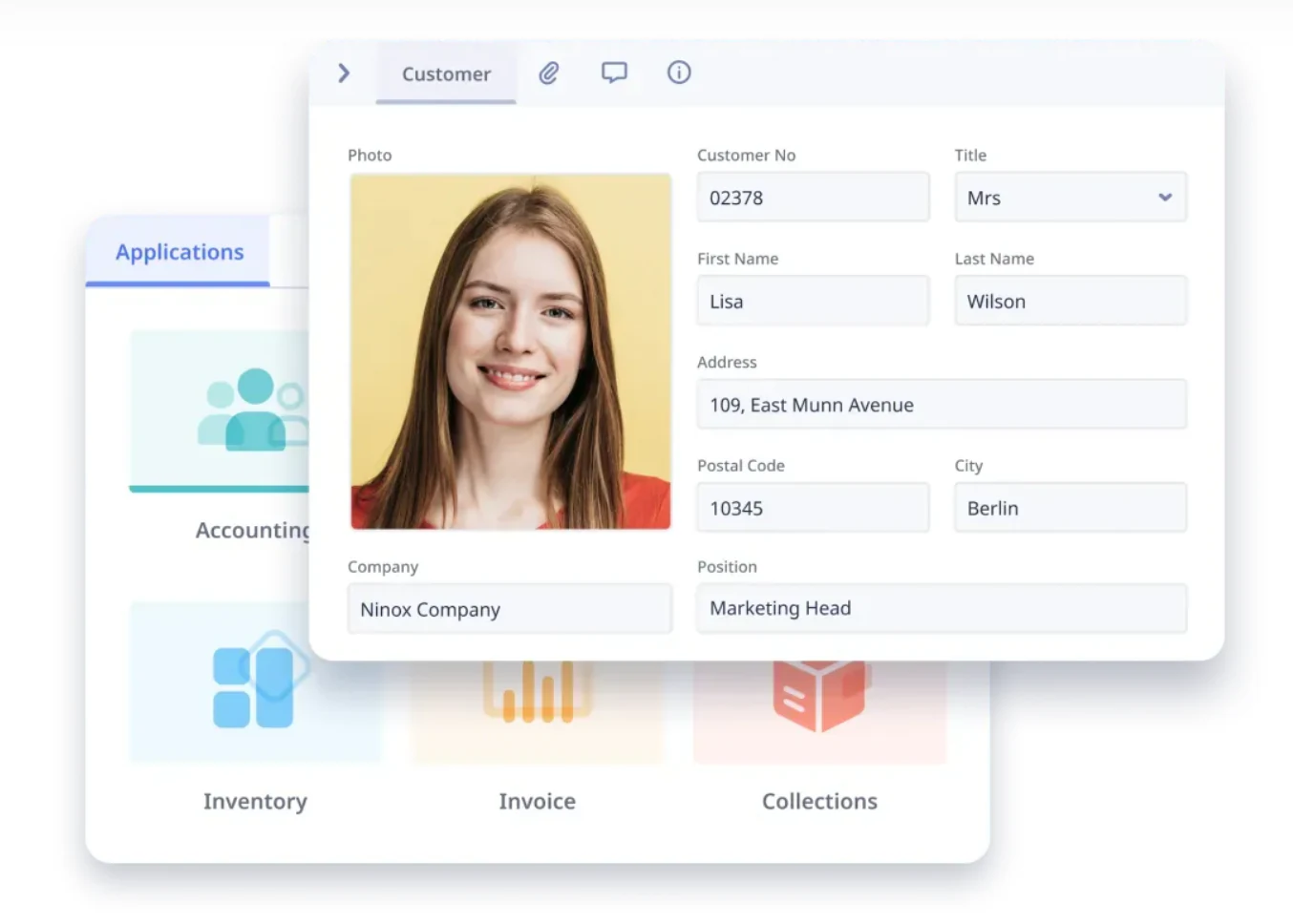
Ninox is a low-code platform that helps businesses automate internal processes and workflows. From accounting and invoicing to customer and employee management, you can create a custom Ninox app to handle these tasks.
The platform is best for streamlining internal project management and related activities.
Although you may need to dig into syntax when building your apps with Ninox, it's manageable even if you don’t have a technical background.
Ninox vs Caspio
- Unlike Caspio, Ninox offers a free plan for up to 5 users.
- Ninox supports native apps for Mac, iPhone, iPad, and Android.
- Ninox is a simpler solution than Caspio, with a deep focus on internal operations.
Ninox pricing
Ninox has a free plan for up to 5 users that never expires, with 100 MB storage and up to 5,000 records. Paid plans are priced per user and billed annually: Team at €25/user/month adds external integrations, workflow automation, and role-based access, while Business at €40/user/month raises data and API limits and keeps a full change history. Enterprise pricing is available on request.
3. Retool — best for developers building internal tools
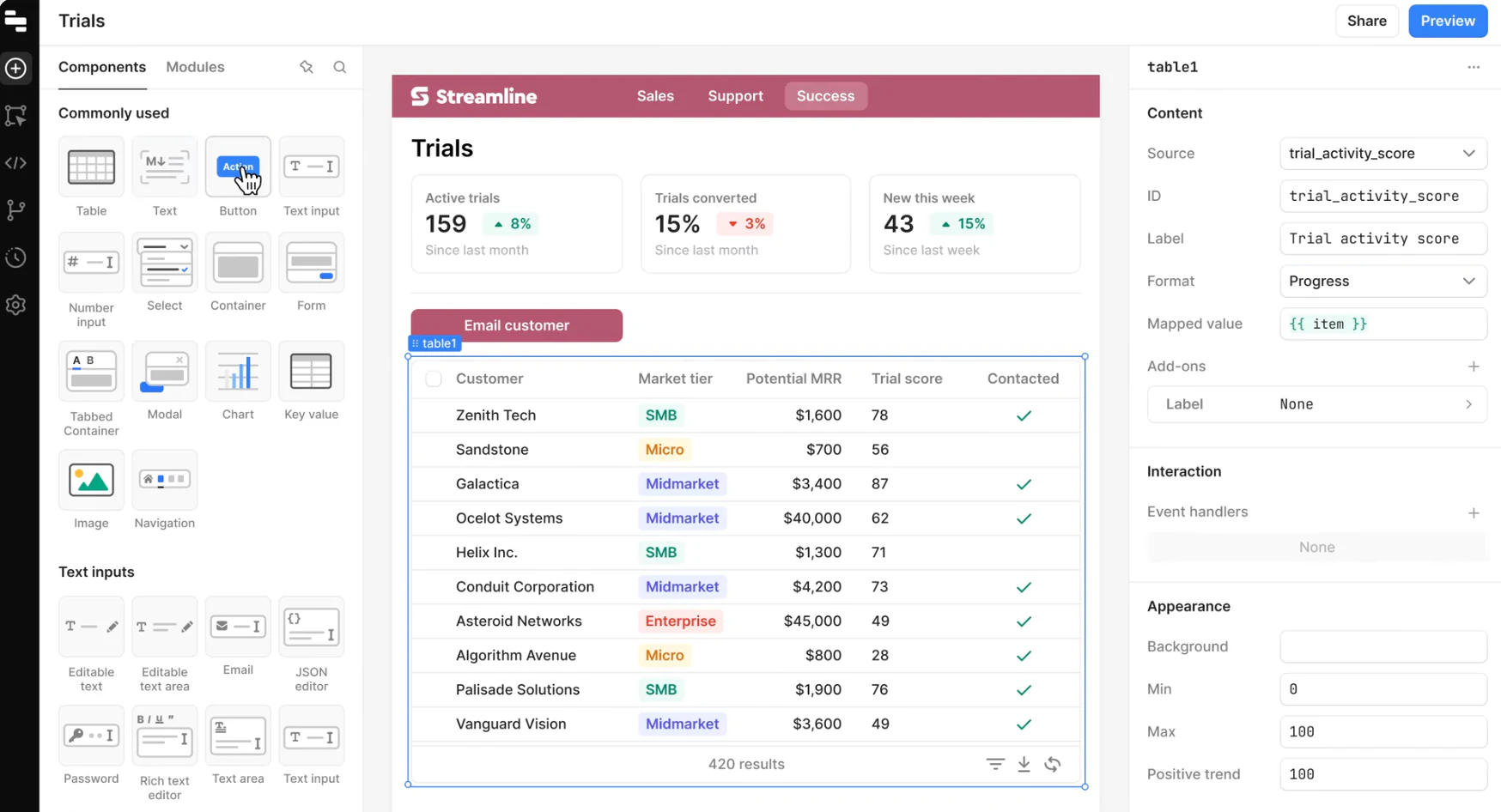
Retool is developers’ favorite low-code platform for building internal software, including web apps, workflows, mobile apps, and databases. It offers more technical flexibility than many no-code options but does require coding skills.
For backend or front-end engineers, Retool offers a fast way to implement ideas and solve issues.
Mind that Retool’s entire database is closed-sourced (which is standard for no-code builders, but less common in more technical solutions). If you want to connect Retool to your production databases, you won’t have full transparency about what it contains.
Retool vs Caspio
- Retool allows you to add AI into workflows and app functionality through pre-built blocks.
- Retool provides a free plan for small projects.
- All of Retool’s plans include native mobile apps and deployment on iOS, Android, or as a PWA.
- Retool Enterprise supports biometric authentication for mobile app security.
Retool pricing
Retool’s free plan includes unlimited web and mobile apps and up to 500 workflow runs per month. Paid plans start at $10/user/month. The per-user pricing can add up quickly for larger teams and those with high usage needs.
4. Zoho Creator — best for teams in the Zoho ecosystem

Zoho Creator is a low-code platform for building custom applications, automating workflows, and streamlining processes without extensive coding knowledge.
The software is great for automating core business processes and creating websites for customers or partners. It might not be the best choice for more complex projects.
One of Zoho Creator's biggest strengths is its community. If you get stuck, you can quickly get answers to your questions from other users.
Zoho Creator vs Caspio
- As opposed to Caspio, Zoho Creator supports native apps for iPhone, iPad, and Android.
- Zoho uses its own online scripting language called Deluge.
- Zoho Creator is generally more budget-friendly than Caspio, with advanced features like AI assistance and API management included in lower-tier plans.
Zoho Creator pricing
There’s a free plan available for building one app. Paid plans begin at $8/user/month, with subsequent tiers priced at $20/user/month and $25/user/month. This pricing structure is less steep than many other no-code platforms.
All paid plans unlock integrations with all Zoho apps, AI models, workflow automation, and granular permission control.
5. Flatlogic — best for spinning up MVPs with full code ownership
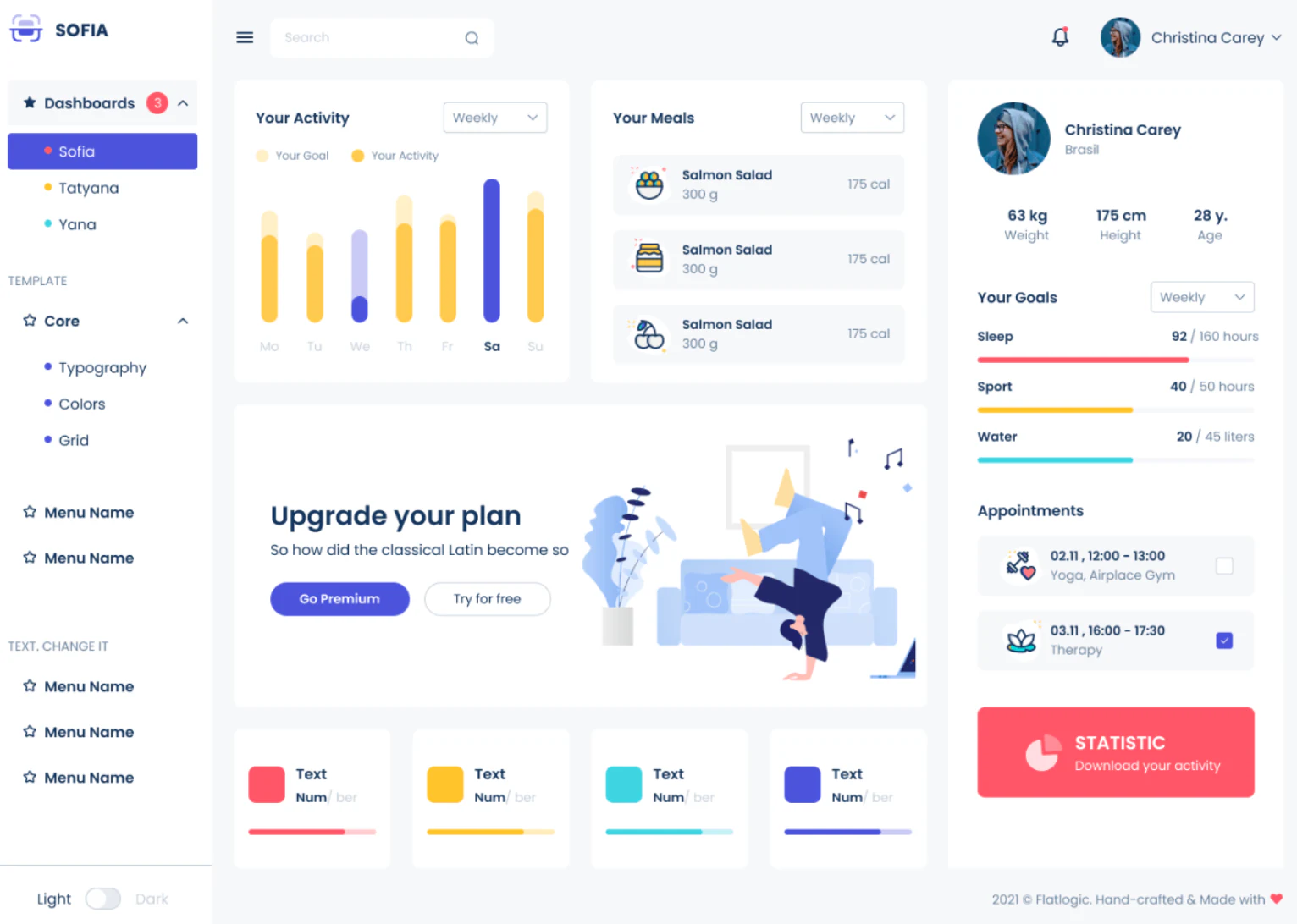
Flatlogic is a perfect fit for the rapid development of basic applications.
Due to its simplified interface and extensive pre-built components, Flatlogic is often a go-to option for building MVP. The platform also offers tailored templates for developing fully-functioning CRUD applications, including custom CRM or ERP systems.
Flatlogic vs Caspio
- On a paid plan, you can activate source code access and own the code for that app, so you keep it after canceling.
- Flatlogic is suitable for web and mobile app development alike.
- With options ranging from multiple coding languages to an AI-powered text-to-app generator, Flatlogic serves both non-technical users and developers.
Flatlogic pricing
Flatlogic runs on a credit-based model. The Free plan includes 5 credits per month and up to 3 public apps using free templates. Pro at $20/month adds 25 credits per month, unlimited apps, private apps, custom domains, and rollover credits. Enterprise pricing is custom. Hosting runs on dedicated VMs billed separately (from about $3/month), and paid templates carry a one-time license fee.
6. FlutterFlow — best for building native mobile apps
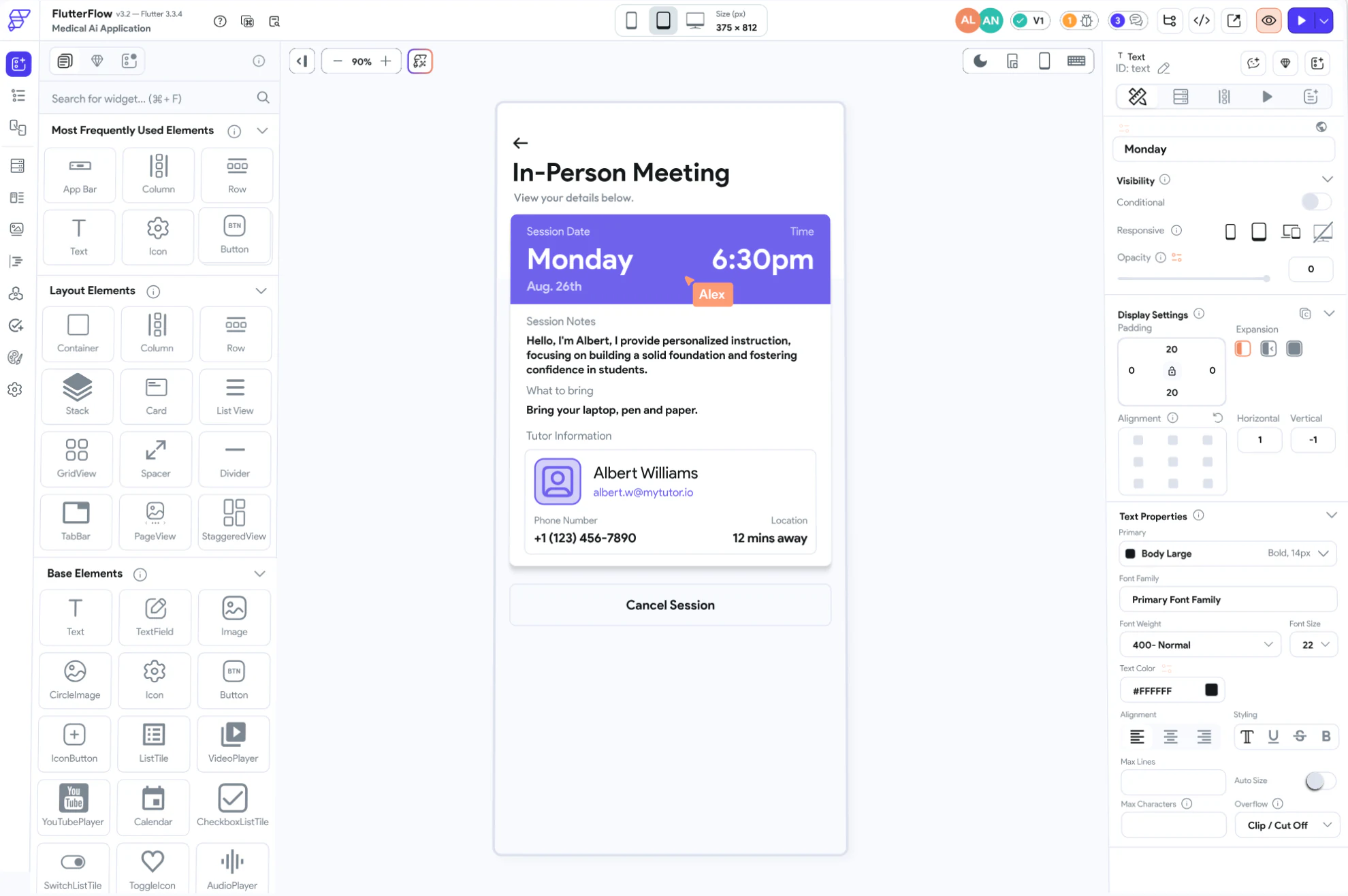
FlutterFlow is another low-code app builder that combines easy-to-use drag-and-drop features with advanced functionality for deeper customization. It can be a great choice for solo founders who want to quickly validate their startup ideas without needing a lot of technical experience.
While you can definitely use FlutterFlow to create more complex applications, it will require extensive technical knowledge and a longer learning curve.
FlutterFlow vs Caspio
- FlutterFlow is a better fit for building native apps than cloud-based ones.
- The platform is primarily aimed at designers, entrepreneurs, and those with limited coding experience.
- FlutterFlow offers the ability to download the source code on paid plans.
FlutterFlow pricing
FlutterFlow's free plan is really a demo account. You can build and test up to two projects, but you can't export code or publish, so you'll need a paid plan to ship. The Basic plan at $39/month unlocks code and APK download, custom domains, and one-click deployment to the Apple App Store, Google Play Store, and web. Growth starts at $80/month for the first seat and adds GitHub integration and real-time collaboration, while Business starts at $150/month for larger teams. Enterprise pricing is custom.
7. Glide — best for simple mobile-first apps on spreadsheets
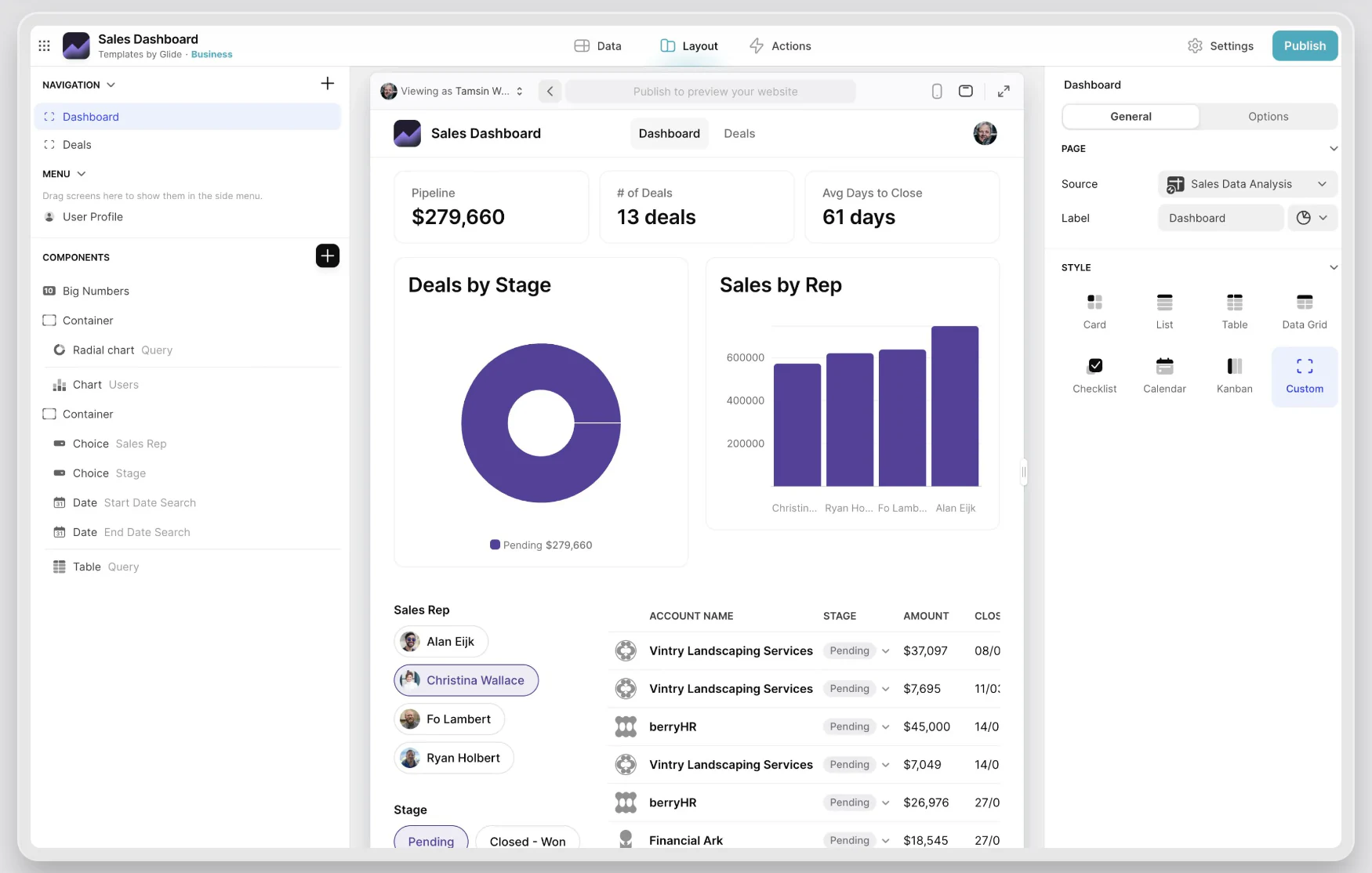
Glide is a no-code platform for creating simple, data-driven apps for various purposes, such as directories, inventories, or even basic CRMs.
Glide is a visual editor best suited for building basic mobile-first layouts on top of spreadsheets.
Glide vs Caspio
- Glide offers a free plan, unlike Caspio.
- It's a much simpler tool compared to Caspio, ideal for prototypes and MVPs.
- Glide is equally suitable for both web app and mobile app development.
Glide pricing
Glide Classic's free plan covers unlimited draft apps with one editor and up to 25,000 rows, but you can't publish them for others to use. Explorer ($19/month, billed yearly) publishes one app, Maker ($49/month) covers three apps with unlimited personal users and a custom domain, and Business at $199/month includes unlimited apps and 30 users, with extra users at $5/month each. Enterprise pricing is custom. GlideOS, Glide’s newer AI platform, is a separate subscription from $25/month.
Note that Glide meters monthly updates, so heavy data syncs can trigger overage charges at $0.02 per update.
Choosing the best Caspio alternative for your team
Each of these Caspio alternatives excels in different scenarios:
- Softr: The best all-around AI solution for building client portals, internal tools, and collaborative business apps without coding. It connects natively to Softr Databases (or Airtable, Google Sheets, HubSpot) and is secure and ready for real users from day one.
- Glide: Suitable for simple data-driven mobile-first dashboards and directories on top of spreadsheets.
- Retool: Best for flexible, robust internal applications designed specifically for teams with coding skills.
- Ninox, Zoho Creator: Great for building simple internal tools or MVPs, but require getting familiar with custom script languages (like Ninox scripting or Deluge) or development frameworks.
- Flatlogic or FlutterFlow: Best when you want to own and export your code, whether through Flatlogic's AI generator or FlutterFlow's Flutter-based builder.
Ready to build your first app? Try Softr for free and use the AI Co-Builder to generate working software in minutes.


