What's new in Softr
Check out new features, improvements, and community events!
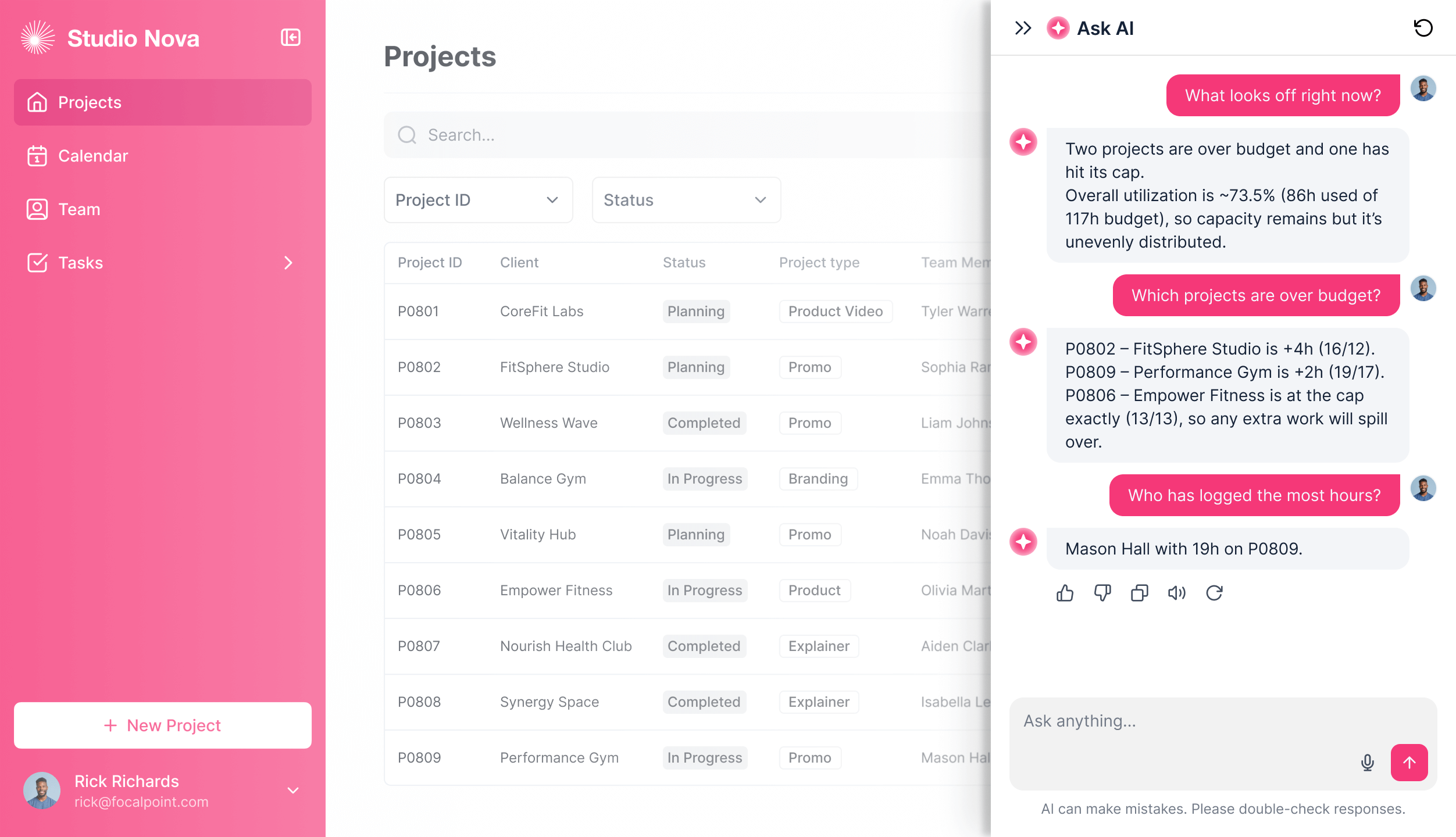
Comment notification rules
Control exactly who sees which comments using conditional filters in the comment settings. Keep in-app discussions relevant, and make sure only the right people get notified.
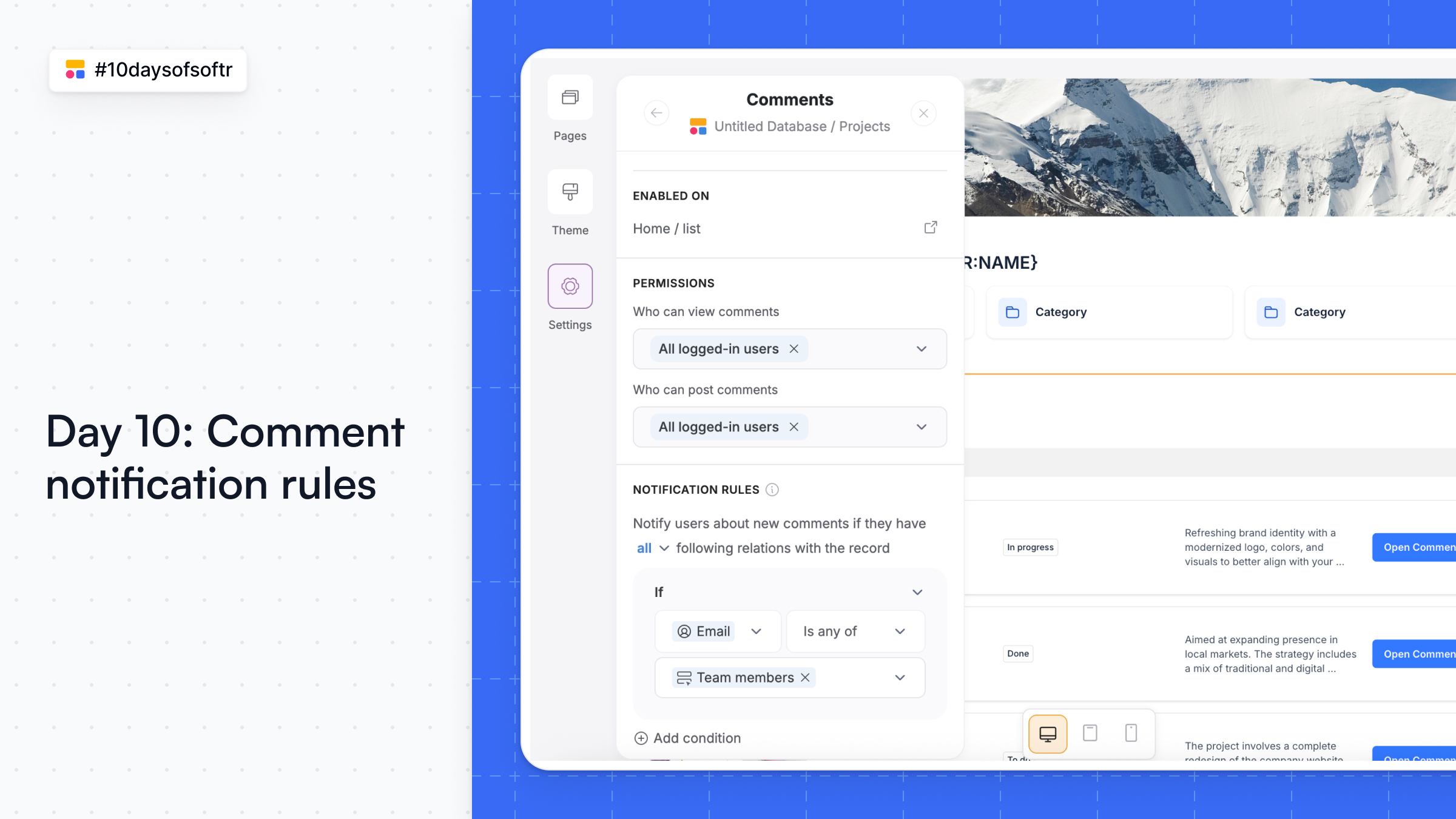
Add filters to rollup fields
Rollup fields just got a whole lot smarter! Now, you can filter the records that feed into your rollups in Softr Databases — so you only calculate exactly what you need. No extra views or manual filtering.
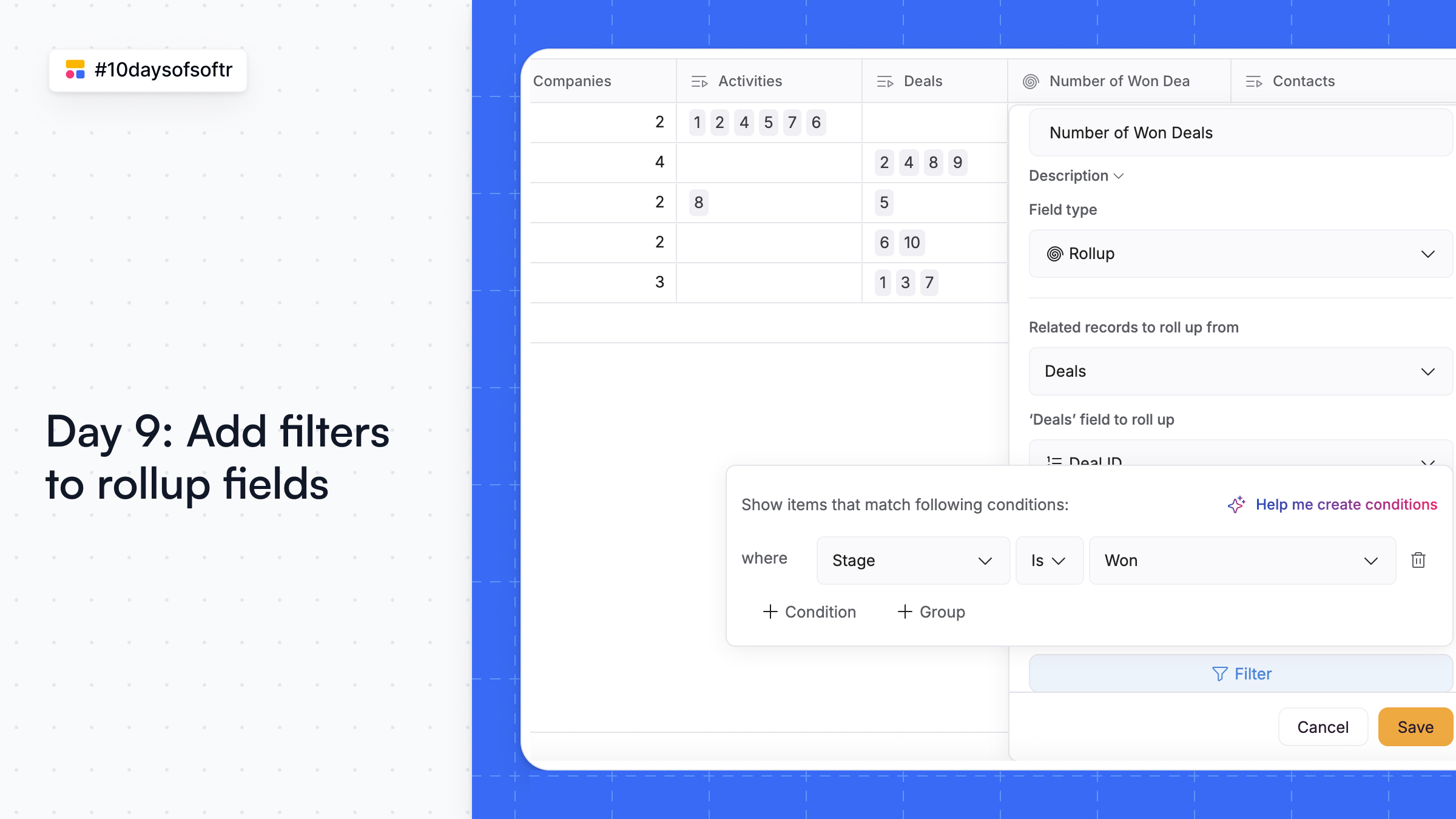
AI formulas and filters for databases
Skip the tedious parts of your Softr Databases setup with AI! Here's what you can do:
🔍 Generate filters with AI: Describe what you want (“show users with translation skills”) and AI builds the filter for you.
🧮 Generate formulas with AI: Need a new formula field? Tell AI what you want (“check users’ first names”) and it’s ready to use.
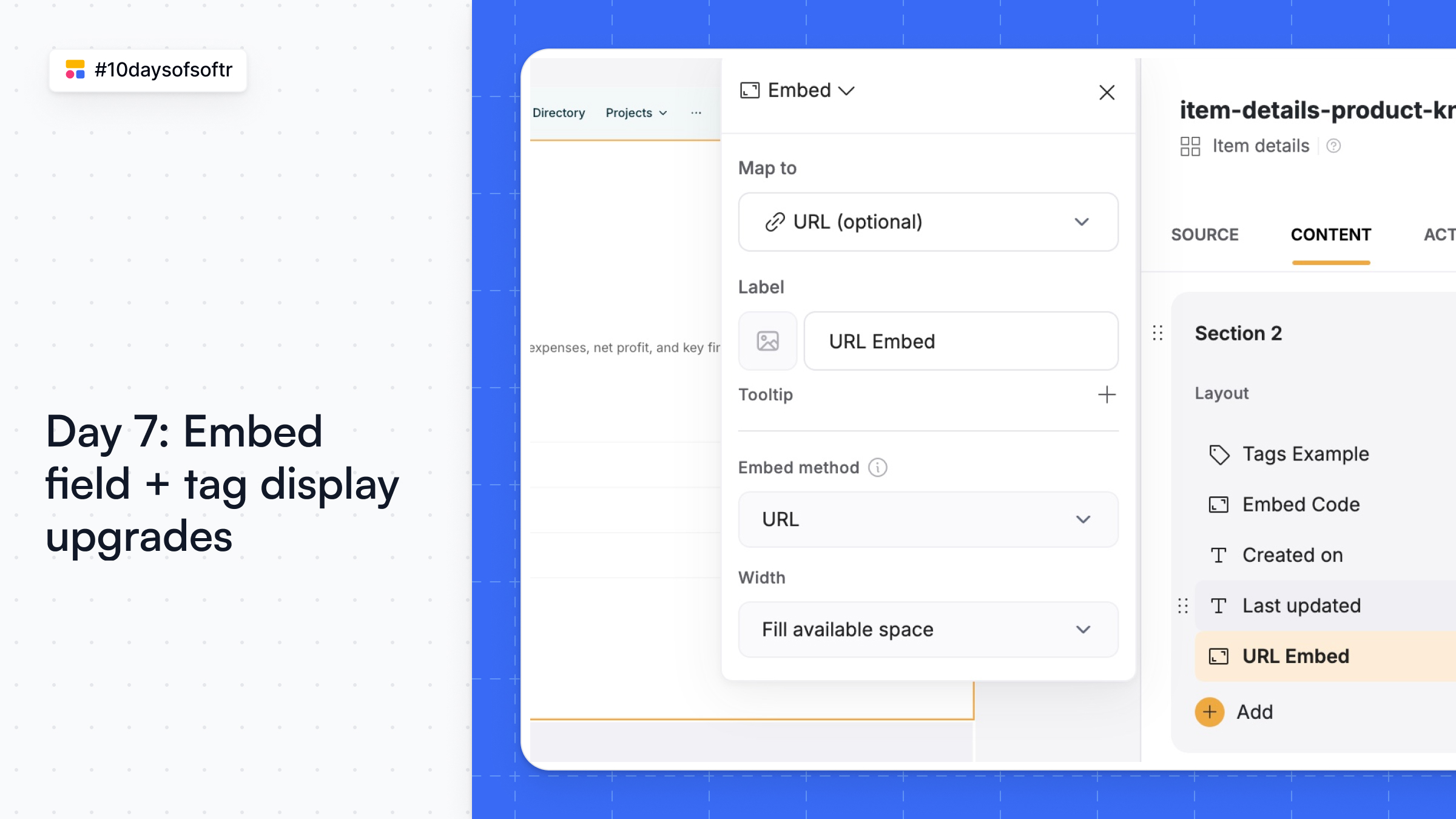
Embed field and tag display upgrades
This update gives you more control and polish for embeds and tag displays in your apps.
🔗 Embed field options – Choose between HTML or URL embeds, set custom heights, and easily embed music, videos, maps, dashboards, and more.
🏷️ Tag display upgrades – Show as many (or as few) tags as you like, choose the sort order, and color selection now comes with the added option of preset palettes.
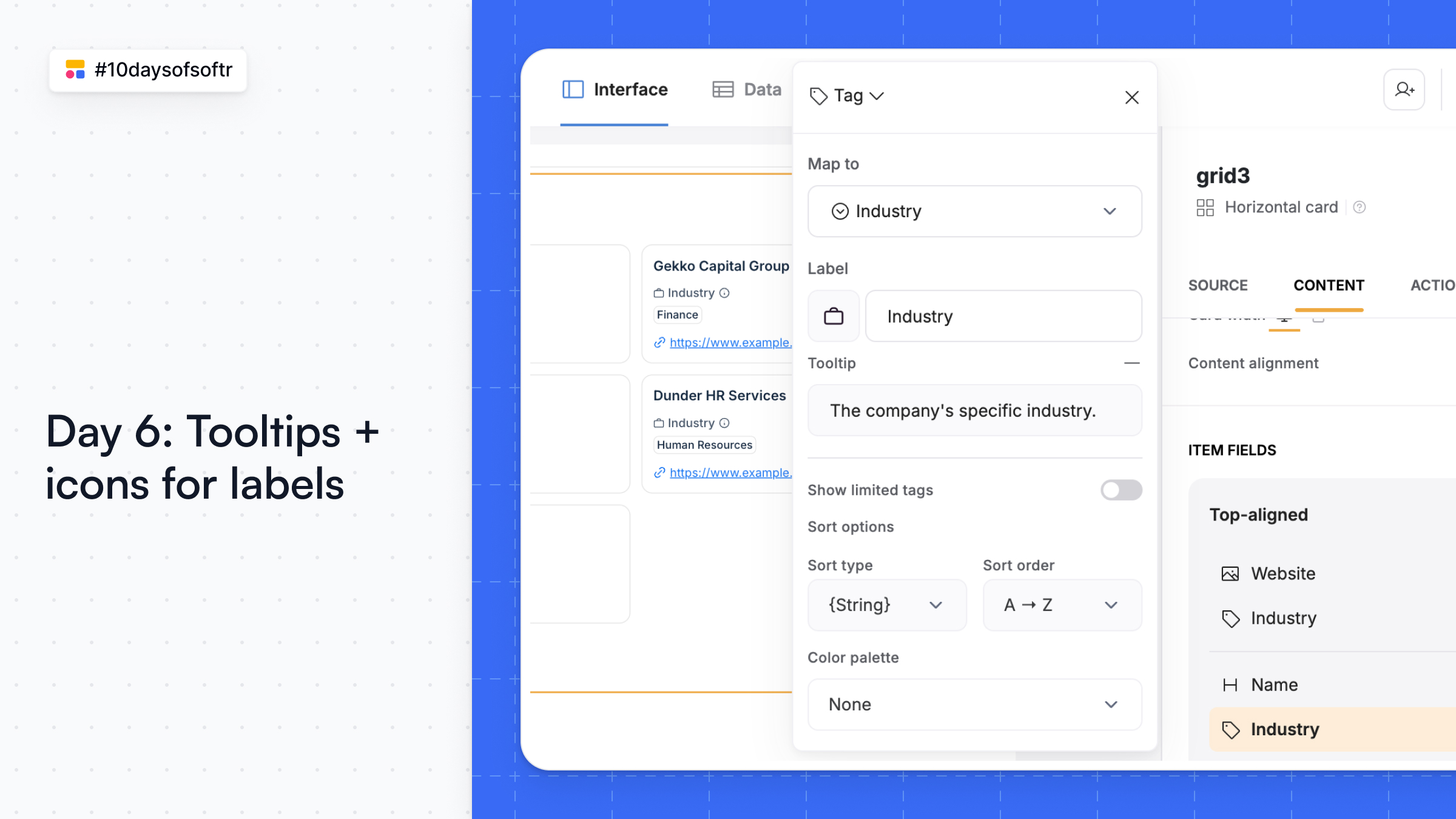
Tooltips and icons for labels
Add tooltips and icons to display labels across blocks. Give users extra context and make your apps easier to navigate at a glance.
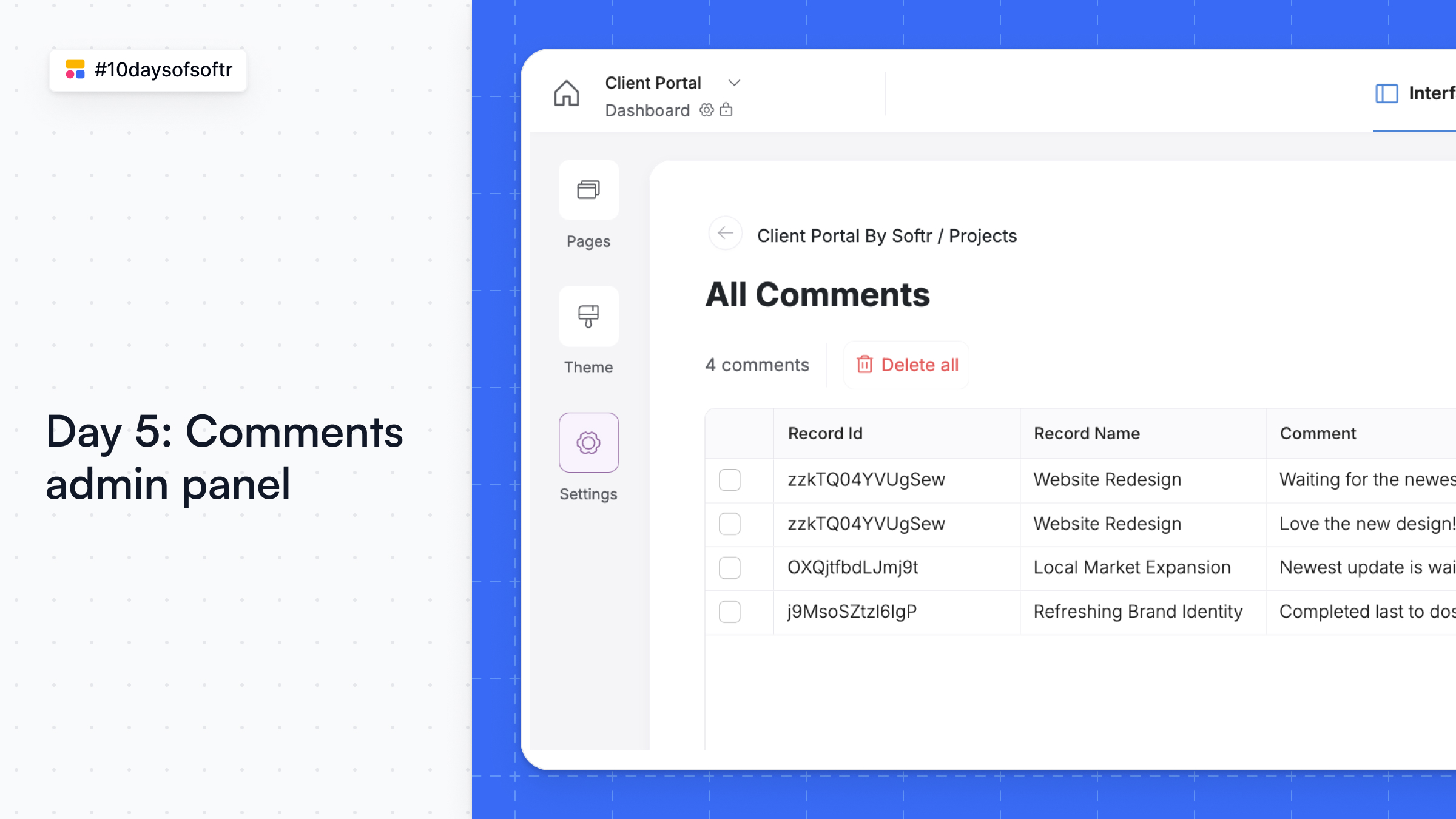
Comments Admin Panel
Exciting update to the native comments block! You can now view and delete comments—organized by source table—in one central admin panel from your app settings.
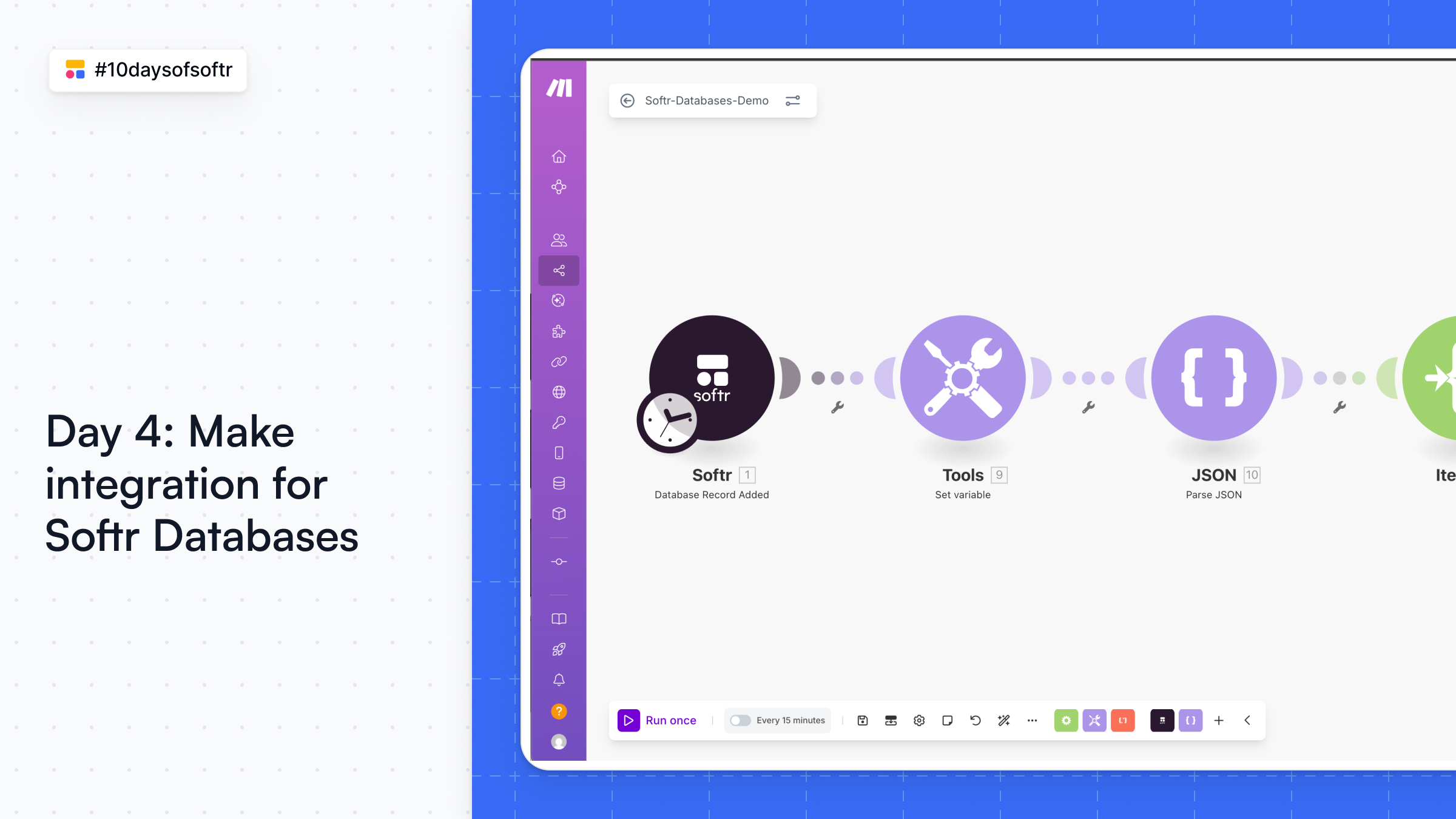
Make integration for Softr Databases
Set up automations in Softr Databases with Make! Auto-create client onboarding tasks, sync data like deals and invoices across your stack, send emails or alerts on key updates, and more.
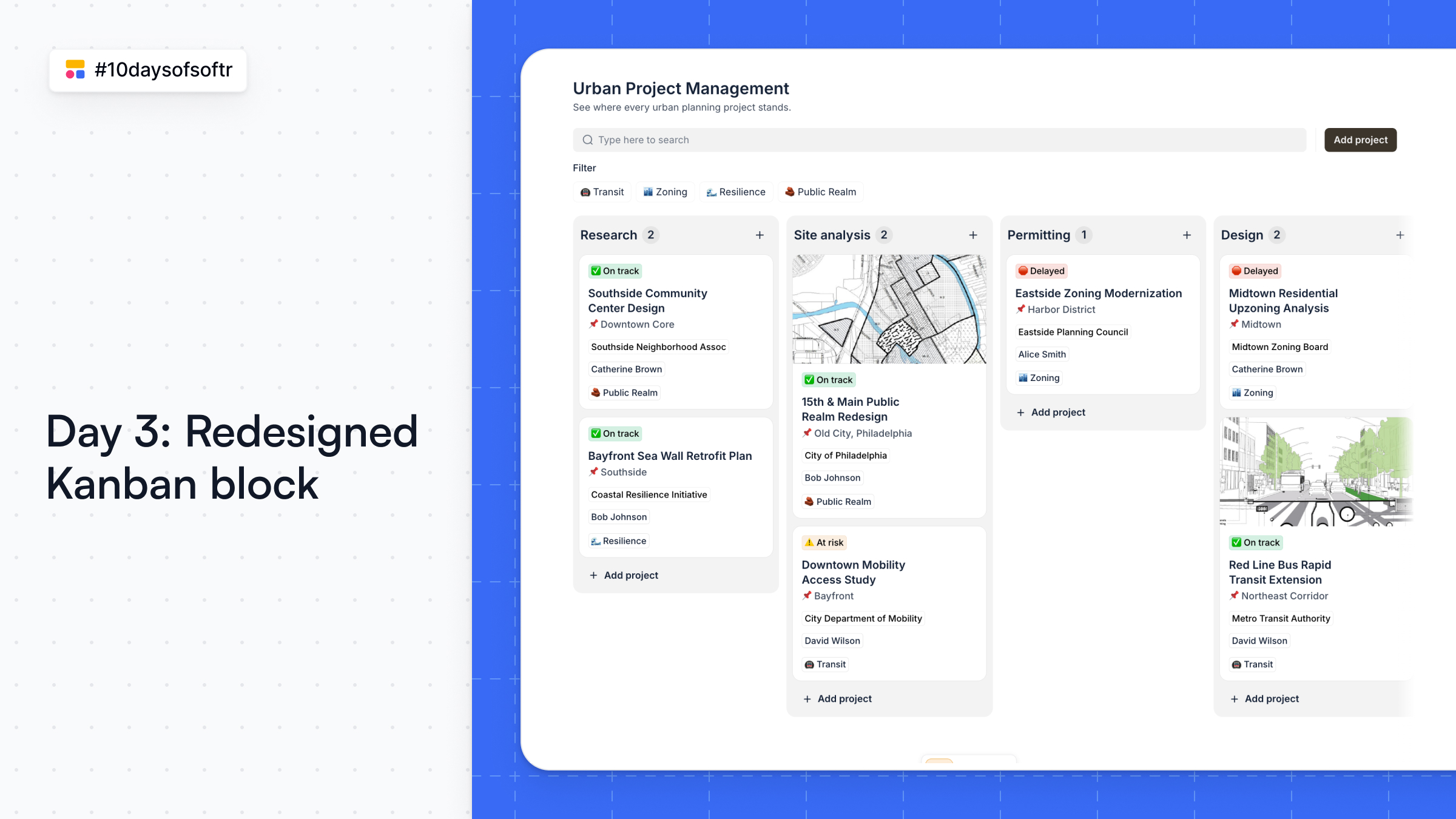
Redesigned Kanban block
The new Kanban block is here! Same smooth drag-and-drop, now with a cleaner look, better styling controls, and layout options that fit your flow.
Great for project management, CRM, and tracker use cases.
Softr Databases improvements
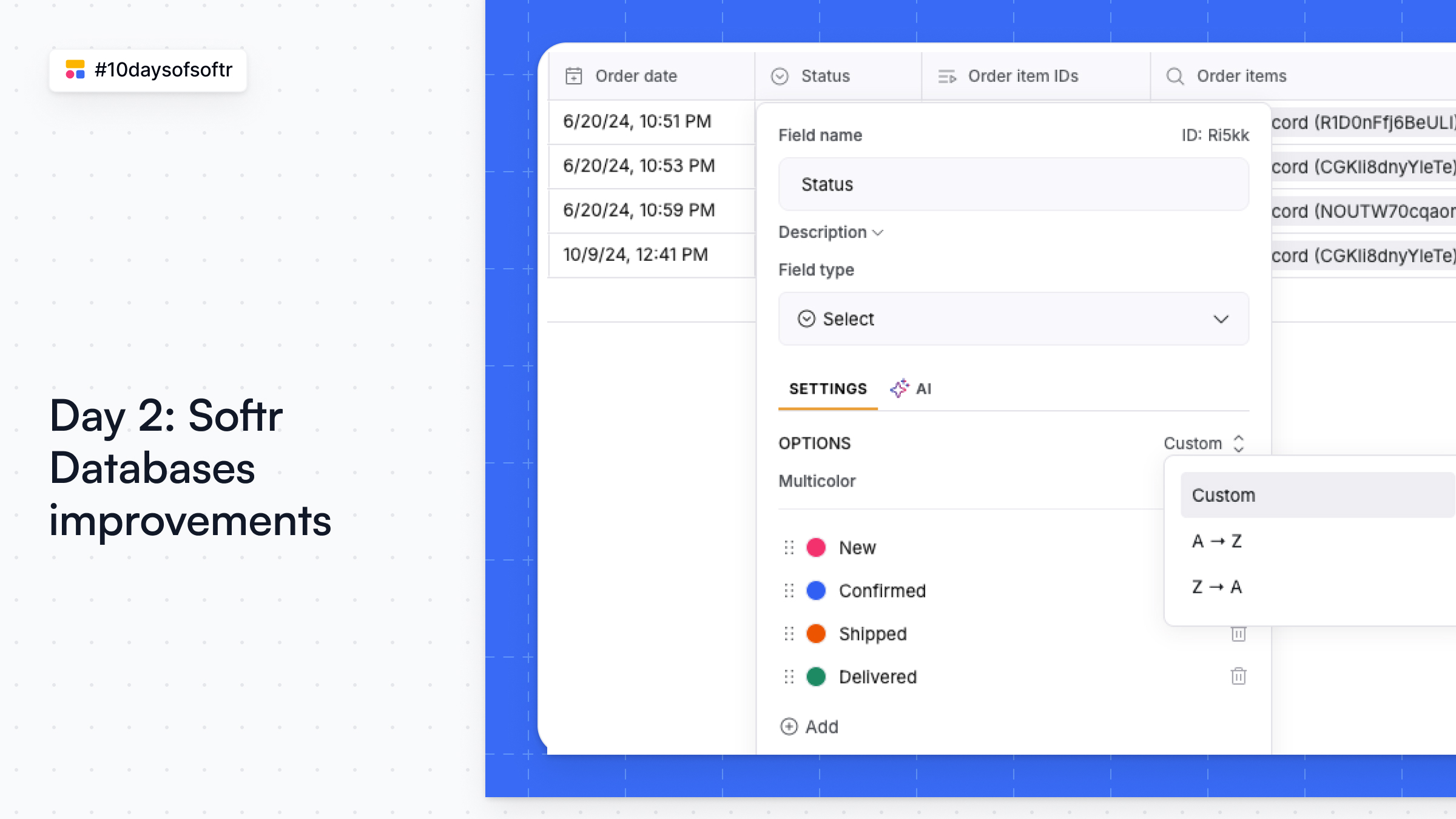
A fresh batch of quality-of-life updates are live in Softr Databases, including formula field formatting, sorting and display options for select fields, the ability to display files as thumbnails or badges, and more.
These updates make your database more flexible, powerful—and just nicer to use.
Airtable import for Softr Databases
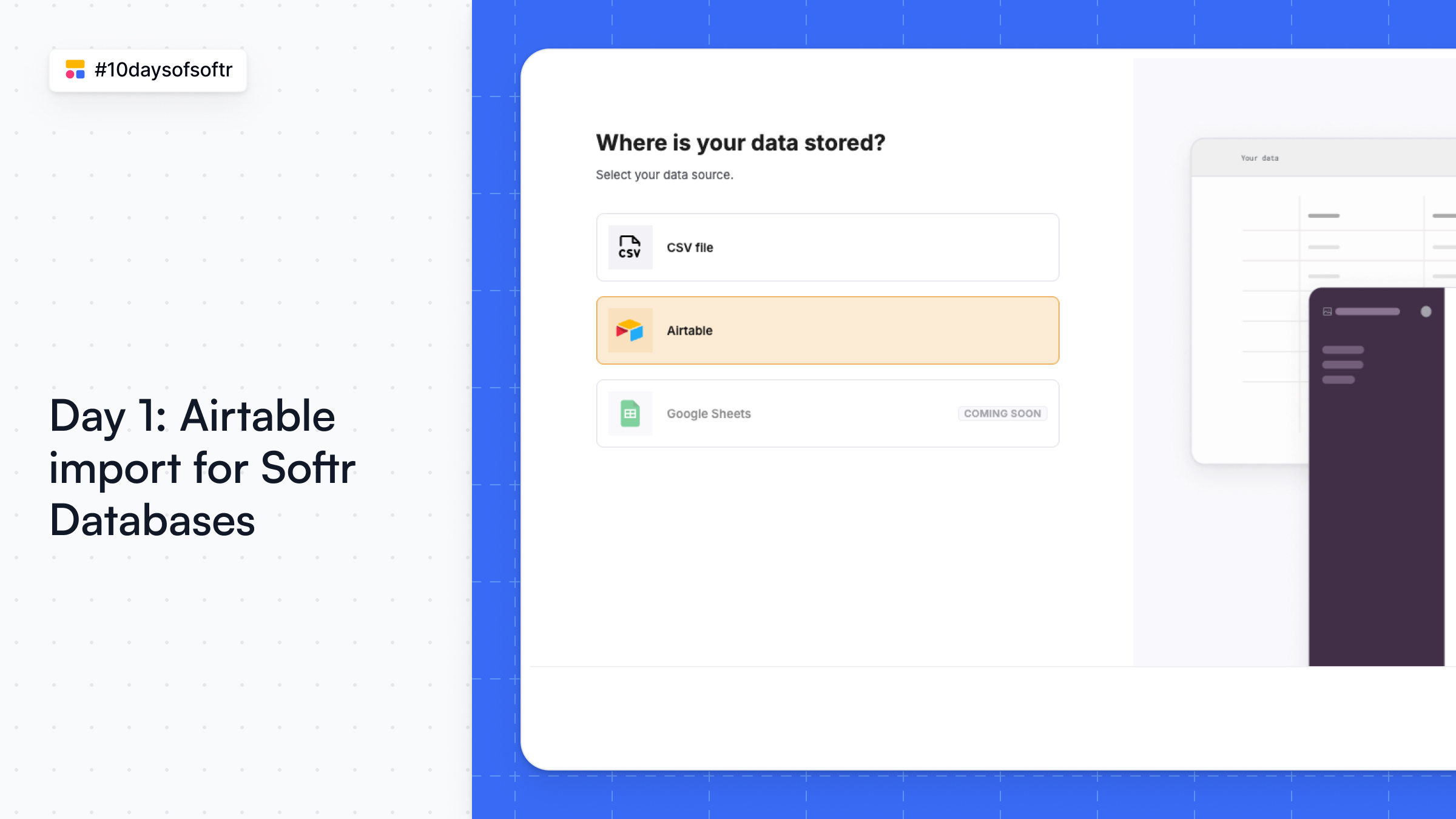
Turn your Airtable base—linked records and all—into a fully structured Softr Database in seconds. Go to Databases > Import your data and select Airtable to get started.
This is the start of #10daysofsoftr, where we drop a new feature release every (week)day for 10 days!
Event: Build an AI-Powered Content Calendar with Softr & Relay.app
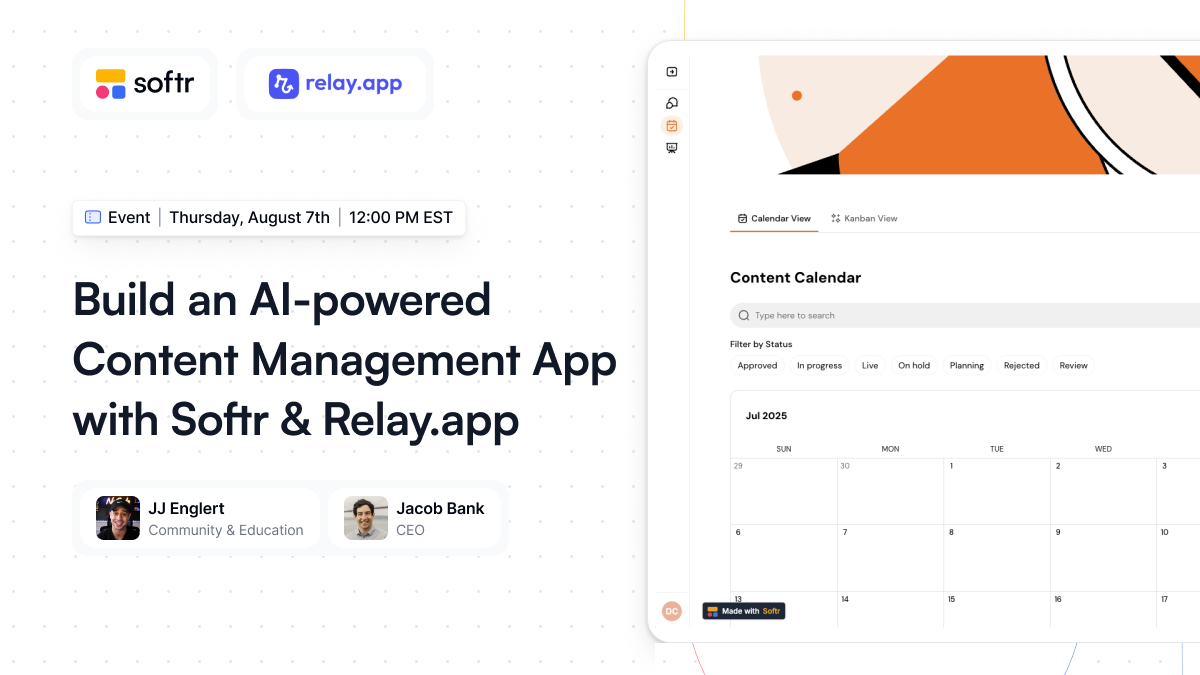
Build a content management app that automates your social media workflow with Softr + Relay.app. Perfect for teams looking to grow their social presence and become thought leaders. Catch the event replay here!
Ask AI
Meet the built-in AI teammate that reads your app data, answers questions, and helps users take action—right where they work. Add it to any dynamic block as an action button and set instructions, context, and suggested prompts. Learn more