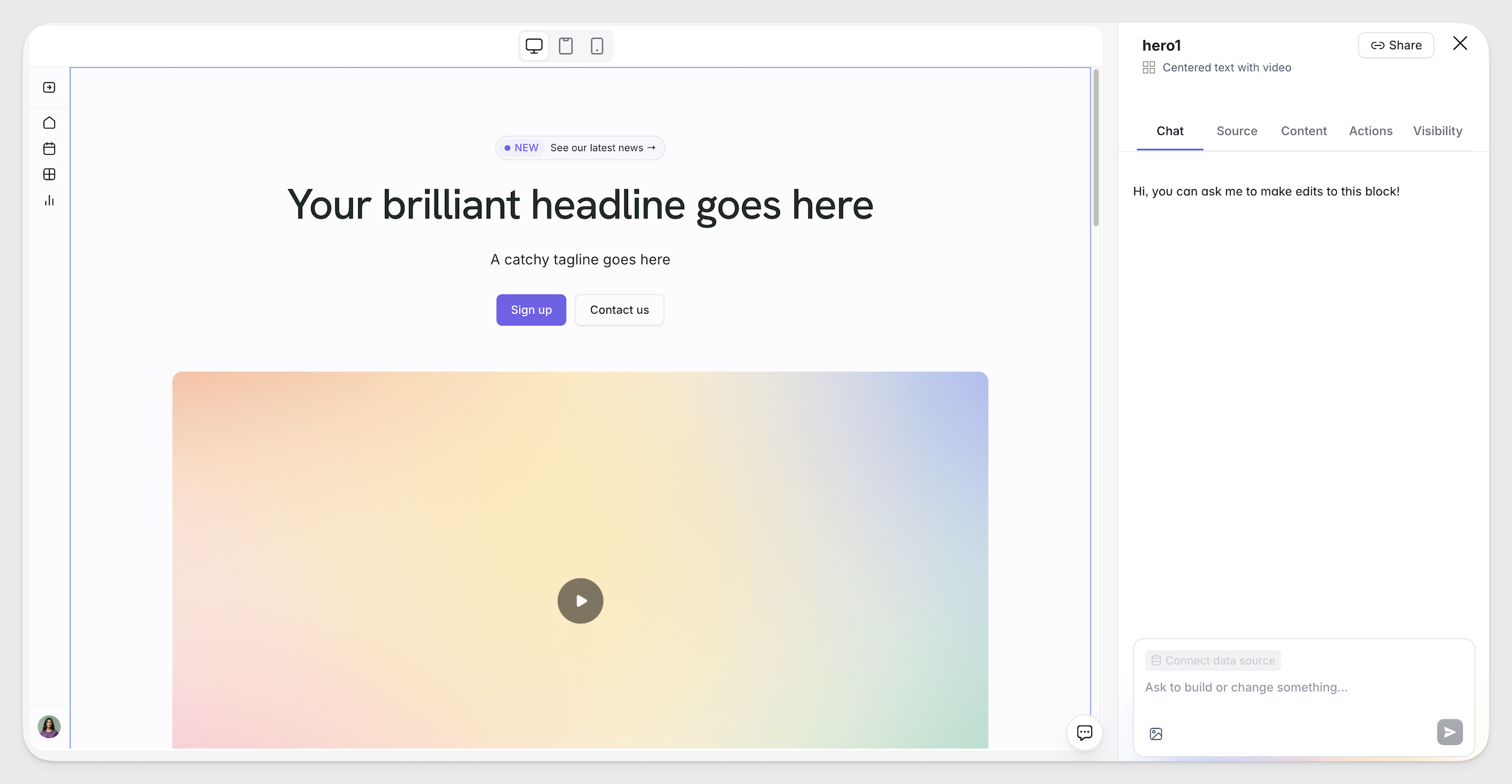
What's new in Softr
Check out new features, improvements, and community events!
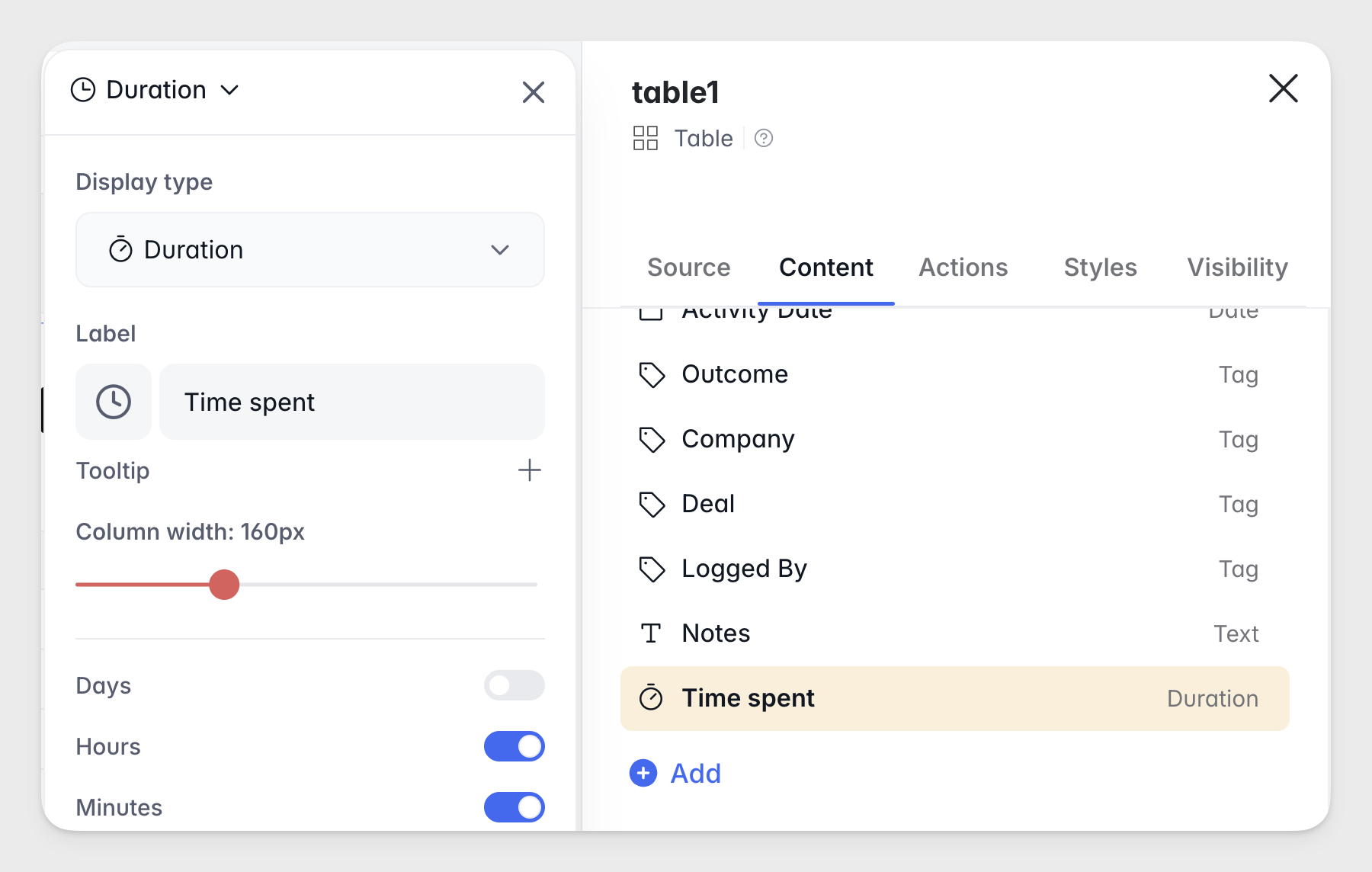
Duration field in apps
Track time intervals natively with the new Duration field type. Capture and display values like task lengths or processing times — supported across app field configurations and blocks. Find it in the Content tab of your dynamic blocks.
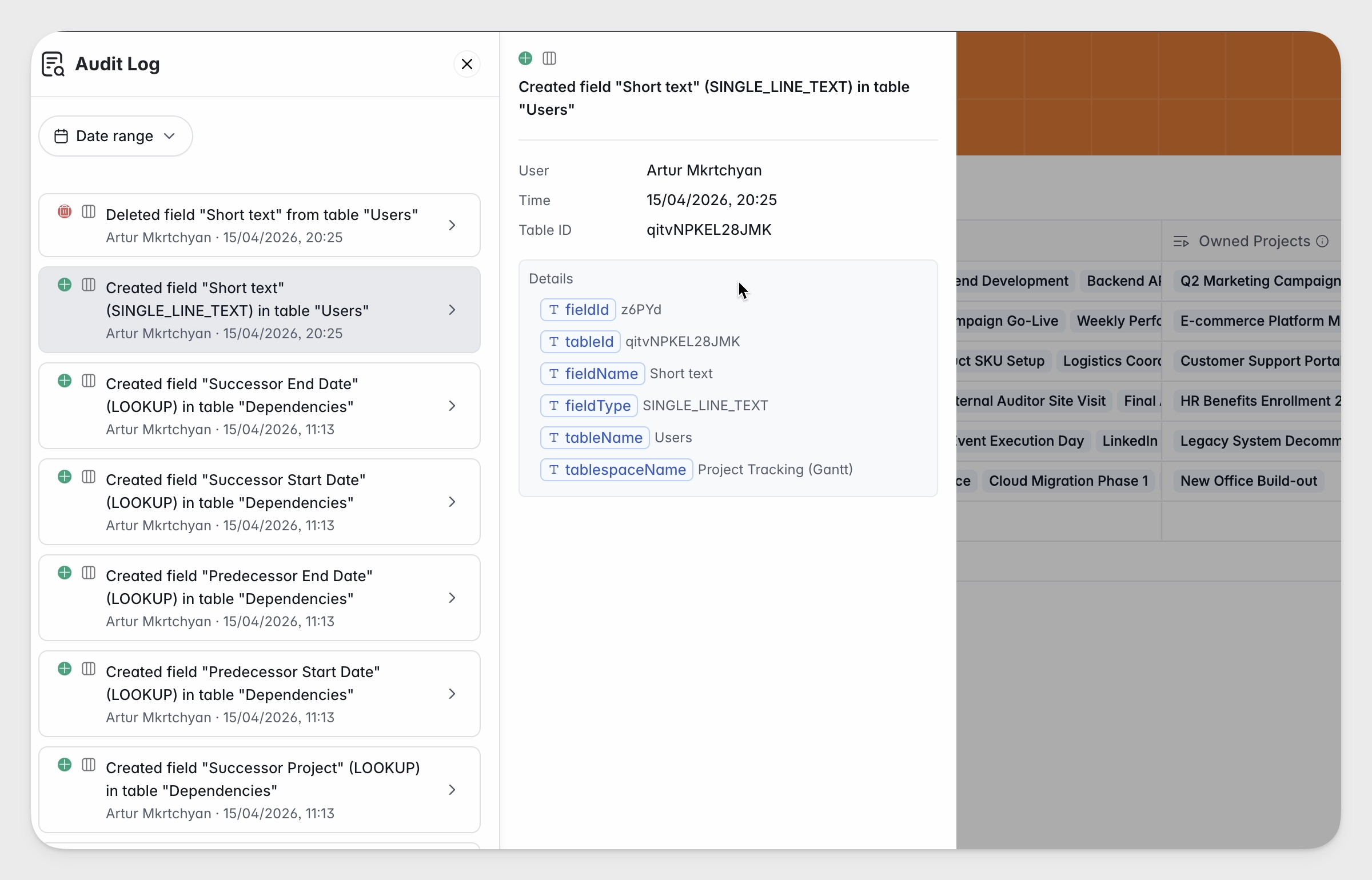
Database audit logs (enterprise)
Track schema changes in your Softr Databases: see who added, removed, or modified tables and fields, and when. Now available on Enterprise plans.
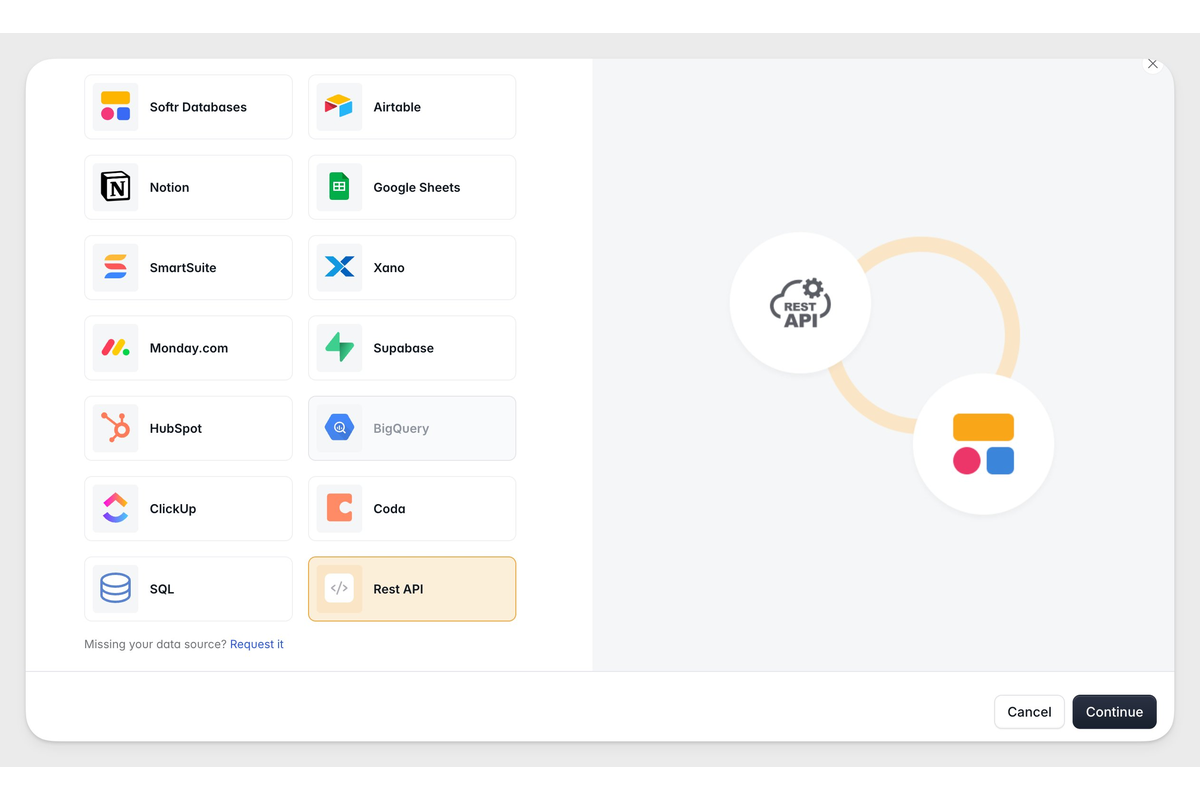
REST API support for vibe coding block
The Vibe Coding Block now supports REST API. Integrate any external API as a data source in this block—no custom code required.
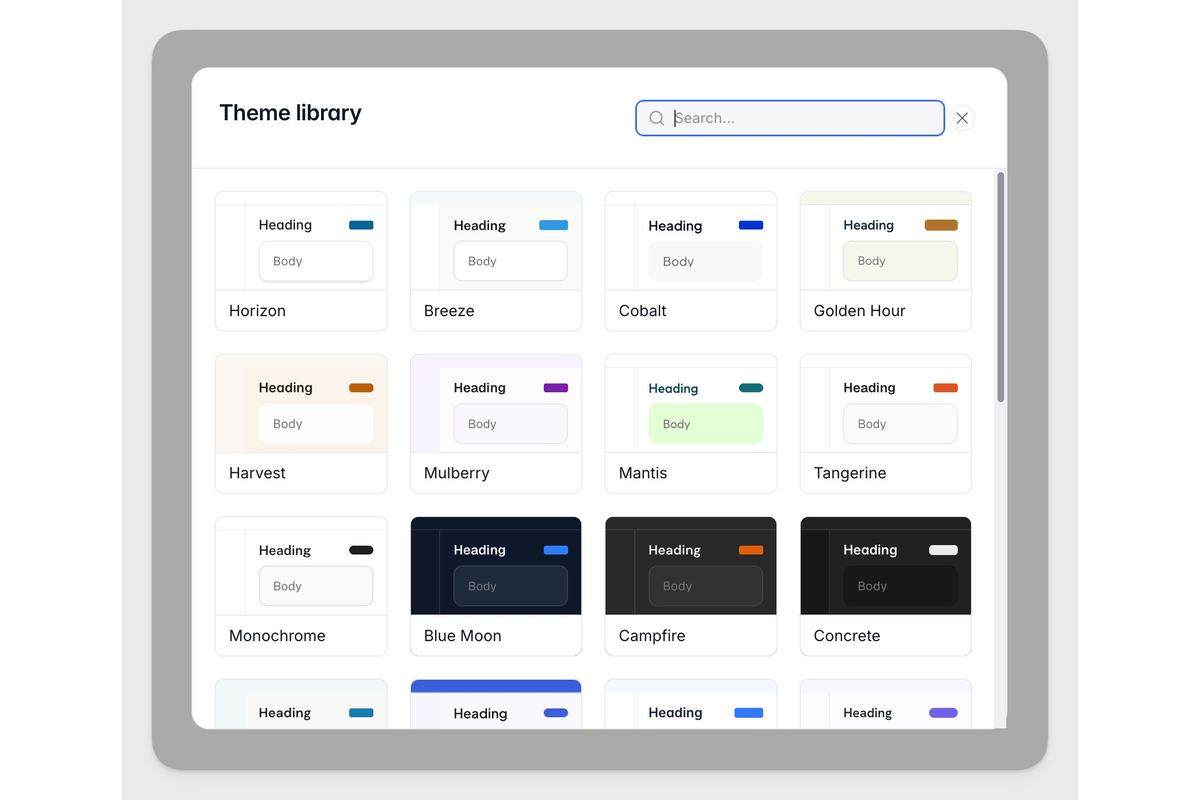
Theme library for apps
A theme library with 30+ presets is here. Pick one to instantly update your full app, and switch anytime—so you can get to your ideal design faster, no manual styling required. Find it under Apps → Themes → Theme Library.
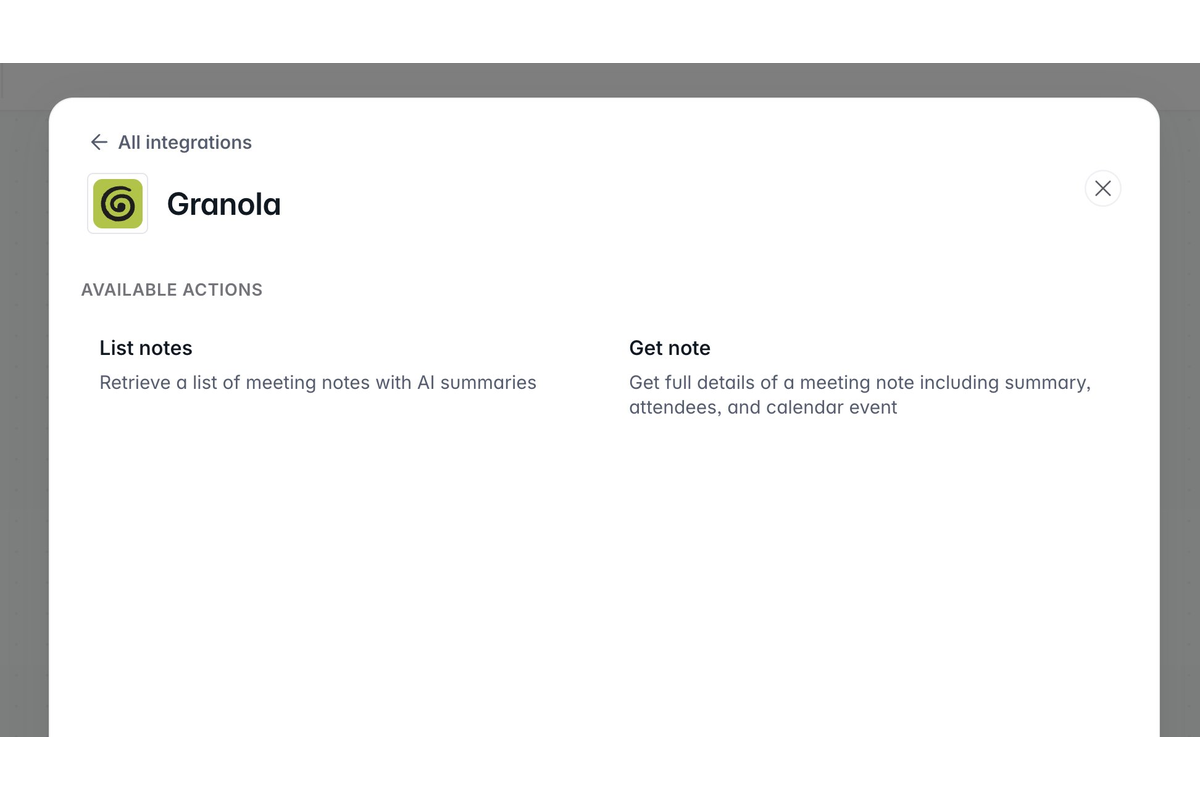
Workflows Integrations: Granola, Stripe, SQL + HubSpot
A fresh batch of Softr Workflows integrations just shipped, so you can do even more with your automations: Granola, SQL, and Stripe are now live, along with more HubSpot actions.
From retrieving your Granola meeting notes to creating Stripe coupons to taking action on records across your SQL databases—there's a Softr Workflow for that. Find all integrations under Workflows → Actions.
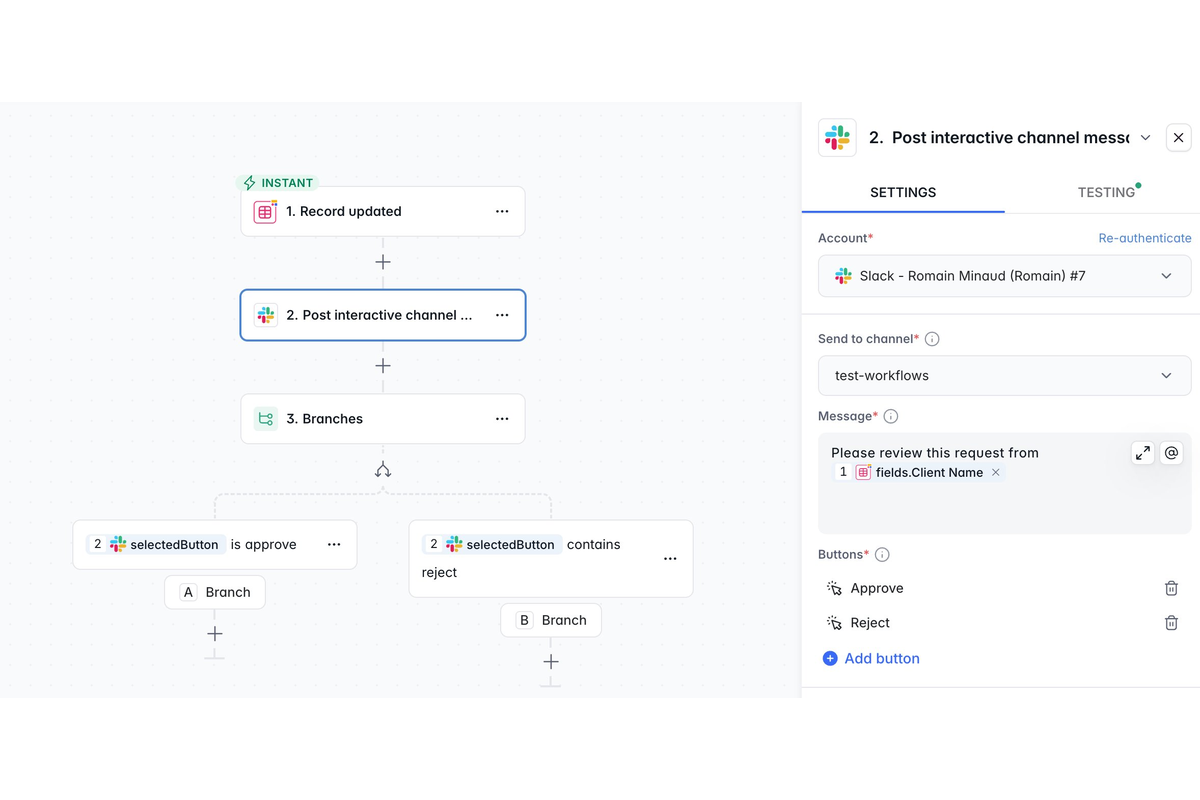
Slack interactive messages in Workflows
Bring human-in-the-loop decision making directly into Slack. Send interactive messages with action buttons (e.g. Approve or Reject), pause the workflow until someone responds, then automatically resume and record their decision—with optional comments for added context.
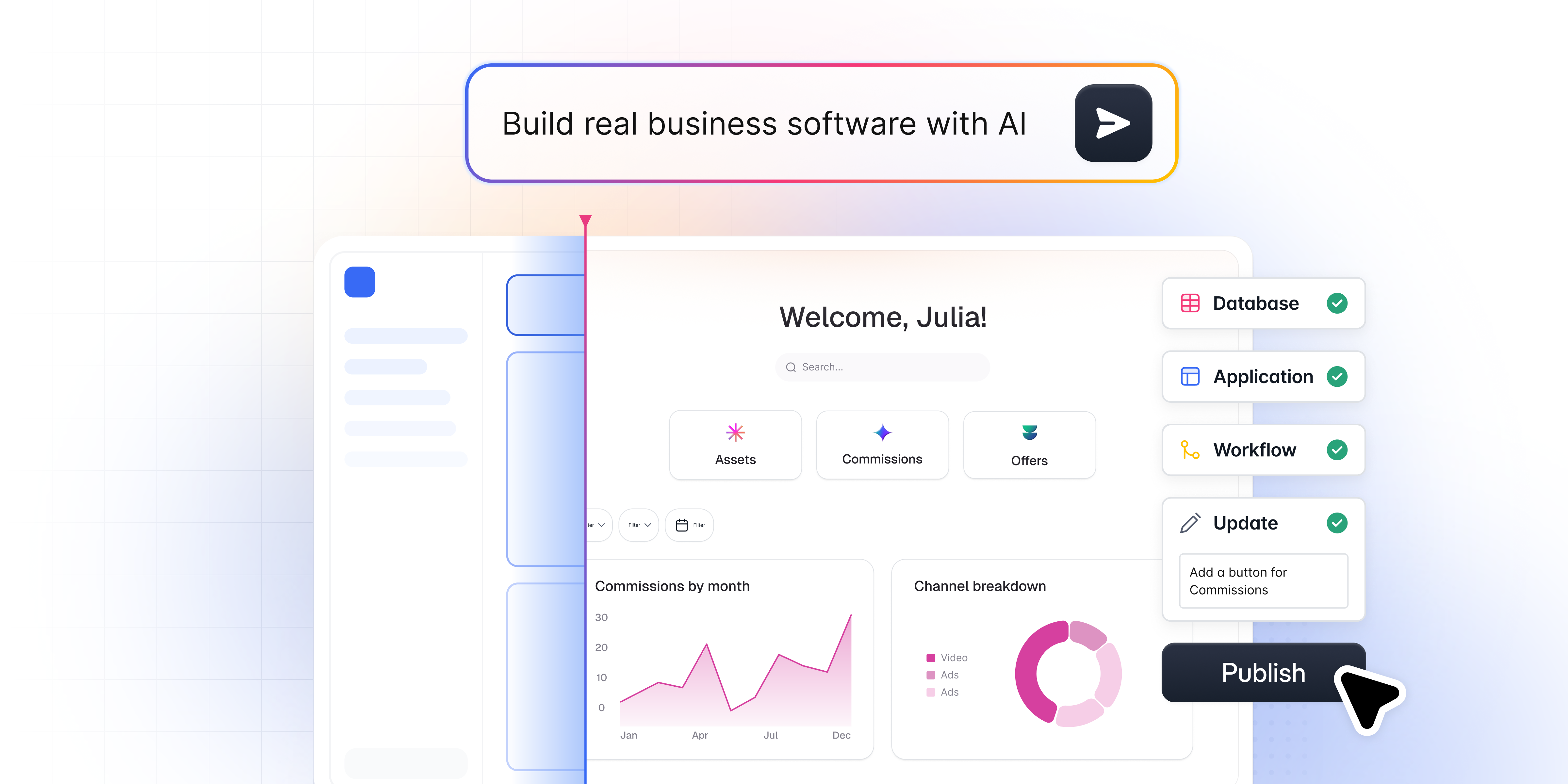
The AI Co-Builder is here!
Go from idea to working business software in minutes. Describe what you need, and Softr builds the app, database, and logic together — connected, secure, and ready for real users. Learn more
Ask AI now 5x more cost-efficient
We’ve optimized Ask AI to be 5x more cost-efficient, so you can query more in your apps without using up credits as quickly.
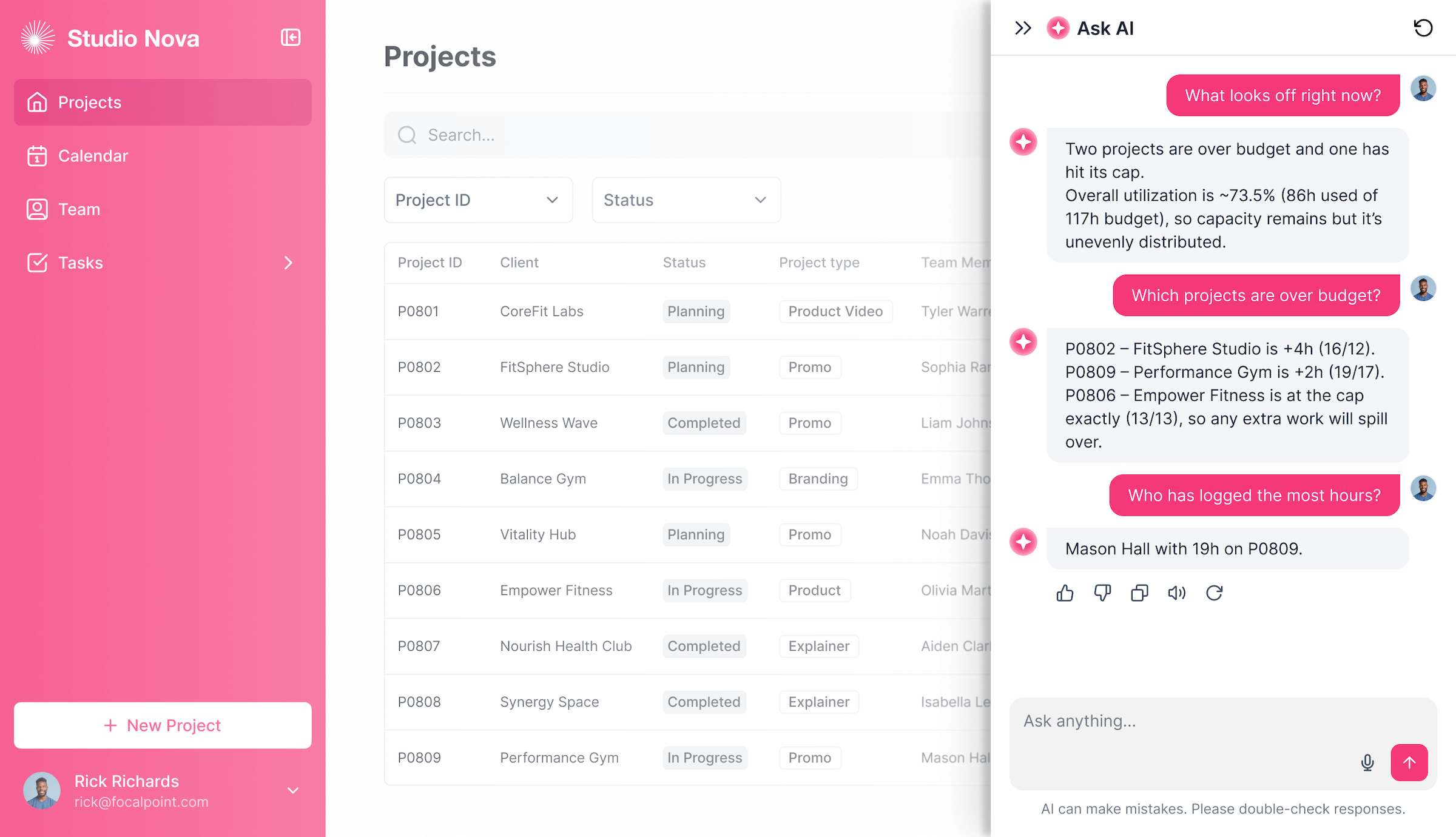
Respond to Webhook action in Workflows
A new Respond to Webhook action lets you set a custom response (text or JSON) directly from a workflow, making it possible to use Softr Workflows as a lightweight API. Find it under Workflows → Actions when you use Webhook as the trigger.
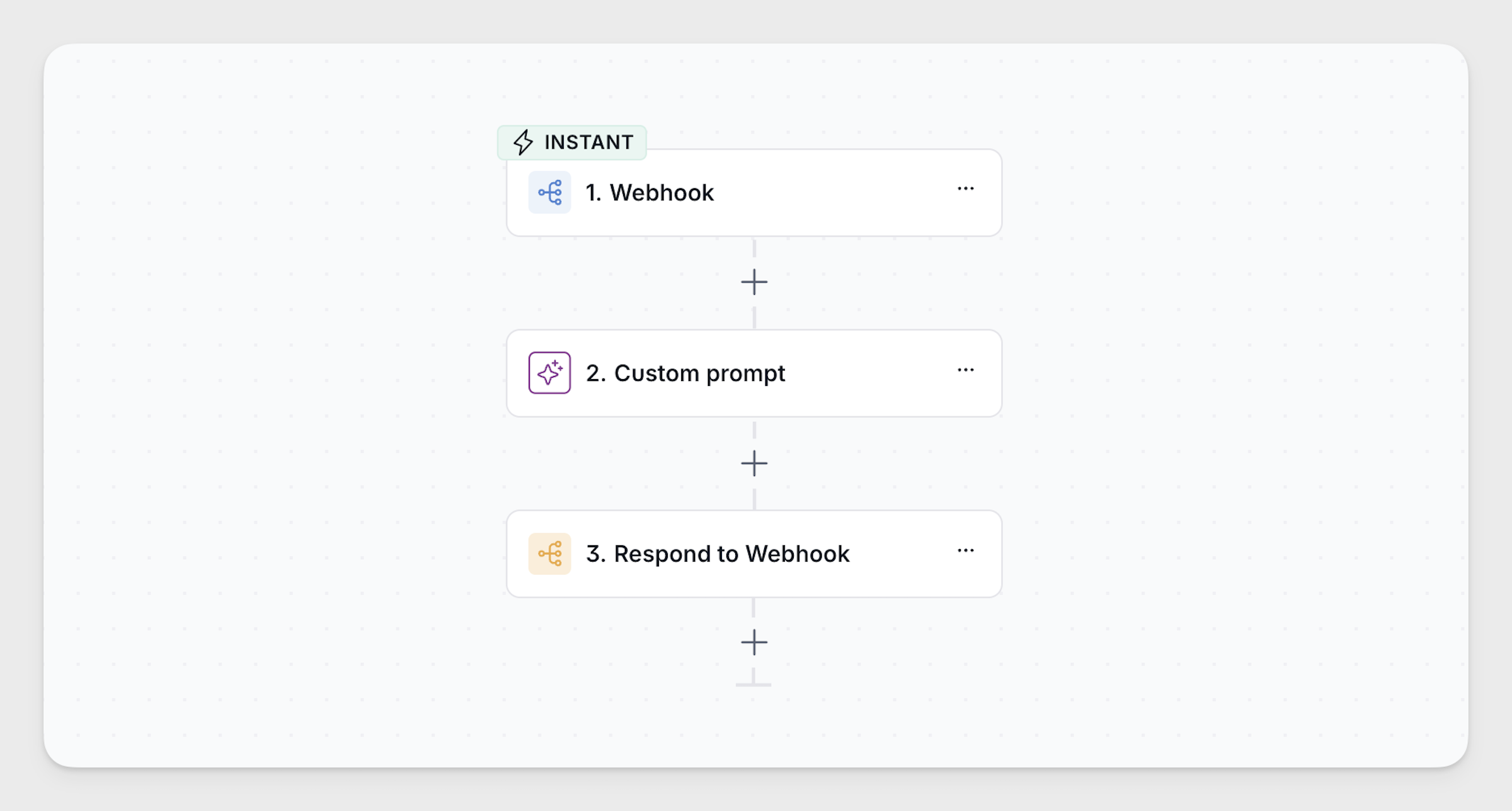
Call API action updates for Workflows
Import cURL commands to auto-fill action settings, manage binary files for use later in your workflow, and securely save API keys or OAuth credentials to share across workflows.
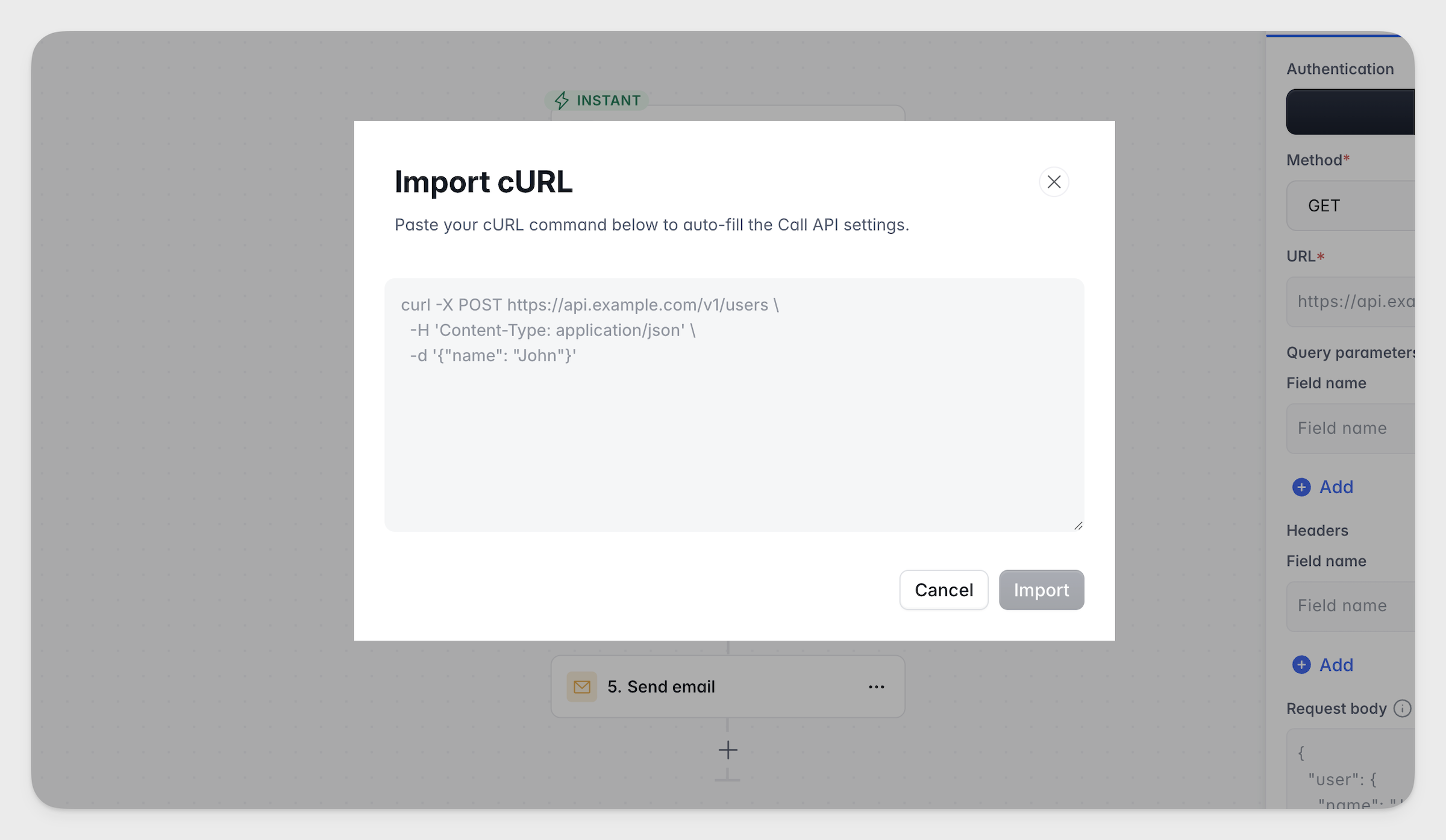
Workflows integrations: monday.com and Calendly
Connect monday.com and Calendly directly to your Softr Workflows. Use monday.com actions to add, update, find, and delete records in your boards, or use Calendly as a workflow trigger (invitee scheduled, canceled, or no show) or action.
New static block designs
Static blocks have a fresh new look! Heroes, CTAs, testimonials, team grids, and FAQs now use the Vibe Coding Block pattern for a cleaner, more consistent design that's easy to customize. Find them under Blocks → Static.