What's new in Softr
Check out new features, improvements, and community events!
Workflows Integrations: Granola, Stripe, SQL + HubSpot
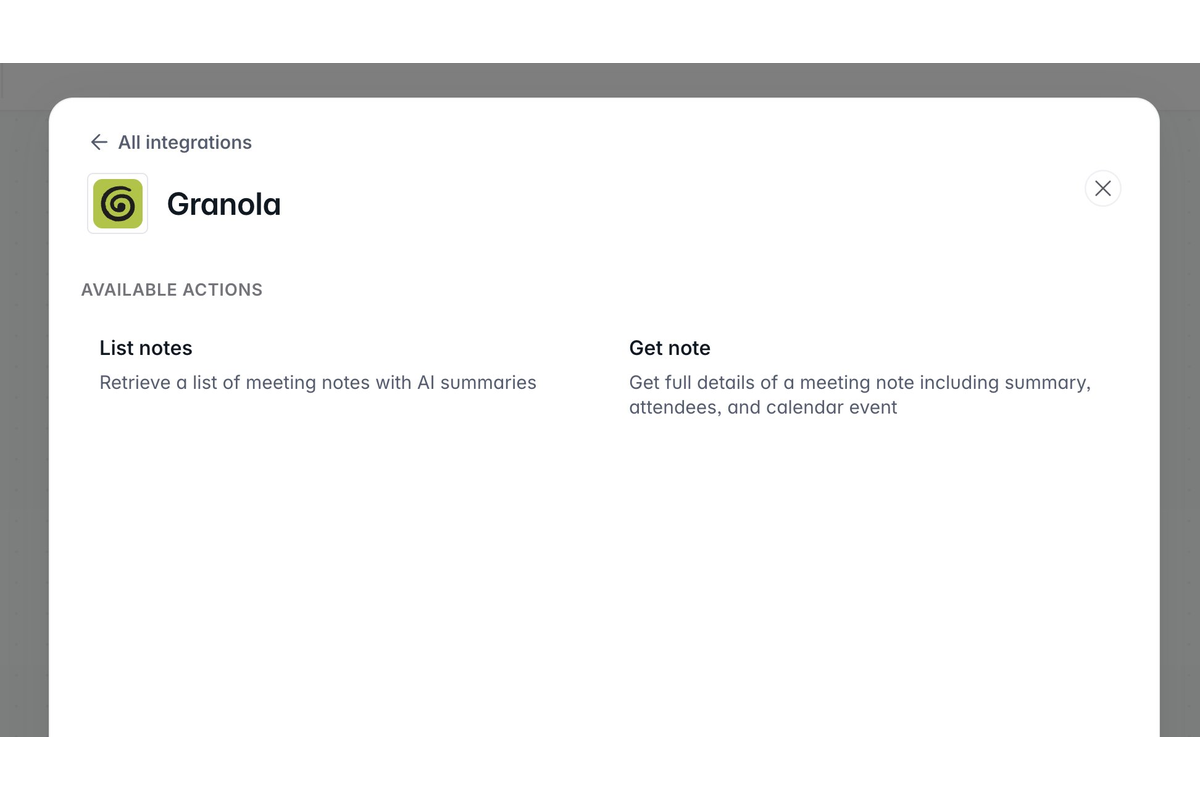
A fresh batch of Softr Workflows integrations just shipped, so you can do even more with your automations: Granola, SQL, and Stripe are now live, along with more HubSpot actions.
From retrieving your Granola meeting notes to creating Stripe coupons to taking action on records across your SQL databases—there's a Softr Workflow for that. Find all integrations under Workflows → Actions.
Slack interactive messages in Workflows
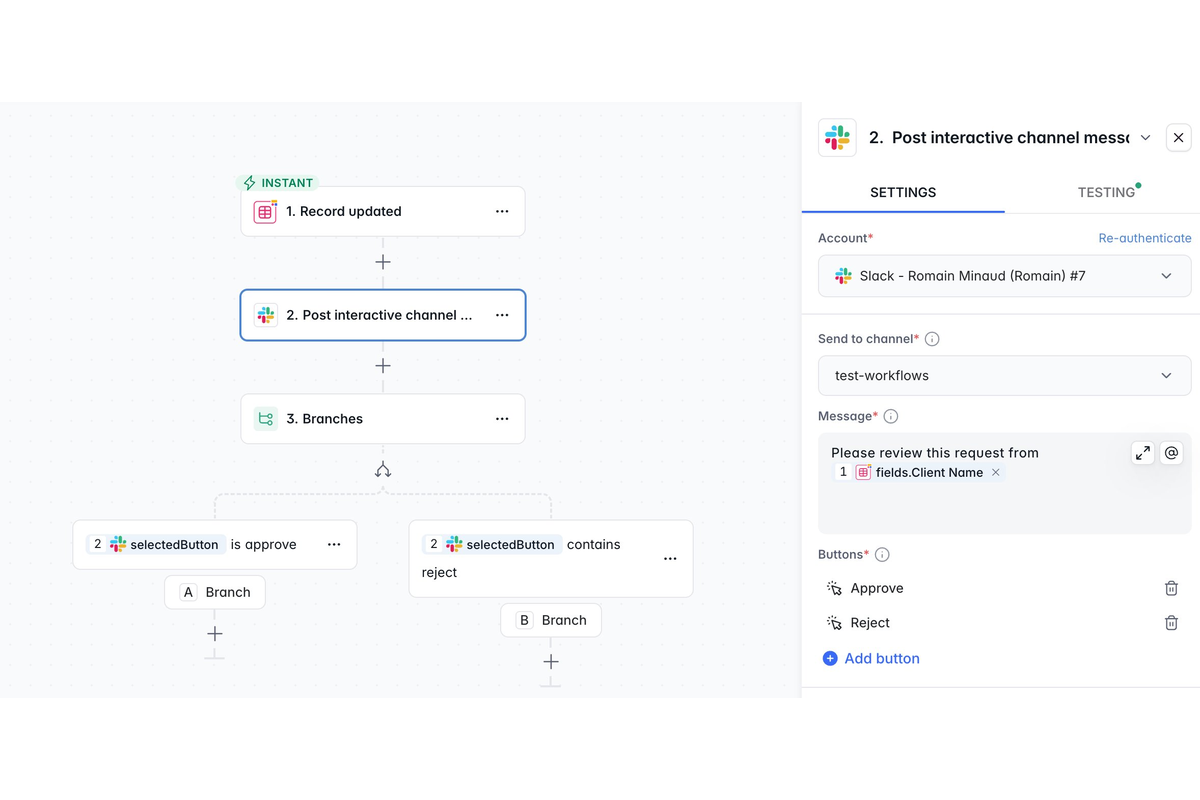
Bring human-in-the-loop decision making directly into Slack. Send interactive messages with action buttons (e.g. Approve or Reject), pause the workflow until someone responds, then automatically resume and record their decision—with optional comments for added context.
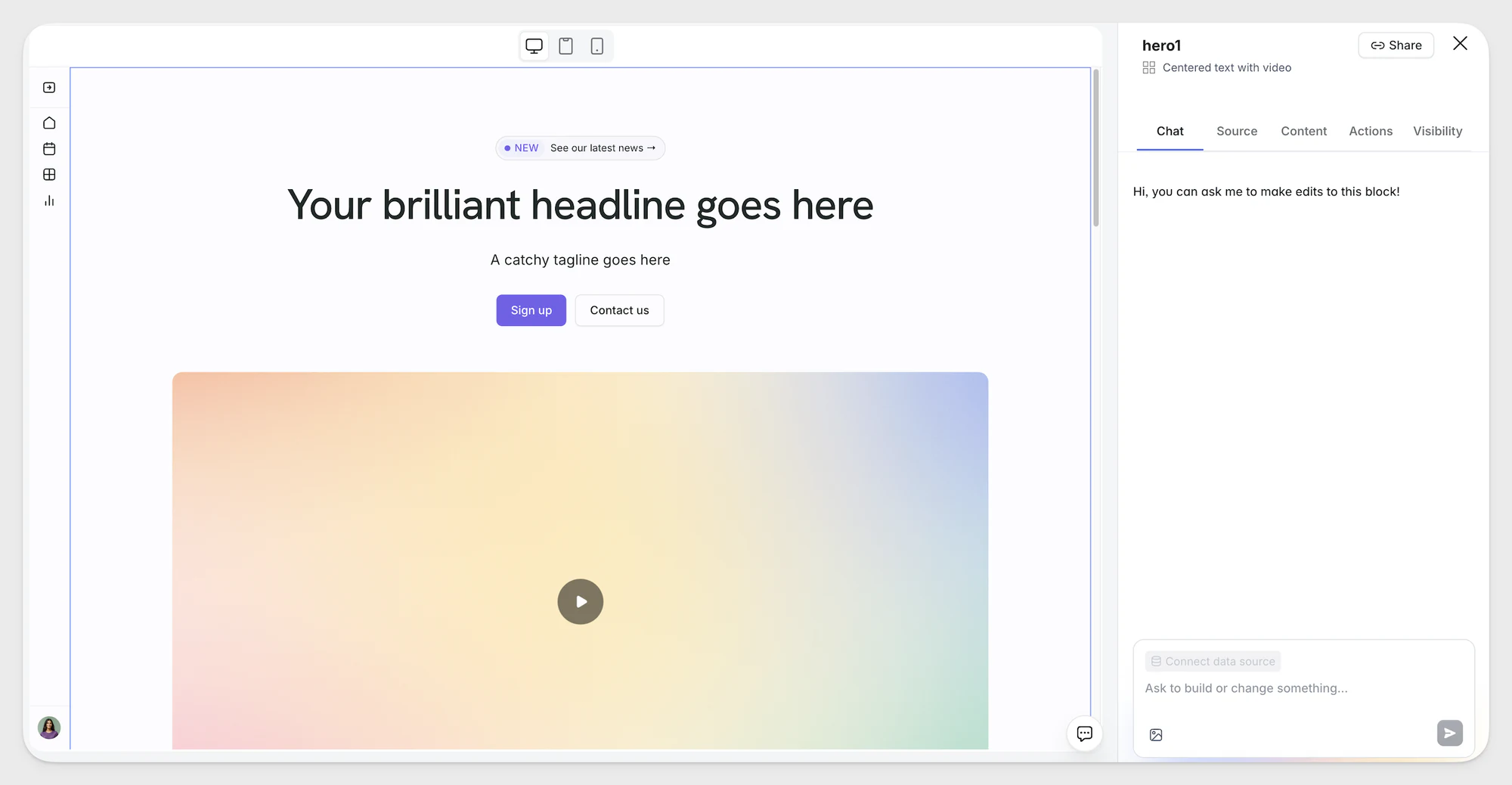
The AI Co-Builder is here!
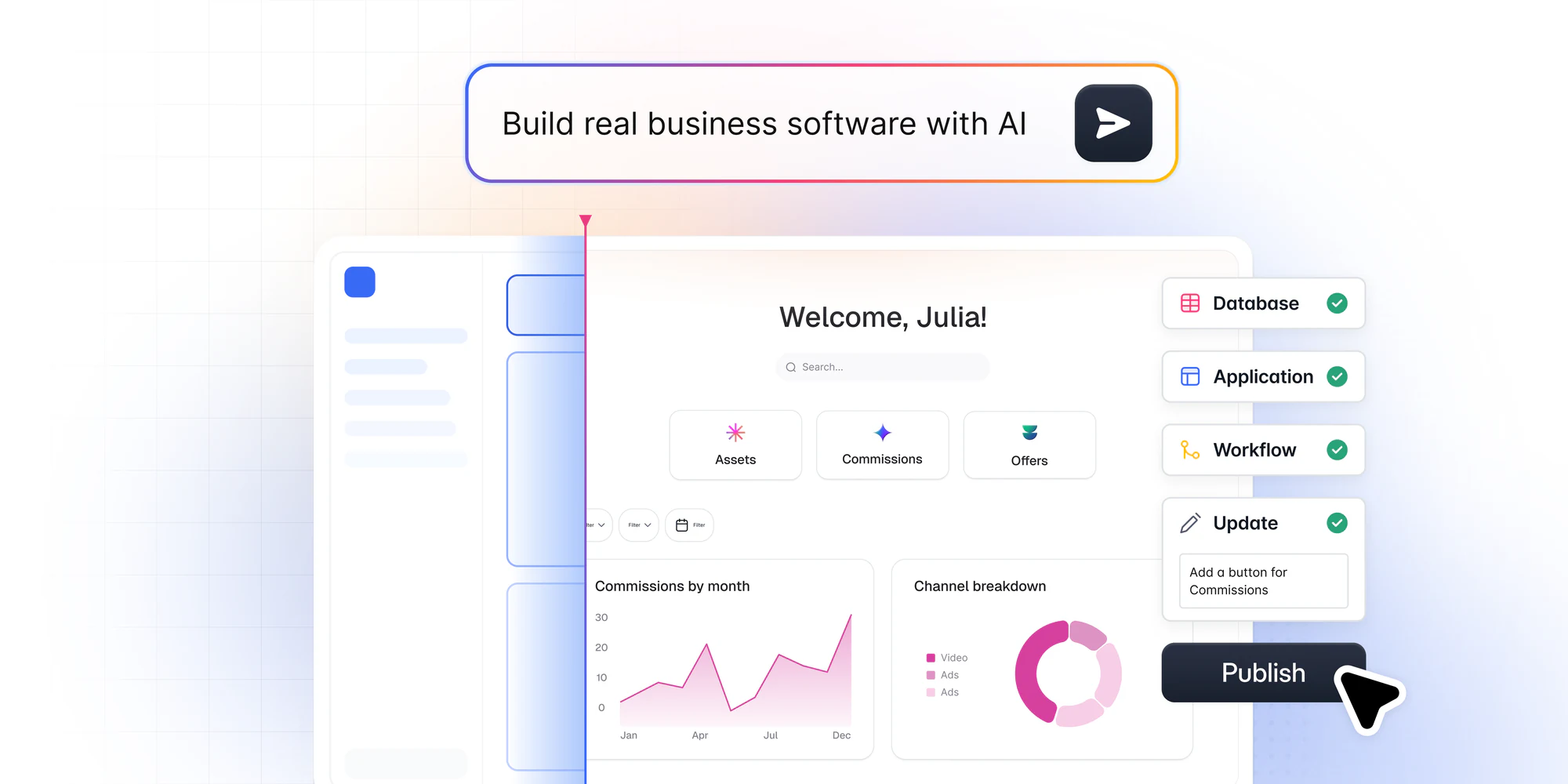
Go from idea to working business software in minutes. Describe what you need, and Softr builds the app, database, and logic together — connected, secure, and ready for real users. Learn more
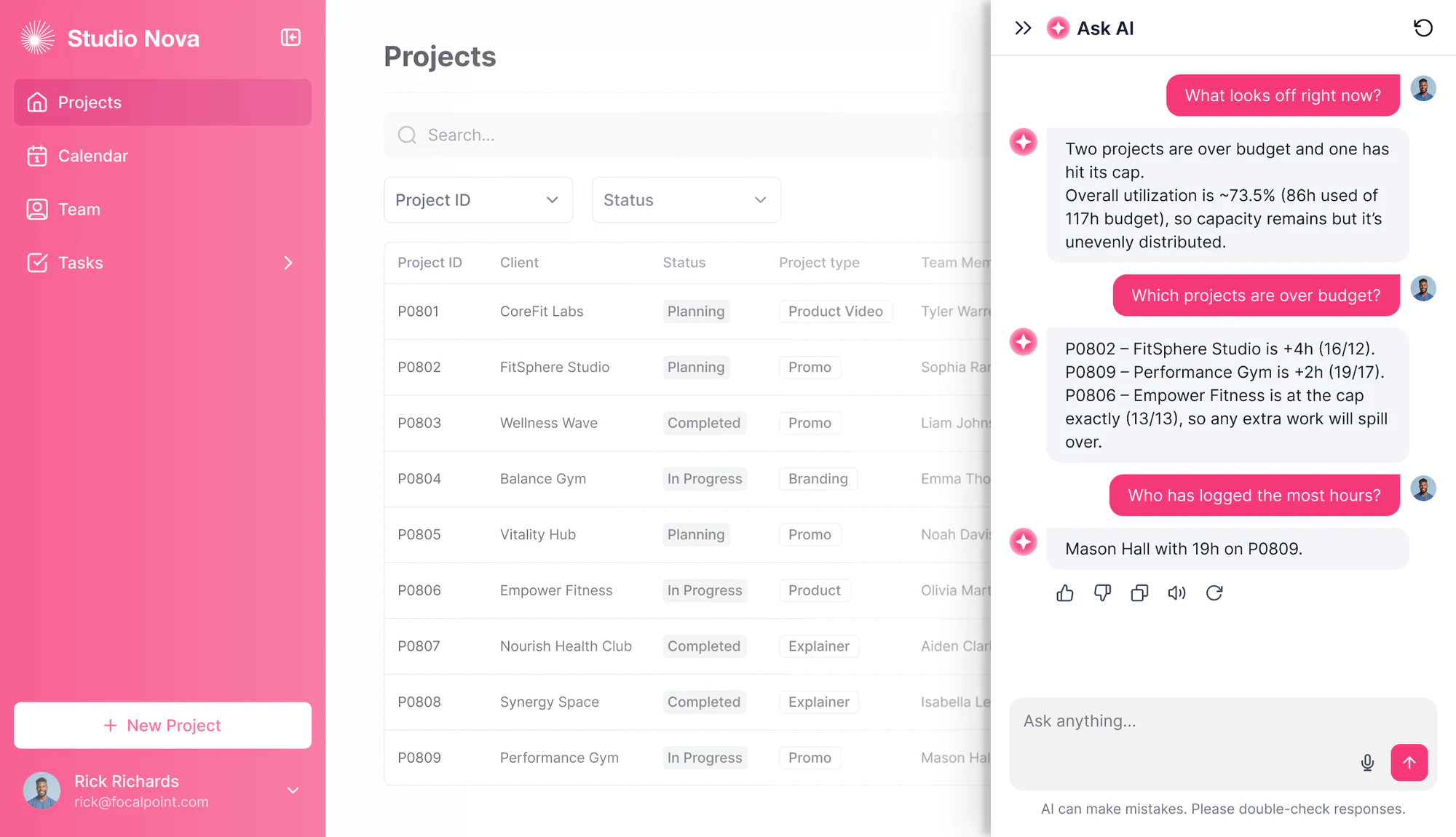
Ask AI now 5x more cost-efficient
We’ve optimized Ask AI to be 5x more cost-efficient, so you can query more in your apps without using up credits as quickly.
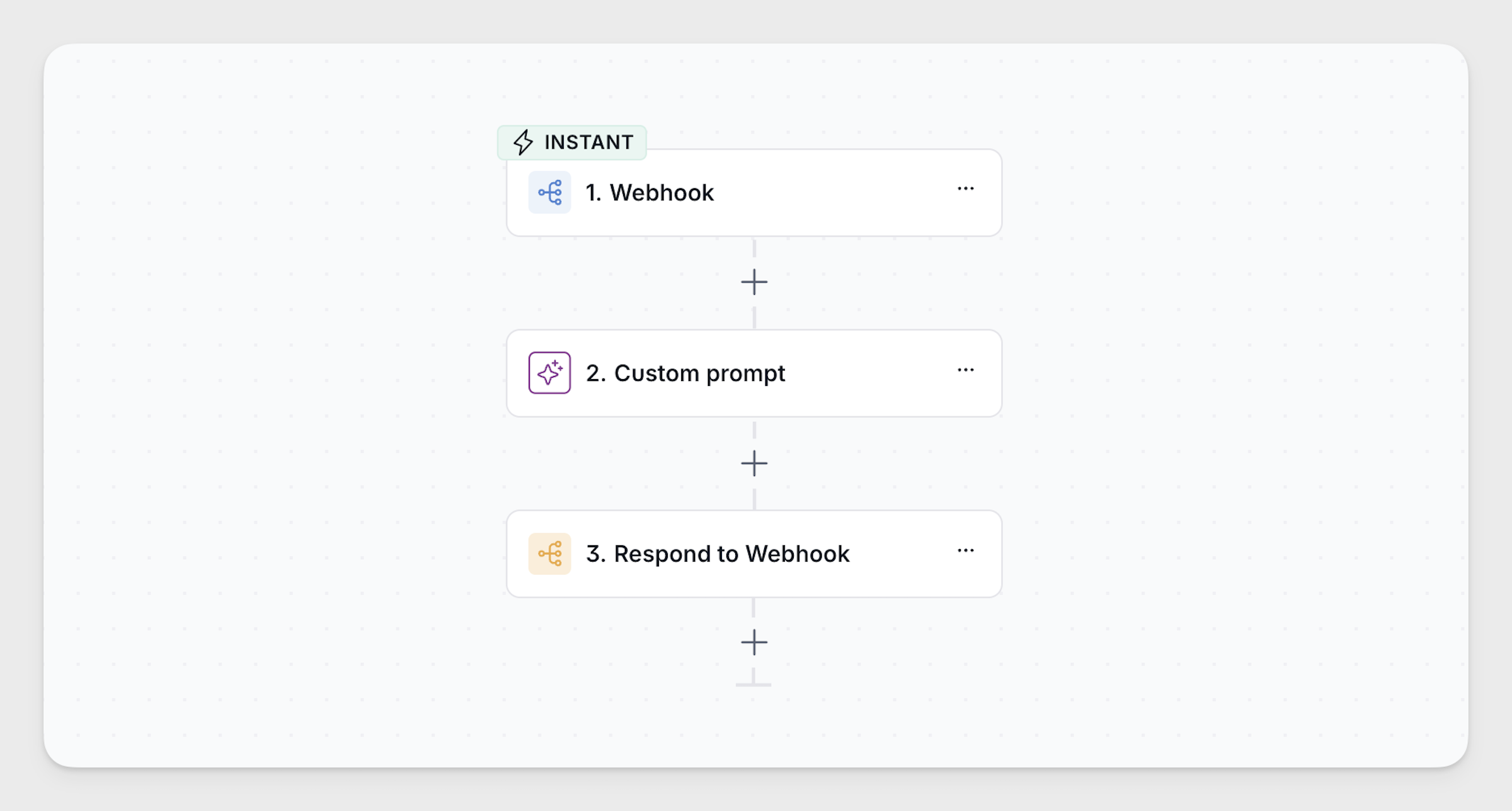
Respond to Webhook action in Workflows
A new Respond to Webhook action lets you set a custom response (text or JSON) directly from a workflow, making it possible to use Softr Workflows as a lightweight API. Find it under Workflows → Actions when you use Webhook as the trigger.
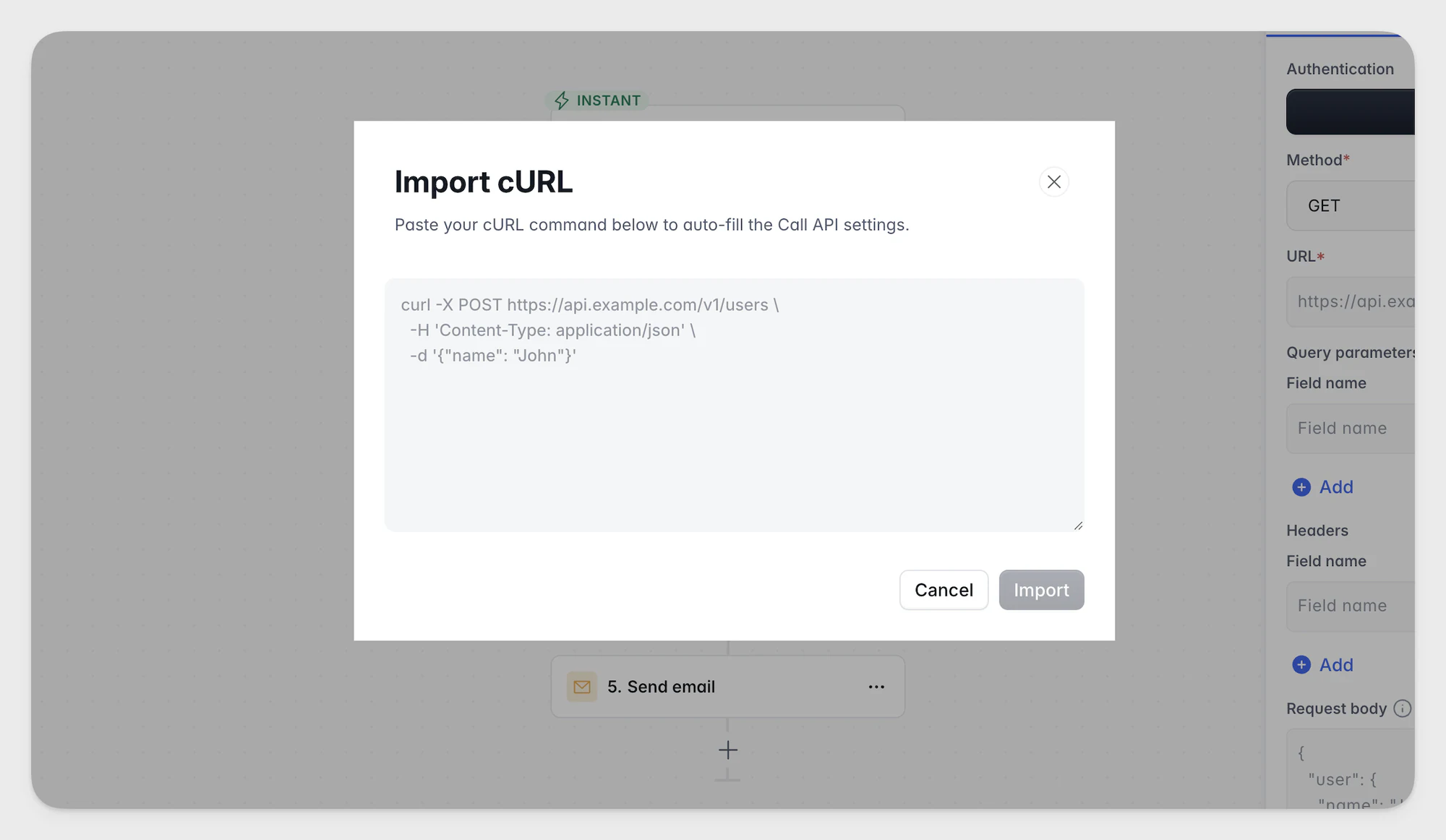
Call API action updates for Workflows
Import cURL commands to auto-fill action settings, manage binary files for use later in your workflow, and securely save API keys or OAuth credentials to share across workflows.
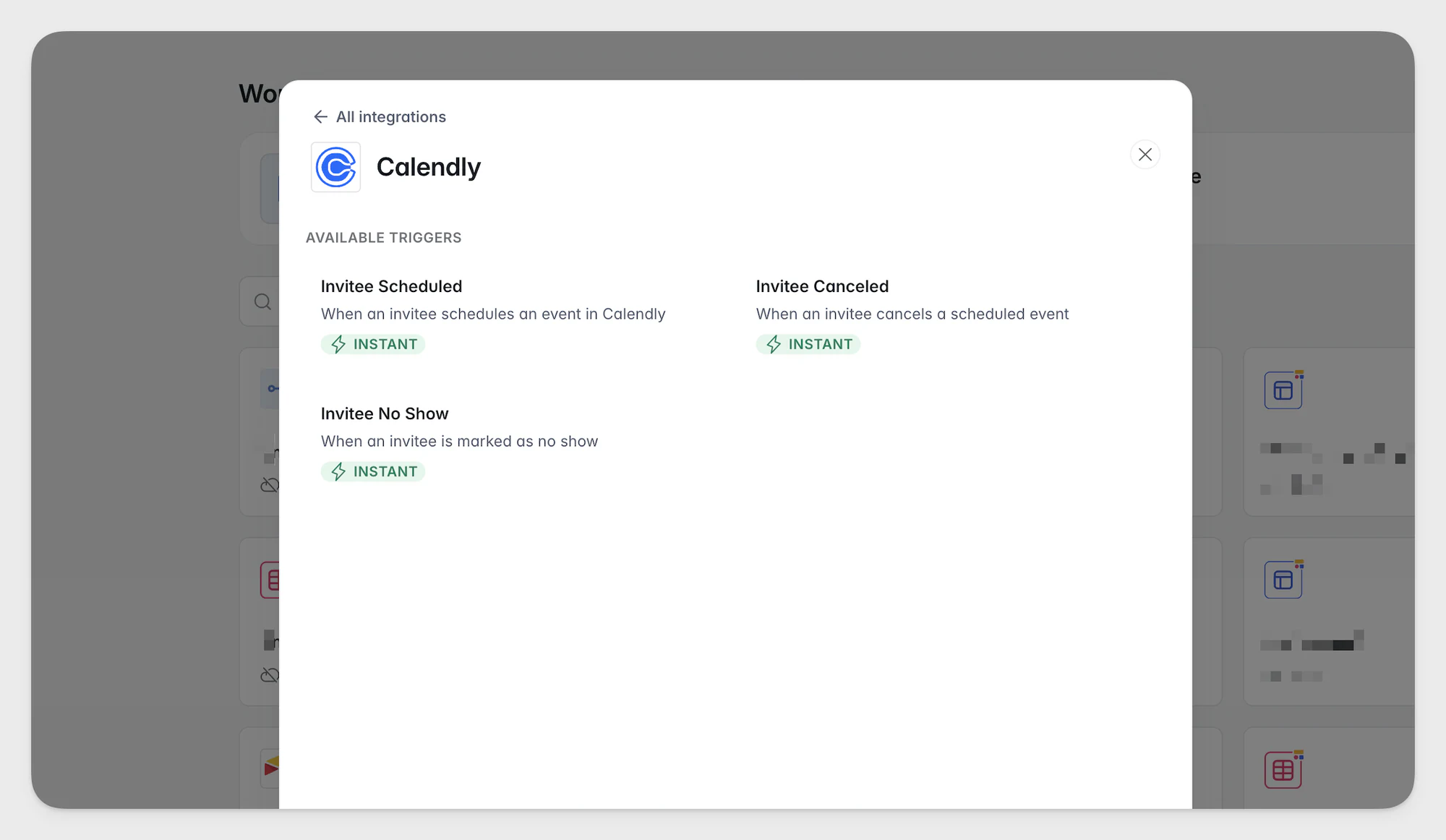
Workflows integrations: monday.com and Calendly
Connect monday.com and Calendly directly to your Softr Workflows. Use monday.com actions to add, update, find, and delete records in your boards, or use Calendly as a workflow trigger (invitee scheduled, canceled, or no show) or action.
New static block designs
Static blocks have a fresh new look! Heroes, CTAs, testimonials, team grids, and FAQs now use the Vibe Coding Block pattern for a cleaner, more consistent design that's easy to customize. Find them under Blocks → Static.
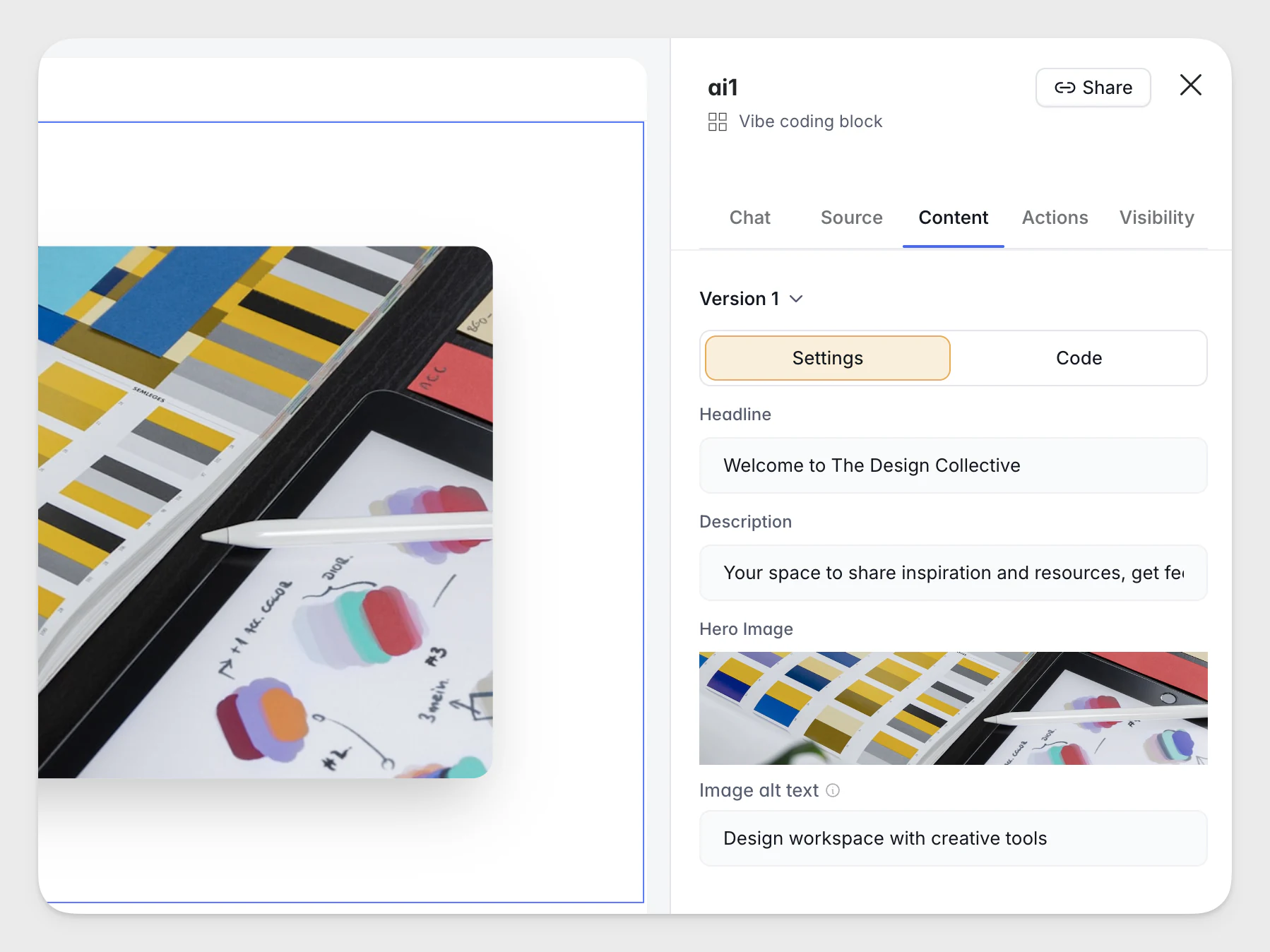
Visual editing in Vibe Coding block
The Vibe Coding block now supports visual editing. Refine text, images, and links inside AI-generated blocks directly from the Content tab — no re-prompting needed.
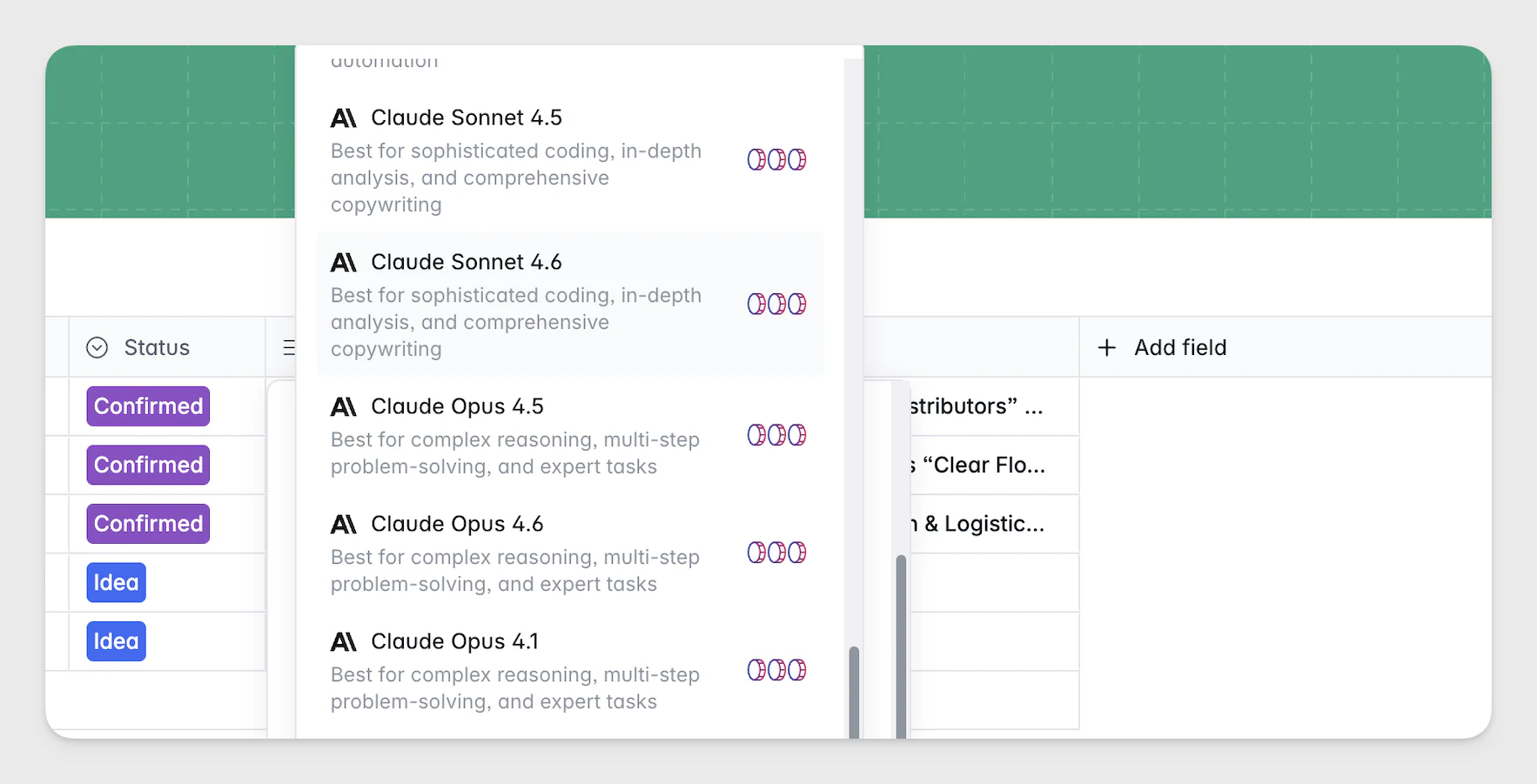
New models available for AI Agents
The latest Gemini, Mistral, and Claude models are now available for AI Agents in Databases and Workflows. Models include Gemini (3 Pro, 3 Flash, 2.5 Flash, Flash-Lite), Mistral (Large 3, Medium 3.1, Small 3.2, Ministral 3 14B), and Claude (Opus 4.6, Sonnet 4.6).
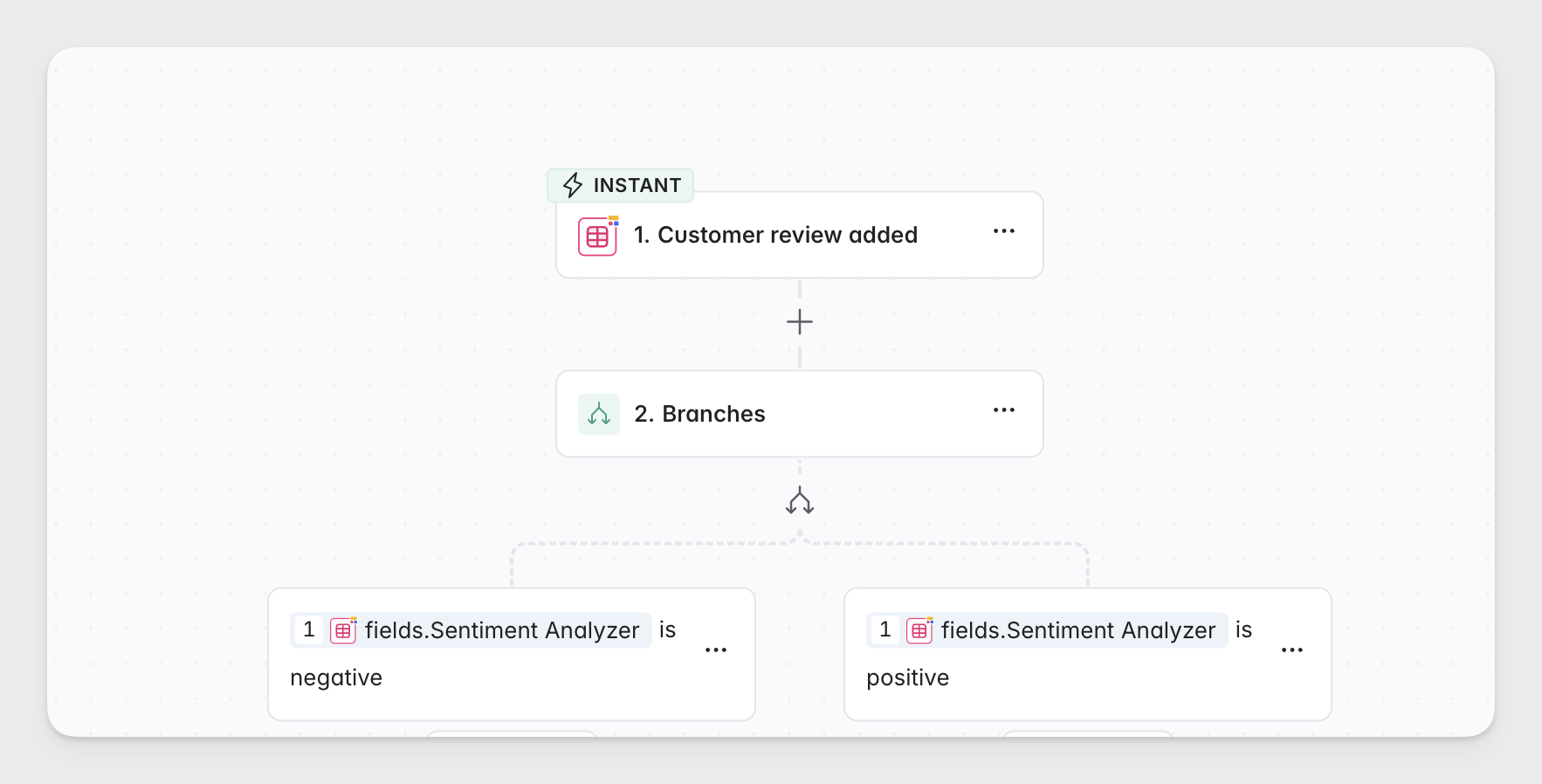
Instant workflow triggers from Softr Databases
Workflow triggers from Softr Databases now fire instantly, instead of running on a one-minute interval. That means faster notifications and more responsive automations across your database-driven workflows.
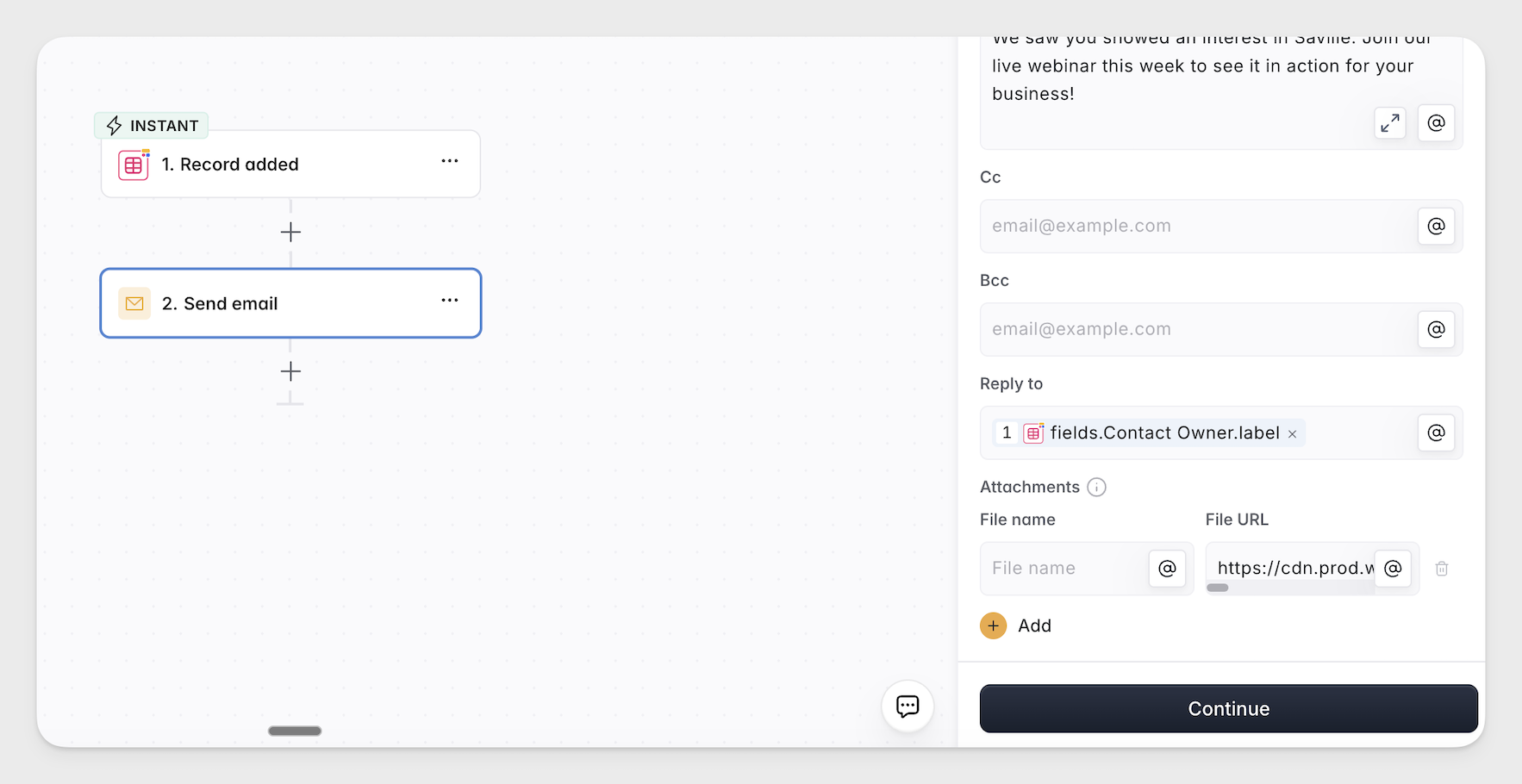
Email attachments in Softr Workflows
You can now add file attachments and format emails with rich text in Send Email workflow actions (Gmail, Postmark, and native Send Email). Send invoices, PDFs, or reports automatically. Find it under Workflows → Actions → Send Email.