What's new in Softr
Check out new features, improvements, and community events!
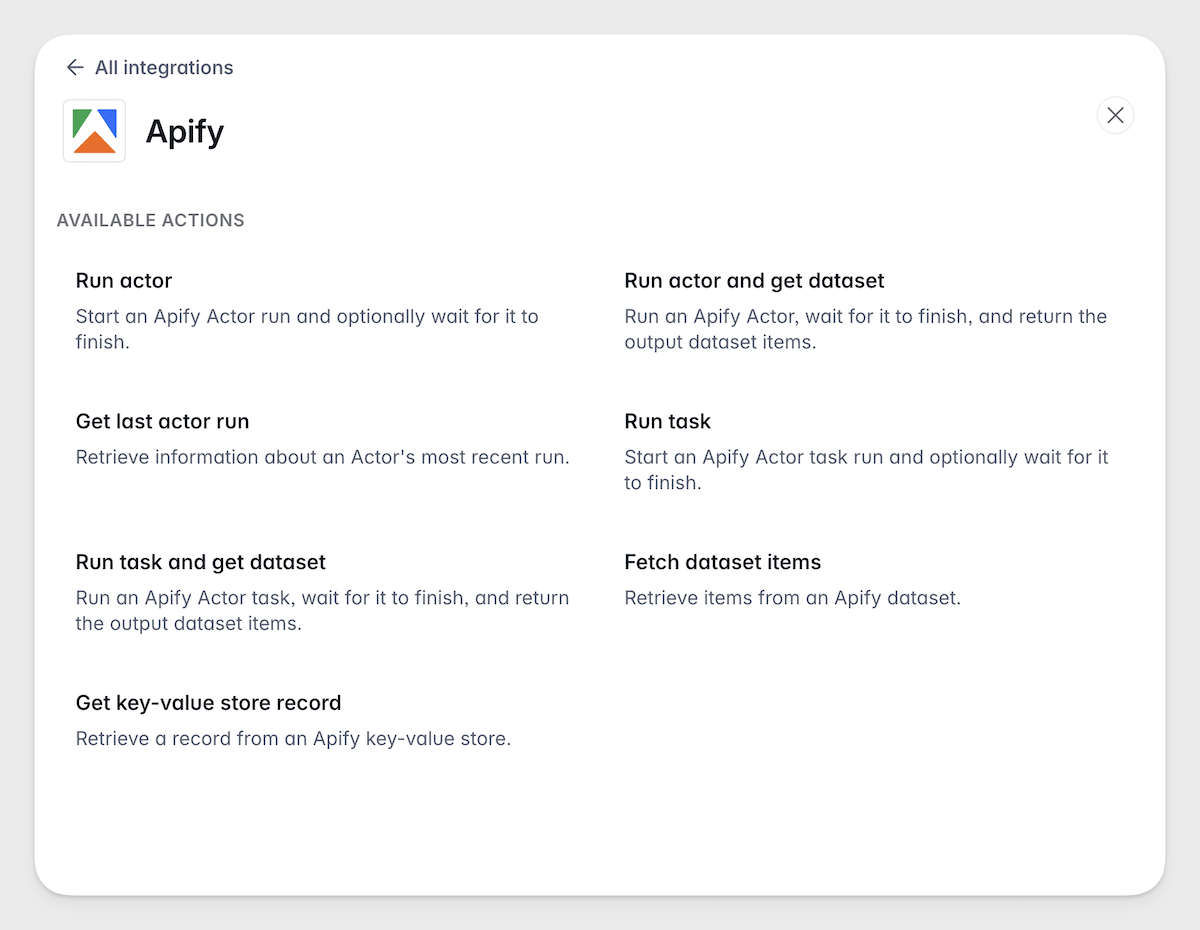
Invite, deactivate & activate app users via Workflows
In addition to default user automation you can set up in Softr apps, you can now also automate user invitation, activation, and deactivation through Softr workflows!
P.S. Please make sure your workflow doesn't conflict with default user automation, especially if you have filtered user sync enabled.
Application audit log
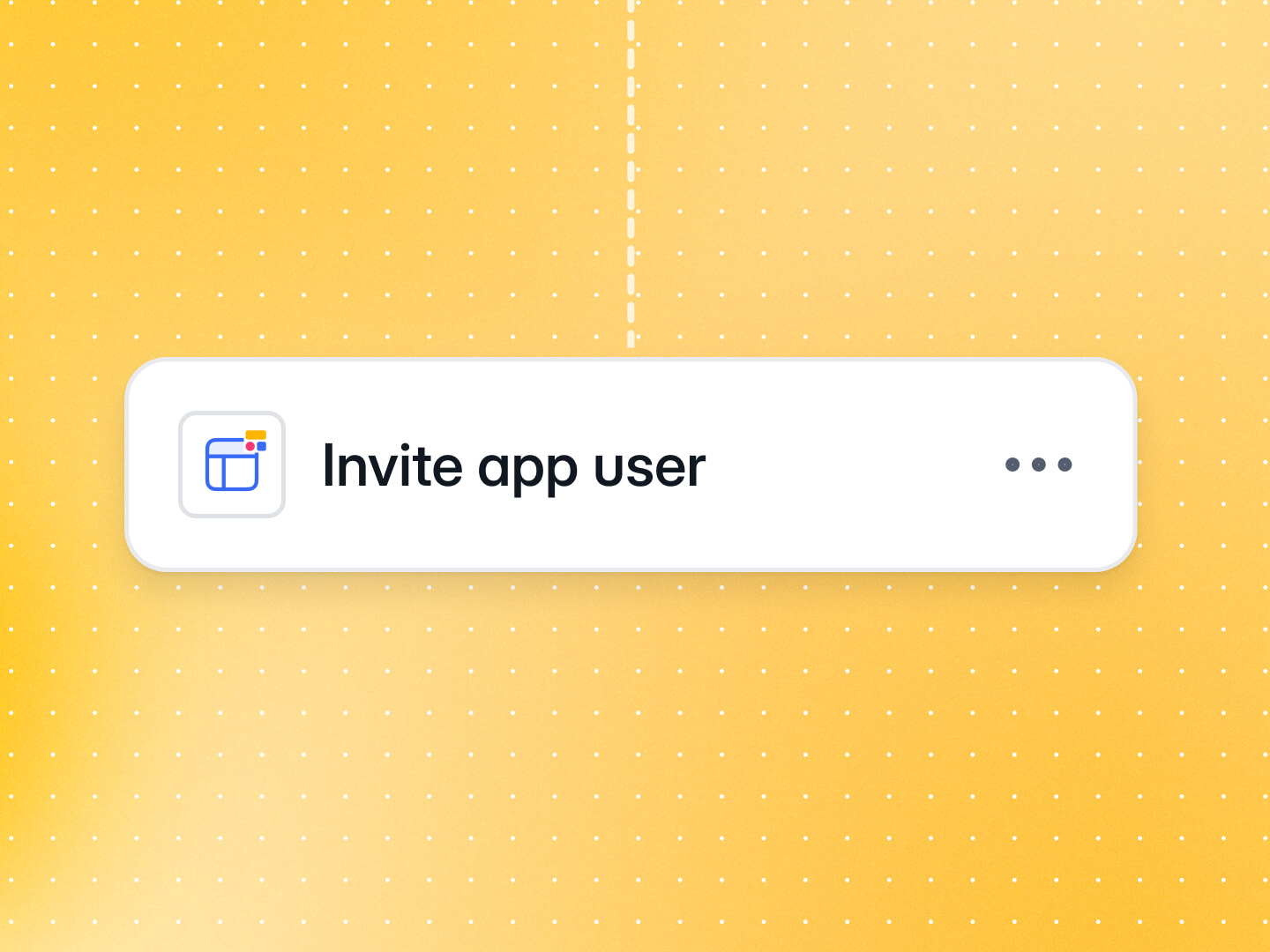
Collaborating with a team on the same Softr apps? You now have clearer visibility into who's edited your apps and what changes were made, making it easier to maintain governance across your organization.
The audit log is available on the Enterprise plan. Contact sales if you'd like access.
Salesforce integration in Workflows
Keep your CRM in sync automatically. Create, update, retrieve, and delete records across any Salesforce object: Contacts, Leads, Opportunities, Accounts, and custom objects.
Trigger CRM operations from form submissions, sign-ups, or record changes, with no manual data entry. Turn form submissions into Leads, update Opportunities when a deal stage changes in Softr, or let customers edit their own profile and flow those changes back into Salesforce. Read the docs
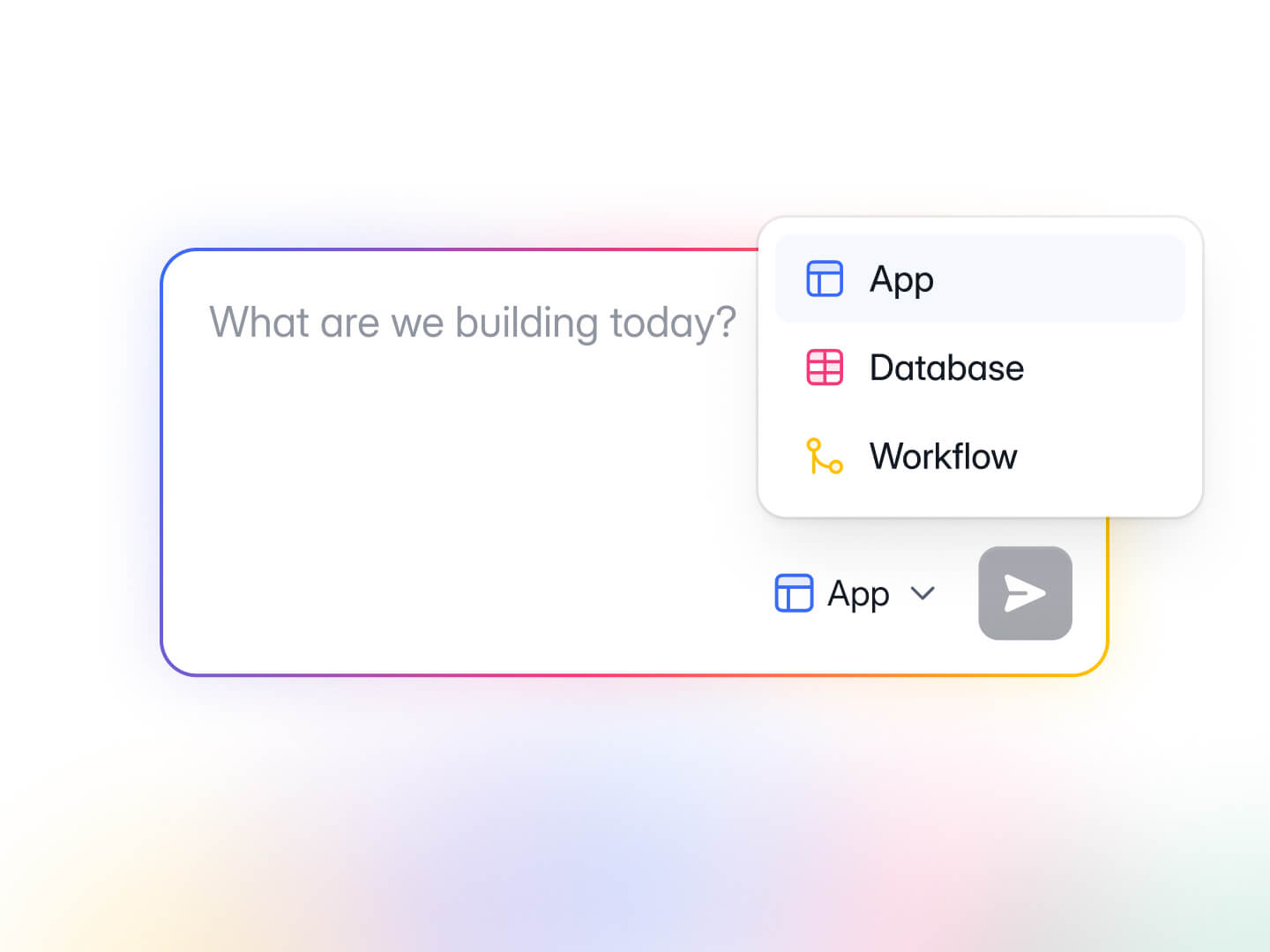
Create new Softr DB or Workflows with AI
You can now create new Softr Databases and Workflows with AI directly from your workspace dashboard. Simply click on the selector next to the Submit button, describe what you need, and watch the magic happen!
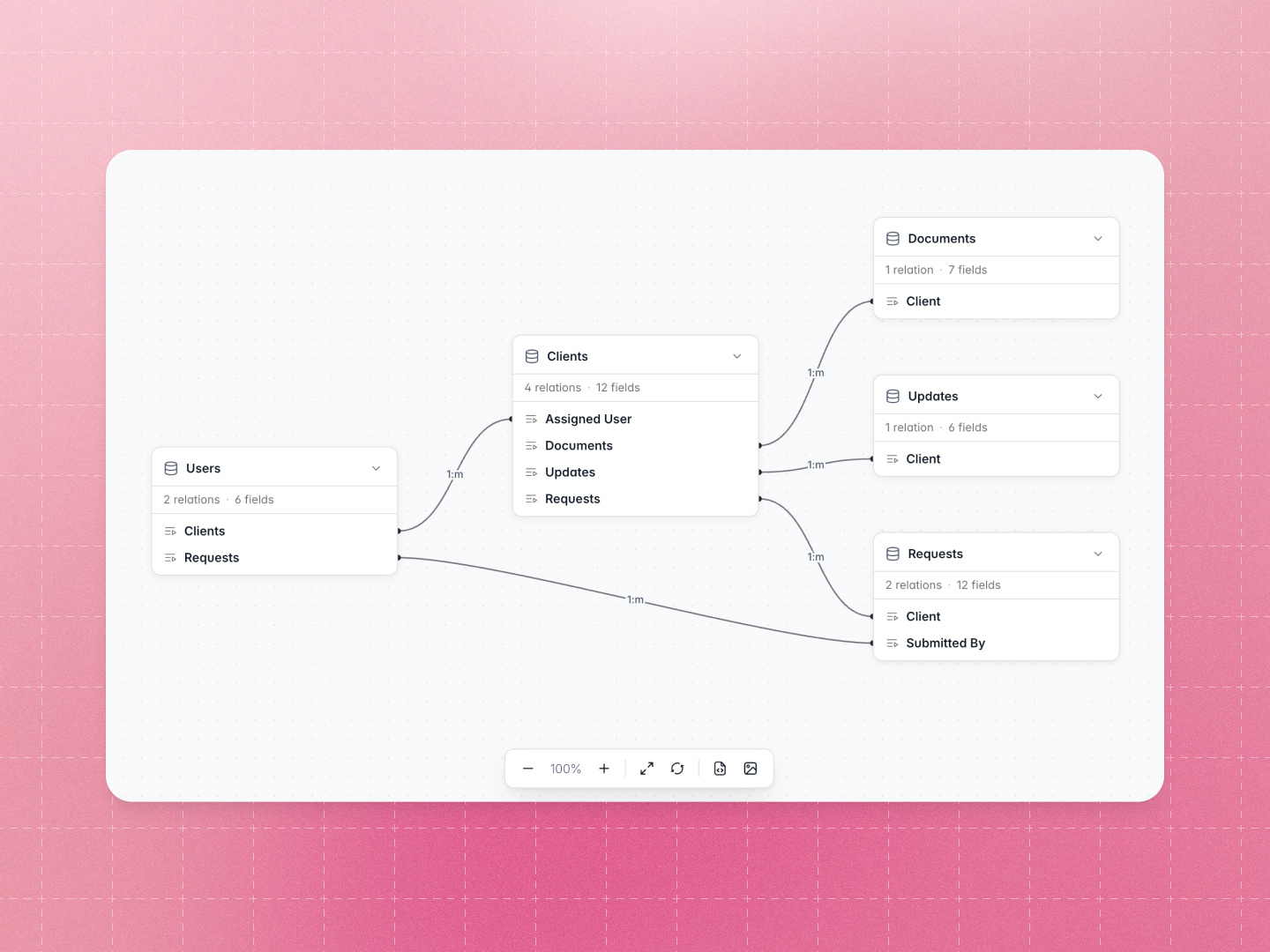
Visualize your Softr DB as a diagram
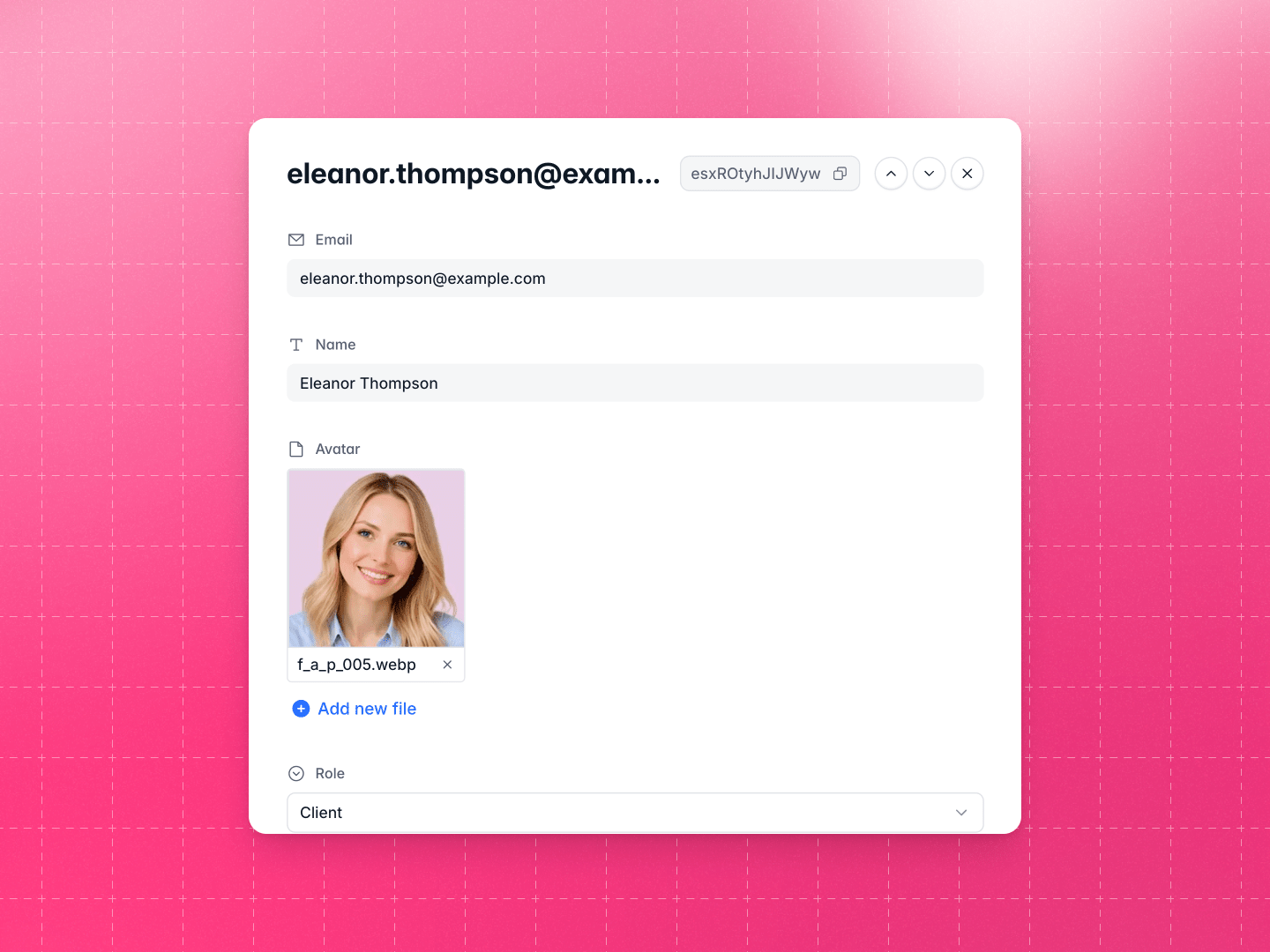
Record detail modal in Softr Databases
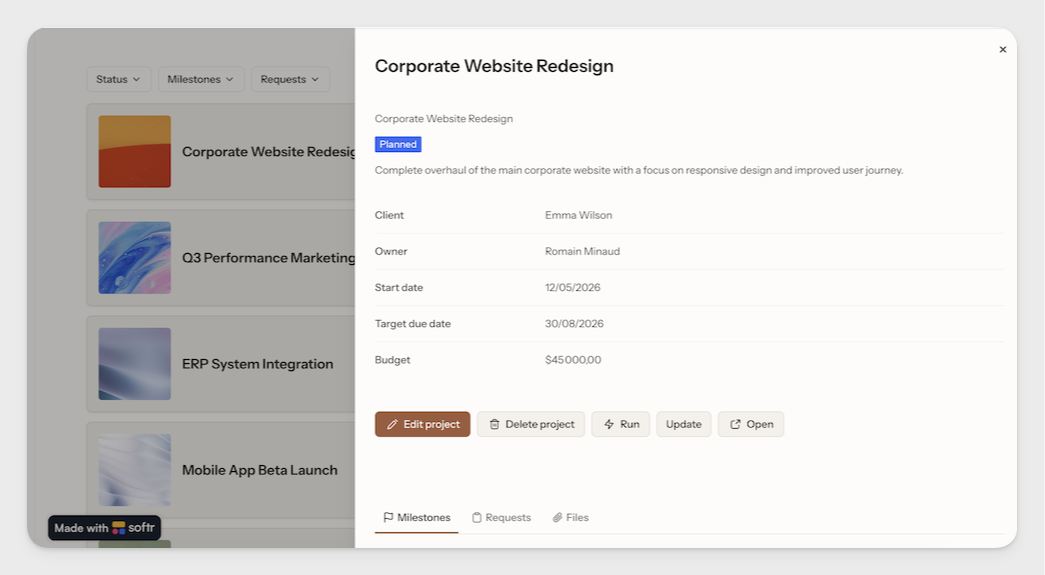
Each record in Softr Databases now opens in a modal, so you can view and edit every field in one place — no more endless scrolling or losing context.
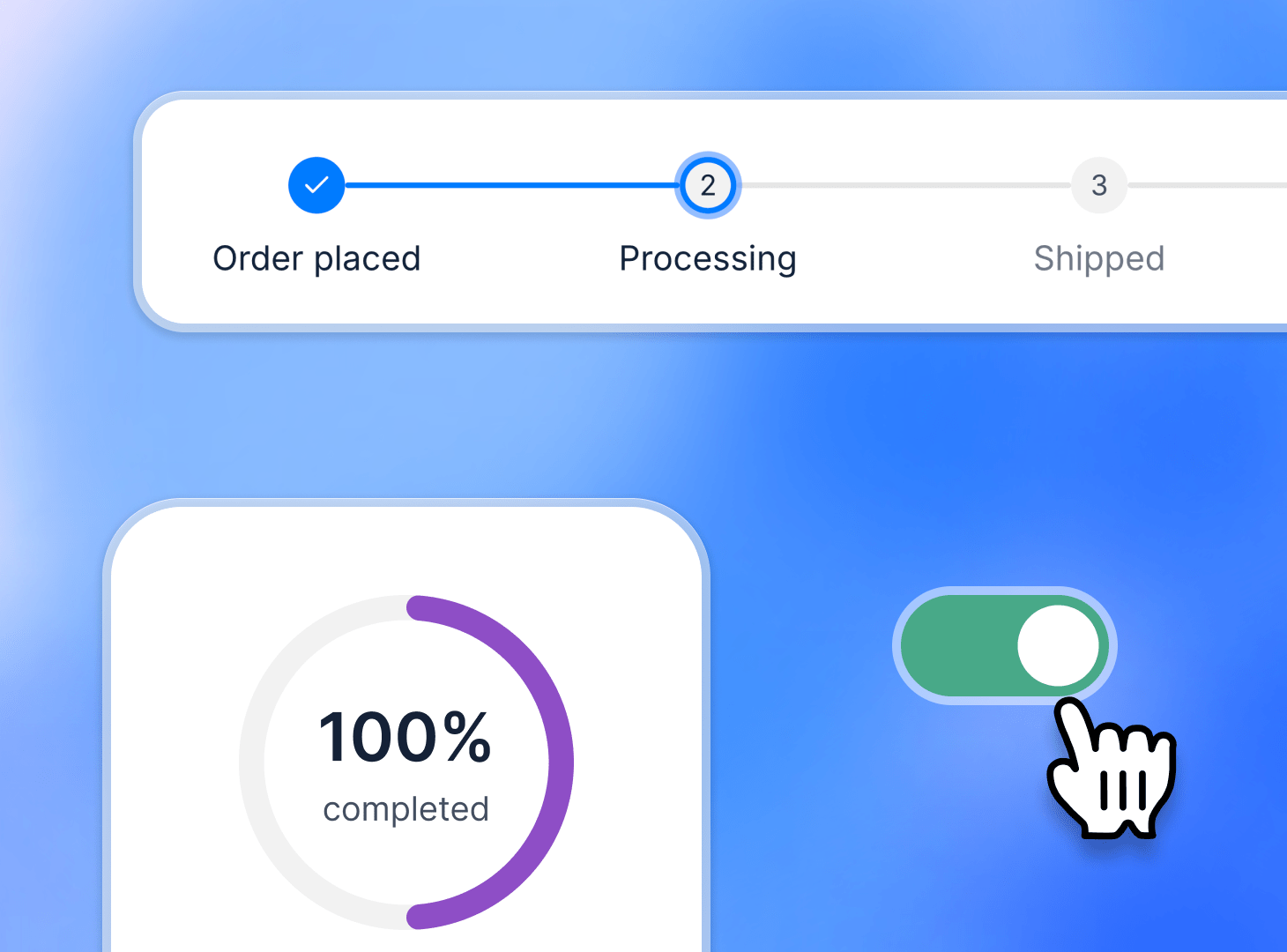
Progress & Toggle fields in apps
Two new fields are now available in your Softr apps: Progress (step or percentage-based) and Toggle (an alternative to Checkbox).
New Workflows integrations: Pinecone, Zendesk & more
More Workflows integrations are ready to use in your automations: Pinecone (vector database), Fathom (meeting notetaker), Telegram (messaging), and Zendesk (customer support). Learn more here.
Softr Databases MCP
Softr Databases MCP has just landed! You can query data, create records, and manage your database schema directly from Claude, ChatGPT, Cursor, or any MCP client.
We've also launched brand new API token configurations and an OAuth flow — both let you control exactly what your integration can access. View docs
Button updates on Item Details block
Workflows integration: Linkup
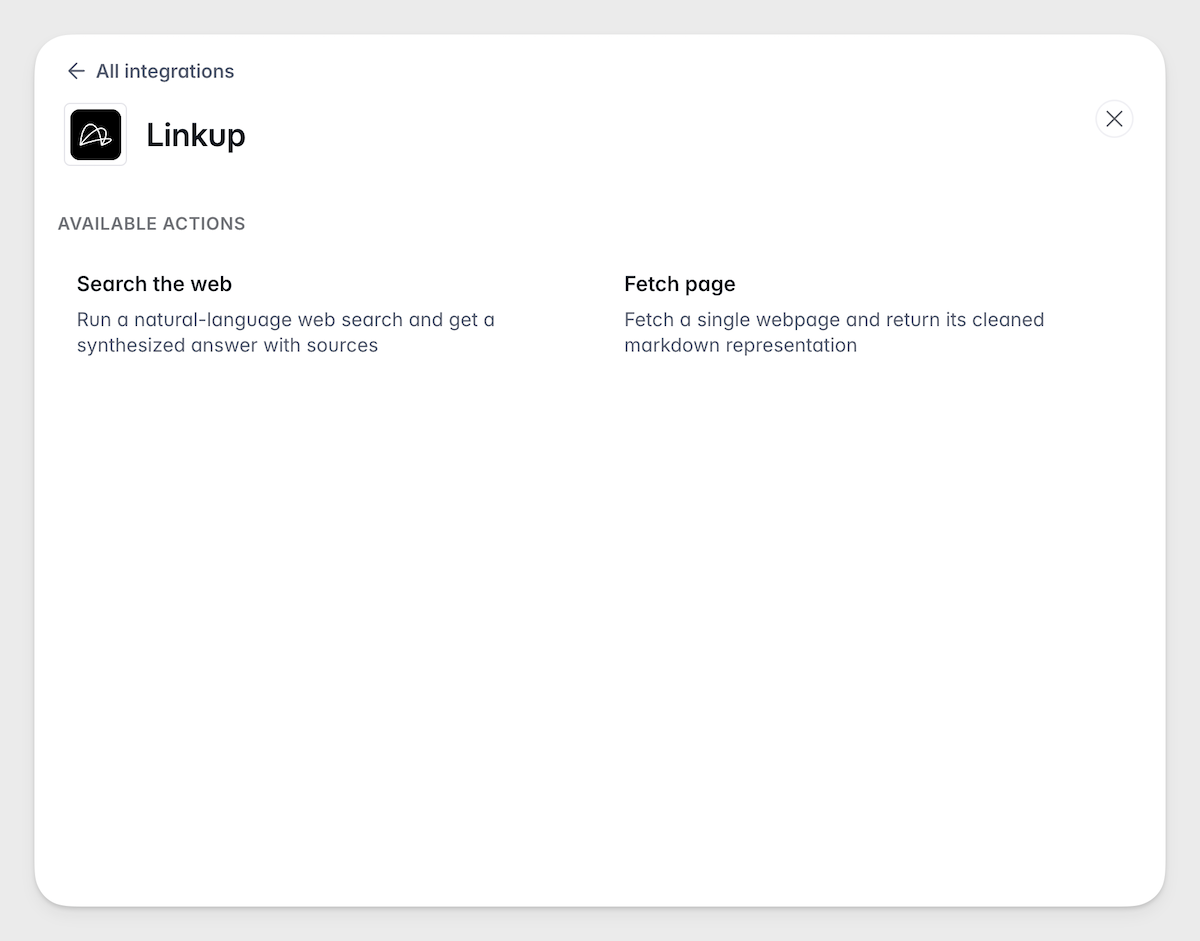
Use Linkup to run AI-powered web searches and fetch live page content from fresh, cited sources — directly inside your automations. Great for lead enrichment, market research, and more. Find it under Workflows → Actions.
Workflows integration: Apify
Connect with Apify to tap into 4,000+ pre-built web scrapers and pull external data into your Softr Workflows. Run Actors, fetch datasets, or grab records from a key-value store. Try it for lead gen tools, price monitoring, competitive intelligence, market research, and more. Find it under Workflows → Actions.