What's new in Softr
Check out new features, improvements, and community events!
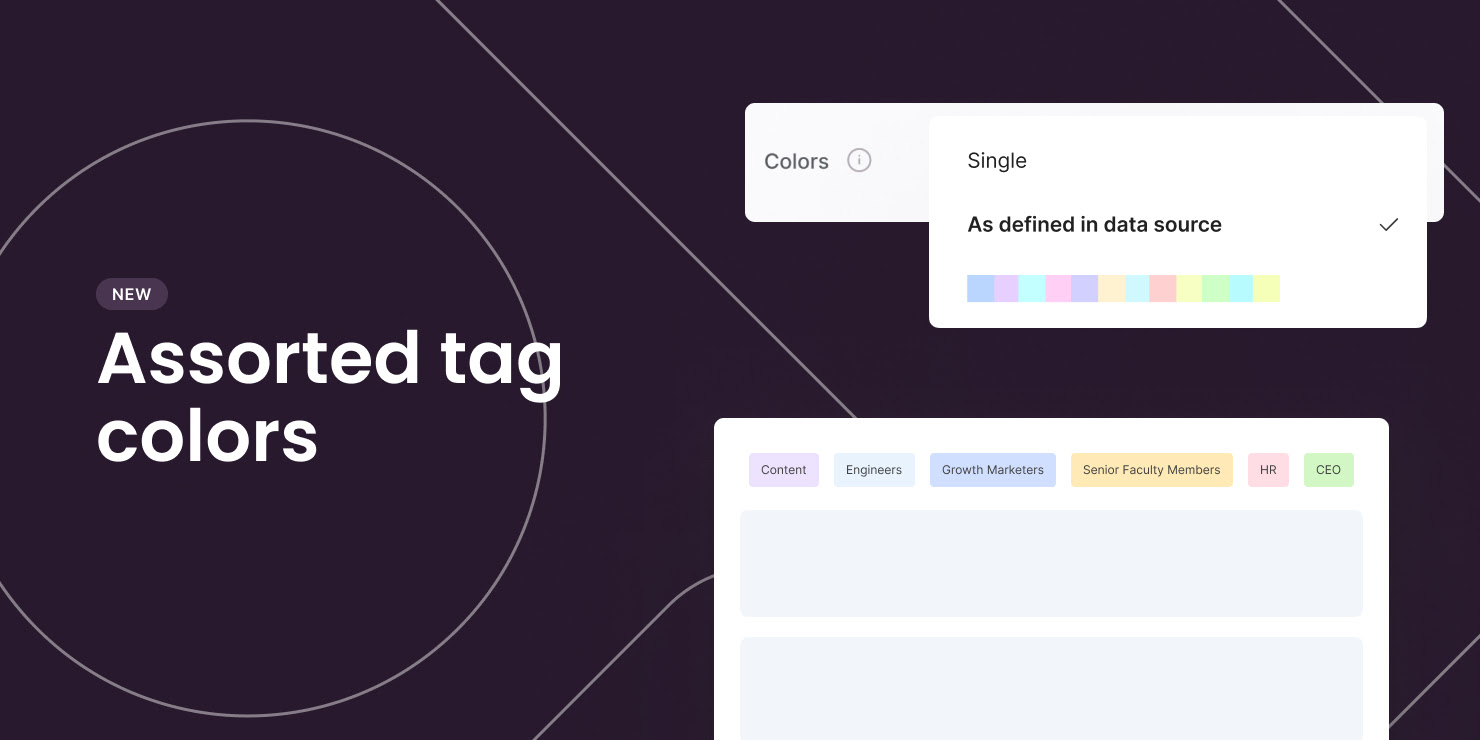
Assorted tag colors
You can now set assorted colors for Tags in your application (inline filter, item fields). They can either match the options' colors in Airtable or follow our pre-defined palette.
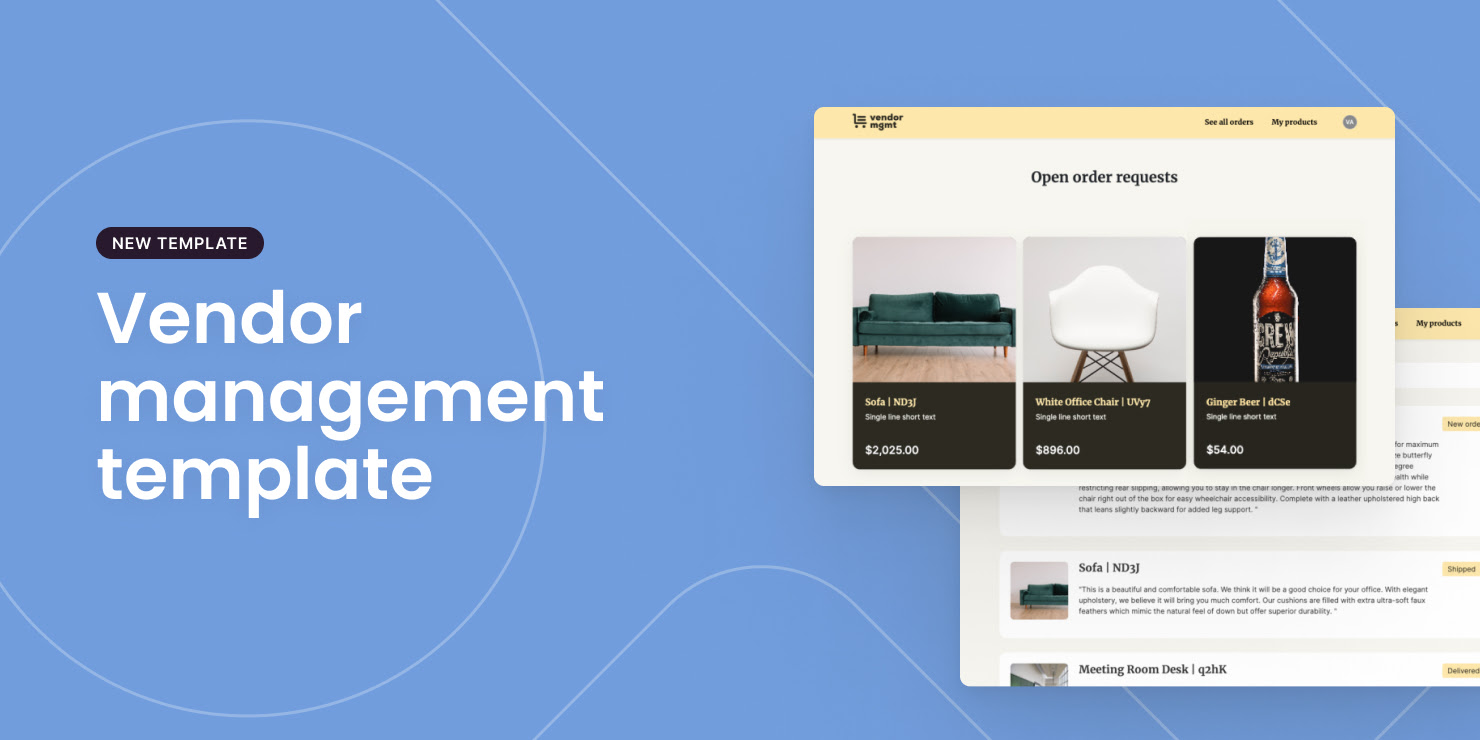
Vendor management template
Do you work with external vendors? This template helps you create a portal to manage your relationships with them.
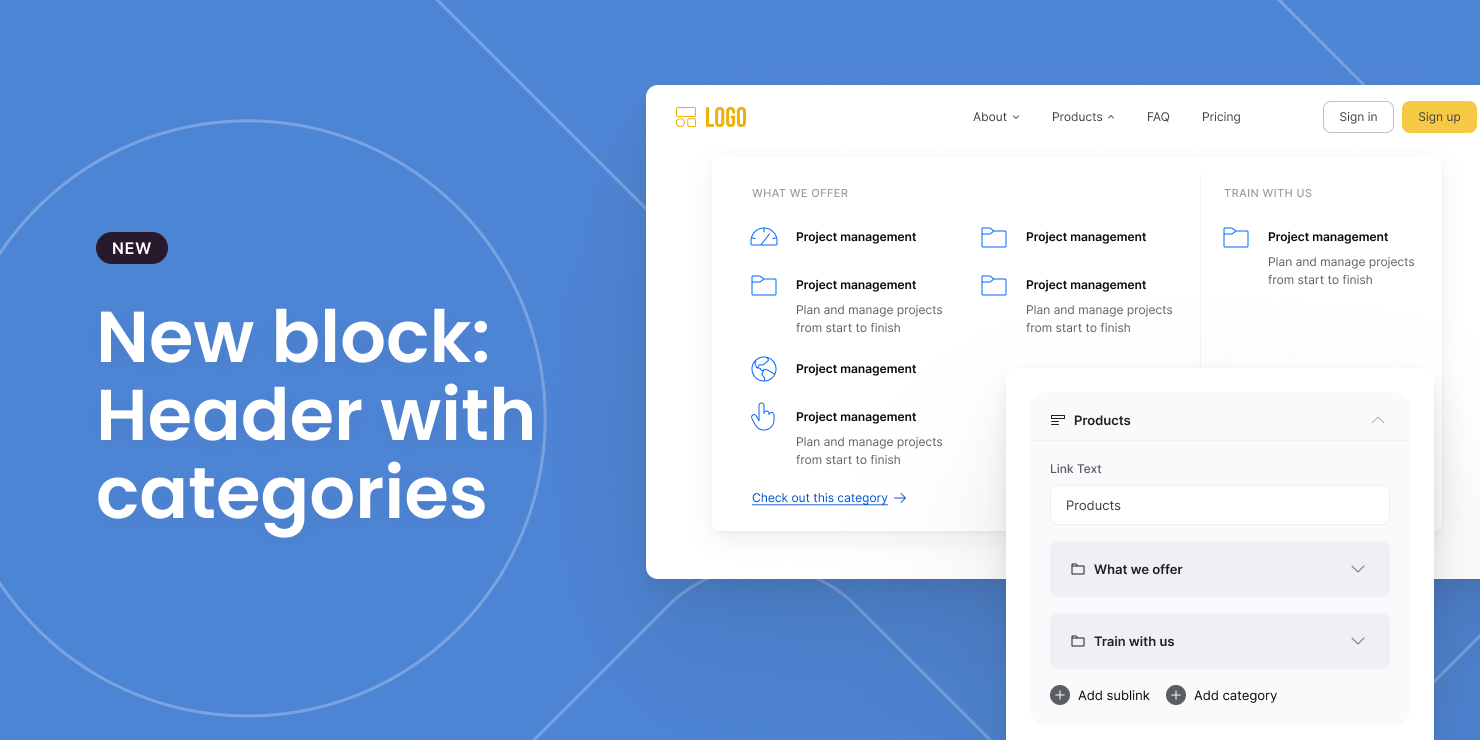
Header with categories
A new header block that allows you to display multiple categories and sub-links.
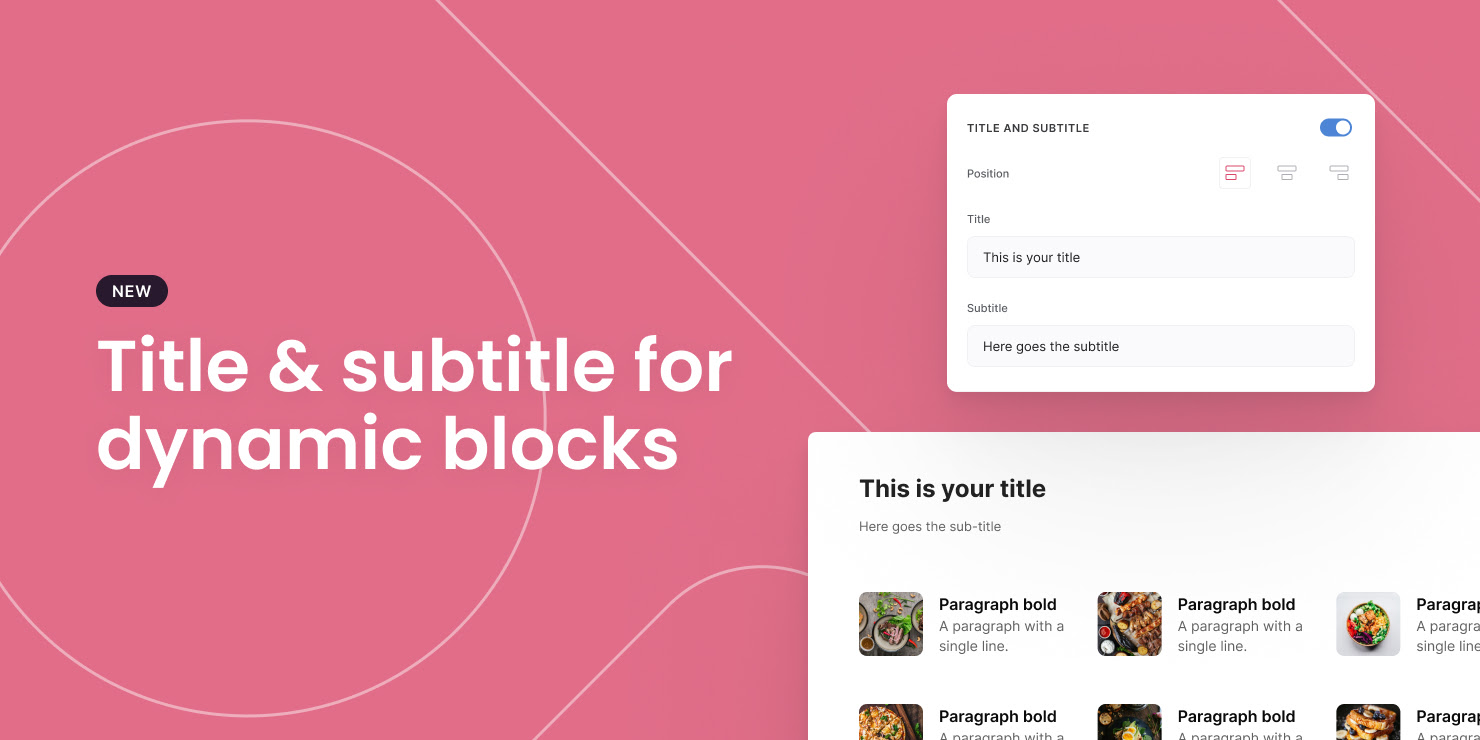
Set title & subtitle for dynamic blocks
You can now set Title and Subtitle on any dynamic block.
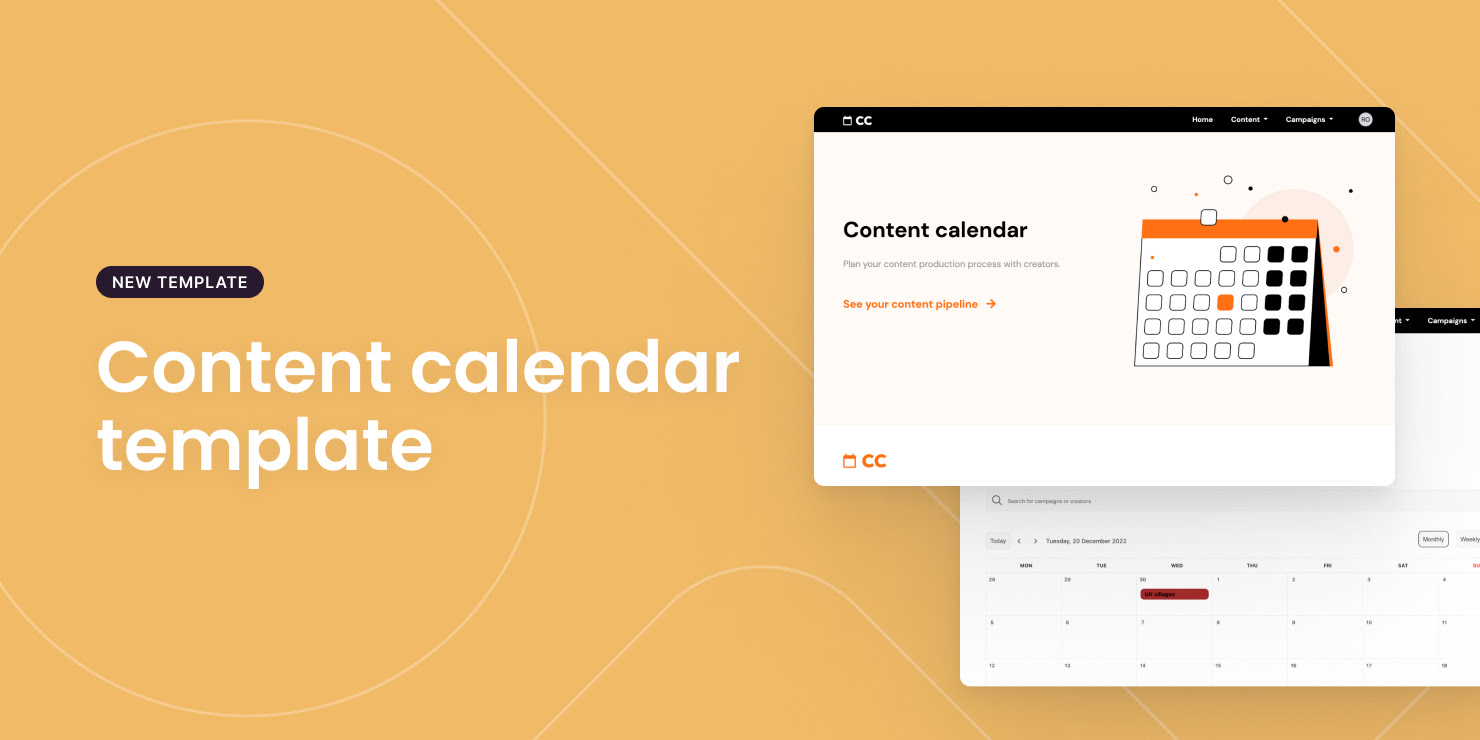
Content Calendar template
The perfect template to plan out your content calendar for 2023!
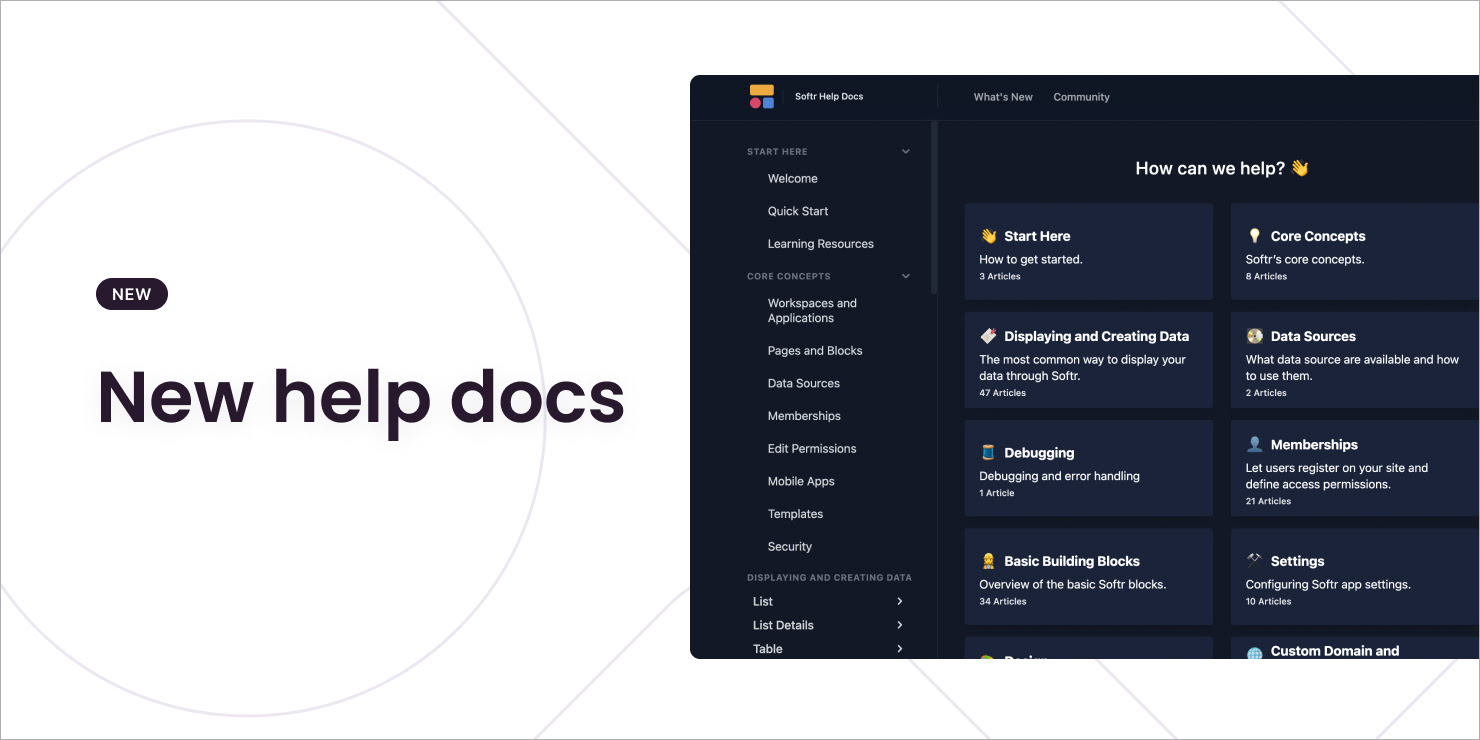
New help docs
We moved our help docs to a new platform. It's now easier to navigate and find what you need!
Introducing Softr AI
AI has made its way to Softr!
Now you can generate images and copy with just the click of a robot, making the process of building your app even faster!
Additionally, you can create apps that offer AI functionality to your users (like copy.ai or jasper.ai)!
Easily enable your users to create sales emails, marketing copies, blog posts, interview questions, images and more, all with AI.
Pretty fun holiday surprise isn't it?

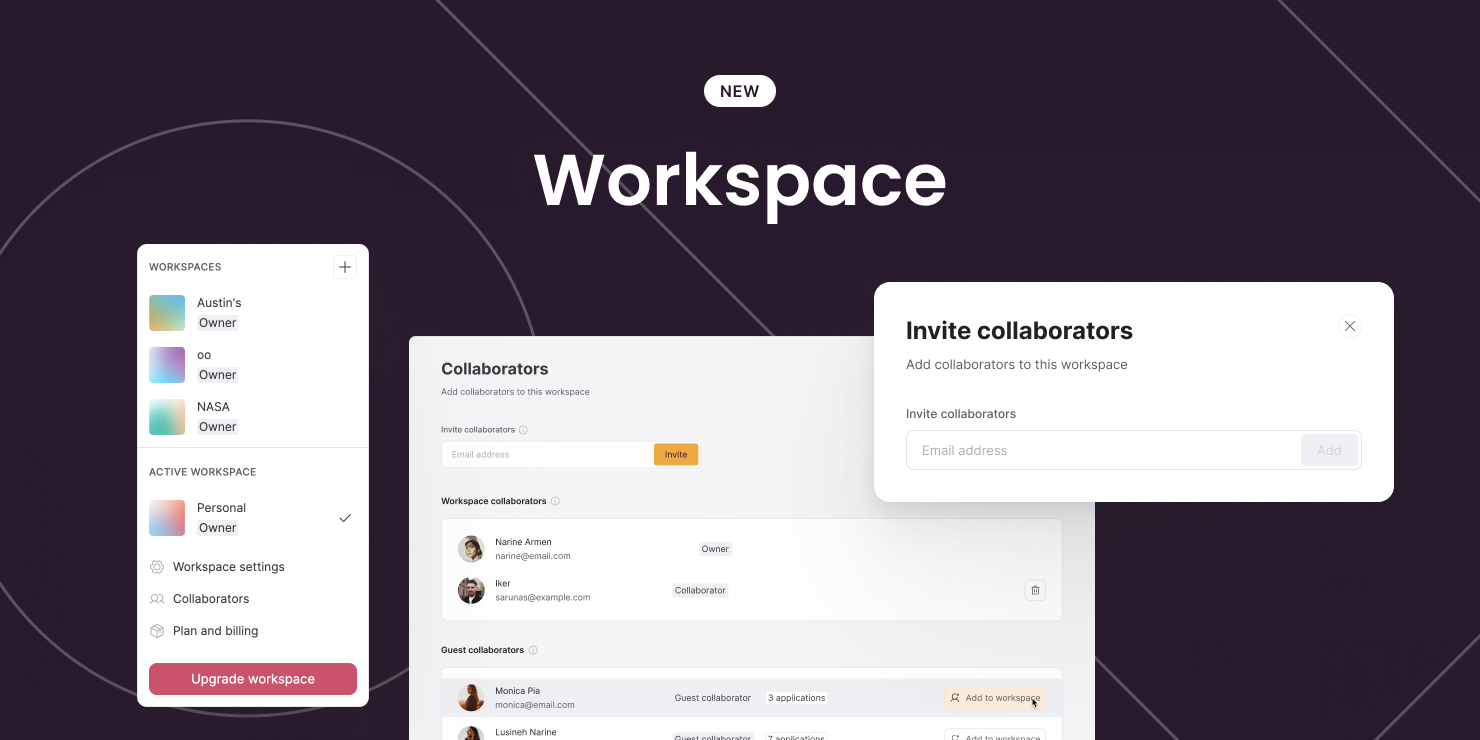
Welcome to your Workspace
You can now invite your team to collaborate together in the same Workspace.
You can own or join as many workspaces as you want — separating company and personal projects
Each workspace has its own subscription, and it can have 3 types of roles:
- Workspace Owner — can edit all apps, manage subscription, add/remove teammates
- Workspace Collaborator — can edit all apps in the workspace, add teammates
- Guest Collaborator — can edit apps they're invited to (collaborators you've added previously will be converted to this role)
We've also increased collaborator count in each plan — so invite your teammates today!
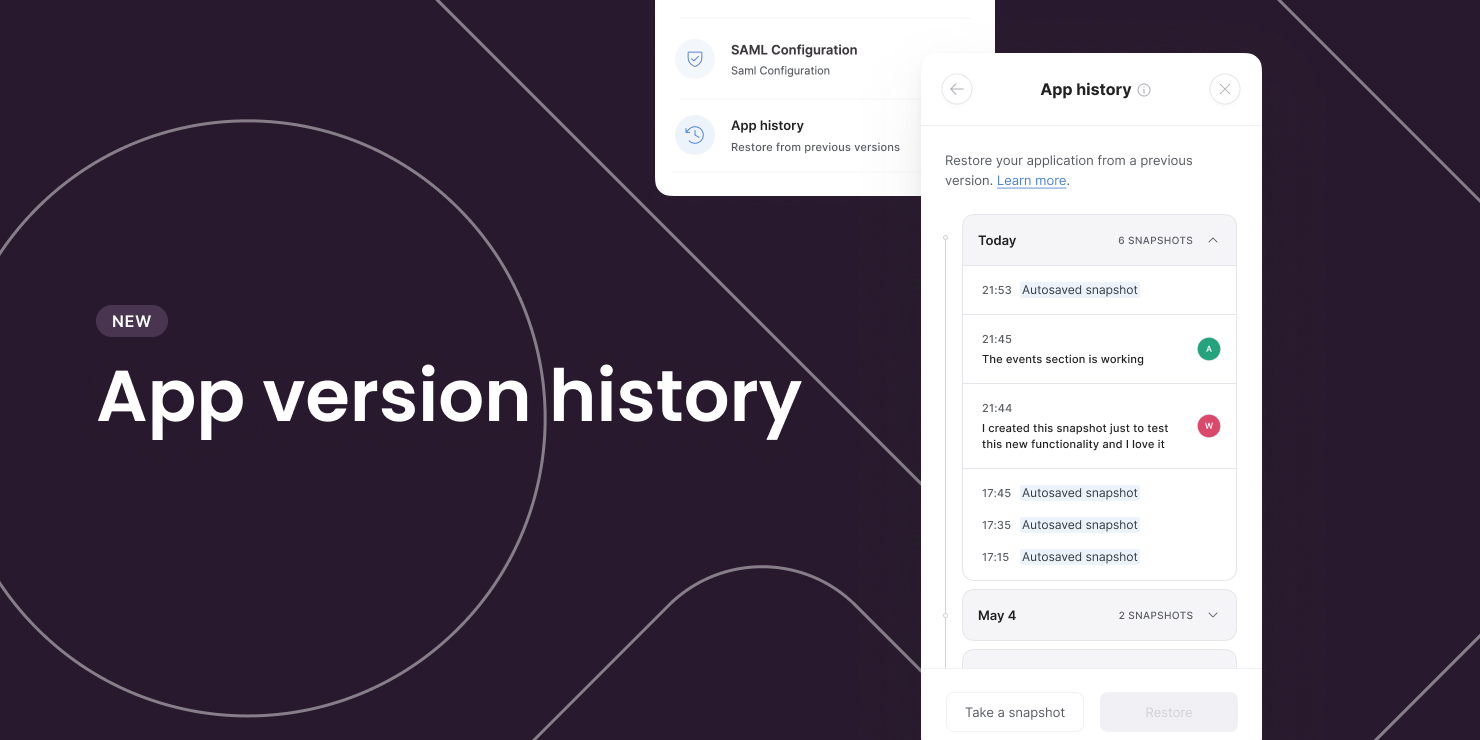
App version history
You can now revert back to a previous version of your app, e.g. in case you ever need to undo any previously made changes to it.
App version history can be found in the app settings panel. There you can retrieve a previous app version or take a snapshot of your current app version. See more in our Softr Docs.
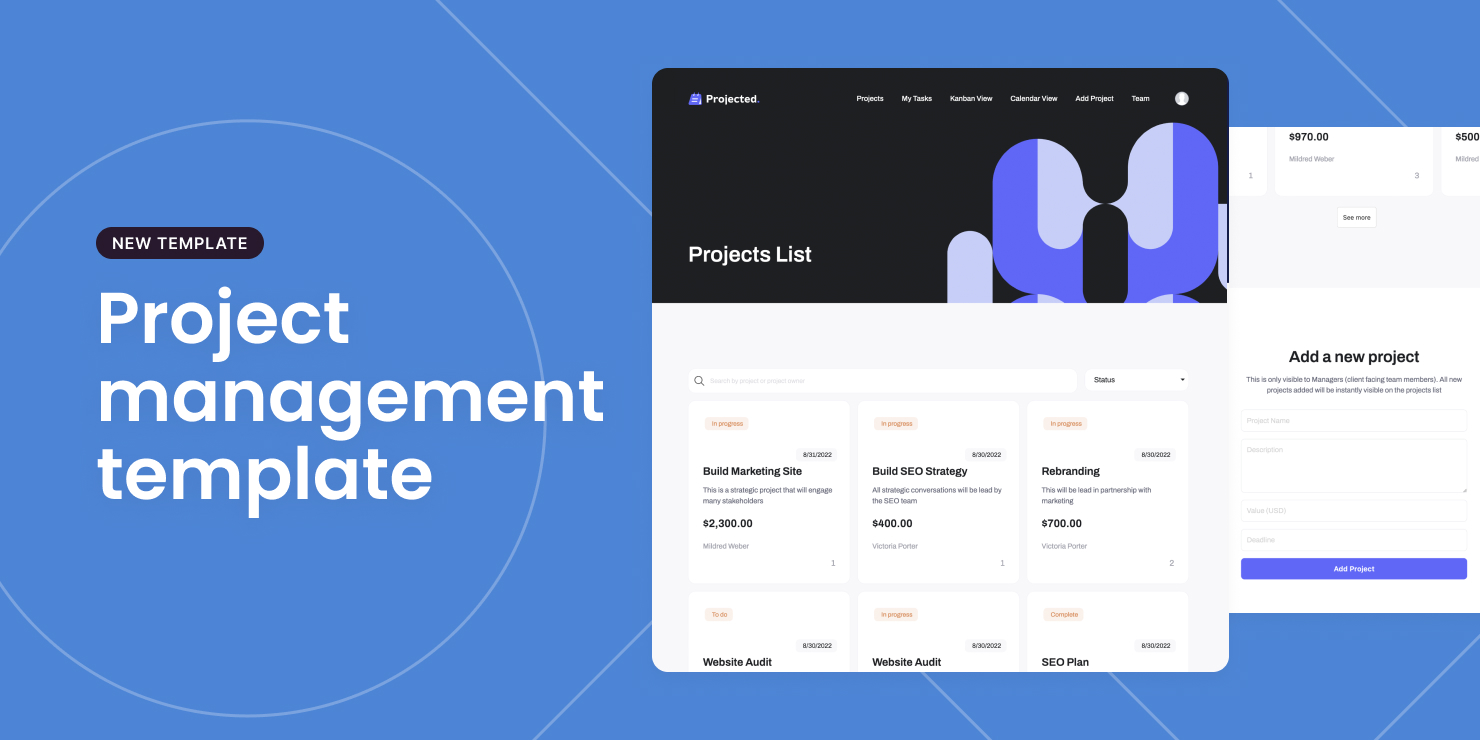
New project management template
Here you go! You can use Softr's project management template to easily manage projects and tasks between your team members and stakeholders.
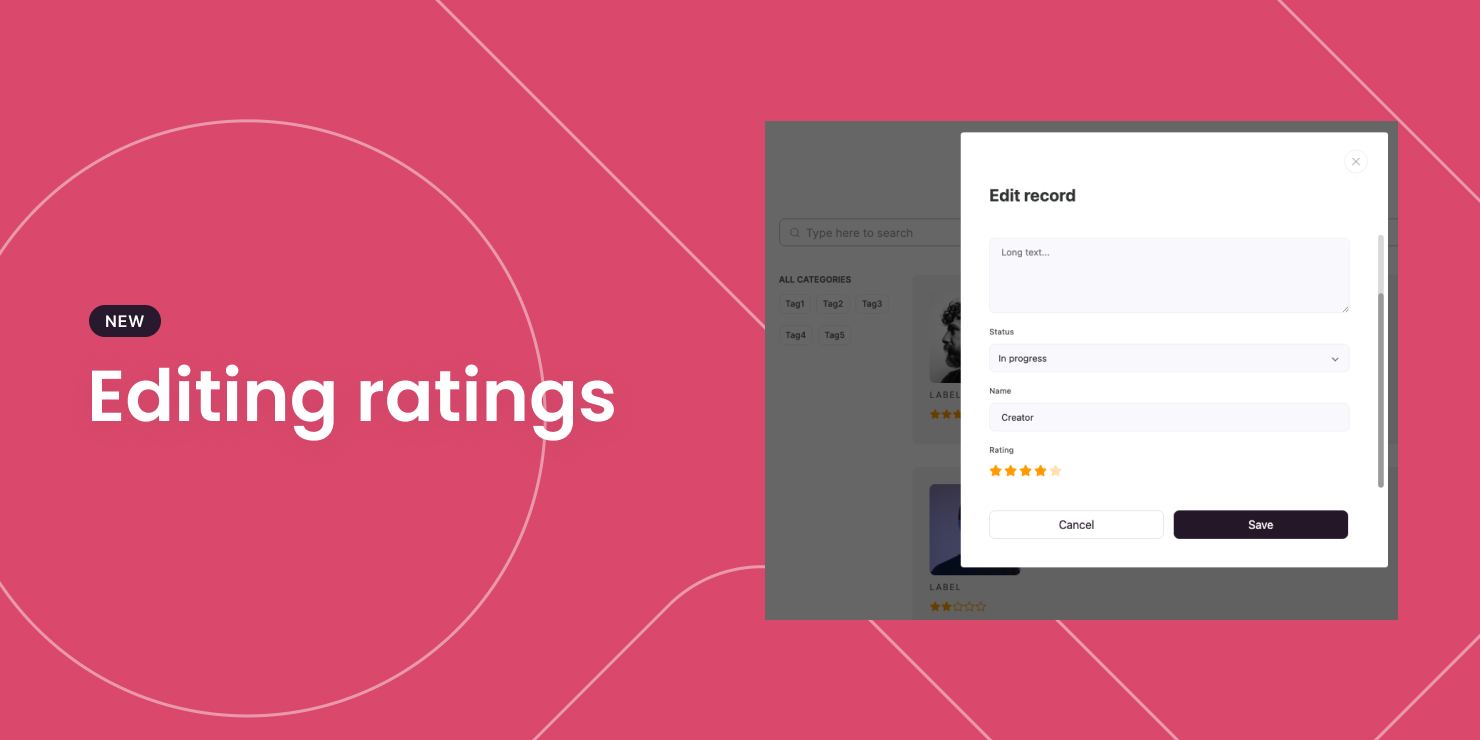
Editing ratings
Users can now edit Rating fields in Airtable through Softr apps. Definitely a five star addition.
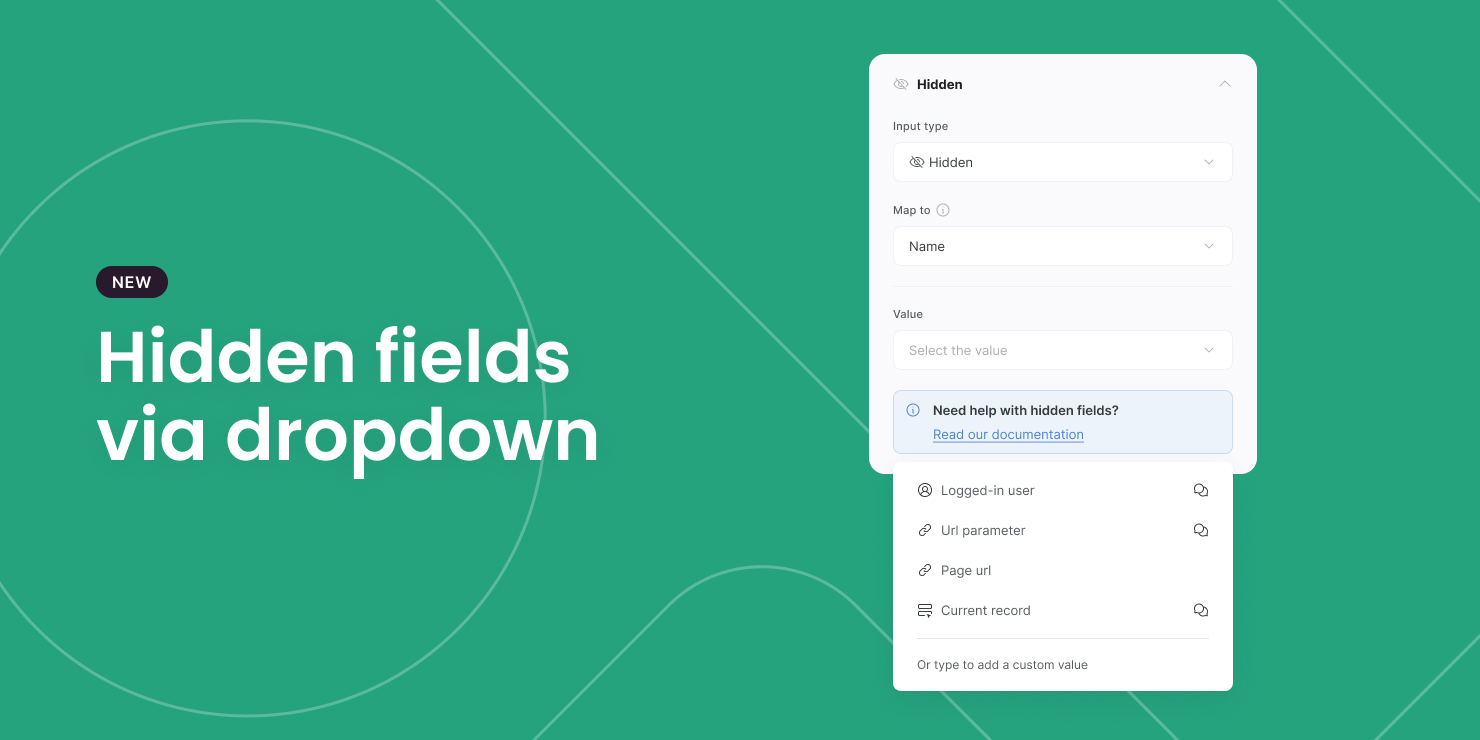
Hidden fields via dropdown
Hidden fields can now be added to custom forms through convenient drop-down menus. No more need to copy a code snippet.
NOTE: For URL parameter, you still have to type in the short code as custom value {URL\_PARAM:enter\_key\_here} (learn more here) — this will improve soon.