What's new in Softr
Check out new features, improvements, and community events!
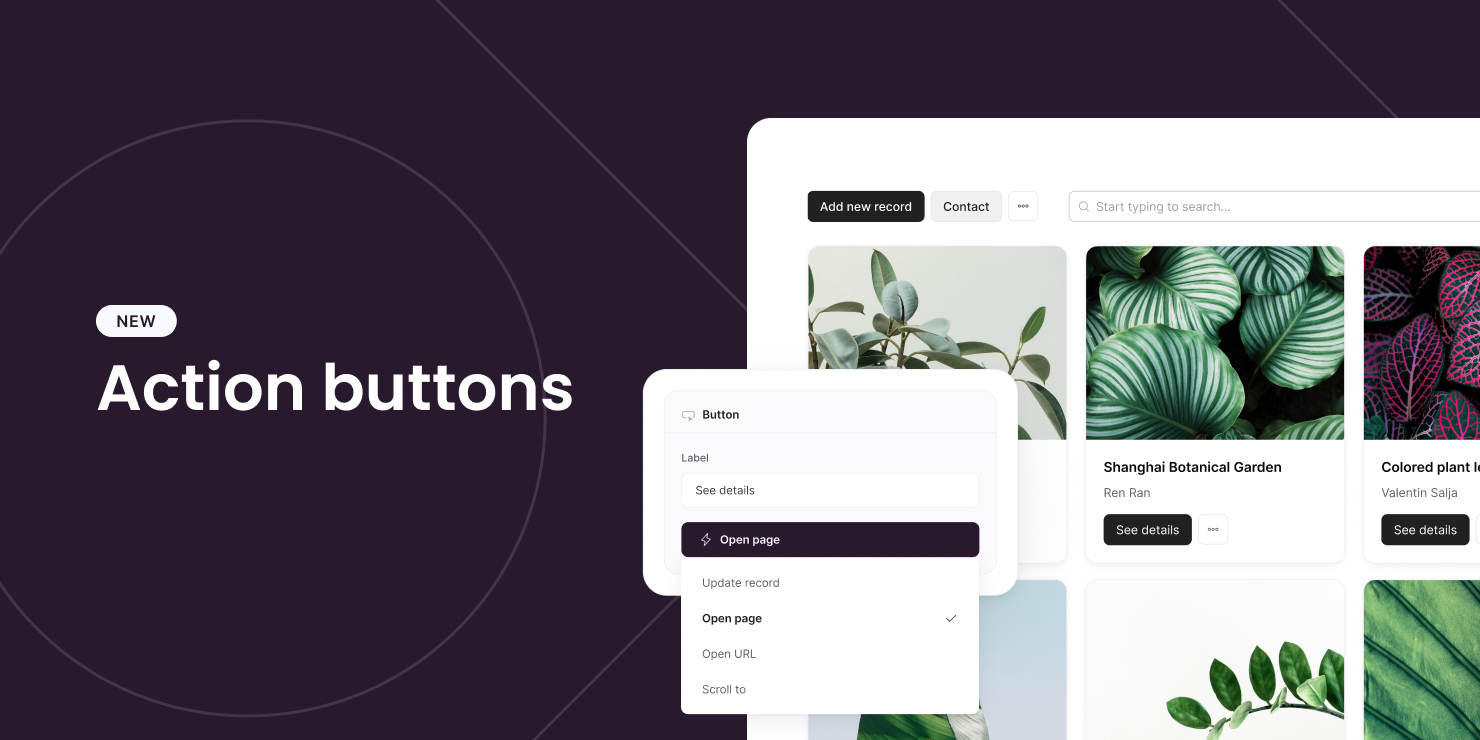
Action Buttons
The long-waited Action Buttons have finally arrived! This new feature allows you to perform CRUD (create, update, delete) operations with your app's underlying data, unlocking endless possibilities. Since there is too much to unpack, we have written a blog post explaining everything in detail. Check it out!
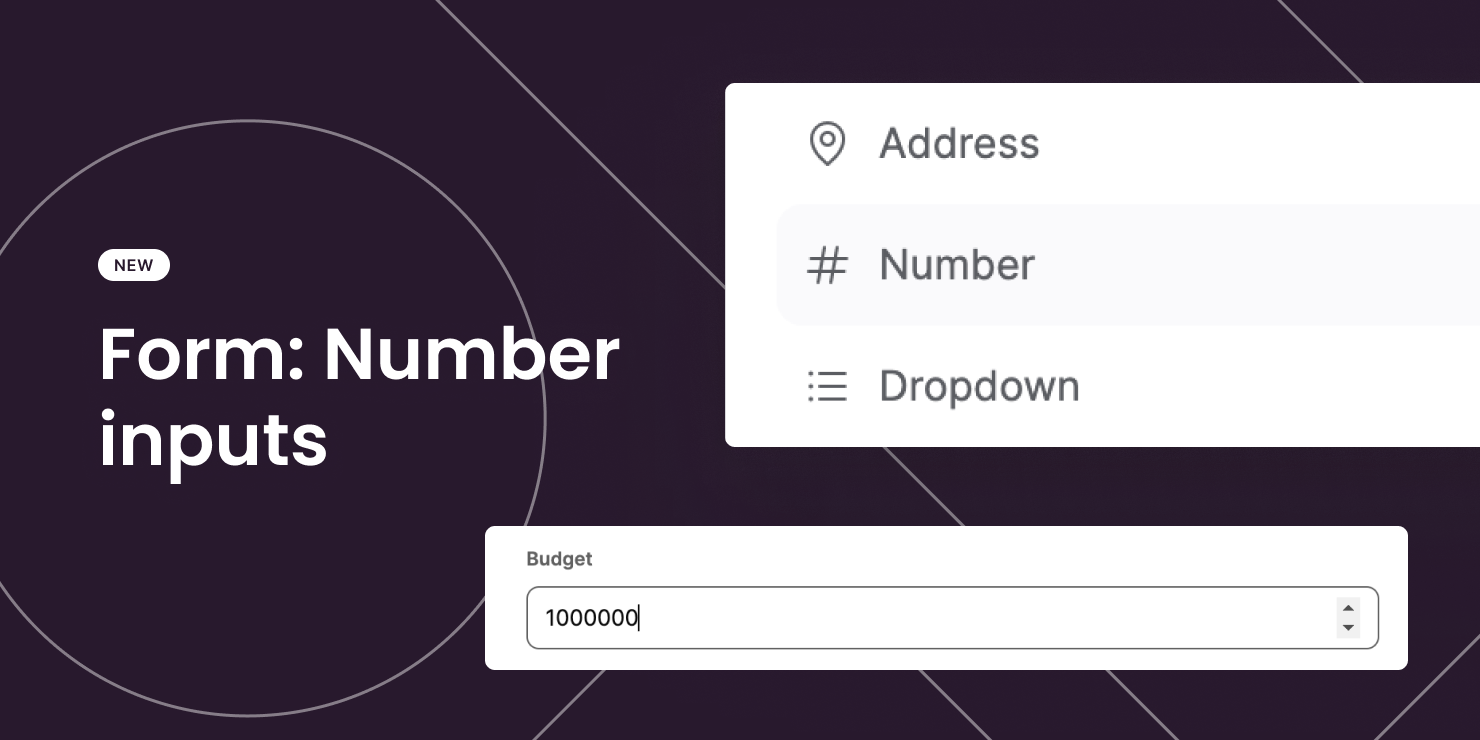
Number inputs on forms
Number inputs are now available on Form blocks. They are useful for accepting numeric-only values.
Page indexing and canonical URL settings
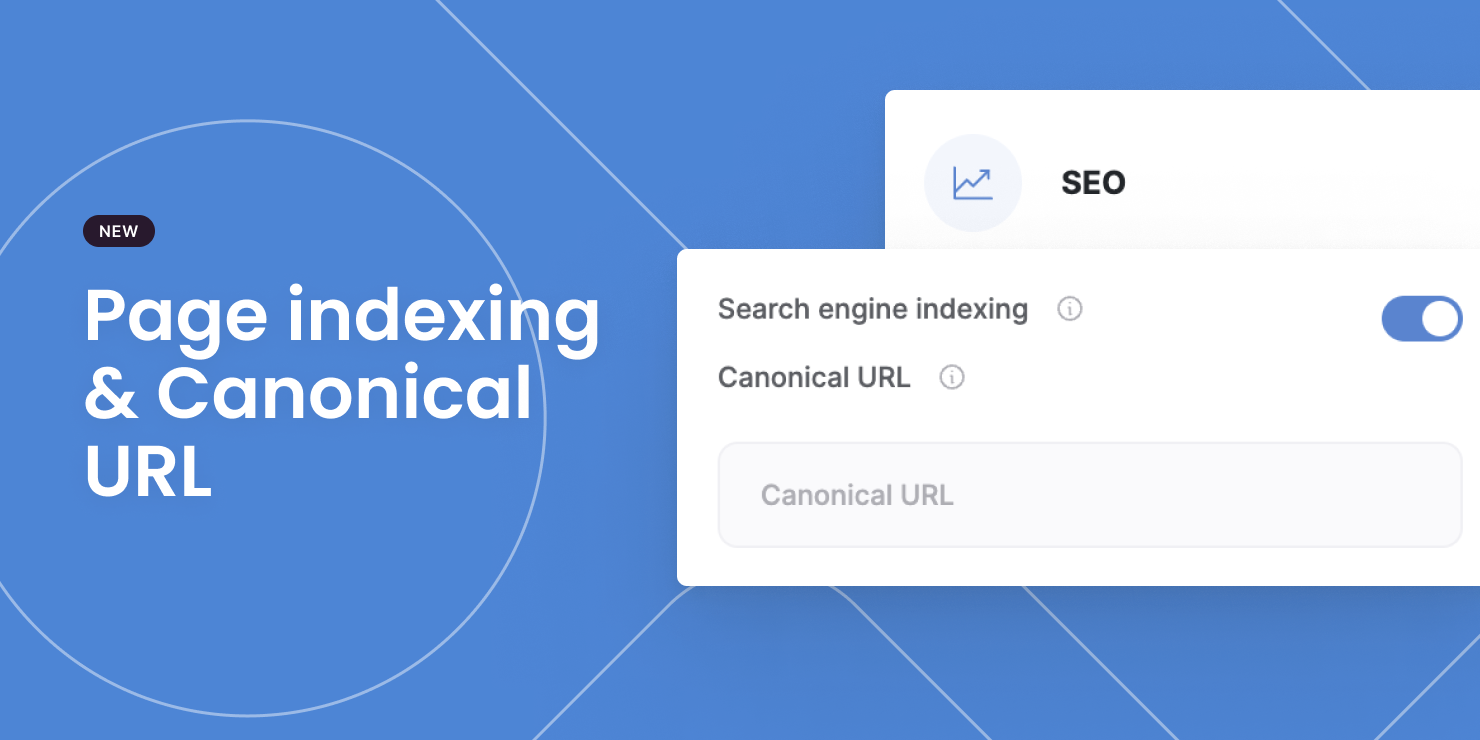
You now have more control over your app's SEO with 2 extra settings at the page level:
- Indexing: Whether a page should be indexed by search engines (on by default).
- Canonical URL: The main URL that should be indexed when there are multiple variations of the same page (optional)
Add notes to your block Add notes to your block Add notes to your block
Ever want to leave a note to yourself or others about how a block works? You can now do just that!
Refer a friend to Softr and earn $25
Do you have a friend thinking about kicking off their new side project? Refer them to Softr and you'll receive a $25 reward! What about your other friends you say? Invite them all! The earnings are unlimited

Comments now sync both ways
Comments now sync seamlessly between Softr and your data source. If you have a comments block connected to a data source, any comments that are updated or deleted in your data source will now accurately reflect on Softr.
Comments can be edited or deleted
What a relief! Your app's users can now edit and delete their own comments.

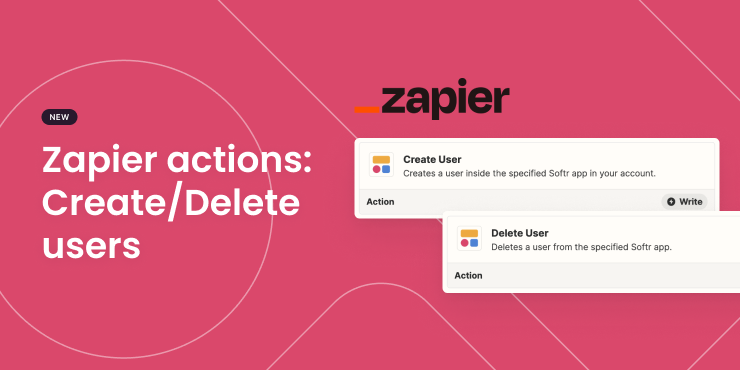
Zapier actions: Create/Delete users
We released 2 native actions on Zapier for you to automate user creation and deletion in Softr.
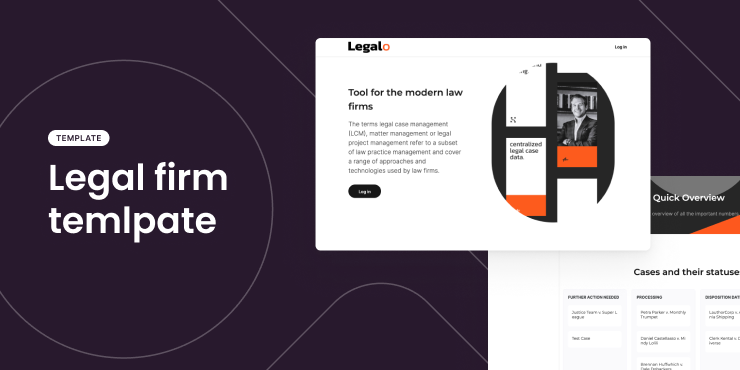
New template: Legal case management
Fight your cases with confidence!
This template help you organize your law firm's important documents, deadlines, and client details, so you can focus on what really matters — winning for your clients.
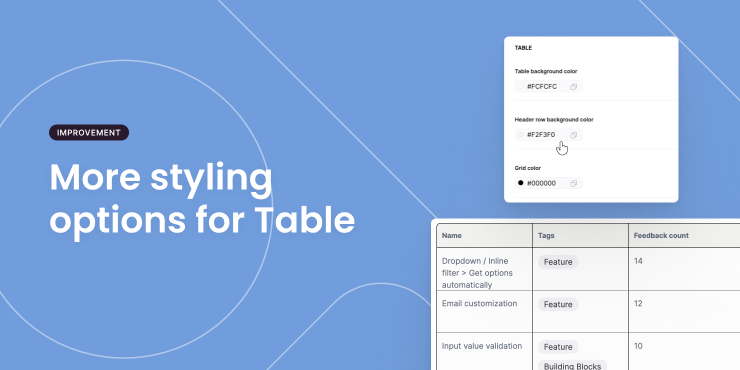
More styling options in Table block
You can now customize the colors for table background, header row, and grid.
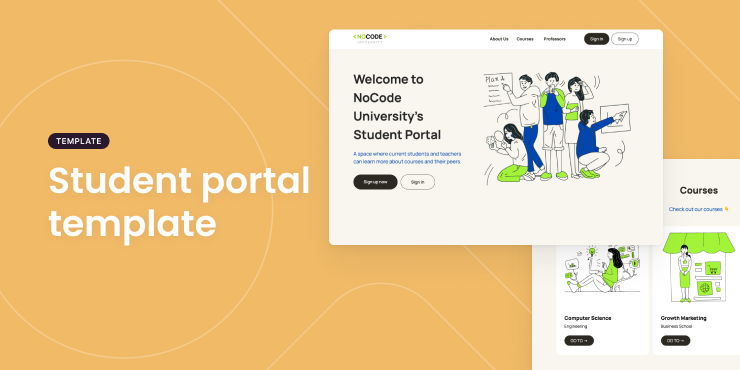
New template: Student portal
Using Softr for your school or online course? Try out this template to create a one-stop-shop for all your student needs!
Streamline communication, access to resources, and improve learning experience.
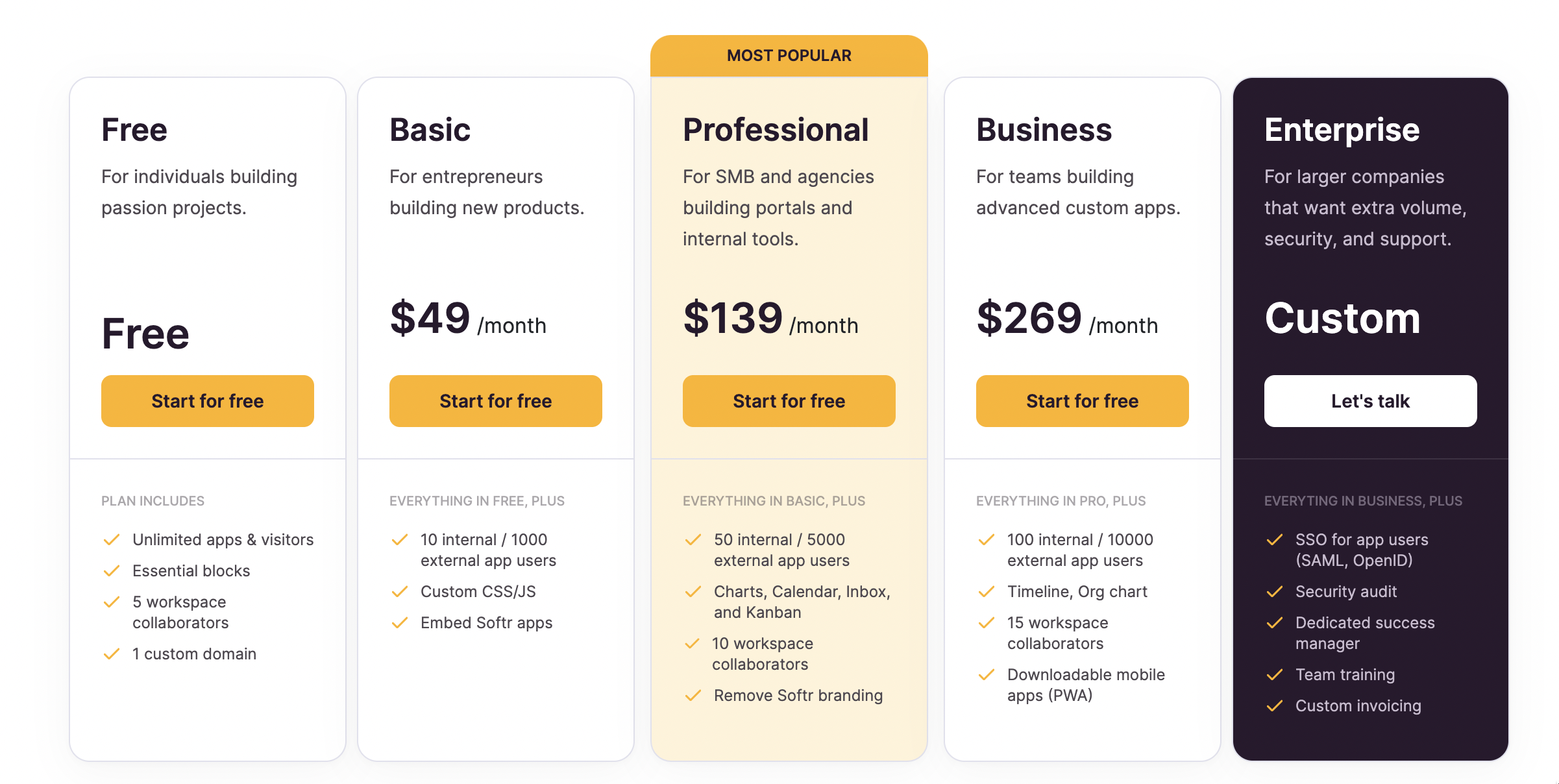
Introducing updates to our pricing plans
100,000 companies and individuals have discovered Softr for the first time over the last 2 years, creating business apps to digitize and streamline their client and partner work, automating internal processes, starting and growing side hustles, and often entire businesses with Softr.
Today we’re updating our pricing plans to better serve everyone and align the value created by the product with the value Softr brings to customers.
You can learn more about the changes in this blog post.