What's new in Softr
Check out new features, improvements, and community events!
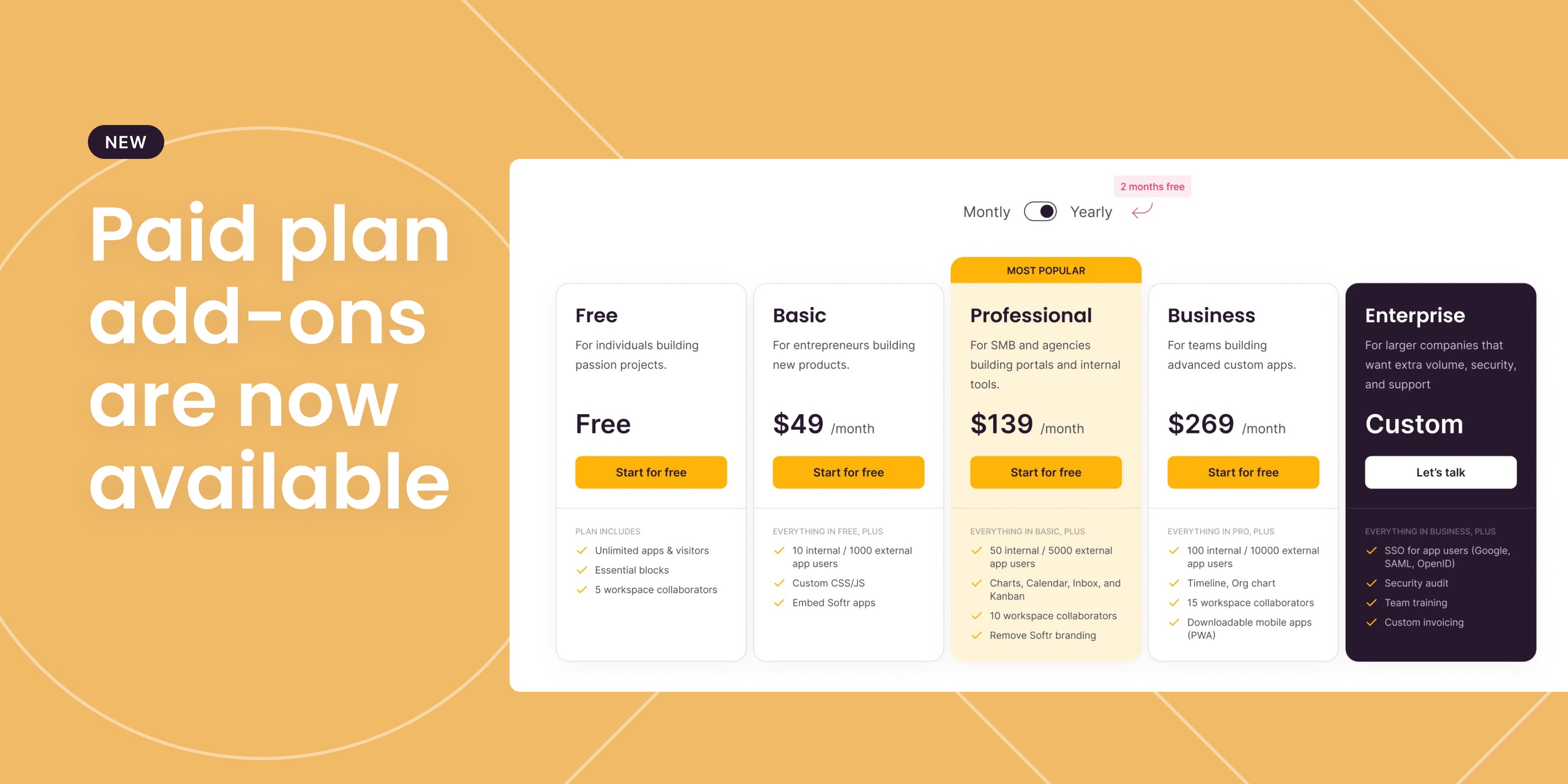
Add extra custom domains & collaborators
If you're on a paid plan, you can now purchase extra custom domains or collaborators in addition to the default allowance that comes with your plan.
Here's how: 1\. Simply add a custom domain/collaborator as you normally would. 2\. There will be a prompt asking you to confirm the extra payment. 3\. Click confirm and the extra domain/collaborators will be added!
P.S. Only available on the latest pricing version.
Troubleshooting made simpler
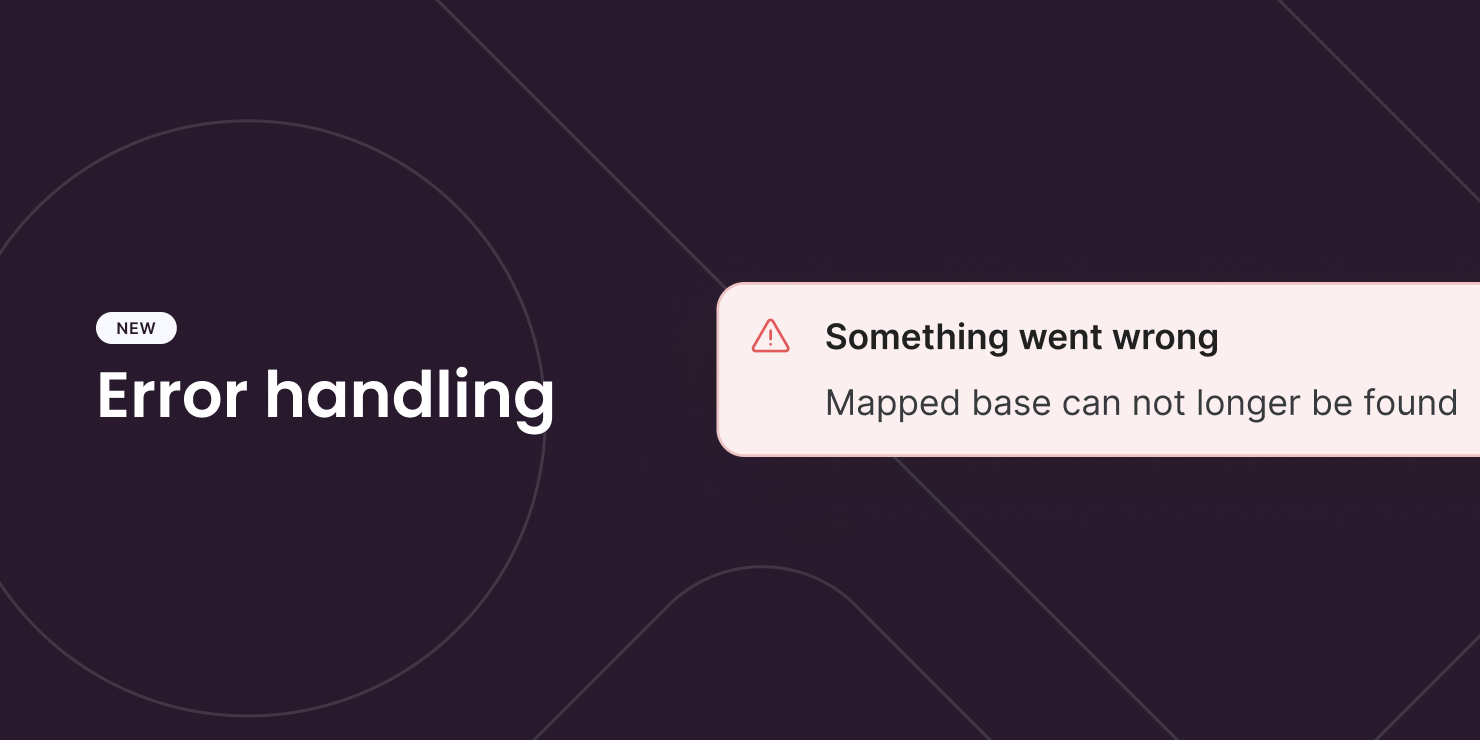
We have made significant improvements to help you overcome troubleshooting challenges when building your apps. With this latest update, you'll now receive more specific error notifications related to Airtable base, table, and view mapping. We'll continue to add more error handling. Expect more to come!
New action: One-click update
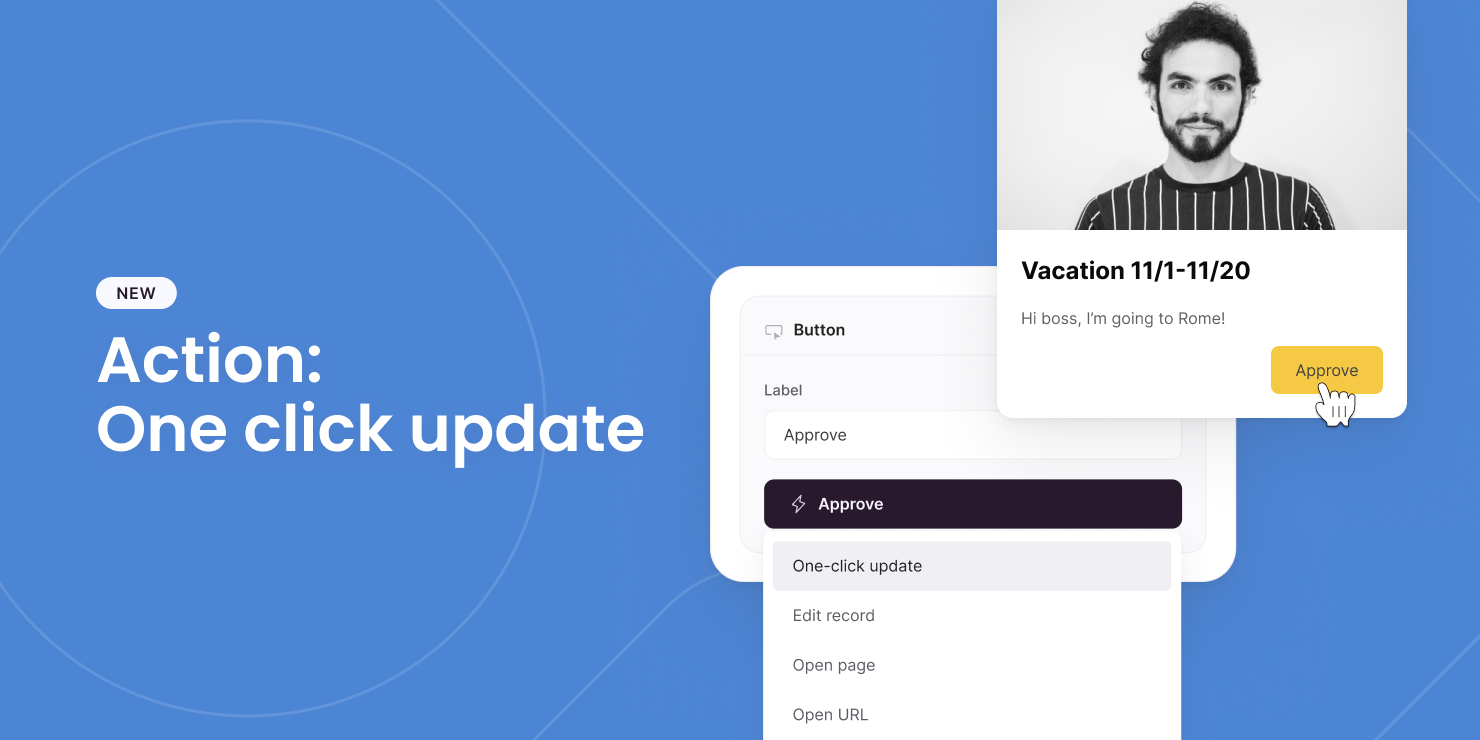
You can now let your users update a record with just one click of a button — no editing modal needed! This is useful for quick actions like approval, confirmation, etc. You pre-configure which field(s) to update + the value (static or dynamic) it will be updated to. All your users have to do is click the button and see the magic happen. P.S.
- In the future, this action will also let you append value to existing one (e.g. add a new tag) or perform calculation (e.g. upvote)
- “Update record” action is now called “Edit record” to make the distinction more obvious.
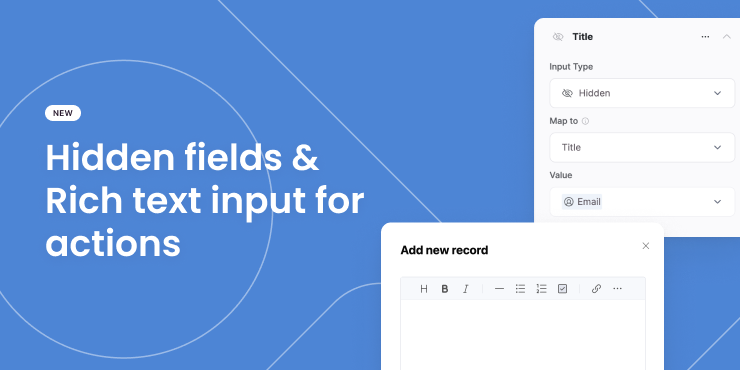
Hidden fields & rich text input for actions
We've added 2 new fields you can have on the add/update record modal:
- Hidden fields – This allows you to attach information about the current user, current record (if on the list details page), or custom values as part of an action without users knowing about it.
- Rich text input – Similar to long text input, but with formatting options.
15+ new templates
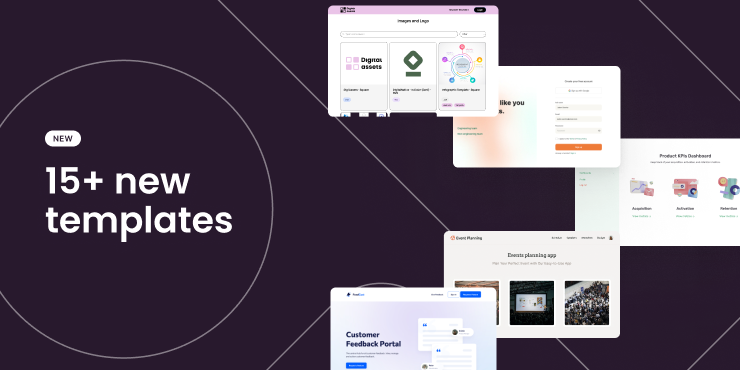
In case you missed it — we added more than 15 templates last week:
- Employee Onboarding
- Help Desk
- Issue Tracker
- Customer Onboarding
- KPI Dashboard
- Asset Directory
- Community Forum
- ...and more!
P.S. Many new and old templates now also come with a Google Sheets version.
Auto-sync inline filter options
Like dropdown inputs, you can now auto-sync options for inline filters. No matter how your options change in the data source, they will always stay up-to-date in your app! P.S. Currently only available for Airtable: single select, multi-select, and linked records fields.

Google Sheets as a data source is out of beta!
Today, we are excited to share a huge milestone for Softr!
We are officially launching our Google Sheets as a data source today. It has been one of our most requested integrations, and this launch lets you turn your spreadsheets into powerful apps, just like what you have been able to do with Airtable.
Action Buttons: Delete record
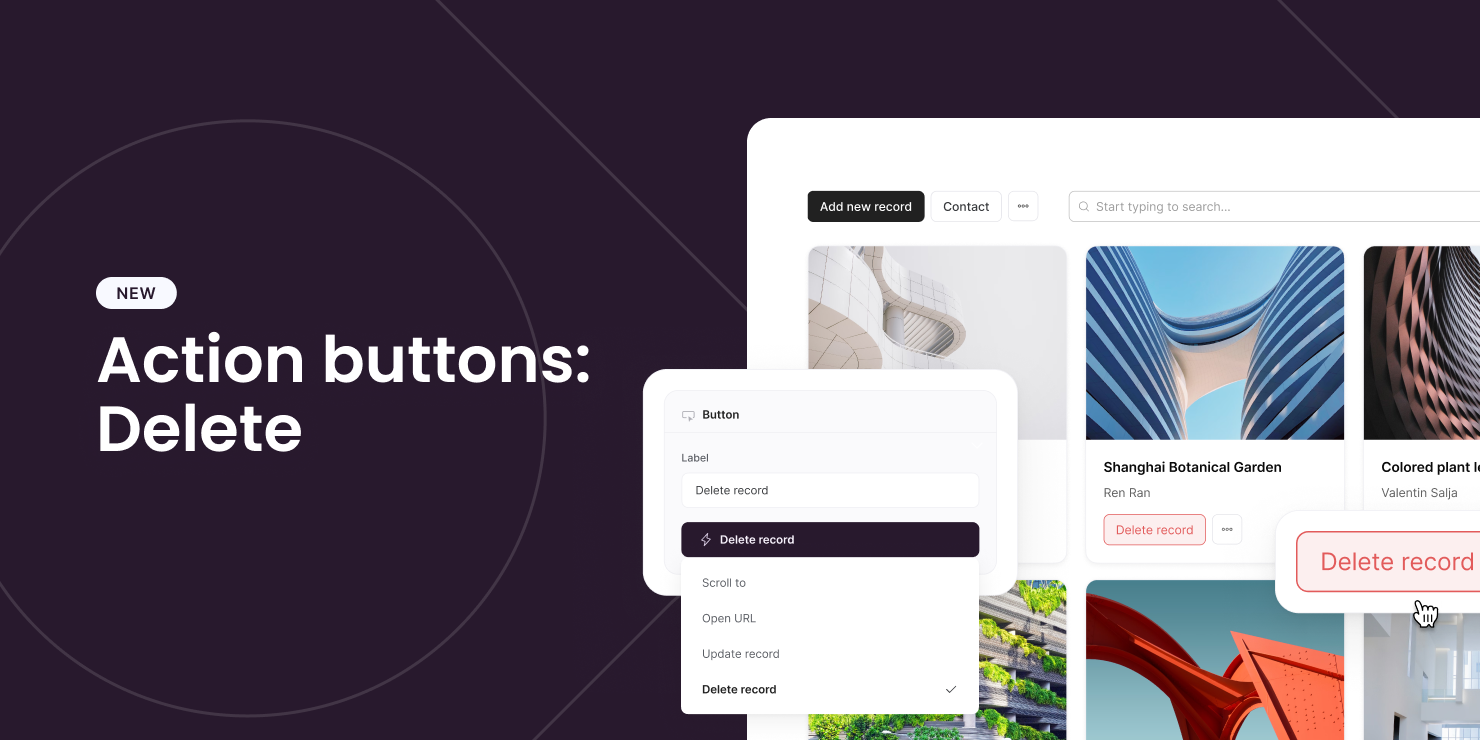
Action buttons improvements are on the way! First up is the Delete record action. This allows users to permanently remove a selected record from your application.
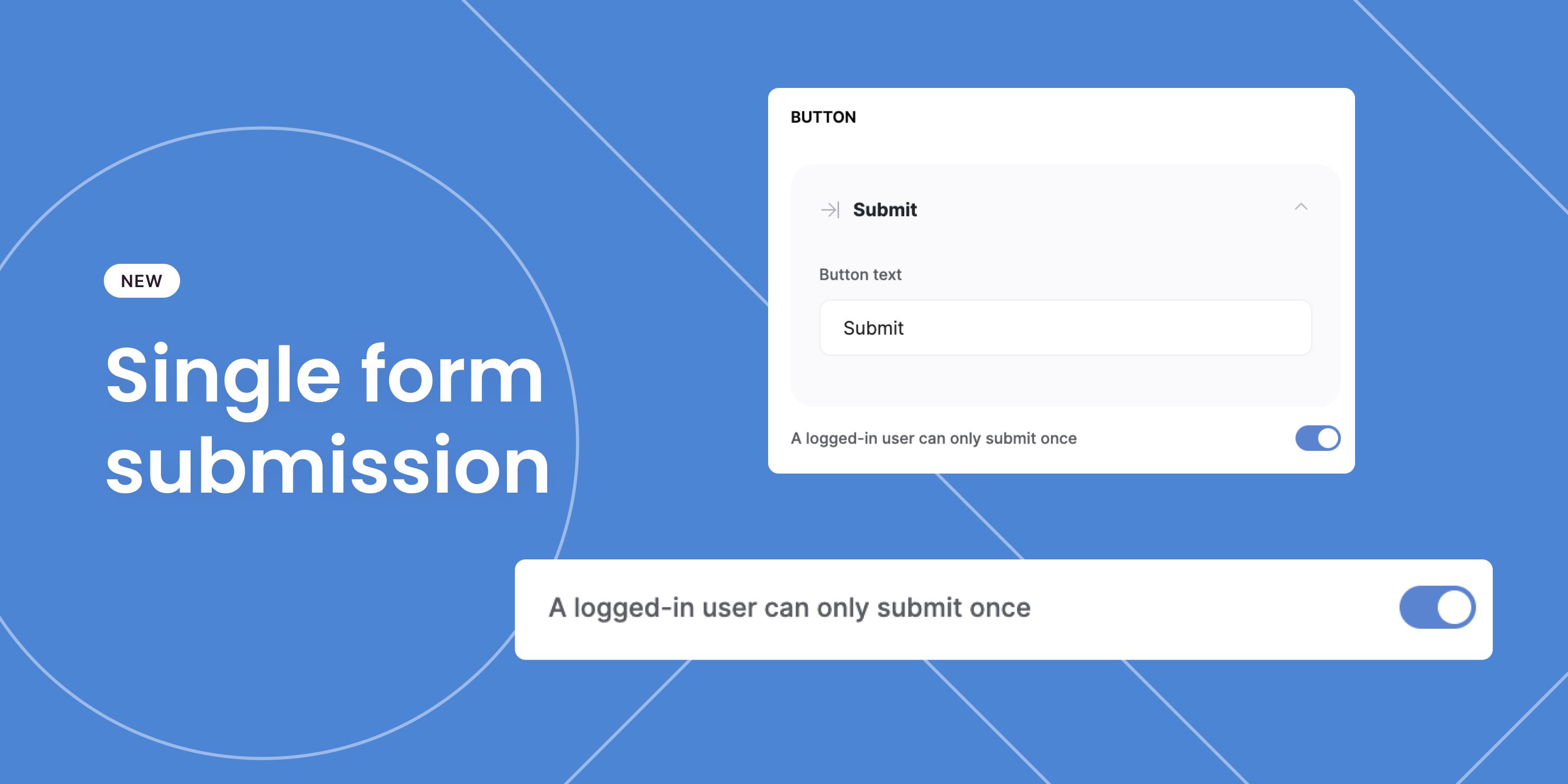
Single form submission per user
You can now restrict users to a single form submission. This can be especially useful for job application and event attendance use cases. Currently this setting can only be applied on pages with a list details block.
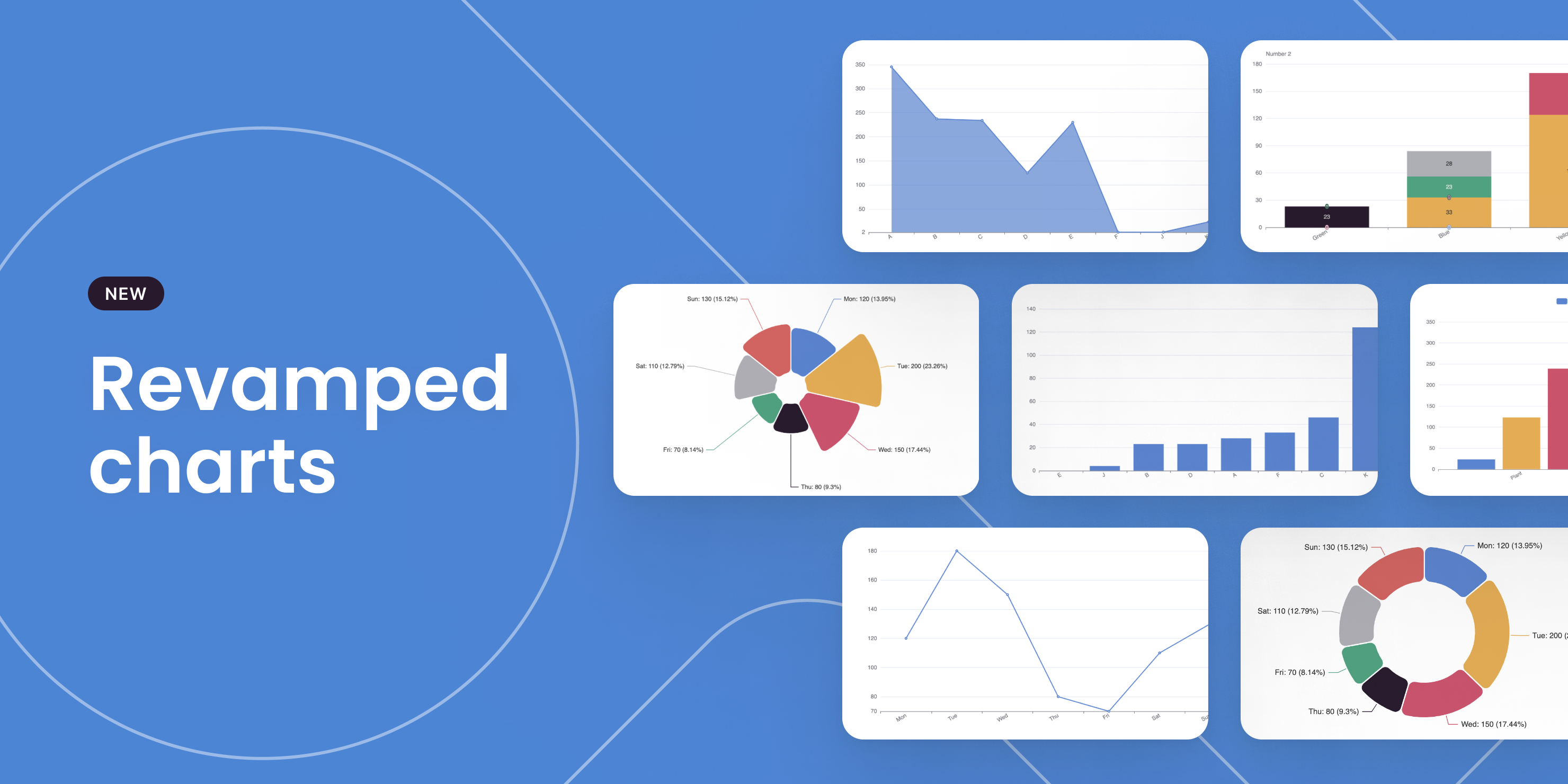
Charts have been revamped
Our charts just got a makeover! Although they may look the same (for now), the way to set them up has been completely changed with new functionalities added. To understand why we made these changes and what's new, check out our blog post.
Sliding modal
We added a new modal option to help you create a slick user experience.

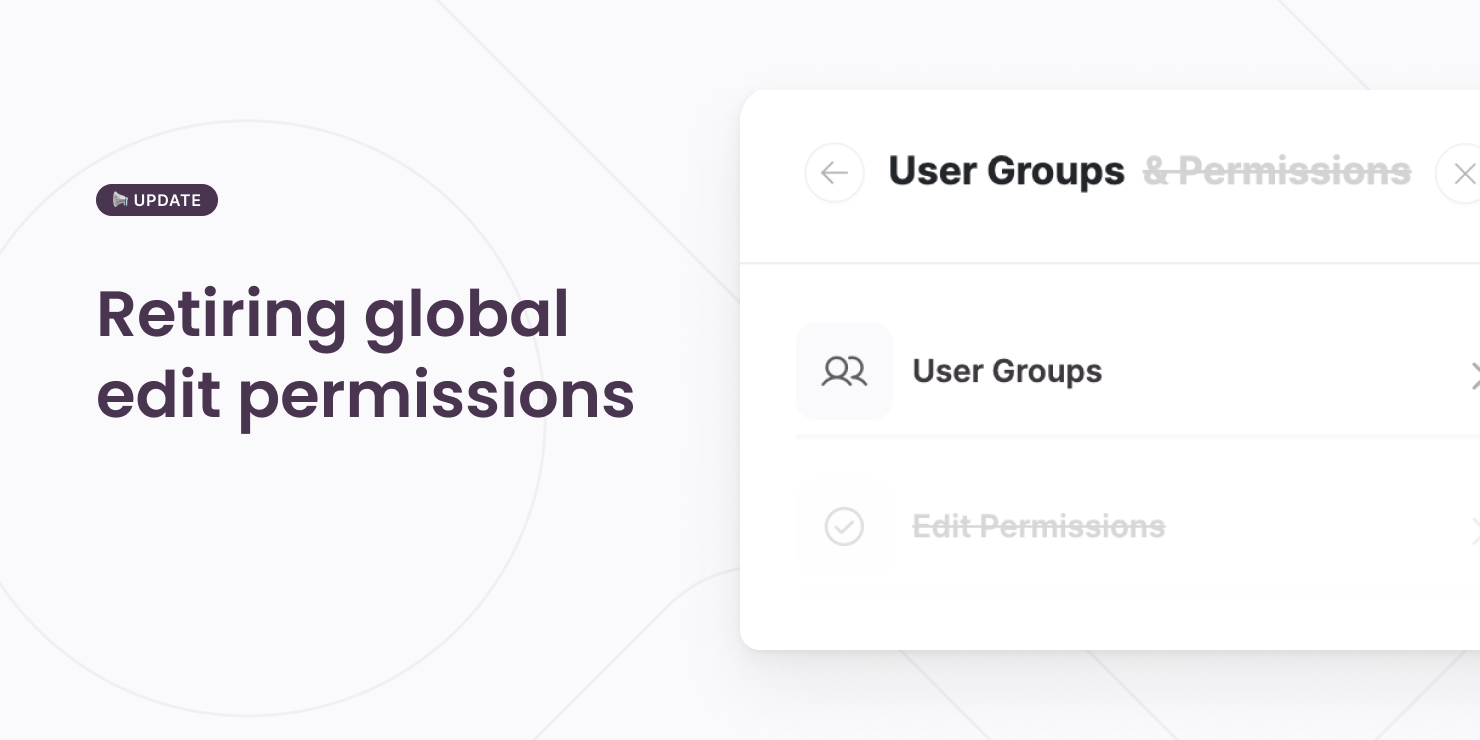
(Global) edit permissions have been retired
With the introduction of permissions settings at the button/action level, we've also retired the old way of setting up edit permissions.
The edit permissions that you set up previously have been automatically migrated to the button level, so everything should work fine as usual. See more details here