Transcript
In this video, I am going to compare Softr to Zite by building a real business application, so you can see the differences side by side and know which tool is best for you. You are going to understand the pros and cons of each tool, including when you might want to consider Softr and when you should consider Zite. There are some key differences, and I am going to show you the real results that both of these tools create.
We are going to send off the same prompt in both Softr on the left side and Zite on the right side. We are testing this on a true business application. The prompt is to build an event planning app to manage events, attendees, registrations, sessions, speakers, and check-ins, complete with a backend database and user authentication.
Right off the bat in Zite, we have an editor with the chat on the left side and the preview on the right. It creates the database for us, adding tables based on the prompt. On the left side, Softr goes through a guided setup process for a new application.
This setup is helpful because it helps ensure it builds the right business logic. For who is going to use this app, we will select both staff and attendees. For registrations, we will choose a single ticket per event, and we will skip payments for now, though it is great that Softr offers that option.
Next, it moves on to authentication and asks how users will log in. We will select email for now, and it is convenient to just check these boxes to configure authentication. It nicely combines AI and no-code together so that you do not have to be technical to use it.
When asked if people can sign up on their own, we will select yes. For the app's main navigation layout, we will choose desktop on the side and mobile on the bottom. We also get to choose a theme, so I will select the denim theme and click create app.
Softr will now craft the plan, outlining the tables, pages, and overall flow. In the meantime, Zite is still working on creating all the files. We are going to see some important differences between Zite and Softr as we progress.
On the left side, Softr is now in the familiar format with the AI chat on the left and the preview on the right. The database view looks very similar to Airtable, which is user-friendly for non-developers. Softr allows you to navigate tabs easily and automatically sets up the relations.
It is great to see the AI creating fields and populating demo data in real time. It is much easier to use and more powerful than Google Sheets, while being far more accessible than a traditional database for non-technical users. Now Softr is starting to build out the interface.
Softr builds this on its no-code platform interface using native page elements. These structured blocks are stable, work reliably, and will not break when you send off a new prompt. You can see the container blocks and chart blocks coming onto the page.
These are native blocks within the Softr platform rather than entirely vibe-coded elements. You can utilize them directly as part of the business application you are building. It is fascinating to watch the app come to life in real time as the blocks are generated.
Switching back to Zite to compare, the platform indicates that it has finished setting up the app. Clicking the view code button displays all the generated code. This is what it means to have a vibe-coded app, as Zite fully writes the underlying code for the pages and components.
This can be cool because it is fully customized for you, but that also means that code needs to be maintained. There could be bugs, which is just something to be aware of. The difference is that Softr uses those pre-built blocks that are going to be more stable overall in the long run.
Overall, it does look pretty nice. We have events, sessions, and some speakers. We're going to compare and contrast this to the design of Softr shortly.
This is really just the first prompt I did on both platforms. I am not re-recording this a bunch of times to get one to look better than the other. We are getting the true first reaction on both platforms here.
Something else you should be aware of with Zite is that they have the ability to see the workflow. These are workflows built with code, but you can see what is happening in a no-code visual way. On the database side, it is a little bit more like a database that a developer would be looking at, though it is nicer than looking at a Supabase interface.
Here on the left side, we have Softr's data tab. I think Softr's data tab is just a little bit more user-friendly and looks more like Airtable to me. There are some similarities, but you can be the judge of which one you think is better.
[.blog-callout]
Note from Softr: Softr integrates with 21 external data sources, and Softr Databases is the native way to hold data inside Softr with better performance.
[.blog-callout]
Something you should be aware of is that Softr Databases is a whole product that you can use separately from Softr. You do not have to only use it inside of an app you are building. You can use it outside of the app instead of Airtable.
Now we can click publish and share to the web. Let us jump over to Softr to see what it looks like live. On the left side, we can ask our AI agent to make changes and browse what it looks like in the interface.
As we hover over elements, everything can be clicked on. We can see the source, content, and styles, and everything can be edited in a no-code way. If you have used Softr in the past, this will be familiar.
You can see the database it is coming from, see how it is filtering data, and add conditions. We can see the event cards and change the block type to a list if we want. It is really nice to be able to make these changes in a completely no-code way.
We can also click the preview button to view the app before it is published. Right now I am previewing it as staff, but we can also preview it as attendees. Being able to preview the app as a specific user group is really cool and separates Softr from Zite.
When we switch to the attendee view, it says permission is denied on this page. Let us go to the home page, which is the non-staff page where we can browse events. When we click on the Tech Innovator Summit, it looks like an error where attendee permissions are missing.
Let us open the AI Co-Builder in the top left and ask it to fix the permission issue. Being able to combine the drag-and-drop no-code builder interface with the AI Co-Builder at the same time is something Softr handles really well.
The AI Co-Builder updated the page visibility to resolve the issue. It even asked for the page URL to debug it properly, showing how well it understands the platform to work alongside you. Now it is working perfectly, and we can view all the event details.
The next thing I want to show you about Softr is the workflows tab. You are going to see how this is different from the Zite workflows.
The Zite workflows were based on code, whereas Softr Workflows are based on custom visual workflows. You can set this up almost like you are using Zapier. If you are familiar with Zapier, this is going to feel very natural.
The triggers can come from the database, from the app, or from an email. You can set them up on a schedule or use a webhook. Webhooks open up the ability to send information from external services directly into Softr to trigger an automation.
Let's set a trigger on Softr Databases. We can trigger actions when a record is added, deleted, updated, meets a specific condition, or enters a view. Softr Databases can be used as a standalone product like Airtable, and these workflows are fully available there as well.
Workflows can also function independently, allowing you to use them instead of Zapier. Everything can be integrated together directly inside the app or managed separately depending on your needs. Let's configure a workflow for when a new record is added.
We can also use the AI Co-Builder to help us build these workflows. If we click the plus button, we can create actions covering AI, communication, data, payments, and events. There is a lot you can do in terms of actions within workflows.
Let's look at a simple example using the AI Co-Builder. We will prompt it to add an email step that sends a message whenever a new record is added, using record fields to personalize the subject and body. This functions as a welcome email for new users who create an account in the app.
Once the send email action is generated, all we have to do is connect our Gmail account. When a record is added from our users table, we select the table and customize the email content. We can test the trigger first to populate sample data, then map the name and email directly into the template.
It is very similar to other no-code tools you might have used, but having the AI Co-Builder generate it makes it even faster. These workflows are powerful and give non-technical teammates the ability to manage the app over time rather than just building an MVP once.
Softr removes the friction that typically bogs teams down, such as user authentication, databases, and workflows, by providing an all-in-one platform. Role management is also handled smoothly, and the AI Co-Builder can assist in setting up proper access permissions.
You can configure roles under the users tab, organizing members into user groups such as staff and attendees. Setting up this logic correctly is essential for business applications, and Softr makes it straightforward.
There are three more features in Softr worth exploring before wrapping up. First, you can connect external data sources rather than being limited to native tables. If you already have data in Airtable, Notion, Google Sheets, or Supabase, you can connect it directly to Softr.
[.blog-callout]
Note from Softr: Softr integrates with 21 external data sources, but Softr Databases provides the native way to manage data directly inside Softr with optimal performance.
[.blog-callout]
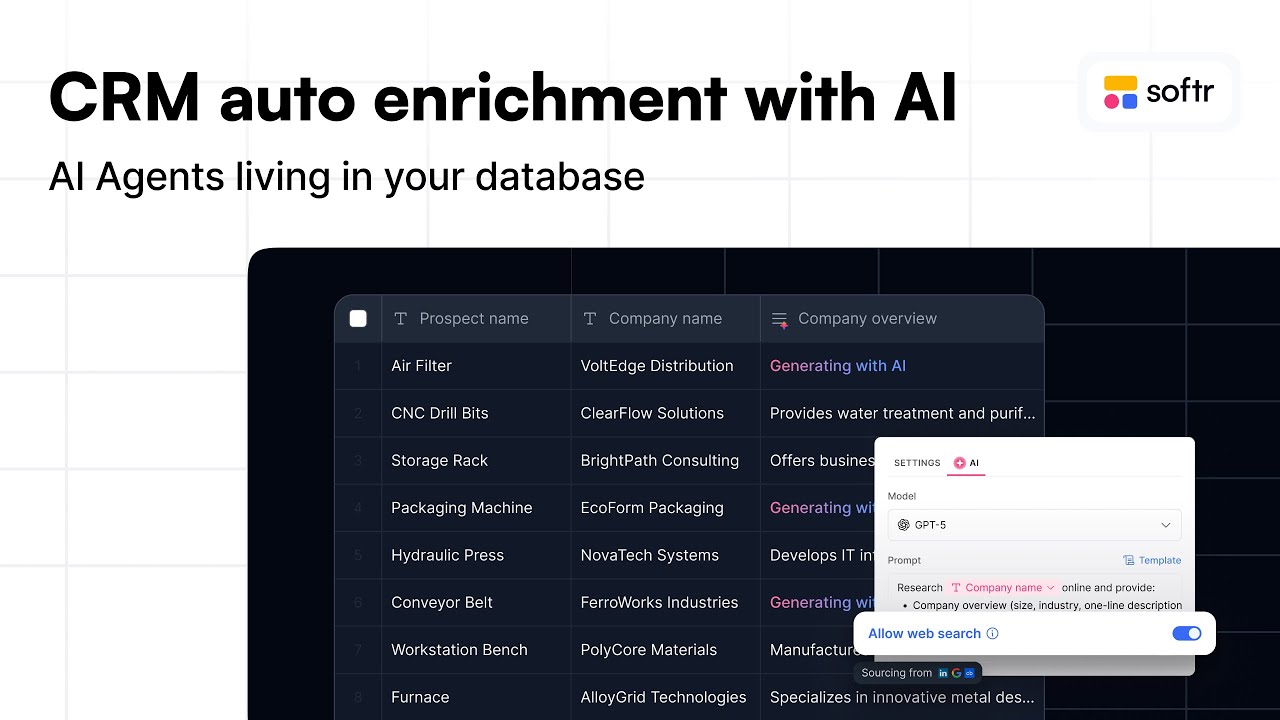
The next feature is the AI database agent. Inside a table in the database tab, you can add a field and create an AI agent to populate it automatically. It takes information from the record and uses AI to generate the appropriate field data.
You can also enable web search and choose your preferred AI model. The agent can run manually, when a new record is created, or when an existing record is updated. This allows for extensive customization across various workflows.
A great use case is data enrichment: when a new user signs up, the agent can perform a web search to discover their company and interests. You can refine the prompt or choose from built-in templates like drafting follow-up emails or generating social media posts.
There's a lot of really powerful things that you can do, depending on what type of app that you're building. For example, research company size could be a cool test to do next. For now, I'm going to click save.
We can manually press this button, but as new users come in, it is going to add that automatically. Let's have that fill with AI. While it is doing that, let's create a new AI agent using the research template to research a company.
We will ask it to summarize in three sentences the core activity of this company. We can pull in the email field since we do not have the company name, and tell it to use the email domain based on public information found online. Then we will send that off as well.
You can also rename the fields, so we will call one user research and the other company research. Remember, you can use Softr Workflows on your own to enrich data like a CRM or send emails. You do not have to do all of this manually within the app.
[.blog-callout]
Note from Softr: Using Softr Workflows keeps your automation logic directly next to your app and CRM data instead of relying on third-party tools.
[.blog-callout]
Let's see what we got when opening it up. It provides information about myself as the founder of NoCode MBA, focusing on no-code development, AI, software, and automation. It included some jazz and blues details which might belong to another Seth Kramer, but everything else is pretty good.
On the company side, it notes that NoCode MBA is an online education platform and expands on what it is. It did a really great job with that. In a future video, we can dive even deeper into the data tab, Softr Databases, and what is possible with database AI agents.
The last important thing to know is that you are not limited to predefined blocks. Predefined blocks are helpful to keep everything running smoothly and easy to manage. However, Softr also knows you might need something beyond standard components, and you can create your own using the Vibe-Coding block.
I will create a quick example to show what is possible. I am creating a block that acts as a dynamic pricing calculator to estimate the cost of a 500-dollar ticket based on how many people sign up, where the cost per person goes down as more people register. It uses code to generate this custom logic.
This highlights the difference between Softr and traditional vibe coding platforms like Zite or Lovable. Softr offers significantly more built-in features to help manage the app going forward. Here we have our dynamic pricing calculator ready.
We can customize it further by continuing to chat and editing the element directly. We can also connect data sources to power the block or customize information in a no-code way. Testing it in preview shows the pricing tiers, logic, and discounts working automatically while visually matching the style of the rest of the app.