Transcript
Within our database, there are some fields where the input will be manual. We will get the company name from the form that we will be filling or something similar.
However, there are also some elements that we do not want to be looking for manually. We want the help of AI and web search to actually bring in more insights about a company.
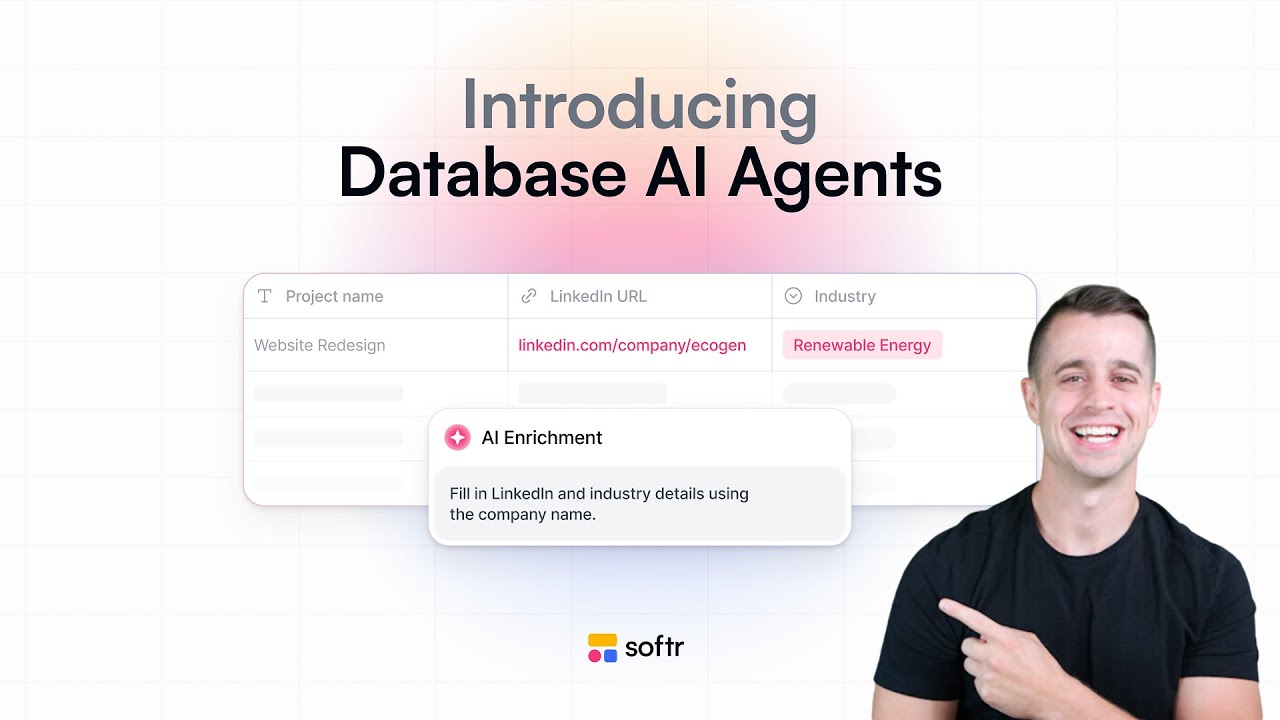
We will be adding an AI agent field here, which is something unique to Softr Databases. It allows you to automatically generate insights based on AI under specific conditions, such as whenever a record is created.
[.blog-callout]
While setting up these fields manually is a great way to learn, the AI co-builder can help you generate entire Softr Databases schemas and initial pages with simple natural language prompts.
[.blog-callout]
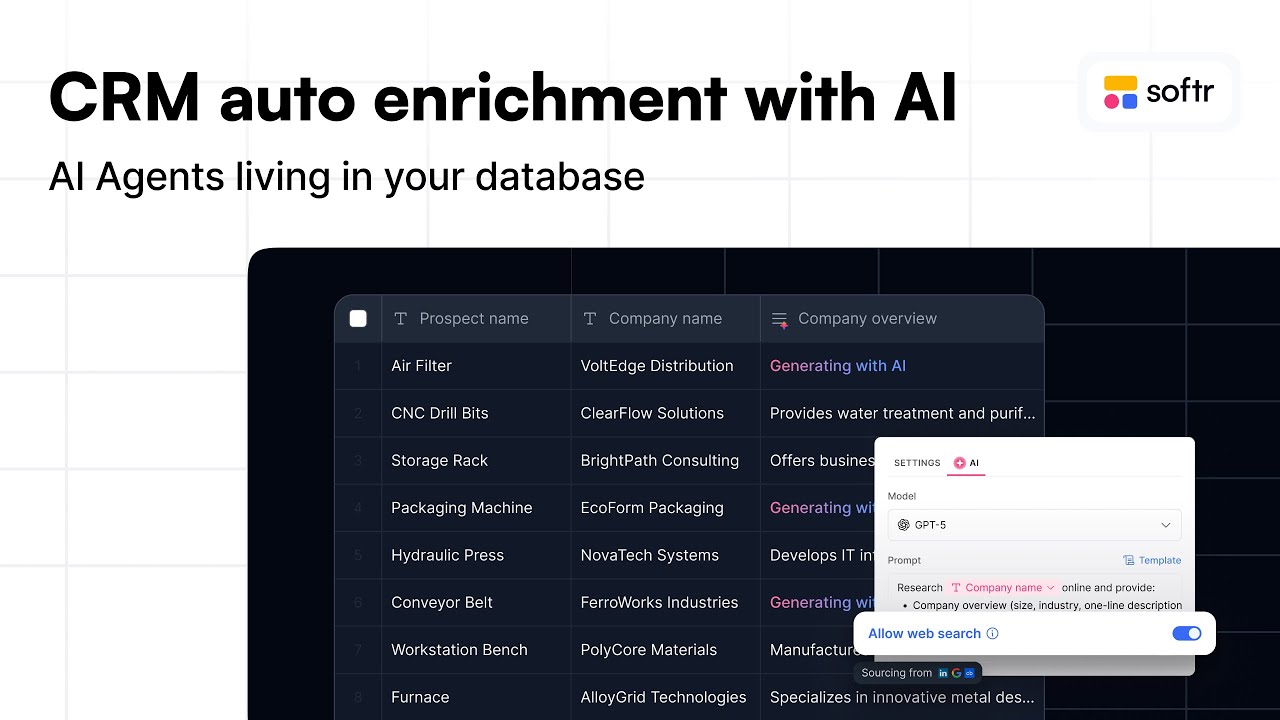
What we want here is a research agent to help us get an activity description. This is the place where we will write our AI prompts.
We want three very concise bullet points describing the company’s activity. I can map the company name field and link the website field directly into the prompt.
I will also allow for web search. Thanks to the company name and website, this AI agent will be able to find online information and respect our guidelines.
Softr can even help improve the prompt. I wrote down the fundamentals, but the AI suggested an even better prompt to get the specific results I need.
Now I can decide when exactly this AI agent should run. I do not want it running every time a record is created, but specifically when a website URL is available.
We can also allow sales reps to manually edit this value if they have done their own research. Let's take a look at how this works in practice.
If I add a company named IBM and include their website, the agent will automatically run and get our insights. We get the three bullet points we asked for.
[.blog-callout]
If you are building a sales tool like this, check out the AI CRM template to see how your relevant text can be automated with these built-in AI capabilities.
[.blog-callout]
If we need to be more precise about the formatting, we can refine our prompt. We can tell the AI to return the bullet points in a specific format to get the perfect result.
We can also add another field for the number of employees. We can map the company and website to find the most accurate number of employees available online.
Even if the internet doesn't always have the exact number, it gives you a good idea of whether the company is an enterprise or an SMB. In our case, the results for IBM are quite clear.
If we try adding Softr, the information is quite accurate. We see the activity description and the employee count coming up automatically.
[.blog-callout]
To take this further, you can use Softr Workflows to trigger specific actions or notifications as soon as these AI insights are generated, keeping your data logic centralized.
[.blog-callout]
As you can see, we can really multiply the relevance of our database with fields that do not need to be filled manually. This type of automation is game-changing for managing data.