Transcript
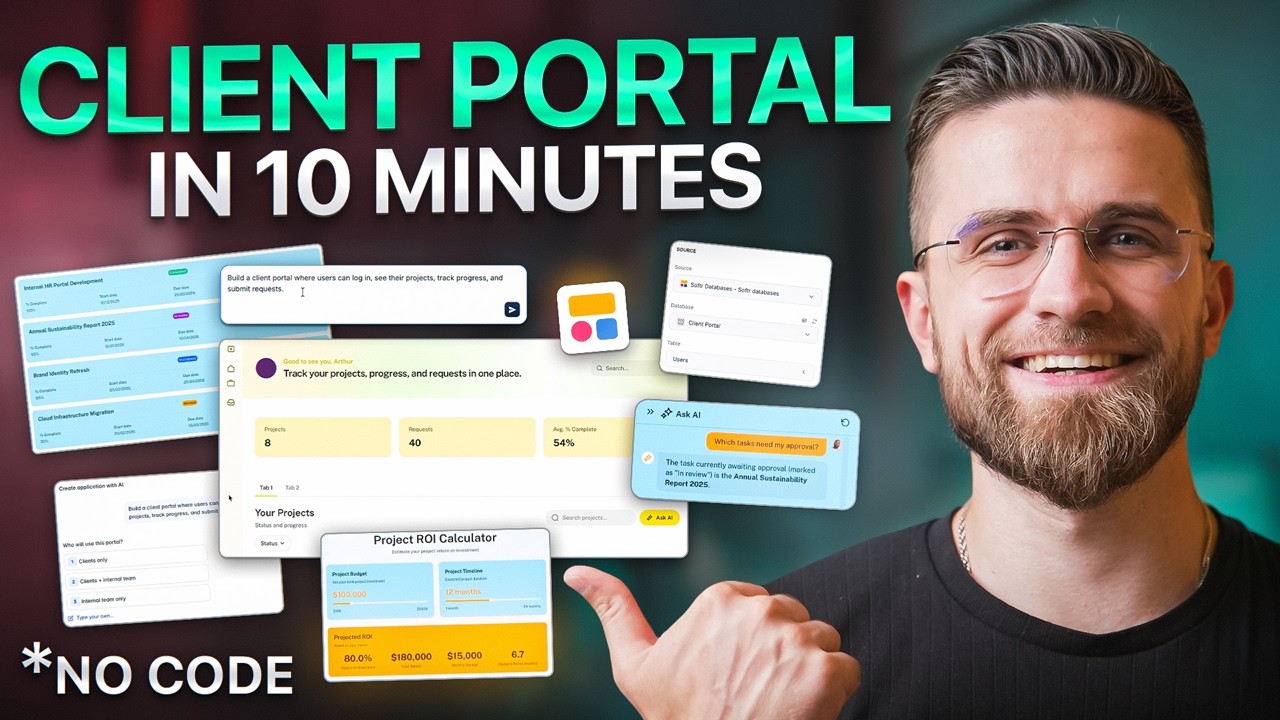
This AI just built me a full client portal in under 10 minutes. Not just the interface, like I'm talking the database, user groups, permissions, login system, everything. No code, no developers.
And I didn't even start from a template. Before you think that it probably breaks the moment real users touch it, this is Softr, the platform powering real business apps for thousands of teams running actual operations. Today I'm showing you how to build real, production-ready software with AI.
Not prototypes, but something your business can actually use tomorrow. Let me show you why this matters. I saw a LinkedIn post yesterday where a marketing agency got quoted $47,000 for a client portal.
[.blog-callout]
Note from Softr: Building custom tools shouldn't drain your budget or take months of development. Whether you need an internal tool or a secure client portal, you can spin up a fully functional platform in minutes without writing code.
[.blog-callout]
$47,000 for something that basically lets clients log in, view their projects, and submit requests. And the crazy part is that this is normal. Because building software that actually works with real users, real data, permissions, and security is hard.
So businesses either pay insane amounts for custom development or they try AI tools and get stuck. Here's the problem with most AI app builders right now. You type something like, build me a client portal with AI search, and it gives you code, lots of code.
It looks impressive until you try to change one thing, fix a bug, or let real users near it. Now you're debugging something you didn't write and don't understand. That's vibe coding, which is great for prototypes.
For real business software, it breaks down fast. I tried Ripplet Agent last week, and the AI wrote 2,000 lines of React that worked perfectly until I needed to add a simple field. Then I spent three hours Googling error messages.
Cursor, Vero, Bolt, they all generate code. But who maintains it when the AI can't fix its own bugs? This is where Softr is different.
This tool isn't just an AI app builder, it's a full platform. It has its own database, app builder, user authentication, permissions, and workflow automation all built in. Instead of generating random code, it builds your app using real, production-ready building blocks that actually work together.
But the real magic is their AI Co-Builder. This doesn't just generate a UI, it builds the entire system. Database, permissions, workflows, everything.
[.blog-callout]
Note from Softr: The AI co-builder is the fastest way to turn your idea into a working app. You can simply prompt for what you want, and it builds complete apps, pages, or database schemas instantly, while still letting you manually tweak things later.
[.blog-callout]
And here's the key, it shows you what it's building. You're not trusting a black box. You see every table, every relationship, every permission as it's created.
Think of it this way. Vibe coding gives you a car made of code. It looks like a car and might even start, but good luck when something breaks.
This tool gives you a car made of actual car parts. You can open the hood, see how it works, and swap parts when needed. Let me show you this from scratch.
I'm not using a template, starting with the AI Co-Builder. I type, build a client portal where users can log in, see their projects, track progress, and submit requests. Now watch carefully, because this is what most tools completely skip.
Before building anything, Softr starts asking me questions. Not about colors or fonts, but about logic. Who are the users, what user groups do they have, and what should each role see or edit?
So I define clients, project managers, and admins. Right here, before the app even exists, AI is setting up permissions. Who sees what, who edits what, and what data is restricted.
This is the stuff that normally takes developers days to get right. Look at the right side of the screen. It's not just generating pages, it's building the database.
Tables, fields, and relationships are all created in real time. Projects table with status fields, users table with role assignments, and a requests table linked to both. It's not hidden behind some black box, I can see everything.
Then it builds the app on top. Pages appear, navigation appears, dashboards for each role, and forms with the right fields. Everything is already connected to the right data with the right permissions.
No wiring, no setup. The AI understood that clients need to see only their projects, managers need overview dashboards, and admins need full control. It built different interfaces for each role automatically.
This isn't a chatbot guessing. It's structured logic being implemented correctly. Now we're inside the app, and the first thing is to preview it.
This is where it gets interesting. I can switch between user groups instantly. Here's the client view, where they see only their projects, a simplified interface, and a submit request button.
Here's the manager view. Full project list, status filters, and team assignments. Here's the admin view with everything, plus user management and settings.
Everything changes automatically based on permissions. Different data, different actions, different access. No testing in code, no guessing, and all the core stuff is already there.
Login, sign up, password reset, protected pages, and user profiles. These aren't mockups or placeholders. This is production functionality.
If I publish this right now, clients could start using it immediately. The forms respect permissions too. Clients can't edit project status, so that field doesn't even appear for them.
Managers can't delete users, so there is no delete button in their view. Every interaction is permission aware from the start. Let's open the database.
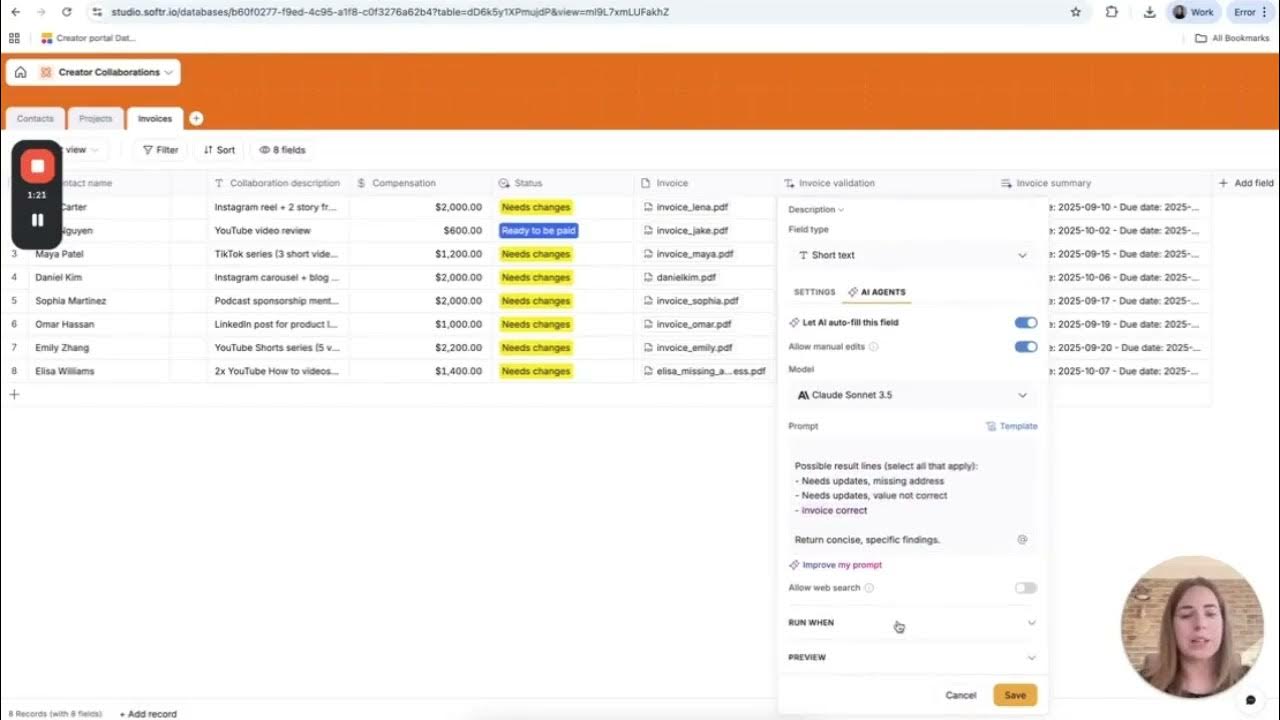
This is a built-in backend. It looks like a spreadsheet, but it's actually a relational database with full CRUD operations, relationships, formulas, AI agents, and data validation. I can add new fields, create relationships between tables, set data types, and add formulas.
The AI helps here too. Add a priority field to projects, and it handles the schema update across the entire app. The important part is that this is part of Softr.
You don't need any external database. The app generates everything for you automatically as part of the build process. Everything is structured and ready from the start.
[.blog-callout]
Note from Softr: While Softr seamlessly integrates with more than 17 external data sources like Airtable or Google Sheets, Softr Databases is our powerful, native way to manage data directly within Softr for maximum performance and easy setup.
[.blog-callout]
But here's what's powerful. You can also connect to over 14 data sources. So if you already have the data you want to use, you can do it instantly.
Your existing data becomes your app's backend without any migration headaches. This solves the biggest problem with generated code apps, which is data management. With standard vibe coding, you get a pretty front end with a broken backend.
Here, the backend is rock solid from day one. This is where Softr really separates itself from AI only tools. You can build with AI then switch to full visual control.
Want to change the layout? Drag and drop. Update a field? Click and edit.
Adjust permissions? Simple toggles. You're not re-prompting an AI and hoping it doesn't break something.
You're editing a real system that you understand. Every change is live. Move a button, it moves.
Change a color, it changes. Add a section, it appears. No compile time, no build process, just immediate visual feedback.
And if you mess something up, there is full version history. Roll back to any previous state instantly. Try doing that with AI generated code.
Now let's enhance this with AI. First, AI search. Instead of matching keywords, it understands intent.
If someone searches projects running late, it finds overdue projects even though late isn't in your data. High priority tasks for John, it knows to filter by priority and assignment. Next, the AI assistant powered by Ask AI.
This isn't generic ChatGPT. It's trained on your actual database structure and data. Users can ask about the status of their brand identity refresh or which tasks need their approval and get real answers based on their data.
The brilliant part is that permissions are built in. The AI automatically knows that client A can only ask about their projects, not client B's. Managers get broader responses, and admins get everything.
No prompt engineering required. The AI respects your app's permission structure. Setting this up takes minutes.
Select which tables the AI can access, give it some context about your business, maybe add some example questions, and you are done. Your users now have an intelligent assistant that actually knows your data. And for my favorite feature, the Vibe-Coding block.
Need something beyond pre-built blocks? A custom calculator, analytics dashboard, or a CSV importer? Just describe it.
[.blog-callout]
Note from Softr: If a native block doesn't quite fit your complex needs, you can use the Vibe-Coding block to instantly prompt for the exact custom component you want. It will instantly generate it and connect to your database seamlessly, giving you limitless customization.
[.blog-callout]
Watch this. I prompt it to create a project ROI calculator with budget and timeline sliders. The AI generates the entire component ready to drop into your app.
This is what separates Softr from basic builders. You're not limited to their blocks. You can create.
Building the app is one thing. Running it is another. Inside this tool, you have built-in workflow automation.
For example, a client submits a request. That triggers a notification to the assigned manager. The manager approves it, the status updates automatically, and the client gets notified.
All without leaving Softr.
[.blog-callout]
Note from Softr: Take your platform to the next level with native Softr Workflows. Instead of building automations on external platforms like Make or Zapier, Softr Workflows allow you to keep your logic as close to the design as possible, helping you consolidate tools.
[.blog-callout]
You can add conditions, logic, delays, and even API calls to external services. Send Slack messages, create calendar events, and update other databases. This replaces Zapier or Make, but it's directly connected to your app and database.
Softr Workflows are visual too. See the trigger, follow the path, and understand the logic. No code mysteriously running in the background, just clear, editable automation that you control.
So here's the real difference. Vibe coding tools generate code, but Softr builds systems. With vibe coding, you're responsible for debugging, maintaining, and fixing things when they inevitably break.
You need to understand React, dependencies, and deployment. You become an accidental developer. With this app, permissions are correct from the start.
Data is structured properly. Users can actually use the app without breaking it. And most importantly, you can maintain it yourself.
When something doesn't work in generated code, you're stuck. When something doesn't work here, you can see exactly why and fix it visually. That's the difference between owning a mysterious black box and owning a system you understand.
That client portal we just built usually sees agencies charge $30,000 to $50,000 for something similar. We built it in under 10 minutes. But the real value isn't just saving money, it's speed.
Because now you can test ideas fast. Need an internal tool? Build it this afternoon.
Client asking for a custom dashboard? Deliver it tomorrow. New business idea?
An MVP can be ready by Monday. You can do this without waiting weeks for quotes and without hiring developers for every change. Without the fear that touching one thing breaks everything else, you own the entire stack and you understand how it works.