Transcript
Most AI app builders make it look easy: type a prompt and get an app. But here's the catch: they fail when real data or users get involved. Today, I'm going to show you a tool that doesn't just look good, but actually works.
In this video, we're diving into Softr, a platform that lets you build a full operating system for your business or creative studio. Many try vibe-coding; it's fun, but most of these apps quickly fall apart when put to real use. Today, we're going to build a professional client portal in just a few minutes.
In other words, we're not just creating a simple mockup. We're launching a full business system with a database and built-in automation, without any coding. Let's jump right in.
Softr is a complete platform with a relational database, authentication, and automation. In short, it gives you everything you need to run a real product without worrying about hosting or security. AI handles the technical side while you control everything visually.
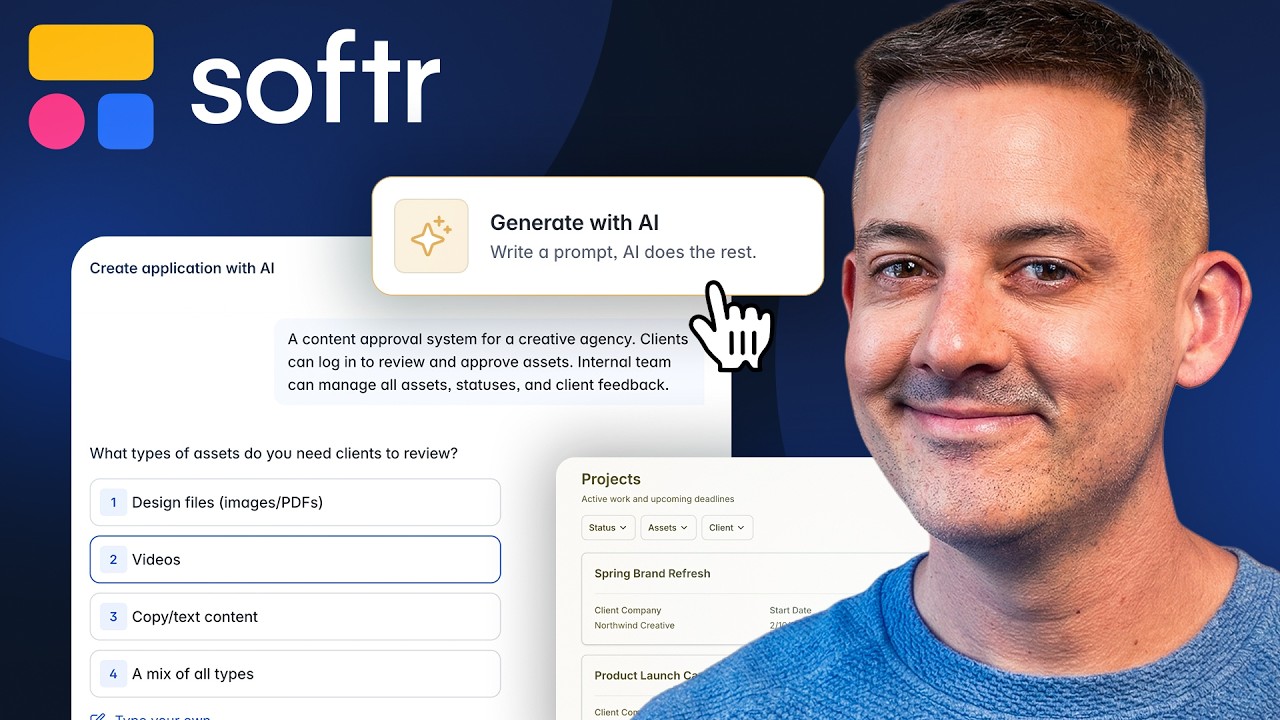
We'll start by generating our project. I'll enter a prompt to create a premium portal for a design studio and click Generate. As you can see, Softr asks a few follow-up questions to understand the business logic, including what roles we need and which features matter the most.
Next, we configure authentication settings, such as who will be able to log in and whether people can register on the portal. At this point, we also choose where the navigation layout will appear. Now comes an important part: the design.
I'll select a stylish dark theme, such as Blue Moon, although there are plenty of themes available. The cool thing is that this instantly gives our app a modern and professional look. Right in front of us, the AI generates not only the interface, but also the database structure, access logic, and navigation.
The idea here is that Softr creates a complete foundation for your app automatically. The result is actually a pretty solid dashboard. All the data you see here is real and already connected to the database.
The same goes for the tablet version. Everything displayed is pulled directly from the database tables the AI created for us. Let's take a look at editing.
If you don't feel like rewriting prompts just to change something, such as removing a block, you can simply do it visually. Rearranging elements is just as easy. In other words, you're not locked into what the AI generated.
If the AI connected the wrong field from the database, you can quickly fix it using remapping. Just choose the database, the data source, and the tables you want to use. All this information comes from real database tables automatically generated by the AI, and you can select the source from any of these tables whenever you want.
This is iterative development at its best. Next, let's add some visual analytics. I'll ask the AI to create a chart block so the client can track progress in real time.
For example, we can add a pie chart directly to our dashboard. After a moment, we get the result: a chart showing the project progress, along with a histogram. Every element here is fully interactive and customizable.
I can open the settings and change the content, actions, visibility, and data source. Later on, I can even use the interface to modify the dashboard with simple instructions. So, what started as a simple portal is now turning into a powerful analytics tool.
Now, let's set up automation from start to finish. Here's the scenario: whenever the project status changes to approved, we want to receive an instant notification. I can either create a new workflow manually or simply ask the AI to generate one with the triggers I need.
As you can see, the AI has already prepared a record-updated route. Next, we add an action through Gmail. Once we connect our account, the system will automatically pull the client's name and the project title from the database.
This is no longer just a demo. It's a fully functioning business process running on autopilot. I click Turn On, and the automation is now active.
And just like that, in a few clicks, our branded client portal is ready, secure, and published. This represents a completely new way of interacting with software. You've just built professional-grade software without writing a single line of code.
Today, we didn't just build an app; we created a fully functional business operating system with Softr. Everything from dashboards and project pages to client portals and even an AI assistant that understands your data is fully functional. That's the difference between vibe-coding and reliable software.
No more prototypes that break with real users, and no more juggling multiple tools. Softr gives you a secure and scalable platform that non-developers can own, maintain, and grow. It's like having a developer and project manager at your fingertips.
If you're excited to try it out, or if you have already used it and have some thoughts to share, drop a comment below. I'd love to hear your experiences.