Transcript
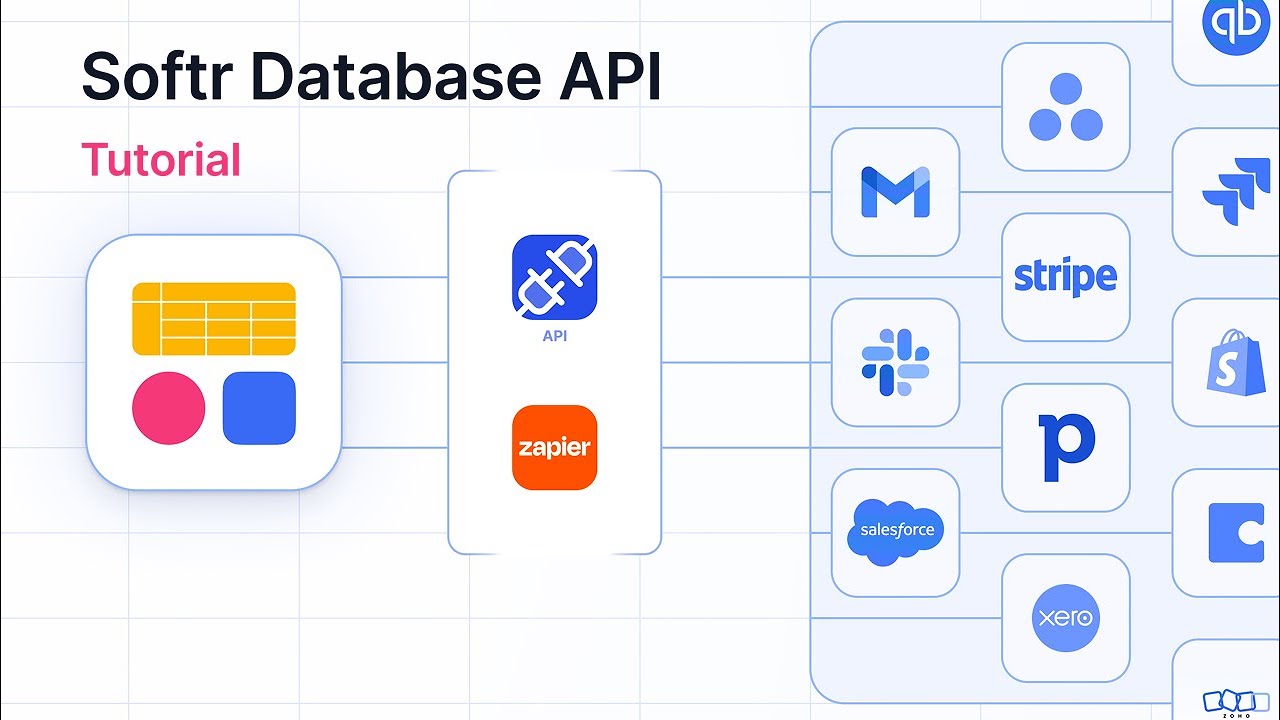
Softr's database API is now available and it's really powerful and flexible, and in this video, I'm gonna show you how you can get started with using it. First, you should know that this is more of a complex setup requiring the REST API endpoints, and with that, we have a ton of different endpoints that you can use, so that gives you a lot of flexibility.
However, we will be using some JSON and some CURL in the REST API, so it is a bit more complex. However, if you're looking for something a little bit more simple, you can check out our integrated integration with Zapier, where we have already built these integrations for you with built-in triggers and built-in actions, and soon to come Make as well, and then of course, n8n.
[.blog-callout]
Note from Softr: If setting up external automations feels a bit complex, you can try Softr Workflows. Native workflows allow you to keep your logic close to your design, reducing your reliance on third-party automation platforms like Zapier or n8n.
[.blog-callout]
But if you need to use a platform other than those three, you can use this API to access all platforms that have a REST API. So let's go over how you can use this API. The first thing's first, is you can see that this is the root URL within the REST API.
This is the core URL that we will be using in all of our calls. The next thing is, we see that we need to send a SOFTR API key within the header. In order to get that, we can go into our Softr Studio, go over to our API key here, and click either generate key or regenerate key and copy it, and then enter that into your API key call.
From there, you can use that same API key for all of your endpoints, and that will be your authentication telling Softr that you are the one making these API calls. Beyond that, there are a ton of different endpoints that you can use, whether it's creating new tables, creating new fields, new records, etc.
For this example, I do wanna look at the updating record example. For this, we have a put, which means that we are updating something. We have post, get, put, and delete, and this time, we're using put.
In addition to that, we need to add this URL in addition to the root URL that I showed you earlier. We have the databases, and then we have a database ID and a table ID.
[.blog-callout]
Note from Softr: While this API is perfect for external integrations, if you are looking to build and manage your data structure quickly without manual setup, the AI co-builder can generate complete Softr Databases schemas for you instantly through simple prompts.
[.blog-callout]
For the database ID, what you'll need to do is go into Softr Databases, and then you'll see in Softr Databases, right here is the actual database ID. You wanna copy that and add that to your endpoint.
Now for the table ID, it's gonna be right here, and you wanna copy this and add this to your endpoint. By adding these into your table endpoints, then it's telling Softr that you want to target this specific database and this specific table within the database for all of your API calls that you're triggering.
If you need to adjust databases or tables, you'll need to adjust these values as well. All right, so beyond that, we have our endpoint that we are updating here. We have our IDs for our database and table.
Now let's look at the example request. This example request includes the full URL that you need along with the IDs, and includes the API key in the header. Now these are the fields that we're going to have updated in our request.
Say, for example, I wanna change the status to archived, Softr will accept the fields as the record IDs. Right now we see this OLV8D value, which is really the record ID for the status. In this case, we need to use record IDs for all of the fields that we wanna target in the API.
In this case, I'm targeting the status and I'm changing the status value to archived. With single select like this, I wanna note that we can pass the value, but if we don't find the value for that single select there, we will actually create a new value there as well.
When using a single select, you can use the record ID for the key and then for the value, just pass the actual name itself. The same thing is true for linked records. If you want to have a linked record, you can use the same format where you can have your key and then your value.
If we don't find that linked record, we will create a new linked record for it as well. Remember that we have to use record IDs when using our fields and we can add as many fields as we want that are within the table. If we want to update ten fields, we can add ten fields, or if we just wanna update one field, we can add one.
There's a lot of different ways that you can use this API. It's very versatile and it's very performant. For the rate limiting, you can do 20 calls per second, which is four times greater than some of the other APIs that we're used to working with.
It is significantly faster and it is an excellent API with so many different endpoints giving you versatility to use it however you need to. Now with Softr Databases and the database API, you can use Softr Databases with any platform outside of it.
Whether it's Relay or Lindy.ai or one of the other automation or AI platforms that you need to incorporate your data with that we might not have a direct integration to, you can do it with this public API. If this is a little too technical for you, that is totally understandable.
[.blog-callout]
Note from Softr: If you need a fully functional system like an AI CRM template or an ERP template without touching the API, check out our pre-built App templates that come with everything pre-configured.
[.blog-callout]
Maybe head on over to our experts listing and ask to work with an expert. These APIs can be reused and once you set them up, normally they can just be used in many different ways.
An expert can set it up for you and teach you how to use it, and then you can use that connection in your application and adjust it as needed. Hopefully this video helps you learn more about using our API. It's really flexible and really performant, and I can't wait to see what you build with it.