Transcript
Right now, everyone and their dog is vibe coding. You describe what you want, AI builds it, and 10 minutes later, you've got something that looks like a real app. But here's what nobody is talking about: almost none of these apps ever make it to production.
The second you need real user authentication, role-based permissions, and actual data security, it all falls apart. You've got a beautiful front-end with nothing behind it. There is no access control, no audit trail, and no way to manage who sees what.
That's not a small problem. That's the whole reason most vibe-coded apps still die on the vine. We've trained thousands of professionals on automations and internal tools for their businesses, and I keep seeing the same thing.
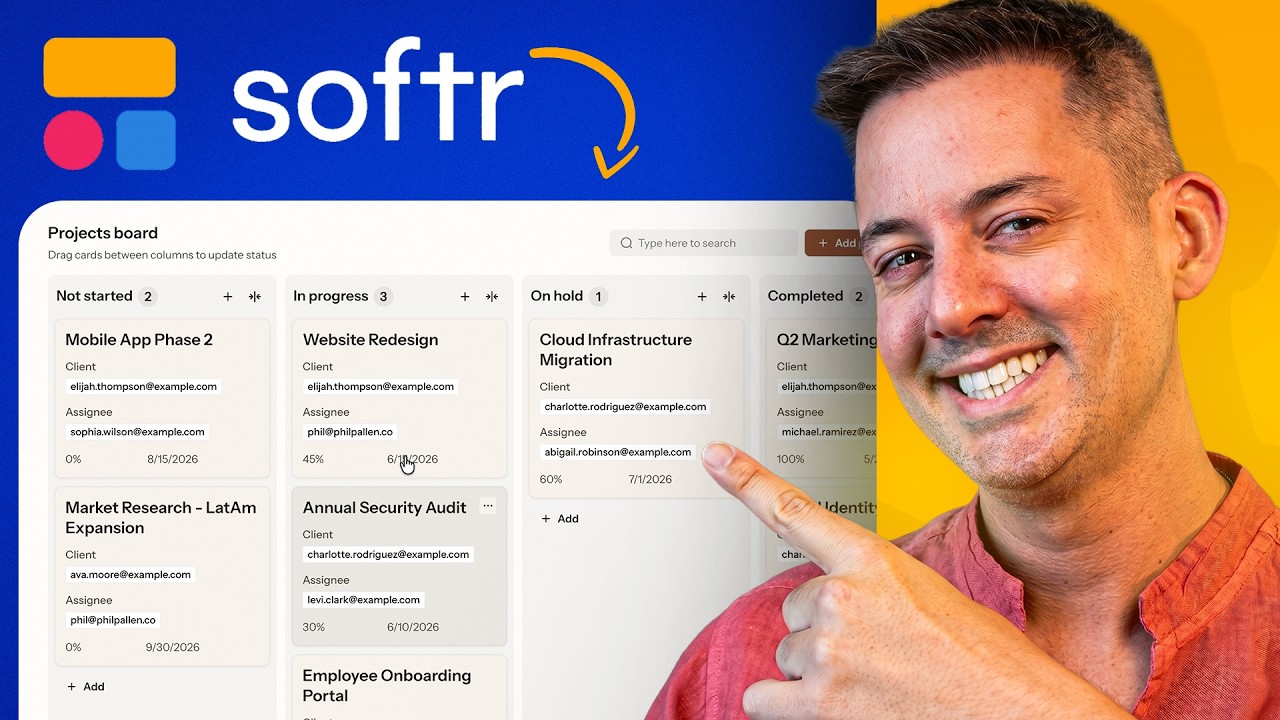
People can build the interface in minutes, but shipping something that's actually production-ready with real security, user management, and data control is where many get stuck. But 2026 is the year where real application best practices are finally coming to vibe-coded platforms. A great example of this is Softr, an AI app builder that strikes a really good balance between vibe coding and no-code visual programming.
I've been playing around with the latest AI Co-Builder feature, and in this video, I'm going to take you through an entire build from beginning to end. We are going to be building a content machine. This is a system that automatically researches trending content every day using AI, generates ideas of content to post, and then produces those content pieces, all with workflow automations running in the background.
The result will be an application that is not only fully functioning, but is also secure and actually ships to production. Here's our starting point inside Softr. You now have three options to create a new application.
[.blog-callout]
Note from Softr: When starting a new project, you can build from scratch, use one of our many App templates, or generate your app instantly with the AI co-builder.
[.blog-callout]
Before, you could only start from scratch or start with a template. Now we have this additional option to generate with AI. This is Softr's AI Co-Builder.
When you're starting a project with the AI Co-Builder, you need to start with an initial prompt that is going to generate your application. This initial prompt is extremely important. This is where you are going to tell the AI Co-Builder the specifications of your application.
Here's the prompt that we're going to use for this project. I start by giving the AI Co-Builder a quick background on the application that we're trying to build. Then there is some information on the users of this platform, with founders on one hand and contributors on the other.
Next, I specify the exact database that I want it to generate. That will be five tables: AI research runs, topics, content ideas, LinkedIn posts, and events.
[.blog-callout]
Note from Softr: While you can connect your apps to 17+ external data sources, Softr Databases is our native, highly performant way to manage your data directly within the platform.
[.blog-callout]
Finally, we're going to give it some instructions on the pages to generate, alongside some general global rules. I want the pages to all look the same. We request table layouts, the first three fields of the table as columns, and some detailed views as right side panel models.
I'm not putting too much information regarding the interfaces in this initial prompt, because what really matters is the database. I find it more convenient to edit the interfaces in a second step once we are able to see them inside Softr. We can either make edits visually or we can prompt the AI Co-Builder to make edits for us.
I pasted our prompt in here, which triggers Softr's AI Co-Builder to generate the application. Before it does, it's going to ask you a couple of questions that you need to answer. It will ask how your users will log in, to which we assign email.
Can people sign up on their own? This is an internal tool, so I will reply no. What should be your app's main navigation layout? I am fine with those suggested settings.
What should be the theme of the application? We will go for this one, and now we let Softr's AI Co-Builder do the work. It's going to start by generating the users, which it actually already finished.
Next, it's going to generate the database for us. As you can see, it is strictly respecting my specifications and providing the exact fields that I need. This is what you get: tables for AI research runs, topics, content ideas, LinkedIn posts, and events.
We're looking at several hours of work getting done in a single prompt right in front of our eyes. Additionally, Softr's AI Co-Builder is also adding mock data so we can visualize things. It's not stopping only at the database, but it's also figuring out the different interfaces.
It's going to create a dashboard page, a content ideas page, a LinkedIn posts page, and an events page, which is exactly what I asked for. It's not going to create one for topics and AI research runs, because I told it explicitly to not create interfaces for these. It even came up with a suggestion for a comment center that combines all the different tables and views that we need into one dashboard.
It's almost done. Right now it's adding the navigation and that's it, my app is ready. Once you're there, the first thing you want to do is to try it live and get a feeling of what was generated.
Not only was our database generated, but we have this home tab, our dashboard, our view of content ideas, and our view for LinkedIn posts. We have detailed views for each and our view for events. Now that we have this initial build generated, how do you go about completing the work?
We'll go step by step. For this, you're going to head to edit and enter the Softr editor. For those of you who are not familiar with Softr, building happens on four distinct layers.
First with the interfaces, which is where we can edit each page of our application. In data, you will find the database of your application, containing the different tables and records you are storing. In users, we are going to manage our different users, including authentication, user groups, and permissions.
Finally, in workflows, you have a full-fledged workflow builder to build automations inside and outside of Softr.
[.blog-callout]
Note from Softr: When building your automations, using native Softr Workflows allows you to keep your logic close to your design, reducing your reliance on third-party integration platforms.
[.blog-callout]
To complete our build, we need to do two things. We must check what the AI Co-Builder generated to see whether it's correct or not, and make eventual corrections or additions until we have all the specs ready. For this, I recommend you start with your users and your database.
First, if we head to users, we can see one of the core strengths of Softr. In this section of Softr, you have everything to manage your users, how they will authenticate, user groups, and permissions. Security is a core feature here, not an afterthought.
In this first panel, we can decide and change how users will authenticate and whether they're able to sign up. We can even have advanced security features and log users out after a certain period of time. Here we have our users that were generated with the first prompt, and we can see that the groups were already created.
We have a founder group and a contributor group, and user groups can be managed right here. You can add as many custom groups as you want, and this is where you're going to configure their restrictions. You could imagine that a group of users will see certain parts of the app or be able to edit certain parts, while others might not have access.
This is where we can play with our user management and our access settings. The next thing you want to check after your user settings is the database schema. You're going to check whether every table was generated properly and contains the right fields.
You're also going to take a look at the mock data to make sure that it matches your expectations. Here again, I can do a quick audit of the different tables generated and see that it matches my requirements from what I wrote in the prompt. Softr's AI Co-Builder is very good at respecting those instructions.
It really makes sense to include your exact database schema in your initial prompt to have the AI Co-Builder generate your database in one go. Now, if you've forgotten a table or if your requirements have changed over time, you may need to add another table. Let's say, for instance, we want one where we store YouTube videos.
You can simply prompt Softr's AI Co-Builder to do so, and it will make changes to the database. Here I'm asking it to create that table for YouTube videos, and it's already done. To create the page for YouTube videos, I will need to head back into the interface builder.
We already have our table, so let's see if the AI Co-Builder can create the interface for YouTube videos. Amazing, it's created our interface with the new page called YouTube videos. Since my database is empty, I don't have anything to show, so let's fix that.
We now have eight records. Let's head back to the interface, and just like that, I have my brand new YouTube videos interface. I'm going to delete what I just created to showcase that for this type of operation, you need to confirm.
The page is deleted. Just with a single command, I can also delete the YouTube videos table. It is very easy to create new tables and new interfaces with Softr's AI Co-Builder.
Let's now see how the AI Co-Builder can help us generate AI agent fields. AI agent fields inside Softr are basically fields where you can code an AI agent to summarize or generate some content. Creating these fields usually takes a bit more time because there are plenty of parameters to figure out.
You have to figure out the prompt, the model, test the different outputs, and decide when to run this field. Let's see if the AI Co-Builder can help us generate that. I'm writing the following prompt.
In the topics table, add an AI field called summary that reads the description, why training, and source summaries fields. Then, it needs to generate a single-sentence summary of the topic. Let's see how it manages that.