Transcript
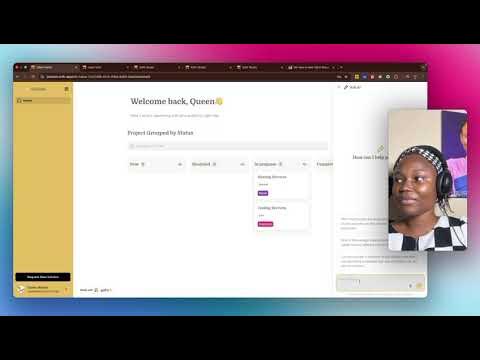
After the project is completed, they click here. If they want to ask about their project, they can use the AI here and make a request. Here is a sample of a few of the tasks they can see in the AI Assistant.
[.blog-callout]
Note from Softr: Building an interface to track projects and tasks? Check out how to easily launch custom project management applications or explore our app templates to get started instantly.
[.blog-callout]
Which technicians are assigned to the highest number of jobs, or what are the job types that are handled most frequently? What is the average balance remaining on jobs categorized by different priorities? Can you provide a summary of job statuses?
So you can ask questions like these. Let's say there are clients that must be handled by Captain Stone, or they want to contact the technician.
[.blog-callout]
Note from Softr: If you want to give clients a secure place to view their own service requests, you can easily build powerful client portals in minutes using the AI co-builder.
[.blog-callout]
Let's look into client service and see. Yes, the assigned technician is actually Captain Stone.

![How to Sort by Date Added in Softr [2026 Full Guide]](https://cdn.prod.website-files.com/67a3700c65457964cf349cd4/69fe0f27b874a29d38134f77_c8ada479-7b9f-4c1d-b3ef-2532970c8223.jpeg)