Transcript
I just built a fully functional CRM in under 10 minutes using AI. Not just a prototype or a simple interface. I'm talking about real, production-ready business software with a backend database, user permissions, and automated workflows.
Everyone right now is talking about AI app builders, but most of them fall apart when it comes to handling real data or scaling. In this video, I'm diving into Softr's new AI Co-Builder to show you why it's different from typical Vibe-Coding block tools. It's a complete platform where AI doesn't just design your app.
It builds the database, user authentication, permissions, workflows, everything. So instead of ending up with something that just looks good, you actually get a fully working application you can use and scale. Now, I'm going to use it to build something I've personally wanted for a long time.
A creator collaboration portal and content workflow system where I can manage deals, content, payments, and team access all in one place. I'm just going to ask the AI Co-Builder to build it for me.
[.blog-callout]
Note from Softr: Want to generate your own fully functional application with a single prompt? You can try out the AI app builder yourself to quickly build custom portals and explore configurations like our AI CRM template to see it in action.
[.blog-callout]
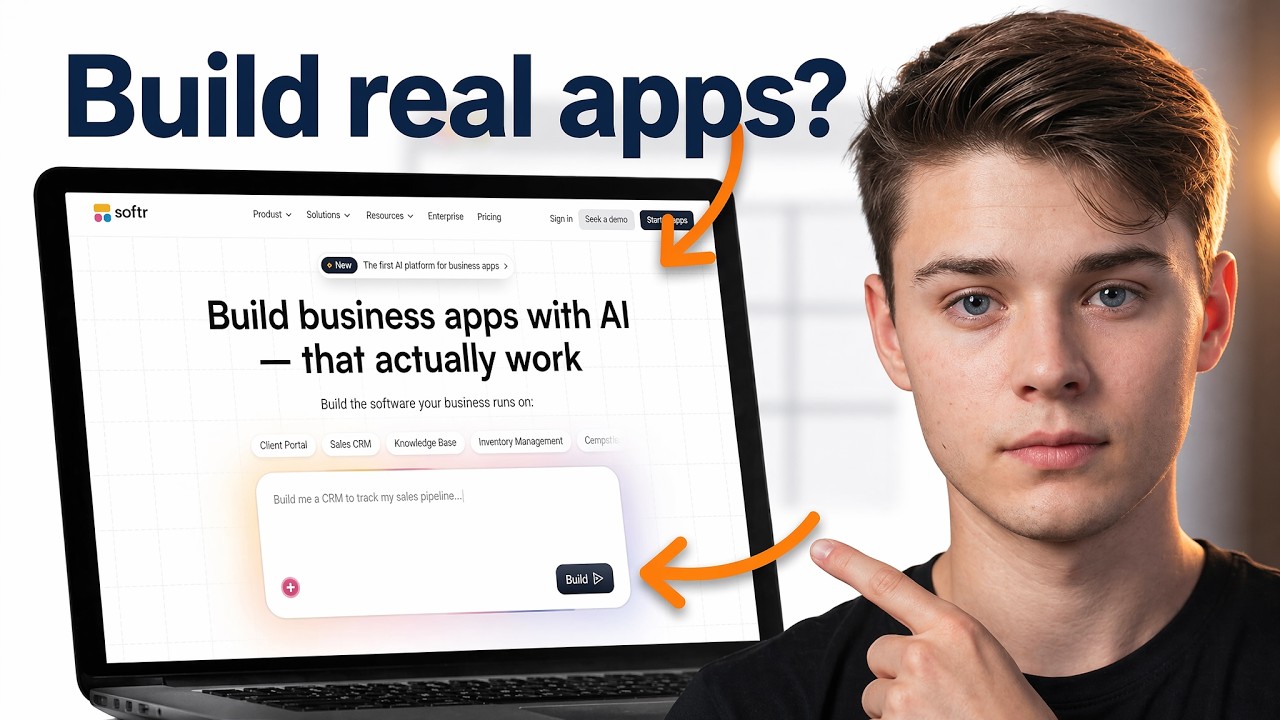
This is where everything begins. From here, I'm simply going to use the platform's AI Co-Builder and prompt it to create the exact app I want. In my case, I'm building a modern creator collaboration portal designed for YouTube creators to manage brand deals, content, payments, and overall workflow.
I've already written a detailed prompt because the more specific you are, the better the result. Now I'm just going to click send and let it start building. At this point, it's asking for authentication settings, basically how users will log in.
I'm going to choose email and Google sign in and then click continue. After that, I can decide who is allowed to access the app. I can let anyone sign up or restrict access to only people I invite.
You have full control here, depending on the type of app you're building. Now I'll choose the navigation layout. This is just how the app will look on desktop and mobile.
So I'll go with this option and continue. And now comes a very interesting part, the theme. There are different themes you can choose from and you can always change this later.
I usually go with something clean and productivity focused like blue or red, but this cyber style theme looks really good. So I'm going to pick this one. Now I'll just confirm and click create your app.
And this is where things get really interesting. The moment you click that button, it actually starts building everything. As you can see, it's not just generating a UI.
It's starting with the database. This is a huge difference compared to most AI builders because most tools just generate a front end, something that looks nice. But here it's actually building the structure behind the app.
[.blog-callout]
Note from Softr: When the AI generates an app, it seamlessly sets up the foundation using Softr Databases. While Softr integrates with 17+ external data sources, native Softr Databases are the most powerful way to manage data directly within the platform for maximum performance.
[.blog-callout]
And that's what makes it usable in real life. Right now, it's creating different tables like users, deals, payments, content, everything needed for the app to function. And this is exactly what I wanted.
A system where all my data is structured and organized properly. So I'm just going to wait for it to finish building everything. Alright, now after just a few minutes, it's done.
That was actually really fast. Now I'm going to click on try it live to see a preview. And as you can see, it already built everything I asked for, not just a design, a real app.
I can manage brand deals, track content, handle payments all in one place. And the most important part, everything is connected to a real database. So every piece of data I enter is stored, structured and usable.
This is not just a mock-up, it's functional. You can see the dashboards, the layouts, the different sections. Everything is already there and working.
And if you've ever tried other tools, you know the difference. Those tools might give you something that looks good, but once you start using it seriously, things break. Here, everything is built on a proper system from the start.
I can add new records, manage data, and even see everything inside the database. And one thing I really like, it even added AI inside the app so I can interact with my data directly. And all of this came from just that one prompt.
You can also see there's a payment section here where I can manage transactions. Right now, it's using demo data, but I can replace it with my own. And everything will still work the same.
Another powerful feature is user roles and permissions. And when I click here, I can switch between roles. And based on what I defined earlier, except for the admin, other users won't have access to sensitive areas like payments unless I allow it.
So you can control exactly who sees what. This was it. Now let's customize our app.
When you just click on any part of the app in the platform, you see a way to customize it and can customize pretty much everything in your app. Here I can change content, colors, styles, anything I want. I just click on any section and edit it directly.
So you have full control. And this is where it gets powerful because you can either use Ask AI to make changes or customize everything yourself using the visual editor. And that's what makes this scalable because unlike other tools where things can break, here everything is structured properly from the start.
So it actually works with real data and users. Also, the app is already responsive across devices, desktop, mobile. Everything is handled for us.
Now, if we go into the data section, we can see the entire database behind our app. We can see all our data like emails, deals, content, everything. And we can edit it just like a spreadsheet.
Now, if I go into users, I can control authentication, manage who signs up, invite users and set permissions. So everything related to users is already built in. And finally, you can also customize each page individually and even change the overall theme, colors, styles, branding to match exactly what we want.
Now, if you click on the theme settings, you can fully customize the look of your app. You can change colors, styles, notifications, basically your entire branding. So if you want your app to match your business or personal style, you can do it right here.
Now, if you go into settings, you get access to more advanced controls. You can set a custom domain, manage general settings, and also connect integrations like Stripe for payments, Zapier or Make for automation, Gmail, Google Analytics, and more.
[.blog-callout]
Note from Softr: If you're looking to automate internal tasks, you don't always need to rely on external platforms like Zapier. With native Softr Workflows, you can keep your logic seamlessly connected to your app, helping you consolidate tools and rely less on third-party automation platforms.
[.blog-callout]
So this is where your app becomes a real system connected to the tools you already use. And again, if you don't want to do all this manually, you can just Ask AI to handle it for you. Now, when you're ready to go live, you just click on publish and publish again.
And just like that, your app is live. You get a subdomain by default, but you can always connect your own custom domain. Then users can sign up, log in, and start using your app immediately.
You can also invite users directly from here. Just click invite and add them. And yeah, that's it.
From just one prompt to a fully working app you can actually use. Working with databases, users, permissions, and workflows already set up for you.