Transcript
To get started, open your web browser and go to the Softr website. Sign into your account or create one if you are using Softr for the first time. Next, click Create New Application to start a new project.
You can begin with a blank app or choose one of the available templates if you would like to speed up the process. After that, give your application a name and select your preferred template or starting point. Once the project is created, you will be taken to the visual app builder.
[.blog-callout]
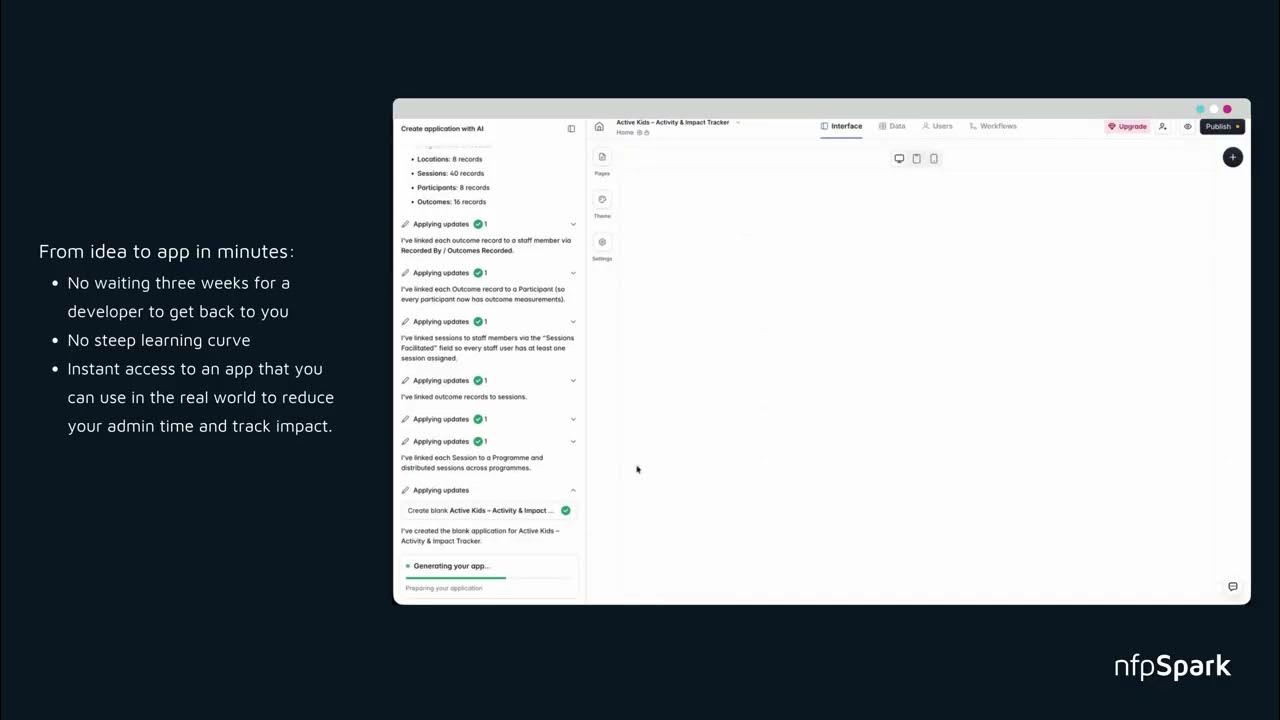
Note from Softr: You can also use the AI Co-Builder to generate complete apps, pages, or database schemas directly from a prompt, and everything remains fully editable by hand afterward.
[.blog-callout]
Now, connect your data source. Softr supports several data sources, including Airtable, Google Sheets, SmartSuite, HubSpot, Xano, Supabase, SQL databases, and others. Choose the one you want to use and follow the prompts to authorize the connection.
Next, start adding blocks to your application. Blocks are the building components of your app and can include lists, forms, tables, charts, calendars, navigation menus, headers, footers, and many other elements. After that, customize each block by selecting the data it should display, adjusting the layout, editing colors and fonts, and configuring the settings to match your application's design.
Now, create additional pages such as a dashboard, login page, profile page, settings page, or any other screens your application needs. Use the page editor to organize navigation between them. Next, configure user authentication if your app requires users to sign in.
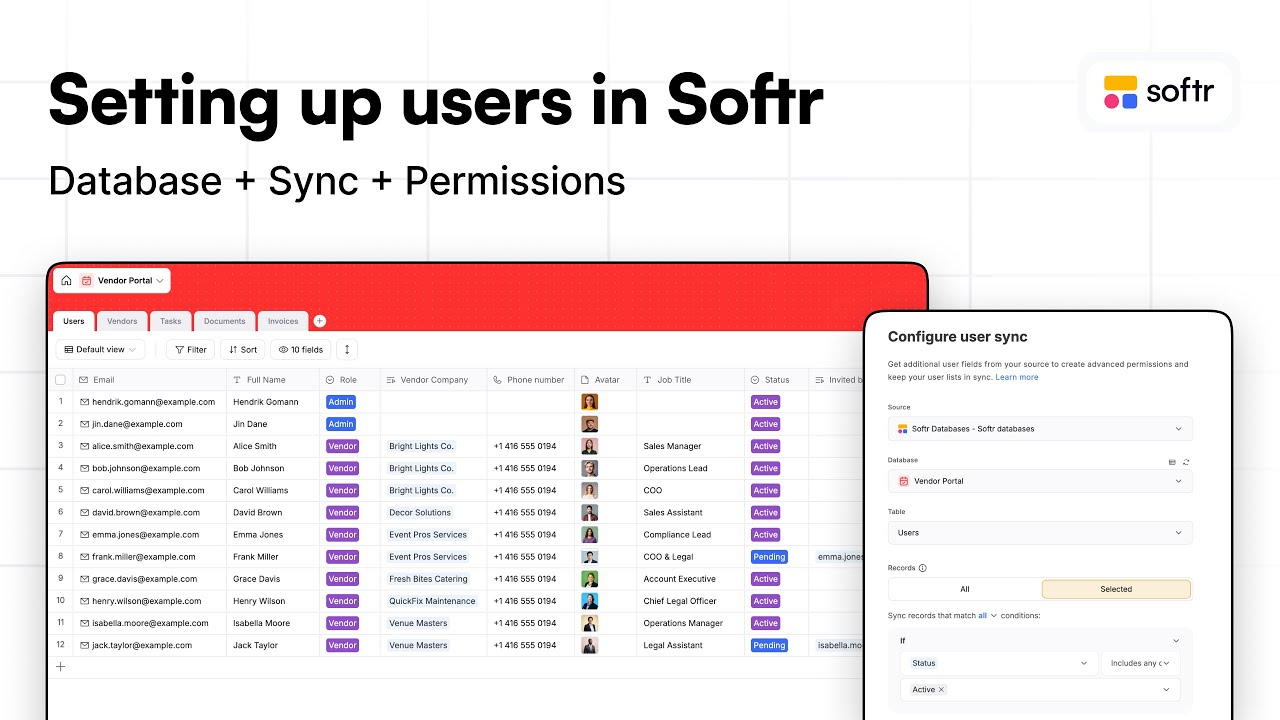
You can set up user accounts, define user groups, and create permissions that control which pages or data different users can access. After that, use the preview option to test your application. Navigate through the pages, submit forms, and verify that your data is displaying correctly and that everything functions as expected.
Finally, when you are satisfied with your app, click Publish to make it live. You can use a Softr subdomain or connect your own custom domain if your plan supports it, then continue updating your application whenever you need to add new features or improve the user experience.