Transcript
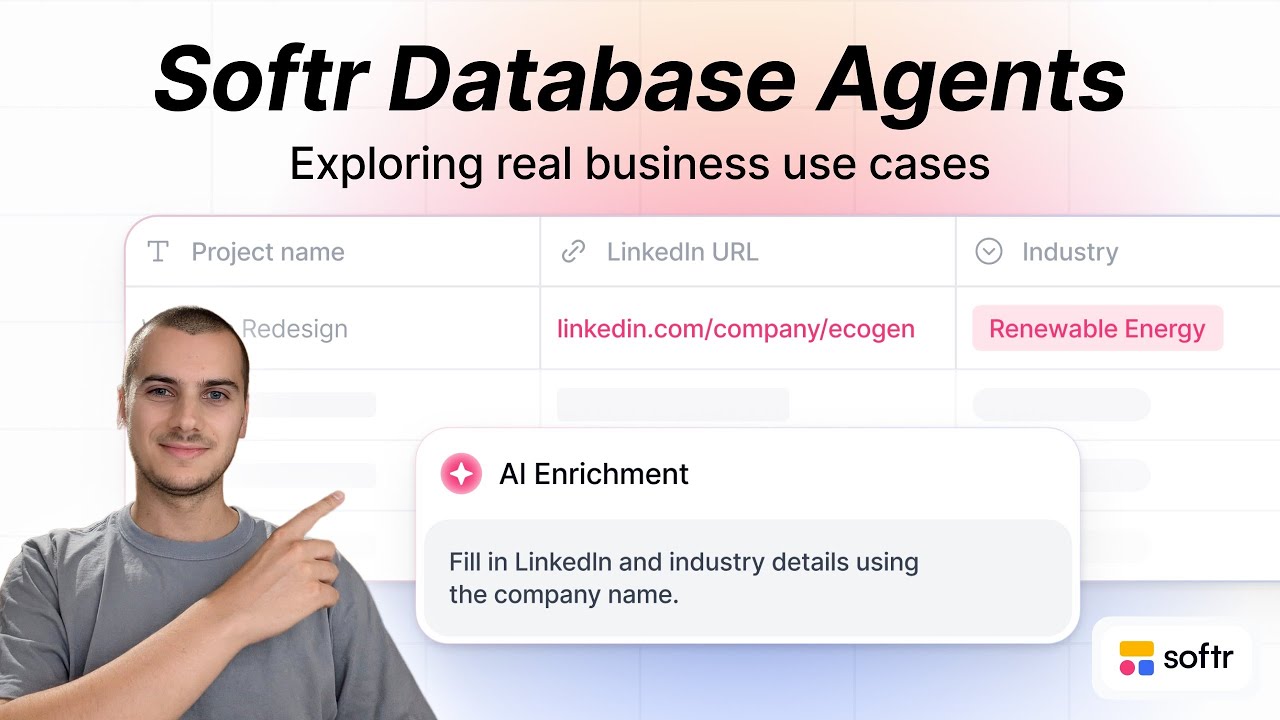
Softr has recently released their Softr Databases AI agents. I wanted to show a few very concrete use cases of how to leverage them and how to implement them within your app.
It basically consists of AI living right inside your database. The use case that I had in mind was a prospecting use case where we would list all the companies we would like to target and list the different services that our company can offer.
For each service, we detail what they are about. Then whenever we want to link a new company and assign them to a service, we will automatically pull the service description here and use that as a reference in an AI field.
[.blog-callout]
If you are just starting out with a new idea, you can use the AI co-builder to generate your initial data schema and Softr Databases structure instantly.
[.blog-callout]
This will first of all run a company research that's connected to the web. This is the first AI field where I mapped the company name and I asked to research that company and also return some information about how they do marketing.
Here I have allowed web search and it runs when the service is being set or updated. From there, we have a research that we can reuse in the next step, which is describing how we could serve this company specifically for the service that we have chosen.
Again, this is an AI agent field. This time it doesn't have access to the web, but here I have mapped all the relevant columns.
For the company name, we want to sell this service. This is the description of the service and this is the research we have done.
The AI agent, whenever the research is ready, will generate a text here that describes how we can serve them with that service.
The last step is to actually have AI again take this research and this generation of how we can actually serve them with this specific service to write a draft email that we could send to their team.
That would be a highly customized email because it's based on all the research that we have done previously. What we do here is a sort of cascade system with AI agents doing intermediary steps until we get the final output that we want, which is this highly customized AI draft.
This is the database. And of course, as we are using Softr, the end goal is to build an app out of that.
[.blog-callout]
When building out your prospecting or CRM tool, you can skip the manual setup by starting with a pre-built AI CRM template.
[.blog-callout]
I have started to design how this could look, like a sort of prospection co-pilot for companies. I have designed a first page with all the prospects, all the companies we want to target, and a detailed page that shows up when we click on the prospects.
This is the live app that the end user would see. We see here Nike with all the research that has been done.
We can actually add a new prospect, for example, IBM, and then assign them to a certain service. Now that we have added it, our AI agents will in the background prepare all the research.
We see that the company research is already ready. In a few seconds, the different other enrichments will appear. That's perfect.
If we wanted to actually change the service, we could do that. By saving, it will actually relaunch all the AI columns because we have set the trigger for these AI columns to be that the service is being updated.
To make the maintenance even easier, I have added here a tab where we could access all the services that we have documented in our app. We could easily be adding a new service to our portfolio.
Then when adding a new prospect, we could actually be selecting this new service. Now there is one more thing that I wanted to do in addition to this cascade AI field.
It is the contact management and how we could leverage AI to get more insights about all the ongoing conversations. I have imitated here a context where we would be having a list of contacts that are assigned to the different companies that we are prospecting.
In another table, I am logging automatically all the email exchanges that we have with these prospects. For each of these emails, I have created a formula here.
Actually, the AI wrote the formula for me that simply puts together all the information about that very email so that in this table with all contacts, I have the link to all the emails.
[.blog-callout]
While the speaker mentions using AI to write formulas, you can also use Softr Workflows to handle complex logic and data updates directly within your app without needing advanced technical knowledge.
[.blog-callout]
I can here count how many emails we have. I can generate this field with all emails where I basically do a lookup on the formatting fields that we have here, which contains all the relevant information about the email.
This allows us to then set up an AI field that will leverage all the content from all the emails for that contact and summarize them into three bullet points. What it does here, for example, is trigger the summary for JJ.
It will generate three bullet points to summarize the discussion with JJ. We can then display that within an app to have a live update of the status with that lead without having to go through all the emails, which is super convenient.
Whenever a new email is coming in, it will be linked to that contact. I have set up the condition to run whenever this linked record field is being updated.
This means that whenever a new email comes in, it will refresh and update the summary. Over the past few years, I've always preferred to build my own workflows with triggers and different actions and then store the data back into my database.
Now it is actually possible to have reliable AI that lives directly within your database, which is very convenient because you can really limit the number of extra workflows that you have to fully configure yourself.
Here you get a great set of options to decide when this AI should run, which avoids burning credits and gives you a lot of control. I also really like the possibility to allow for web search.
If you connect a column that contains PDFs, it is also automatically able to read through these PDFs to generate the AI answers. This is an immense quality of life improvement for builders.
This makes the maintenance of all these AI flows way easier because they live within your database.
[.blog-callout]
If you need a custom interface to display these AI summaries that goes beyond our standard layouts, you can use the Vibe-Coding block to prompt for the exact custom component you need.
[.blog-callout]