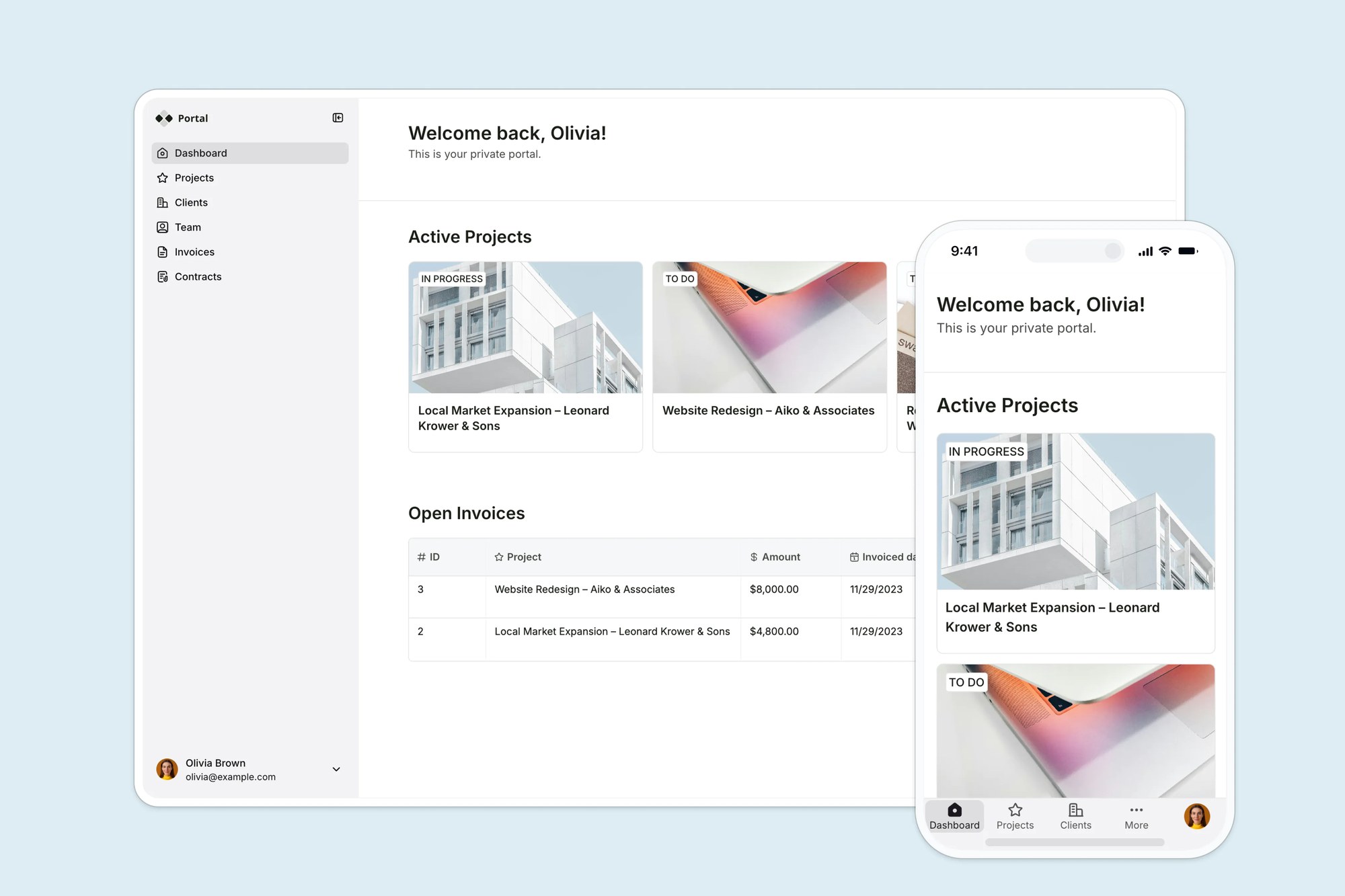
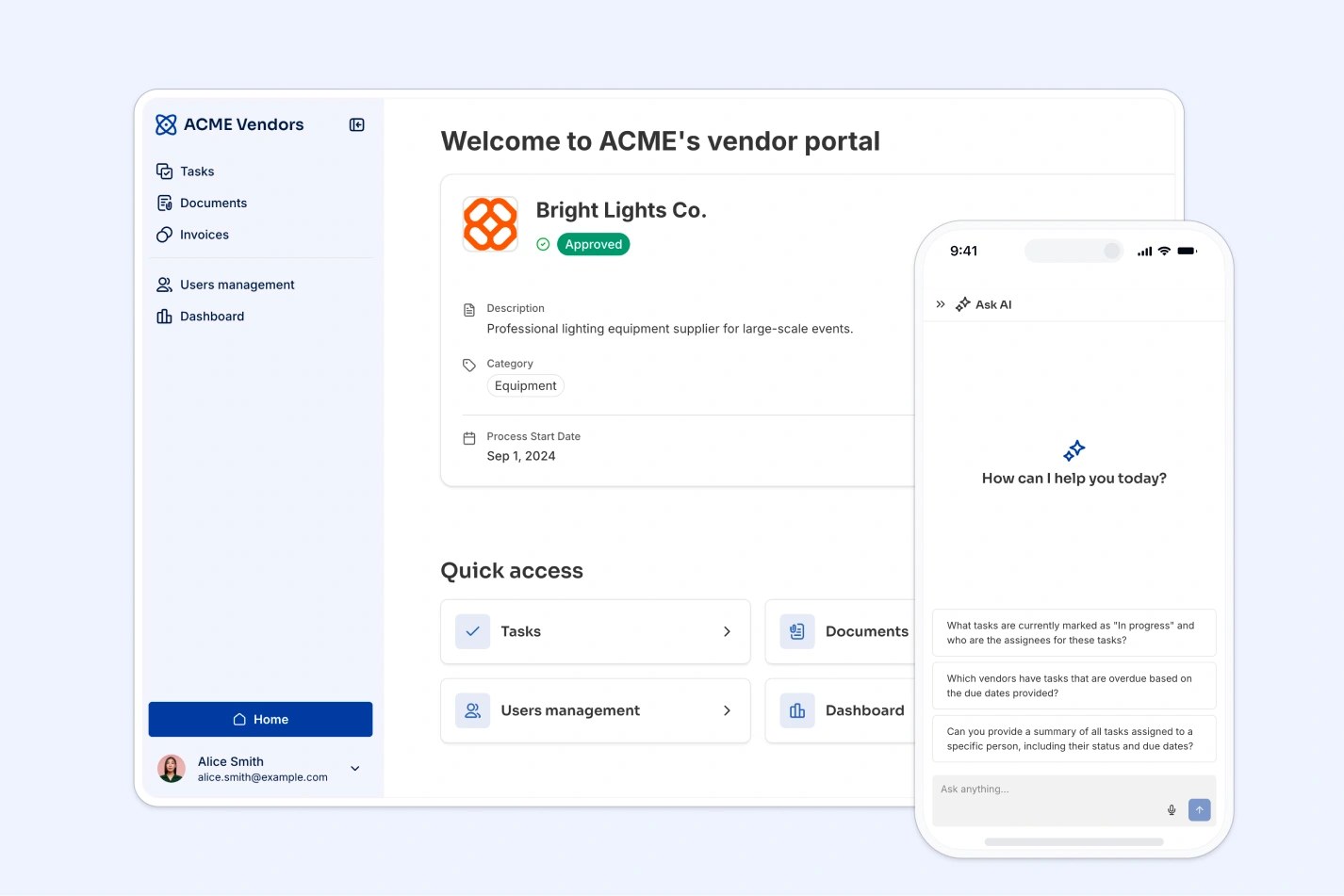
This free template from Softr helps you build a custom vacation tracker, fast, no coding required.
Data sources supported





.svg)


Resources


No items found.
Overview
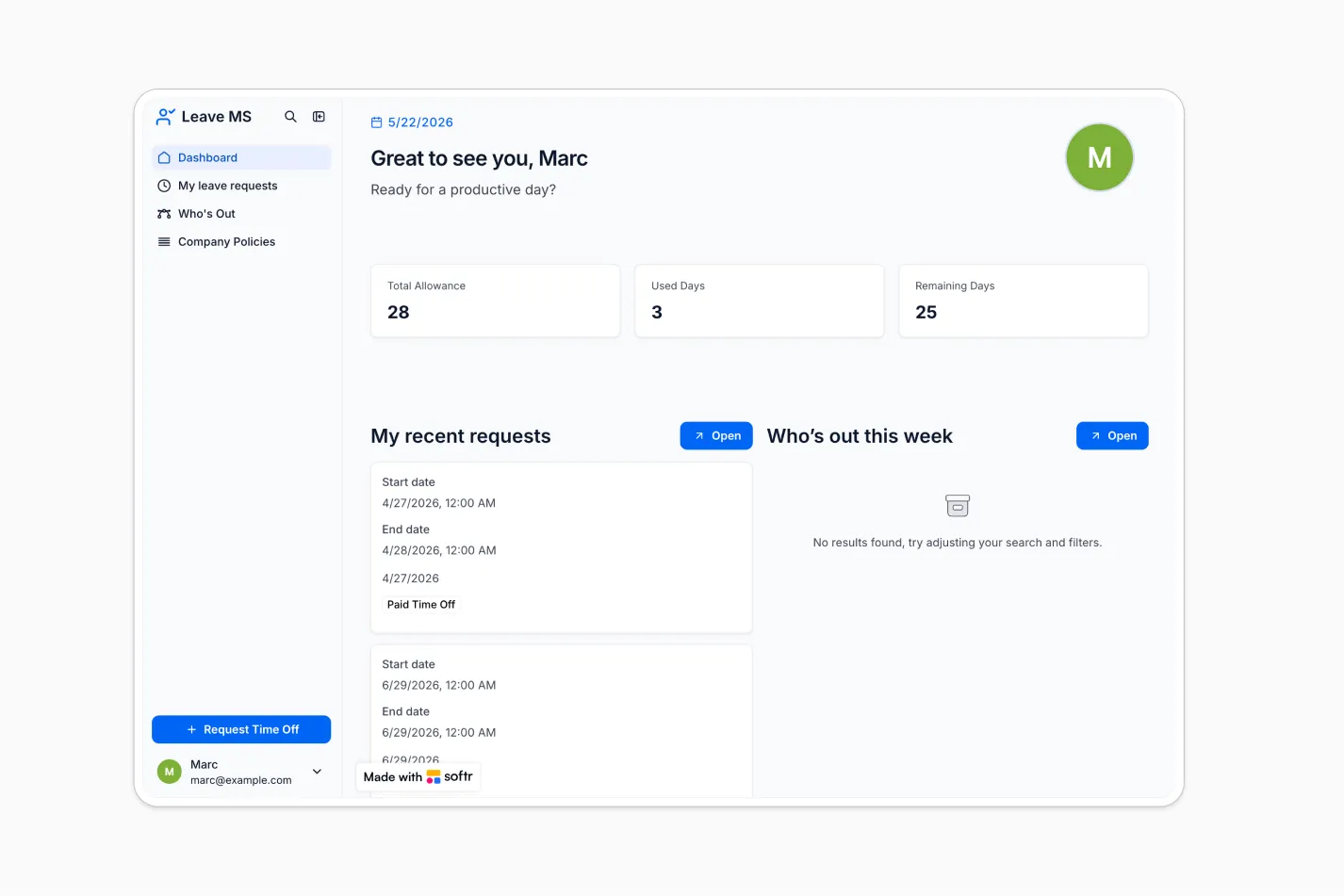
This free Vacation Tracker template helps you manage time off requests, team availability, leave policies, and approvals in one place.
It includes a sample Leave Management System database by Softr, with users, leave requests, departments, countries, and public holidays already structured so you can launch quickly or connect your own data source.
Why use this vacation tracker template
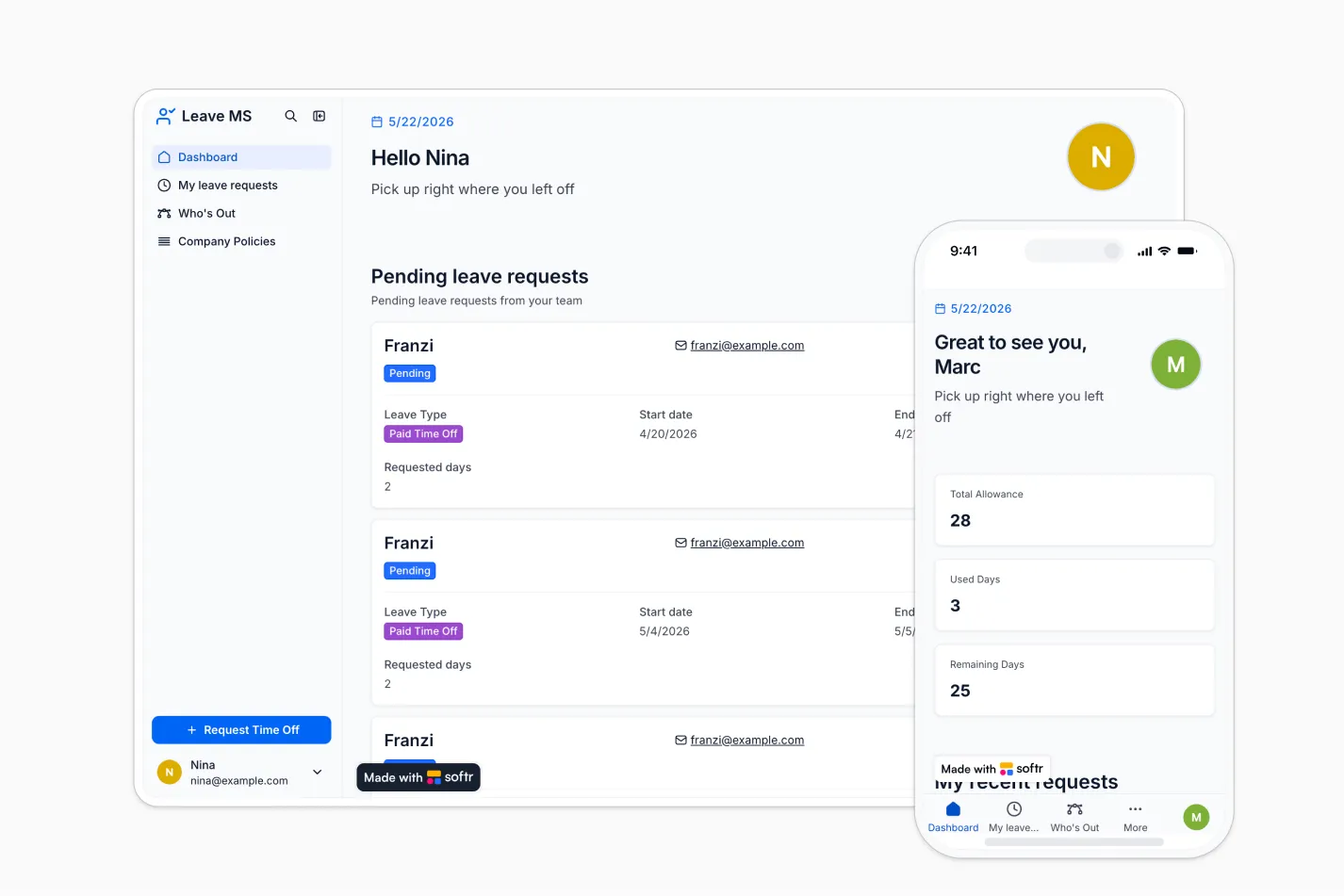
- Centralize time off management: Track employee leave requests, allowance, used days, remaining days, departments, and manager feedback from one workspace.
- Simplify approvals for managers: Managers can view pending requests, review team availability, and provide feedback without relying on email threads or spreadsheets.
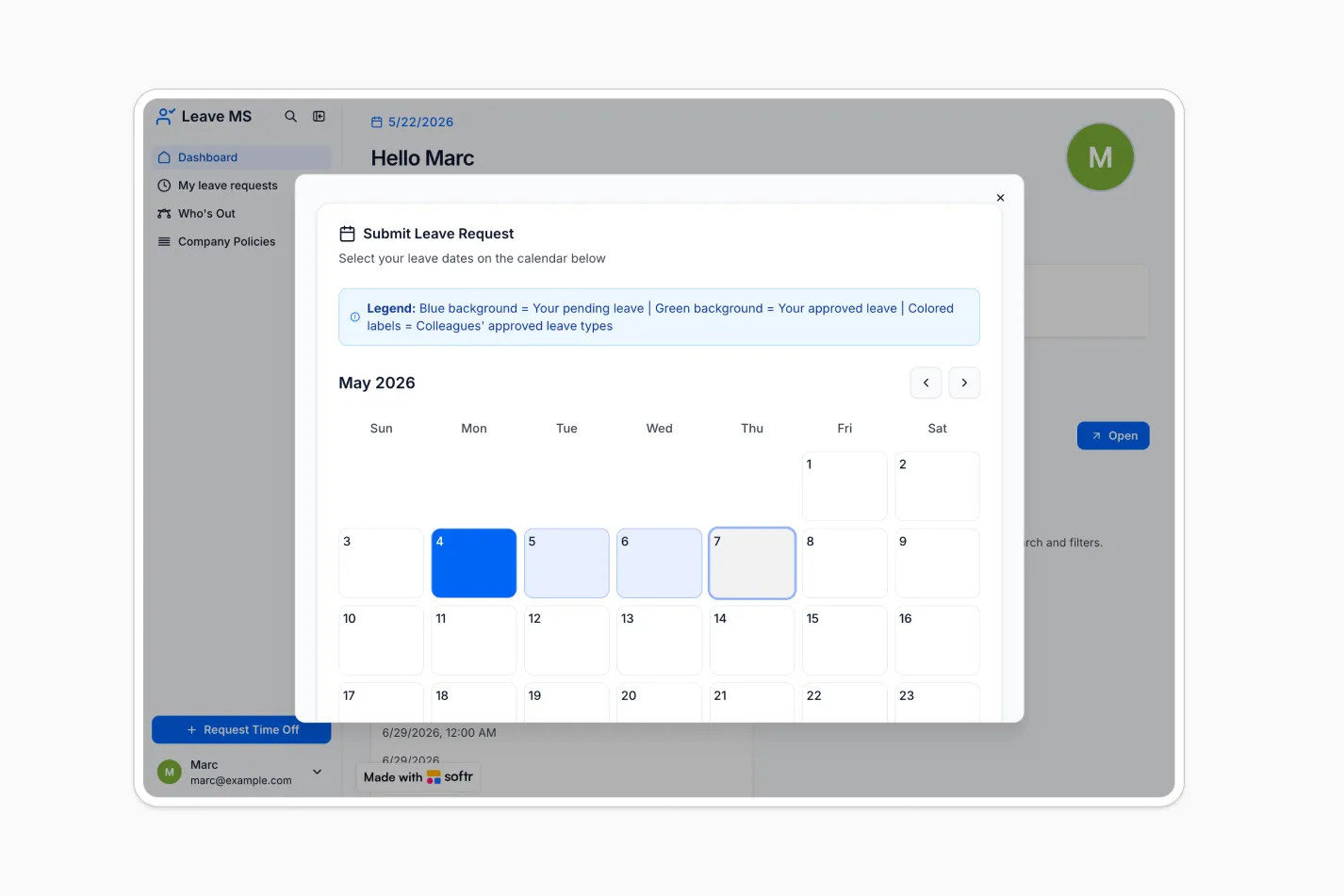
- Give employees a better request experience: Employees can submit time off through an intuitive interface, including a calendar-based selection flow powered by a Softr Vibe Coding block.
Template features:
- Leave request management
- Manager approval dashboard
- Employee self-service portal
- Interactive time off calendar
- Who’s out calendar
- Country policy management
- Department visibility
- Role-based access
Who is this vacation tracker template for?
This template is built for teams that want a simple, secure way to manage employee leave, approvals, policies, and team calendars. It's a great fit for:
- HR teams: Replace manual spreadsheets with a structured system for leave requests, allowances, country policies, and public holidays.
- People managers: Review pending requests, see who’s out this week, and approve or reject time off with clear context.
- Growing companies: Give employees a self-service portal for requesting time off while keeping admins in control of users, departments, and leave data.
- Distributed teams: Manage country-specific policies, public holidays, and time off visibility across multiple locations.

“What we love most about Softr is the instantaneous, customizable power a no-code platform allows.”

- 1
- 2
- 3
- 4
Frequently asked questions
What is a vacation tracker?
Why should companies use a vacation tracker template?
Can this template support different roles like admins, managers, and employees?
How do I edit or customize this template?
What data sources can I use with this vacation tracker?
Is Softr secure enough for employee leave data?