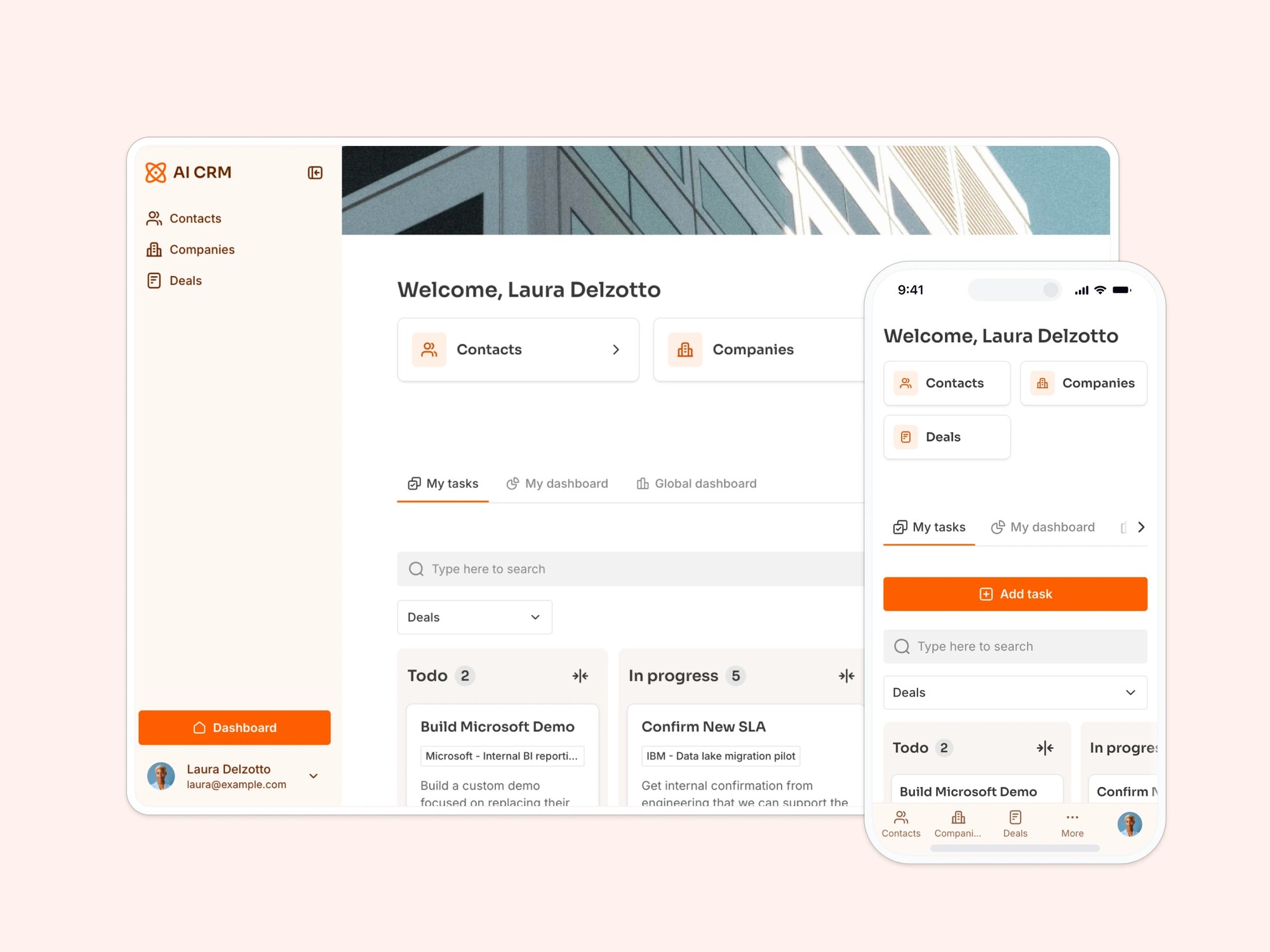
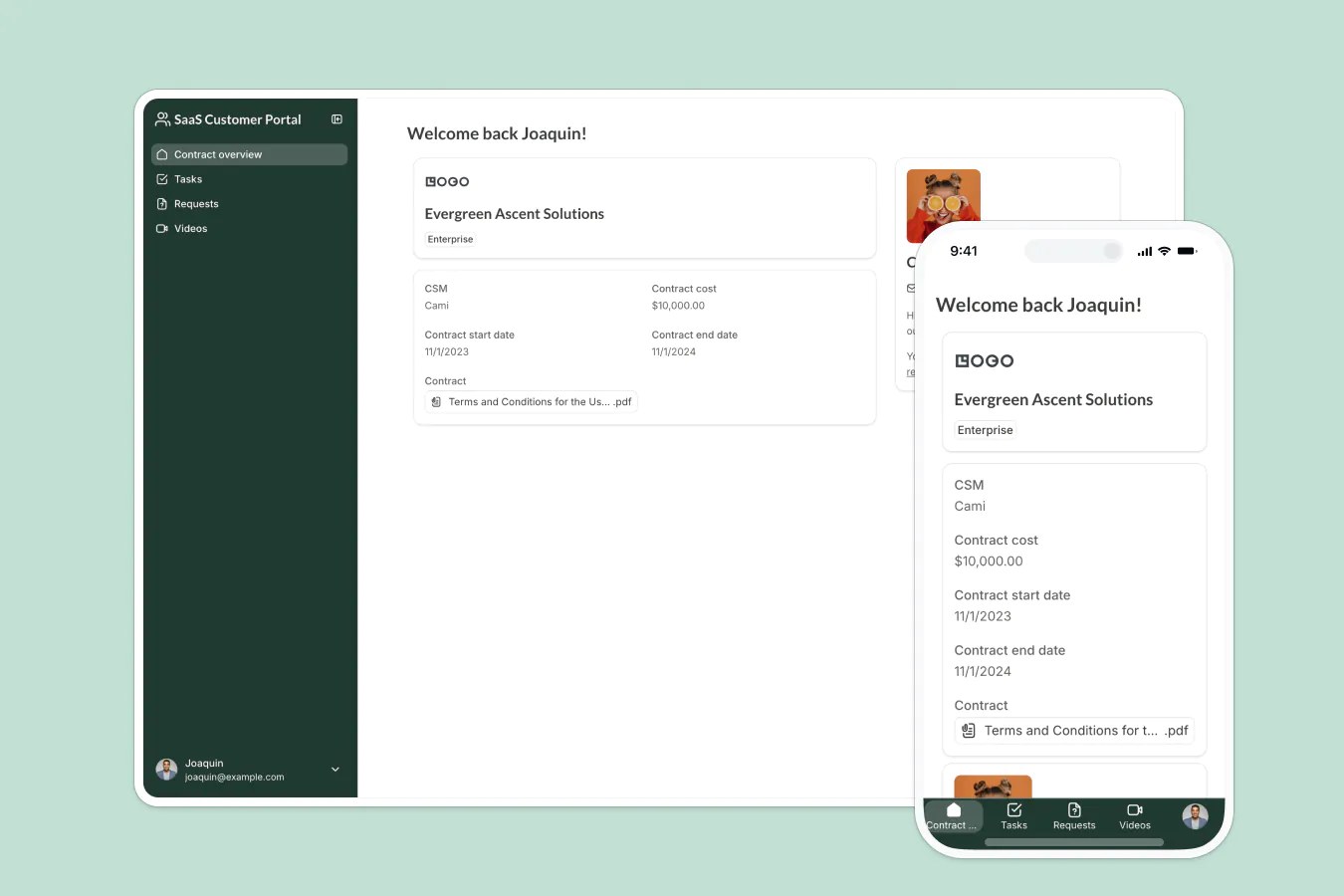
Simplify the process of receiving service requests with our customizable form.
Data sources supported





.svg)


Resources


Overview
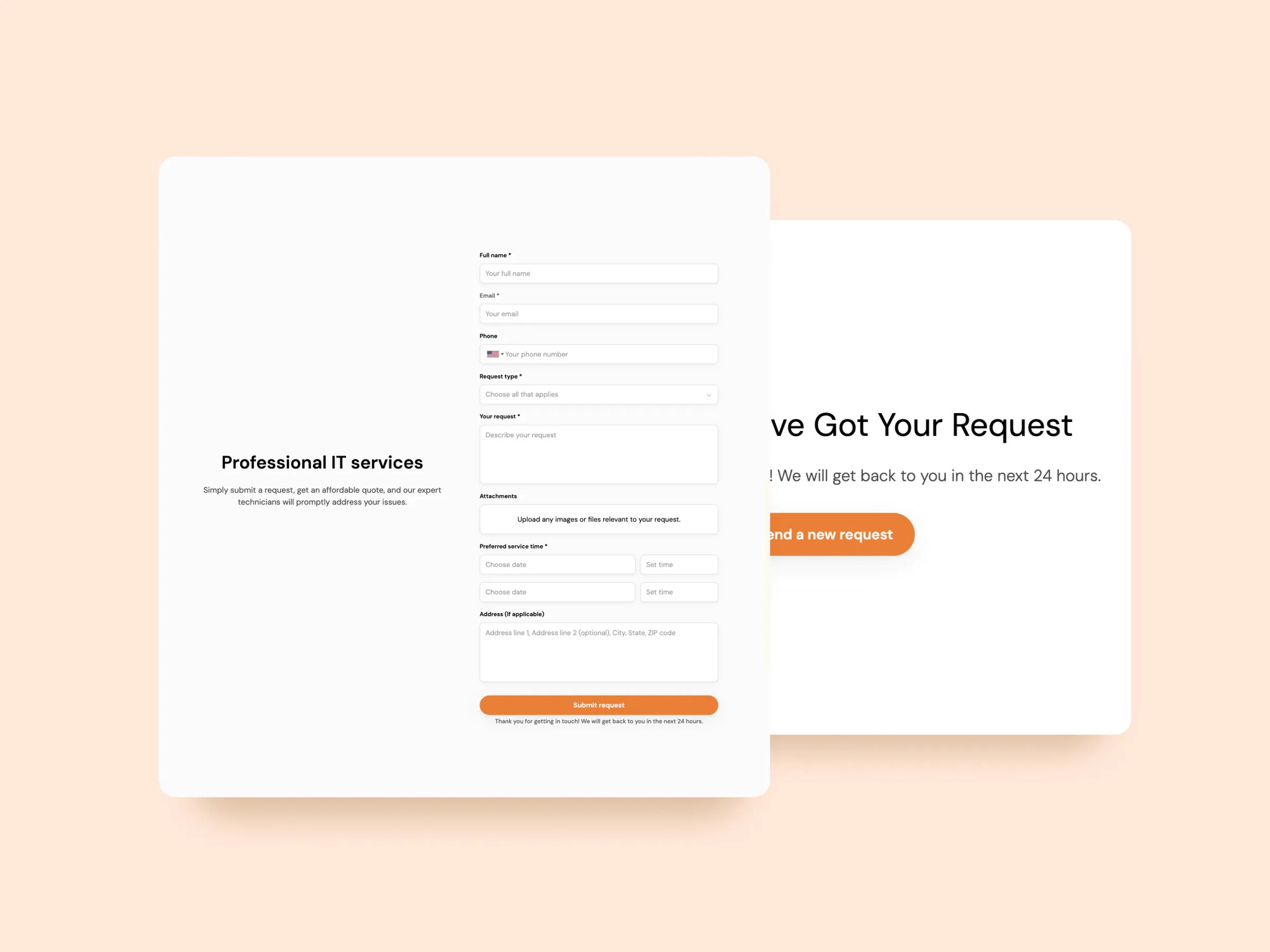
This free Service Request Form template helps businesses quickly collect and manage incoming service requests, without chasing down emails or juggling paper forms.
Whether you’re handling maintenance tasks, IT support, or internal service requests, this template ensures all submissions go into one central database, so your team can prioritize, track, and respond efficiently.
The form comes with a sample database and can also connect to other supported data sources (Airtable, Google Sheets, Notion, HubSpot, ClickUp, and more), giving you real-time visibility into all requests as they come in.
Why use this service request form template
- Faster intake: Eliminate manual data entry and collect standardized request info from the start.
- Centralized tracking: All submissions feed into one connected database for easy sorting and assignment.
- Embed or share: Use it as a standalone form, embed it in your internal portal, or link from your website.
Template features:
- Customizable fields
- Conditional logic
- Multi-step layout
- 2-way data sync
- Responsive design
- Thank you page
Who is this service request form template for?
This template is ideal for any business or team that regularly handles service requests or internal support tickets. Here’s how different teams can use it:
- IT departments: Collect and prioritize tech support tickets, hardware requests, and system issues from employees.
- Property managers: Accept tenant maintenance requests with photos, descriptions, and preferred appointment times.
- Internal ops teams: Gather cross-functional requests from other departments in a structured format.
- Cleaning and maintenance services: Accept job requests from clients with location details, job type, and availability.
- Construction companies: Field subcontractor or material requests directly from job sites.

“What we love most about Softr is the instantaneous, customizable power a no-code platform allows.”

- 1
- 2
- 3
- 4
Frequently asked questions
What is a service request form?
What data sources can I use this form with?
Can I customize this service request form?
How do I edit or customize this template?
Can I automate what happens after a request comes in?