Data sources supported





.svg)


Resources


No items found.
Overview
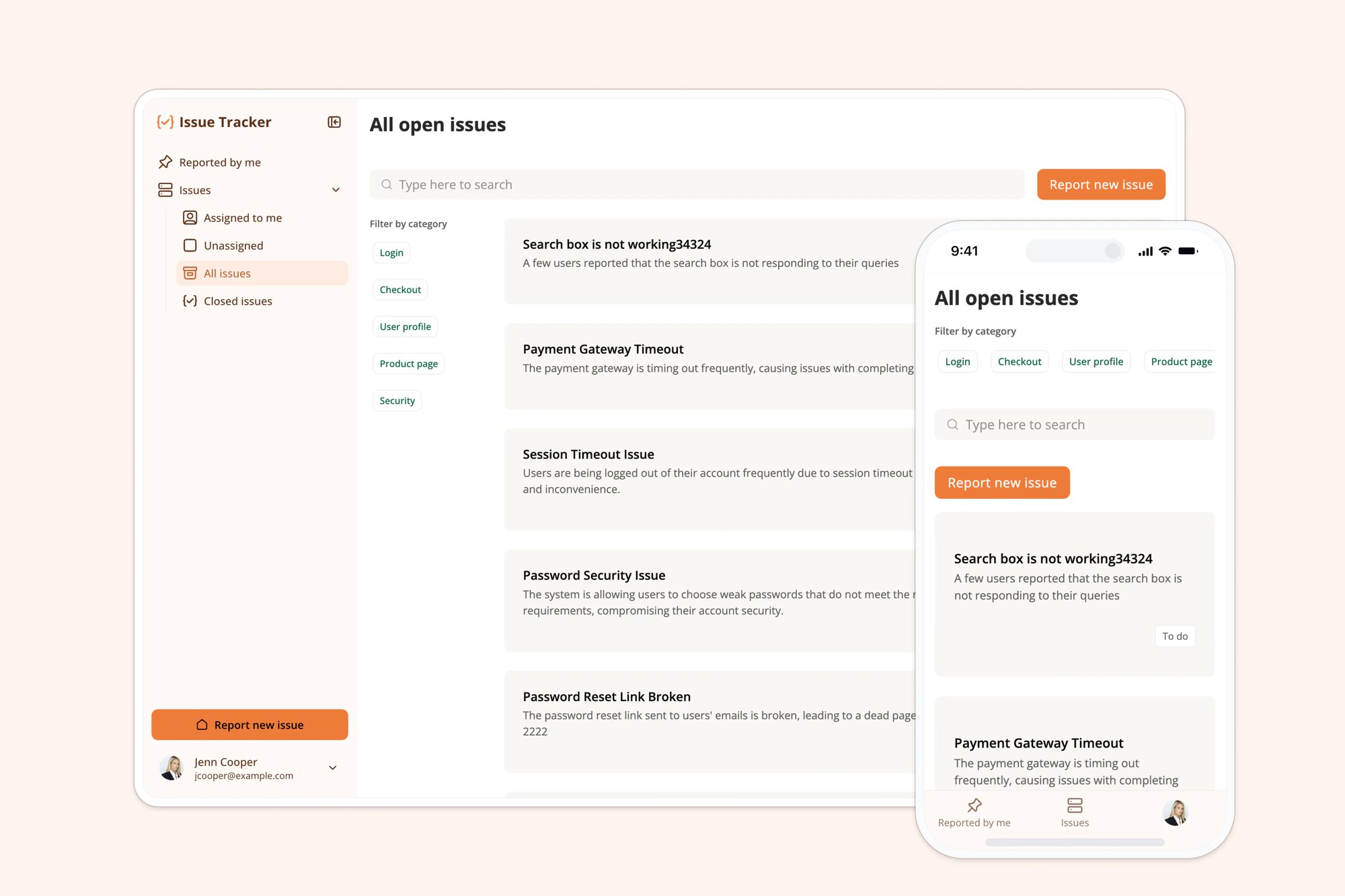
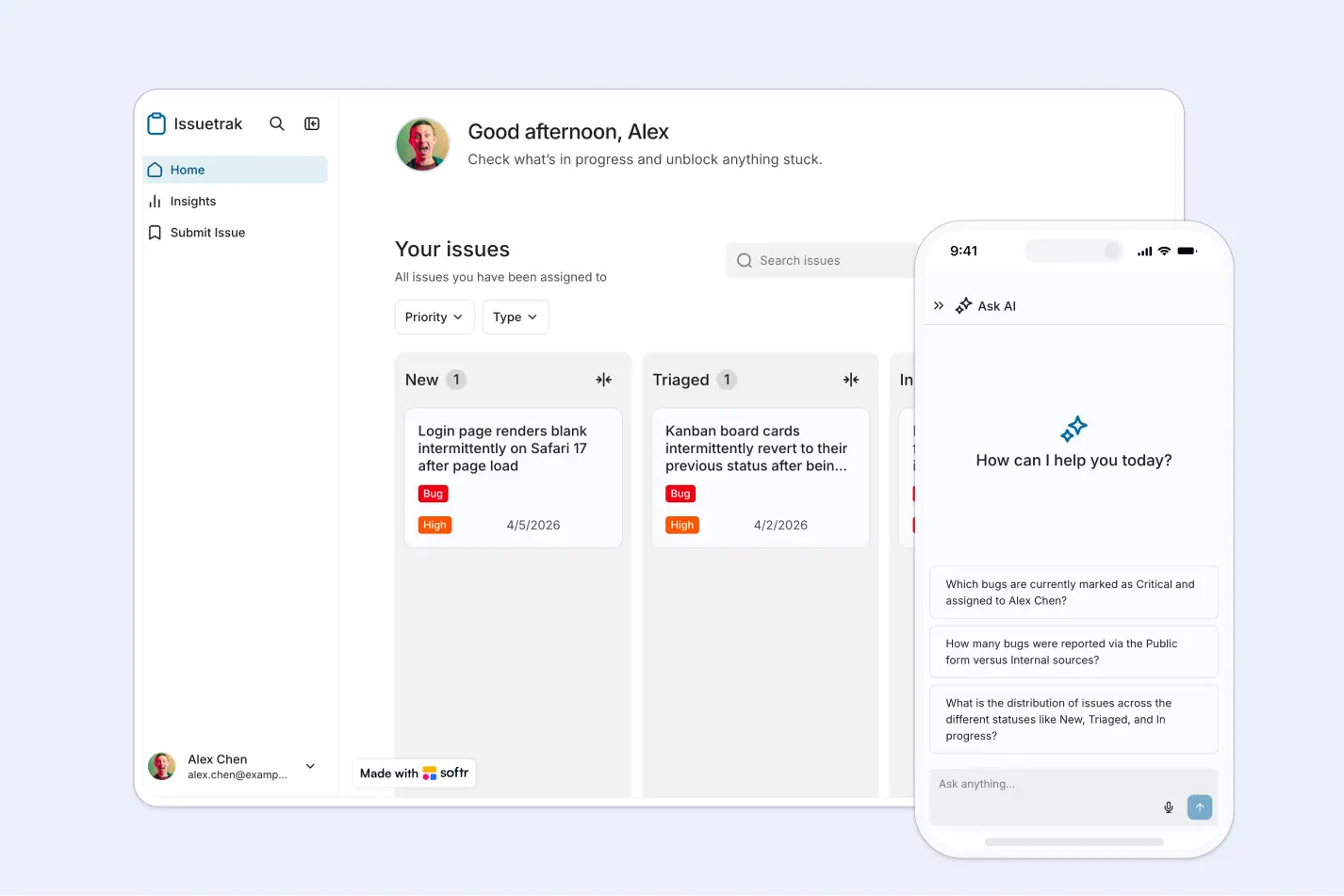
This free template helps you build a custom issue tracking app on top of your existing data, so your team can report, triage, assign, and resolve issues without relying on scattered spreadsheets or email threads.
It includes a sample structure for managing issue records, statuses, assignees, priorities, and attachments, and can be adapted to fit internal workflows for product, operations, support, or QA teams.
Why use this issue tracker template
- Centralize issue management: Keep bugs, enhancements, and feedback in one place with a clear workflow your team can follow.
- Improve visibility and accountability: Assign issues, track statuses, and review details so nothing slips through the cracks.
- Launch fast and customize easily: Start with a ready-made structure, then tailor fields, views, and permissions to match your process.
Template features:
- Kanban issue workflow
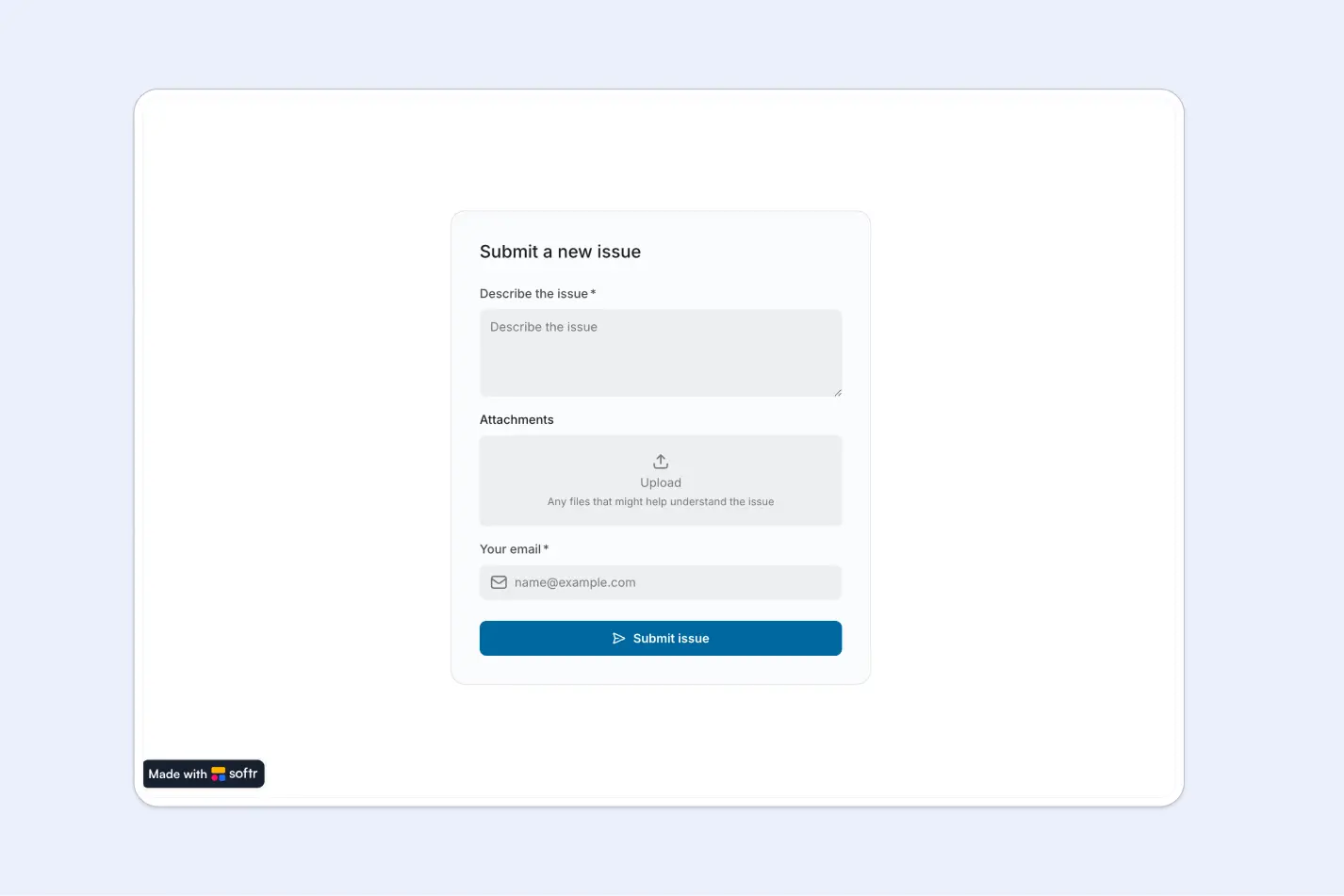
- Issue submission
- Status management
- All issues view
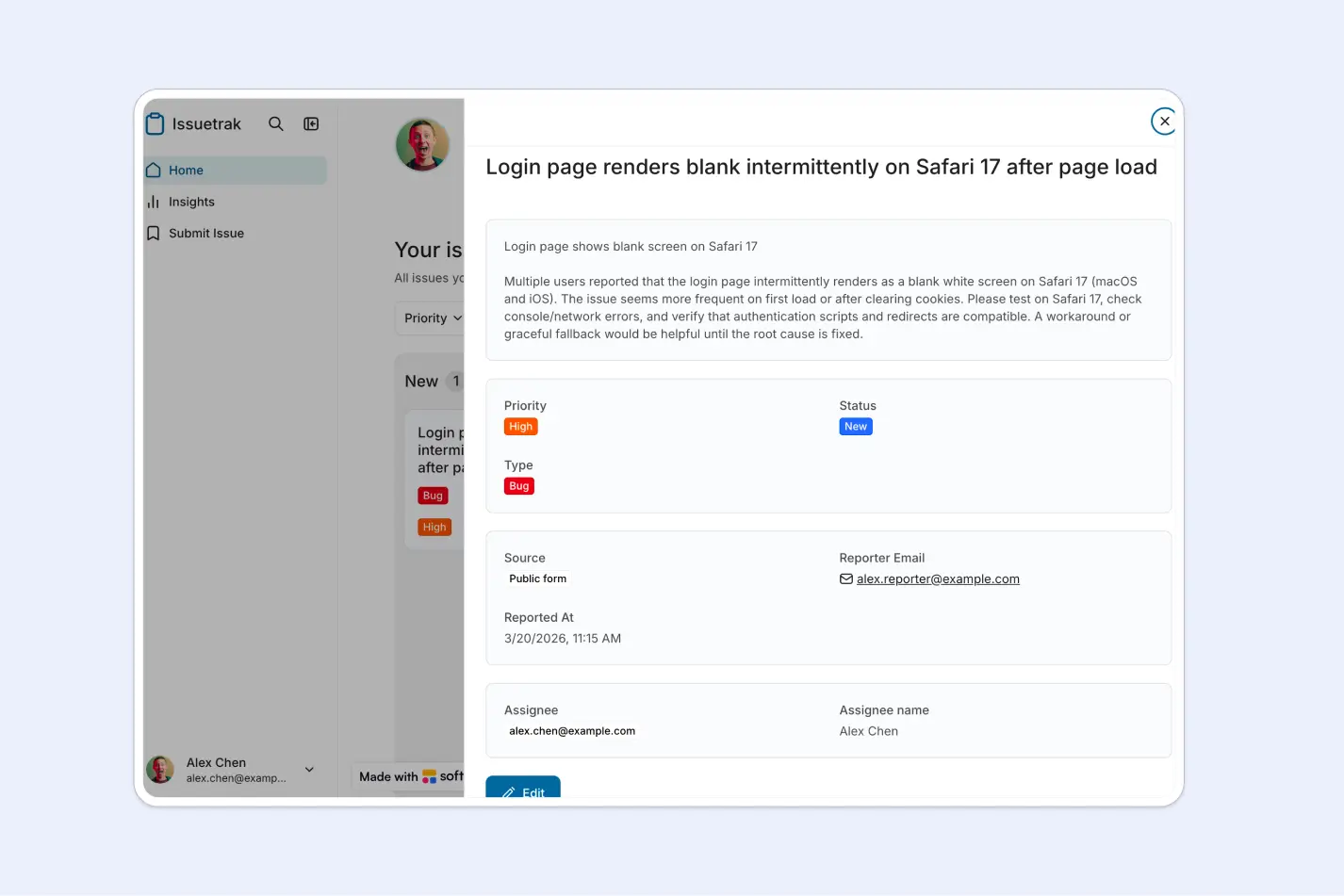
- Issue details
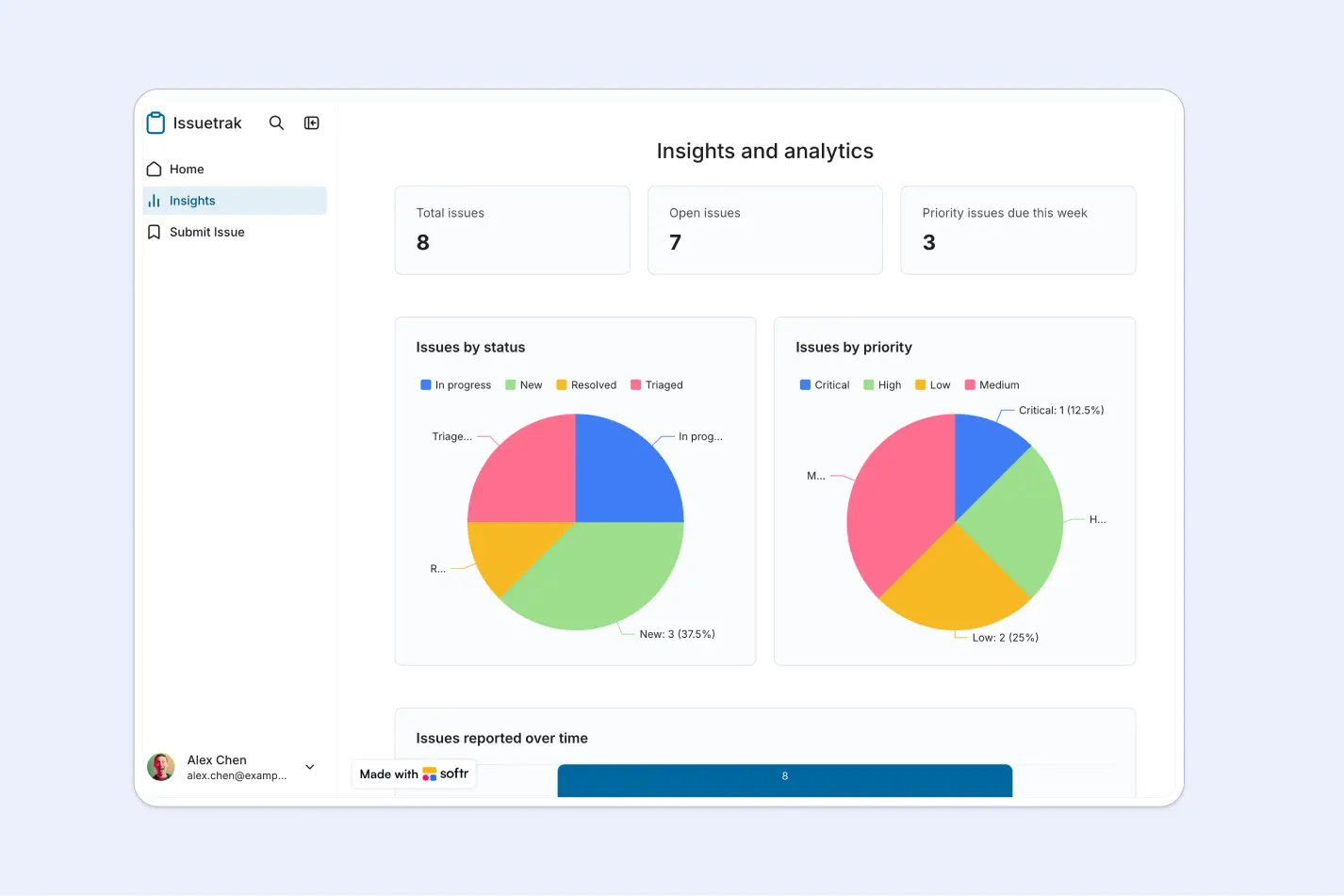
- Insights dashboard
- Role-based access
- Works on any device
Who is this issue tracker template for?
This template is built for teams that need a simple way to capture, manage, and resolve issues collaboratively. It's a great fit for:
- Internal teams that need a straightforward system for tracking bugs, enhancements, and feedback
- Product and operations teams managing incoming issues, ownership, and resolution workflows
- Startups and small businesses looking for a lightweight internal issue management solution
- Support or QA teams that need to triage, investigate, and resolve reported issues
- Organizations accepting public and internal submissions and wanting one place to manage both

“What we love most about Softr is the instantaneous, customizable power a no-code platform allows.”

- 1
- 2
- 3
- 4
Frequently asked questions
What is an issue tracker?
Why use an issue tracking template instead of spreadsheets?
Can I customize the issue statuses and fields?
Can users submit issues with attachments?
What data sources does Softr support for issue tracking apps?
Can I build and launch an issue tracker without coding?