Overview
This free template helps you build an expense tracker where employees can submit expenses, upload receipts, and monitor reimbursement status in one place.
It includes a sample database for expenses, categories, employees, statuses, review notes, and approvals, so you can replace scattered spreadsheets and manual email reviews with a simple app.
Why use this expense tracker template
- Centralize expense submissions: Keep titles, dates, amounts, descriptions, receipts, categories, and employee details organized in one searchable system.
- Speed up approvals: Give admins a review interface to approve or reject expenses, including a rejection reason when more context is needed.
- Improve visibility for everyone: Employees can track their own expenses, while admins can monitor pending reviews, category spend, and approved amounts.
Template features:
- Expense submission
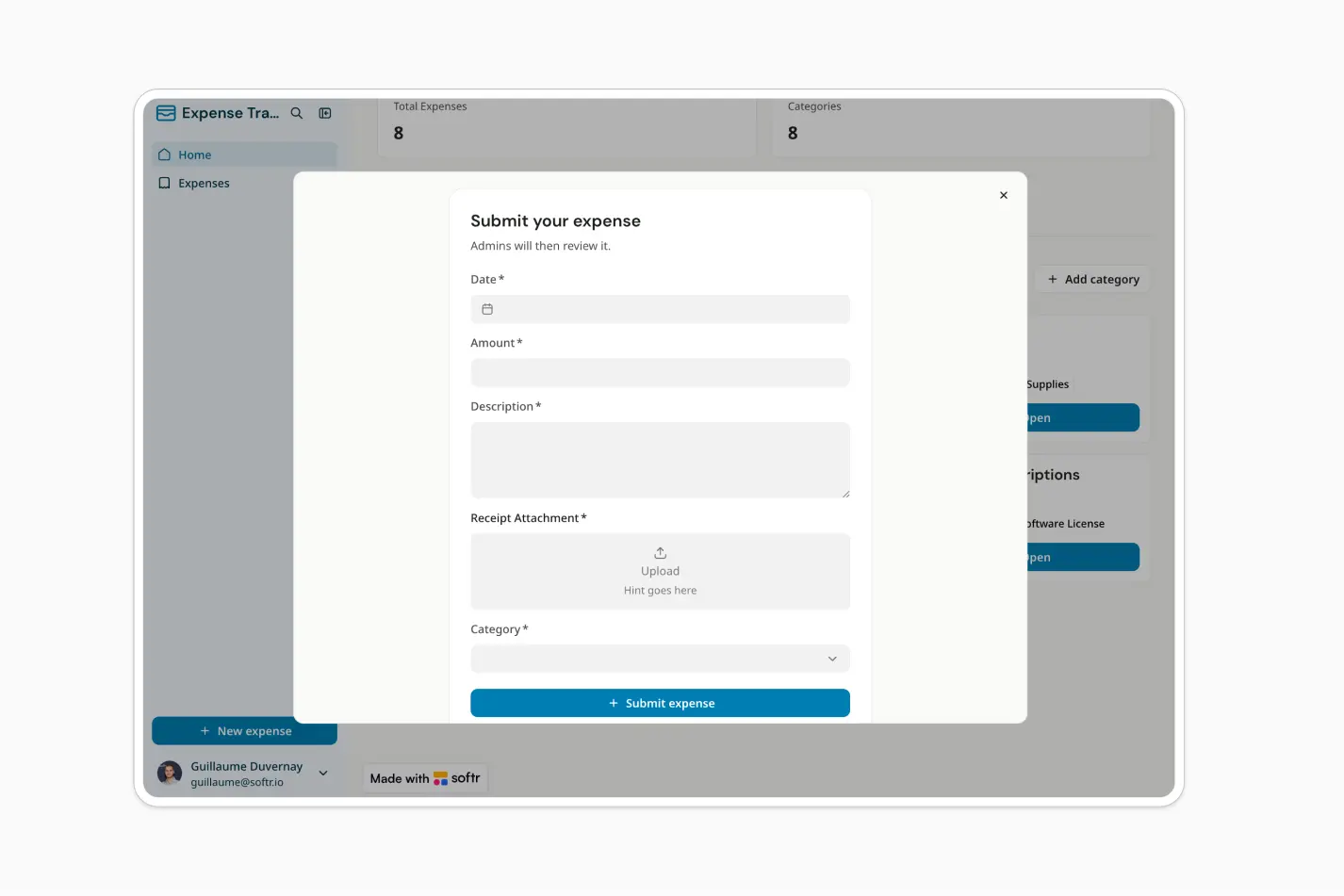
Employees can add new expenses with a title, date, amount, description, category, and receipt attachment.
- Receipt management
Keep supporting documents connected to each expense so finance teams can review submissions with full context.
- Admin review queue
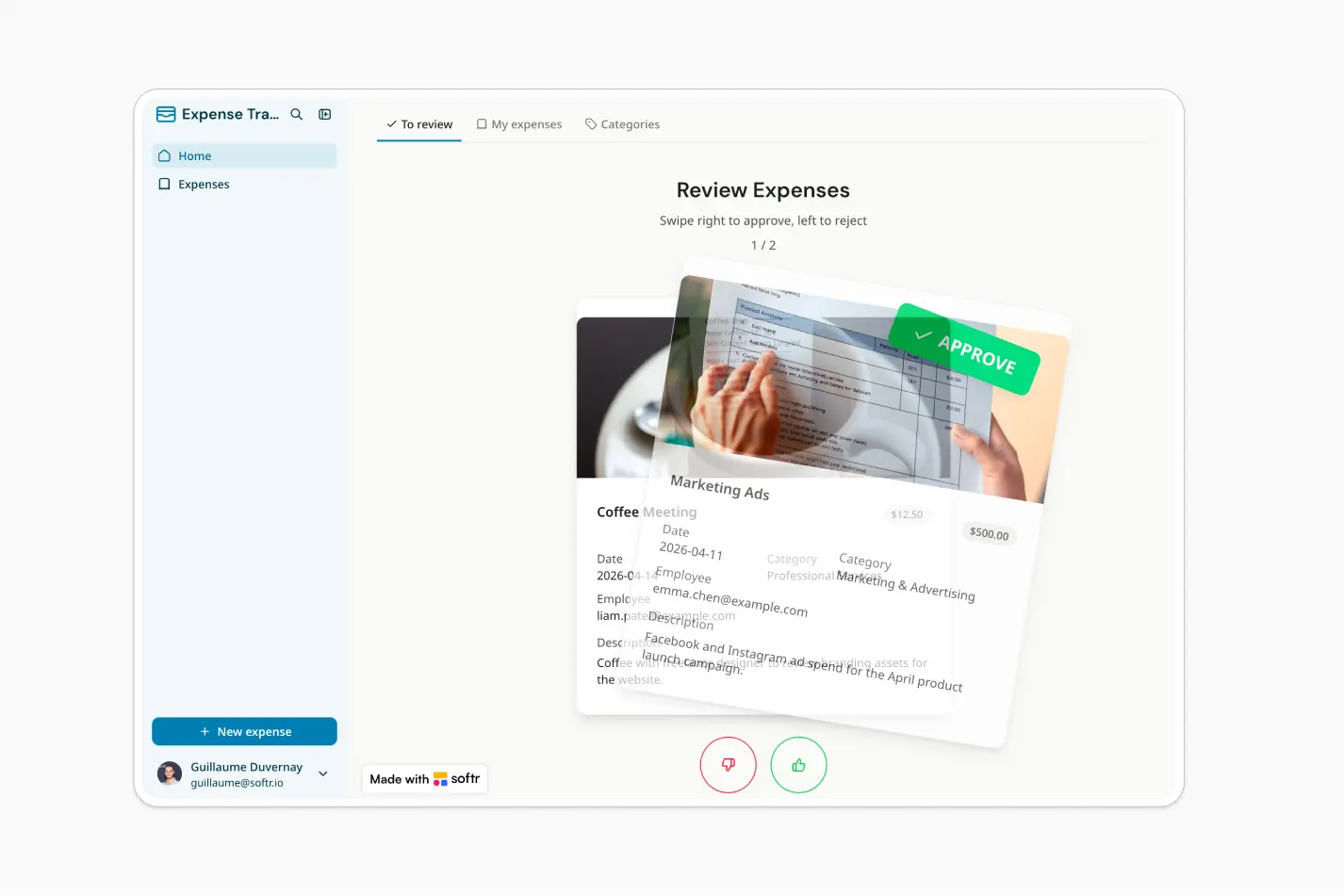
Admins can review pending expenses in a dedicated interface designed for quick approvals and rejections.
- Swipe-style approvals
Approve or reject expenses using an intuitive swipe-style workflow that helps admins move through reviews faster.
- Rejection reasons
When an expense is rejected, admins can add a reason so employees understand what needs to be corrected.
- Employee expense history
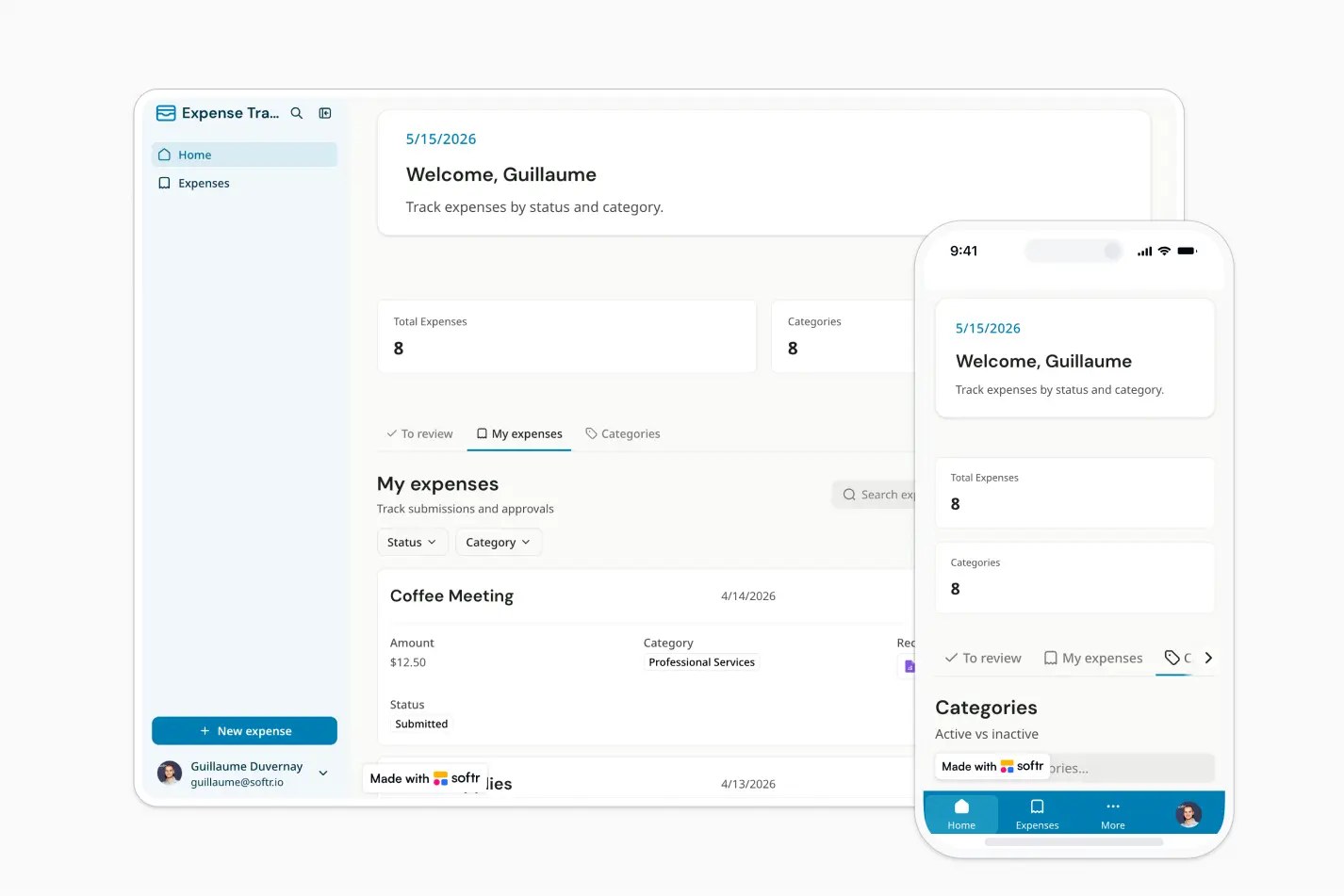
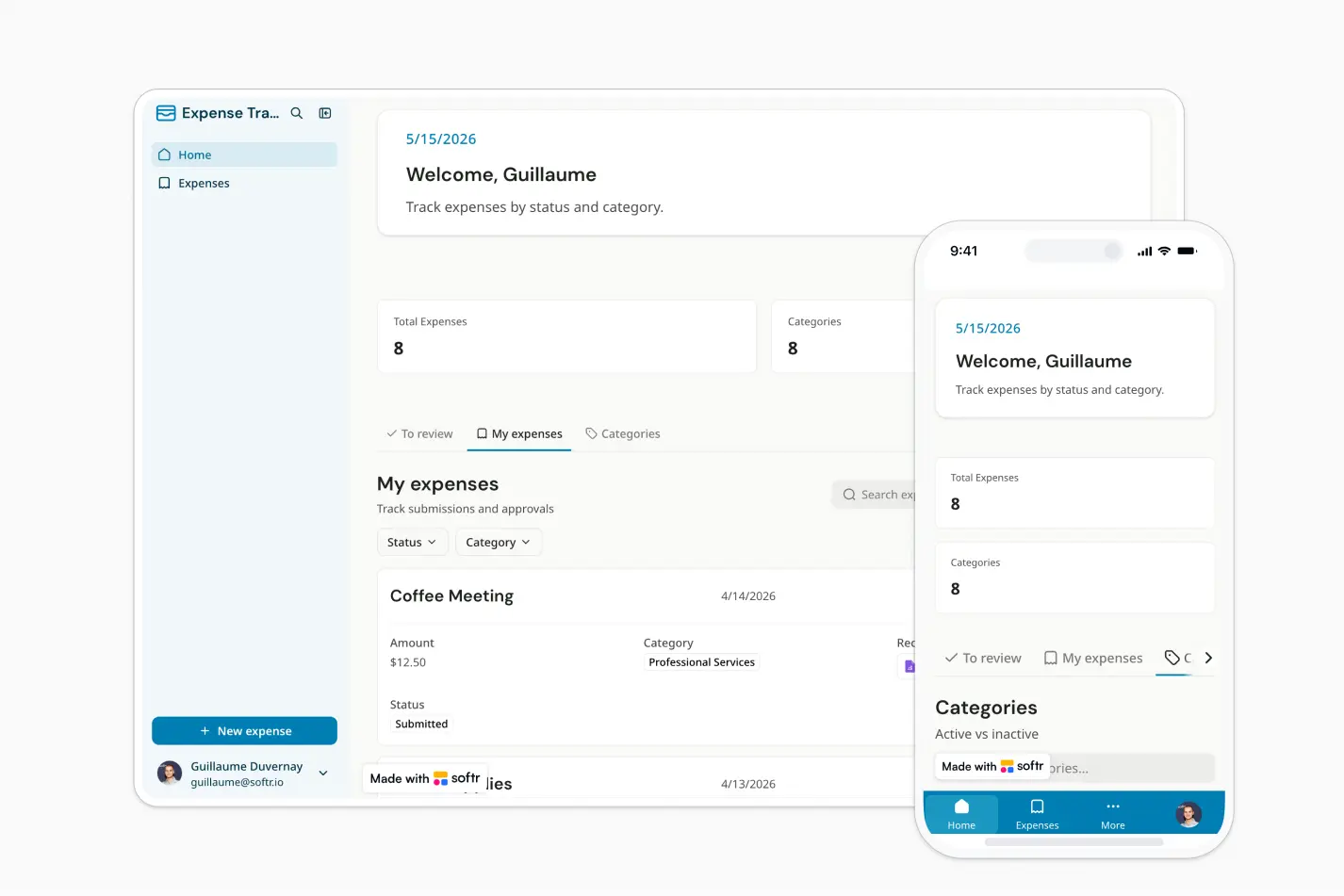
Employees can view their own submitted expenses, statuses, details, and related receipts.
- Category management
Organize expenses by category and monitor the number of expenses and approved amounts for each category.
- Role-based access
Use admin and employee permissions to control who can submit, review, approve, reject, or manage expense categories.
Who is this expense tracker template for?
This template is built for teams that need a simple, secure way to collect, review, and manage employee expenses. It's a great fit for:
- Small businesses: Replace spreadsheet-based expense tracking with a centralized app for submissions, receipts, and approvals.
- Finance and operations teams: Review employee expenses, track approved amounts, and organize spend by category.
- Agencies and consultancies: Let team members submit client-related expenses with supporting receipts and status visibility.
- Distributed teams: Give employees a self-service place to upload expenses from anywhere and check review progress.
- Nonprofits and community organizations: Track reimbursements, review spending categories, and maintain clearer financial records.

“What we love most about Softr is the instantaneous, customizable power a no-code platform allows.”
- 1
- 2
- 3
- 4
Frequently asked questions
- How fast can I set up an expense tracker with Softr?
This template gives you a working expense tracker in minutes, not weeks. Duplicate it into your Softr workspace and you get a ready-made database for expenses, categories, employees, and approvals, plus the submission, review, and reporting pages already built.
On day one you can log in, submit a test expense, and watch it move through the approval flow without changing a single setting. From there, use the AI Co-Builder to adjust it to your process, or the visual editor if you want more precise control over layout and design.
- How do I adapt this template to my company's expense process?
Start by duplicating the template into your own Softr workspace. Then prompt the AI Co-Builder to make it yours: ask it to add fields to the database, change how the review page is laid out, or apply a different theme by browsing the available options.
For example, you could type "add a field for expense receipts and require approval before an expense over $500 shows as paid." You can also fine-tune anything by hand afterward using the visual editor.
- Can this expense tracker support approval workflows?
Yes. This template includes an admin review experience where expenses can be approved or rejected, with a rejection reason added when needed. That reason shows up on the employee's own submission list, so they see why an expense was declined without asking finance directly.
You can adapt the workflow to match your internal finance or reimbursement process. You can also set up a Softr Workflow that notifies the finance team by Slack or email whenever an expense is submitted, one that automatically flags expenses above a certain amount for extra review, or one that reminds an employee if their submission sits pending for too long.
- How do I edit or customize this template?
Duplicate the template into your own Softr workspace, then prompt the AI Co-Builder to make changes simply by describing what you want, such as "add an approval step for expenses over $1,000" or "show a monthly total by category on the dashboard," and it edits the database, pages, and logic for you.
Or use the visual drag-and-drop editor for precise manual control: move blocks, adjust spacing, restyle buttons, or rearrange the layout pixel by pixel. Most teams use both, letting AI handle structural changes and the editor for final polish.
- What data sources does this expense tracker integrate with?
Softr includes native Softr Databases and also connects to 17+ external data sources, including Airtable, Google Sheets, Notion, HubSpot, monday.com, SQL databases, Supabase, ClickUp, and more.
You can also automate logic with native Softr Workflows, which trigger instantly on events like a new expense submission or a status change, no waiting on a scheduled sync. For anything outside Softr, connect Zapier or Make, for example to push approved expenses into your accounting software automatically.
- Is Softr secure enough for expense management?
Yes. Softr supports granular roles and permissions at the page, block, and button level. In an expense tracker, that means you can let employees see only their own submissions while managers see their team's, and restrict company-wide totals or export buttons to finance admins only.
Softr also includes enterprise-grade security features such as SOC 2 Type II compliance, SSO, and European data hosting. It is trusted by 7,000+ organizations and used by more than 1 million builders worldwide.