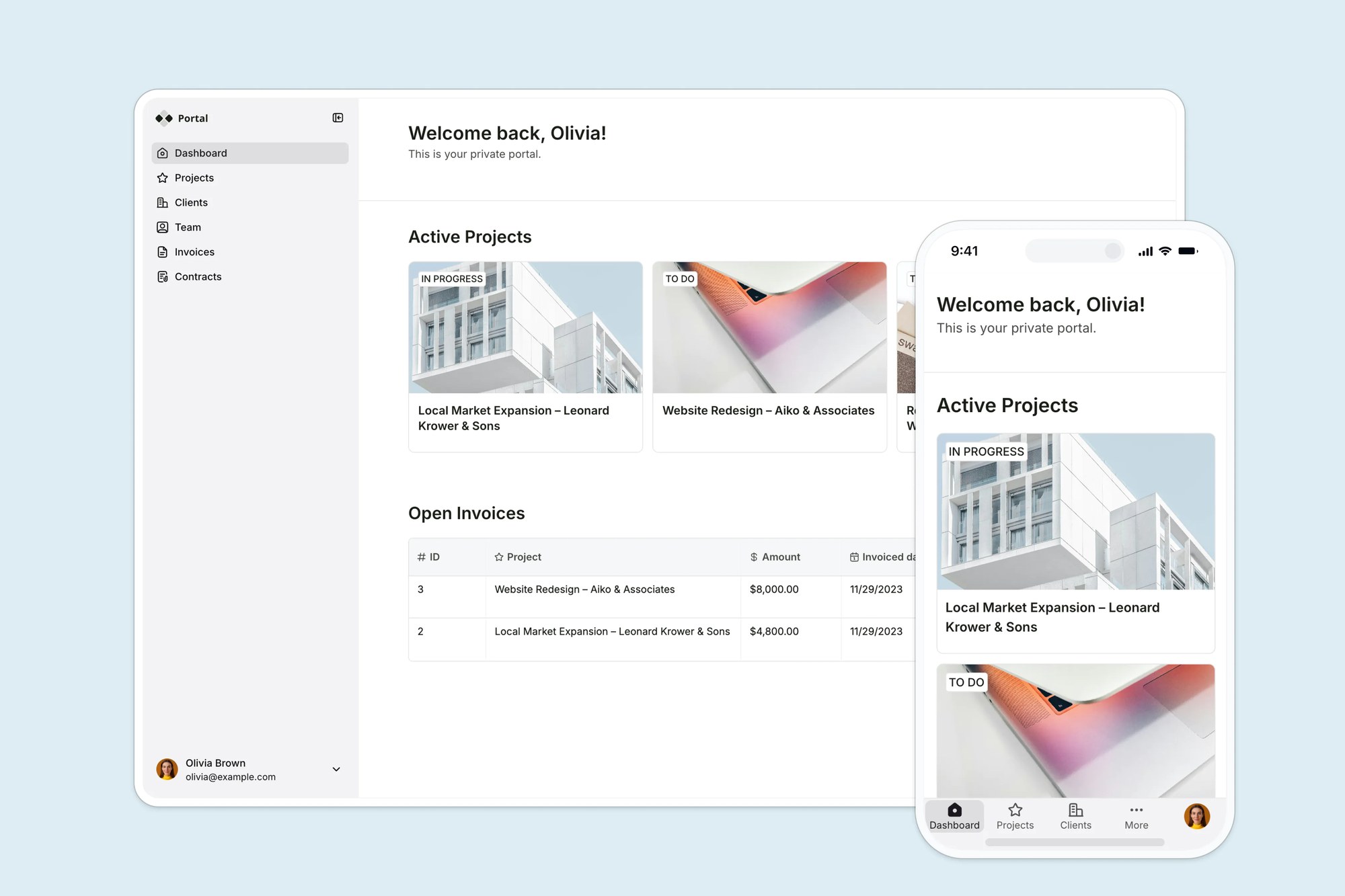
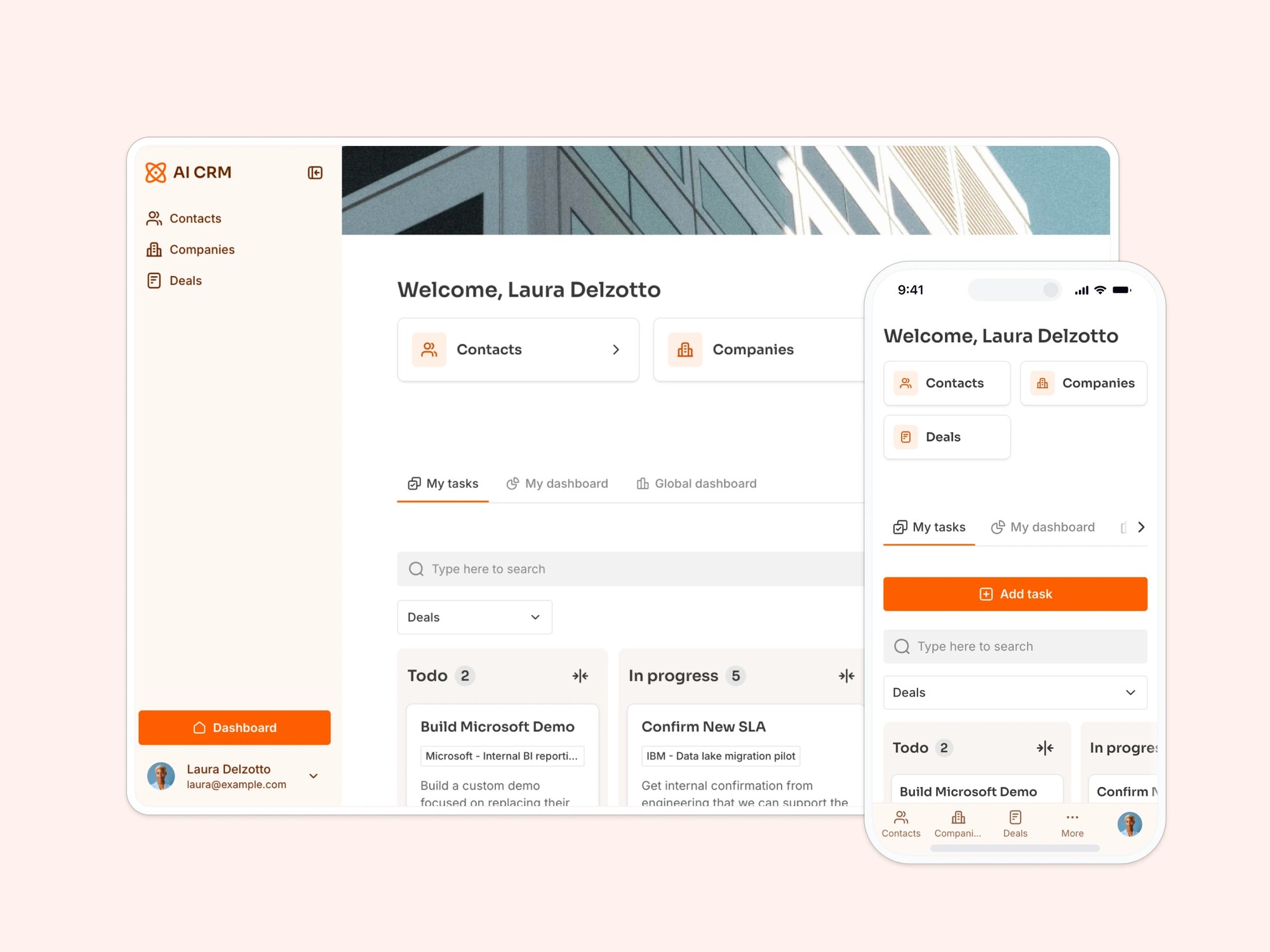
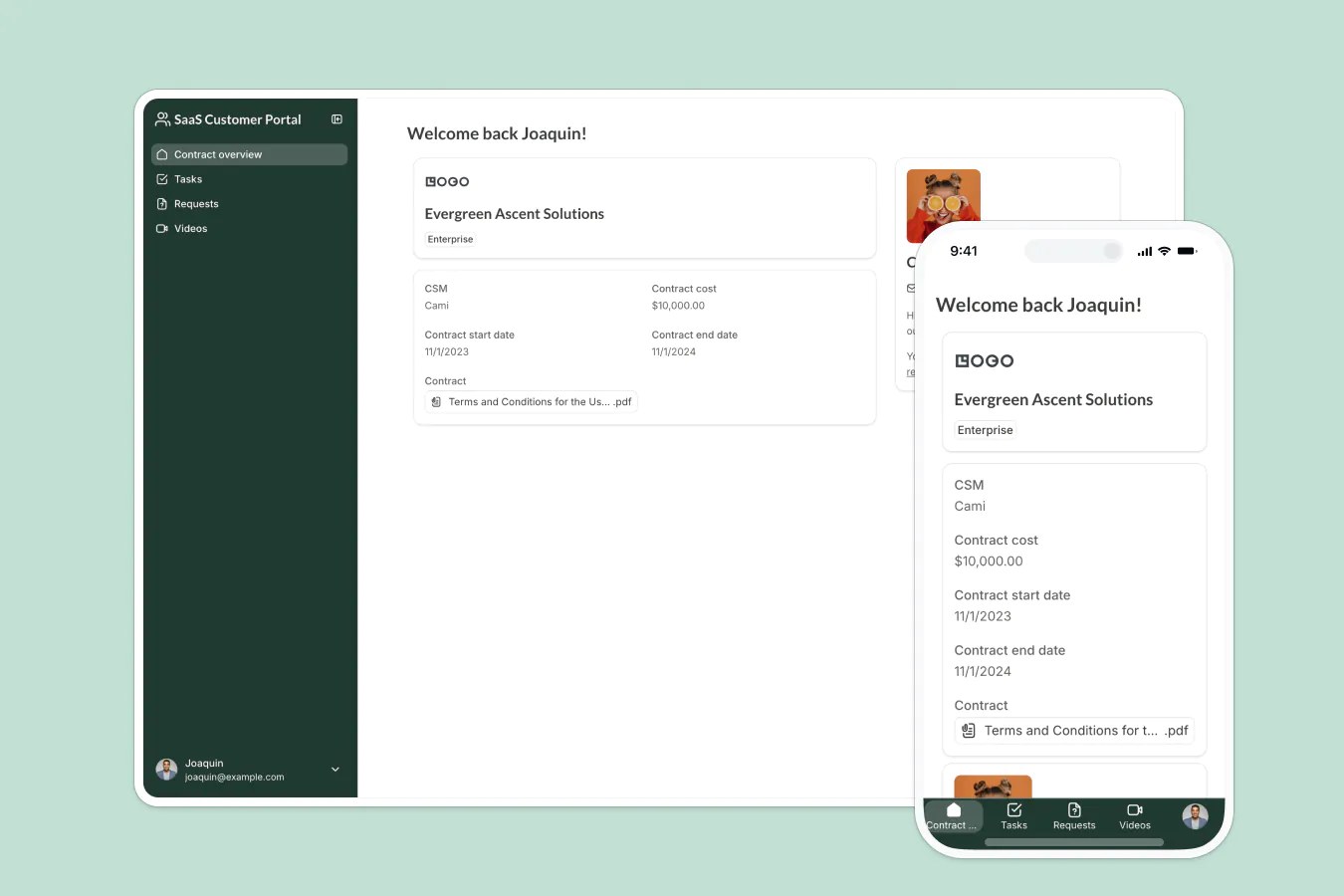
This free template from Softr helps you build a custom employee benefits and perks portal, fast, with no coding required.
Data sources supported





.svg)


Resources



No items found.
Overview
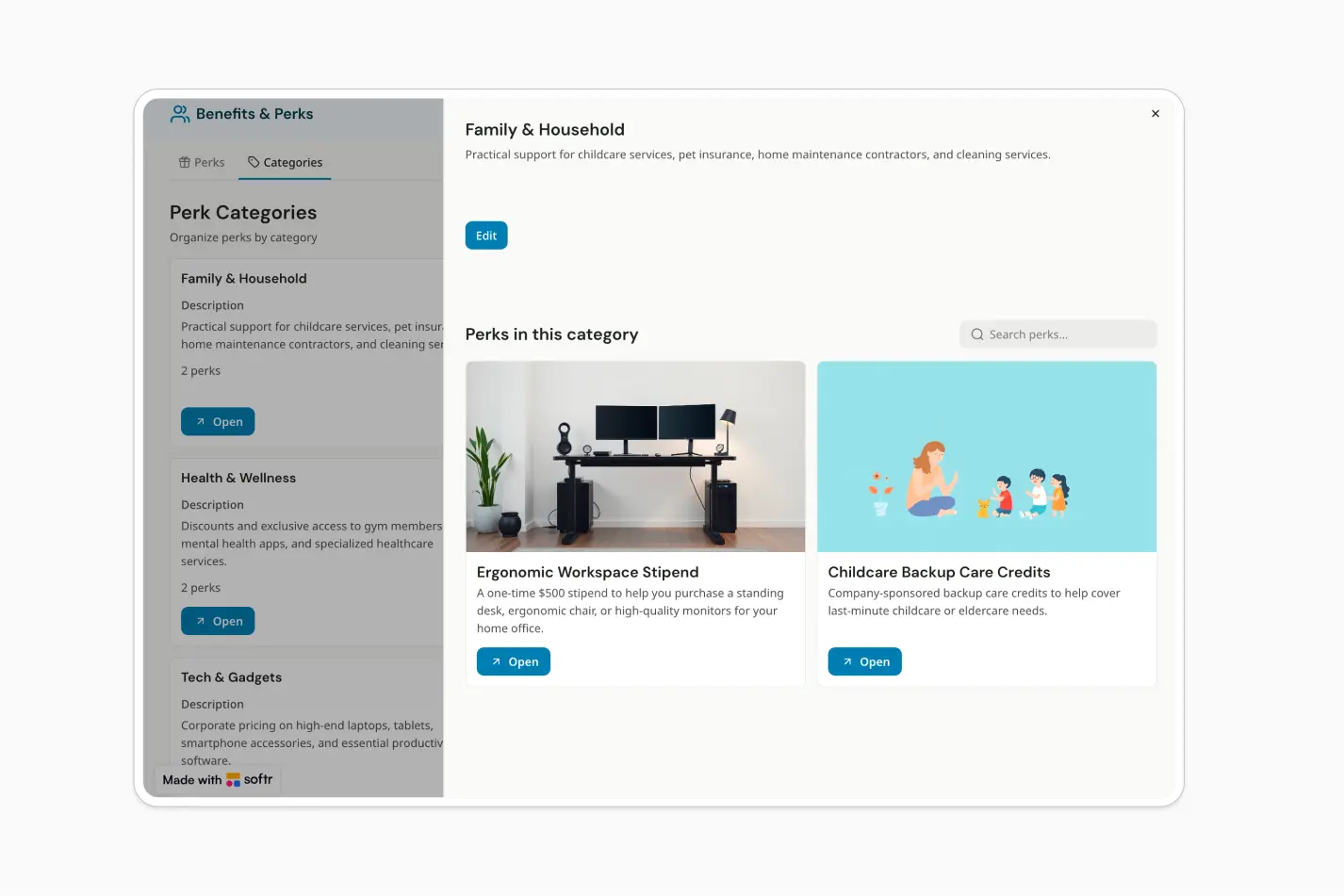
This free template helps you build an employee benefits and perks management portal where teams can browse perks, understand eligibility, and access usage instructions from one place.
It includes a sample database for perks and categories, and you can connect it to any Softr-supported source like Airtable, Google Sheets, Notion, monday.com, HubSpot, and more.
Why use this employee benefits and perks management template
- Centralize benefits information: Keep perks, eligibility rules, instructions, links, and attachments organized in one secure portal.
- Make perks easier to discover: Employees can search and filter benefits by category, making it simple to find what applies to them.
- Give admins a simple way to maintain content: HR and operations teams can add or update perks and categories without managing scattered documents or spreadsheets.
Template features:
- Perk directory
- Category filtering
- Detailed perk pages
- Perk category pages
- Admin-only content management
- Search across key fields
- AI-assisted answers
- Metrics dashboard
Who is this employee benefits and perks management template for?
This template is built for teams that want a clear, searchable hub for employee benefits, workplace perks, and internal programs. It's a great fit for:
- HR teams: Share health benefits, stipends, wellness programs, learning budgets, and policy details in one employee-friendly portal.
- People operations teams: Keep perks updated, organized by category, and easy for employees to access without repeated questions.
- Startups and growing companies: Create a polished benefits hub quickly, even before investing in a full HRIS or employee experience platform.
- Distributed and remote teams: Give employees a single place to find perks, usage instructions, links, and attachments from anywhere.

“What we love most about Softr is the instantaneous, customizable power a no-code platform allows.”

- 1
- 2
- 3
- 4
Frequently asked questions
What is an employee benefits and perks management portal?
Why should companies use a benefits and perks management template?
Can employees search and filter available perks?
How do I edit or customize this template?
What data sources does this employee benefits template integrate with?
Is Softr secure enough for an internal employee portal?