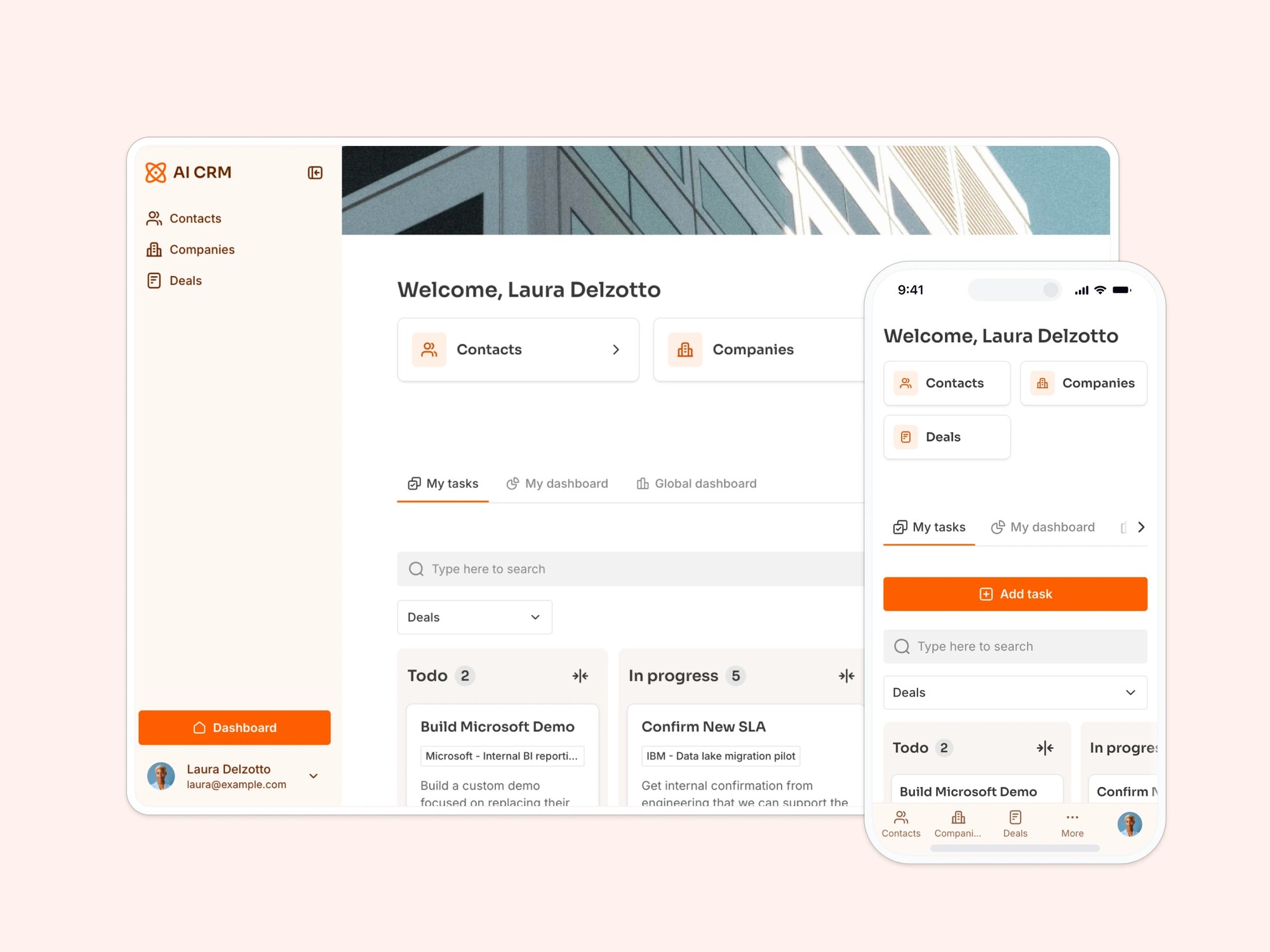
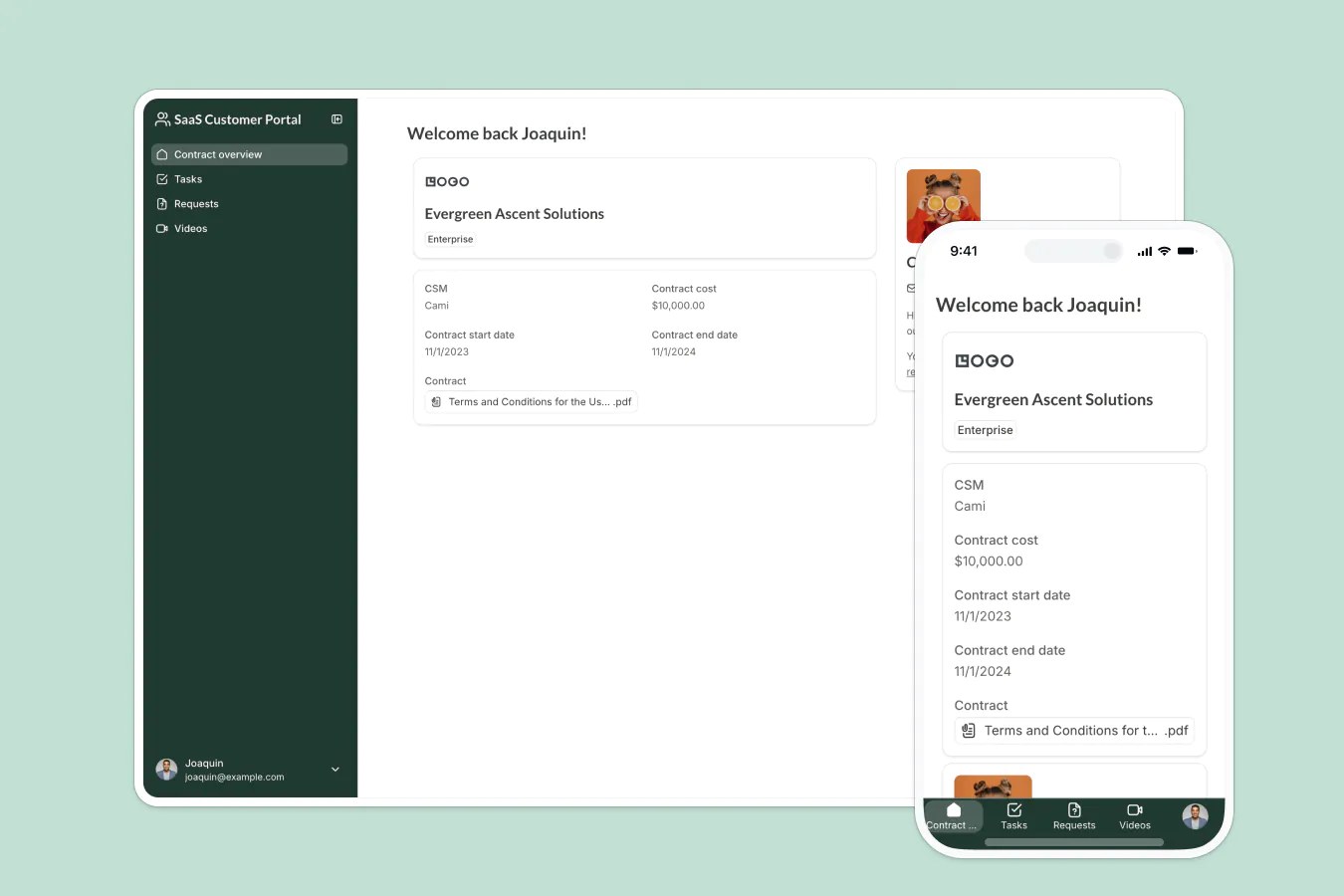
Track leads, manage pipelines, and centralize communication in one custom CRM, powered by Airtable.
Data sources supported





.svg)


Resources


No items found.
Overview
This free template helps you build a custom CRM on top of your existing data, so you can ditch scattered spreadsheets and keep your team aligned across the entire sales process.
It comes with a sample Airtable base to show you exactly how to organize your leads, deals, and tasks.
Why use this Airtable CRM template
- Centralize your pipeline in one place: Track leads, deals, and tasks in a visual dashboard your team can actually use.
- Customize the CRM to fit your workflow: Edit fields, views, and permissions based on your team’s process, no devs required.
- Skip the bloat (and the cost): Start with only the features you need and expand as your sales process evolves.
- Built-in Softr Database, Airtable optional: Launch instantly with the included Softr Database, no per-collaborator fees and a much higher API rate limit than Airtable's, or connect your existing Airtable base natively if that's where your deals and contacts already live.
Template features:
- Role-based access
- Account and contact management
- Sales pipeline tracking
- Notes and interactions
- Search & filtering
- Reporting & dashboards
- Works on any device
Who is this Airtable CRM template for?
This template is ideal for sales teams and client-facing teams who need a simple, flexible system to track opportunities and manage communication — especially if you're not ready to commit to expensive or complex CRM software.
- Startups & SMBs: Replace messy spreadsheets with a structured, scalable CRM you can update as you grow.
- Freelancers & solo consultants: Stay on top of leads, interactions, and tasks without drowning in tools.
- Agencies & service-based businesses: Organize sales activity and handoffs across team members or departments.
- Internal teams (recruiting, partnerships, etc.): Use the template to track internal “sales-like” workflows like hiring pipelines, investors, partners, or other outreach.

“What we love most about Softr is the instantaneous, customizable power a no-code platform allows.”

- 1
- 2
- 3
- 4
Frequently asked questions
Why do I need a CRM?
Do I need to use Airtable to run this template?
Can I customize the CRM to match my sales process?
Can I integrate with other tools (like Slack or email)?
Is this mobile-friendly?