



Build portals and tools powered by Microsoft Excel
Turn your Excel spreadsheets into custom apps, dashboards, and client portals, without code.
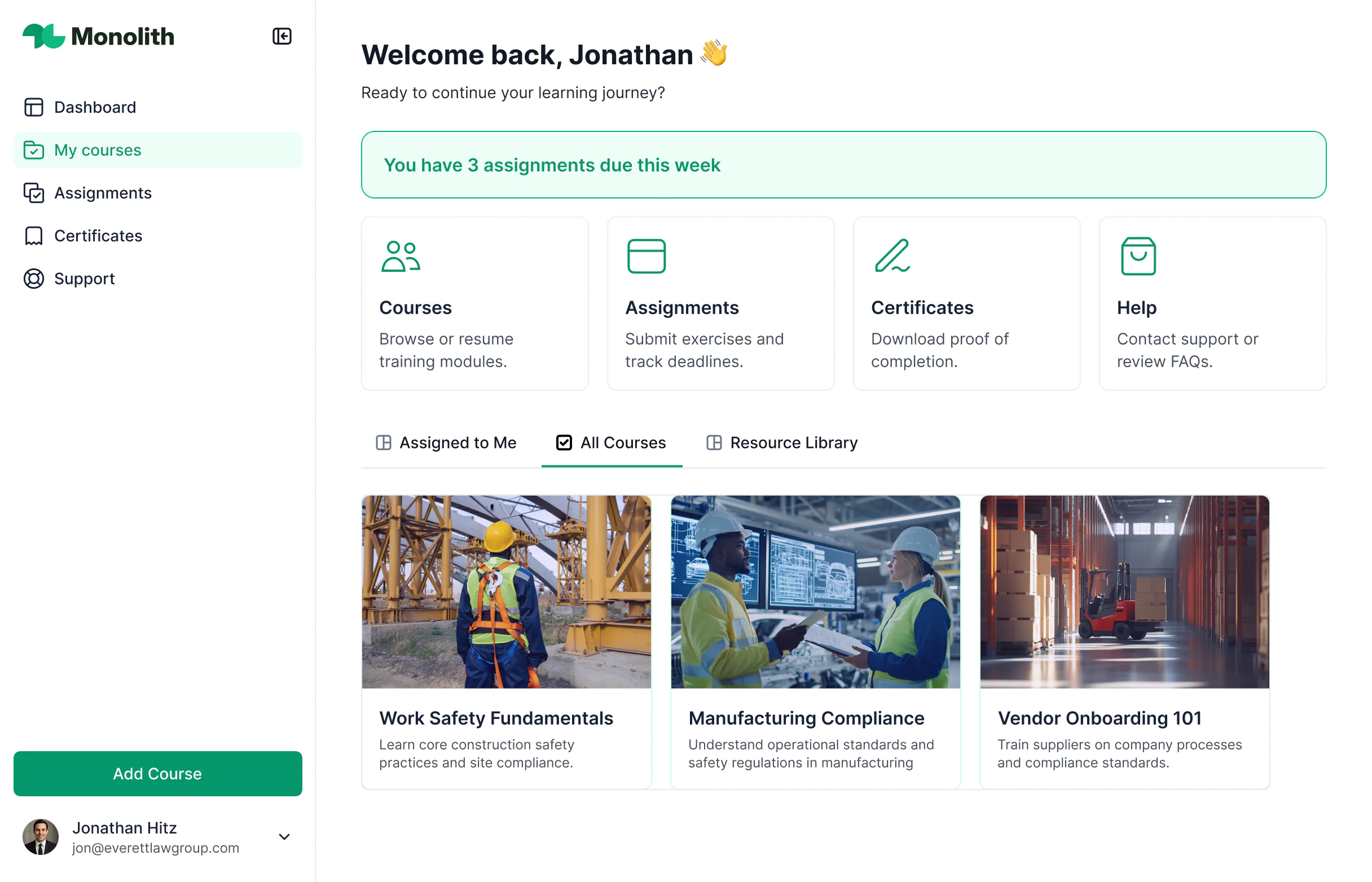










Connect your Excel workbooks.
Add Excel as a data source in your Softr workspace and sign in with your Microsoft account. Then combine Excel with other data sources in one app.

Control who can see your data.
Instead of sharing full workbooks, decide what each user can see. Use permissions to protect sensitive information, so nobody needs access to the whole file.

Design branded, full-stack apps.
Use blocks to build white-labeled portals, trackers, and dashboards. Customize layouts, add buttons, and match your brand, without code or design skills.

Bring Excel data to life
Stop emailing spreadsheets around. Build apps that fit your data and workflows.

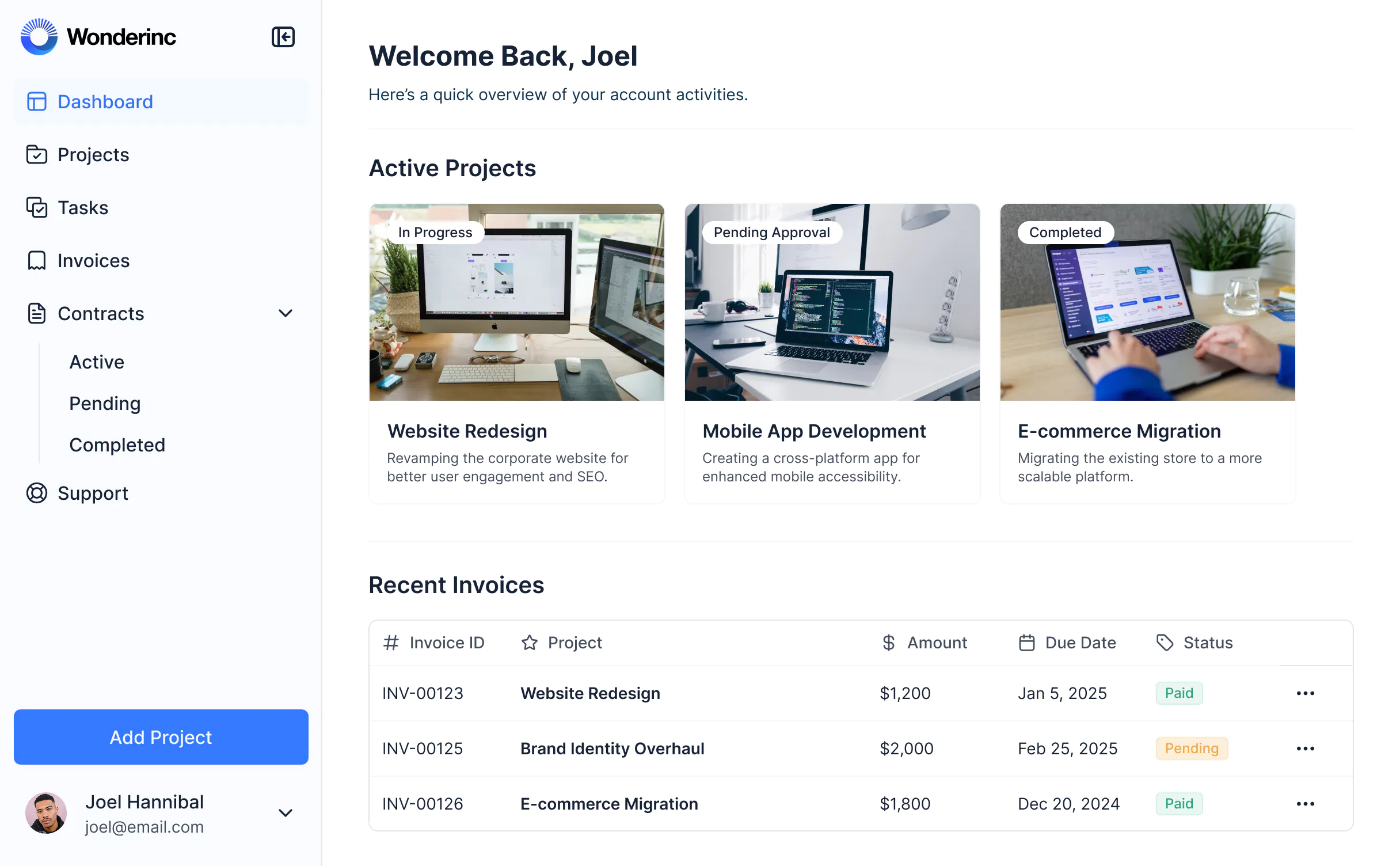


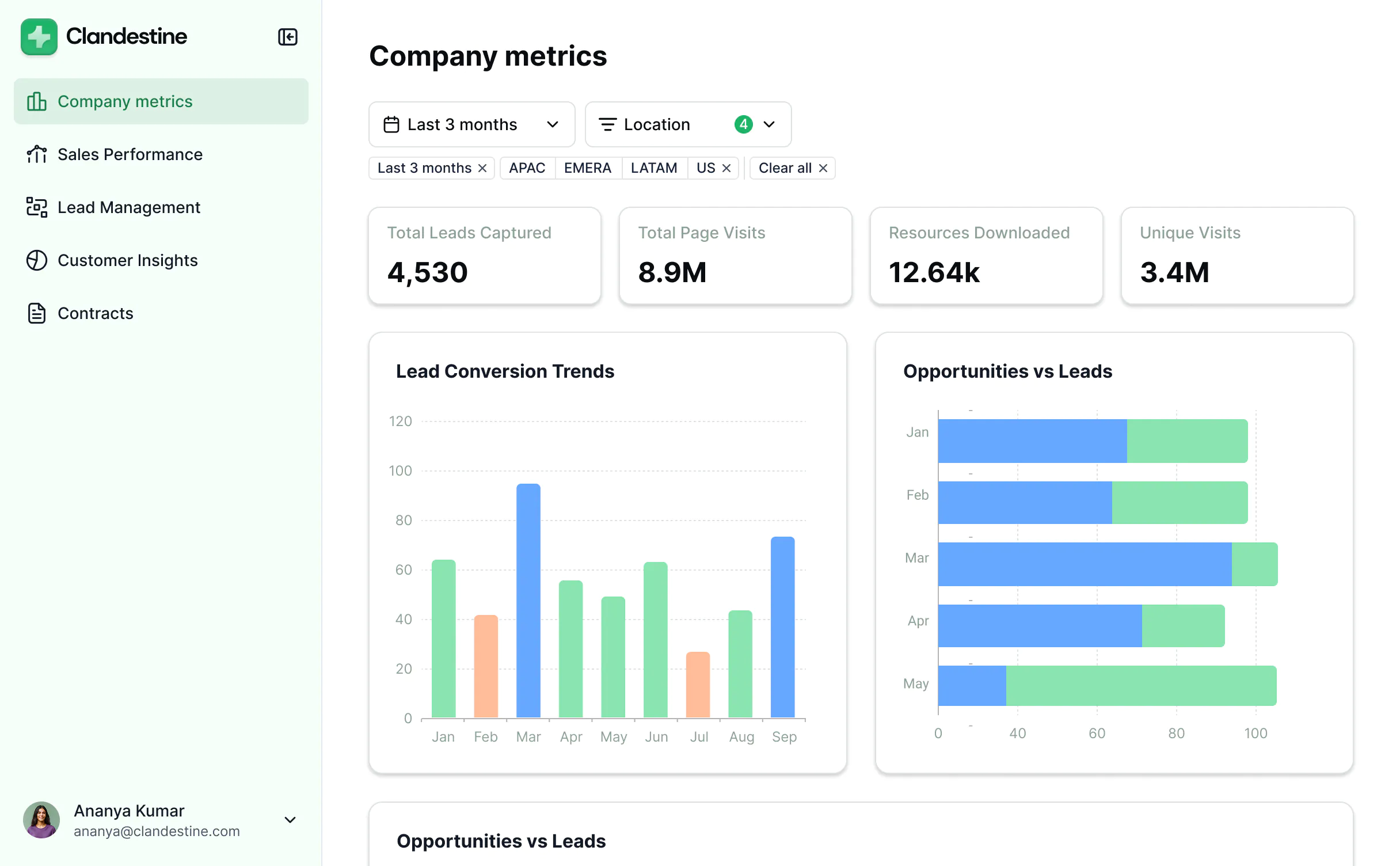
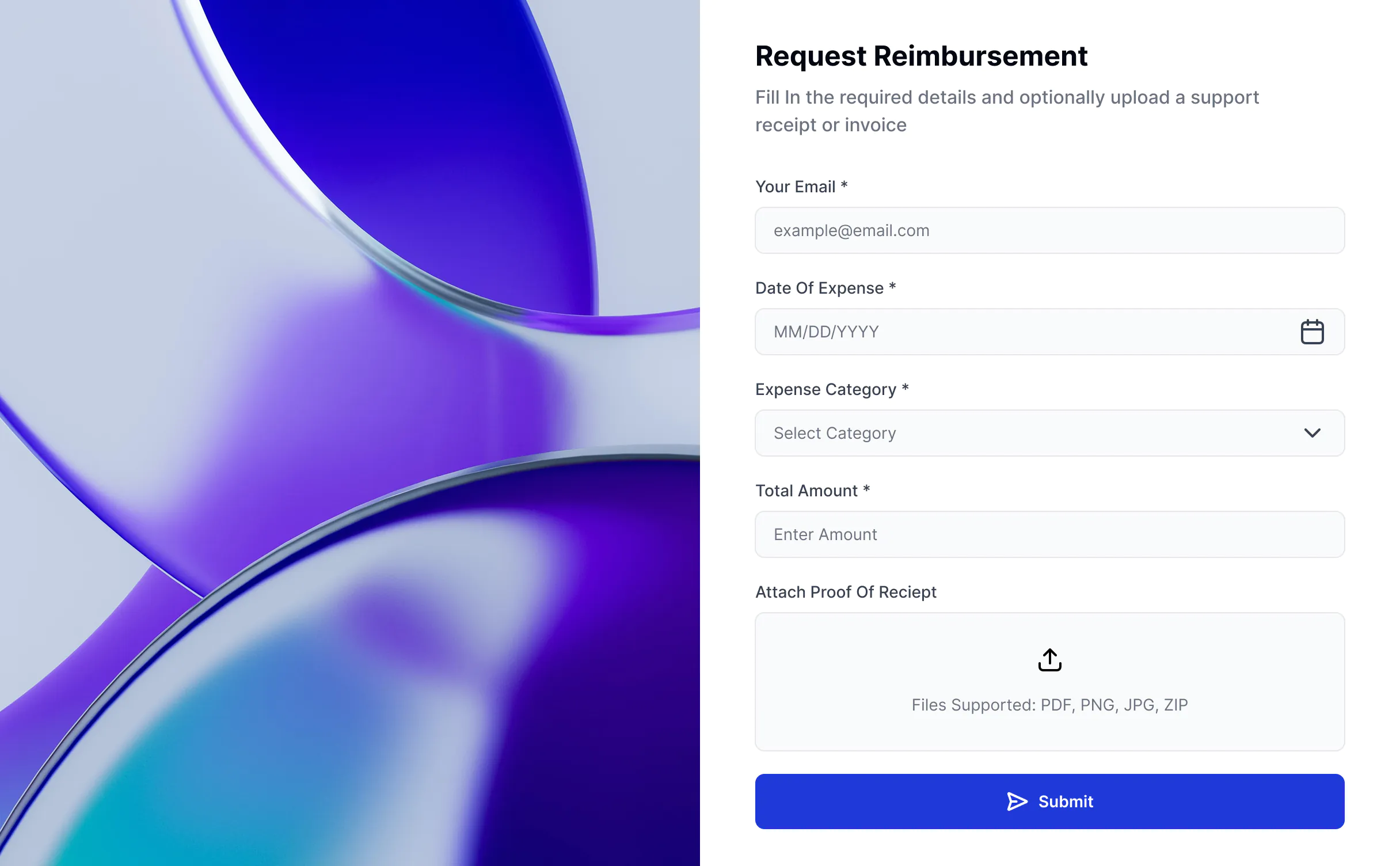


Take Excel further with Softr


Permissions & client access
Share workbooks through OneDrive or SharePoint links.
Share secure interfaces that show only the data you choose.
Edit access gives people control over the whole workbook.
Control what each user group can see in the app, down to individual records.
Shared links either open the file to anyone with the link or need a Microsoft sign-in.
Invite clients, partners, or teammates to log in to your app, without a Microsoft account.

User experience & branding
Excel is built for working with numbers, not for client-facing experiences.
Create fully white-labeled portals with your own domain, logo, and layout.
Workbooks have limited styling and look the same for every user.
Use blocks to present Excel data in clean, branded interfaces.
Forms
Microsoft Forms collects responses with simple branching.
Build forms with conditional logic and your branding.
Responses land in one linked workbook.
Send form responses to Excel with Softr Workflows, or store them in another connected data source.

Pricing
Teams that collaborate in Excel usually pay for Microsoft 365 seats.
Your app users don't need Microsoft 365 seats. Excel is available on the Softr Business plan.

Dashboards & reporting
Charts and dashboards only use the data in that workbook.
Build dashboards that combine Excel data with sources like HubSpot or SQL databases.

All the features you need
Create a personalized, secure experience for every app user. Tailor the look and feel to align with your brand.

Branding
Deliver professional, white-label apps that impress your team and clients. Customize to reflect the look and feel of your brand.

Works on any device
Softr apps are mobile-ready by default. Turn it into a downloadable app in one click with Softr’s PWA—no extra design needed.

Automations
Connect with your existing tools (Make, Zapier) or use Softr Workflows to build automations directly inside your apps.

User groups
Create custom user groups and separate logins to provide personalized dashboard views and access levels for different users.

Advanced permissions
Customize who sees what, and which actions they can take, at even the most granular level.

Security
Protect client information from security threats. Softr is fully compliant with SOC2 and GDPR regulations.

Go from zero to app, incredibly fast
Co-build with AI
Simply describe what you need. Let Softr handle everything - Interface, database, workflows.
Iterate with AI or visually
Control most critical parts of your app yourself, including: roles, permissions, and security.
Ship the same day
Invite team members or external clients and partners right away. Build AI apps with no developer handover.


Frequently asked questions
How do I connect Microsoft Excel with Softr?
How do I connect Microsoft Excel with Softr?
In your Softr workspace, add Microsoft Excel as a data source and sign in with your Microsoft account, the same way you connect other data sources. Then connect a block in your app to the data you want to show.
Can I write data back to Excel from Softr?
Can I write data back to Excel from Softr?
Yes. Use Softr Workflows to add, update, or delete rows in Excel. For example, add a row when someone submits a form, or update a row when a user clicks a button in your app.
Who can view my Excel data in Softr?
Who can view my Excel data in Softr?
Only users with the right permissions. Define user groups in Softr and set visibility rules, so each user sees only what they're allowed to.
Which Softr plan includes Microsoft Excel?
Which Softr plan includes Microsoft Excel?
Microsoft Excel is available on the Business and Enterprise plans.