With hybrid and remote work now the norm, the wrong tool for client work and internal projects slows everyone down. Karbon was built to fix that for accounting firms specifically, but its bulky setup, counterintuitive interface, and limited customization frustrate a lot of teams once they outgrow the basics. Here are the best alternatives, focused on flexibility and interfaces you can shape around how your team works.
Best Karbon alternatives at a glance
| Provider | Best For | Key Features | Pros | Cons | Starting Price |
|---|---|---|---|---|---|
| Softr | Non-technical teams building portals and internal tools | AI Co-Builder to generate a full app from a prompt, native Softr Databases, granular user groups and permissions, 21+ data source connections. | Beginner-friendly, highly customizable | Not built for public-facing e-commerce. | Free plan available; paid plans start at $19/month for Team: 5 + Client: 5 app users. |
| Monday.com | Visual projects | Customizable workflows, visual tracking, integrations | Highly visual, Flexible | Steep learning curve | $10/user/month |
| ClickUp | Versatile tasks | Task management, docs, goals, automations | Feature-rich, Affordable | Overwhelming for beginners | $5/user/month |
| Asana | Team collaboration | Task tracking, project timelines, automation | User-friendly, Collaboration | Limited reporting options | $10.99/user/month |
| Wrike | Custom projects | Task & project tracking, dashboards, time tracking | Customizable, Comprehensive | Complex setup | $9.80/user/month |
What is Karbon?
Karbon is an online workspace and project management tool tailored to the needs of accounting firms and business professionals. It offers a consolidated platform for managing planning, client work, and communication, all in one place.
With features such as advanced collaboration tools, task management, workflow automation, and email integration, Karbon provides an interface designed to increase productivity within accounting firms and similar businesses. Many users initially chose Karbon because of its robust integration capabilities, allowing them to manage a diverse range of tasks from a single interface.
However, like any tool, Karbon is not without its limitations, driving some users to seek alternatives that better fit their unique requirements and preferences.
What are the limitations of Karbon?
Despite its robust features, Karbon falls short in several areas. Let's break down some of the key limitations:
- Inadequate data import: Users often encounter issues importing contact emails into Karbon, leading to delays and frustration. These import issues impact workflow efficiency and data accuracy, making it challenging to maintain up-to-date information.
- Limited control over to-do lists: Many users express frustration with the lack of control over the to-do list functionality. This limitation affects task prioritization and organization, making it difficult for users to manage their workloads effectively.
- Slow performance and task mismanagement: Karbon's slow performance during peak usage times can hinder productivity. Additionally, tasks may get lost if not properly assigned, causing inefficiency and missed deadlines.
- High costs with per-user pricing: Karbon's per-user pricing model can become expensive, particularly for teams where not all members fully use the app. This financial strain is especially significant for smaller teams or startups operating on tight budgets.
- Cumbersome template setup: Setting up templates in Karbon is time-consuming and complex. The additional effort required to create and manage templates makes it less user-friendly, deterring some users from fully employing this feature.
- Underdeveloped document management: While functional, Karbon’s document management lacks the refinement needed for more advanced use cases. This limitation may compel teams to use additional tools for document management, leading to fragmented workflows and reduced productivity.
- Weak relationship management: Karbon’s CRM component is cumbersome, causing users to rely on other systems like Notion. This can result in disjointed workflows and a lack of centralized data management.
- Lack of integrated support system: The absence of an integrated support system that can automatically generate ticket numbers and link requests to client timelines complicates client communication and issue resolution. This leads to lower customer satisfaction and may drive users to seek alternatives with better support features.
What makes the best Karbon alternative?
Choosing the right Karbon alternative means prioritizing certain features and capabilities. Consider the following criteria:
- User-friendliness: An intuitive interface and ease of use are crucial, especially for non-technical users. A tool that simplifies complex processes can significantly improve user experience and productivity.
- Cost-effectiveness: Affordable pricing plans that offer value for money are essential, particularly for small businesses and startups. It's important to find a tool that fits within your budget without sacrificing the necessary features.
- Customization and flexibility: Extensive customization options allow users to create tailored workflows that meet their specific needs.
- Performance and scalability: The ideal alternative should handle large datasets and complex workflows without performance issues. Scalable solutions enable businesses to grow without outgrowing their project management tools.
- Robust integration capabilities: Strong integration capabilities with other tools and platforms ensure seamless collaboration and data flow across the organization. This is critical for maintaining efficient and connected operations.
- Support and resources: Reliable customer support, documentation, and community resources are vital for addressing issues and maximizing the tool's potential. Access to these resources can make or break the user experience.
5 Top Karbon alternatives to choose from in 2026
Before we explore each alternative, here's a comparison table highlighting the strengths and weaknesses of each platform.
Softr
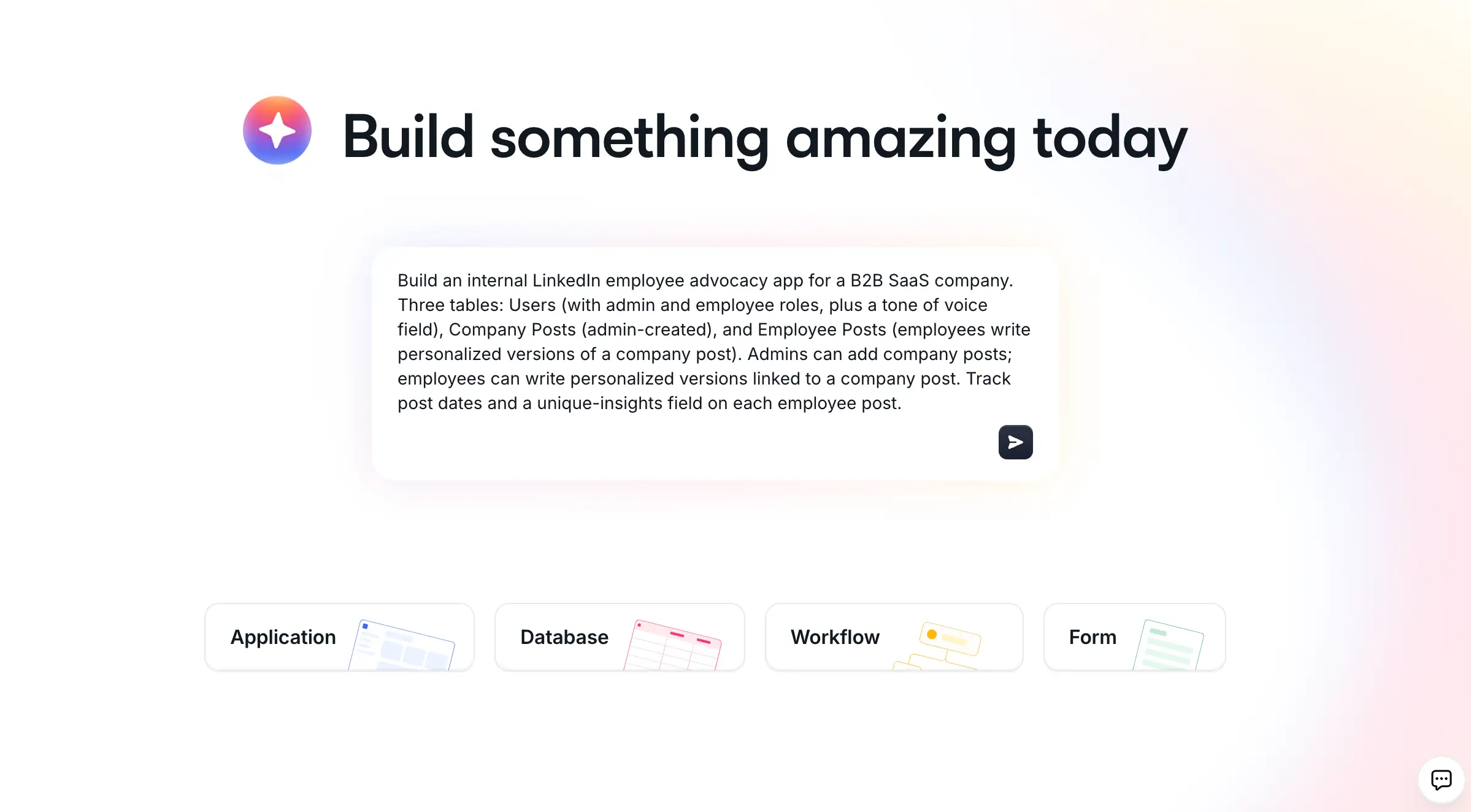
Softr is an AI app builder for creating real business software without code. Describe what you need, and the AI Co-Builder builds the database, interface, and logic together, already connected and ready for real users. It's a strong fit for accounting and professional services teams that want a client portal or internal tool shaped around their own process, rather than Karbon's fixed workflow.
With Softr, you can build on Softr Databases, our native relational database, or connect your existing data from Airtable, Google Sheets, HubSpot, monday.com, Supabase, Xano, SQL databases, and 21+ other sources. Rather than starting from a blank page, describe your app to the AI Co-Builder and it generates a working version (tables, pages, user groups, and navigation) that you can then refine manually, or start from one of the ready-made templates if you'd rather adapt an existing layout.
Officeheads, an accounting firm, replaced a patchwork of email threads and shared documents with a single Softr-powered client portal in under two days. It now serves 50+ SMB clients with self-serve dashboards, document downloads, and a shared task board, removing the repetitive email questions that used to eat into staff time.
Key Features:
- AI Co-Builder: Describe your app in plain language and the AI Co-Builder generates the database, pages, blocks, and user permissions for you. Once inside the editor, you can keep prompting it to add blocks, build dashboards, or set up action buttons, or switch to manual editing at any point.
- Softr Databases: A native, relational database purpose-built for business data, with row-level permissions, relational links, and database AI agents that can enrich records automatically. You can also connect Airtable, Google Sheets, HubSpot, and 21+ other data sources if that's where your data already lives.
- Vibe Coding block: For anything pre-built blocks don't cover (a custom timeline, a pricing calculator), the Vibe Coding block generates a custom component from a prompt that inherits your app's theme and connects securely to your data.
- Users and permissions: Granular user groups and permissions let you show different data and pages to admins, staff, and clients from the same app, which matters a lot once you're managing multiple client accounts in one place.
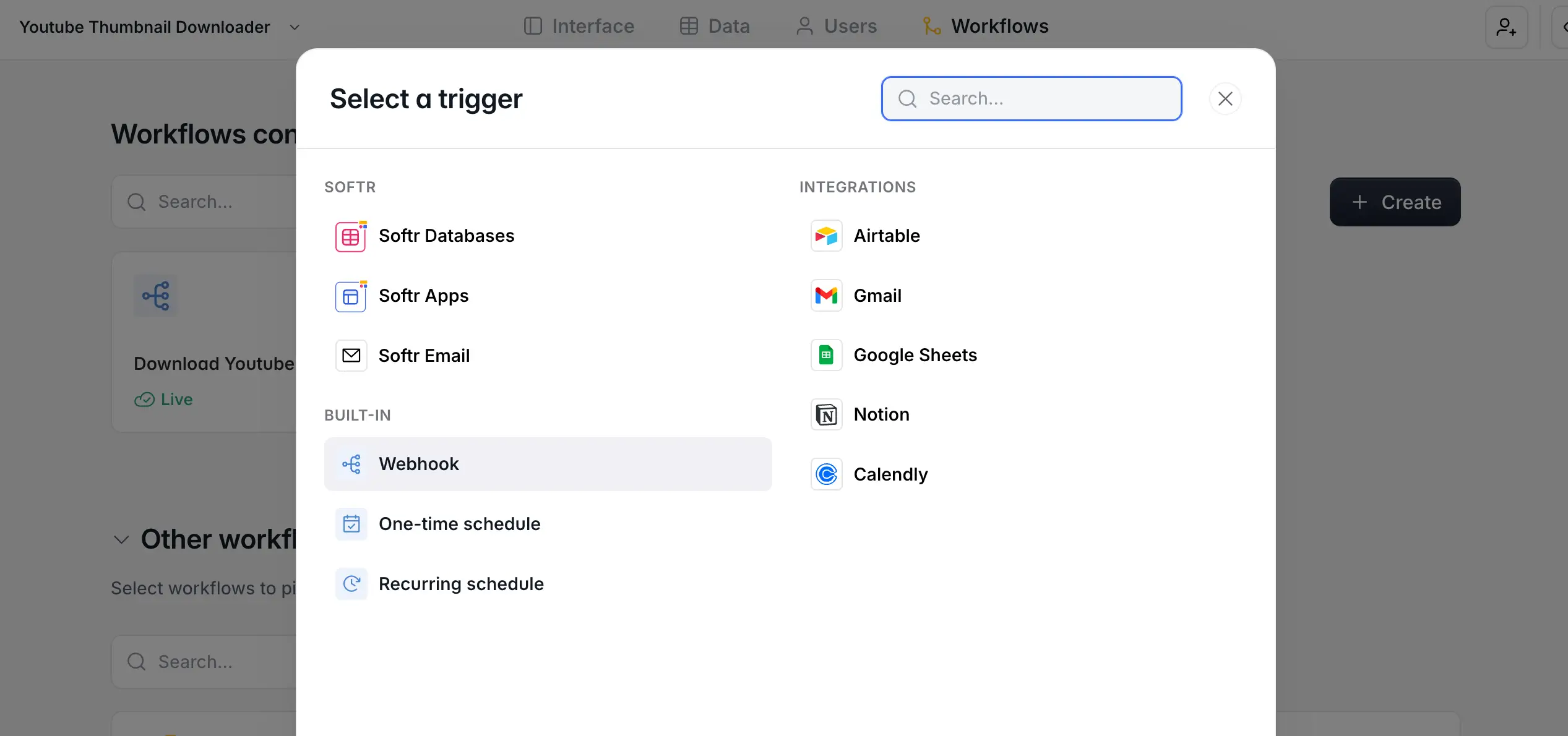
- Softr Workflows: Native automations triggered by button clicks or database changes, so a new client record or a completed task can kick off a notification, a document generation step, or an AI summary without leaving Softr.
- Enterprise-grade security: SOC 2 Type II compliance, SSO (SAML, OpenID), global data restrictions, and data hosted in Germany, covering the security bar that accounting and professional services firms typically need to clear.
Pros:
- AI Co-Builder generates a working app from a prompt, no blank canvas
- Native database plus 21+ external data source connections
- Granular permissions for multi-client, multi-role apps
- Vibe Coding block for custom UI beyond pre-built blocks
- Scales by app user, not per-seat license
- Active community and support
Cons:
- Not built for public-facing e-commerce
- Some advanced custom logic still benefits from a bit of a learning curve
Pricing:
Softr has a free plan with unlimited apps and forms for up to 3 builders. Paid plans start at $19/month for Team: 5 + Client: 5 app users, scaling up to plans built for hundreds of clients or employees.
Customer Reviews:
"Softr is, for me, the best option for internal tools for teams and organizations." - Rafa R.
"Easy to use no code tool that comes with a good set of out of the box functionality" - Dirk E.
"I found it useful to switch from Airtable's backend to Softr's internal database to avoid API limits. I was able to replace a WordPress site and a management system made in Excel." - Marco D.
Ideal For:
Softr is ideal for accounting, bookkeeping, and professional services teams that want a client-facing portal or internal tool shaped around their exact process, without paying per-seat pricing for every client who needs access.
Monday.com
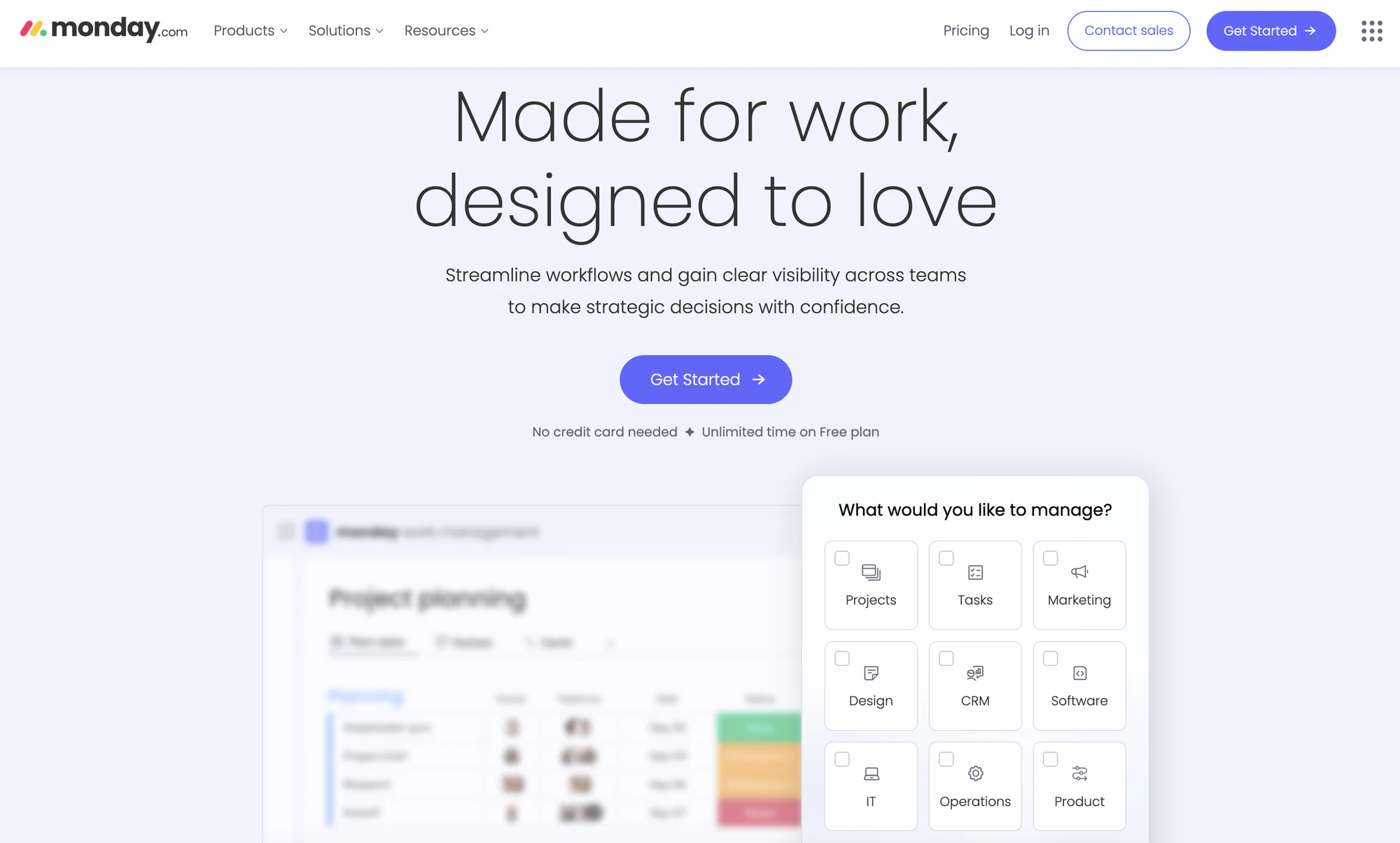
Monday.com is a visual work management platform designed to help teams streamline workflows and gain visibility across projects. It offers customizable solutions for managing tasks, projects, and even CRM activities, making it a versatile alternative to Karbon.
Key Features:
- Customizable Workflows: Monday.com allows you to tailor workflows to fit your team's specific needs, ensuring that every project aligns with your unique processes and objectives. This flexibility helps increase productivity and streamline operations.
- Visual Project Tracking: With visually appealing boards and timelines, Monday.com makes it easy to monitor project progress at a glance. This feature helps teams stay organized and informed about deadlines, tasks, and milestones.
- Automation and Integrations: The platform offers powerful automation tools that reduce manual work and increase efficiency. Additionally, Monday.com seamlessly integrates with various apps and tools, enabling teams to centralize their work in one place.
- Customizable Dashboards and Reporting: Users can create personalized dashboards to visualize key metrics and project performance. This feature allows for easy access to important data, facilitating informed decision-making and strategic planning.
- Collaboration Tools: Monday.com fosters teamwork by providing robust collaboration features, such as file sharing, comments, and mentions. These tools ensure that everyone stays connected and aligned, making communication effortless.
Pros:
- Highly visual and intuitive interface
- Flexible and adaptable to various workflows
- Strong collaboration features
Cons:
- Steep learning curve for new users
- Gantt charts export as PDFs, limiting usability
- Tasks cannot be linked across boards
Pricing:
Monday.com offers a free plan for up to two user seats, with paid plans starting at $10 per user per month. This tiered pricing structure caters to different team sizes and requirements, ensuring accessibility for a wide range of users.
Ideal For:
Monday.com is best suited for teams seeking a highly visual and flexible project management solution. Its adaptability makes it a great fit for industries with varied project needs.
ClickUp
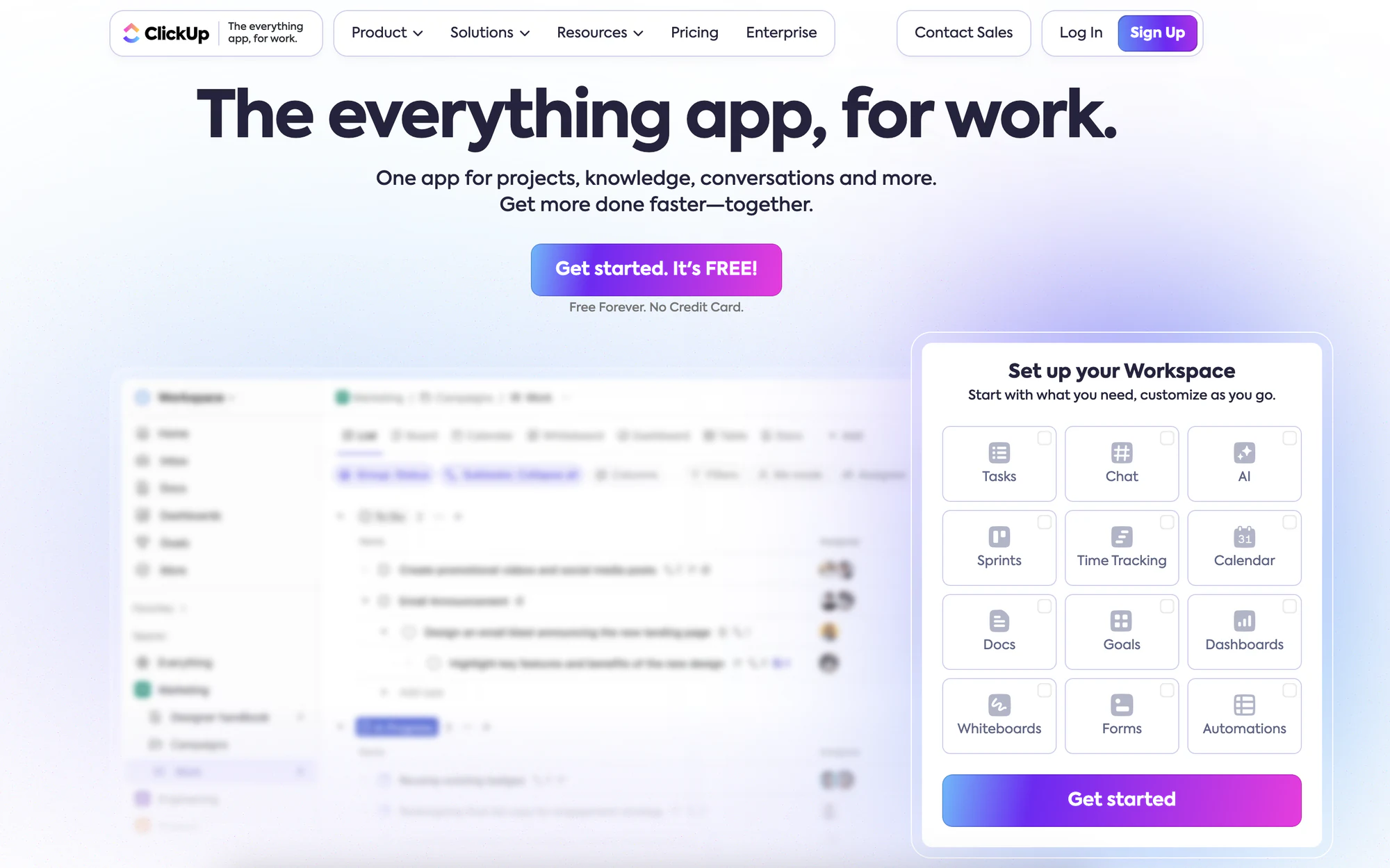
ClickUp is a versatile work management tool that aims to consolidate all your tasks, documents, goals, and more in one place. It's known for its extensive range of features and customizability, making it an appealing choice for teams looking to streamline their workflows.
Key Features:
- Task Management: ClickUp offers robust task management features that allow users to create, assign, and prioritize tasks easily. This ensures that everyone stays organized and on track to meet deadlines.
- Document Collaboration: With ClickUp, teams can collaborate on documents in real-time, making it simple to share ideas and feedback. This feature streamlines communication and keeps all relevant information in one place.
- Goals and OKRs: ClickUp helps users set and track goals and Objectives and Key Results (OKRs) effectively. This aligns team efforts and ensures everyone is focused on achieving measurable outcomes.
- Automation: The platform includes powerful automation tools that reduce manual work, allowing teams to focus on what matters most. Automating repetitive tasks improves productivity and efficiency.
- Time Tracking: ClickUp features built-in time tracking, enabling users to monitor how much time is spent on tasks. This helps with accountability and provides insight into project timelines and resource allocation.
Pros:
- Feature-rich platform
- Affordable pricing
- Extensive customization options
Cons:
- Can be overwhelming for new users
- Steeper learning curve for advanced features
- Occasional performance issues
Pricing:
ClickUp offers a free plan with generous features, while paid plans start at $5 per user per month. The affordability and feature set make it an attractive option for teams of all sizes.
Ideal For:
ClickUp is ideal for versatile teams seeking a comprehensive work management solution. It's particularly beneficial for those who require extensive customization and task-tracking capabilities.
Asana
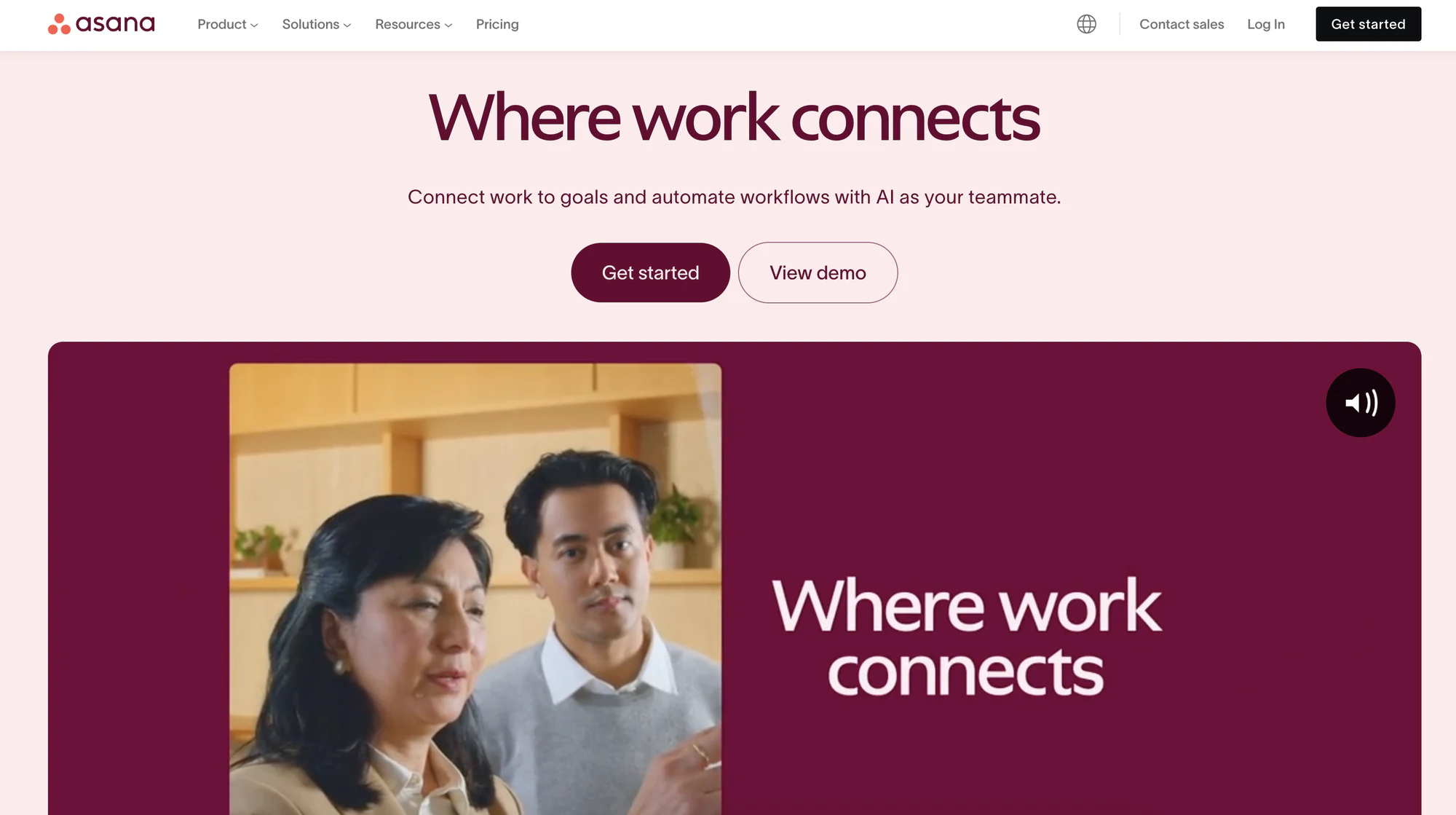
Asana is a popular project management tool known for its user-friendly interface and strong collaboration features. It helps teams track tasks, manage projects, and automate workflows, providing a clear and organized way to achieve objectives.
Key Features:
- Task Tracking: Asana offers robust task tracking capabilities, allowing teams to assign, prioritize, and monitor tasks effortlessly. This ensures everyone knows their responsibilities and deadlines at a glance.
- Project Timelines: With dedicated project timelines, users can visualize the entire project schedule. This feature helps teams stay on track and adjust plans as needed to meet deadlines.
- Automation: Asana's automation tools streamline repetitive tasks, reducing manual effort and increasing efficiency. Users can set up automated workflows to ensure tasks move smoothly from one stage to the next.
- Collaboration Tools: Asana improves teamwork through its collaboration features, enabling real-time communication and file sharing. Team members can easily comment on tasks and share updates, fostering a collaborative environment.
- Reporting and Analytics: Asana provides insightful reporting and analytics tools that help teams measure their performance. Users can track progress, identify bottlenecks, and make data-driven decisions to improve efficiency.
Pros:
- User-friendly interface
- Strong collaboration features
- Easy task tracking and automation
Cons:
- Limited advanced reporting options
- Some features require paid plans
- Can be too simplistic for complex projects
Pricing:
Asana offers a free plan with essential features, while paid plans start at $10.99 per user per month. Its pricing model caters to both small teams and large enterprises, ensuring flexibility and scalability.
Ideal For:
Asana is perfect for teams seeking a user-friendly and collaborative project management tool. It's well-suited for organizations that prioritize effective task tracking and communication.
Wrike
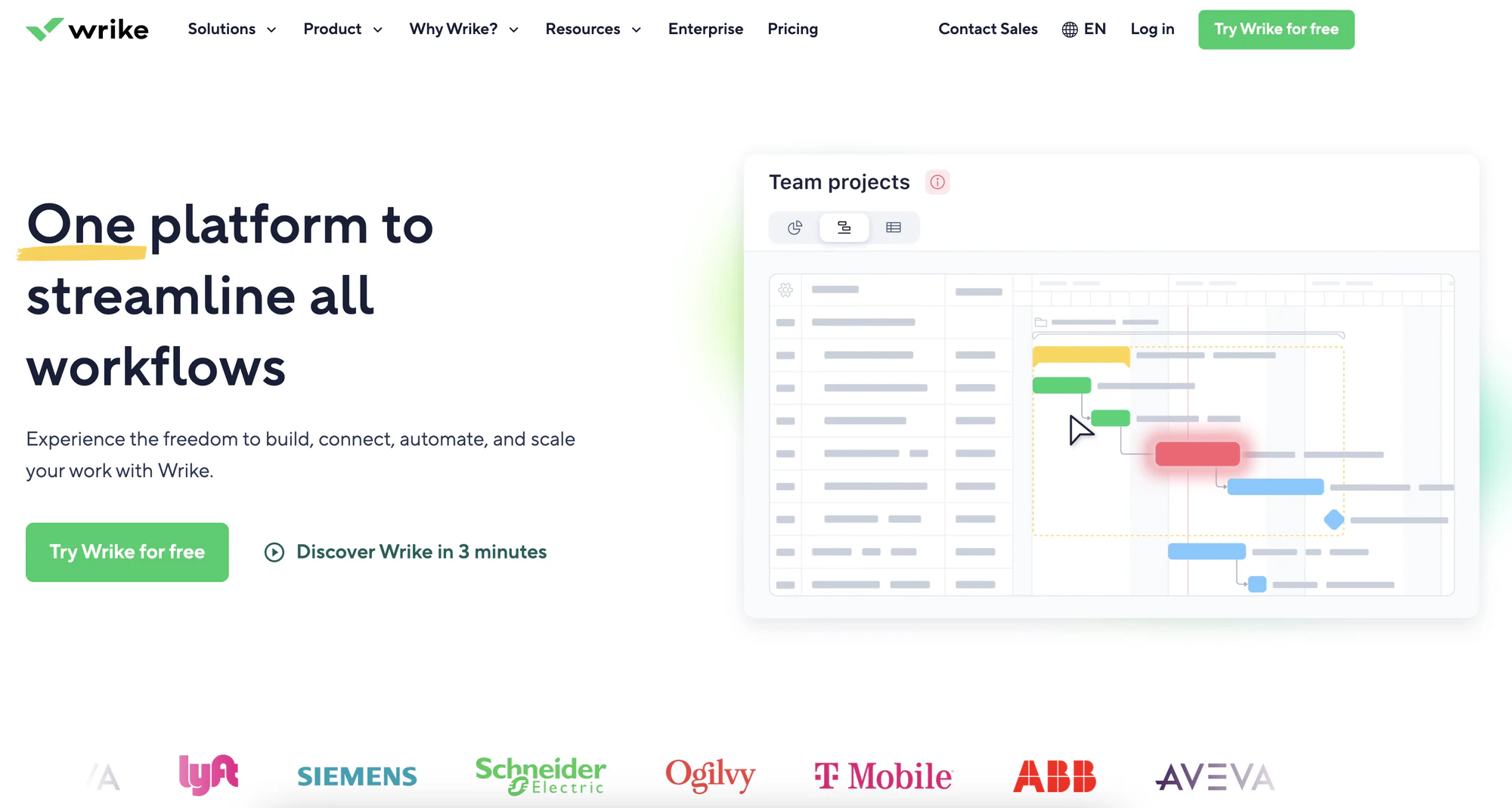
Wrike is a project management platform designed to handle complex workflows and custom projects. It offers comprehensive features for task and project tracking, making it an excellent alternative for those seeking a robust work management solution.
Key Features:
- Task & Project Tracking: Wrike offers robust task and project tracking features that allow teams to monitor progress in real-time. Users can easily assign tasks, set deadlines, and visualize workflows to ensure everything stays on track.
- Customizable Dashboards: With customizable dashboards, users can create a personalized workspace that highlights the information that matters most to them. This feature enables teams to gain instant insights into project statuses and team performance.
- Time Tracking: Wrike includes built-in time tracking tools that help teams record their hours spent on tasks. This feature not only boosts productivity but also simplifies billing and reporting for projects.
- Collaboration Tools: Wrike fosters collaboration through its various tools, allowing team members to communicate efficiently. Users can share files, leave comments, and tag colleagues, making it easier to stay aligned on project goals.
- Reporting and Analytics: The platform provides advanced reporting and analytics capabilities, giving teams the ability to generate detailed reports on project performance. This data-driven approach helps in making informed decisions and optimizing processes.
Pros:
- Customizable workflows
- Comprehensive project management features
- Strong time-tracking capabilities
Cons:
- Complex setup and initial learning curve
- Some features locked behind paid plans
- Can feel overwhelming for small teams
Pricing:
Wrike offers a free plan with basic features, while paid plans start at $9.80 per user per month. This pricing structure ensures accessibility for teams of varying sizes and needs.
Ideal For:
Wrike is ideal for teams seeking a comprehensive project management solution with extensive customization options. It's particularly well-suited for organizations with complex workflows and project requirements.
How to choose the right Karbon alternative for your needs
Selecting the best Karbon alternative involves several key considerations. Here's how to make the right choice:
- Assess your team's requirements: Understand the specific needs and workflows of your team or business. Identify pain points and areas for improvement in your current setup.
- Evaluate feature sets: Compare the key features of each alternative with what Karbon offers. Determine which features are essential for your team and look for tools that excel in those areas.
- Consider budget and pricing models: Find a tool that fits within your budget while providing the necessary features. Consider the long-term costs associated with each option.
- Test the user experience: Trial tools to ensure they are user-friendly and meet your workflow needs. A smooth user experience is crucial for successful adoption.
- Check for integrations: Ensure the alternative integrates well with your existing tools and platforms. Seamless integration is key for maintaining efficient workflows.
Moving beyond Karbon's fixed workflow
Karbon has served many accounting firms well, but its rigid setup and per-user pricing push a lot of teams to look elsewhere once they need more flexibility than a fixed workflow tool allows.
Softr stands out because it's not built around one vertical's assumptions. You get a native database, granular permissions, and an AI Co-Builder that generates the first version of your client portal or internal tool from a plain-language description, then lets you refine it visually from there.
If you're ready to move past Karbon's constraints, sign up for free and describe the app you need. You'll have a working version to test with your team the same day.
Frequently asked questions
Is Softr a good Karbon alternative for accounting firms?
Can I migrate my data from Karbon to Softr?
Is there a free Karbon alternative?
Which Karbon alternative is best for small accounting or bookkeeping teams?
Does Softr support workflow automation like Karbon does?