3 real apps built with Softr, according to a Softr Expert

At Softr, we talk about building business apps a lot.
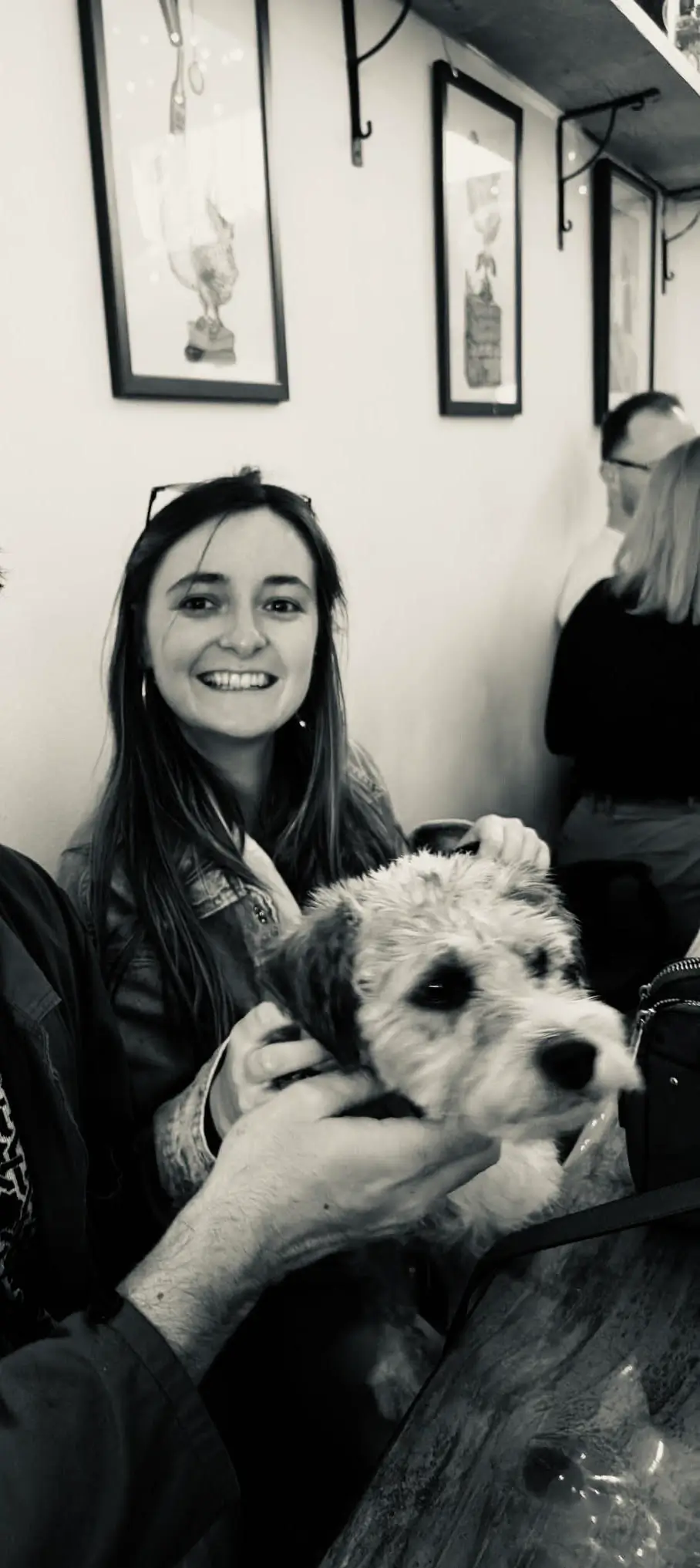
To show you we also walk the walk, I sat down with Harald Palma, a Softr expert who’s built everything from plant genotyping trackers to enterprise ordering systems for his customers.
With a background in graphic design, Harald takes the same approach to each and every application he builds with Softr: an underlying system that works perfectly (and securely), paired with thoughtful design and a great user experience.
Here are three examples to inspire your next build.
1. A time tracker, expense tracker, and invoicing system in one
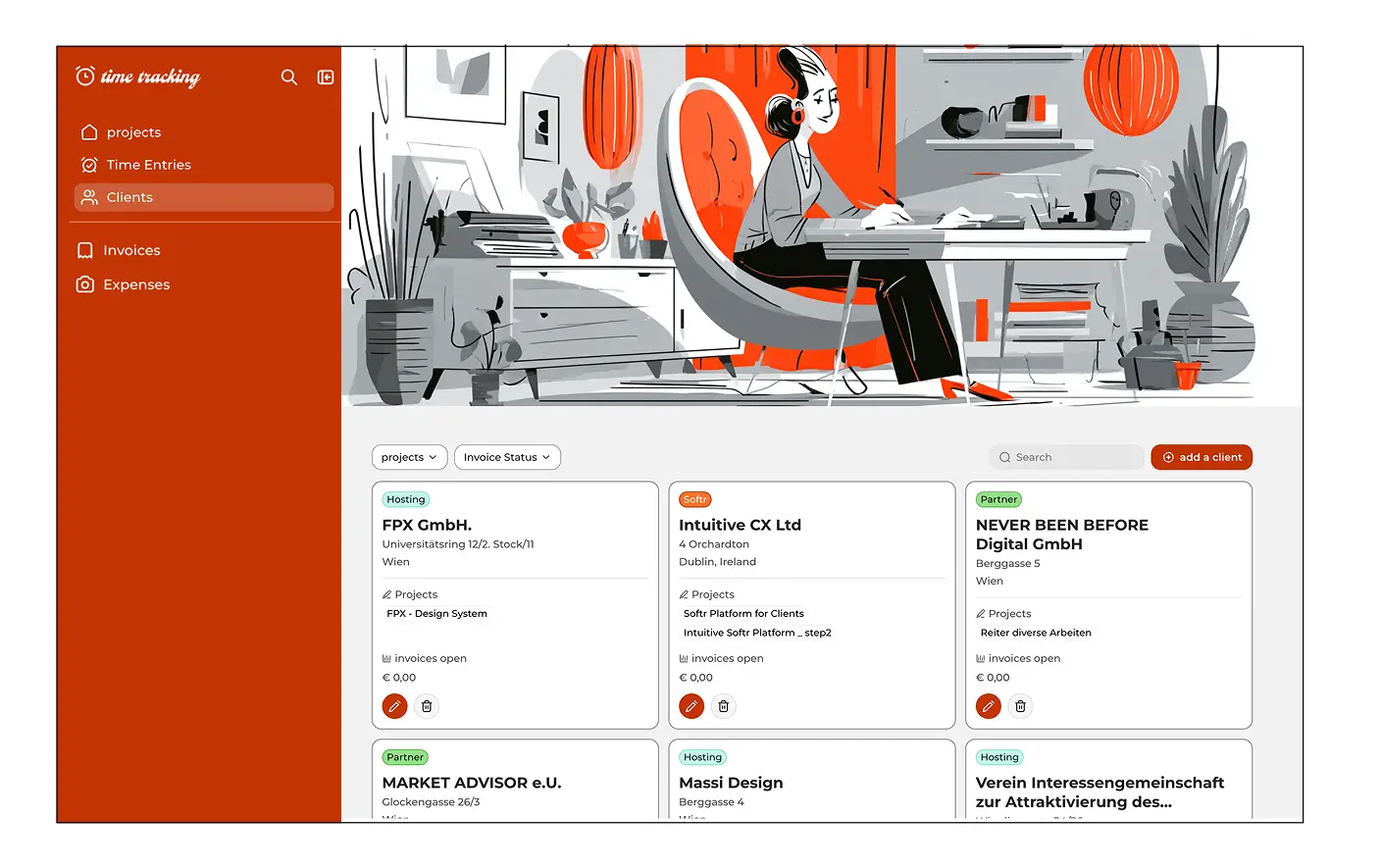
One of Harald’s most interesting Softr projects wasn’t built for a client. He built it for himself.
What started as a way to track his time has evolved into a broader system for managing his schedule, expenses, and invoicing.
For time tracking, he built a Chrome extension that records how he spends his time throughout the day, with the data connected to his Softr app (via Airtable). From there, he can see and manage exactly where his time is going.
He’s also built AI into his expense workflow. Harald can take a photo of a receipt and have AI extract details like the amount, date, tax, and payment information into structured records automatically.
That gives him structured expense data he can filter and eventually use for bookkeeping, alongside his time and invoicing information.
As Harald described it:
“It’s an expense tracker. It’s a time tracker, and it’s an invoicing system.”
For Harald, though, functionality is only half the equation. With a background in graphic design, he puts a lot of emphasis on making the applications he builds look polished, too.
That combination is what makes this use case particularly interesting: Softr isn’t just displaying data from Airtable. It becomes the usable application for a custom system built around the way Harald actually works.
2. An internal ordering system with employee budgets
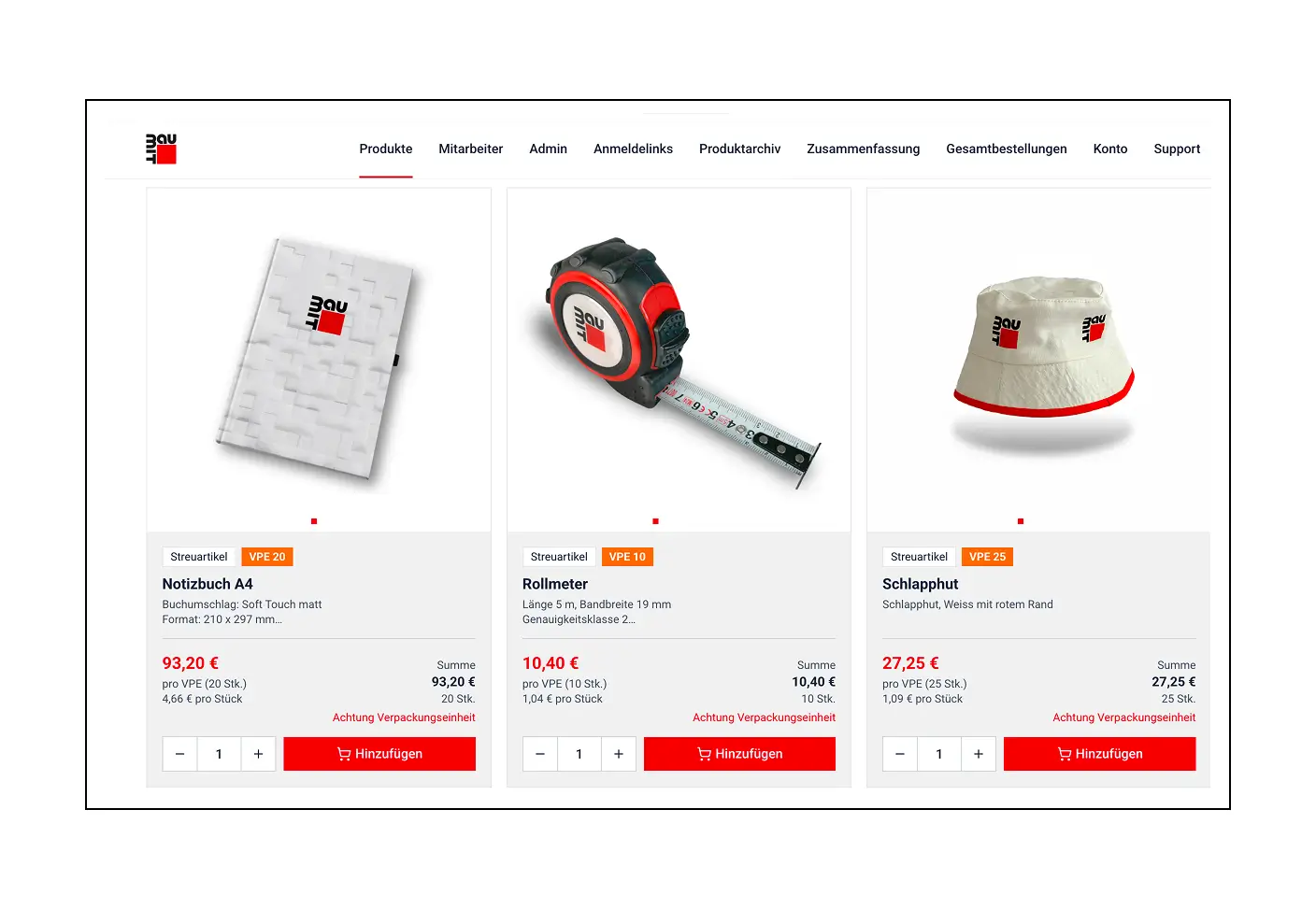
Harald has also used Softr at a much larger scale.
He built an internal shop for a building materials company with employees around the world. Employees need to order work-related items such as jackets, hats, and other company materials, so the company needed an internal system for managing those orders.
There was an additional requirement: employees have individual budgets.
When someone adds items to their basket and places an order, the cost needs to be accounted for against the budget available to them.
Harald originally built the system as his first Softr project. More recently, he returned to the application and rebuilt it using newer Softr functionality and blocks, including the Vibe Coding Block.
The result is a more modern and user-friendly version of the original application while preserving the underlying ordering process the business needs.
It’s also a useful example of what an “internal tool” can actually mean in practice. Rather than employees managing orders and budgets across spreadsheets or disconnected systems, the application gives them a dedicated interface built around that specific process.
3. A tracking system for plant genotyping
Then there are the applications you probably wouldn’t immediately associate with a no-code app builder.
One of Harald’s clients works with plant genotyping. He built them a Softr application for tracking plants through the different stages of that process, from seeds through to fully grown plants.
Plant genotyping is the laboratory process of testing a plant's DNA to identify specific differences and map its unique genetic code.
It’s a highly data-intensive use case, with multiple processes and stages that need to be tracked along the way. “With something like the genotyping system, it's also well-designed.” Harald said “We're tracking plants from the seed through to a fully grown soybean plant, with a lot of different processes in between.”
That means the application isn't simply collecting information through a form and displaying it somewhere else. It provides an interface for managing a specialized workflow and the data associated with it.
The specificity of the use case is exactly what makes it interesting.
A generic “project tracker” can mean almost anything. A system designed to track individual plants through a genotyping process has to reflect the terminology, data, stages, and workflows of that particular business.
And that’s where custom business apps become useful: instead of changing the process to fit an off-the-shelf tool, you can build the interface around the process that already exists.
How Harald combines Softr with AI
Harald’s approach to building is changing as AI becomes a bigger part of his workflow.
When he uses Softr’s Vibe Coding Block, for example, he doesn’t necessarily try to complete everything in a single prompt. Instead, he described a workflow that moves between Softr and Claude.
He’ll create an initial version in Softr, take it into Claude to continue working on it, and then bring the result back into Softr. He has even created his own Claude skills specifically for working with Softr.
For Harald, the ability to combine AI-assisted coding with Softr’s existing app-building capabilities is significant. He described the Vibe Coding Block as potentially a “life-changing feature for Softr.”
That enthusiasm comes from a broader change he’s seeing in how clients approach building software.
Increasingly, they want to be able to describe the outcome they need rather than think about every technical step required to produce it: “Look, this is what I want. Build it for me.”
AI-assisted development makes that expectation increasingly realistic. And combining it with a visual app-building platform gives experts like Harald more flexibility to move between generated code, existing components, connected data, and custom design rather than starting every application from scratch.
What these Softr apps have in common
A time and expense tracker, an employee ordering system, and a plant genotyping tracker don't have much in common on the surface.
But that's also the point.
Businesses rarely have completely generic processes. They have their own data, terminology, rules, workflows, and requirements. And sometimes the software they need is equally specific.
Harald’s projects show how Softr can be used as the layer that turns those processes and data into secure, enterprise-level applications people can actually use—whether that means putting an interface on top of an existing database, creating a highly specialized tracking system, or using AI and custom code to push an application beyond standard blocks.
And as tools like the Vibe Coding Block make customization more accessible, the question becomes less about whether there’s an off-the-shelf app for a particular use case and more about what you want to build.
👉 Try Softr free to start building with AI and the Vibe Coding block today.
Building apps for clients? Explore the Softr Partner Program to access revenue-sharing opportunities, client leads, and exclusive perks to help grow your business.
Frequently asked questions
What is the Softr Partner Program?
How do I become a Softr Partner?
Can I use Softr to build apps for clients?