What's new in Softr
Check out new features, improvements, and community events!
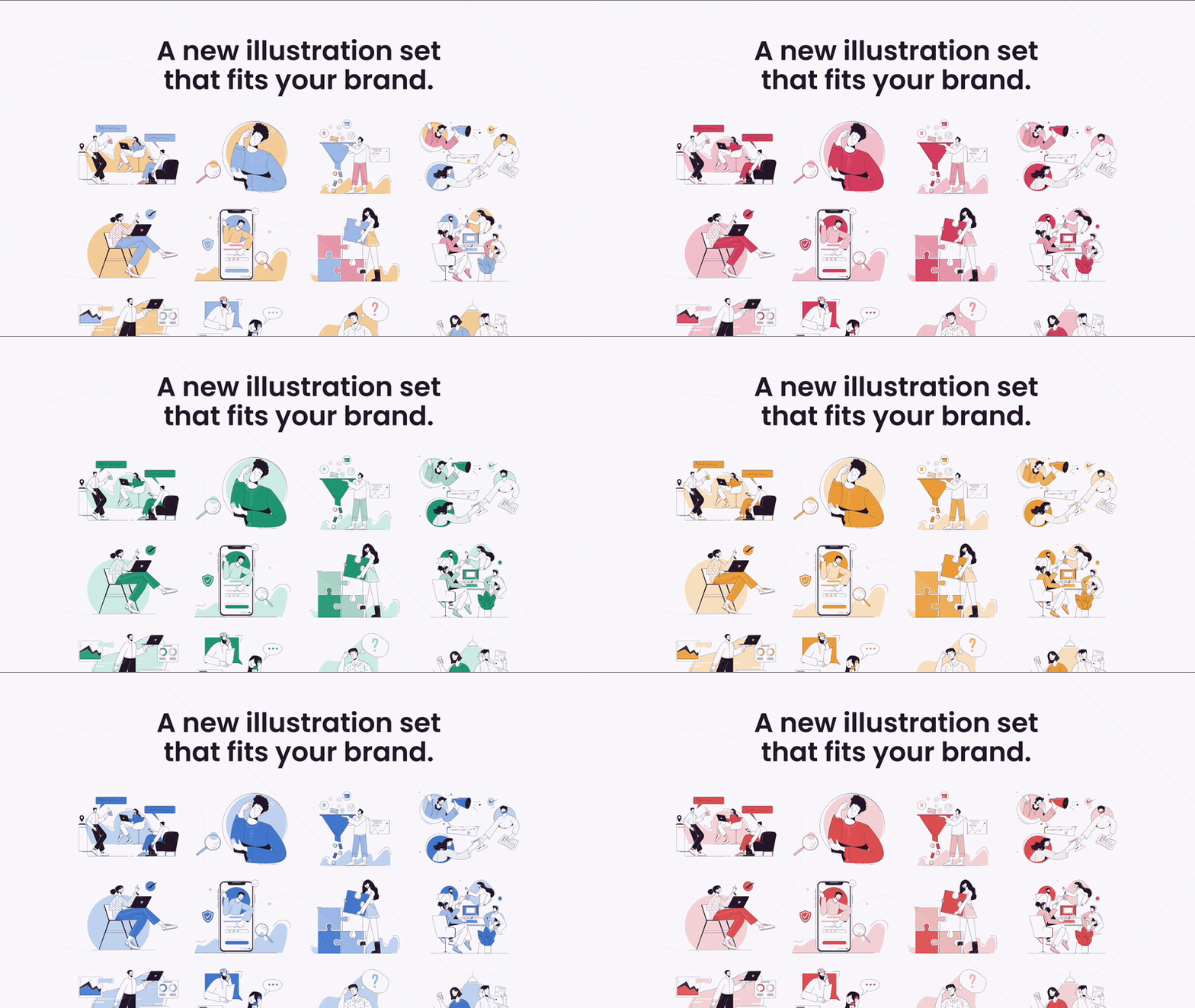
New illustrations
A fresh collection of illustrations just got added to our asset library! But that's not all – you can now also customize their colors according to your application theme. Pretty cool, right?
Time to give your app a make over?
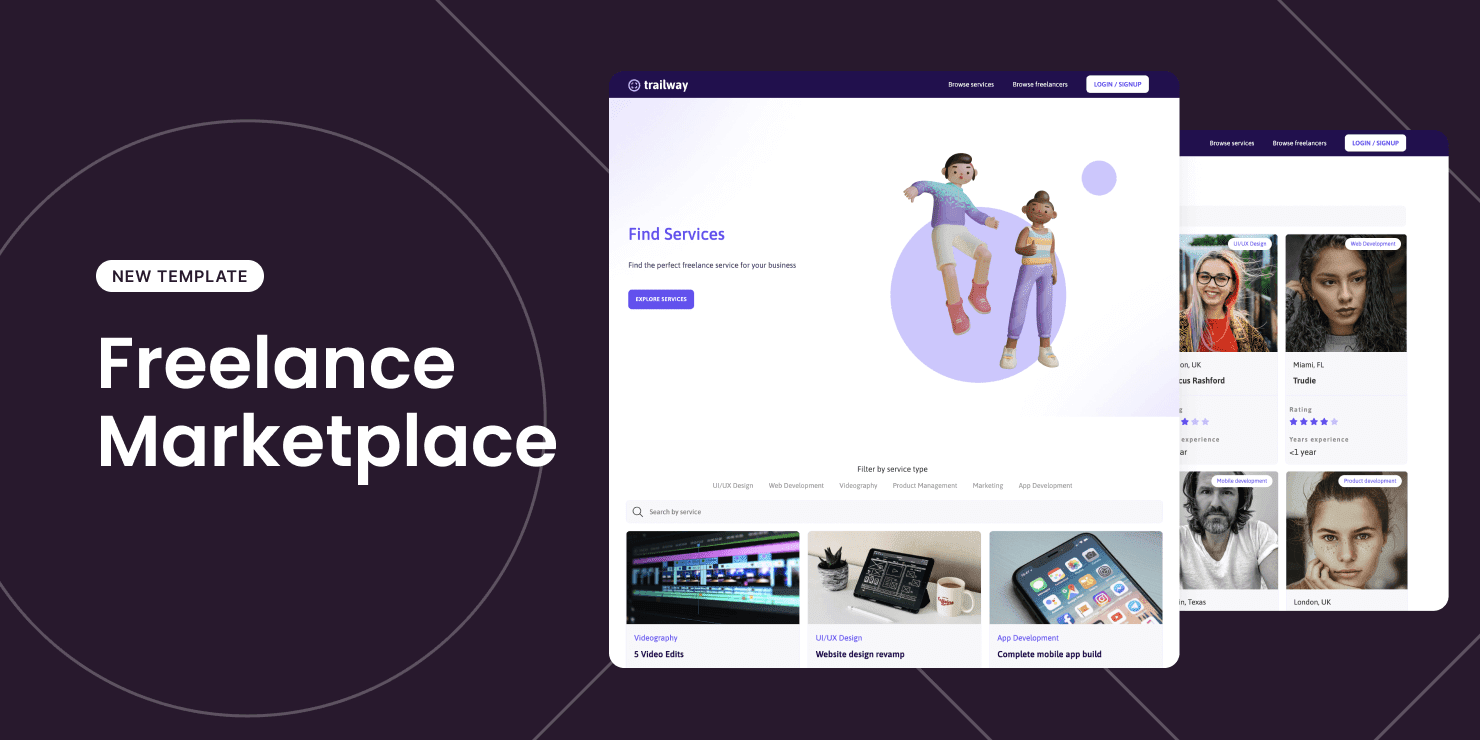
Template: Freelance marketplace
Build a two-sided service marketplace with this new template!
Clients can browse through different categories of services to find the professionals they need. Freelancers can submit services to be approved by the admin and update their own profiles.
Add your logo and make it your very own marketplace today!
Open list item as a modal
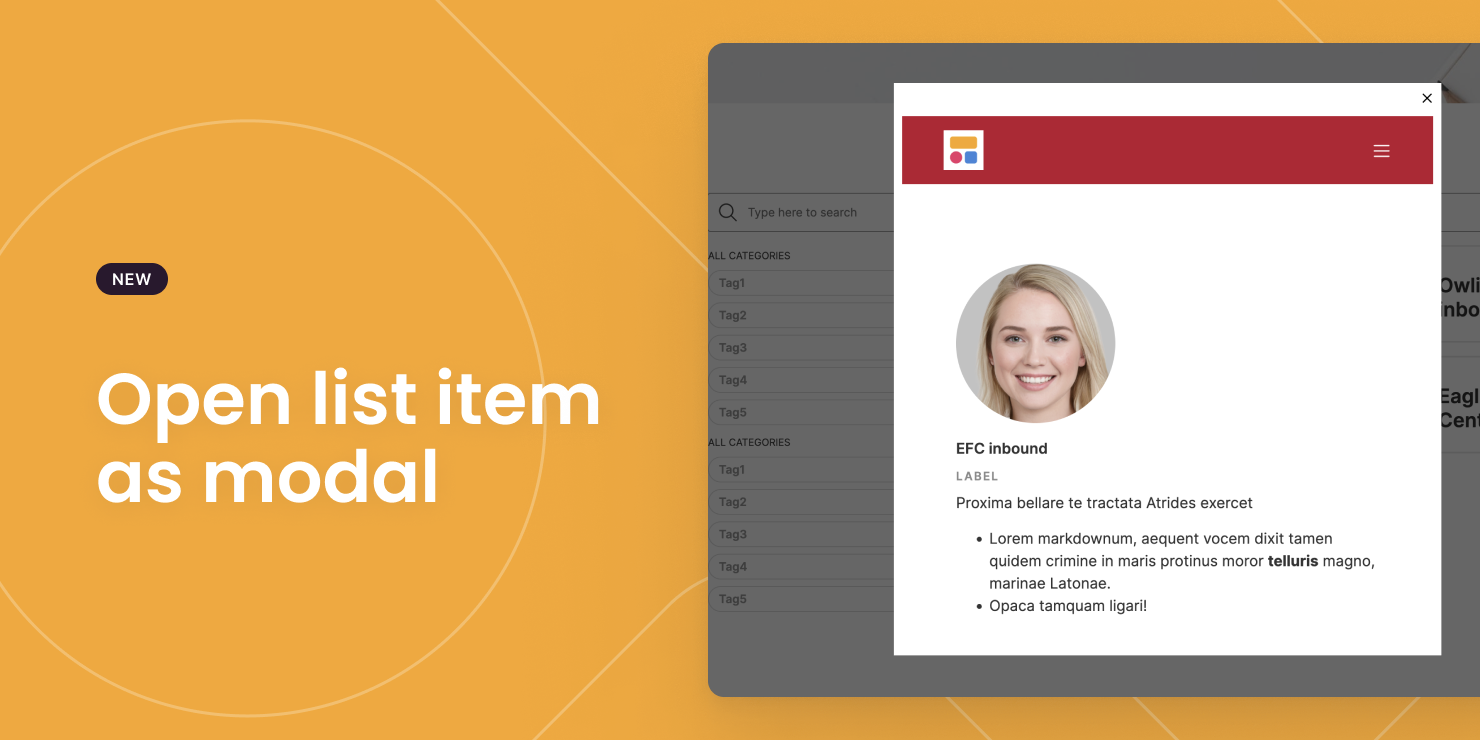
Many of you asked for the option to open a list item as a modal as opposed to a page – we heard ya! You can now select "Open modal" as the on click action for your list block.
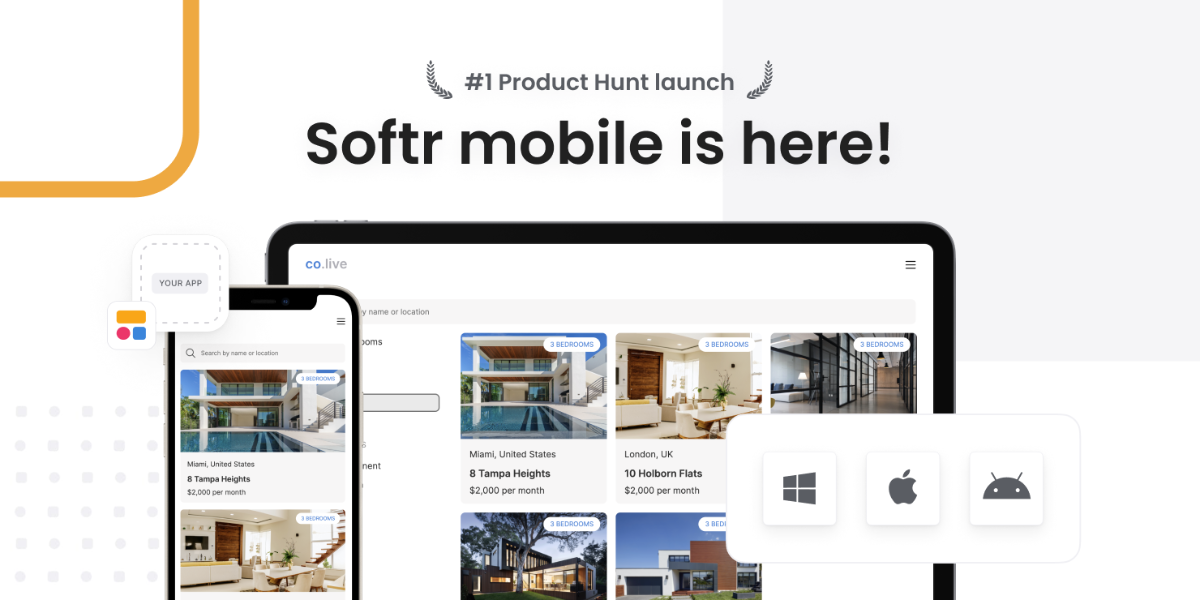
Softr Mobile
The Softr Mobile revolution is here! We officially launched earlier this month on Product Hunt and you all loved it - so much so you took us all the way to the #1 spot (thanks for the incredible support).
Yes, at the click of a button, you can now turn your Softr built web app into a downloadable and fully functional mobile app. The best part? It is completely free, forever, if you enable it before our promotional campaign is over!
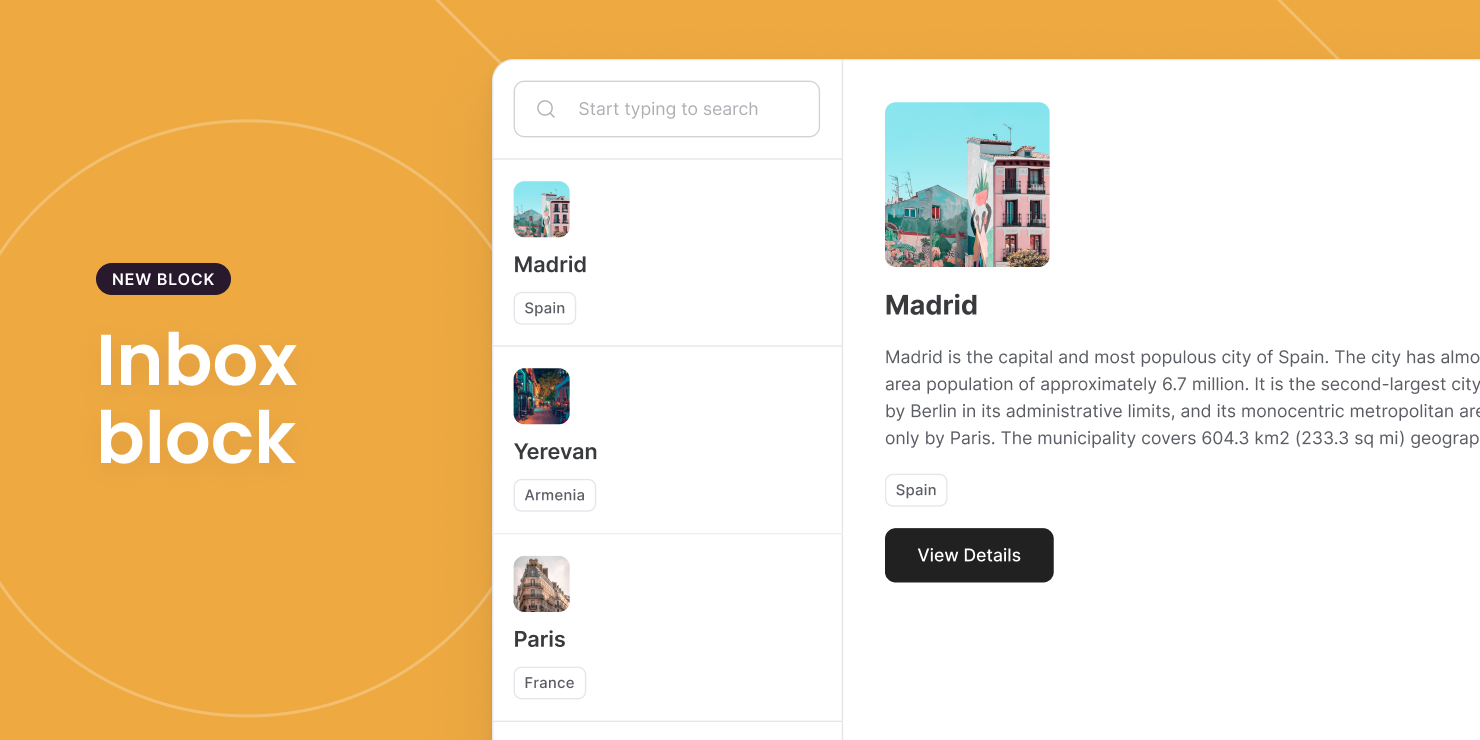
Inbox Block
Want to display your list and list details on the same single interface? Check out the all new inbox block! Within the settings panel, you'll even get a choice between manually configuring the list details or attaching a pre-created one. Here's how the tasty new block will look for your users.
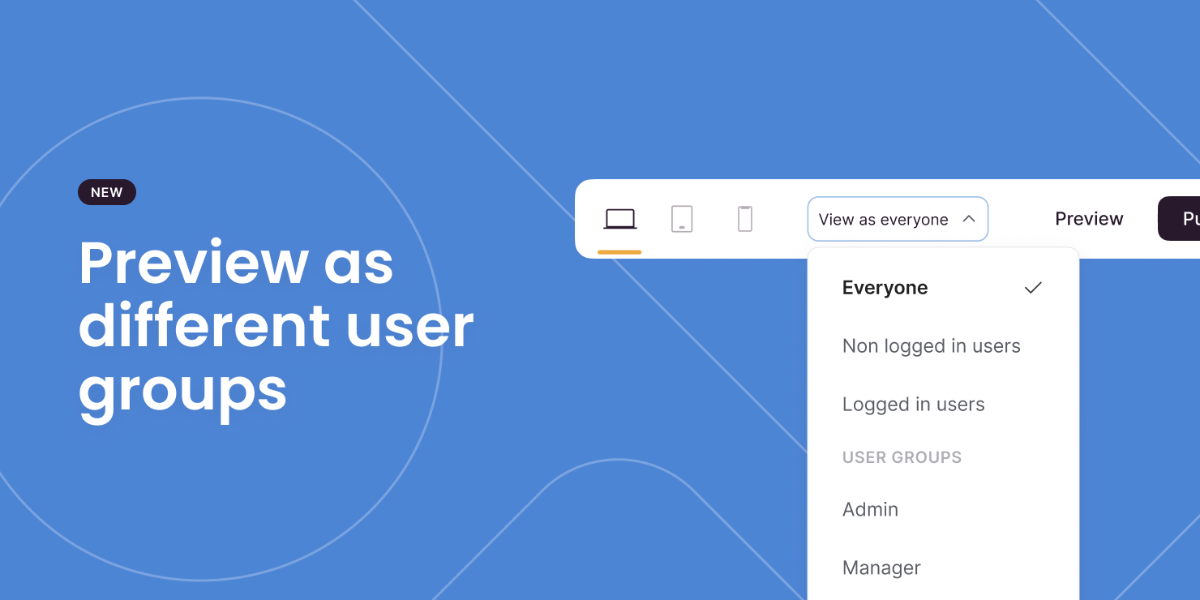
Multiple preview modes
Whilst building you may want to view your app as a certain user group. You can now navigate to the all-new 'view as' dropdown from the top bar, select the group of interest, and begin viewing what they would see! Nifty. Note, to fully test the app however you will still need to login as the user.
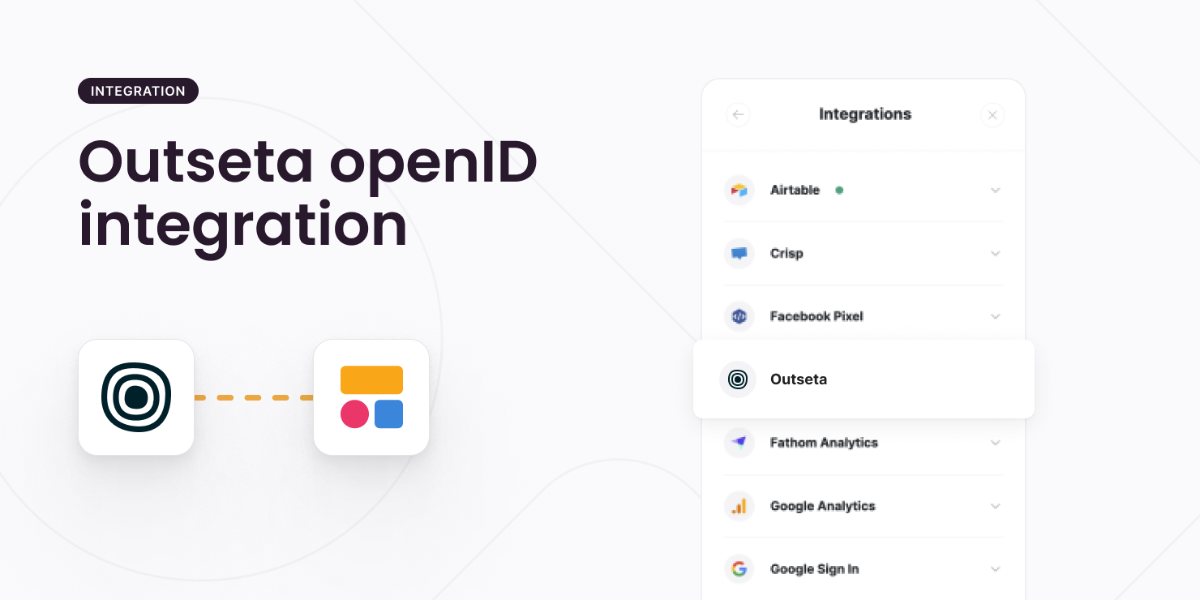
Outseta (OpenID) integration
We have integrated with Outseta to allow you to take advantage of your existing users' accounts! Those of you building internal tools or membership apps for example can now take advantage of enabling your users to smoothly and quickly log-in with the same account stored in Outseta.
Given Outseta has an OpenID implementation, we have applied a generic OpenID implementation which means you can even enable your users to login with any OpenID provider such as Google, Apple, Salesforce, Facebook, Xero, Twitch, Okta and more!
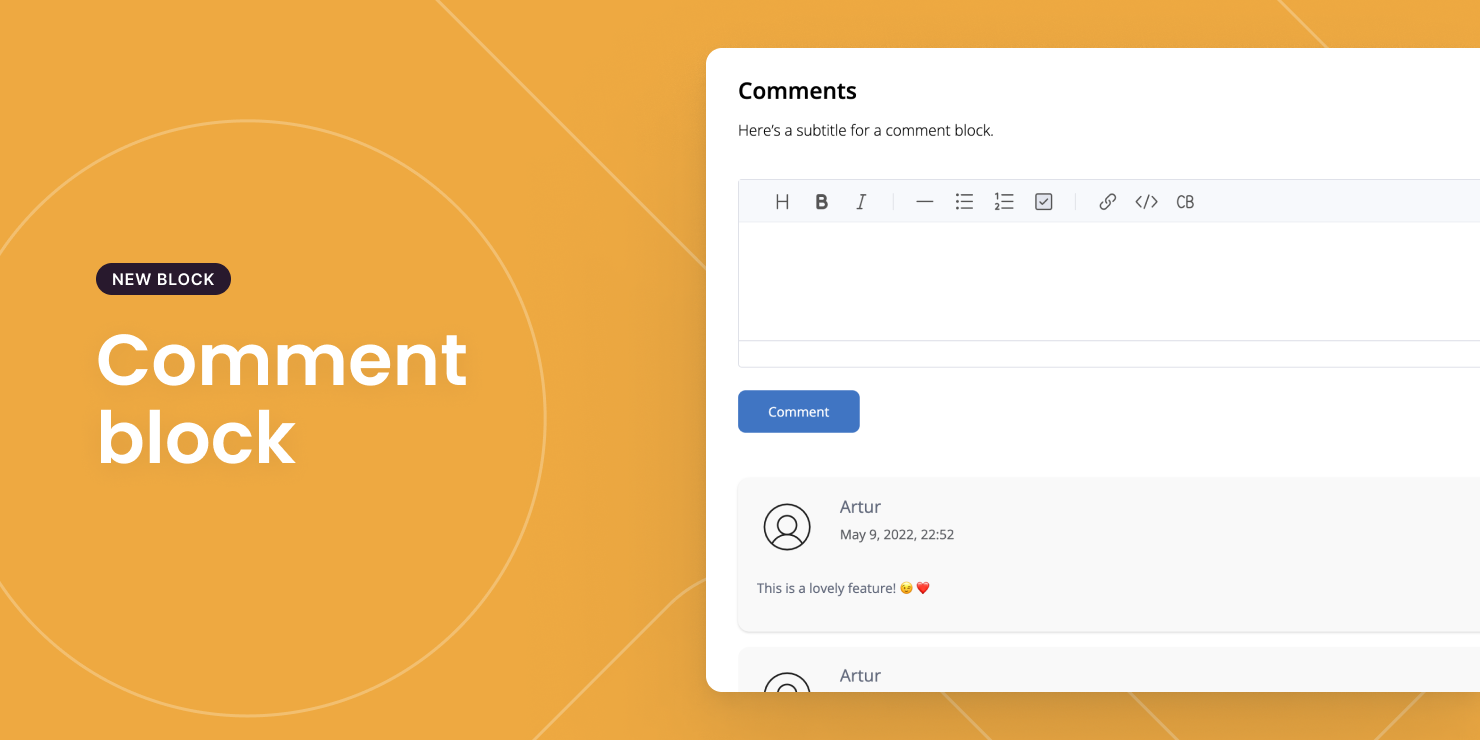
Comment block
Add a collaboration component to your apps by letting users comment on List Details pages. A few example use cases:Logging notes about a deal in a CRM system.
- Leaving feedback about a proposal in a client portal.
- Discussing a task in a project management tool.
- Forum in a membership community.
- Leaving reviews about a product/service.
- Commenting on a blog post.
Find out more here.
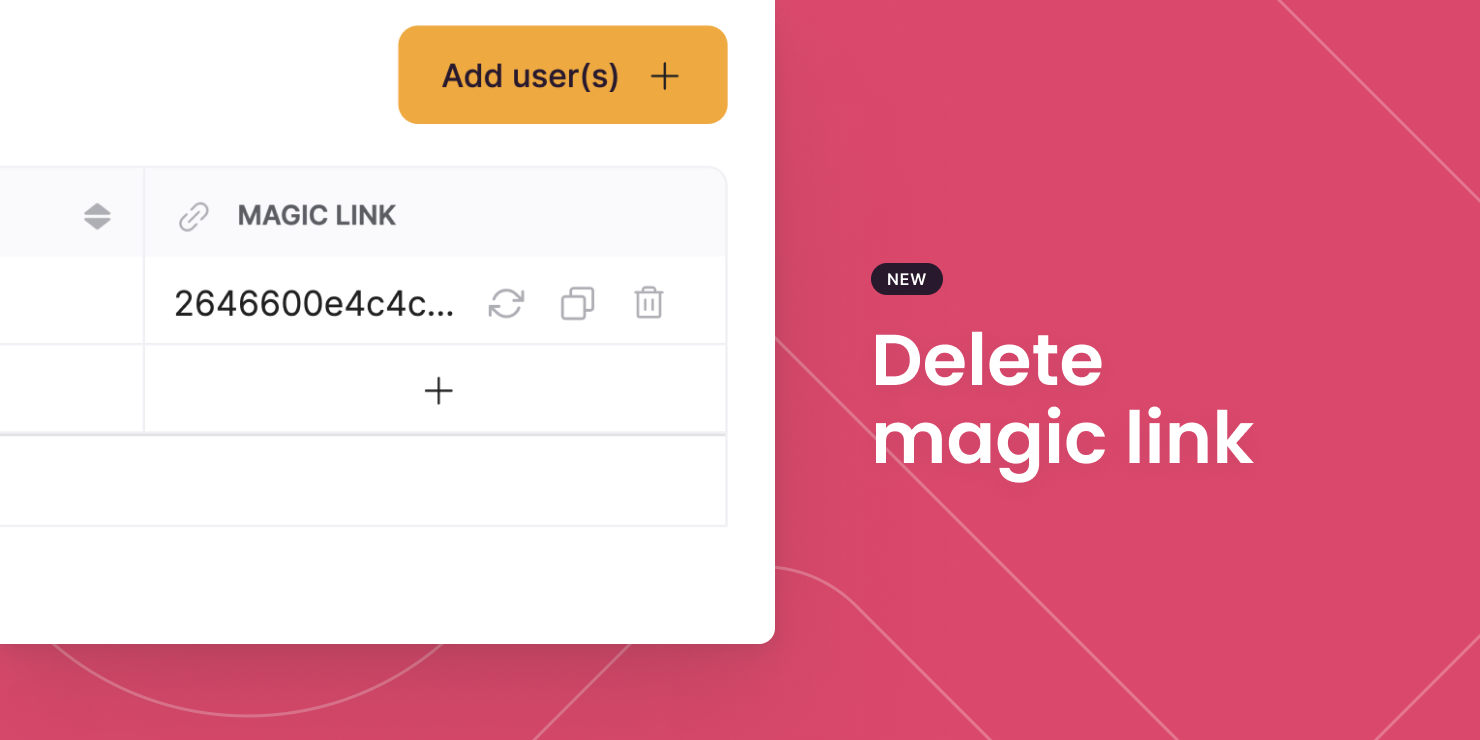
Delete magic link
If you no longer need a magic link that you've generated for a user, you are now able to delete it. Evanesco!
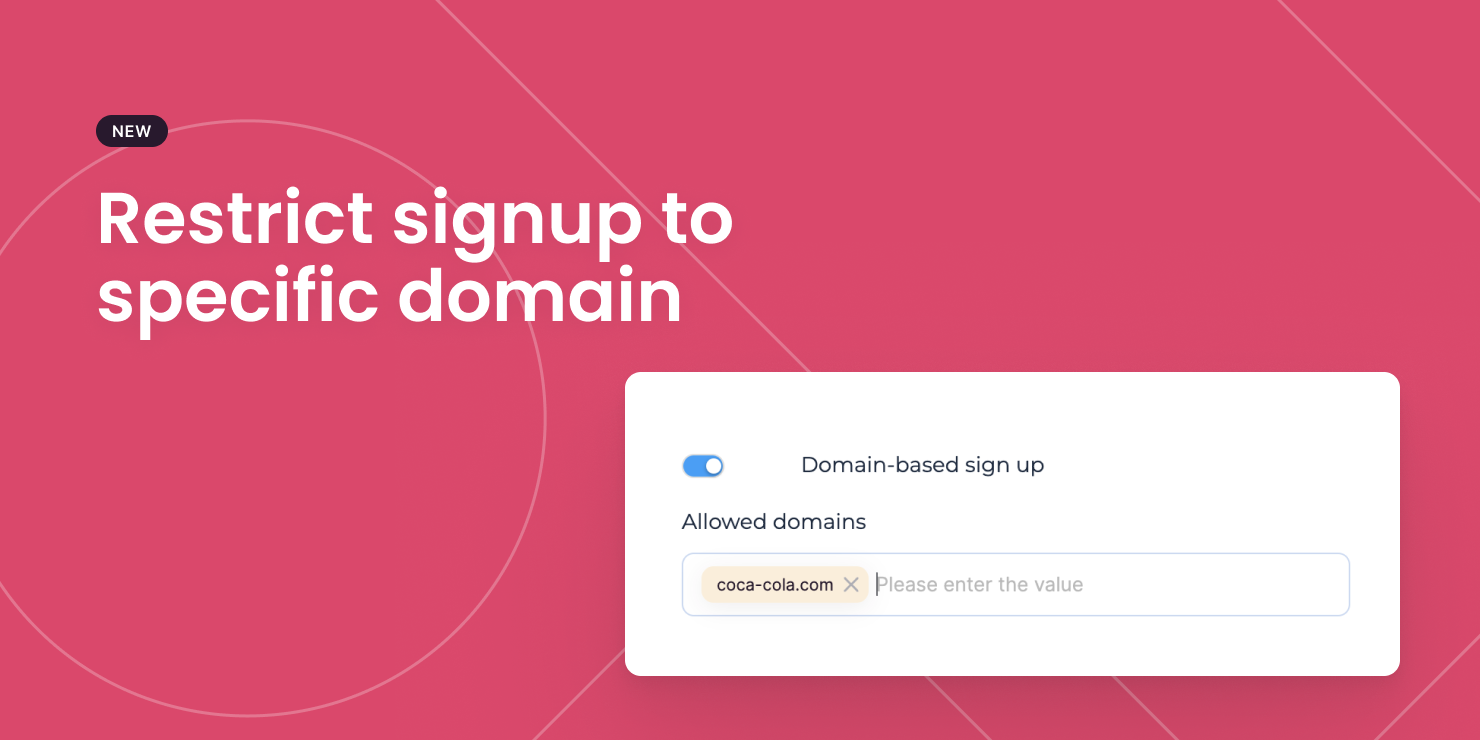
Restrict signups to specific email domain(s)
If you want to allow only people with specific email domains to sign up for your apps (e.g. internal tool for your organization), here is a new setting in Signup blocks that lets you do just that!
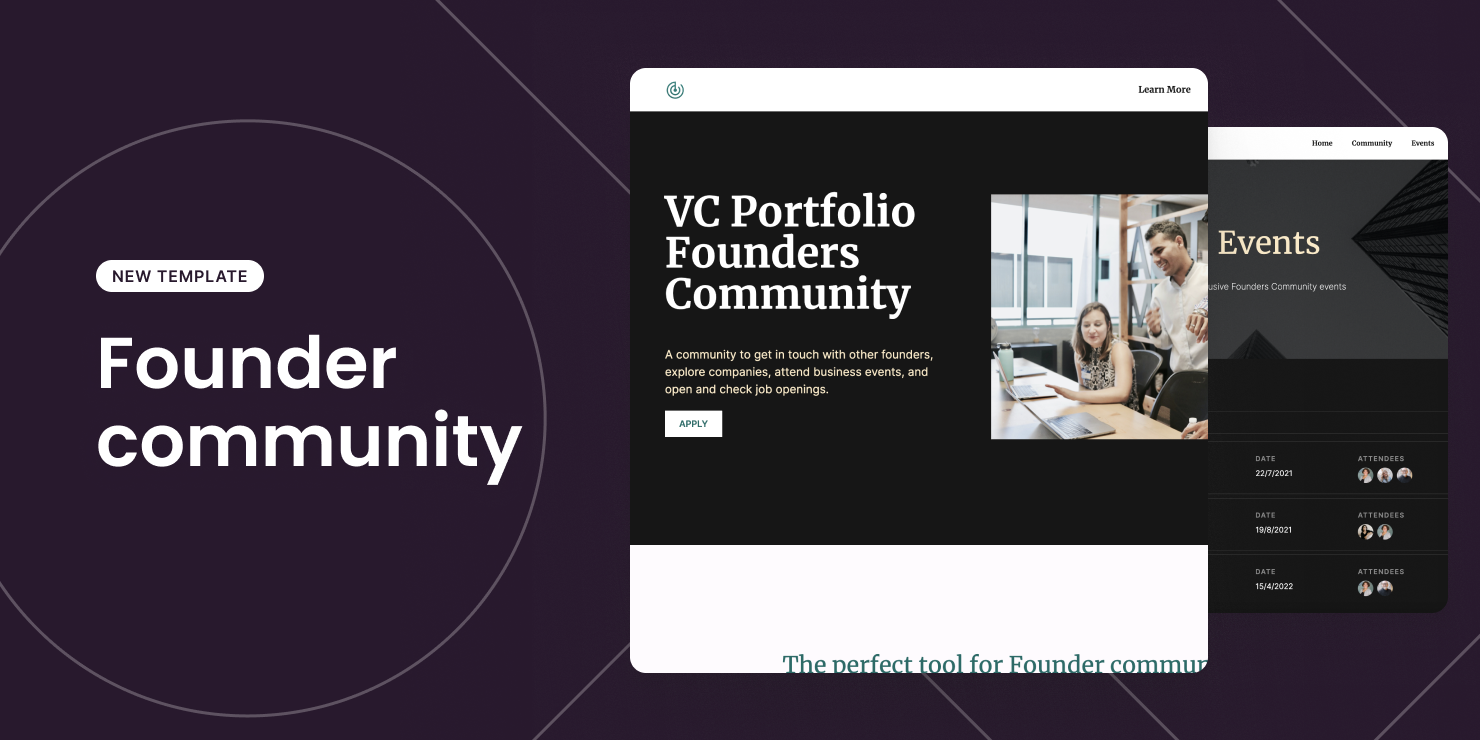
New template: Founder Community
This new Founder Community template lets you build an invite-only community for startup founders to network, share perks, post jobs, and host events.
You can also re-purpose the template for almost any types of communities!
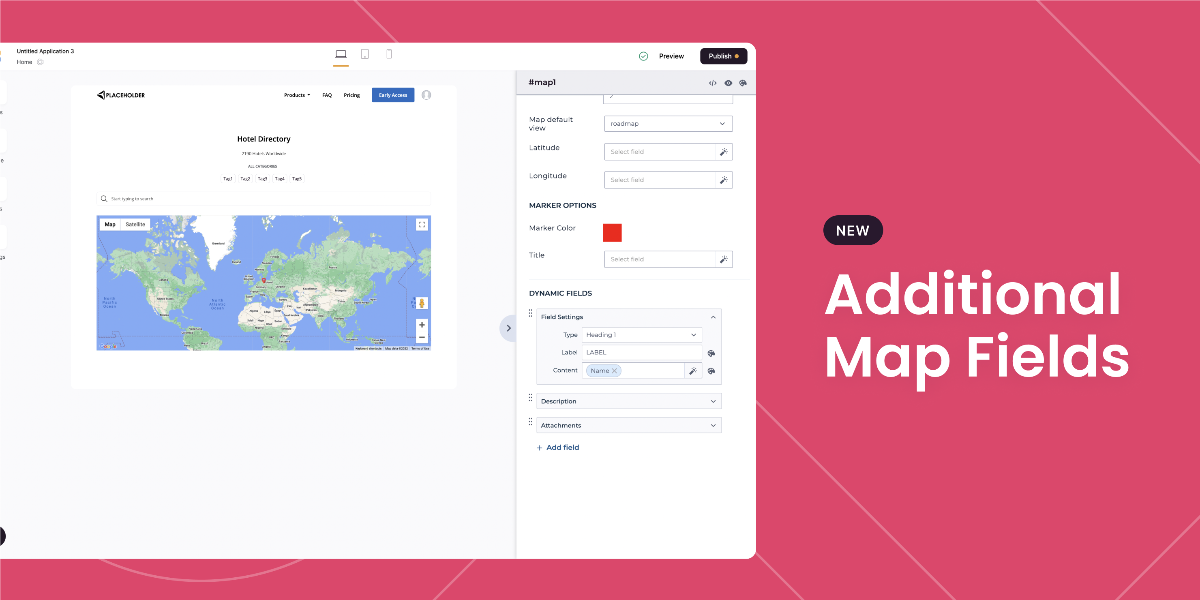
Maps - additional fields
The map block gets more functional. In this update, you can now add dynamic fields into your map. So, if your end-user clicks on an identified location on the map they can now also view any of the fields you have configured to be visible.