Transcript
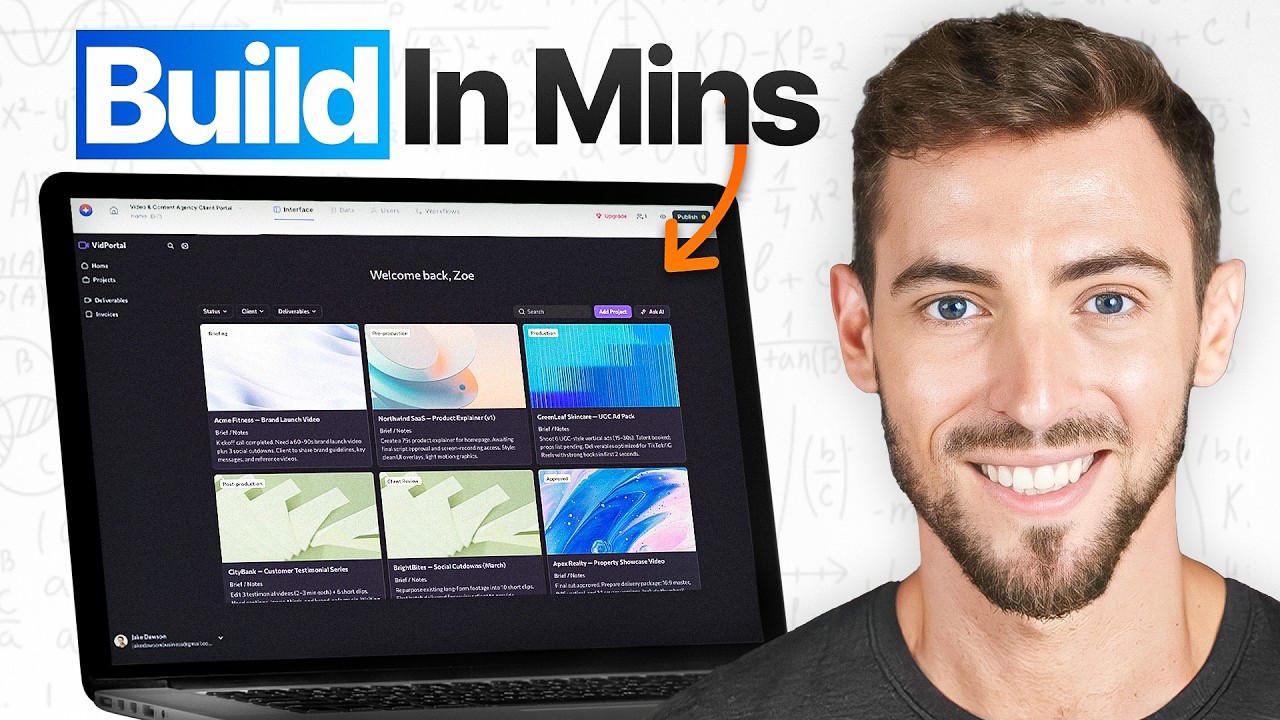
This is a fully working client portal. It has a login system, real data, role-based permissions, a dashboard, forms, everything. I built this in about 20 minutes using an AI app builder called Softr. I'm going to open this app as a real client, a different login, different role, and show you that the permissions actually work, the data restrictions actually work, and the whole thing doesn't fall apart the moment a real human tries to use it because that's the part nobody shows you.
Today I want to talk about a problem that I keep seeing coming up again and again. Vibe coding tools, they've made it incredibly easy to build something that looks like an app. The AI generates it in minutes. It looks great in the demo and you feel like a genius. Then you try to hand it to an actual client or a team member and things start breaking. One user can see another user's data. The login system doesn't work right. A simple change breaks something else.
Wiz Research analyzed thousands of AI app builders and found that one in five have serious security vulnerabilities. The most common cause? Permission and authentication logic that the AI generated and no one ever properly verified. Softr takes a completely different approach.
First, does the AI actually build something complete? Second, does it actually work when a real user logs in? And third, can you run it and change it after launch without needing a developer? So, the first thing I want to test is whether Softr's AI actually builds something that you can hand to a client today. The honest reality with most AI builders is the AI gets you maybe 60 to 70 percent. It generates pages and it looks impressive, but then you still need to set up the login system yourself, wire up the database yourself, and figure out the navigation yourself.
Let's see if Softr actually closes that gap. I'm going to use the generate with AI option and describe a simple client portal for a service business. Clients can log in, see their own projects, submit new requests, and track progress.
[.blog-callout]
Note from Softr: When starting a new project, our AI co-builder is the fastest way to get off the ground. You can simply prompt the AI for the exact app, portal, or database schema you need, and it builds a complete foundation instantly while still letting you manually tweak every detail later.
[.blog-callout]
Before it builds a single page, it starts asking me questions. Who needs access to this app? What should each user type be able to see and do? What features does each role need? It's co-creating the spec with me, not just guessing and generating.
The user access section. Permissions are already defined before the app even exists. Admins see everything. Clients only see their own data. With a generated app, this logic gets written somewhere in the generated code and you just have to hope that it's right. Here, you can see it, you can read it, and you can change it before a single page is built.
Database tables. They're being created automatically. Fields set up with defaults. Pages connected to the right data right from the start. Navigation for desktop and mobile.
[.blog-callout]
Note from Softr: While you can integrate with over 17 distinct external data sources, Softr Databases provides a powerful, native way to manage your data directly within your app. It offers lightning-fast performance and seamless setup right out of the box.
[.blog-callout]
The scaffolding for all of it is already there. It generated a theme based on the brand details that I gave it. I can change every bit of this, but the starting point is already real. In about two minutes, I have a working app.
Not a wireframe. Not a mockup. A real database, real pages connected to that data, a navigation structure, and an authentication system ready to go. The 60-70 percent problem that most AI builders leave you with, Softr closes it.
It's not instant magic. You'll spend a few minutes mapping your user fields and configuring your user groups after the build. But the structural work, the database, the pages, the navigation, that's all done. You're not starting from scratch on any of it.
Does any of this hold up when a real person tries to use it? Let's open the live published app in a completely separate browser with a different email address and let's see what actually happens. The login page works. Logging in now.
Here's what the client sees. Their dashboard. Their projects. Their requests. Specifically theirs. Not my test records or another client's data. Just what belongs to this account. Now, let's try to break it.
I'm going to type the URL of a page that only admins can see directly into the browser. Access denied. So the platform blocked it. That rule I set in the panel, it's being enforced here on the live app with a real user.
Back in the studio, I can set permissions at the block level too. So this block, it's visible to admins only. And this list, filtered to show only the logged in user's own records. Global data restrictions mean that even if someone finds the URL that they shouldn't have, they still can't pull data that doesn't belong to them.
You can see all of this visually in the panel at any time. With a generated app, that block depends on whether the AI wrote the permission logic correctly. With Softr, the rule lives in a panel I can see and change at any time.
Now, Softr also has something called a Vibe-Coding block. If you need a completely custom interface that Softr's native blocks don't cover, a complex dashboard, a multi-step calculator, you describe it and the AI generates it as a custom component.
[.blog-callout]
Note from Softr: If a native block doesn't quite fit your advanced layout or functional needs, the Vibe-Coding block is your answer. You can simply prompt for the exact custom interface component you envision, and our engine will rapidly generate it while seamlessly connecting to your existing app database.
[.blog-callout]
Here's the key. That component still connects to your real data. It still respects your permission rules. And it still follows your app's theme. So you're not stuck choosing between flexibility and security.
The app doesn't just look like it works. It actually works when a real person logs in. Let's talk about what happens after launch. Let's say you need to change a dropdown label or update a permission for a new user or add a column to a data view.
With a generated app, that's another prompt, another round of credits, another moment hoping the AI doesn't break something else while it fixes the thing that you asked for. You built the app, but you don't really own it. Every change goes back to the AI. Everything I built is fully editable right there in the visual editor.
I can click on this block. I can change this label. Done. No prompt, no credits, no code. I can change a layout, update a color, add a new blank page, or tweak a permission.
Your operations manager can do it. Your VA can do it. Your CS can do it. You open the builder, you click on the thing that you want to change, and you change it. The AI built it, but what it built is yours permanently in an editor that anyone on your team can use.
Now let's talk about automations. Softr has its own built-in automation engine called Softr Workflows. A form gets submitted, send a confirmation email, notify your team in Slack, update a record. You can add conditions, branching logic, wait steps, API calls, even custom JavaScript or Python if you need it.
[.blog-callout]
Note from Softr: When building your app logic, Softr Workflows allow you to keep your automations right next to your design. This native approach helps consolidate your overall tool stack and heavily reduces persistent reliance on third-party automation platforms like Zapier or Make.
[.blog-callout]
This isn't a basic automation layer bolted on. It's a proper Zapier or Make replacement built directly into the same platform as your database and your app. It's one less tool in your stack. So you don't need Zapier or Make because it's already here.
The free plan gets you 500 executions a month. The business plan gets you 25,000. For most internal tools and client portals, that is more than enough. And if you already have Zapier workflows running, Softr still connects to those.
Now let's talk about the cost because this is where it gets interesting. How many of you are running this setup right now? Airtable for your database, Zapier for your automations, and something else every time you need to build or fix something. You're paying for three separate tools. Softr replaces all three. One subscription. The database is in there, the automations are in there.