Transcript
Translated into English:
Do you know that feeling when you ask an AI to modify your app, something you have worked on for weeks, and you worry it might stop working at any moment? Now, imagine that with a robust app like a CRM or a team management tool. I tested an app that truly impressed me because it is not just Vibe-Coding.
I created a Softr app to manage team tasks, and it has a database, login functionality, and is completely customizable. It includes templates, and administrators can select what is visible to members versus admins or other user groups. Everything works without breaking, and you do not have to worry about API keys leaking or the next modification ruining the build.
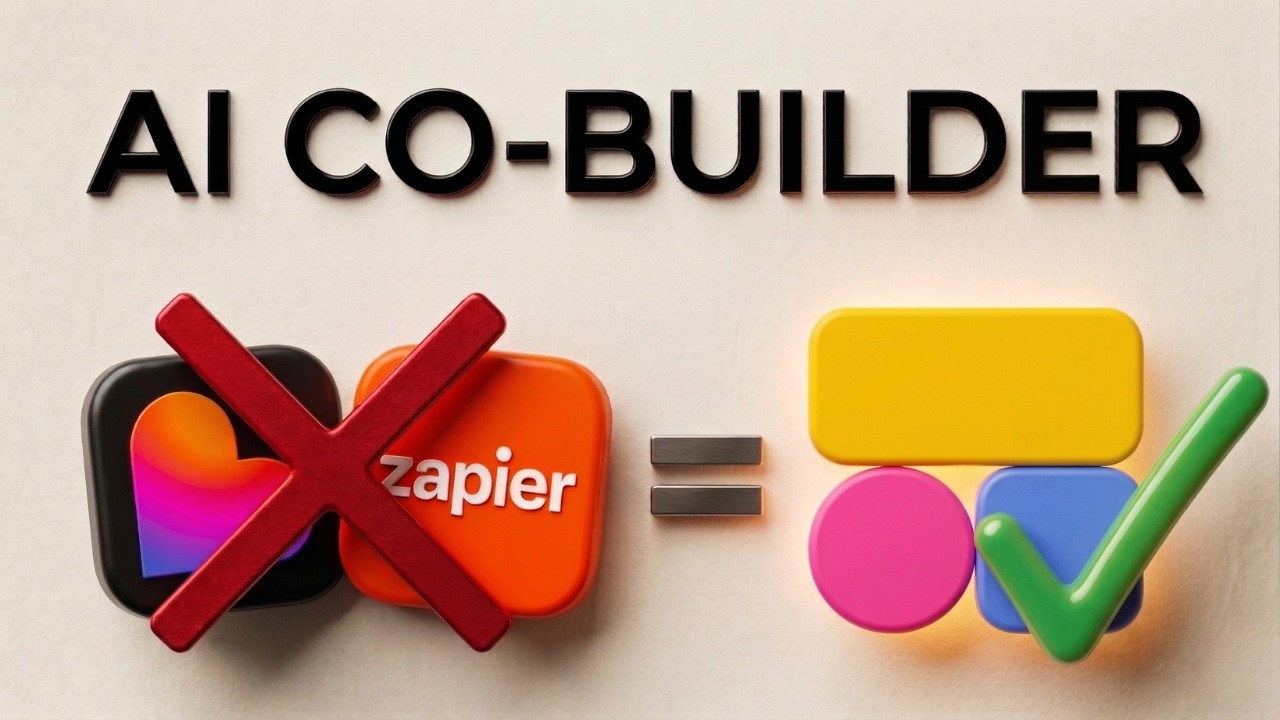
This app is Softr, featuring their new AI called AI Co-Builder. I am going to show you an example of how I created a team management app, and you can follow along during the video according to your own needs. My name is Sanclan Miranda, and if you are not subscribed yet, click below to join us.
[.blog-callout]
If you want to build something similar but do not want to start from scratch, a great option is to use the AI co-builder. It builds complete apps, pages, and database schemas instantly while letting you tweak every detail manually later.
[.blog-callout]
The first thing I want to show you is the level of robustness in this app. I am at the login screen, which was created in literally twenty to thirty minutes. I will enter my email, and you can either register these manually or perform a mass import.
Once I enter my password and continue, look at this dashboard. Everything is functioning and connected to a database. I can filter activity types or statuses based on my database. I can even use Ask AI to query how many team activities were completed or which activity type appears most frequently.
This function came native with the option to just add it. On the left side, we have projects, tasks, and updates. I can add any function I need, and if it is not available natively, you can create it with a Vibe-Coding block.
[.blog-callout]
Note from Softr: If a native block doesn't quite fit your vision, you can use the Vibe-Coding block to prompt for the exact custom component you want. It connects to Softr Databases seamlessly to bring your custom designs to life.
[.blog-callout]
It is also responsive, meaning it is already made for mobile use. If I access the link via a smartphone, the menu moves to the bottom and everything remains fully customizable. What impressed me most from the start was the reliability and the fact that it will not break.
I will log out of my admin account and enter as a member. If I try to click on something I do not have access to, a permission denied message appears. This is because this user is set as a member only, not an admin.
To begin, you can use the link below to get credits for Softr. Once you create your account, you will reach a screen where you can describe your app. For example, I will type Create a team management app.
[.blog-callout]
Softr now offers Unlimited Published Apps across all plans, including the Free plan. You can build as many solutions as you need without hitting a limit on your creativity.
[.blog-callout]
You can create portals for clients and vendors, a CRM, inventory management, a team intranet, or an ERP template. The possibilities are diverse.
I will make a simple request because the AI Co-Builder will guide us. It asks specific questions about the team type, what needs to be managed like tasks or shifts, and the user profiles. I will select admin and members for this example.
You can natively choose if members log in via email, Google, or SSO. You also decide how people are invited, such as domain-specific access or manual invites. After selecting a layout and theme, I click create app.
Softr handles the front-end interface, while the back-end data stays in the database. While Softr integrates with many external sources, it is building this using its own native database. This ensures everything is integrated natively from the start.
[.blog-callout]
While Softr integrates with 17+ external sources, using Softr Databases is the powerful, native way to manage data directly within Softr for maximum performance.
[.blog-callout]
The AI Co-Builder uses pre-existing, robust blocks and functionalities rather than writing code from scratch. This is why it is so stable. When the app is ready, we can test it live.
The finished app includes profile pictures, search bars, and project totals already connected to the database. It includes an AI Co-Builder for the database and Softr Workflows, allowing you to create automations using AI while maintaining reliability.
Inside the app, you can see projects and tasks. You can filter by priority or status. There is even a Kanban view where you can drag tasks from to-do to review. I have tested AI tools for years, and I have never seen this level of functional integration on the first try.
[.blog-callout]
Softr has native Softr Workflows that allow you to keep your logic close to your design. This helps consolidate tools and reduces reliance on third-party platforms like Zapier.
[.blog-callout]
The calendar view allows you to edit events or add new ones immediately. If you want to check your credits, the dashboard shows what is available from your plan and bonuses. Creating this entire app cost less than eight credits because it utilizes native components.
In the editor, you have sections for interface, data, users, and workflows. Any block can be edited by clicking it. For example, in the project source settings, you can choose to connect to Google Sheets, Airtable, or Softr Databases.
In the data section, the AI organized everything into tables for users, projects, tasks, and events. I can ask the AI to align the database with my company's specific needs, and it will generate the necessary fields automatically.
You can add new pages and choose from various blocks like lists, grids, or tables. I can link a new list block to a table I just created, and the AI Co-Builder can even populate it with dummy data to help with the design phase.
Visibility settings allow you to control exactly who sees what. I can set a page so that only the admin user group can view it. When I preview the app as a member, it correctly blocks access to restricted pages.
Finally, I can set up Softr Workflows to send a notification to Slack whenever a new task is created. I just connect my workspace, choose the channel, and the automation is ready. It is impressive how simple it is to build a functional, professional application in such a short time.