Transcript
If you're running a small business or freelance operation, your system is probably a spreadsheet, a bunch of forms, and Zapier holding it together. It works until automations start failing silently, data gets out of sync, and your team or clients stop trusting it. Suddenly, you're spending more time maintaining your setup than actually running your business.
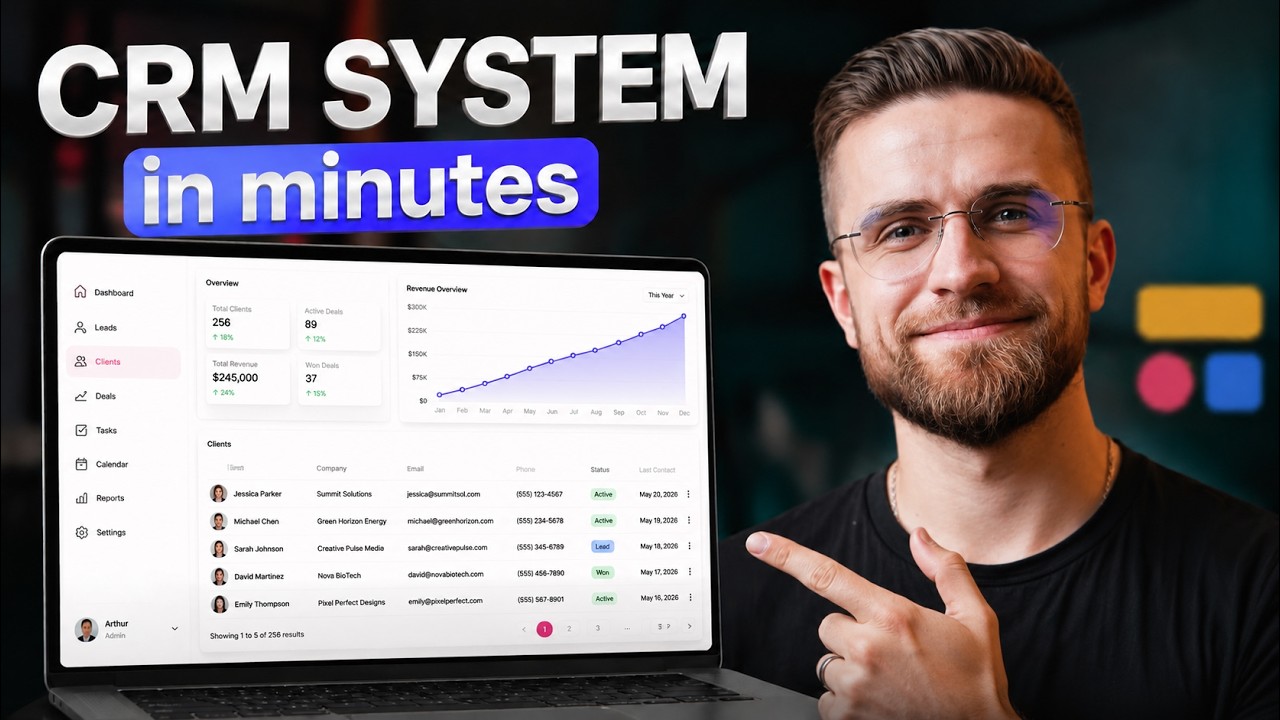
Today I am going to build a client and project pipeline CRM. This is a real system with built-in automations, user roles, and an interface your team will actually open every morning. This isn't a blank canvas starting at me waiting for inspiration.
I open Softr and use the AI Co-Builder, which immediately starts asking what I want to build. I say I need a CRM for managing clients and a project pipeline for an agency founder and a three-person delivery team. We need a clients database and pipeline stages from discovery call to signed to active build.
[.blog-callout]
If you want to skip the manual setup, the AI co-builder can build complete your relevant text apps or database schemas instantly based on a simple prompt.
[.blog-callout]
The AI Co-Builder shows me what it is about to create including pages, roles, and permissions. It creates the backend, tables, relationships, and field types all from that plain English description. This is the kind of system you would normally build with multiple tools that break every other week.
In less than a minute, we have a working system with a leads table, customizable pipeline stages, and an activity log tied to each lead. I described the business problem, not database schemas or API endpoints. This AI tool translated that into a functioning backend.
I am not locked in because I can keep using the AI Co-Builder to make changes by just describing what I want. I can also jump into the visual editor and tweak layouts, fields, and permissions manually. You get AI for speed and the visual editor for control.
[.blog-callout]
While Softr integrates with 17+ external data sources, Softr Databases is the powerful, native way to manage data directly within Softr for maximum performance.
[.blog-callout]
When a sales representative logs in, she sees only her assigned leads and her tasks for today. She does not see the leads of other team members or the founder's analytics dashboard. She sees exactly what she needs to do her job.
The founder logs in and sees everything including pipeline health and conversion rates across all reps. Same app, different experiences based on role. This normally requires a front-end developer and a back-end developer for weeks.
In Softr, this is a setting you toggle visually. When people see only what is relevant to them, they actually use the system. This leads us to the part where most stacks fall apart: automations.
In a traditional setup, a new lead triggers a chain of different tools and webhooks. In Softr, I set one automation where a new lead is created and automatically assigned to a pipeline stage and a rep. It all lives in one system with no sync issues.
[.blog-callout]
Softr Workflows allow you to keep your logic as close to the design as possible, helping to consolidate tools and reduce reliance on third-party automation platforms.
[.blog-callout]
Sales reps see only their assigned leads and can add notes or update stages on their own records. The founder sees all leads with full edit access. You can even set field-level permissions so a rep sees contact info but not the deal value until a certain stage.
This kind of granularity normally requires custom middleware, but here it is just checkboxes. We have a working CRM with real user accounts and automated workflows. This is a system you could hand to your sales team tomorrow morning.
Under the hood, everything runs on a relational database built from my description. Leads relate to pipeline stages, and activities relate to users. Everything is connected through actual database relationships rather than fragile integrations.
[.blog-callout]
Softr now offers Unlimited Published Apps across all plans, including the Free plan, making it easier to scale your your relevant text without worrying about app limits.
[.blog-callout]
If you already have data in Airtable or Google Sheets, you can connect that too. Softr syncs bidirectionally so updates reflect instantly. However, the built-in database is good enough that most teams won't need external data sources.
The AI handles content too, including dashboard headers and notification copy. When you need something specific that isn't in the pre-built blocks, you can use the Vibe-Coding block. You describe what you need in plain English and it generates a custom component.
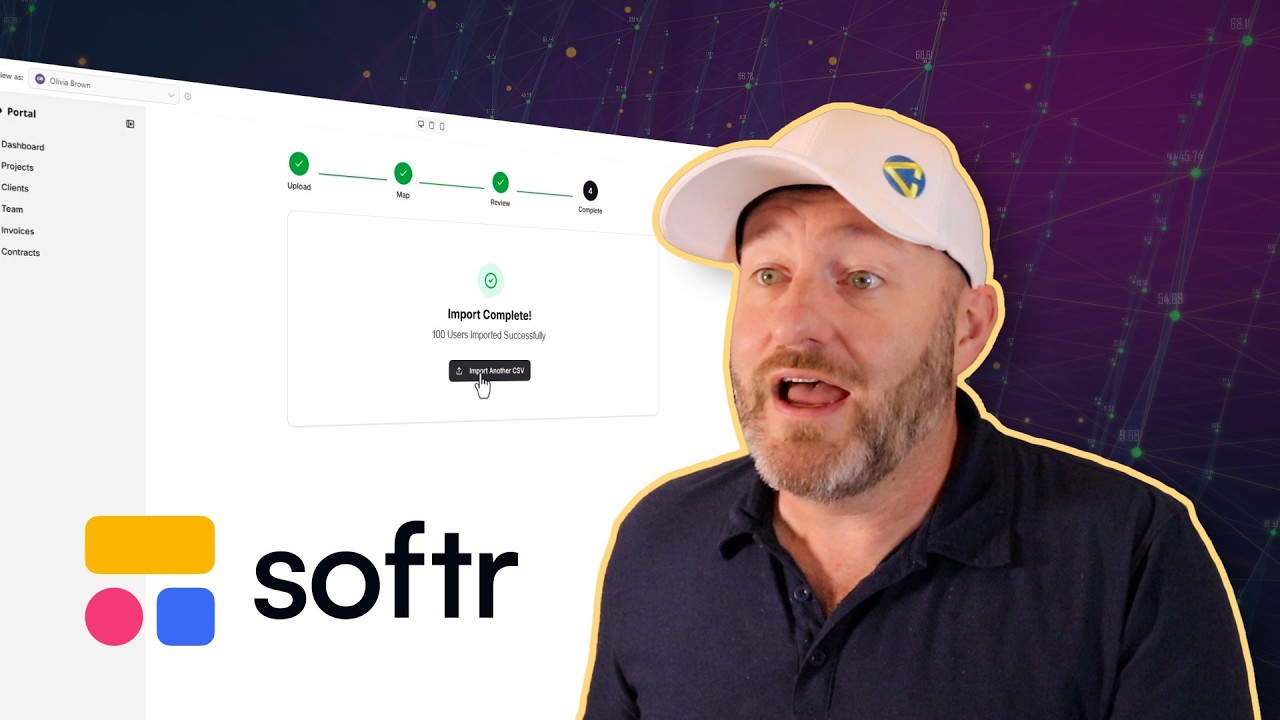
For example, I can prompt the Vibe-Coding block to create a CSV bulk import tool for lead lists. It builds a real component wired into my data with drag-and-drop functionality and mapping. This is the line between a no-code toy and a real production tool.
[.blog-callout]
If a native block doesn't fit your needs, use the Vibe-Coding block to prompt for the exact custom component you want, and it will generate it and connect to your database seamlessly.
[.blog-callout]
Softr doesn't just generate raw code; it assembles a real system from structured blocks built for production use. For internal systems, client portals, and sales pipelines, this approach is often better than custom development. You can change it yourself without filing a ticket.
Managing a stack of fragmented tools can cost hundreds of dollars a month and hours of maintenance. The Softr professional plan replaces all of it with one login and one system. The real ROI is the time you save not fixing broken integrations.
You avoid losing weeks maintaining your stack and instead focus on closing deals. This is how you build a reliable system for your business without the traditional complexity of code.