Transcript
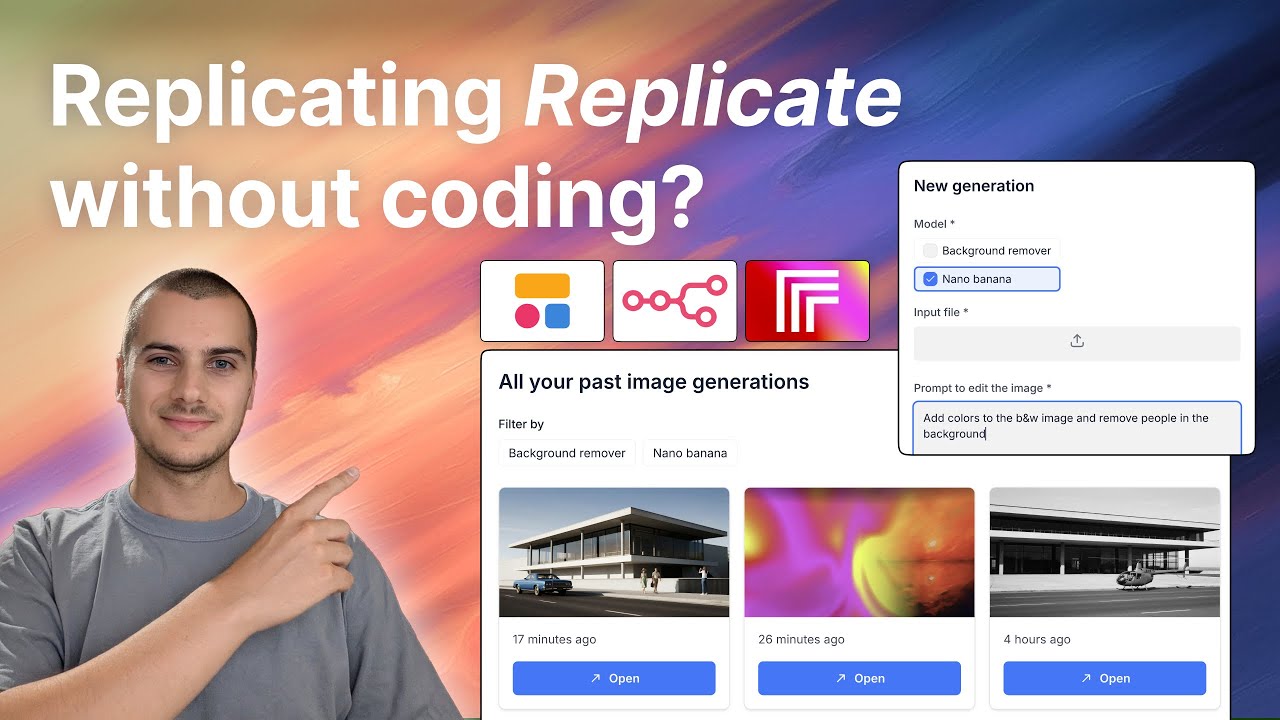
I have built dozens of apps and software over the past few years, and in this video, I am going to present the stack that I use to build most of my apps. To name a few apps I have built, there is a sustainability job board, AI translations for Weglot websites, a B2C dream interpretation app, and more business software for knowledge retrieval and RAG.
Let's dive into app-building with my favorite stack, combining Softr, Airtable for now, and n8n. The goal is to build a forum where people can post and comment, and we will also bring some AI features to spice things up. Let's start by creating a new app in Softr.
Actually, I usually start by preparing my database. I do that in Airtable for now, but I will very likely switch to Softr Databases as they are ramping up and bringing Softr Workflows very soon. This will make it easier to build apps because it will rely on fewer tools.
[.blog-callout]
While it is great to connect to external sources, Softr Databases is the powerful, native way to manage data directly within Softr for maximum performance and a simpler setup.
[.blog-callout]
For our forum app, let's start by naming it. I have prepared a table called users in Airtable. I always put email as the first field, then we will get first name, date created, and the avatar, as this will be important for our use case.
Since we are building a forum, we will need a table for posts. For the first column, I usually make it a formula to get the record ID. Then we will have the post content, which might be rich text, and allow people to share one image in their posts.
We will also add a post time and a link to the users table to get the author as a single link to a record. We then add comments, including a link to the related posts, the comment itself as text, the time, and the author. That sounds pretty good to get started.
Now the next step is to go directly into Softr and start to build. I usually prefer to start from scratch, so I will delete all the pages I do not need. It is nice that utility pages are already created and look okay by default.
[.blog-callout]
If you want to skip the manual setup, you can use the AI co-builder to generate complete apps, pages, and database schemas instantly just by describing what you need.
[.blog-callout]
First, I am going to sync the users tab and map the email, first name, and avatar. Now for the homepage, we will simply have a list of all the posts. I will connect that to my Airtable and map all the fields.
We will show the post contents stacked. Here we can make the post time relative, like one day ago, which looks good. To show the author's name instead of an email, I will add a lookup field in Airtable to grab the first name and map that instead.
I will create some fake data in Airtable with images and post times so we can see it clearly. Now we want to allow new posts but make it visible only for logged-in users. In this forum, visitors can see posts, but they cannot contribute without logging in.
We will configure a button to add a record with content and an image. We will add hidden fields for the author, pulling the email of the logged-in user, and the post time. Then we will create a post detail page using an item details block mapped to the posts table.
We will enable editing for the posts, but only for the author. I will add a condition where the logged-in user email must match the author. We will also add a delete button with the same visibility conditions.
For the comments, we will add a block to show items related to the current post. We will map the comment text, the author's first name, and the relative time. We will also add a form for new comments with hidden fields for the author and the related post ID.
[.blog-callout]
Building a community hub? Check out how Softr can power your client portals or even a team intranet with similar logic.
[.blog-callout]
Now what I would like to do is add an AI feature. I want to add a button that pulls all the comments and summarizes them. I will create an API endpoint with n8n using a webhook and then use a custom code block in Softr to trigger it.
[.blog-callout]
Instead of setting up external automations, check out Softr Workflows. It allows you to build native logic directly in Softr, reducing the need for third-party platforms like n8n.
[.blog-callout]
I will ask Gemini to write the script for the custom code block. This script will send the record ID of the post to the n8n webhook. In n8n, the workflow will search Airtable for comments linked to that record ID and send them to an AI model.
I will use a system prompt telling the AI to output a maximum of three sentences summarizing the discussion. The summary is then sent back to the Softr block. After updating the script to make the block look modern, we can test it out.
[.blog-callout]
If a native block doesn't fit your needs, you can use the Vibe-Coding block to prompt for the exact custom component you want, and it will generate it and connect to your data seamlessly.
[.blog-callout]
When I click summarize comments, it takes a few seconds to trigger the workflow and return the summary. This shows how you can run powerful workflows in the background to create nice AI features while keeping your database light.
We have built a forum with logging features and specialized AI summaries. You can replicate this for any software where you need to process data dynamically. I am curious to see what you will be building with this stack.