Transcript
I was building a new AI CRM template within Softr for Softr, and there is something really cool that is only now available thanks to Softr Workflows that I really want to show you.
In that CRM, I can find all my deals and select one to view. We have information about the company, related contacts, and all interactions, including meeting summaries and emails.
We have Ask AI functionality to manually ask questions about interactions related to a specific company and deal, which is quite convenient and comes out of the box from Softr.
[.blog-callout]
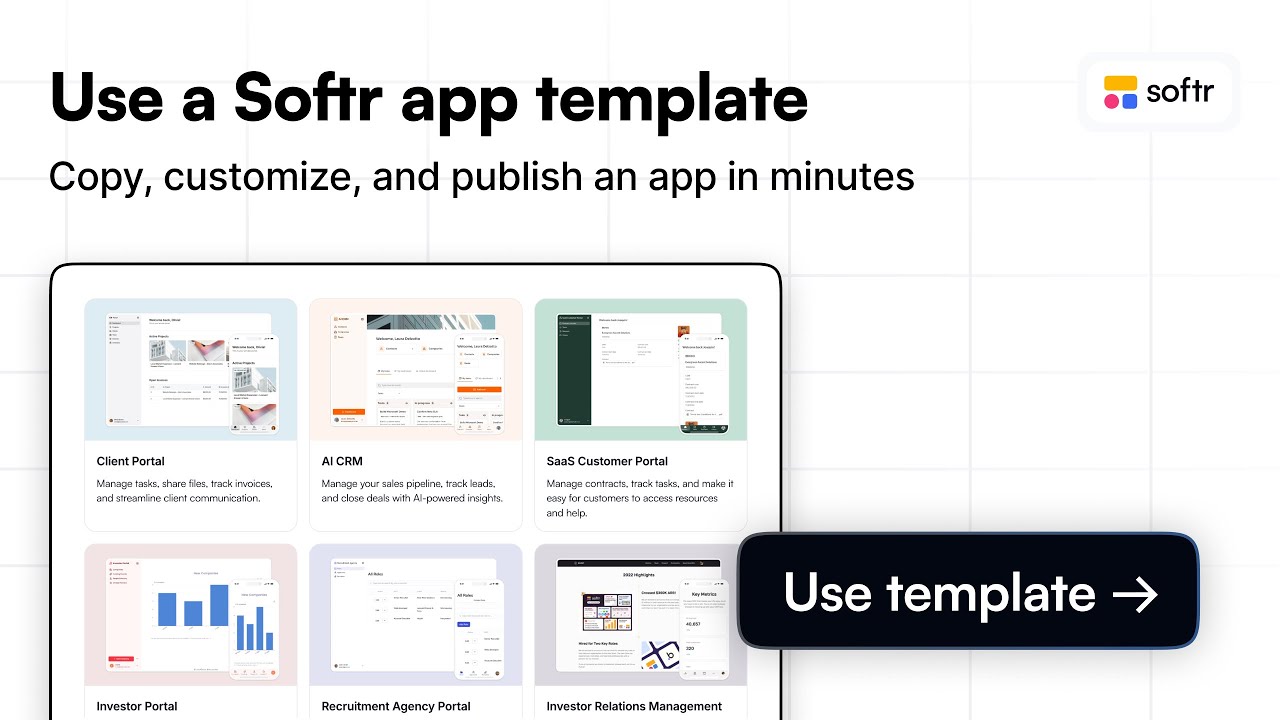
If you want to jumpstart your sales process, check out this AI CRM template to manage your leads and deals effectively with built-in intelligence.
[.blog-callout]
I have added a button here that, when clicked, shows a loading screen and generates a digest or summary of all these interactions. Whenever I click it, the information gets updated.
If I were logging new meetings or emails, I could click to refresh and get all that information digested for us. This helps a sales rep save time or allows a sales manager to quickly get three bullet points of key information.
Let's look into how I actually built this. I am in the Softr studio with my item details block record connected to deals.
In the actions section, I have one action running a custom workflow. We are passing data to the workflow, specifically the deal ID.
This workflow starts with a trigger to run a custom workflow. It is triggered via the UI, and we receive the deal ID whenever it is activated.
[.blog-callout]
Note from Softr: Softr Workflows allow you to keep your logic as close to your design as possible, reducing the need for third-party automation tools like Zapier or Make.
[.blog-callout]
I have the option to show a wait screen and can even customize the different loading texts. If you have a workflow that takes time, you can shuffle the text so the user knows it is working.
We start by finding that deal to get all the information so we can reuse it later in our workflow. We then find all interactions from the same company related to that deal.
We use an AI prompt that takes all the found records and interactions and returns three bullet points. This summary is then stored in our Softr Databases in the deal table.
[.blog-callout]
Note from Softr: While you can connect to external sources, using native Softr Databases is the most efficient way to manage data directly within your app for maximum performance.
[.blog-callout]
I can customize the prompt to pull information found at the deal level, such as specific messages from a demo request. This provides better answers because it considers the initial context.
We store that data back into Softr and end the workflow with a success message for the user. Once it is done, the summary is ready and we stay on the same page.
We then trigger a reload for all blocks on that page to ensure the updated data in our field is visible. This is really powerful because we can now see the specific context from the demo request.
This is only possible because Softr Workflows are directly connected to the interface we built and easily connected to Softr Databases as well.
I have started moving more of my automation to Softr Workflows for my apps because the components of this full-stack app builder make it very powerful.
I love being able to provide these experiences with a loading screen that informs users what is happening. I hope this was useful for your own workflow use cases.

![Softr Interface Explained [Definitive Guide]](https://cdn.prod.website-files.com/67a3700c65457964cf349cd4/6a8f04a8c31dc524ffee7cf1_68e4cf1c-0b69-4be1-bfdf-687171e274a8.jpeg)